1. Access People Search 0:00
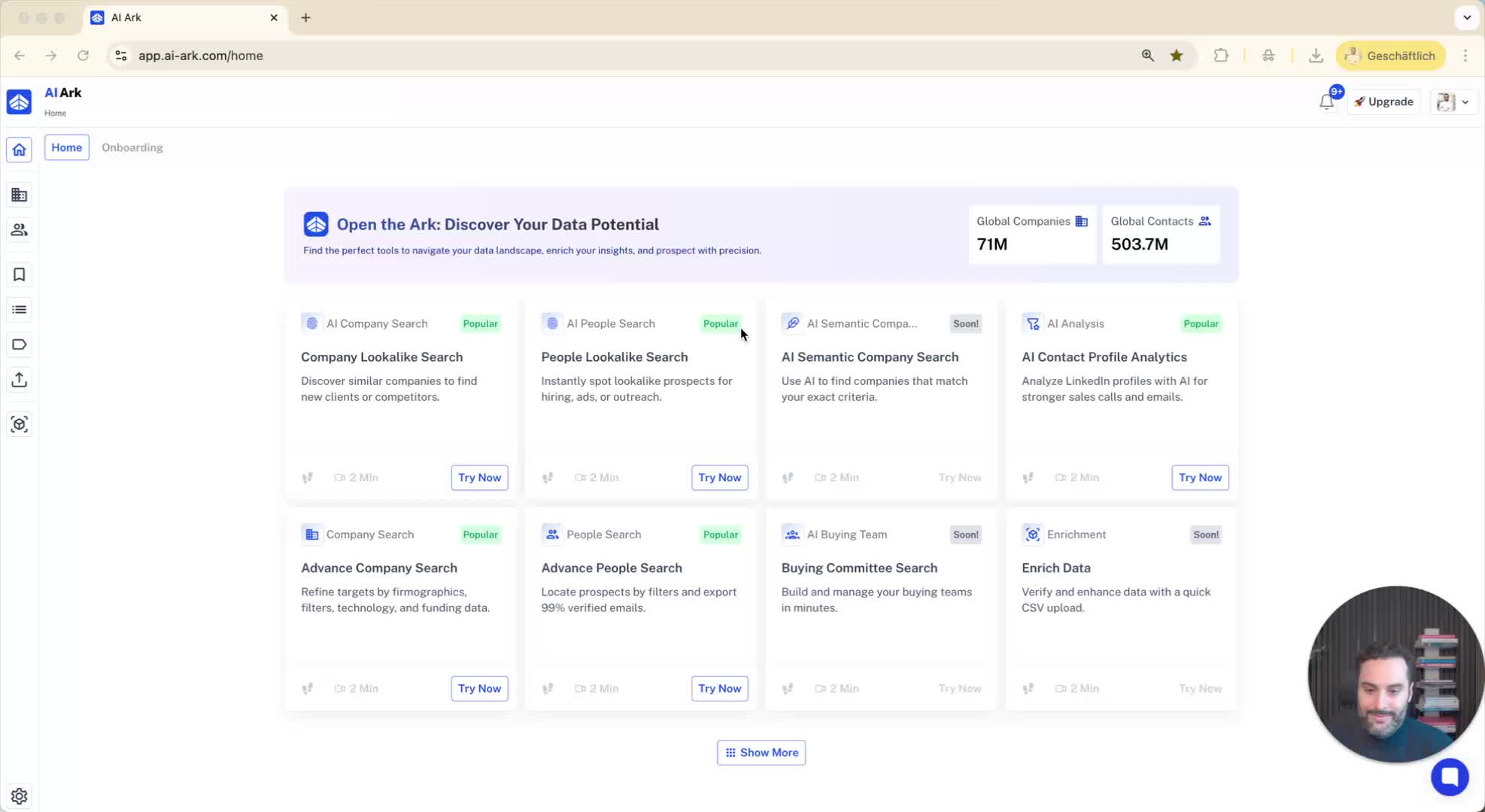
Navigate to the 'People Search' option on the left side of your LinkedIn interface.
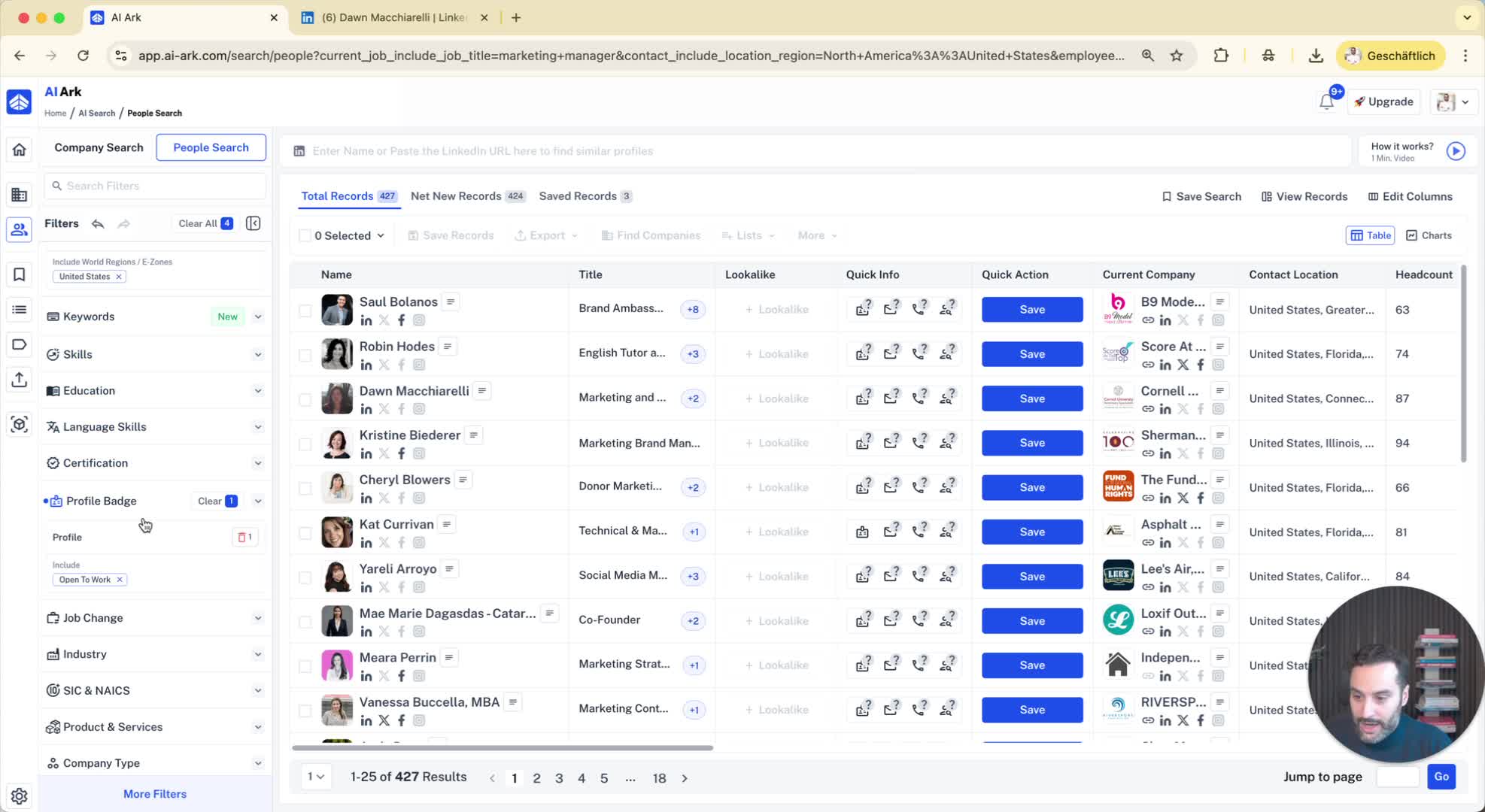
Locate the 'Profile Batch Filter' feature.
2. Set Search Criteria 0:06
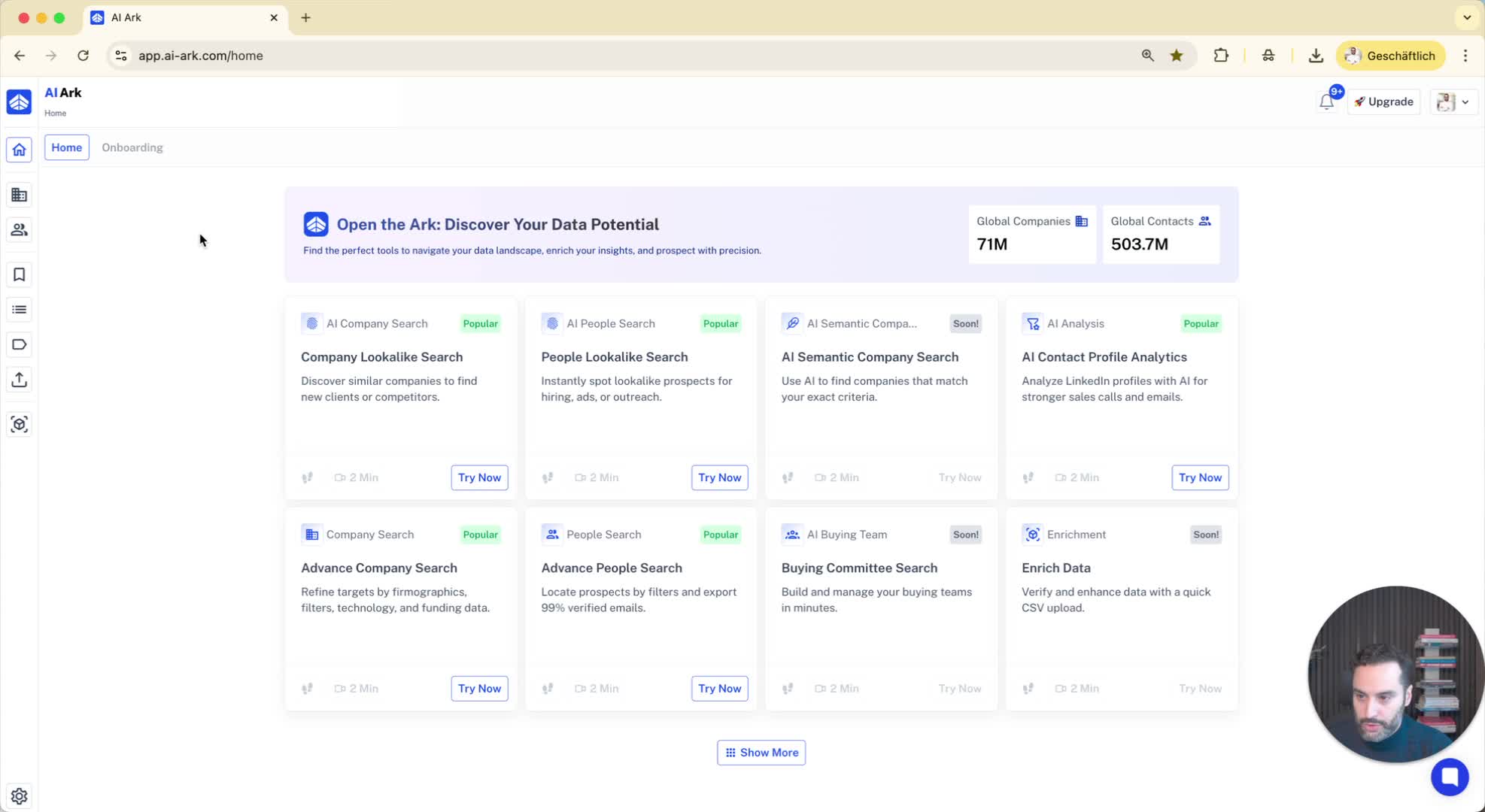
Specify your search parameters:
Example: Search for 'Marketing Managers' in the 'United States'.
Set company size filter: '50 to 100 employees'.
Include the filter for 'Open to Work' candidates.
3. Review Search Results 0:21
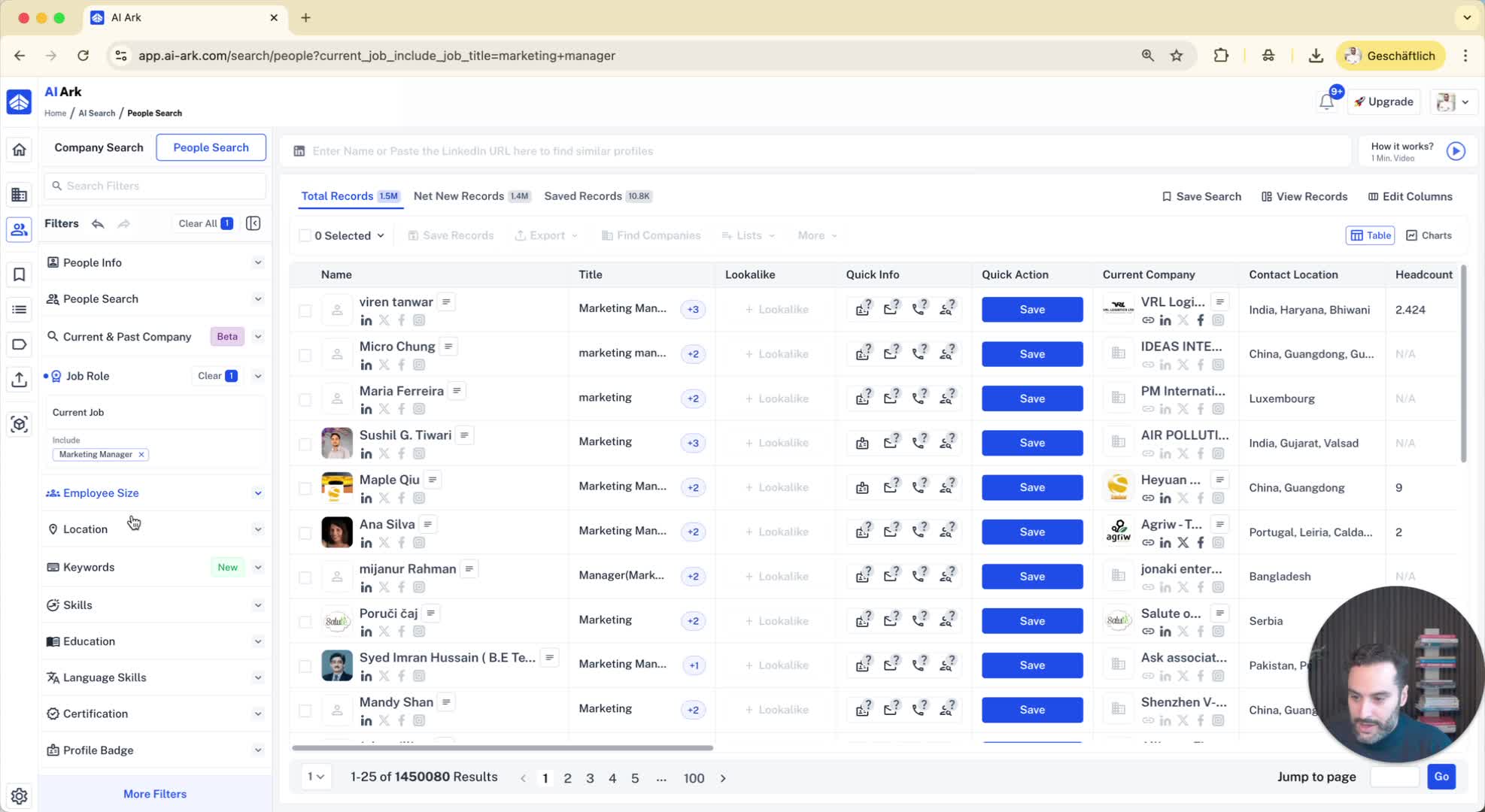
Analyze the results that appear based on your filters.
Example: Click on a profile to view details.
4. Identify 'Open to Work' Status 0:38
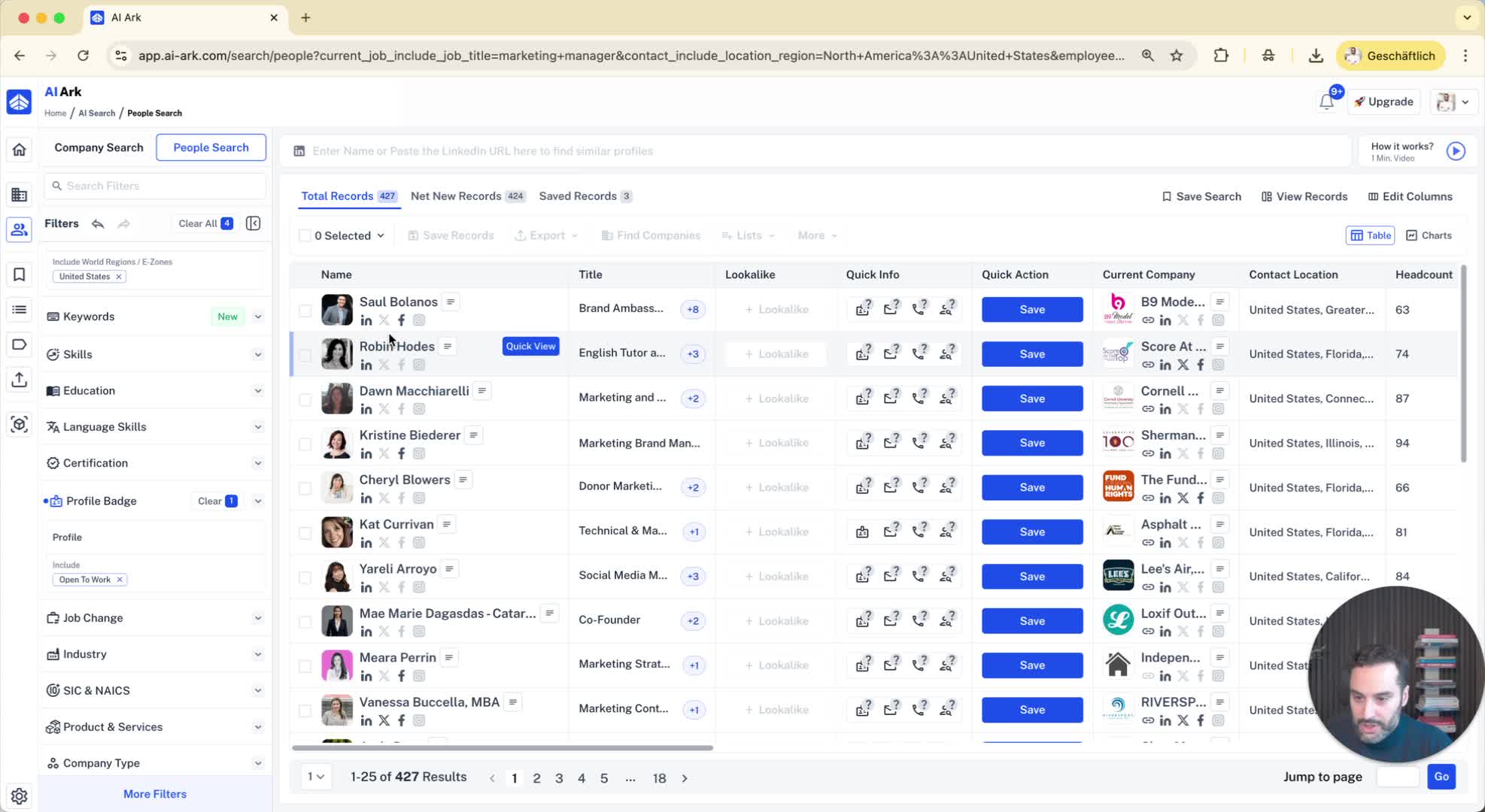
Check for the 'Open to Work' badge on the candidate's LinkedIn profile.
5. Adjust Filters for Campaigns 0:45
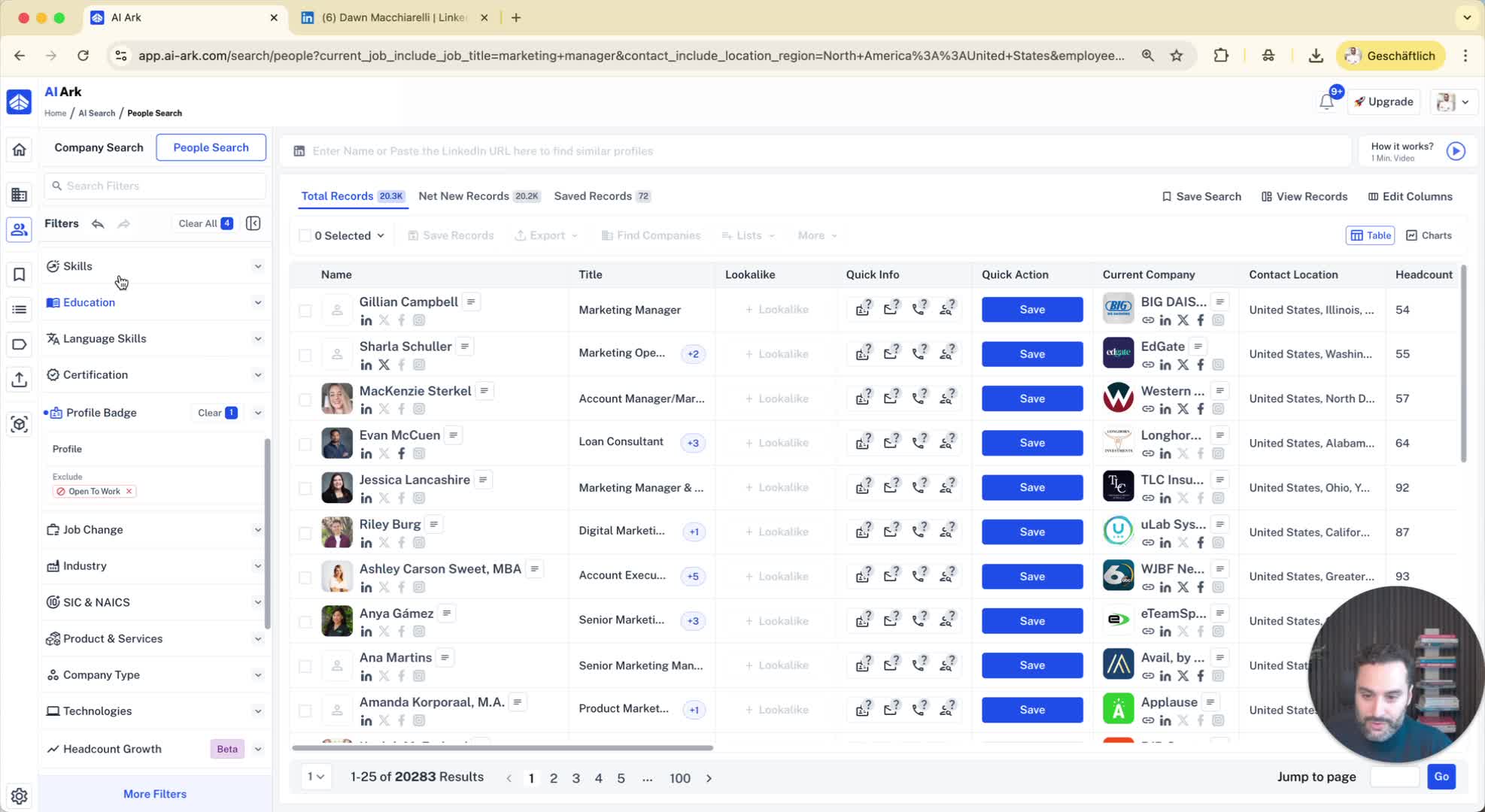
If necessary, modify your search to exclude 'Open to Work' candidates for specific campaigns.
Rationale: Candidates between jobs may not be interested in product demos.
6. Further Narrow Down Research 1:10
Consider including additional filters:
LinkedIn Premium members.
Influencers in your industry.
