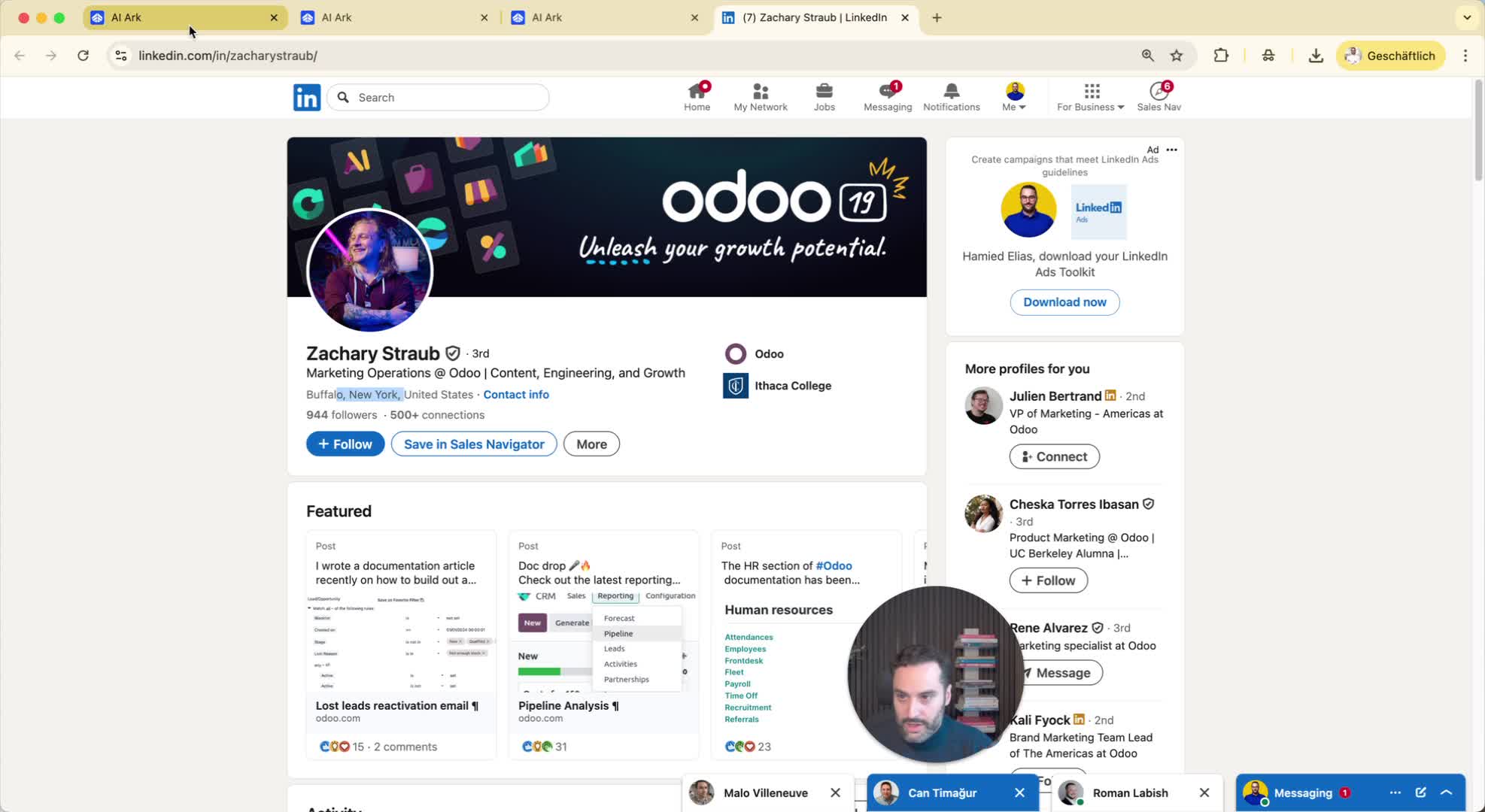
1. Accessing the Search Function 0:01
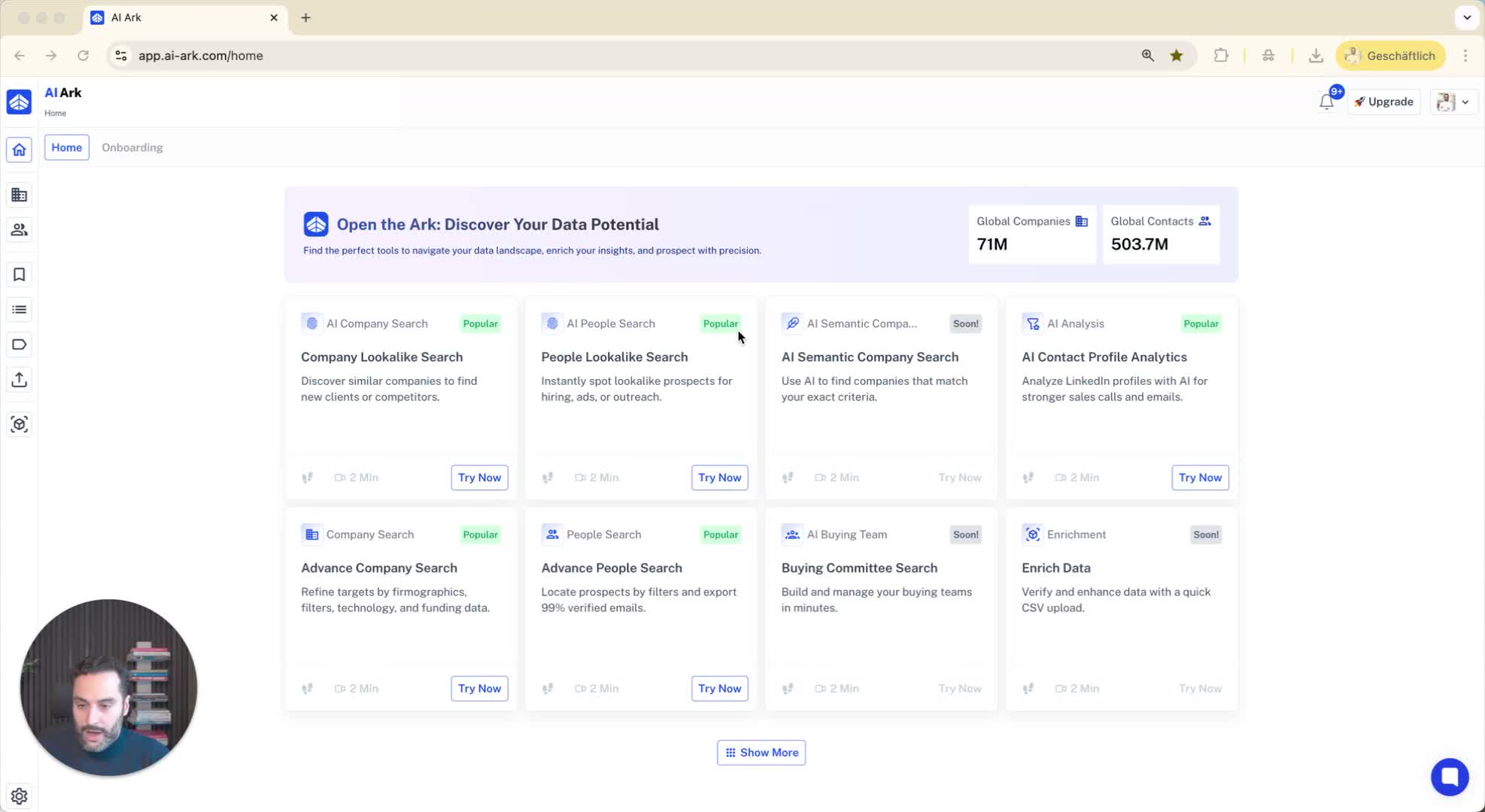
Navigate to the search feature.
Choose between 'people search' and 'company search' options.
2. Using Location Filters 0:12
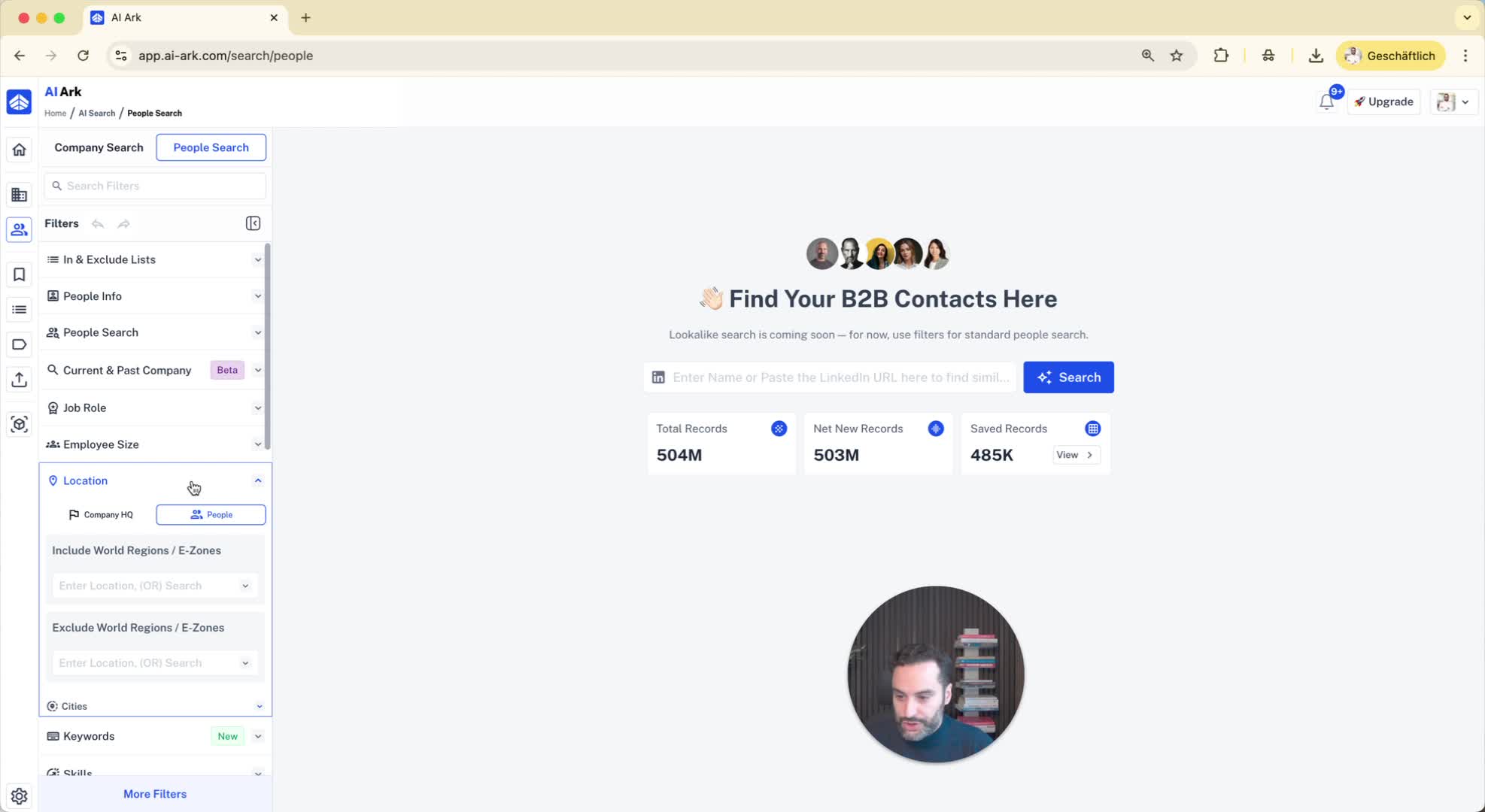
In the 'people search', locate the 'location' filter.
Understand that you can filter by:
Company headquarters location
Person's location.
3. Defining Your Search Criteria 0:23
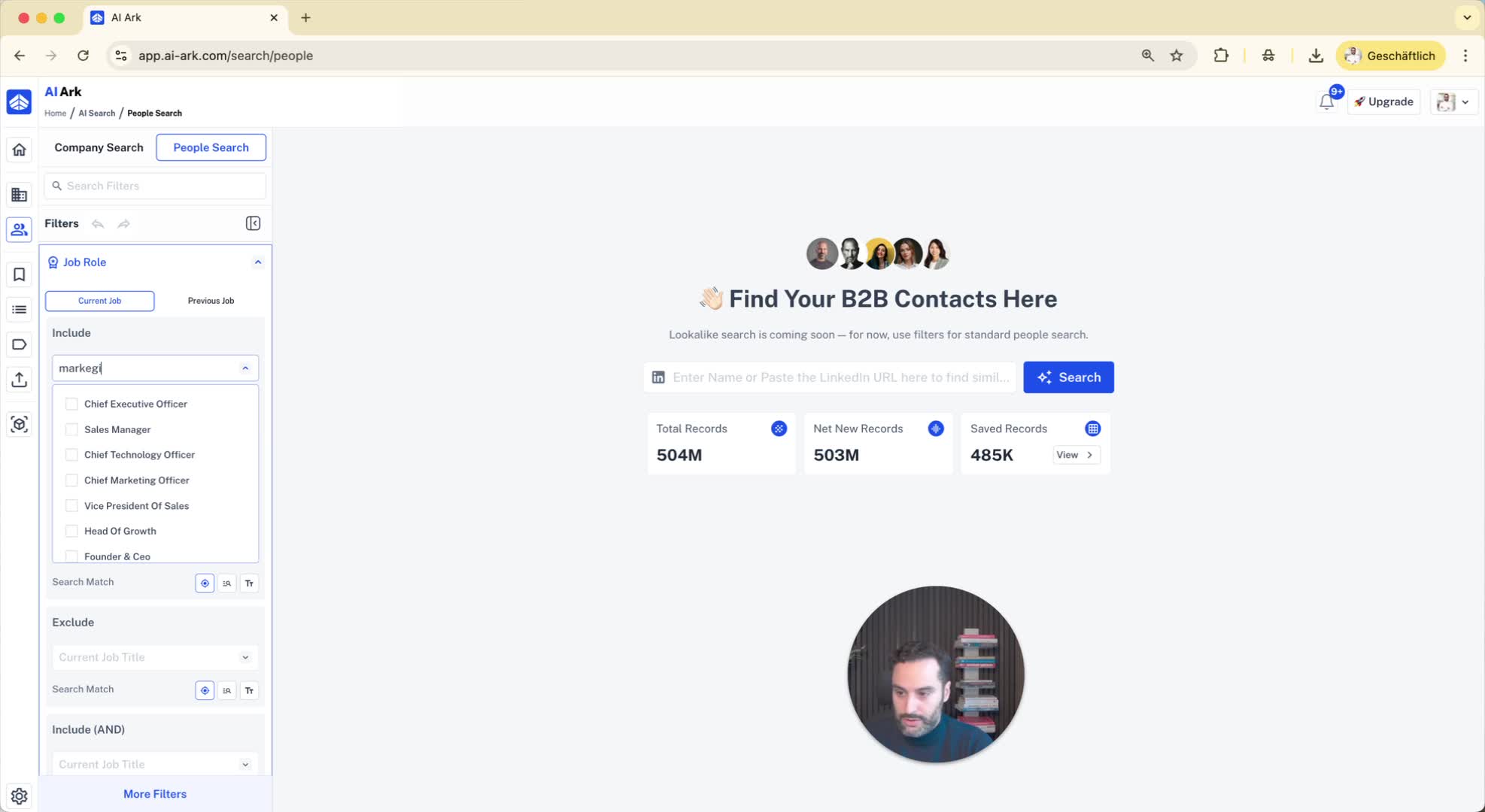
Specify the type of role you are searching for (e.g., 'marketing manager').
Set the desired location for the person (e.g., New York).
Specify the company headquarters location (e.g., Western Europe, Germany, France, Austria).
4. Reviewing Search Results 0:38
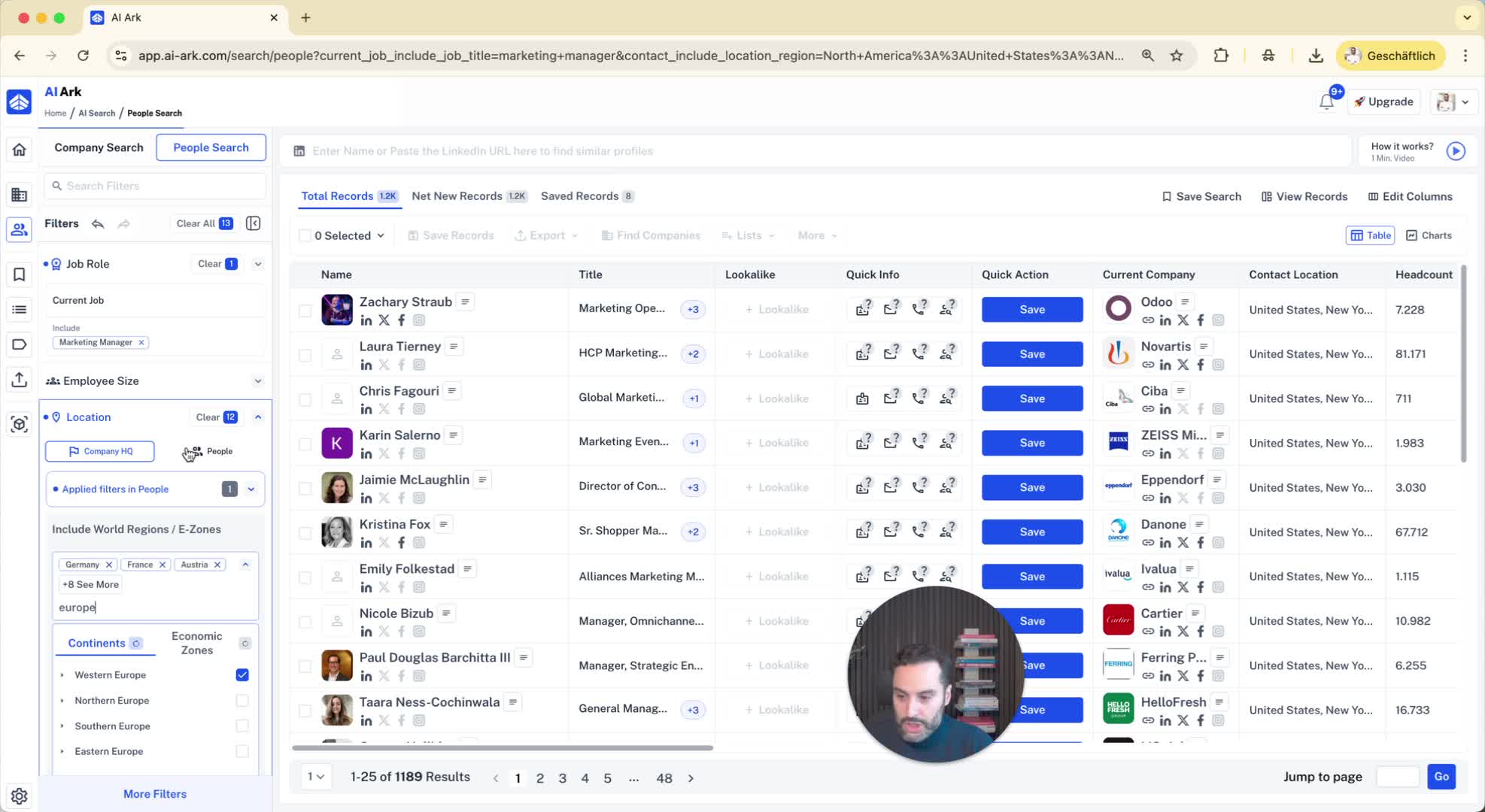
Click on individual profiles from the search results to verify details.
Check the person's location (e.g., confirm they are based in New York).
5. Verifying Company Headquarters 1:05
Look at the company information in the profile.
Confirm that the company headquarters is in the specified region (e.g., Belgium).
6. Conclusion 1:15