1. Introduction to Company Search 0:00
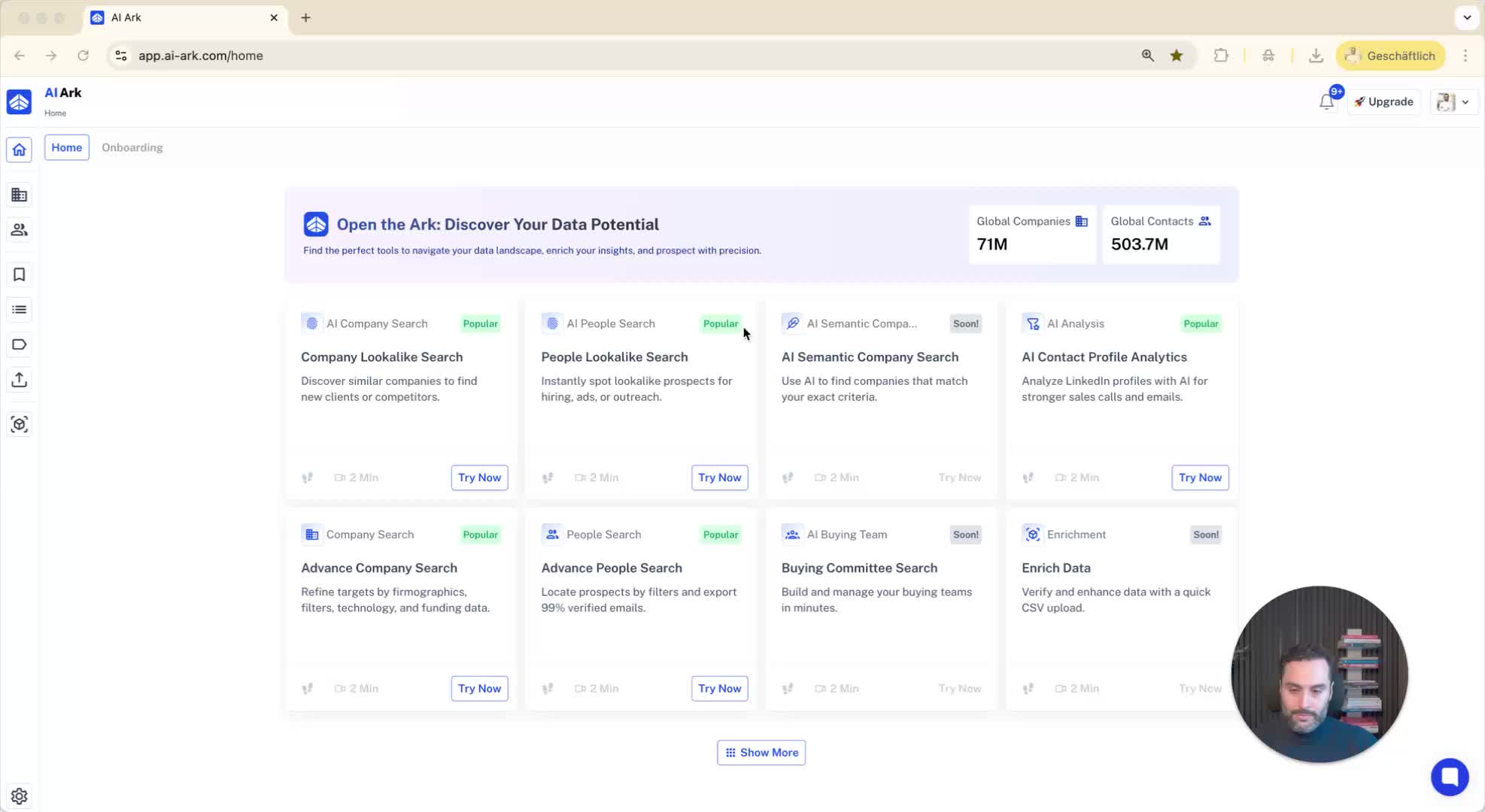
Overview of the company search feature.
Database contains over 70 million companies.
Company information is updated every 30 days.
2. Accessing Company Search Filters 0:17
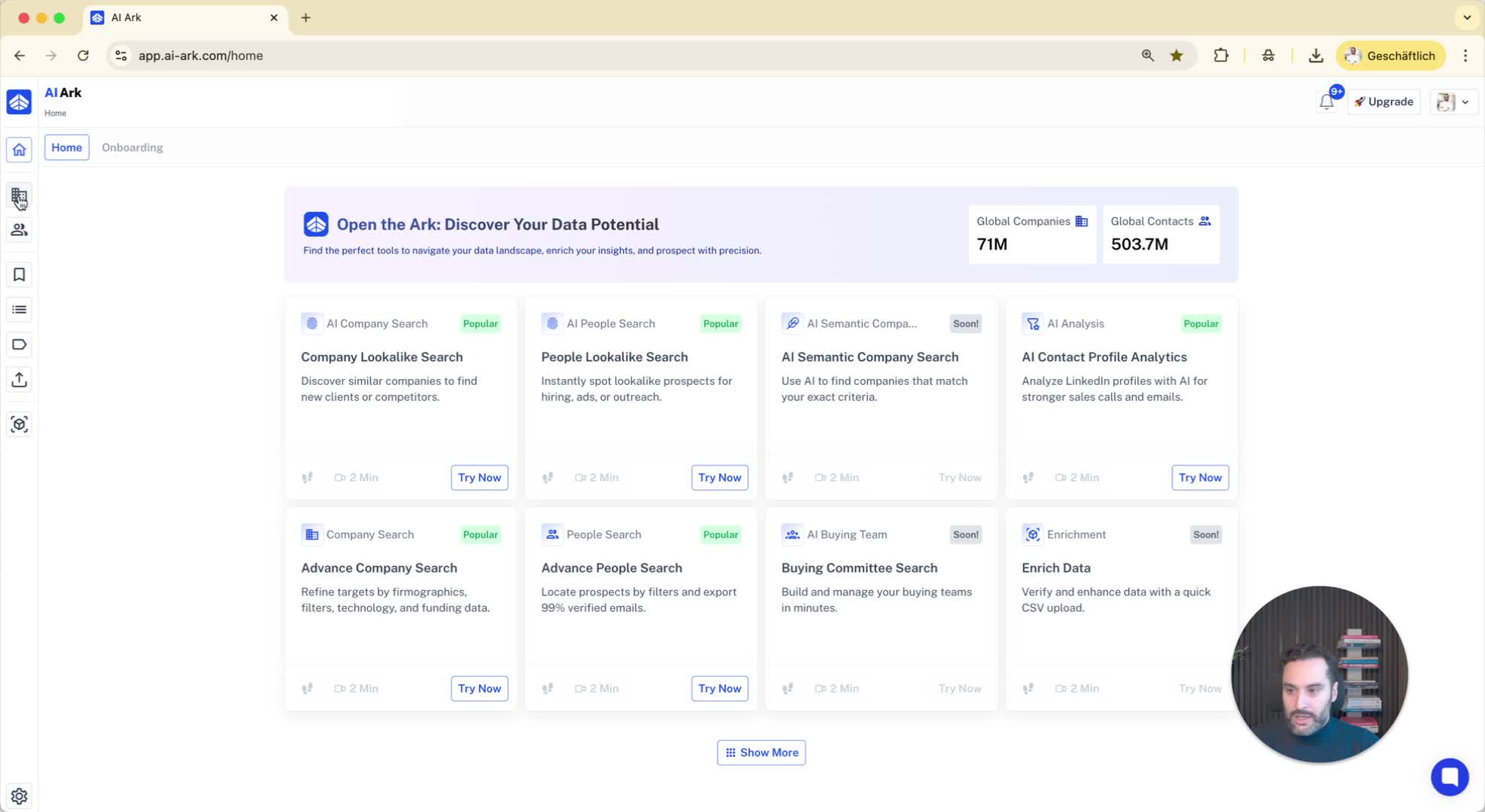
Navigate to the company search section.
Various filters available on the left side.
3. Using Standard Filters 0:21
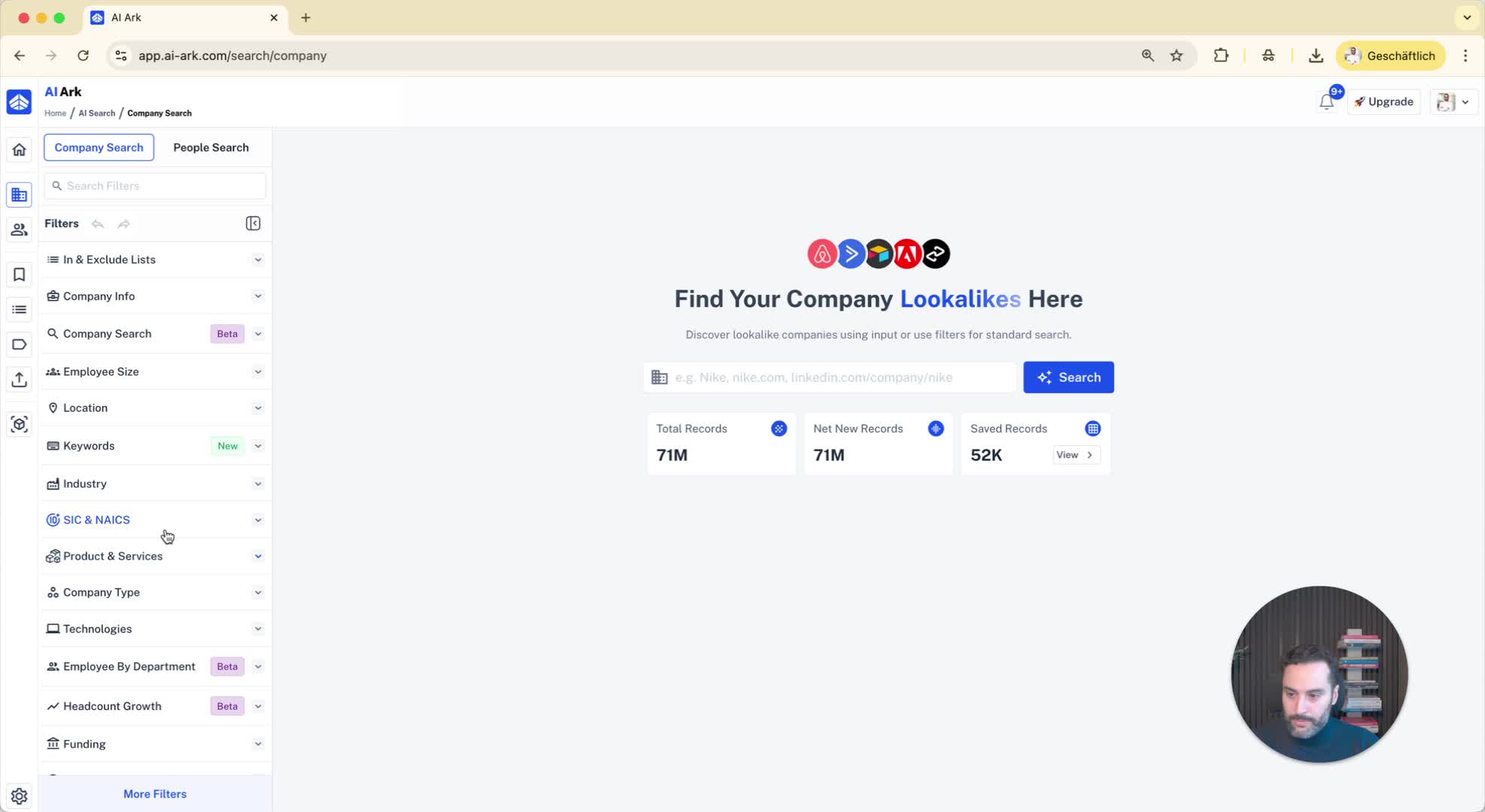
Example of standard filters:
Employee size (e.g., companies with more than 1000 employees).
Location (e.g., companies headquartered in the United States).
Industry selection.
4. Keyword Search Functionality 0:37
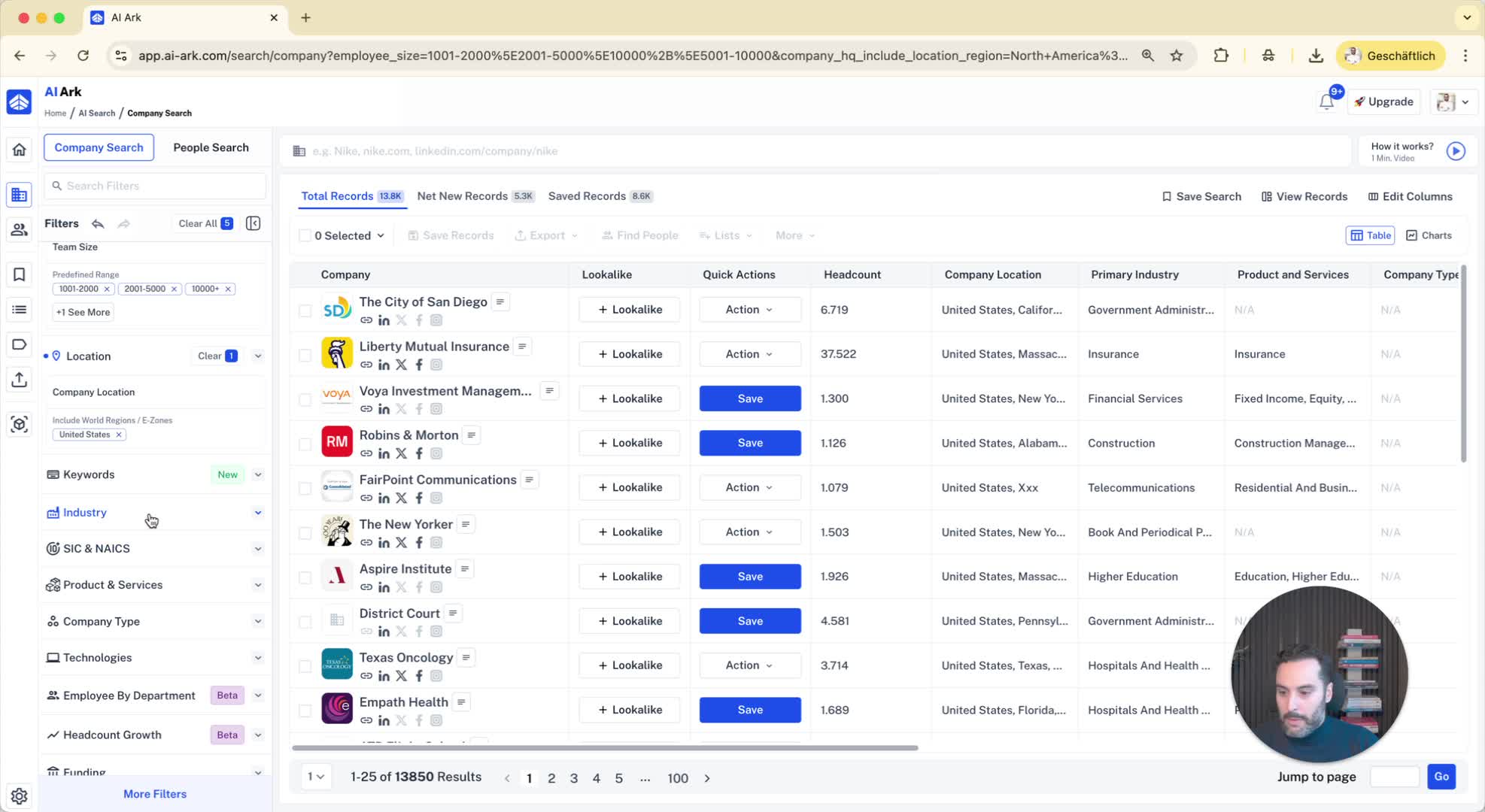
Search using specific keywords in:
Company description
Industry
Company name
SEO description
Product and services.
5. Example of Keyword Search 1:01
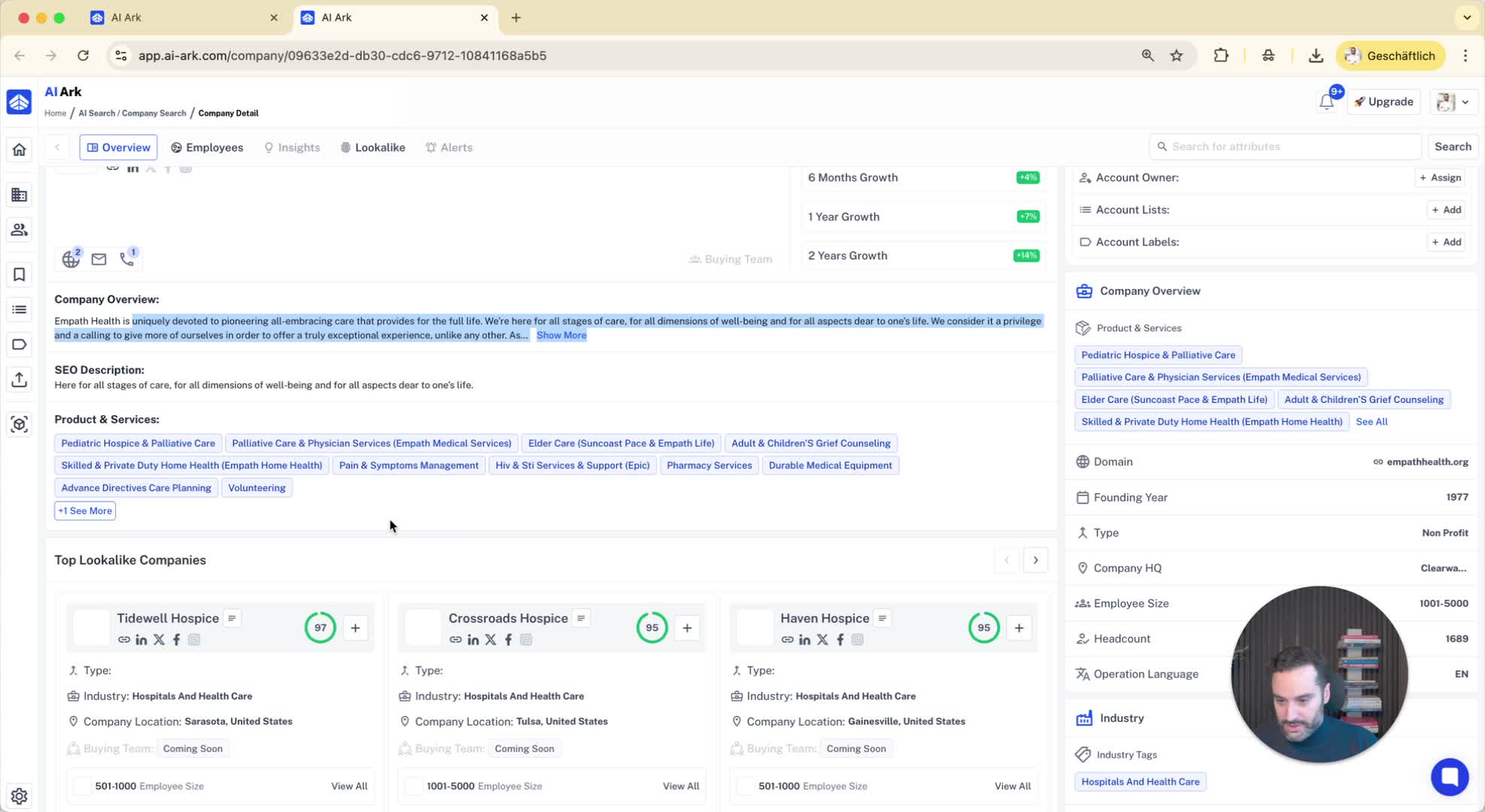
Searching for companies with specific services (e.g., pharmacy services).
Results will show companies matching the keyword.
6. Advanced Filtering Options 1:12
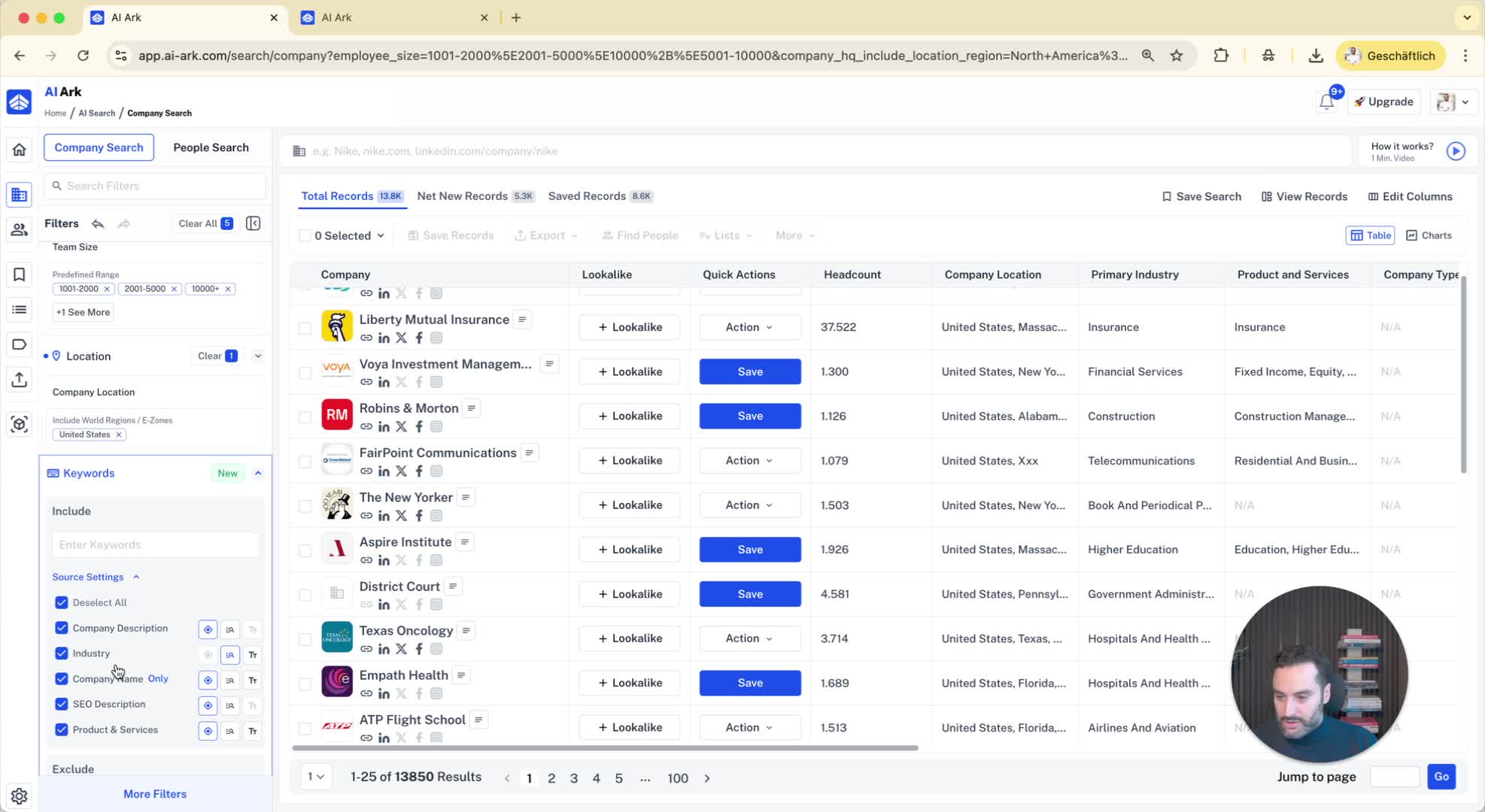
Use product and services filter to include/exclude specific offerings.
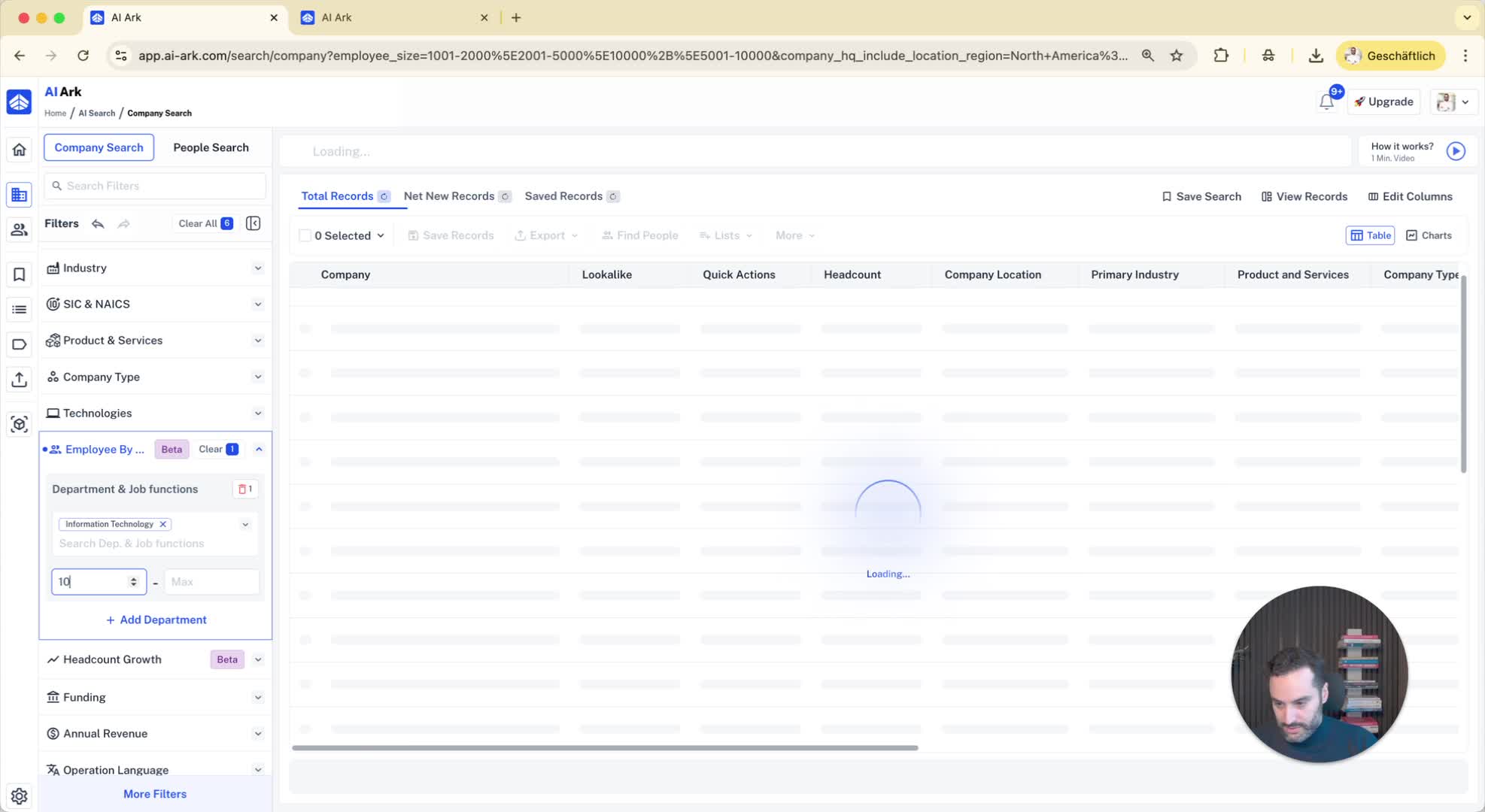
Combine filters for more precise results (e.g., companies with more than 1000 employees and an IT department of at least 10 employees).
7. Viewing Company Details 1:37
Click on a company (e.g., Robinson Morton) to view:
Total number of employees
Department breakdown (e.g., IT department size).
8. Additional Filtering by Growth Metrics 2:09
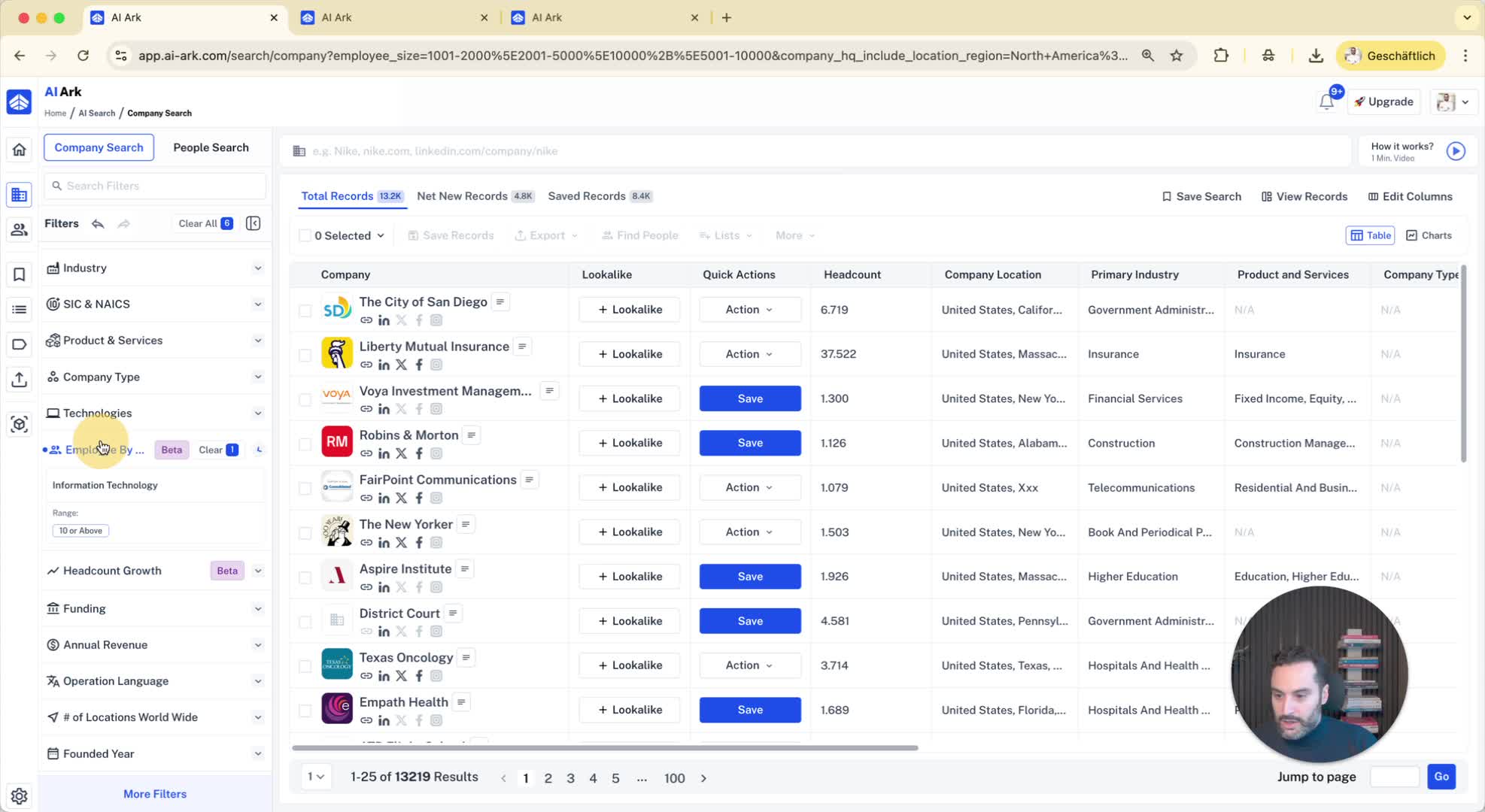
Filter companies based on sales growth (e.g., sales department growth of 10% in the last 12 months).
9. Finding Decision Makers 3:02
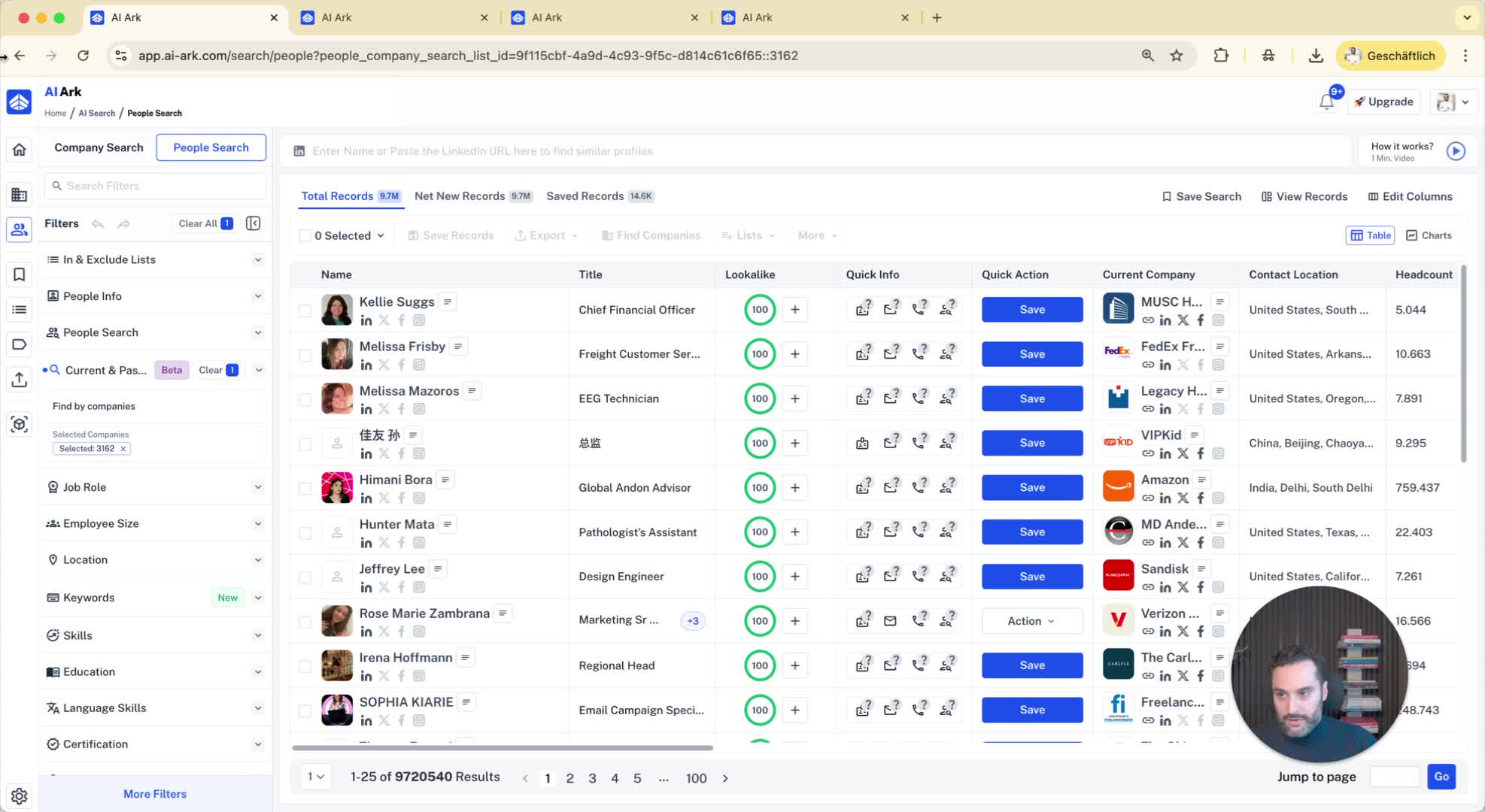
After selecting companies, click on 'find people' to locate decision makers.
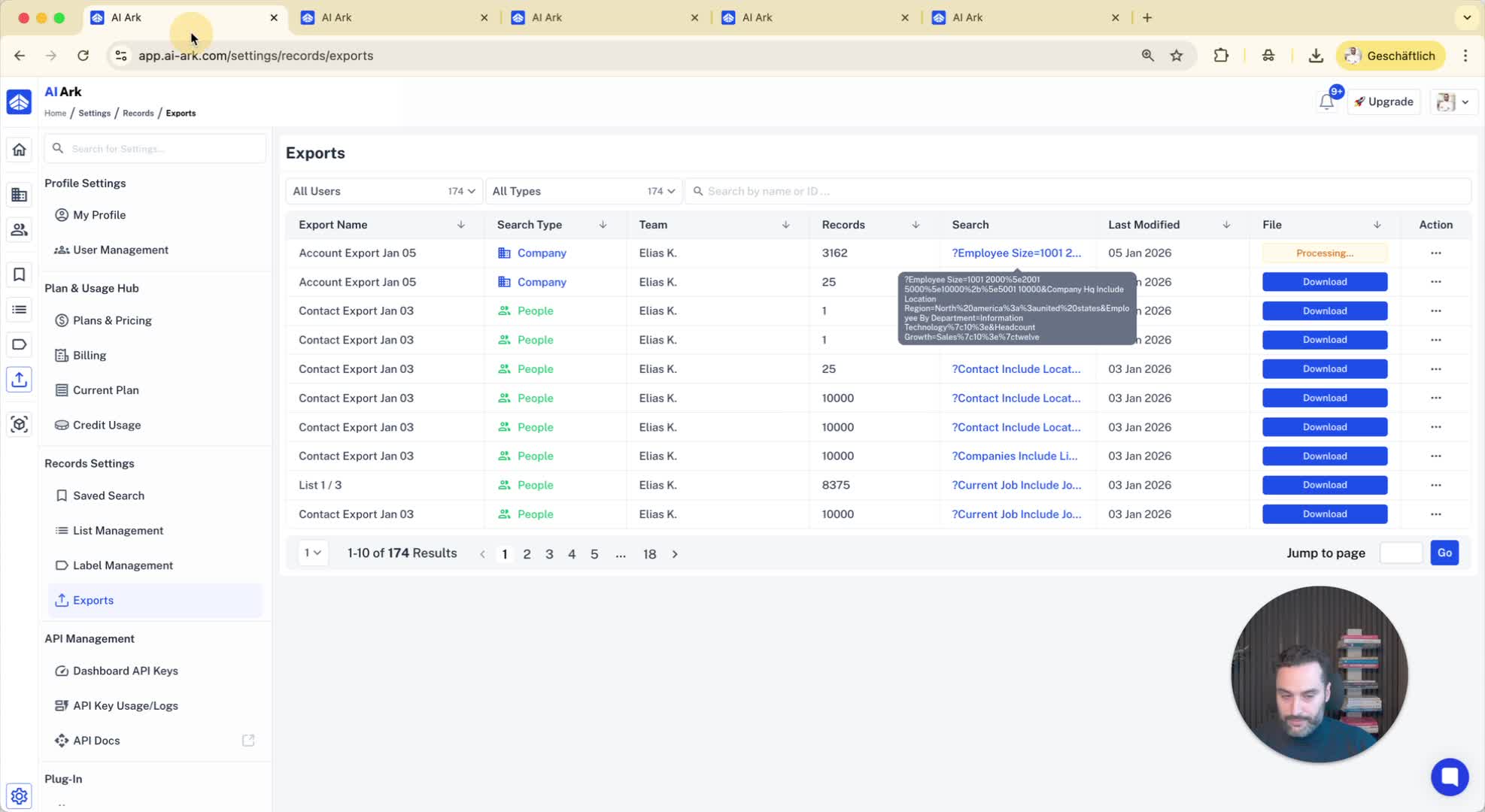
10. Exporting Company Data 3:10
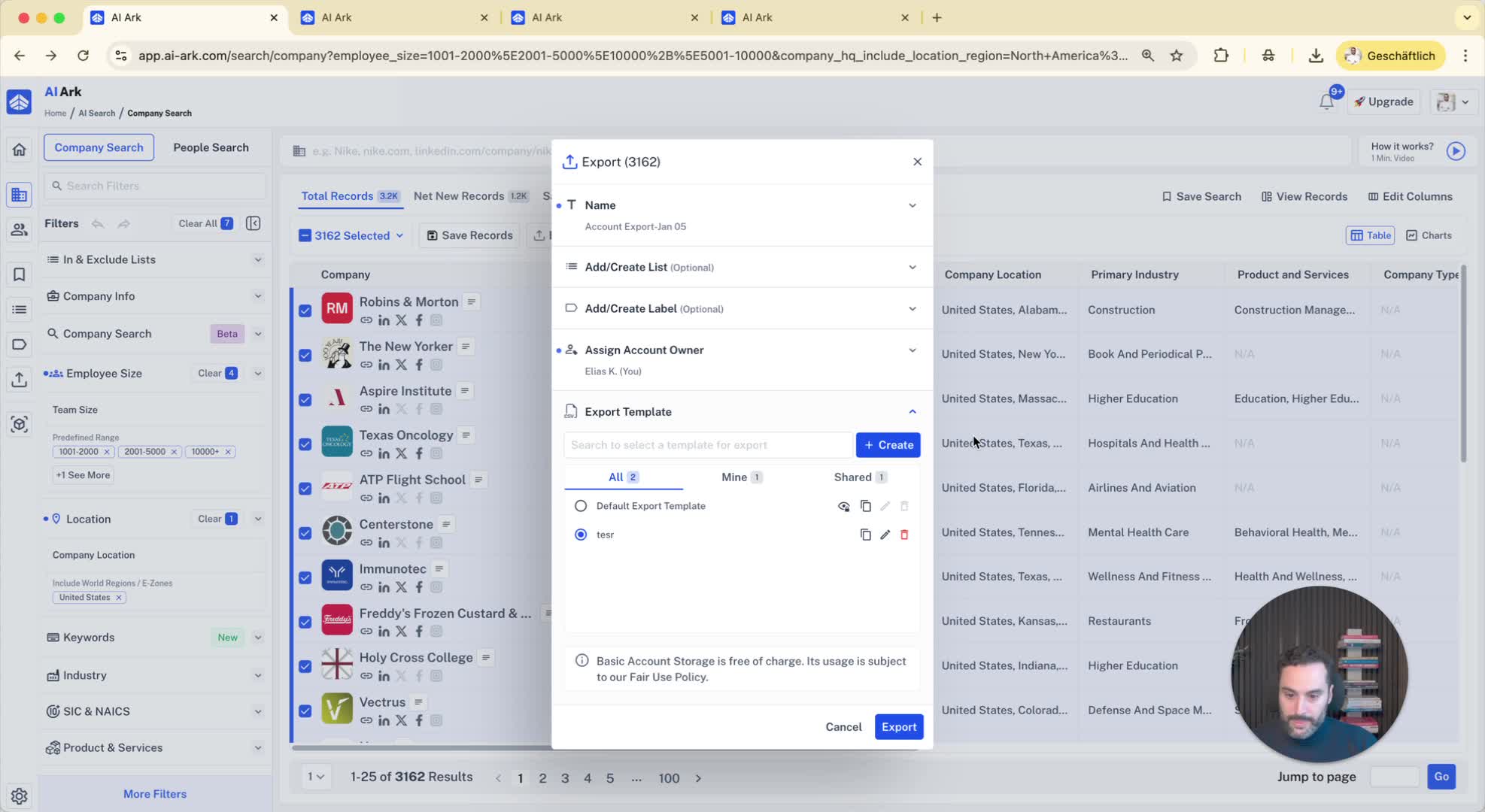
Select companies and click on 'export'.
Choose export template and name it (e.g., 'company export template').
Click 'save' and then 'export'.
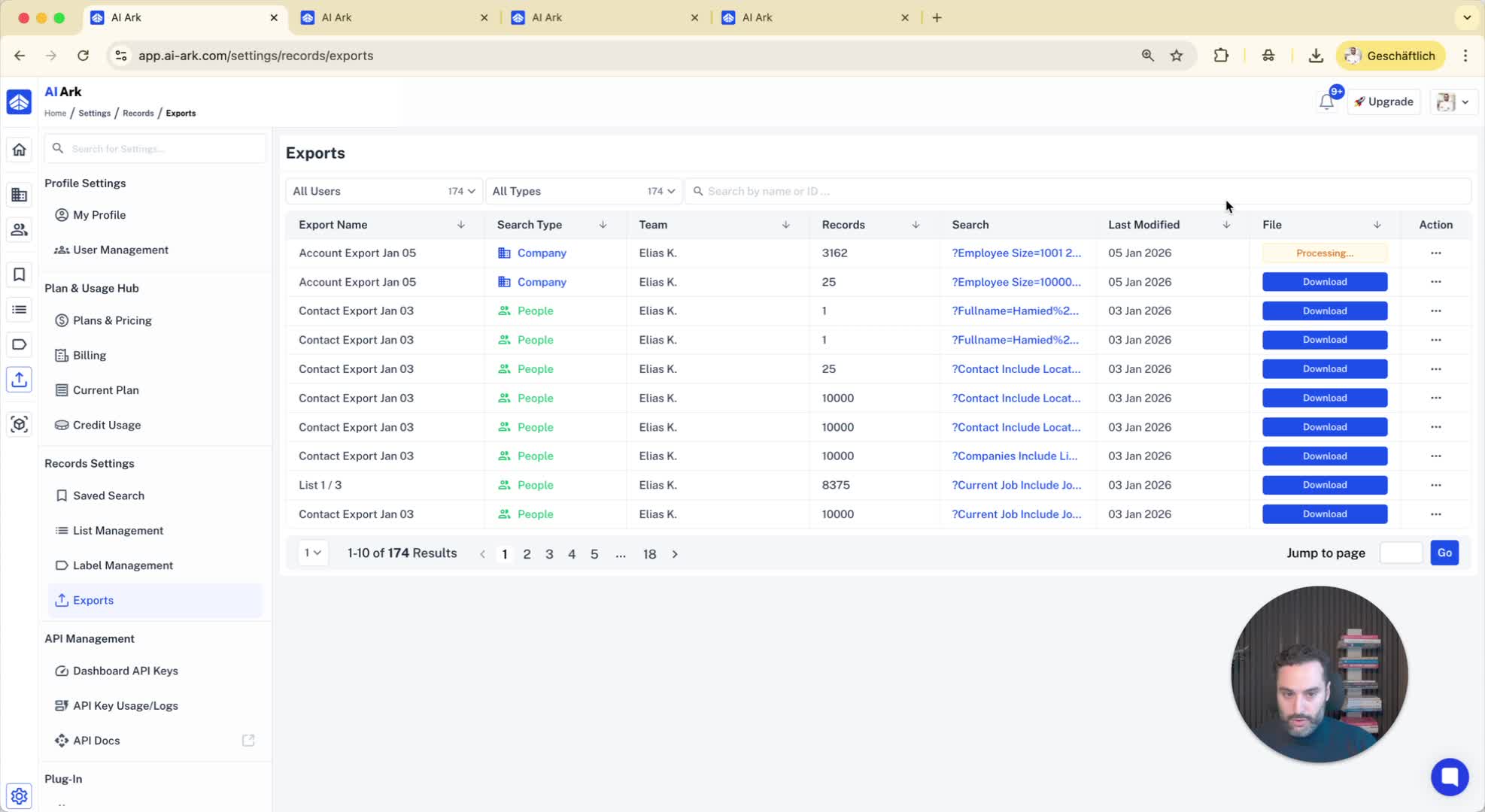
11. Downloading Exported Data 3:30
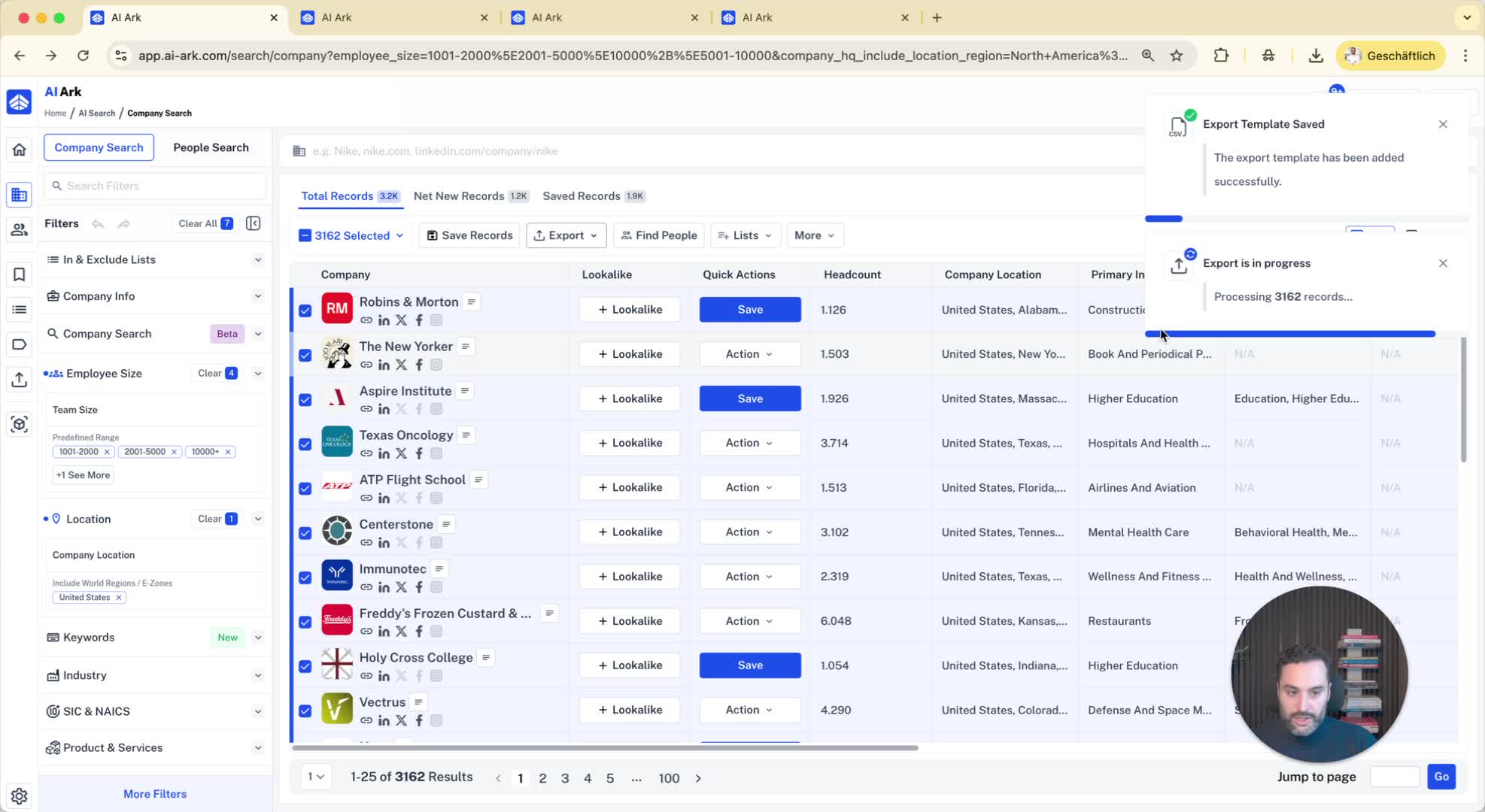
Check the export tab for processing status.
Download the completed export once ready.
12. Saving Search Criteria 3:42
Option to save the search link with all filters for future use.
13. Conclusion 3:50
Recap of the company search process and its functionalities.
