1. Access the Company Search 0:00
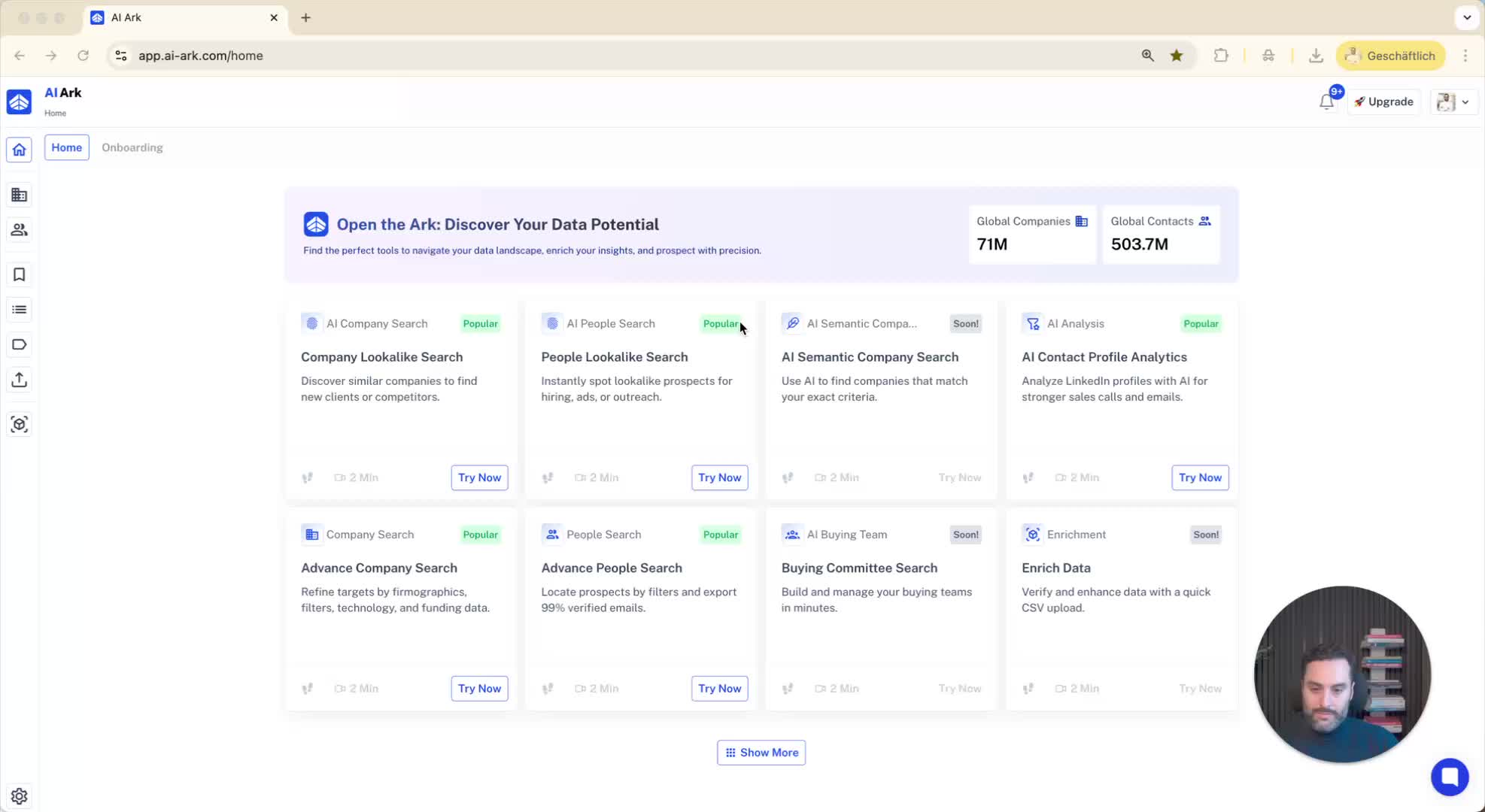
Navigate to the left side of the Lookalax interface.
Click on the 'Company Search' option.
2. Enter the Company Name 0:08
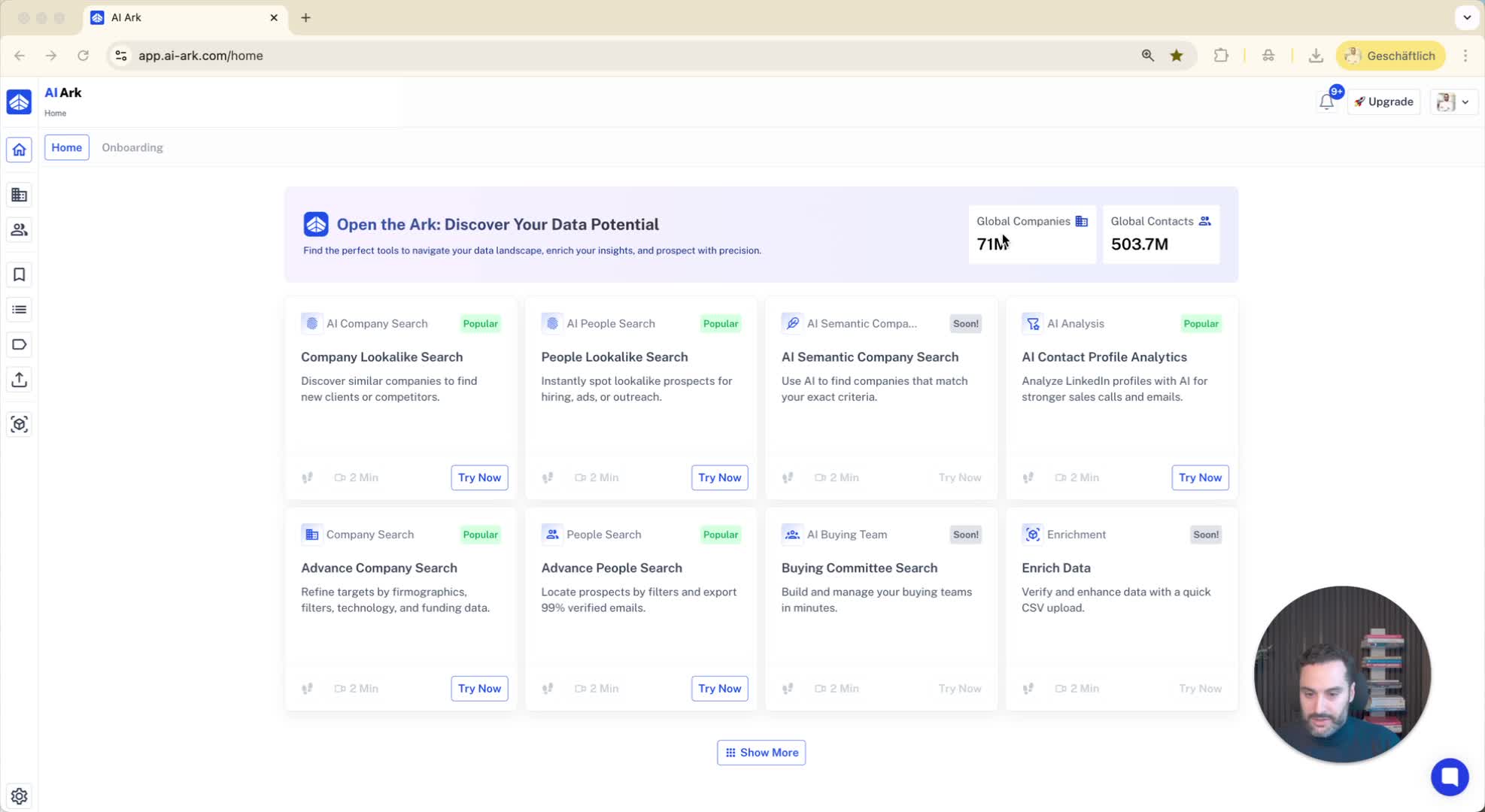
In the middle search bar, input the name of the company you want to find lookalikes for.
Example: Type 'Nike.com'.
3. Initiate the Search for Lookalikes 0:15
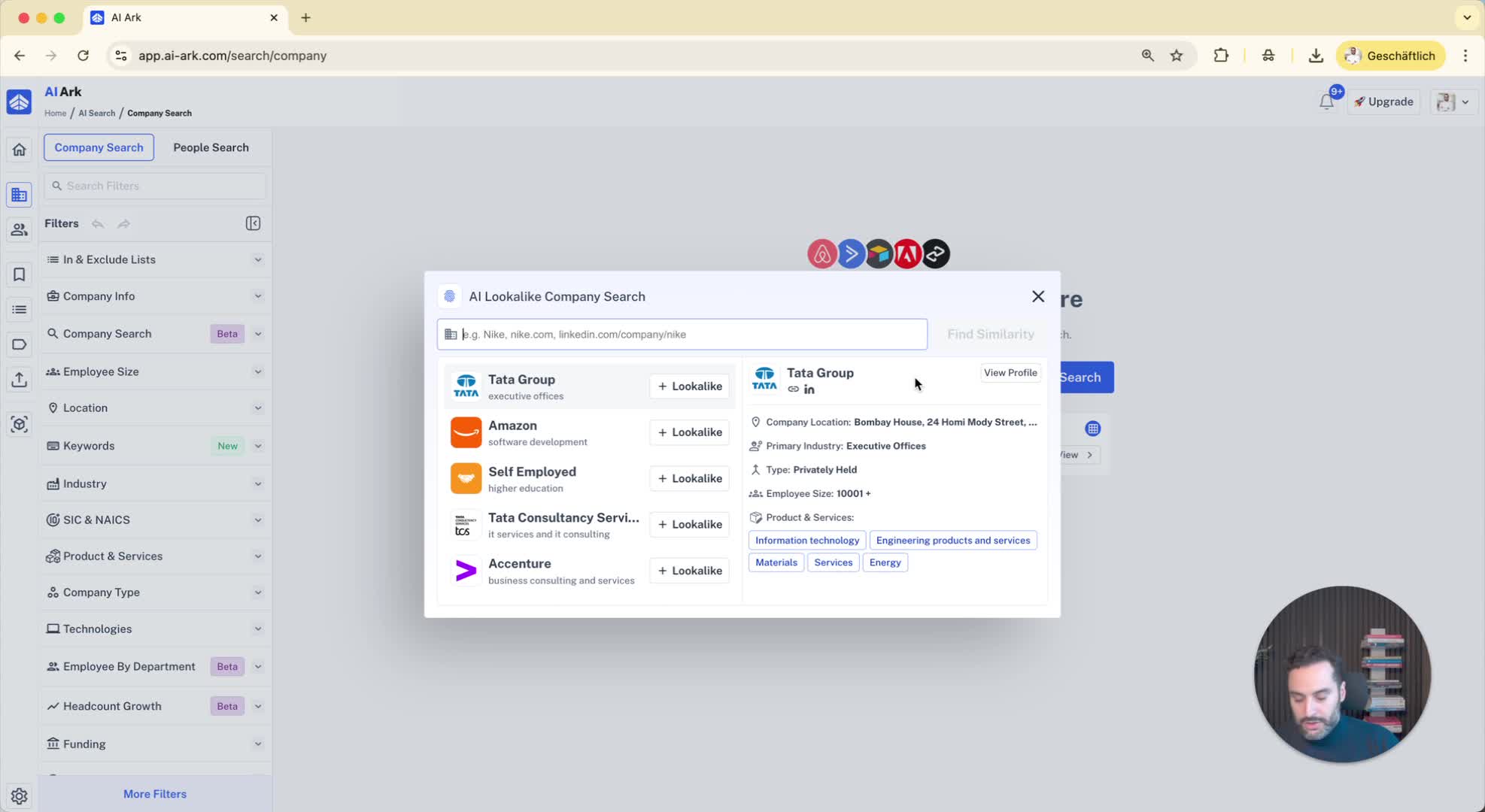
Click on the '+ Lookalike' button.
Then click on 'Find Similar Companies' to start the search.
4. Review the Results 0:36
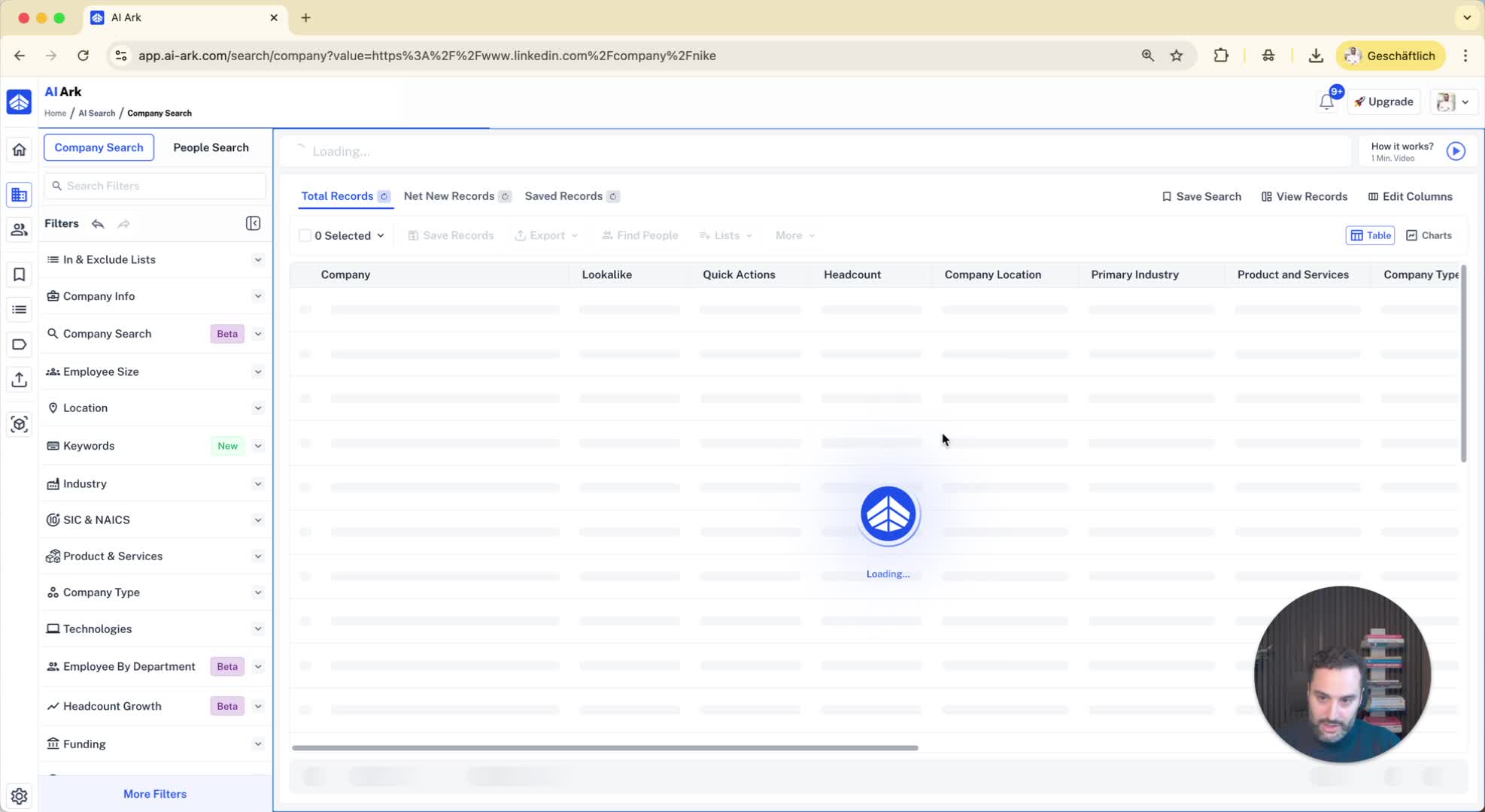
Look at the list of companies that are similar to Nike, such as Converse, Reebok, and New Balance.
5. Explore Company Overviews 0:44
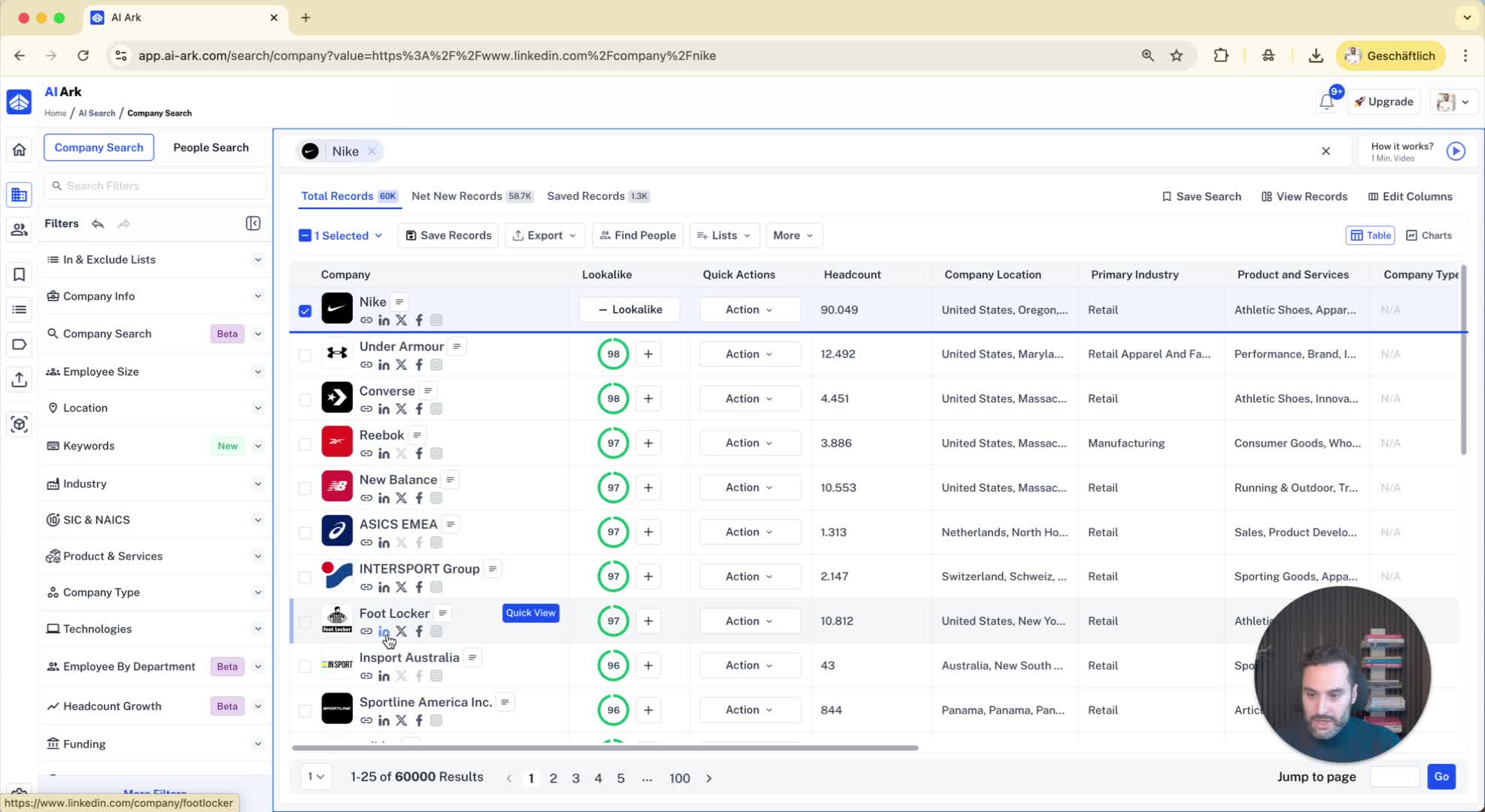
Click on a company (e.g., Converse) to view its overview.
Check the products and services offered by the company.
6. Add More Lookalikes 1:00
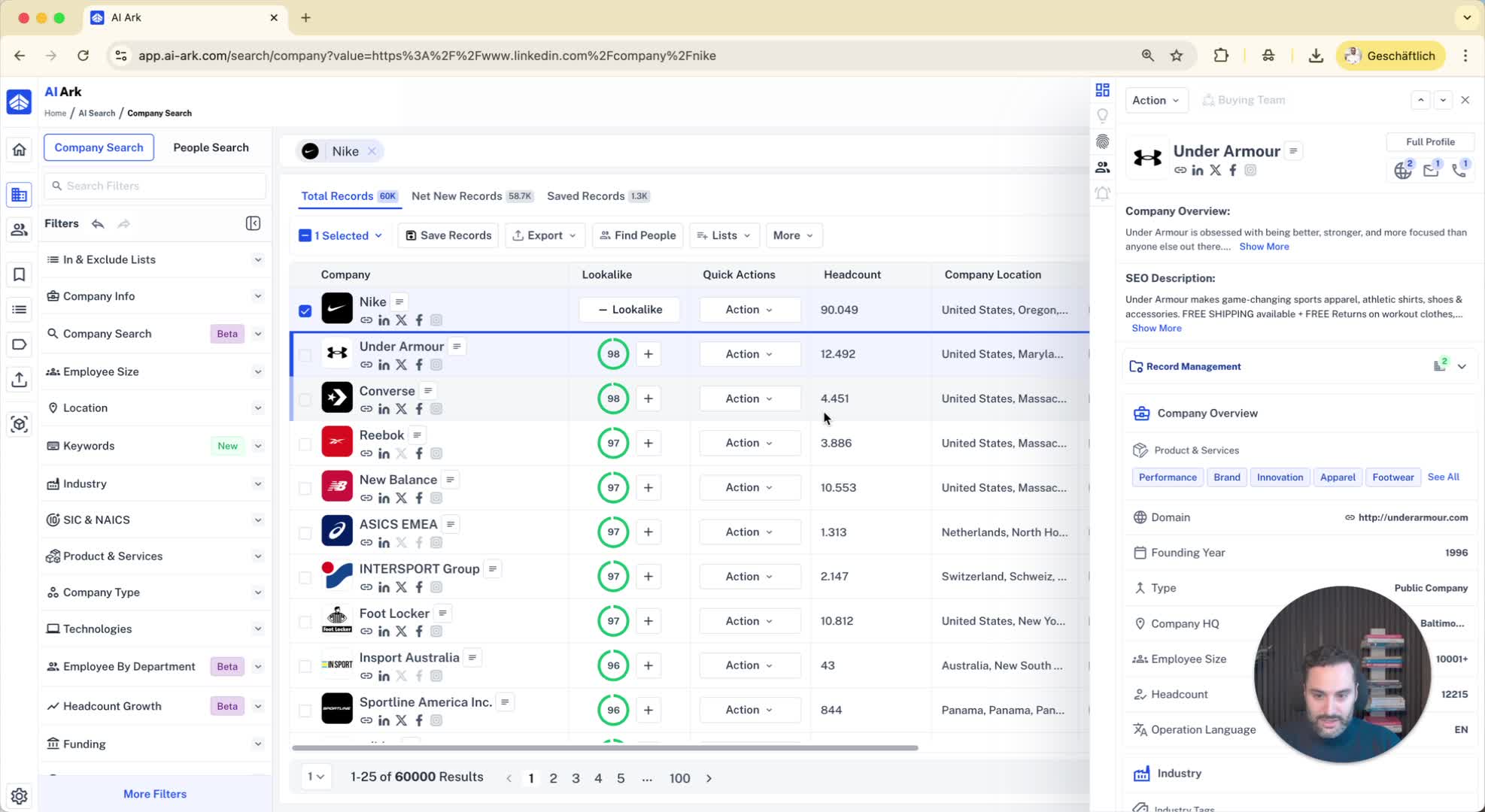
If you find another similar company, click the '+' icon to add it to your lookalike list.
Repeat this for any additional companies you find relevant.
7. Analyze Lookalike Relevance 1:21
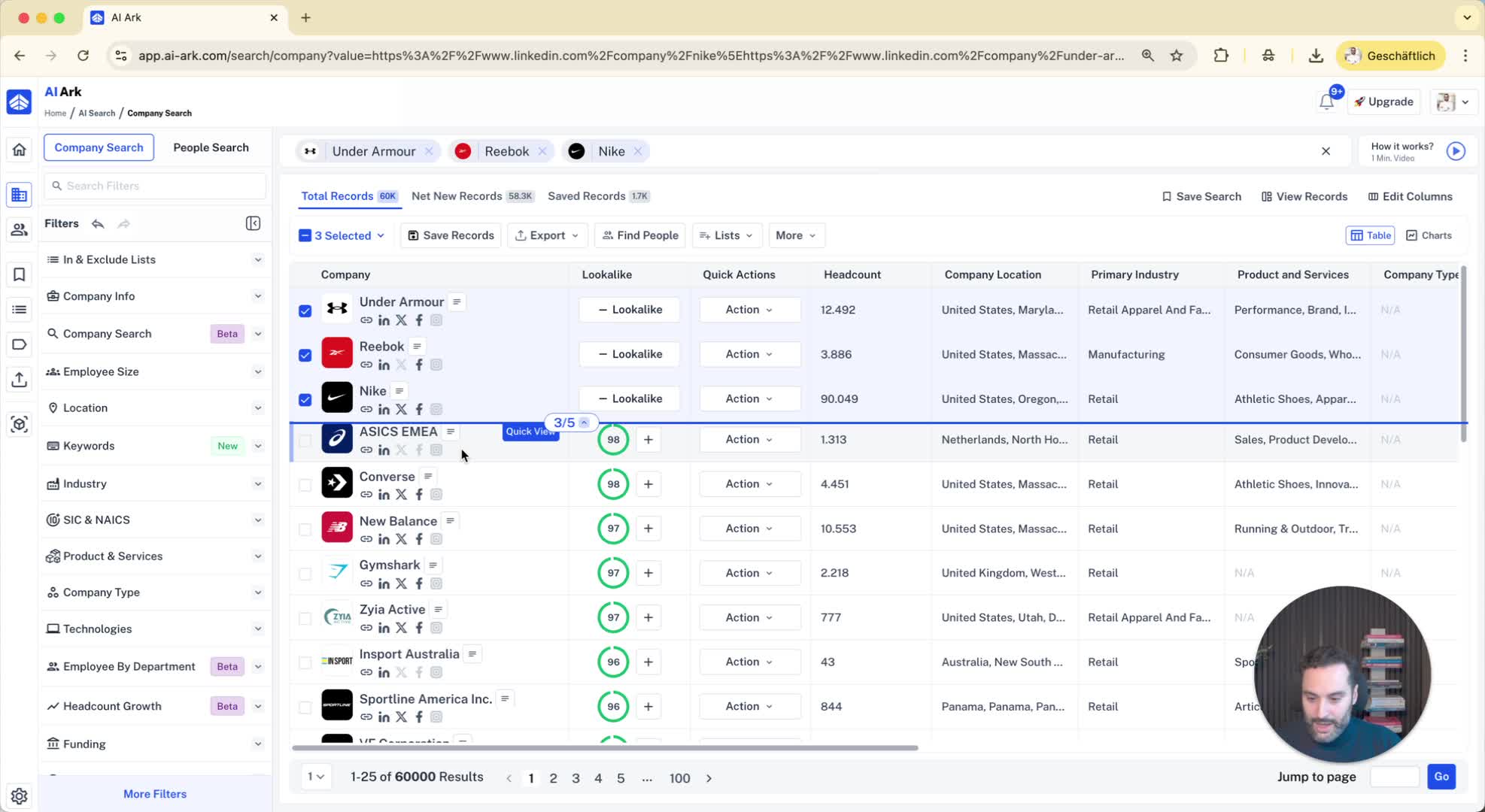
Review the lookalike relevance percentages (e.g., 98%, 96%).
Note that filtering by relevance will be available soon.
8. Apply Filters for Specific Criteria 1:35
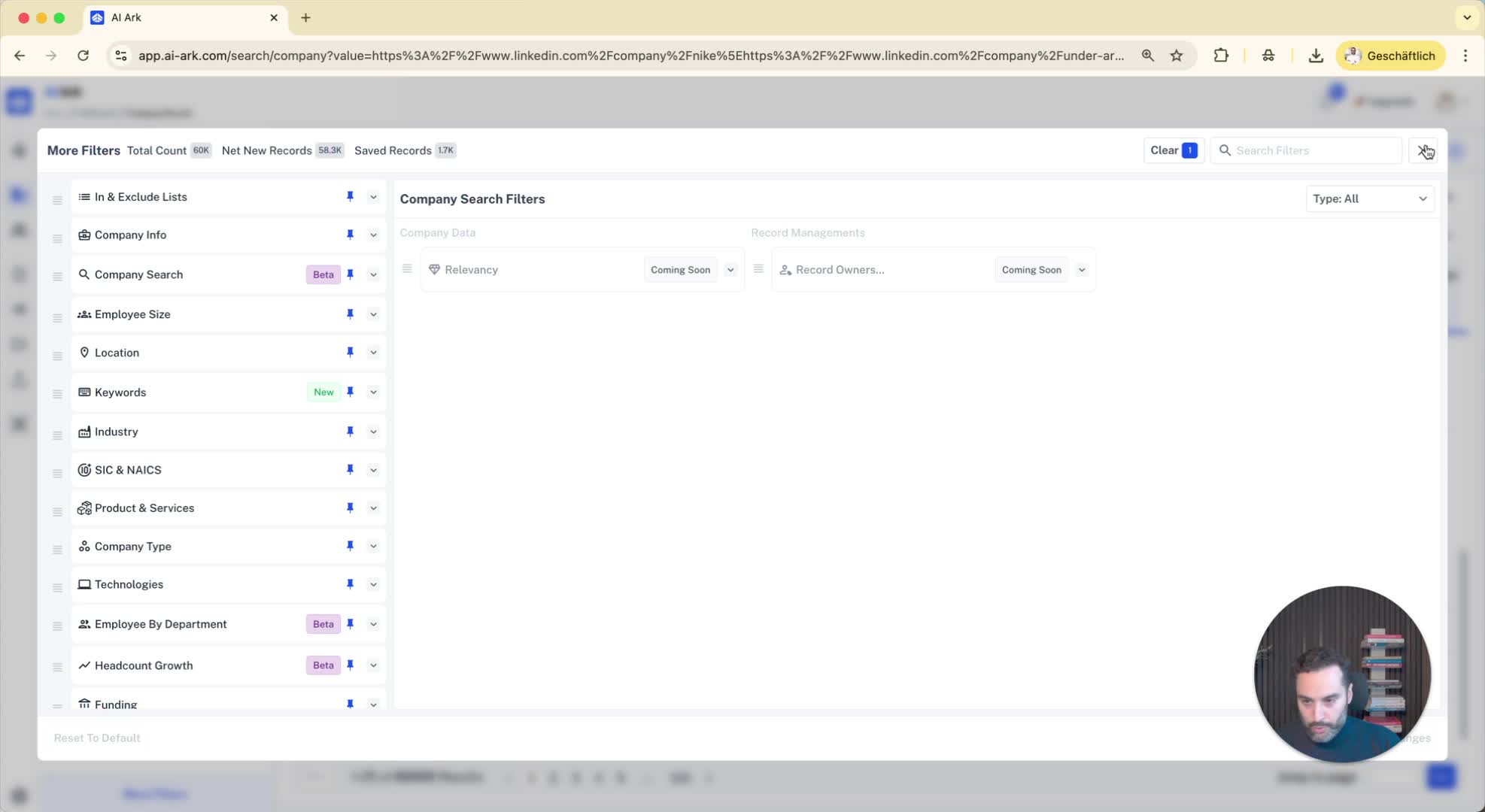
Use the filters on the left side to refine your search.
Set criteria such as employee size (e.g., more than 1000 employees) and keywords in product descriptions (e.g., 'shoes').
9. Verify Product Relevance 2:20
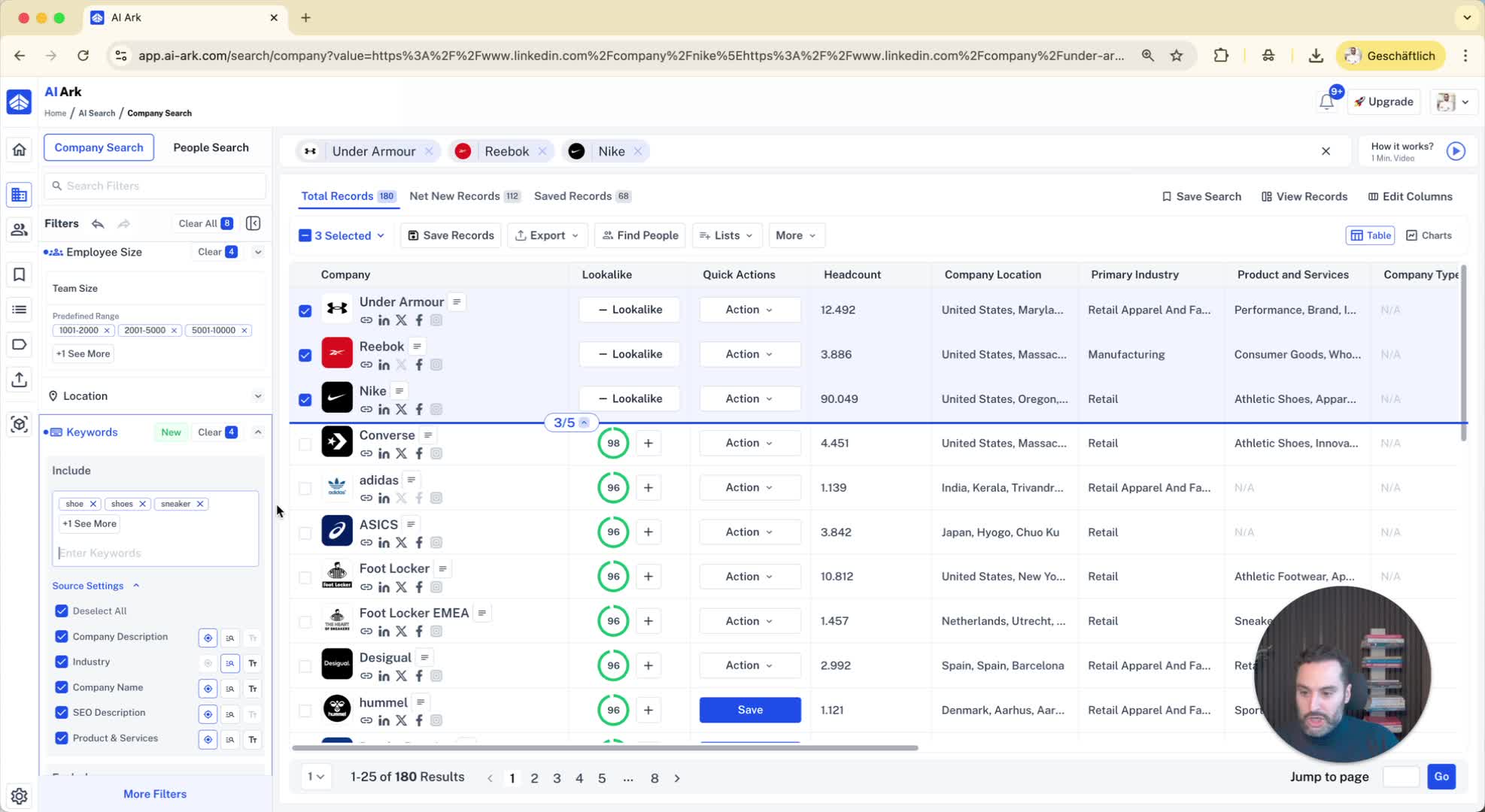
Check if the companies found mention relevant keywords in their descriptions or services.
10. Find Decision Makers 2:38
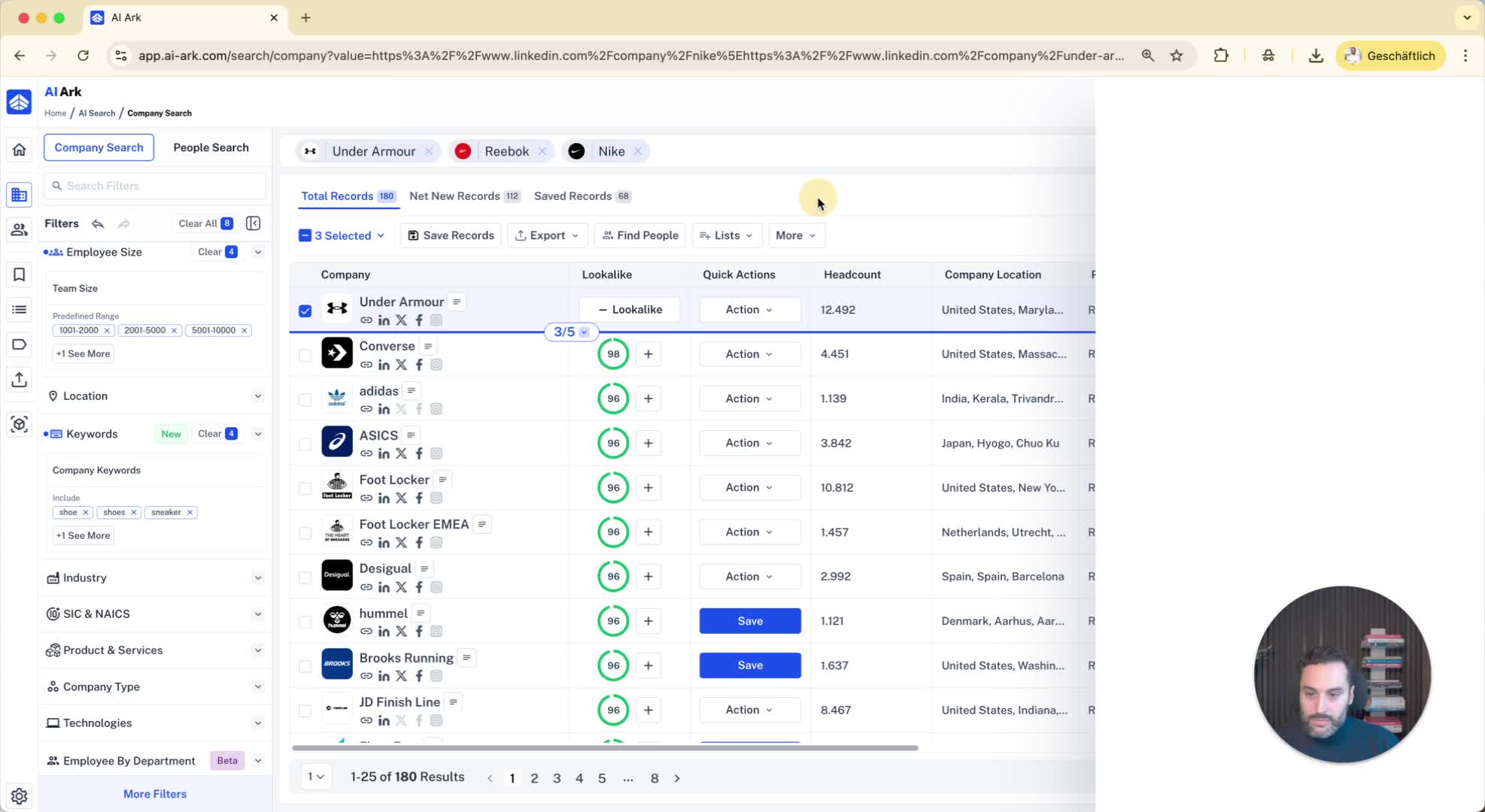
Select the companies identified by the AI.
Click on 'Find People' to locate decision makers within those companies.
11. Export Contacts 2:52
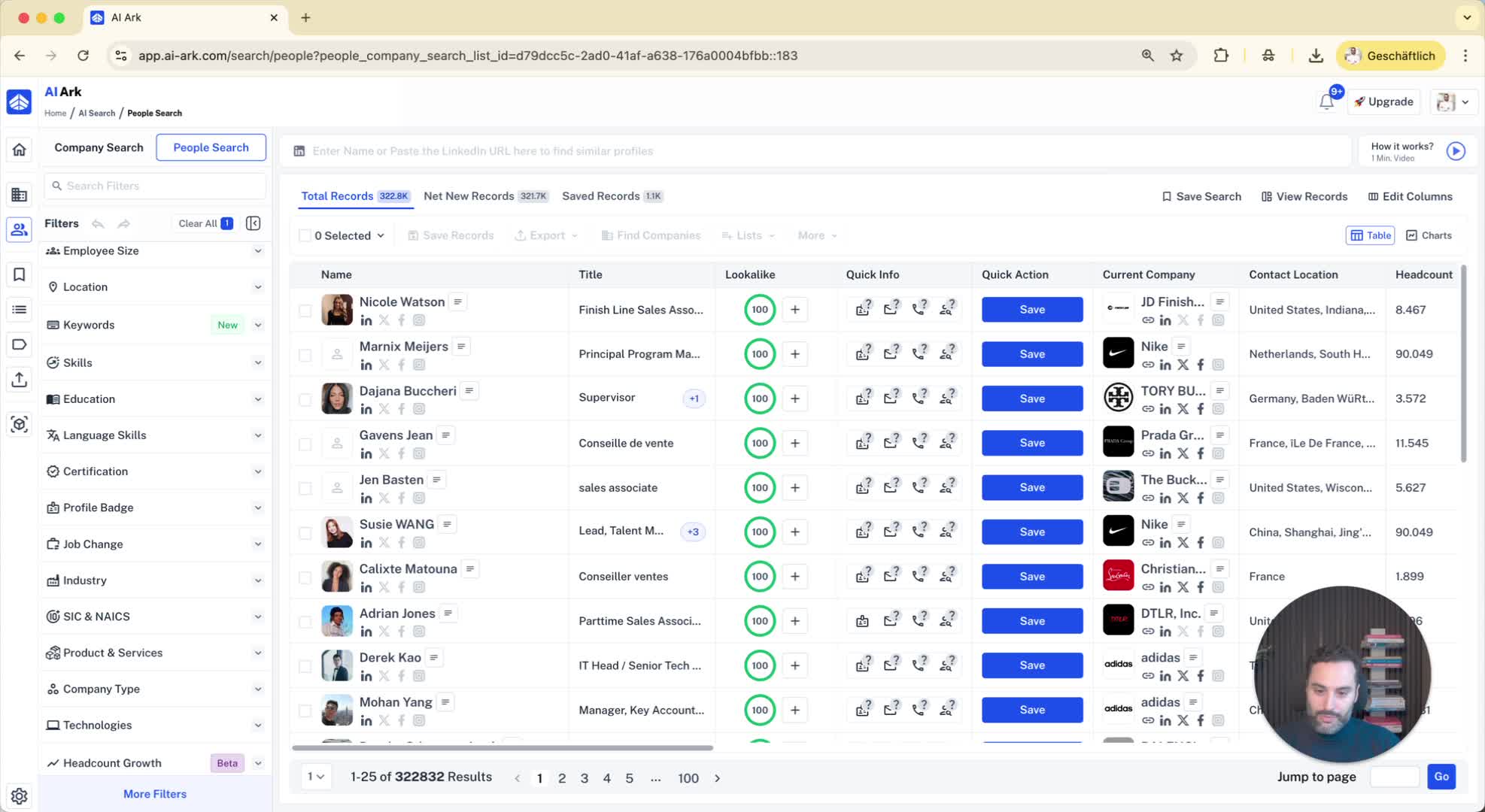
Export the list of decision makers for outreach.
