1. Introduction to Bulk Search Filter 0:00
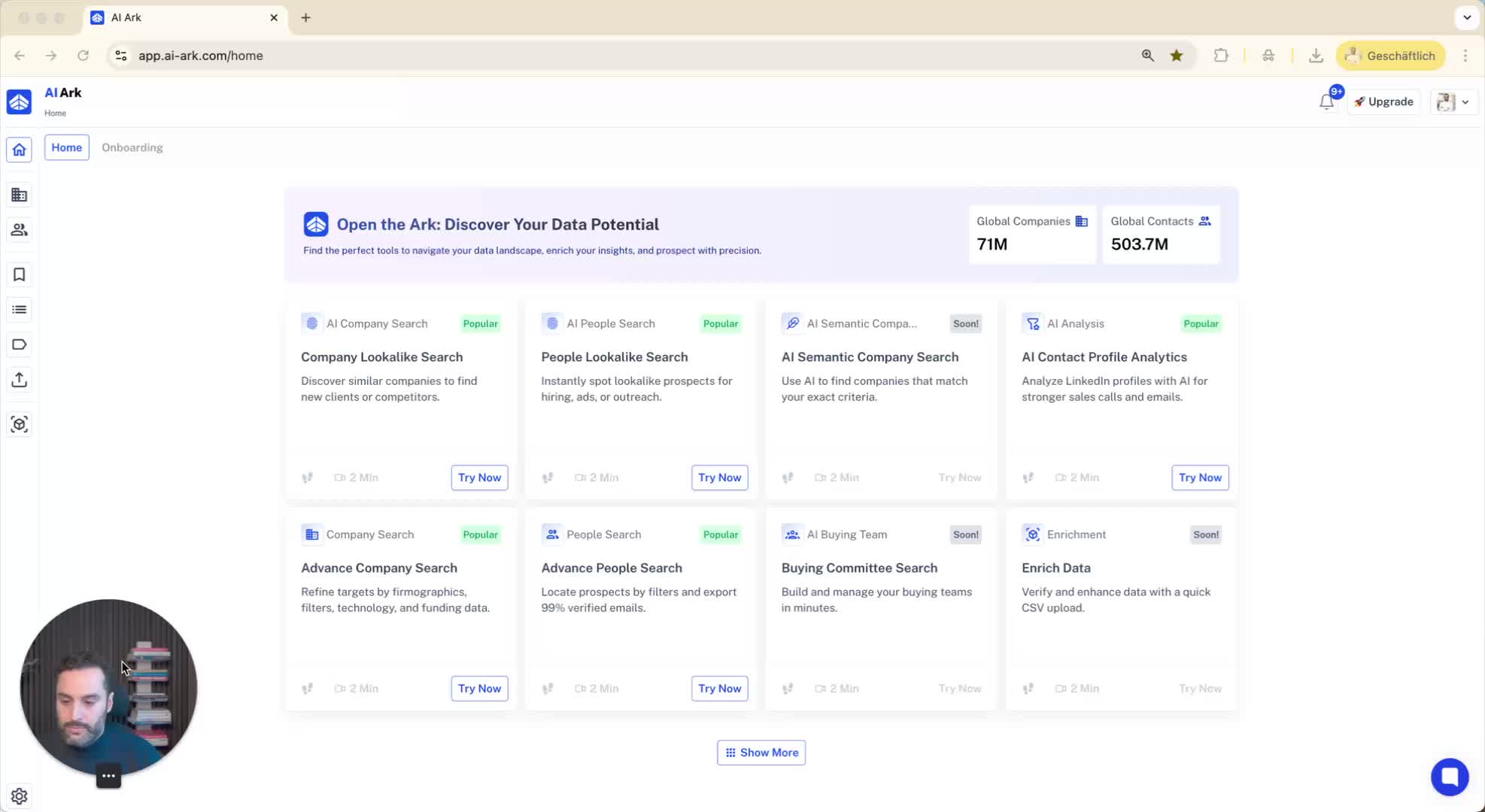
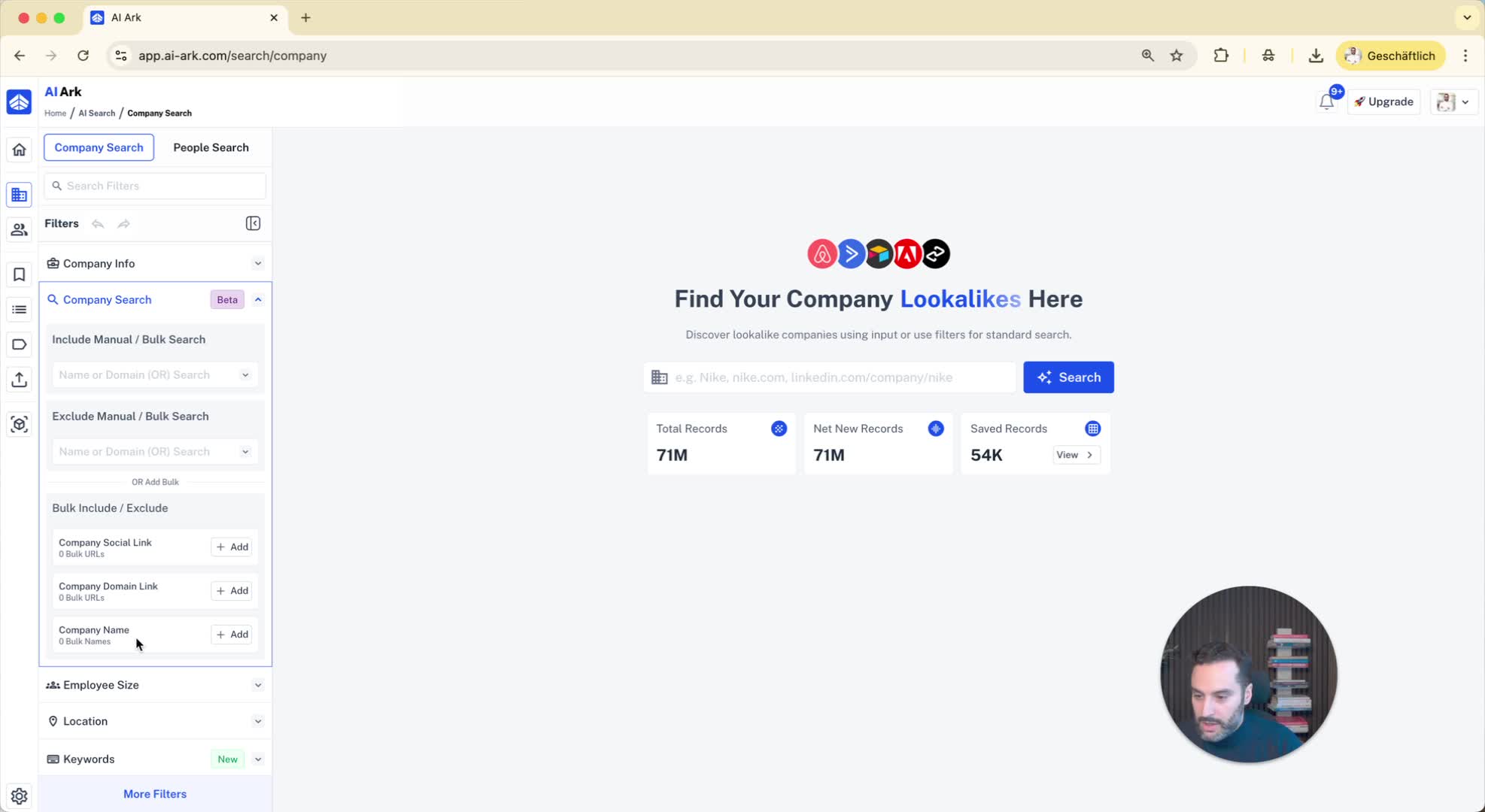
The bulk search filter is available in the company search section.
It allows you to include or exclude companies based on:
Social media profiles (LinkedIn)
Company domain
Company name
You can include or exclude up to 10,000 entries.
2. Example of Including Companies 0:18
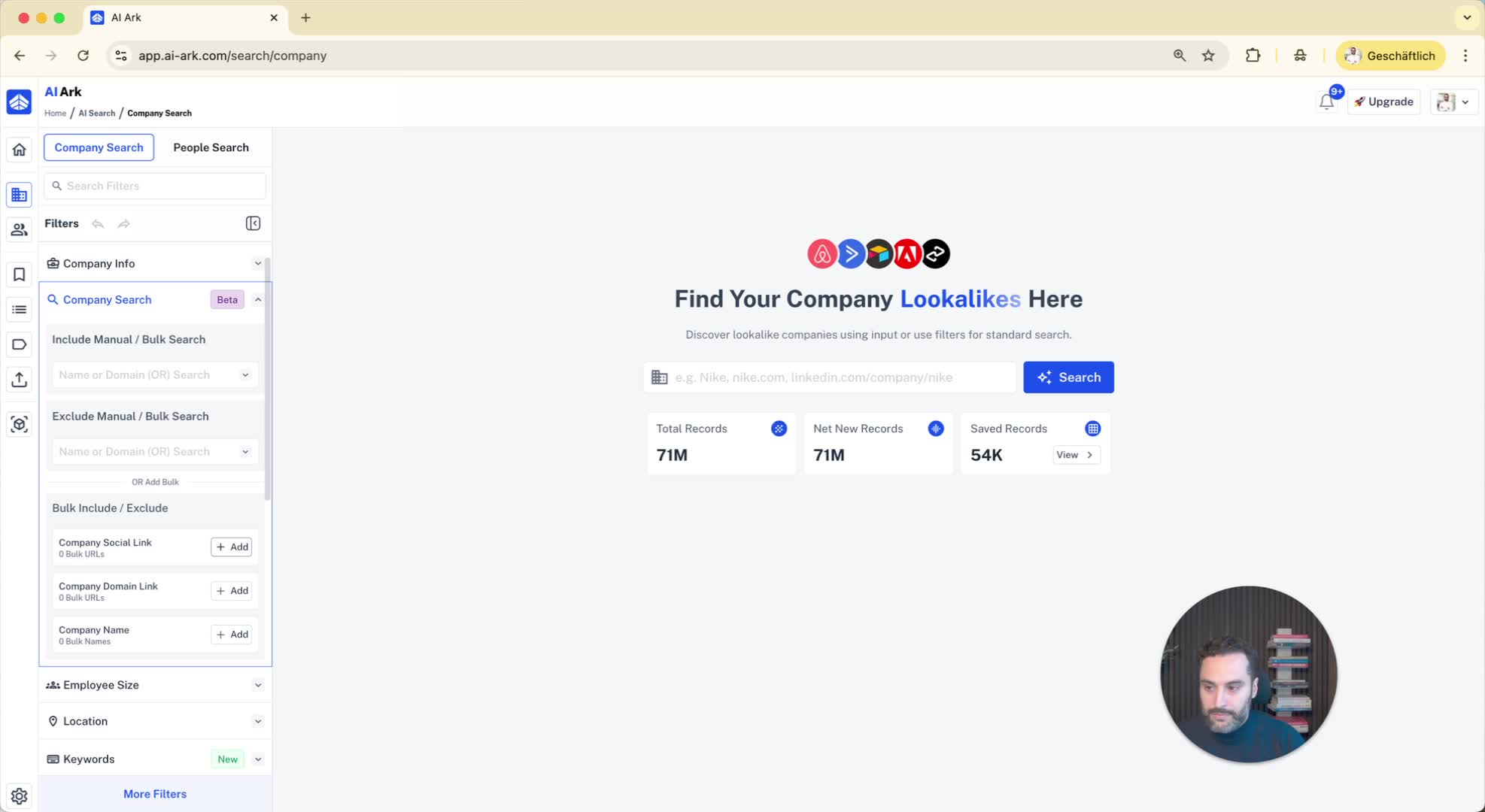
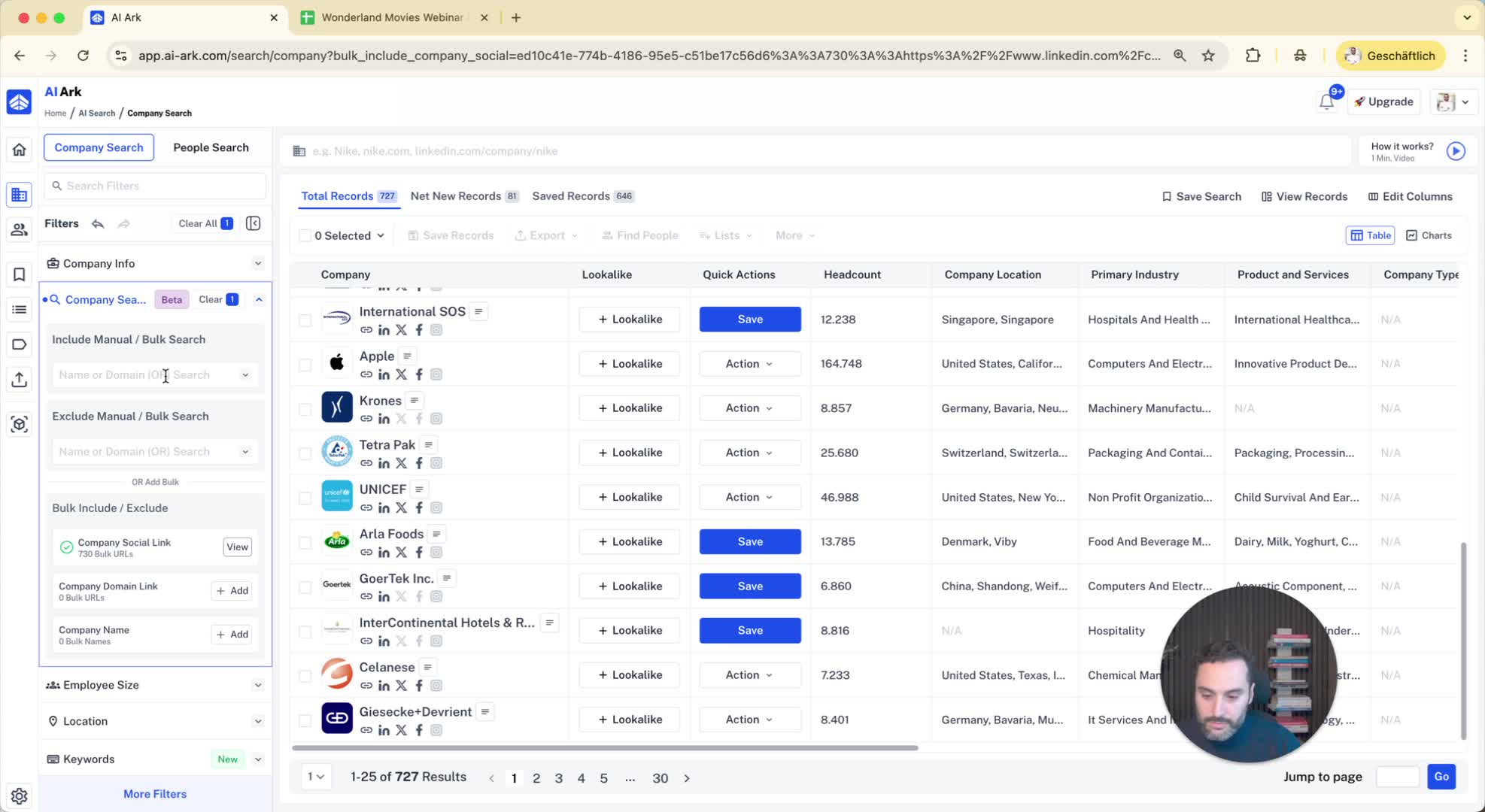
If you have a list of companies (e.g., from job posts on LinkedIn), you can copy and paste them into the bulk include section.
After pasting, click on 'Save Search' to find these companies in the search results.
3. Handling Duplicates 0:48
The system identifies duplicates when you include companies.
You can save the search after resolving duplicates.
4. Excluding Companies 1:07
You can also exclude companies by adding them to the exclude section.
This is useful for maintaining a blacklist of companies.
5. Bulk Search for People 1:26
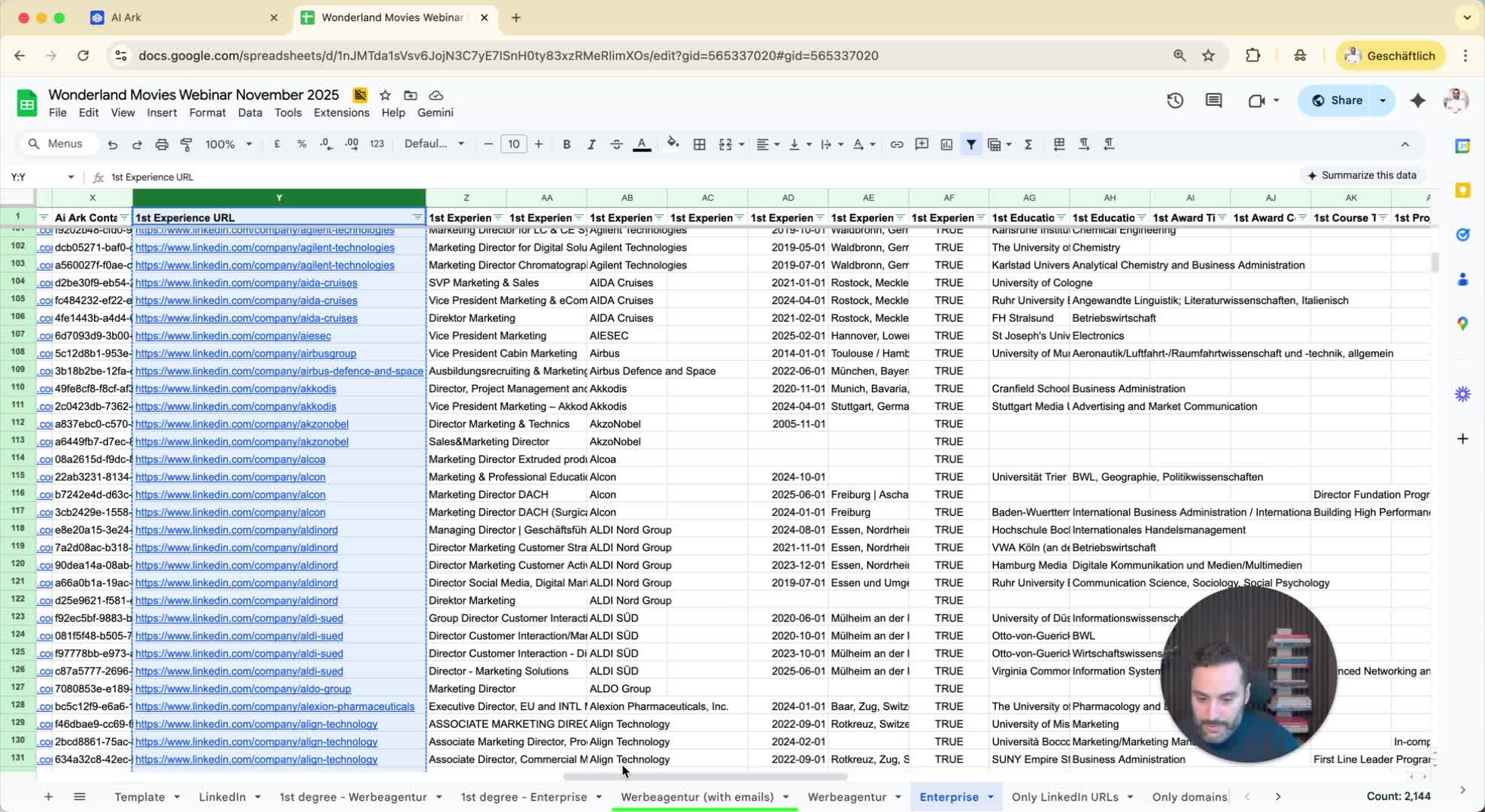
For people searches, you can use LinkedIn URLs in a similar manner.
Go to the people search section and choose to bulk include or exclude LinkedIn URLs.
6. Adding LinkedIn URLs for People 1:45
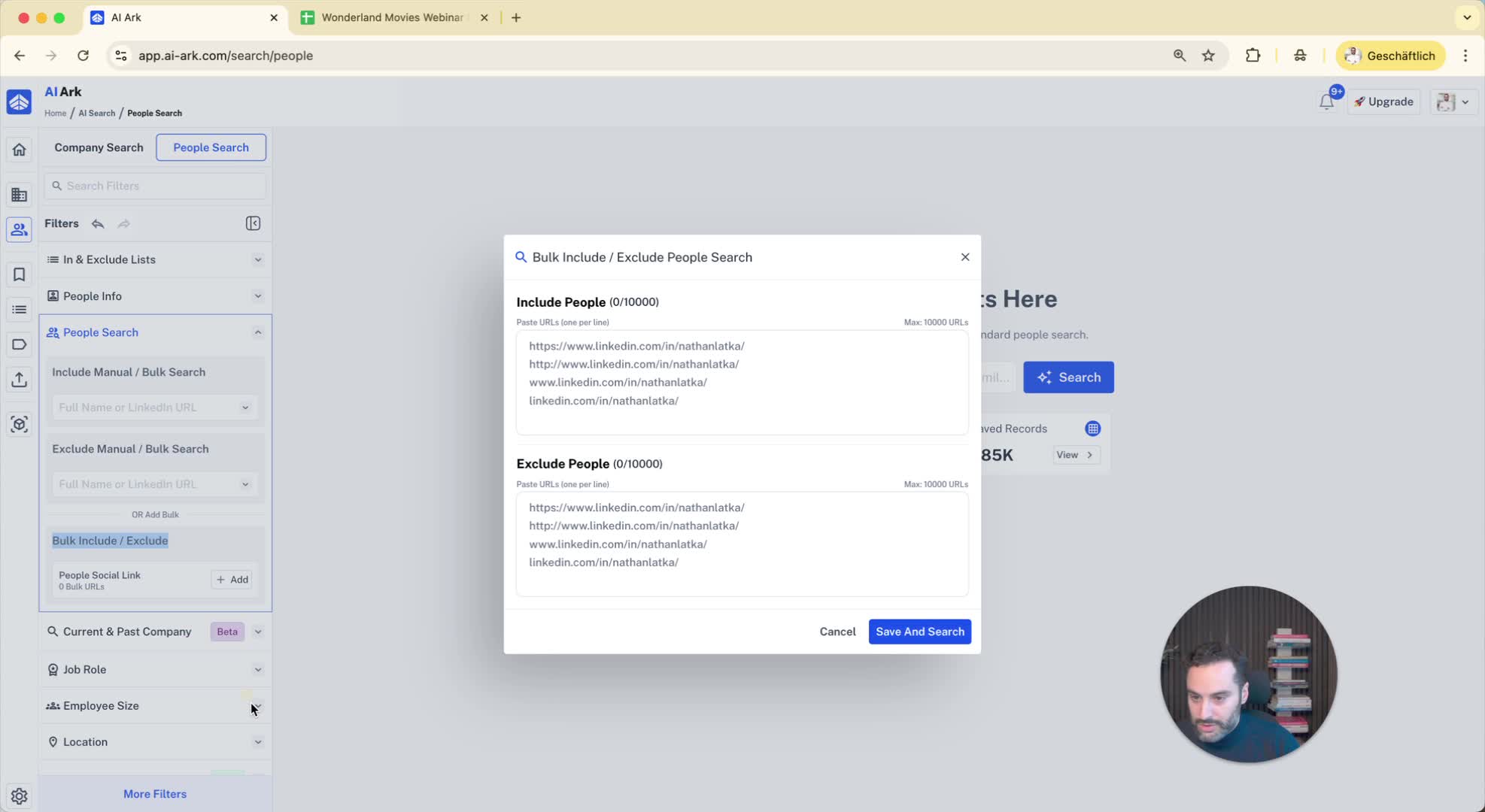
Paste the LinkedIn URLs into the bulk include section for people.
Click 'Save and Search' to view the results.
7. Excluding People from Search Results 2:05
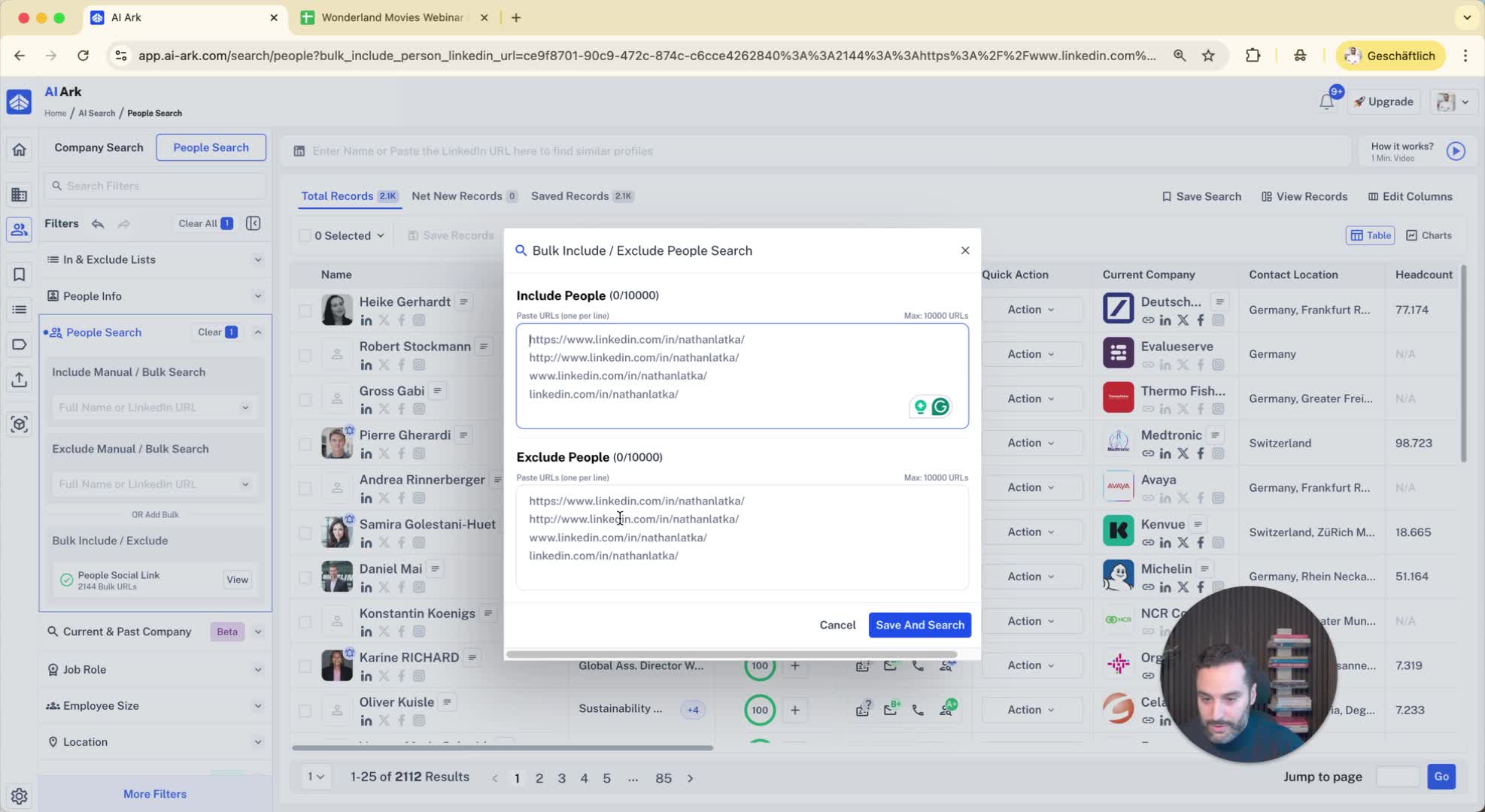
You can exclude specific people by adding their LinkedIn URLs to the exclude section.
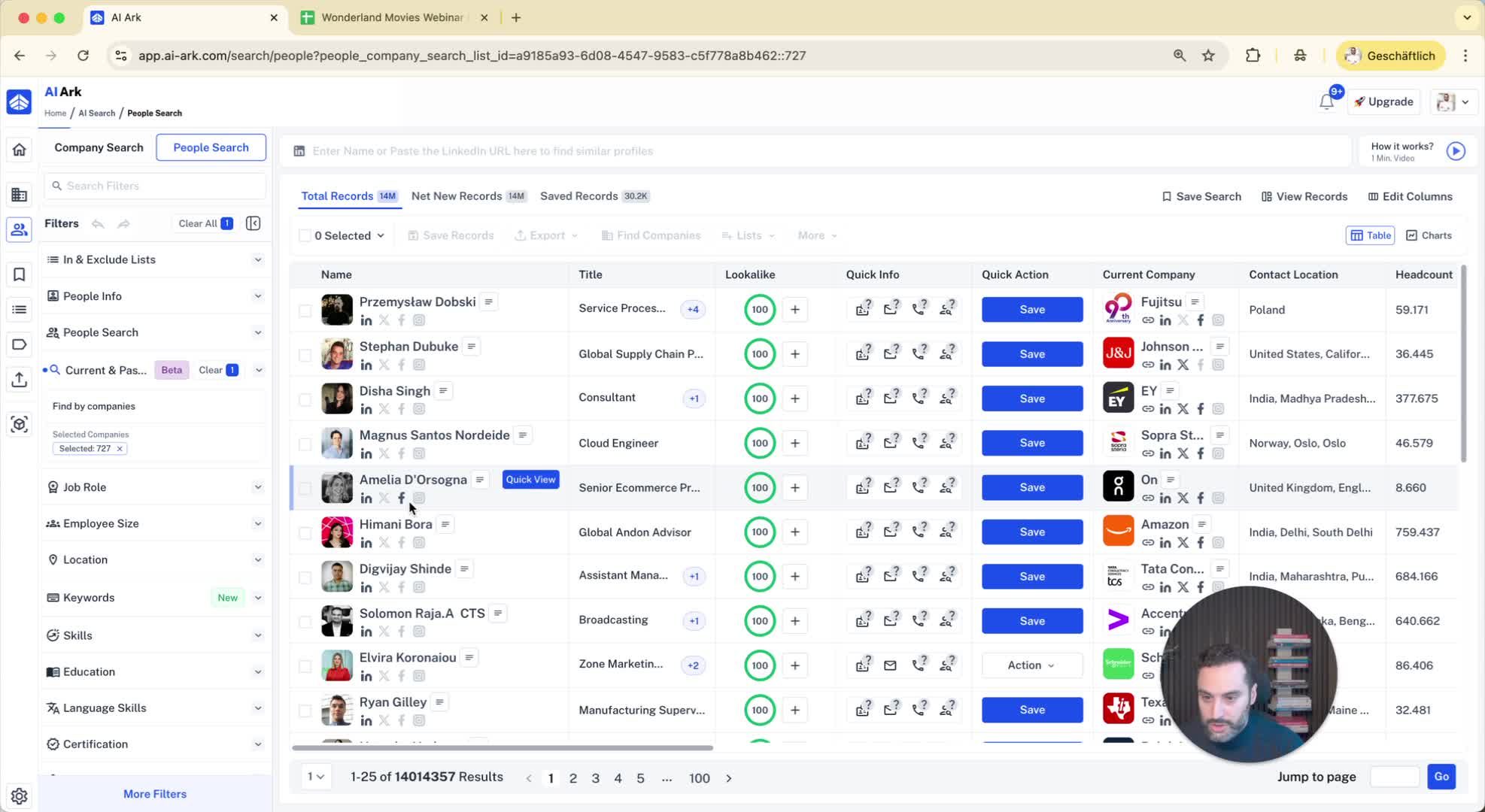
8. Finding People in Specific Companies 2:16
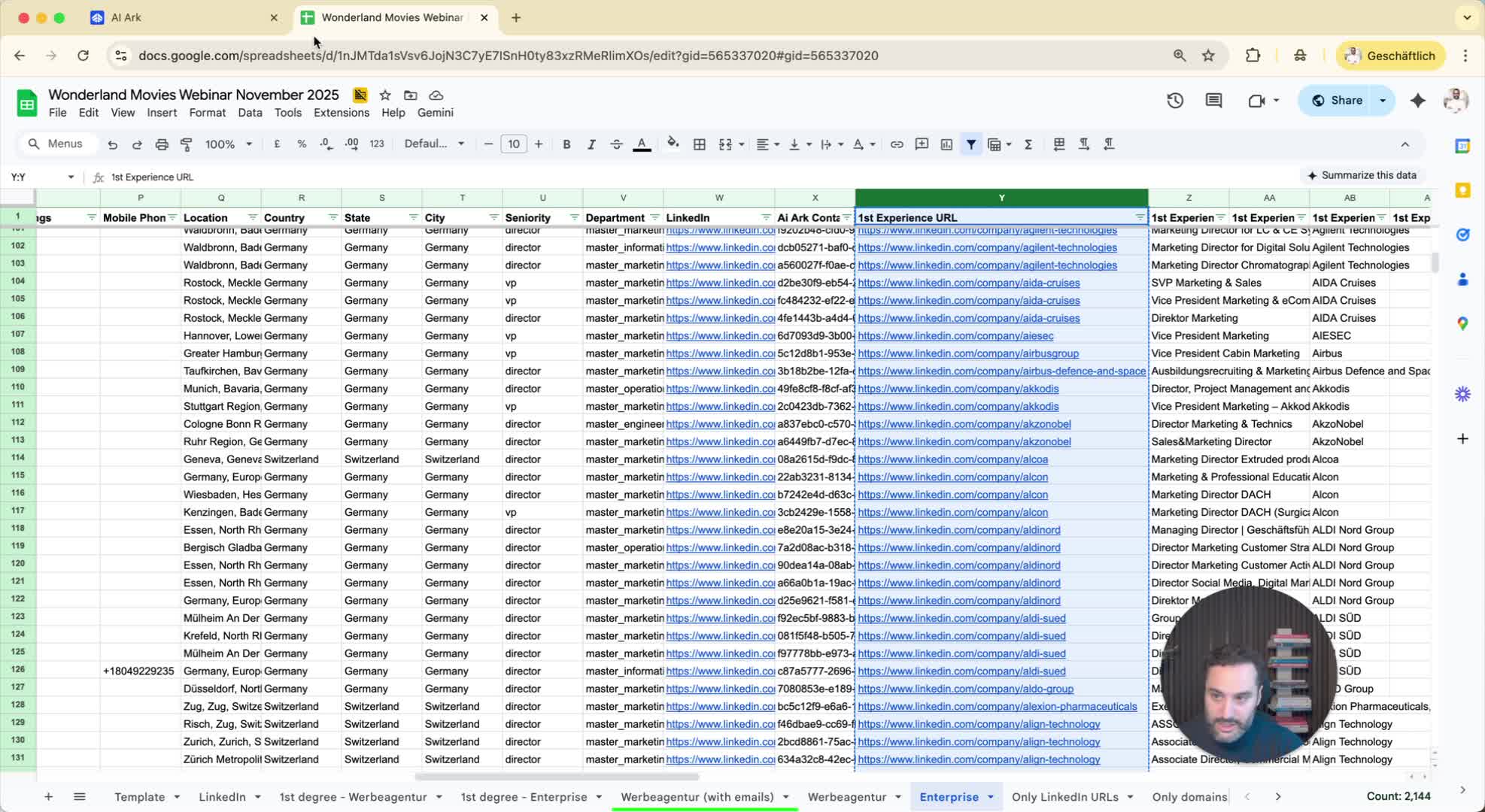
After searching for companies, you can select them and click 'Find People' to discover individuals associated with those companies.
9. Conclusion 2:33
The bulk search filter provides multiple options for efficiently managing company and people searches.
