
🚀 Smarter Targeting with AI Ark Filters – Annual Revenue
AI Ark helps you find the right people and companies faster, with smart, customizable filters that cut through the noise. One of the most powerful tools at your fingertips: the Annual Revenue filter. Whether you’re targeting startups, mid-market businesses, or global enterprises, this filter helps you focus on the companies that meet your ideal revenue profiles.
🎯 Why Use the Annual Revenue Filter?
Targeting companies based on revenue can help you prioritize your outreach for sales, partnerships, or market research.
The Annual Revenue filter allows you to segment companies by their reported yearly earnings and find exactly the businesses that fit your strategy.
🧭 How to Use It
Open AI Ark.
Select People or Company.
Click the Annual Revenue filter.
📍 (PLACEHOLDER for Screenshot)
Choose How You Want to Filter:
📊 Predefined Ranges
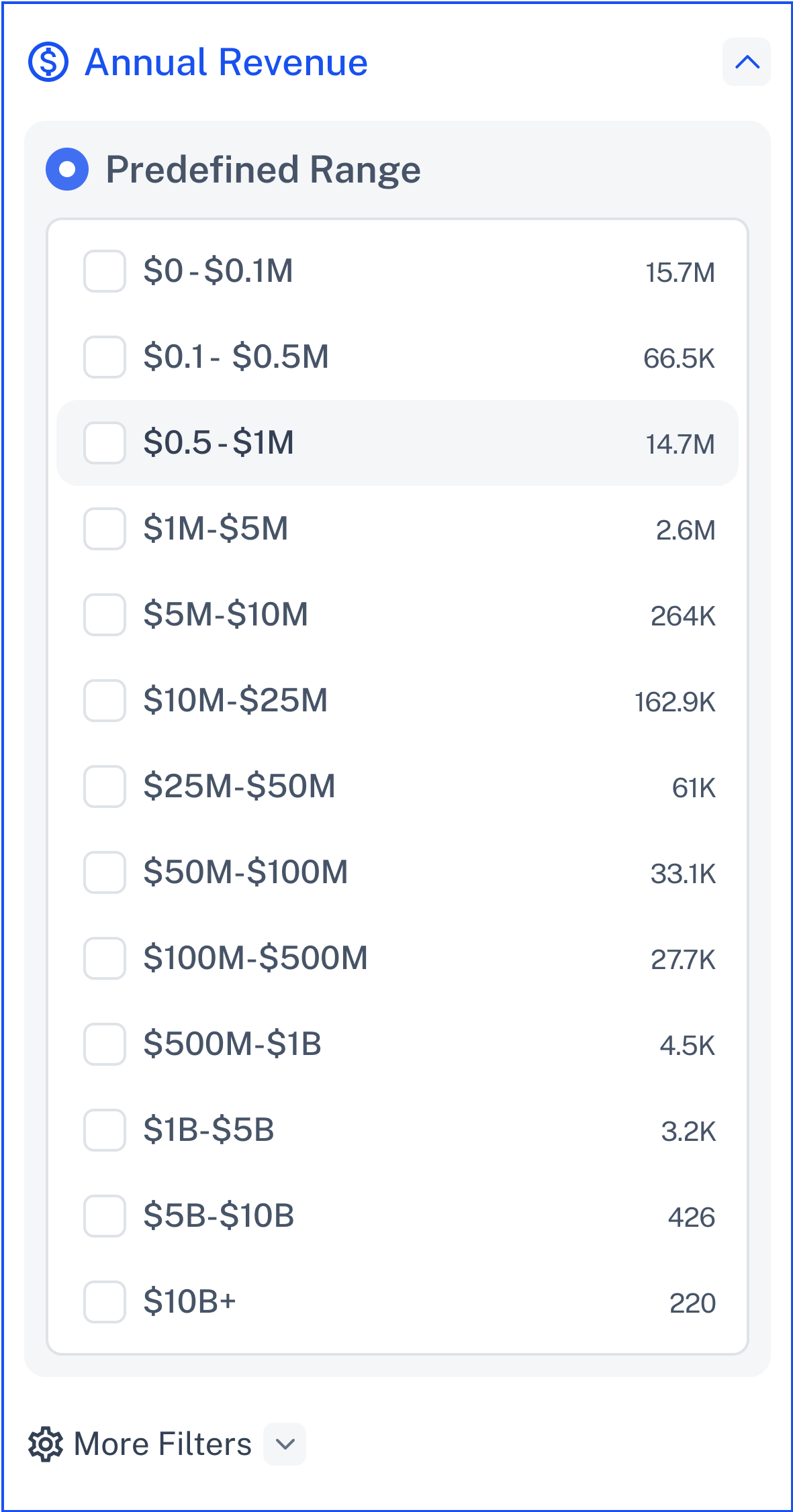
Quickly select from preset annual revenue ranges.
No manual input required.
Options include:
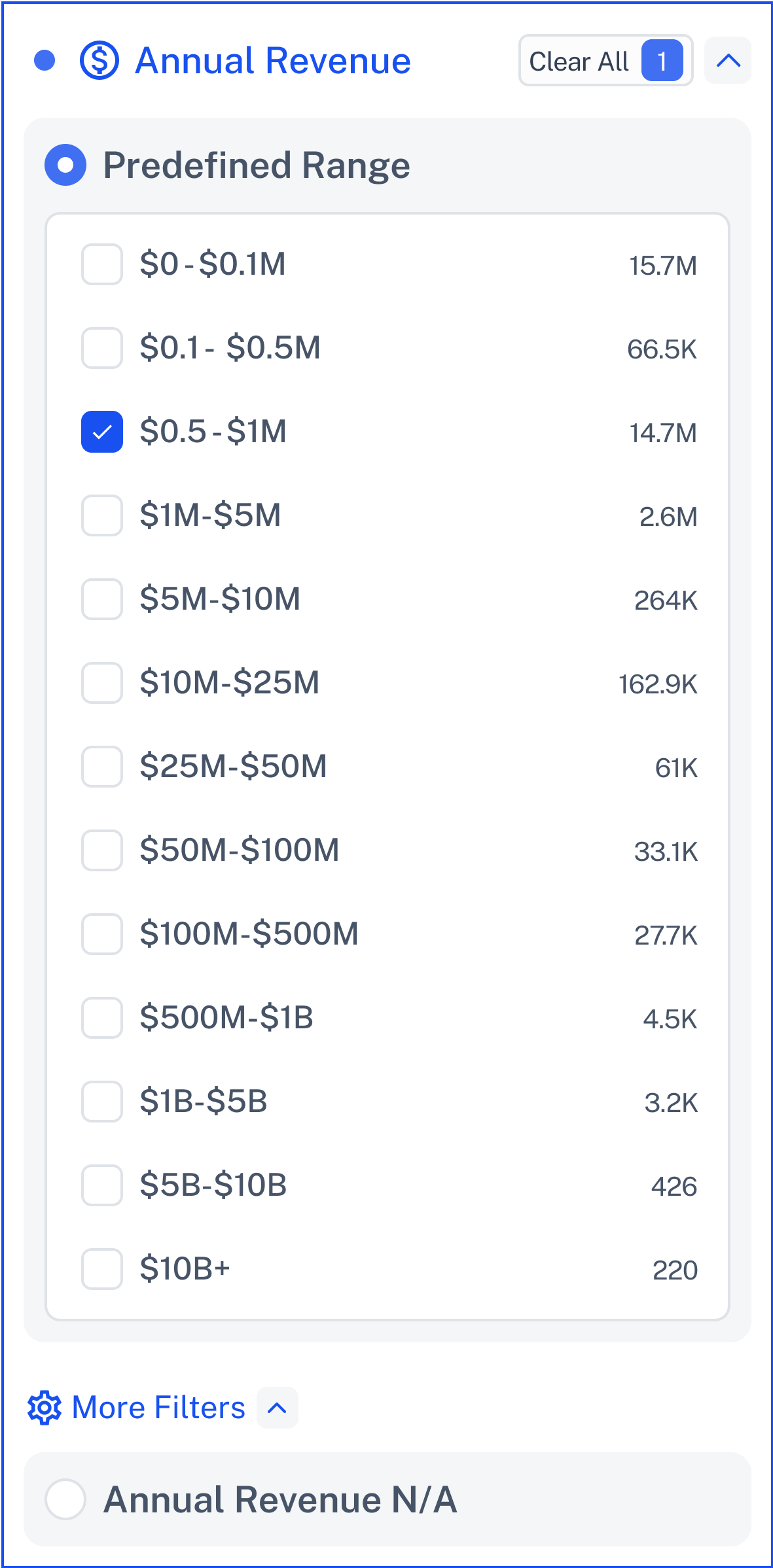
If a company doesn’t report revenue, use the N/A option.
🔍 More Filters - Revenue N/A
Some companies do not disclose revenue.
Check “Annual Revenue N/A” to include these profiles in your search.
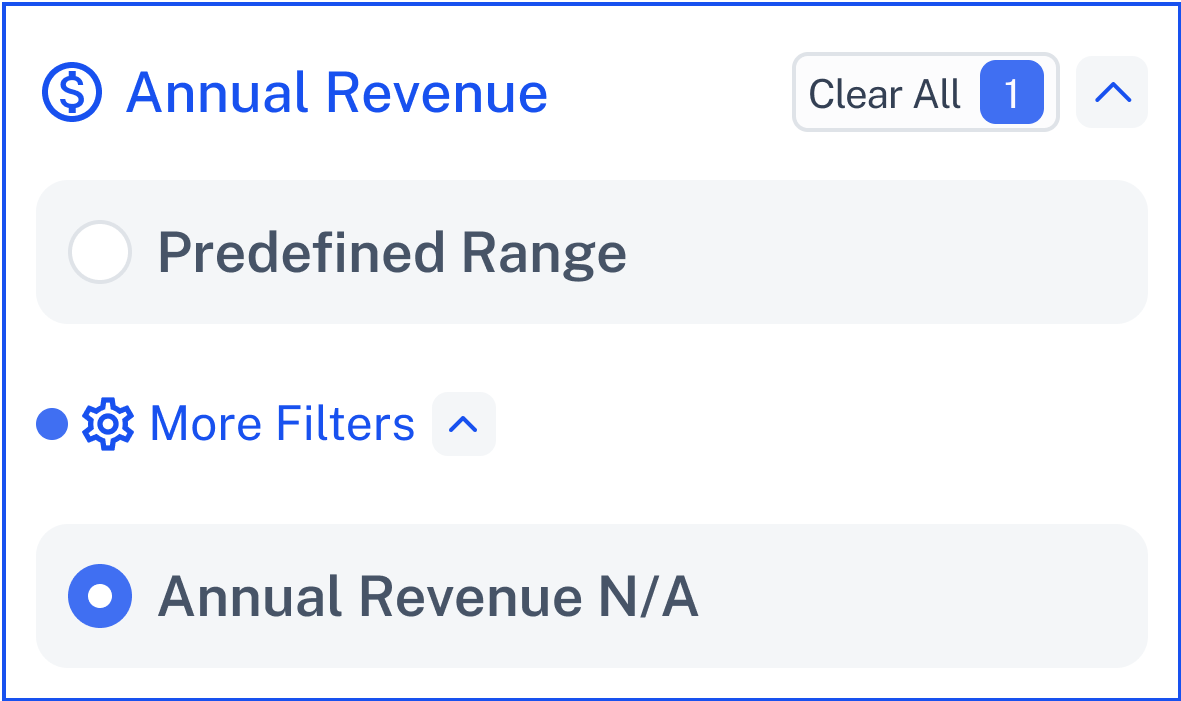
This is helpful when your target list includes early-stage companies or those with undisclosed revenue.
💡 Need Help?
Click Contact Support—we’re ready to help any time.