Step 1: Access Settings 0:00
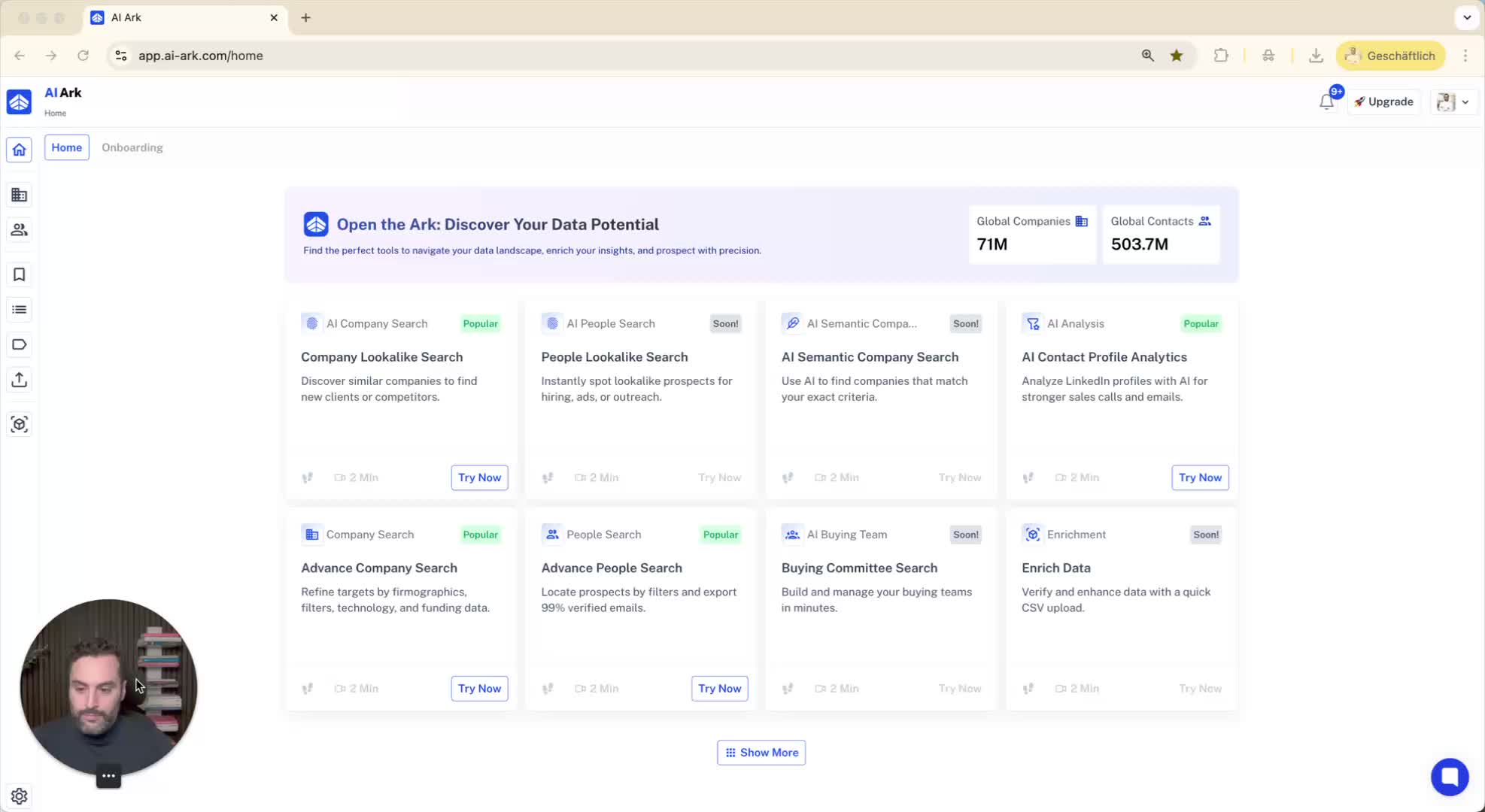
Navigate to the bottom left side of the dashboard.
Click on 'Settings'.
Step 2: Go to API Keys 0:00
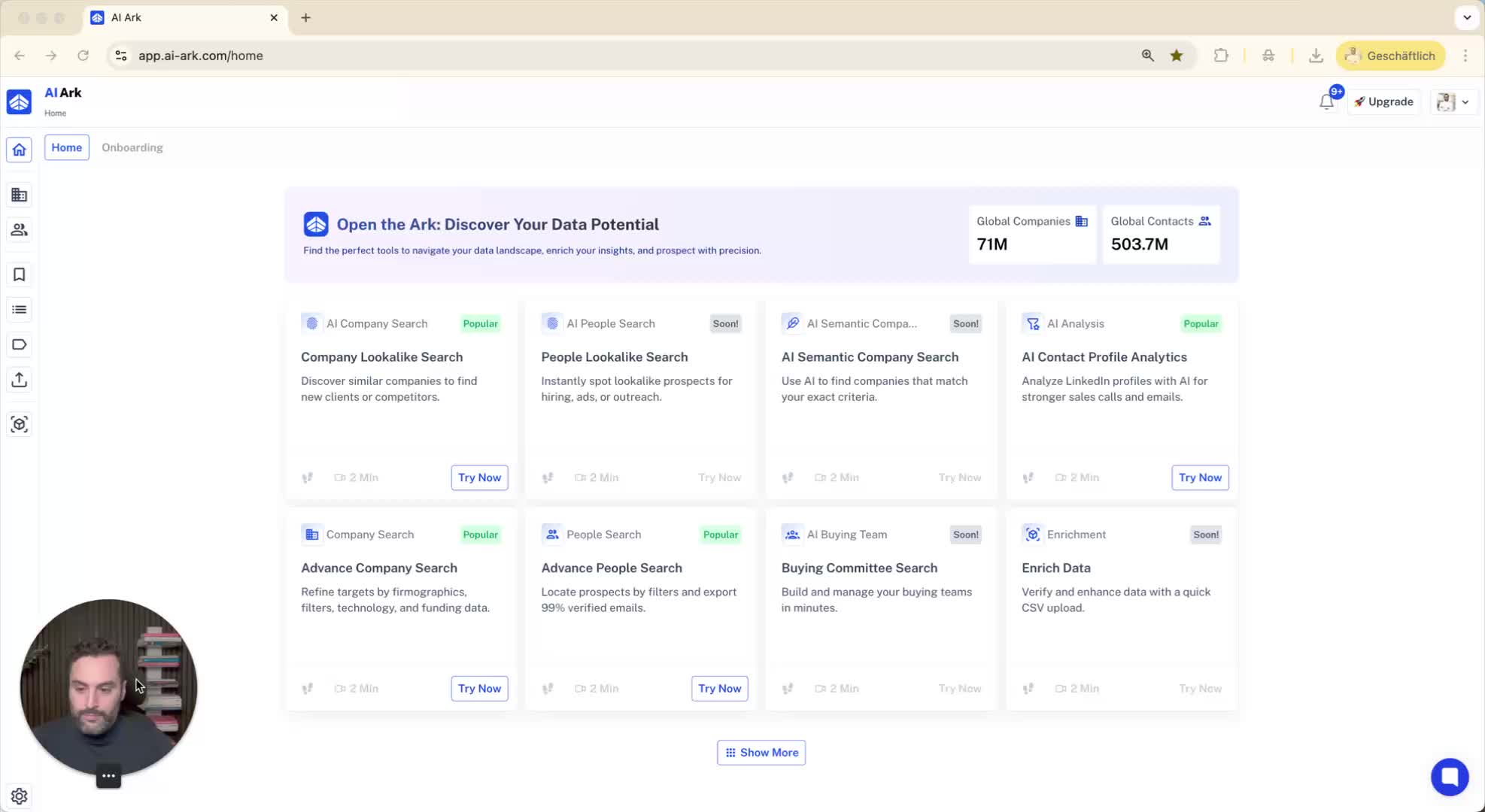
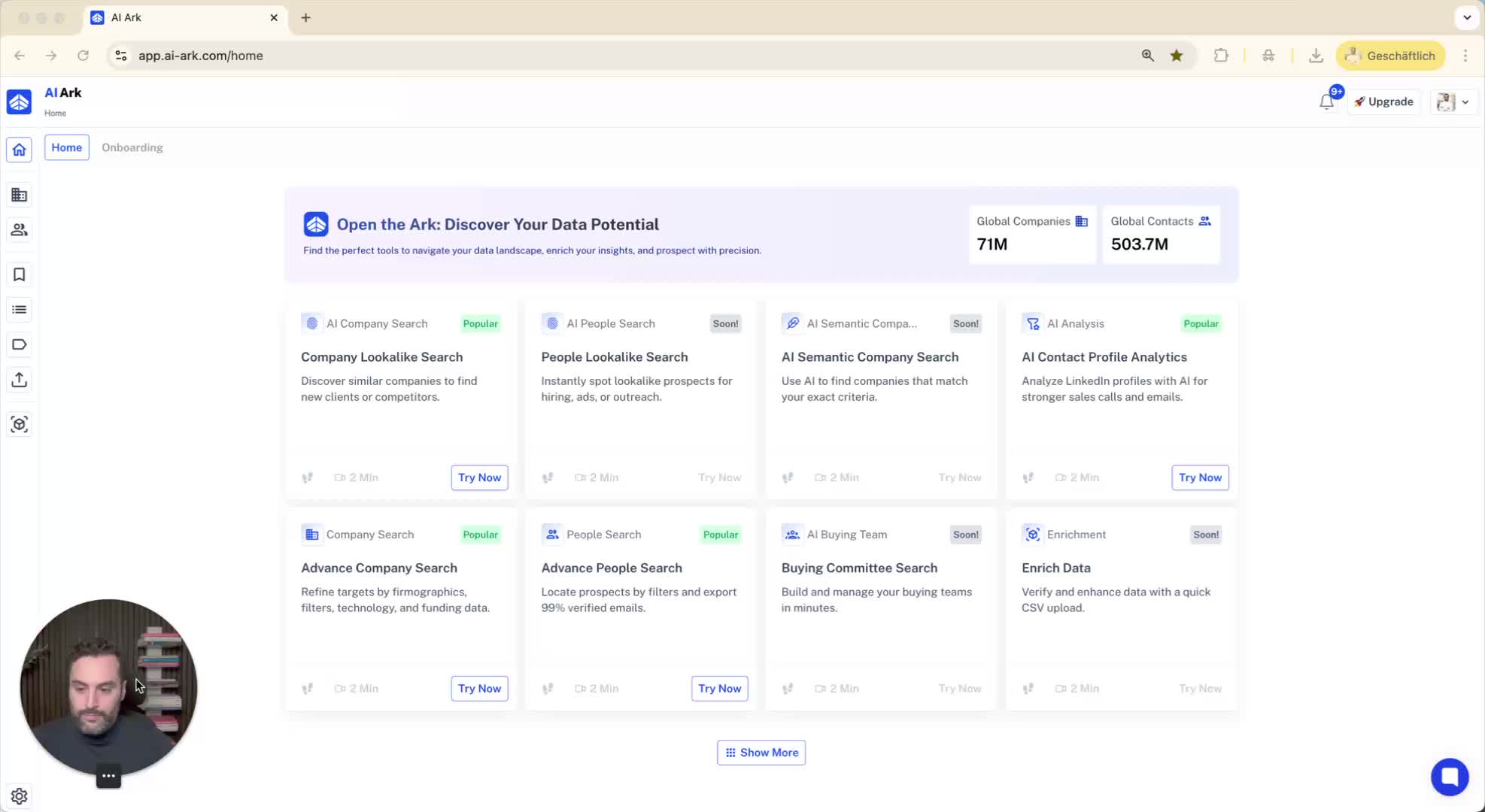
In the settings menu, select 'Dashboard API Keys'.
Step 3: View API Key Information 0:00
Here, you can see all information related to your API key usage.
Step 4: Create an API Key (if needed) 0:10
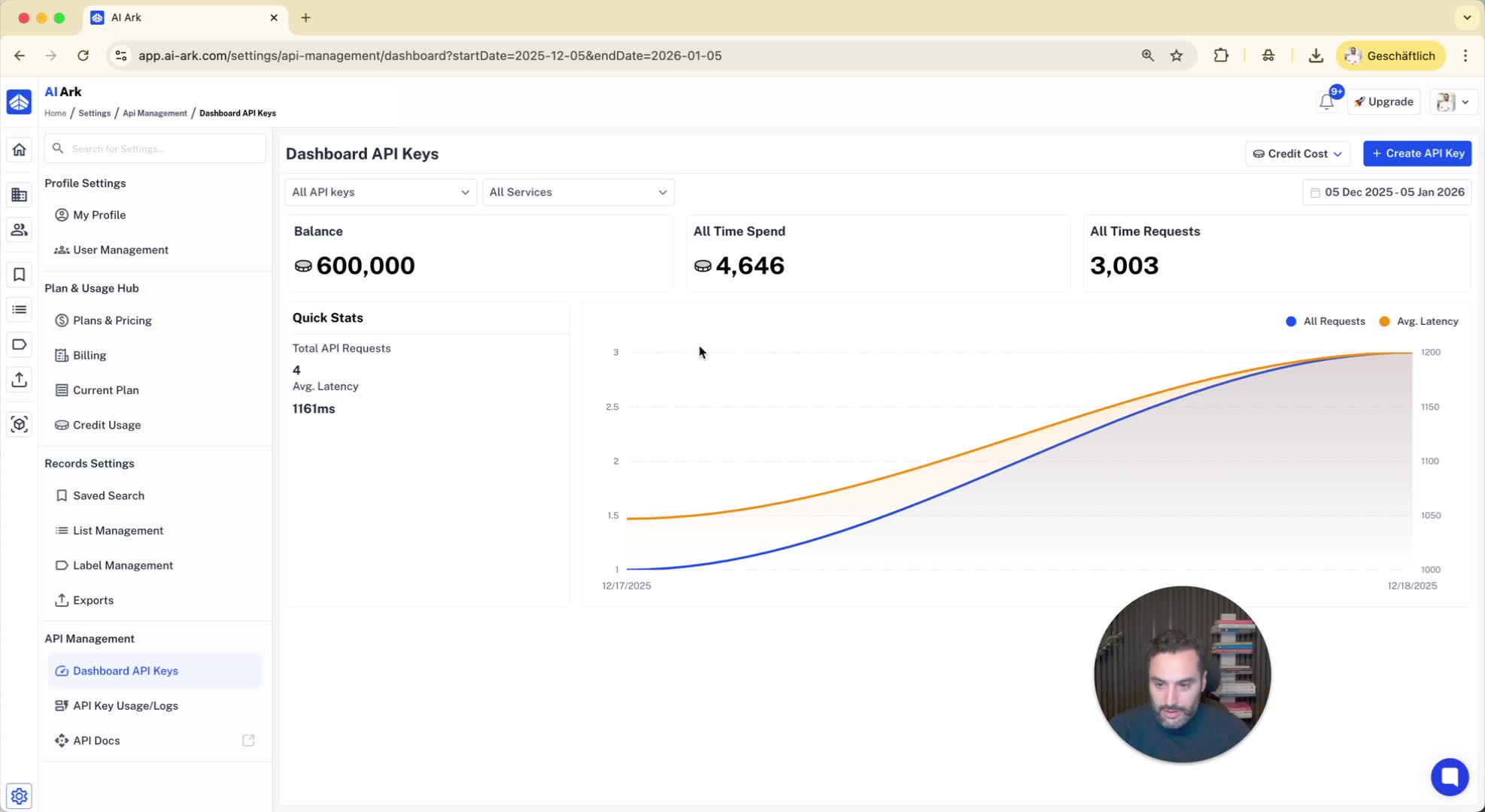
If you do not have an API key, click on 'Create API Key'.
Provide a name for your new API key.
Step 5: Save Your API Key 0:20
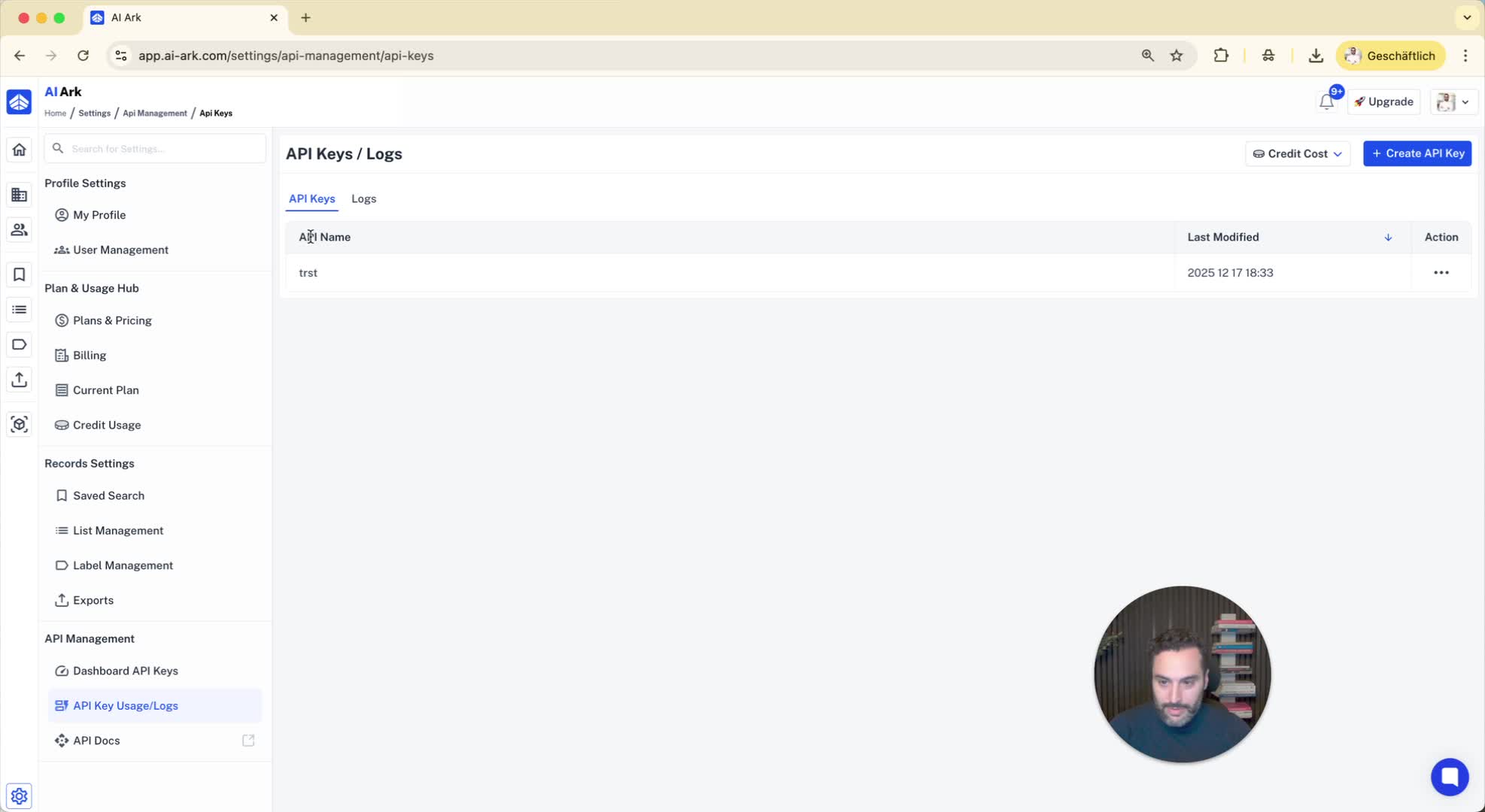
Make sure to save your API key after creation.
Step 6: Check API Key Usage 0:20
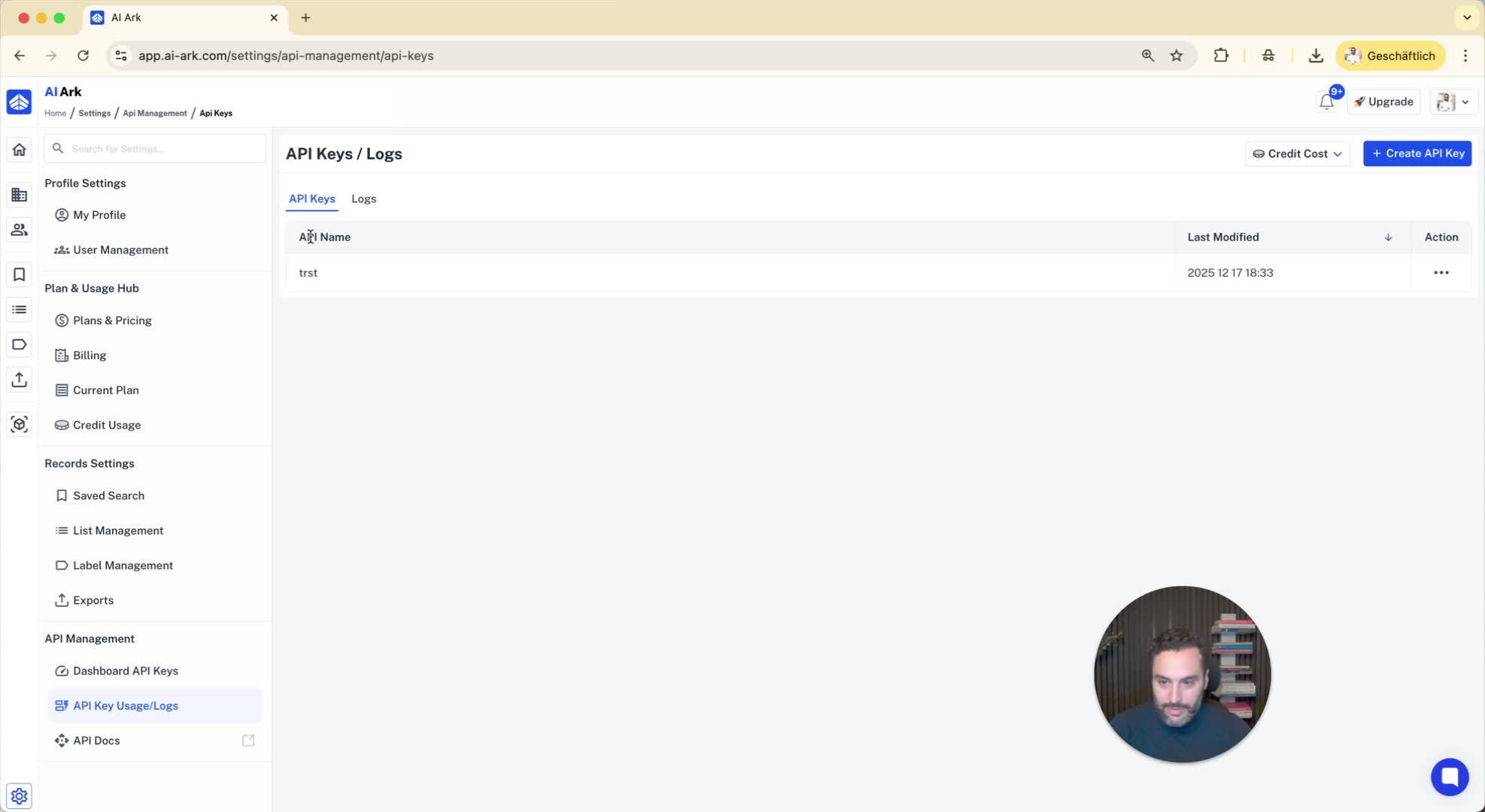
You can view your API keys and their usage statistics.
Step 7: Access API Documentation 0:29
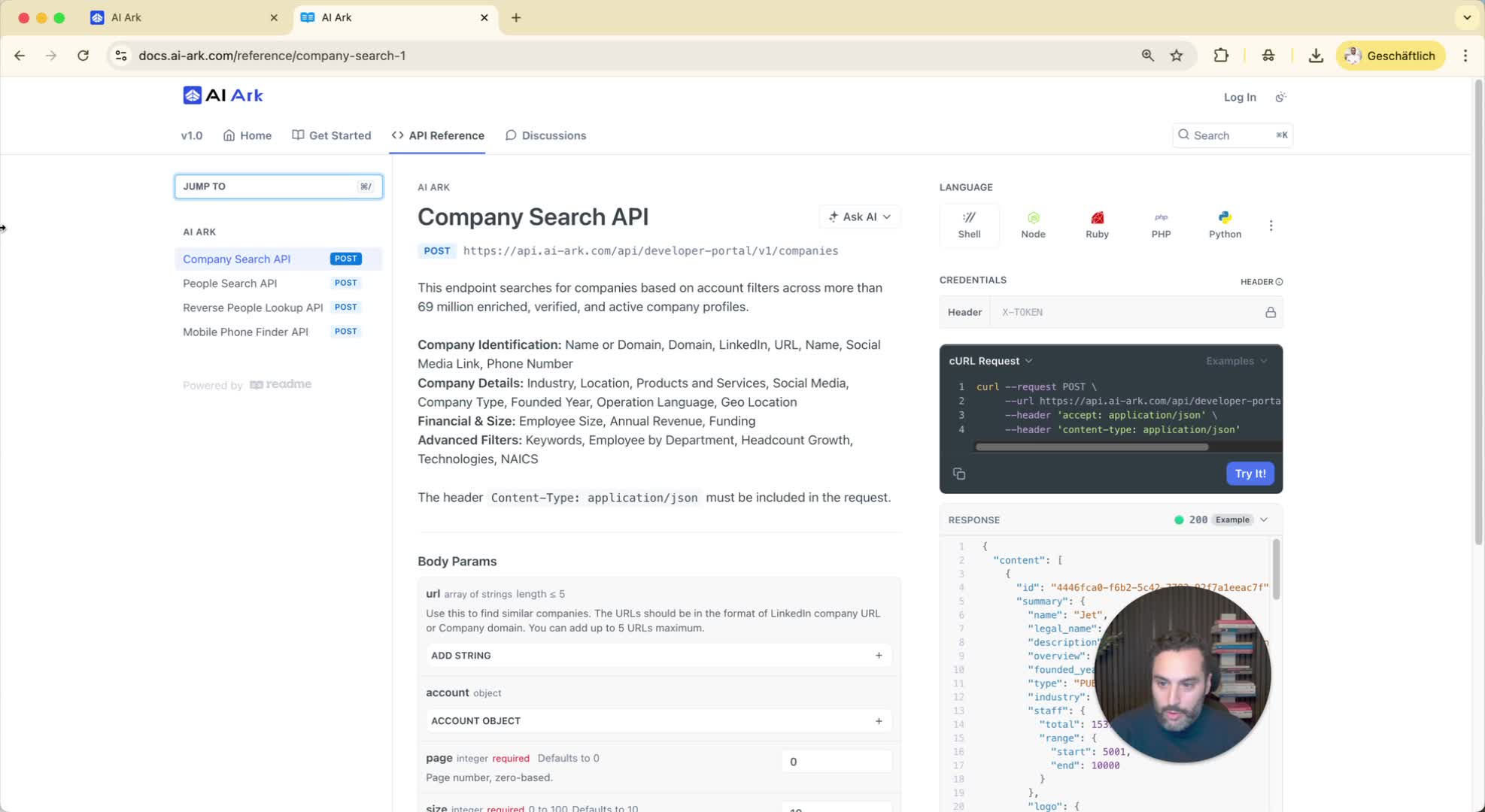
Click on 'API Docs' to view the documentation related to the API.
