1. Identify the Problem 0:00
Some clients report having zero results in their searches.
This often occurs due to overly restrictive filters.
2. Example of Overly Restrictive Filters 0:06
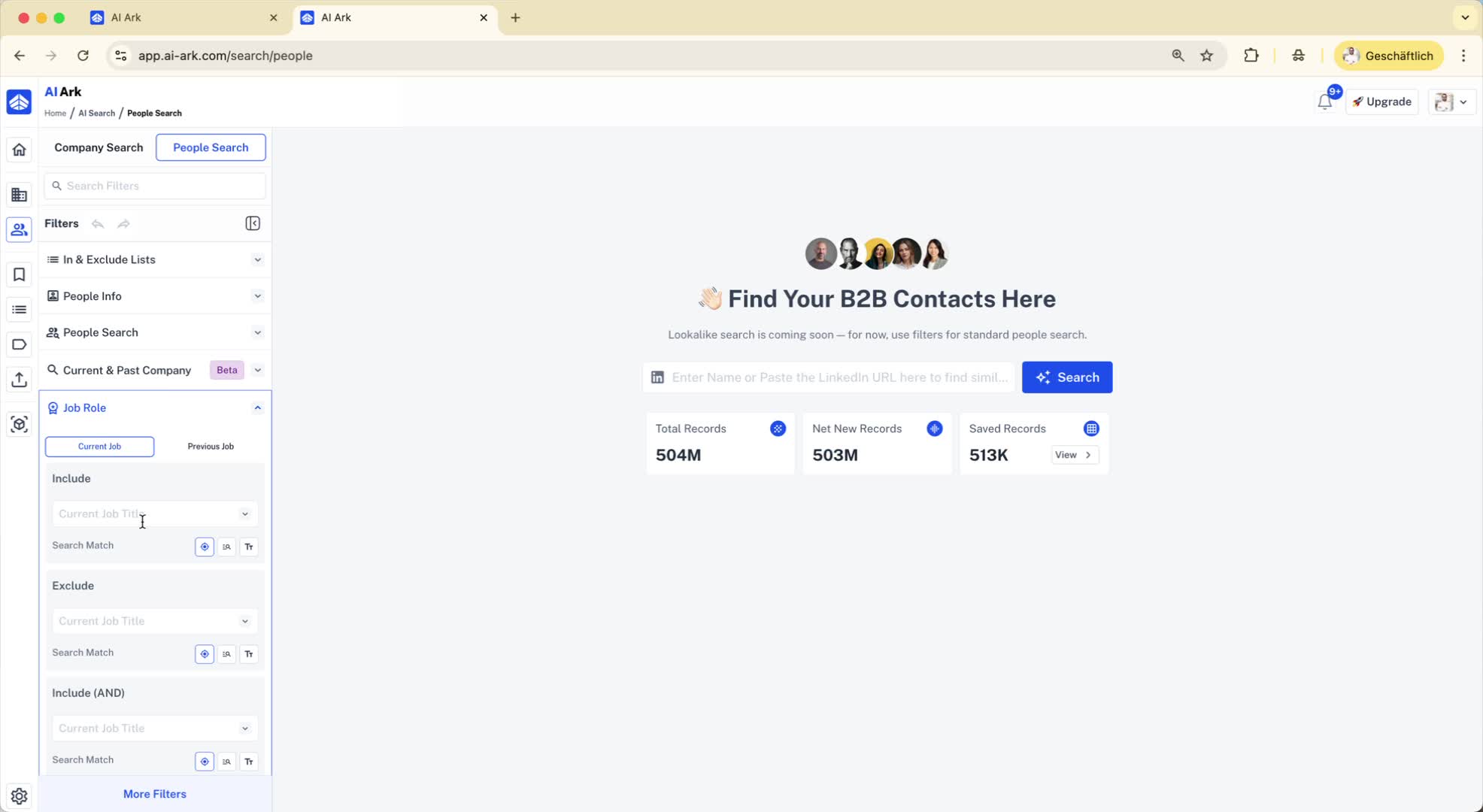
For instance, searching for 'Chief Executive Officers' with the following filters:
Employee size: 5,000 to 10,000
LinkedIn premium members
Industry: Manufacturing
Industry: Shoes
This combination can lead to zero results due to too many specific filters.
3. Check Filters Causing Zero Results 0:36
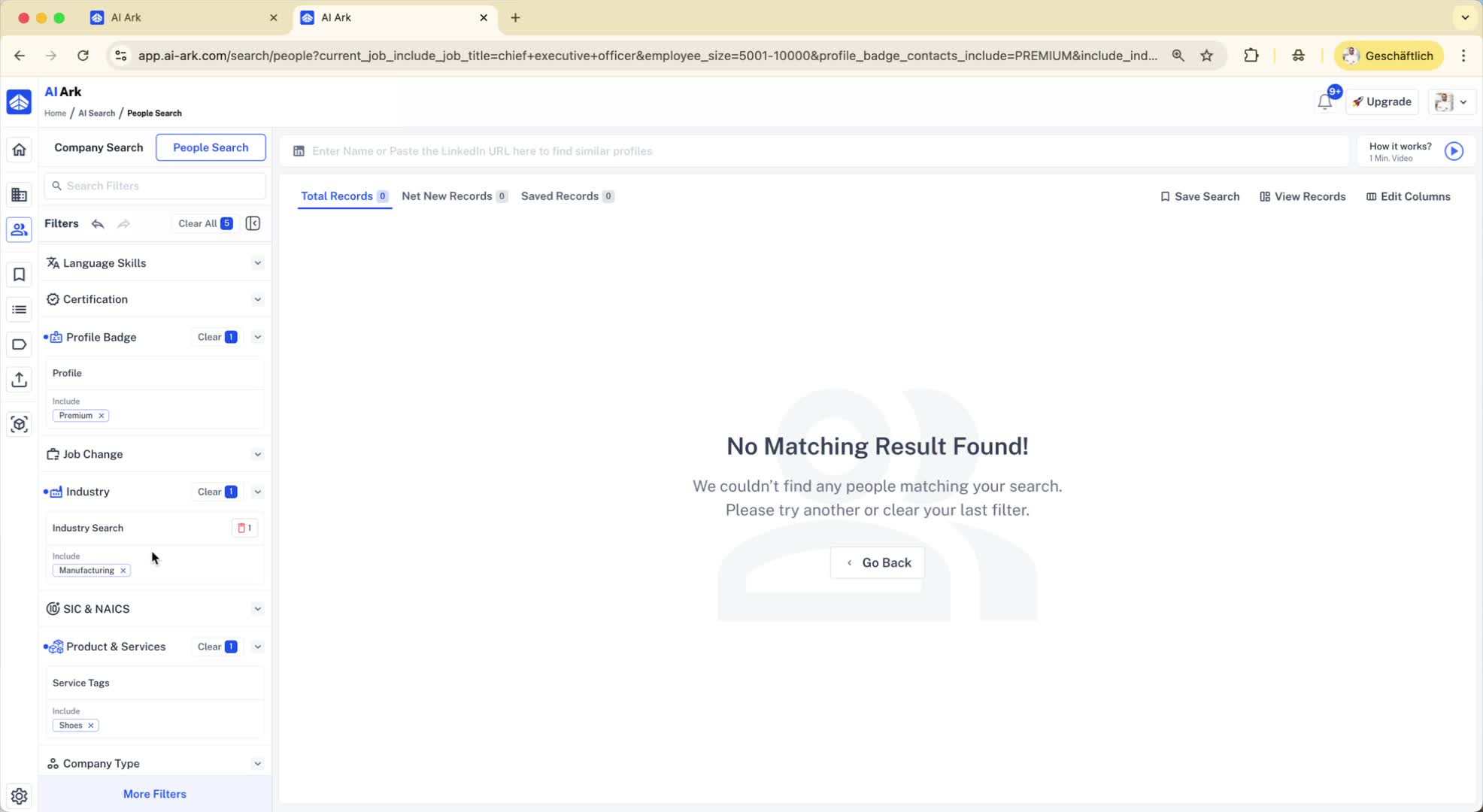
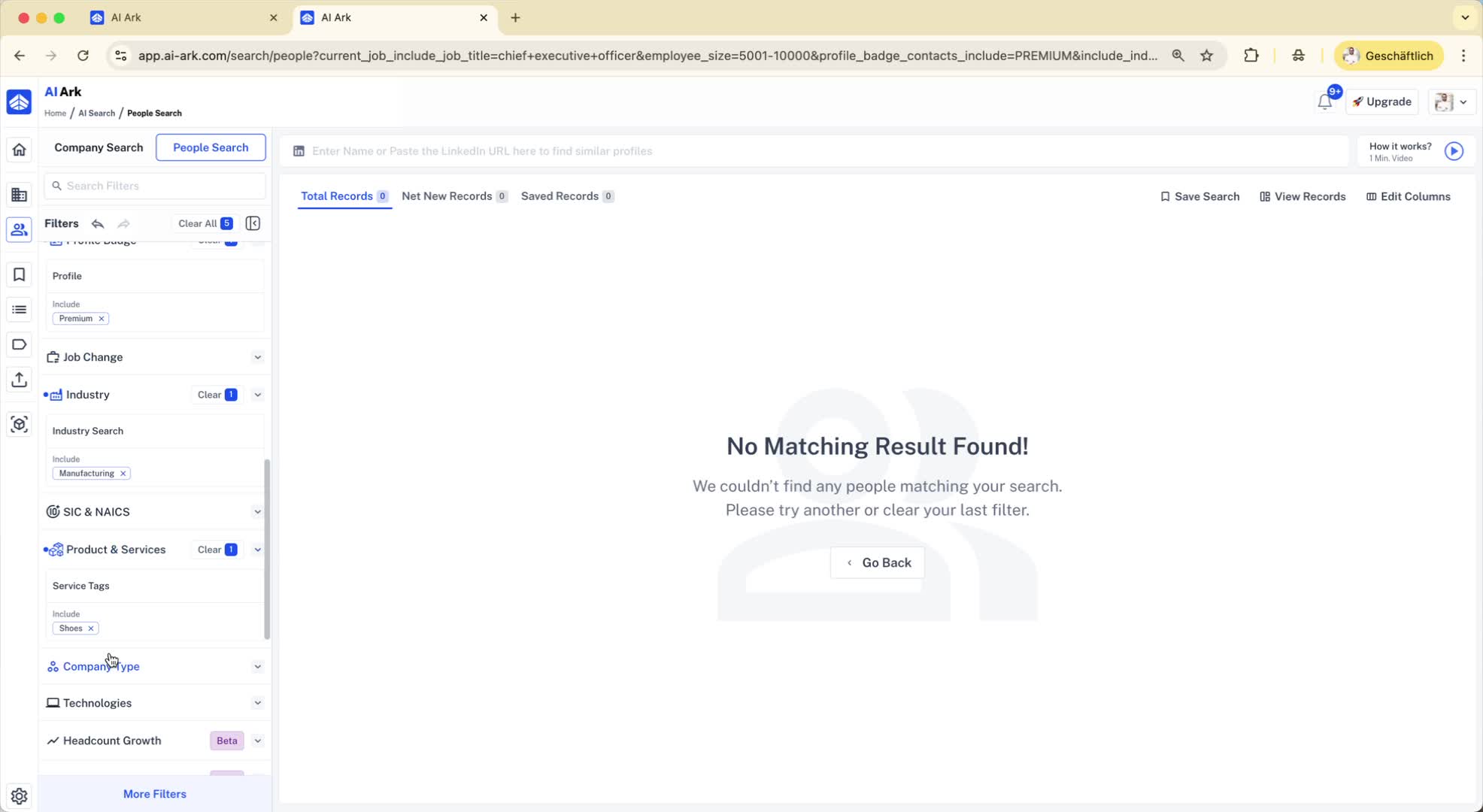
If you encounter zero matching results, review the filters applied.
In the example, removing the 'Product and Services' filter yielded results.
4. Verify Database Functionality 0:42
To confirm if the issue is with the database or filtering:
Go back to the home button.
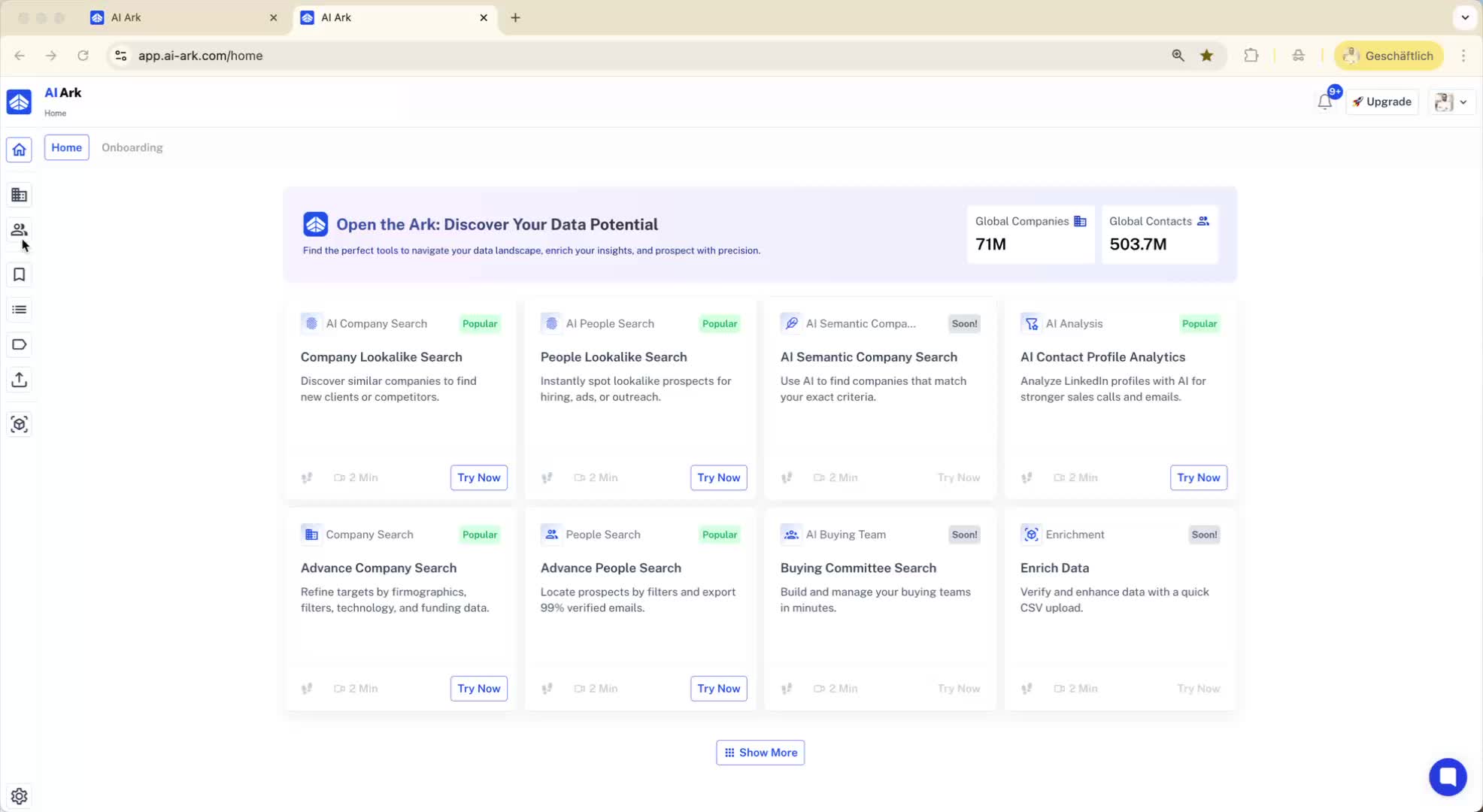
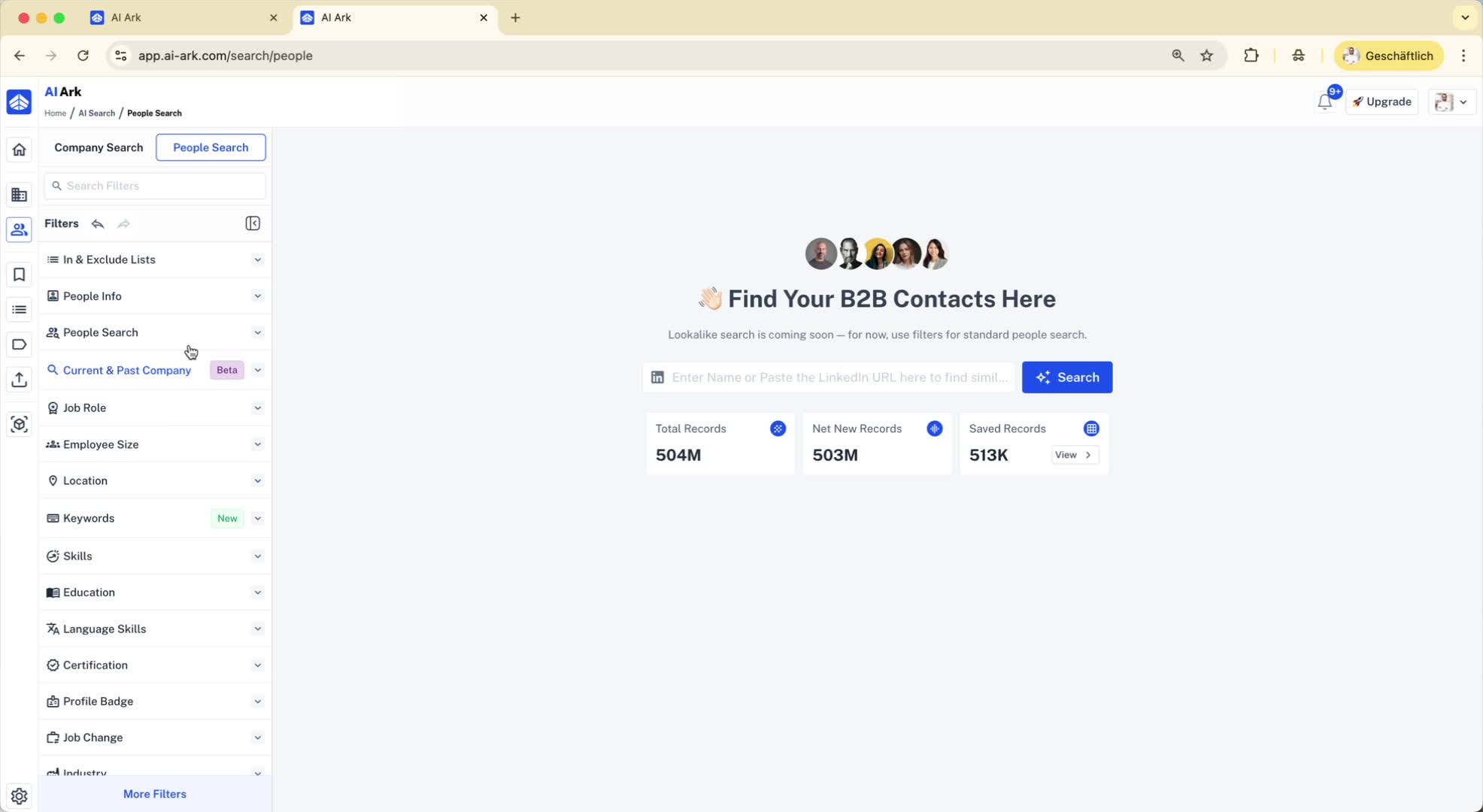
Check the number of global contacts available (e.g., 503).
Perform a simple search with broad criteria (e.g., location: North America).
If results appear, the database is functioning correctly.
5. Report Persistent Issues 1:06
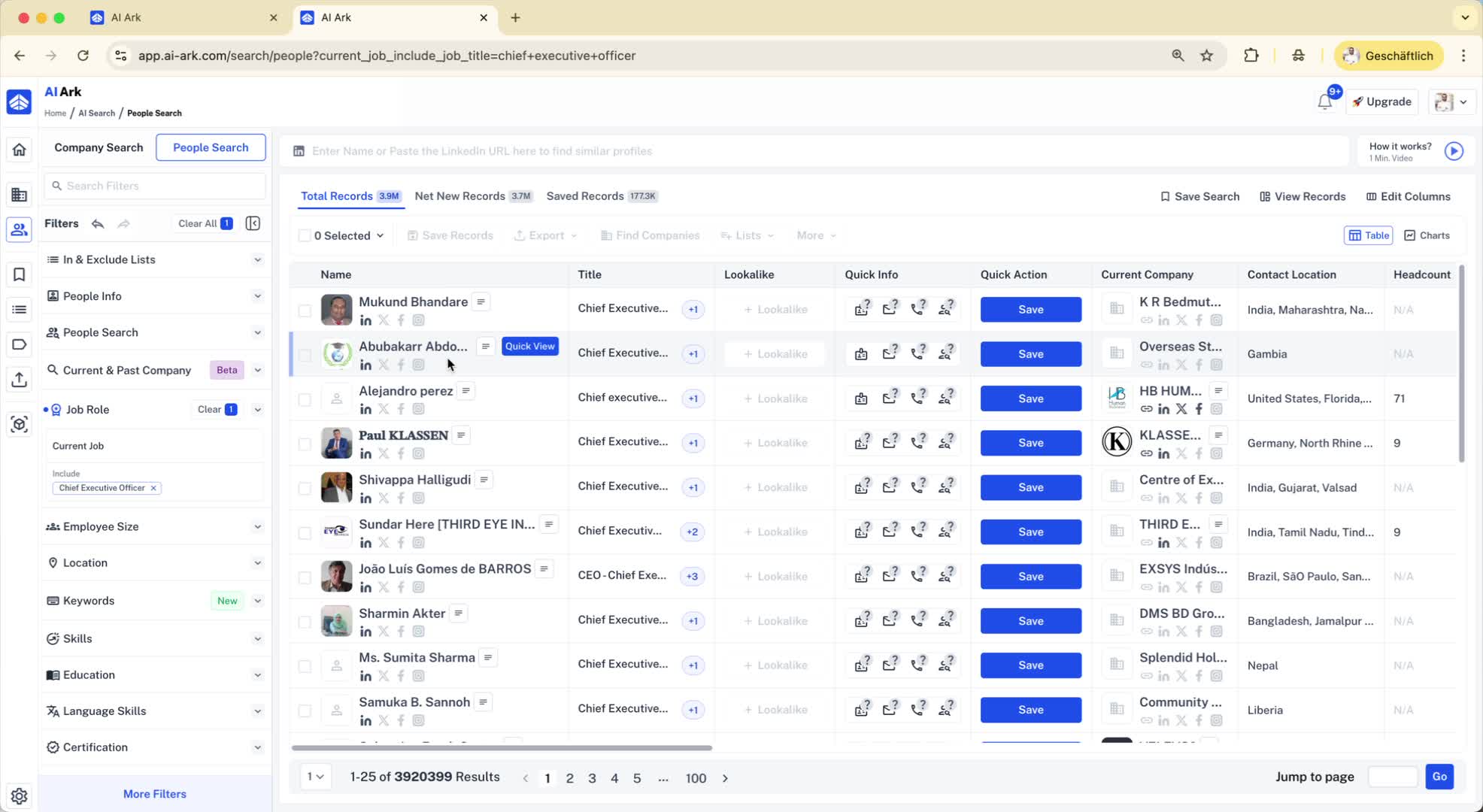
If you use broad filters (like only a job title) and still get zero results:
Report this issue for further investigation.
6. Conclusion 1:19
Thank you for your attention.
This guide aims to help you troubleshoot and resolve issues with search results.
