1. Accessing Exported Lists 0:00
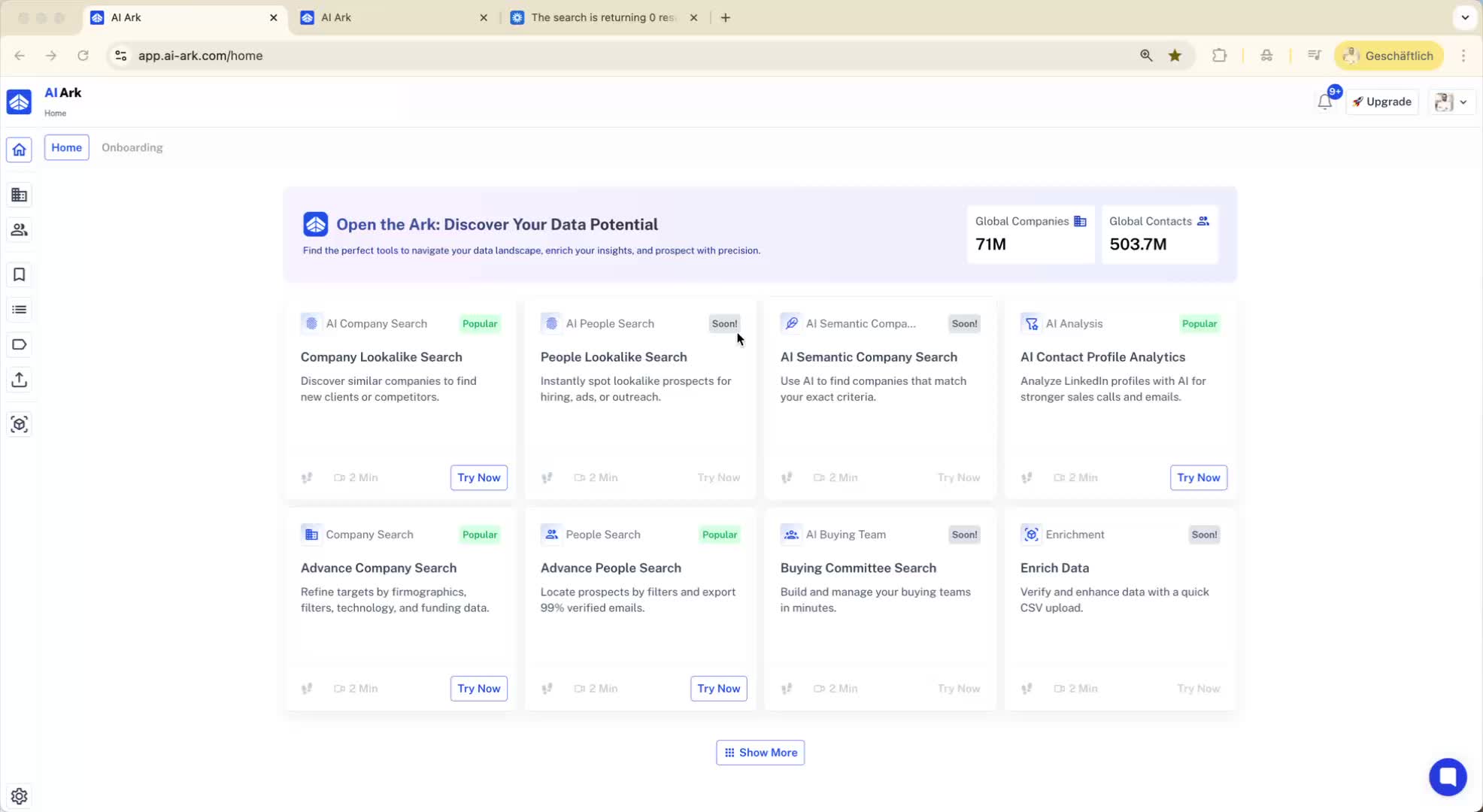
Navigate to the 'exports' section to view all previously exported contacts and companies.
Use the search function to find specific searches and see the number of records exported.
2. Understanding Saved Records 0:43
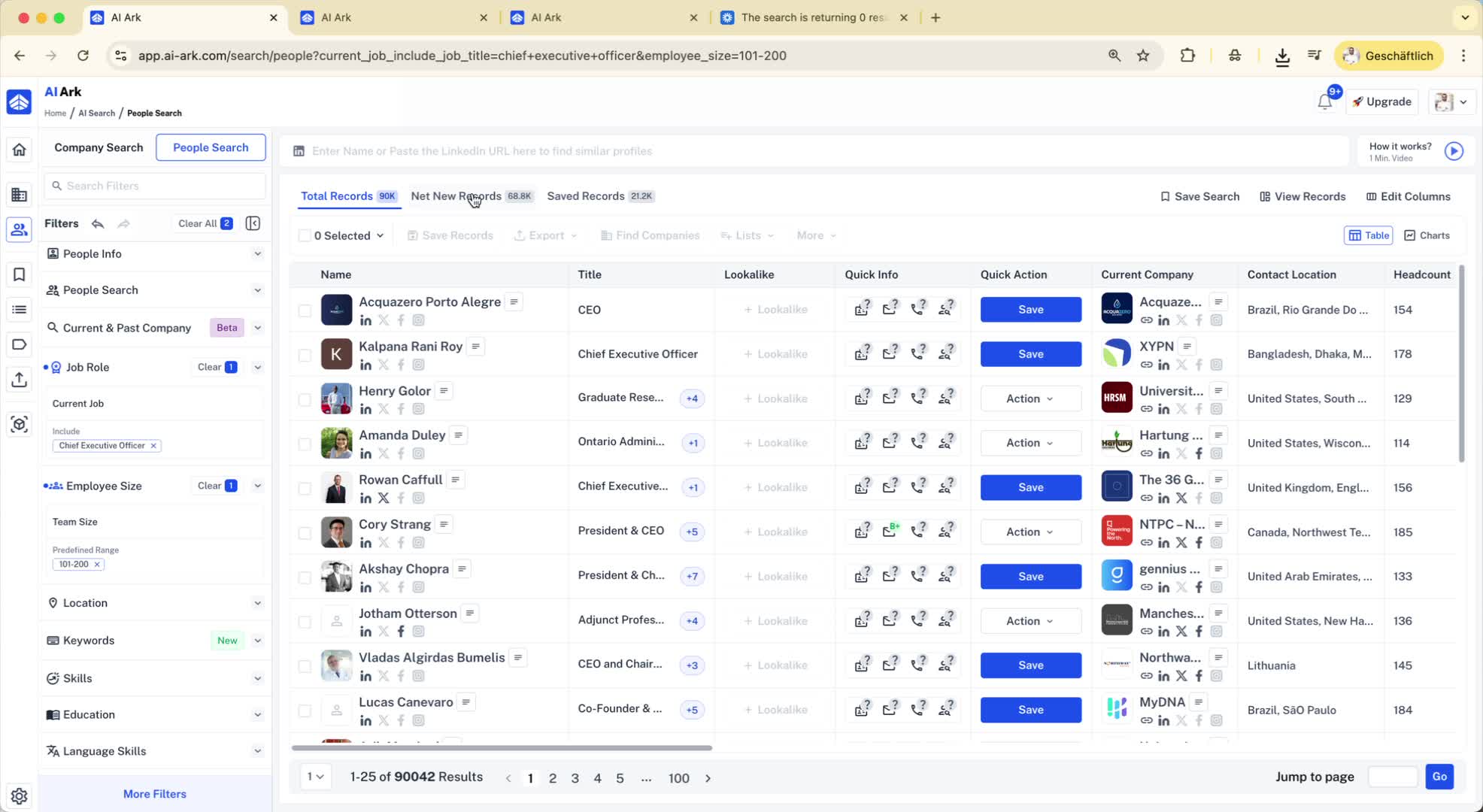
When performing a new search, note the total records available and the breakdown:
Net new records: Records not previously exported.
Saved records: Records that have been exported or saved in a list.
3. Exporting Saved Records 1:06
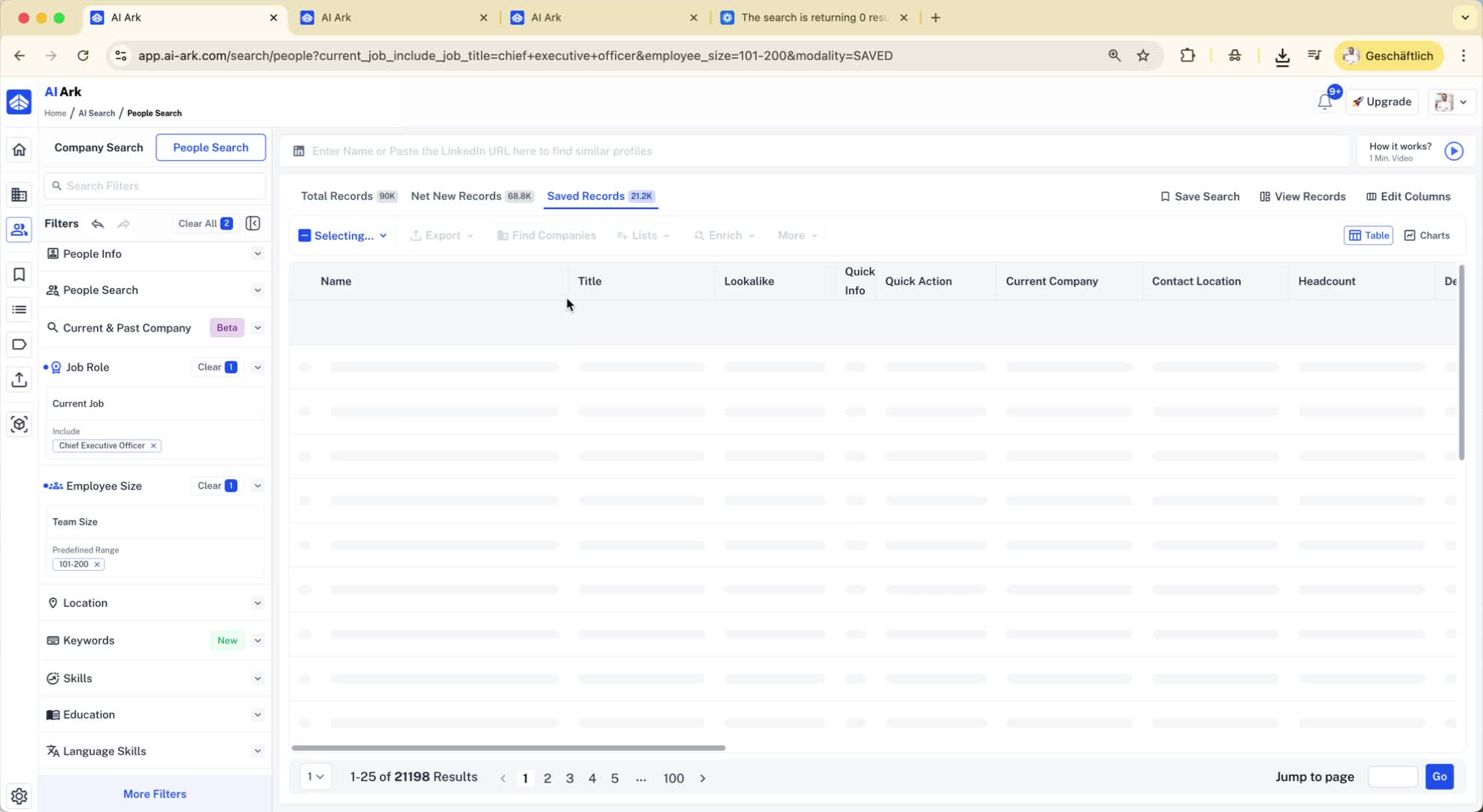
When exporting saved records, you have options:
By default, the email verifier is turned on, which incurs a charge for re-verifying emails (0.1 credits).
If you export without re-verifying, it will not consume any credits.
4. Updating Records 1:50
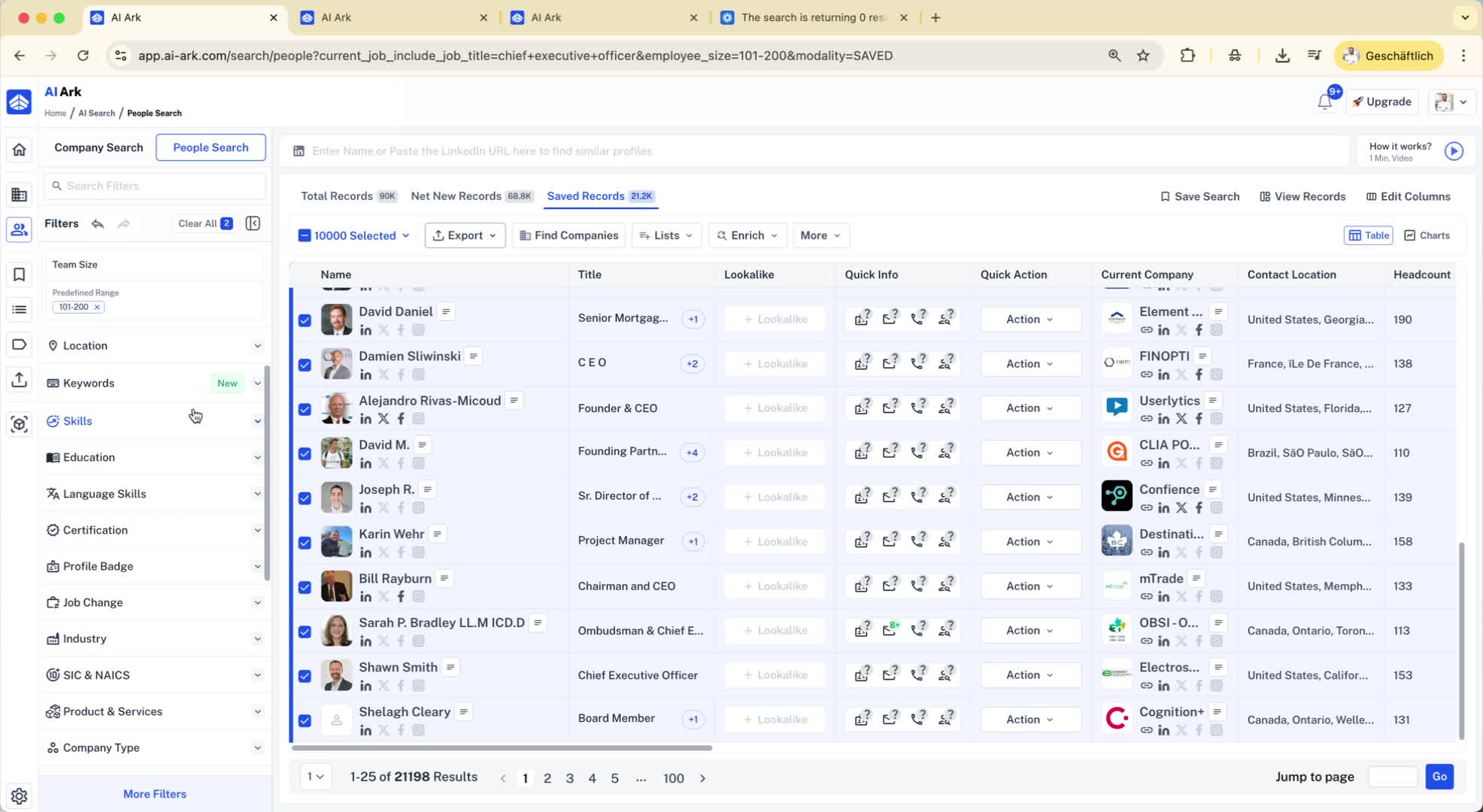
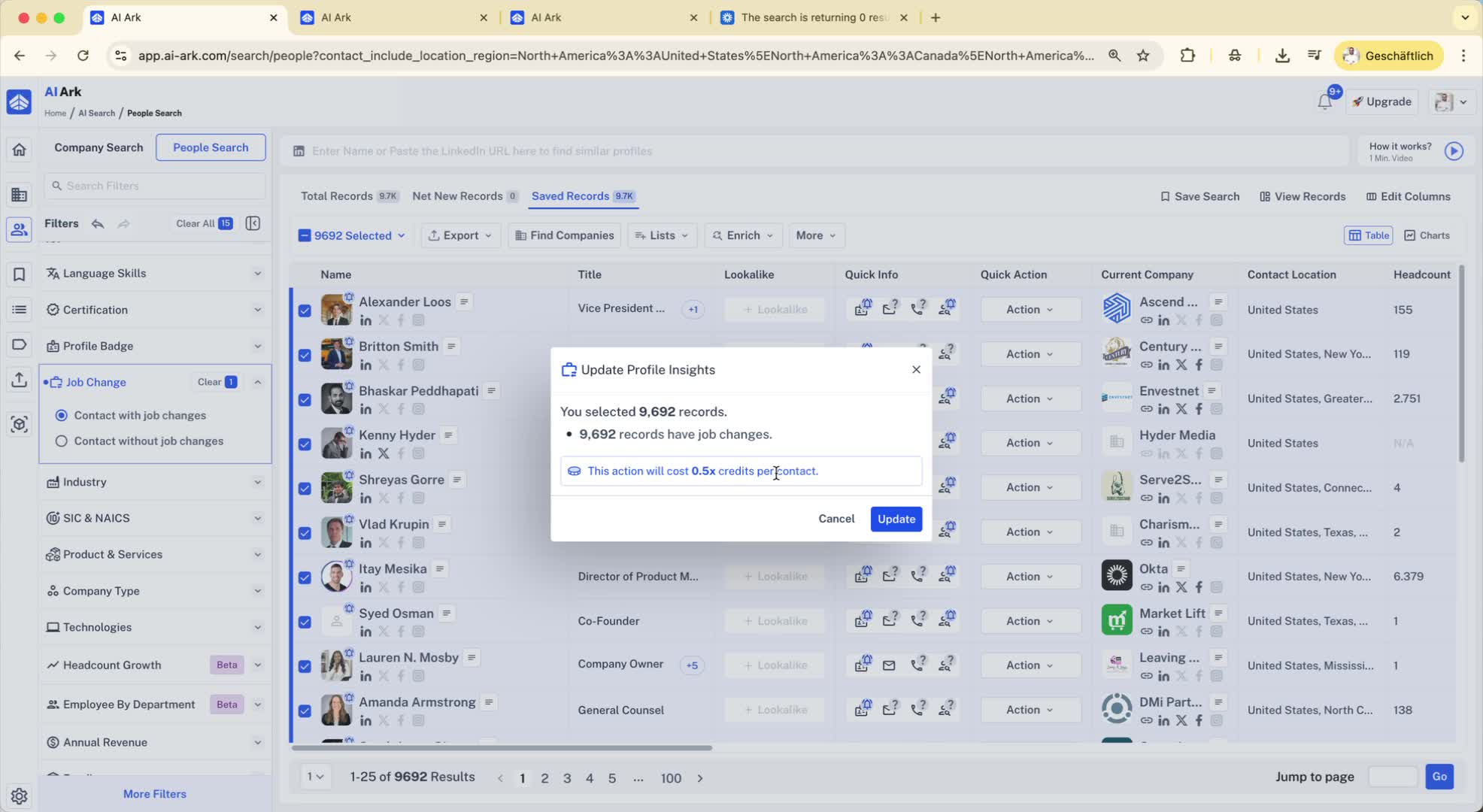
For saved records that may have changed (e.g., job changes), you can:
Select all records and choose to update job changes or profile insights.
Enrich emails if needed.
5. Handling Net New Records 3:35
Consider the net new records available for export, which are records not previously exported.
