Step 1: Set Up Your Search 0:00
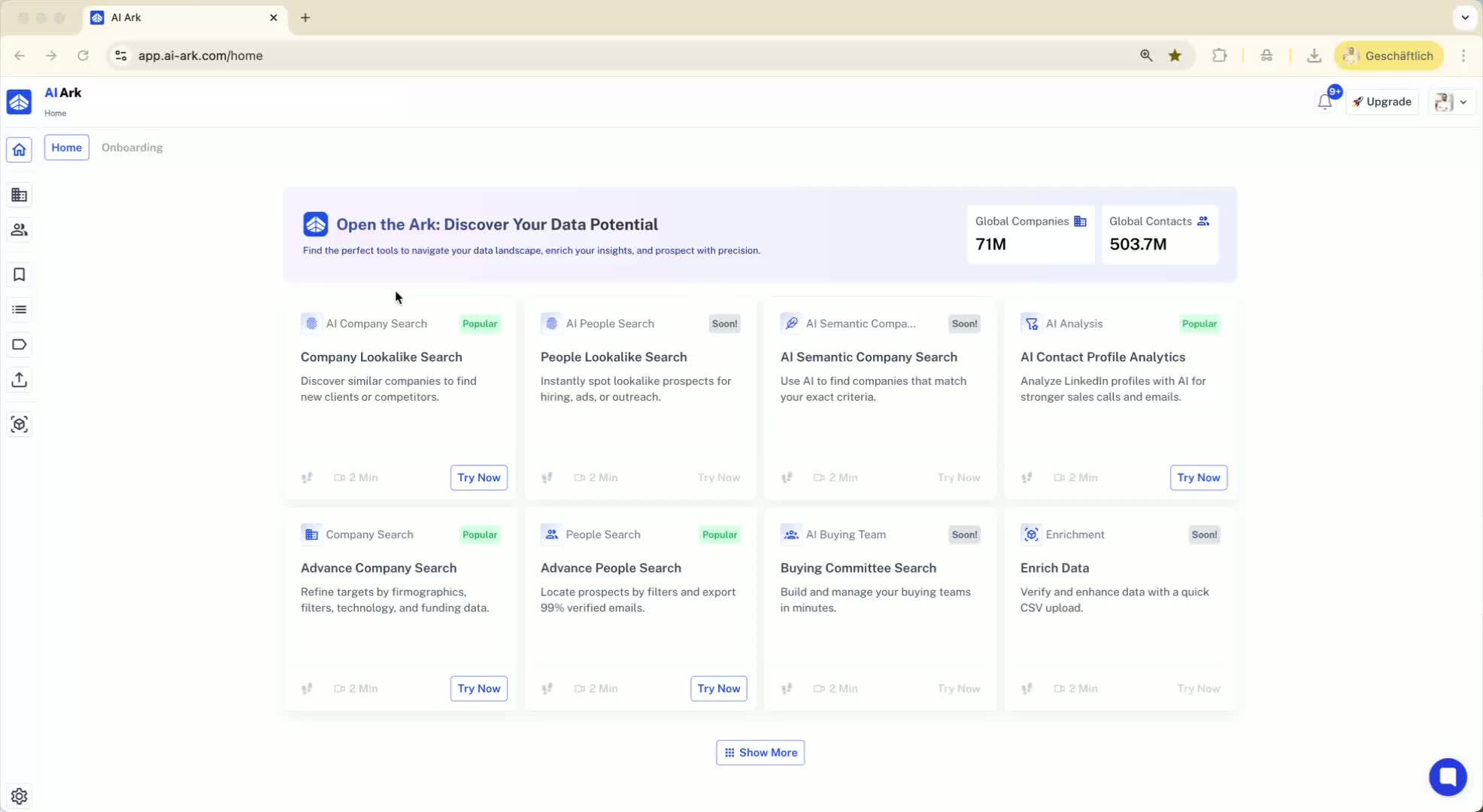
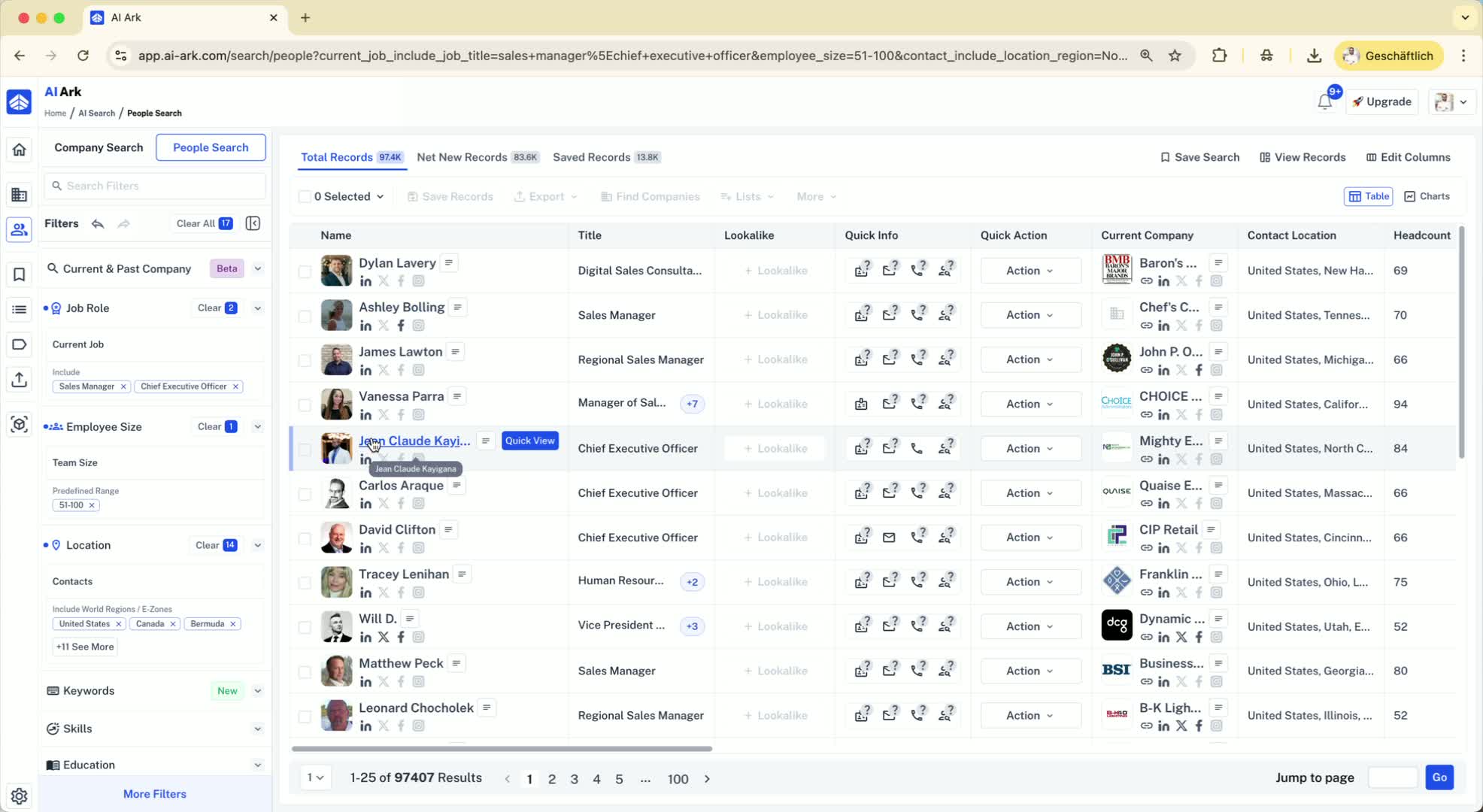
Begin by defining your search criteria (e.g., job titles, employee size, location).
Example: Search for 'Sales Manager' and 'CEO' with employee size 50 to 100 in North America.
This search yields a total of 97,000 records.
Step 2: Understand Record Types 0:26
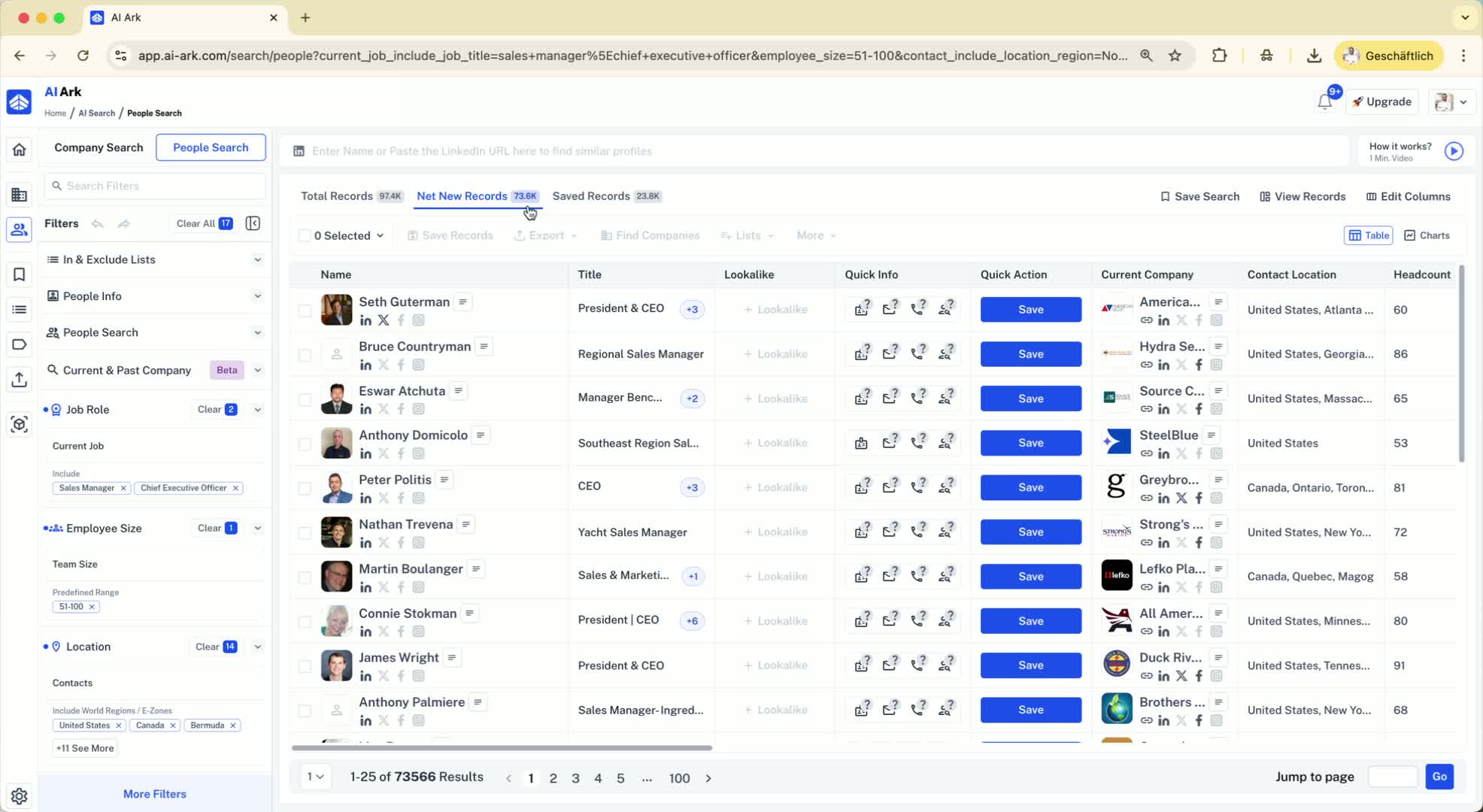
Familiarize yourself with the types of records:
Net New Records: Records you have never exported or saved before.
Safe Records: Records you have previously exported or saved.
Step 3: Exporting Net New Records 1:36
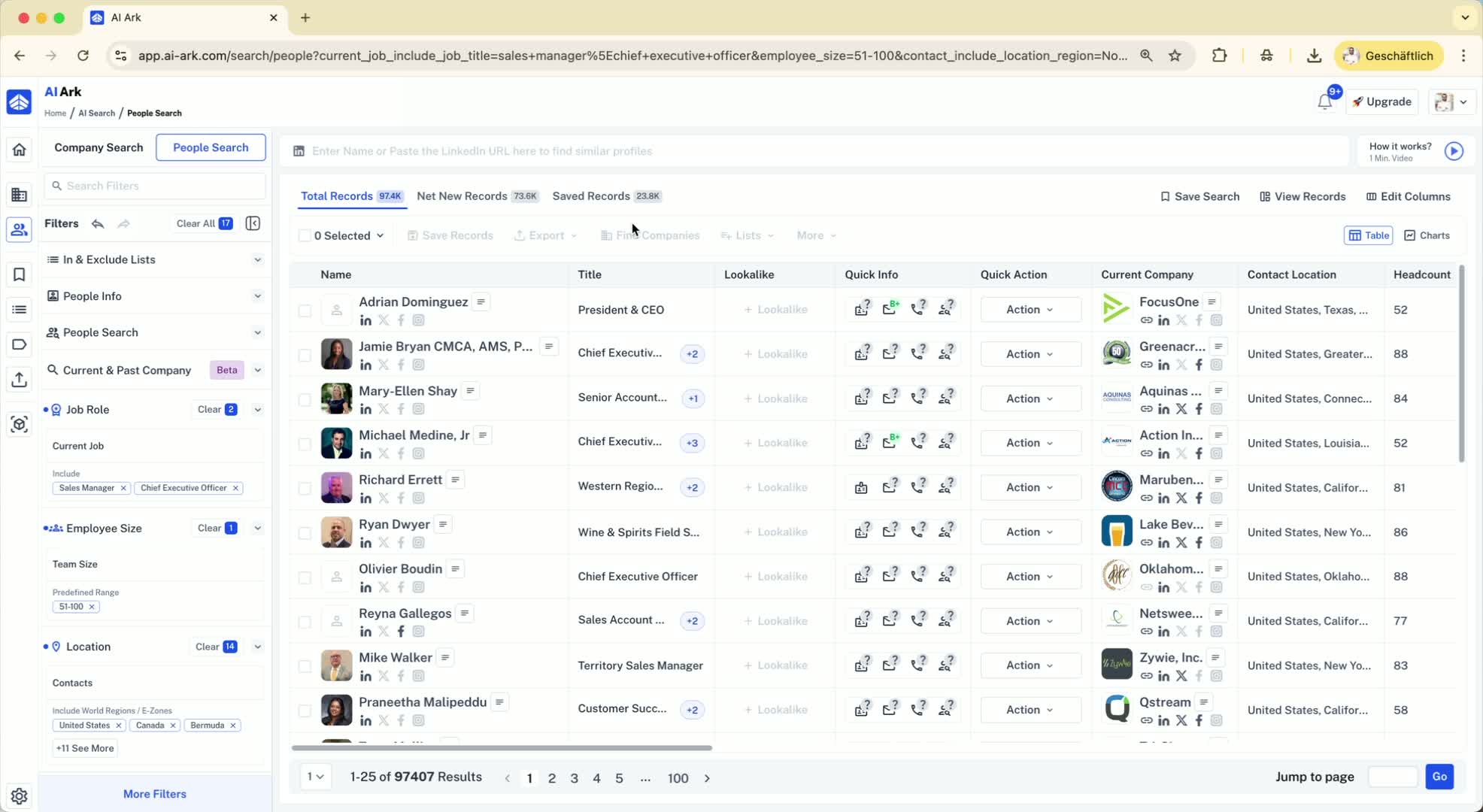
To export more than 10,000 records, start by exporting net new records:
Export 10,000 records at a time until you reach zero net new records.
After exporting, refresh the page to see updated counts of total and safe records.
Step 4: Exporting All Records for Agencies 1:45
If you need to export all records (e.g., for different clients), follow this method:
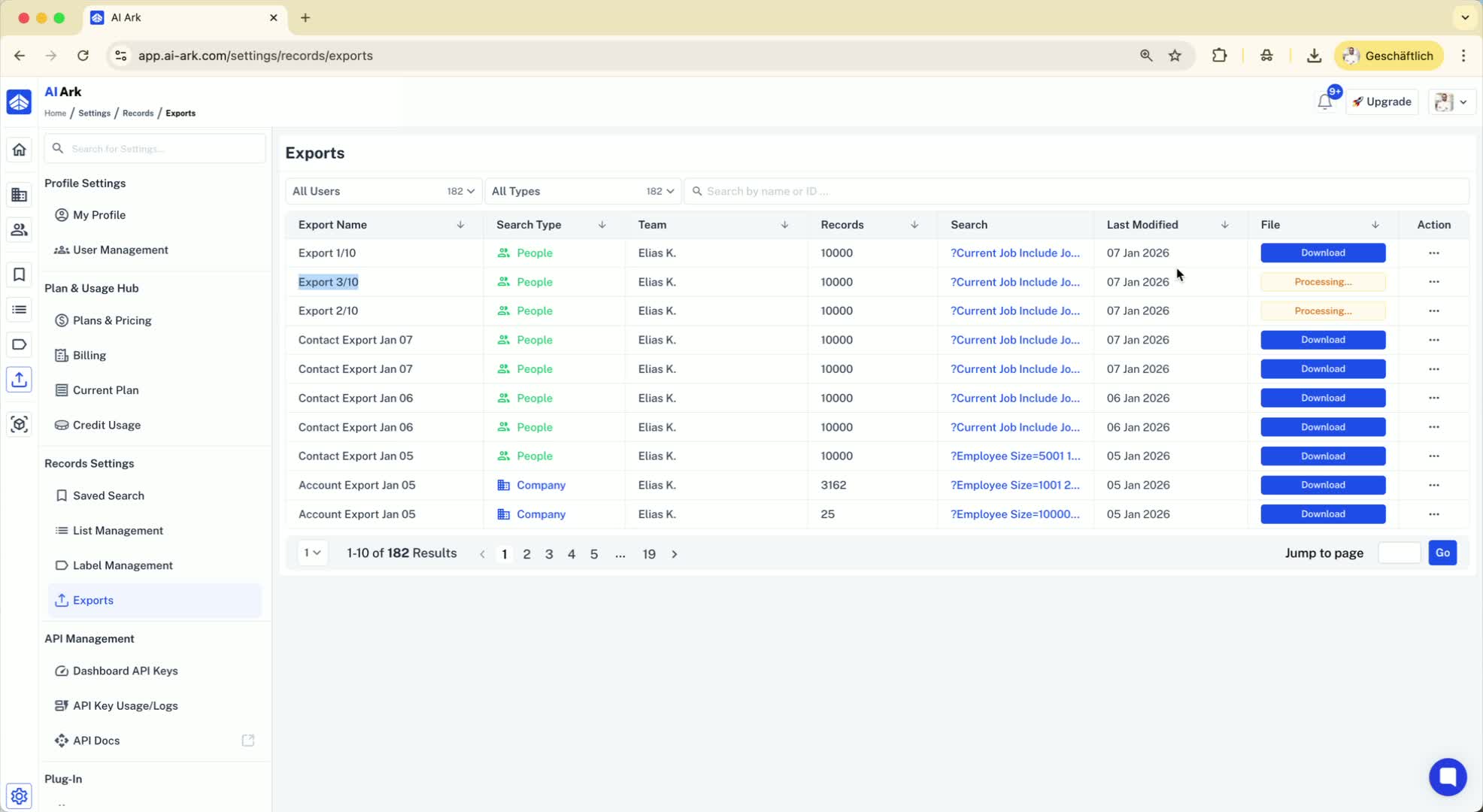
Export 10,000 records at a time, naming each export (e.g., 'Export 1 out of 10').
Create a list for these exports (e.g., 'List Export Example January').
Ensure to add each batch of exported records to this list.
Step 5: Exclude Exported Records 3:34
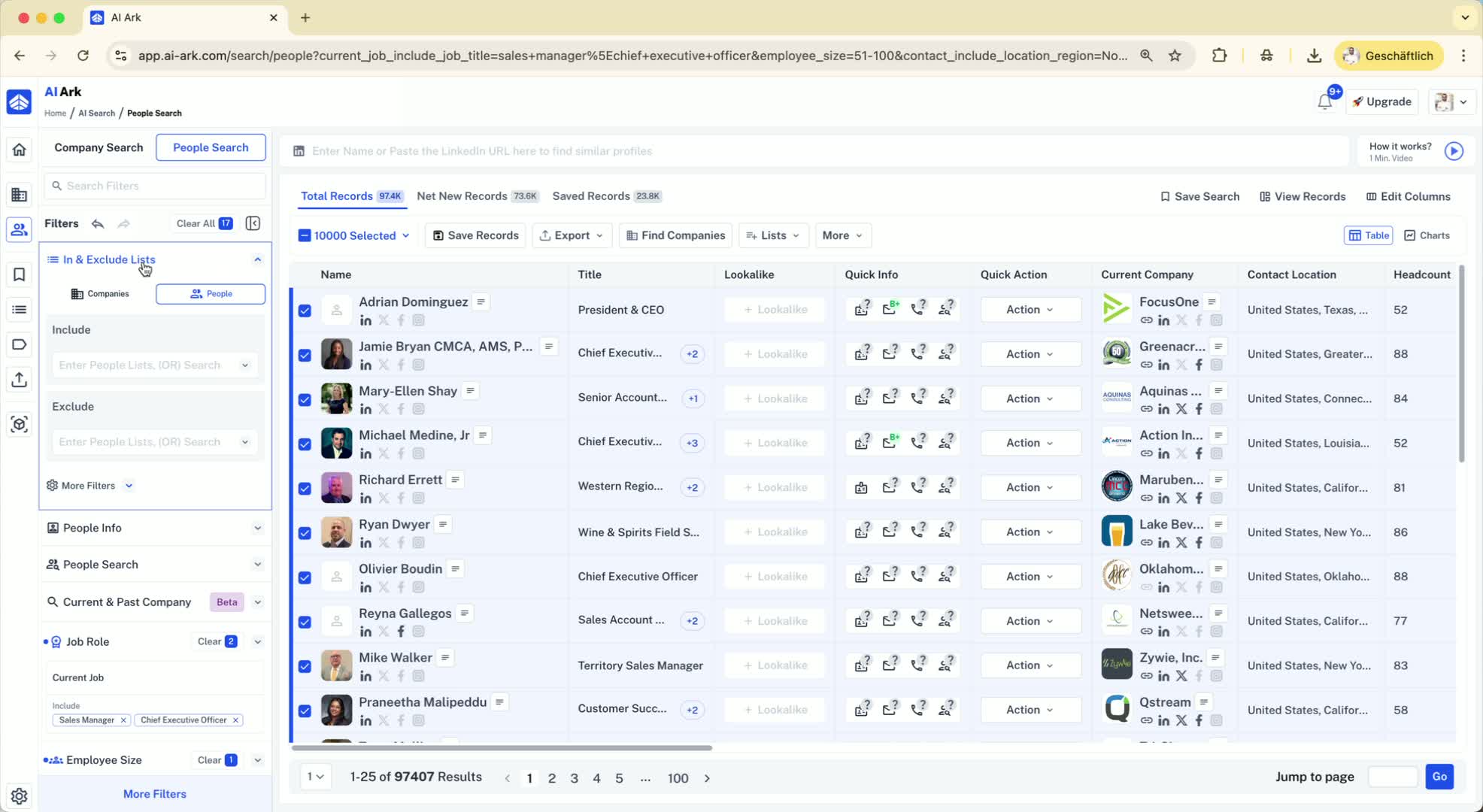
After exporting each batch, exclude the list of exported records from your total:
This allows you to continue exporting the next batch of records without duplication.
Step 6: Repeat the Export Process 4:03
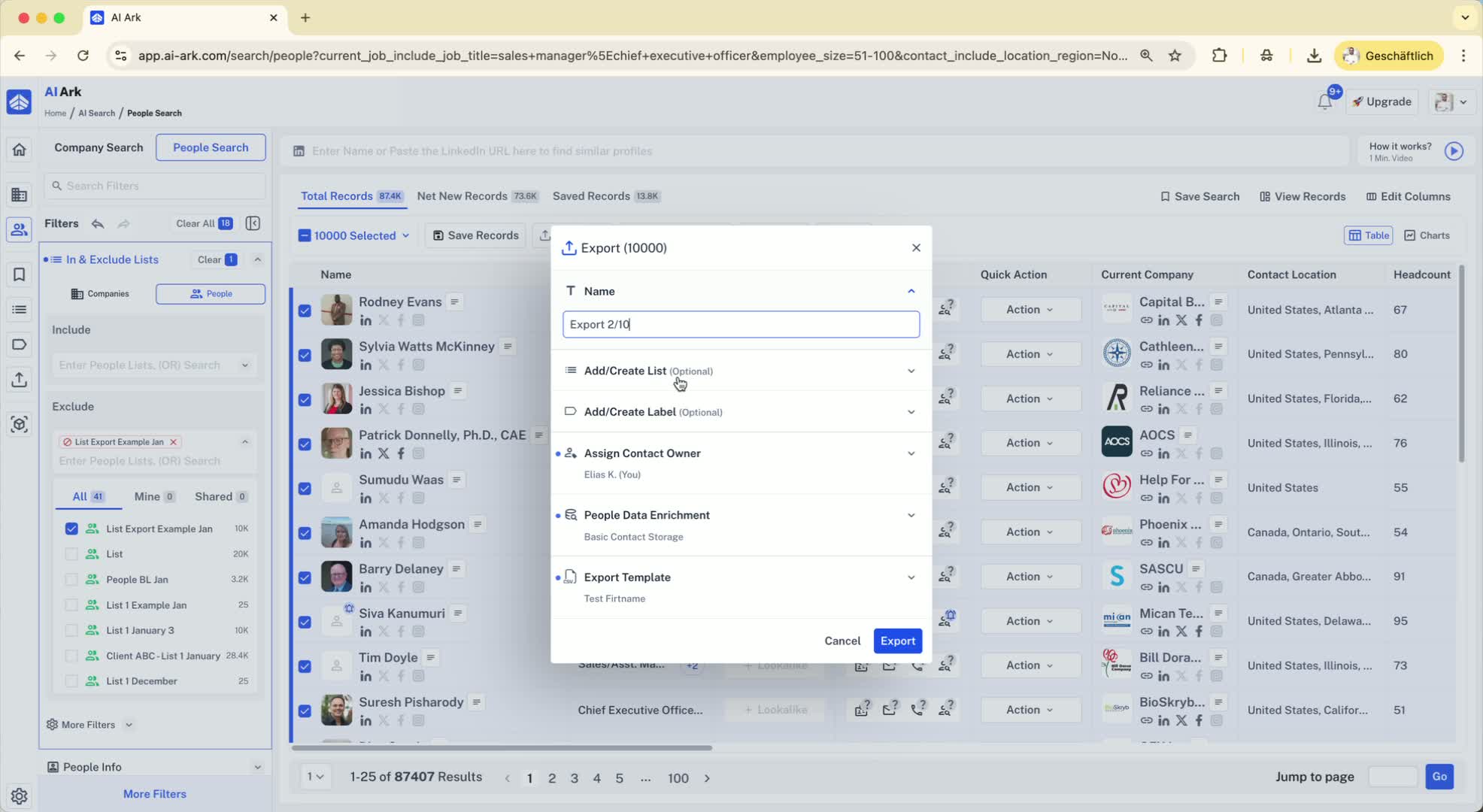
Continue exporting in batches of 10,000, updating the list each time:
Keep track of how many records have been exported and how many remain.
Step 7: Alternative Export Method 5:43
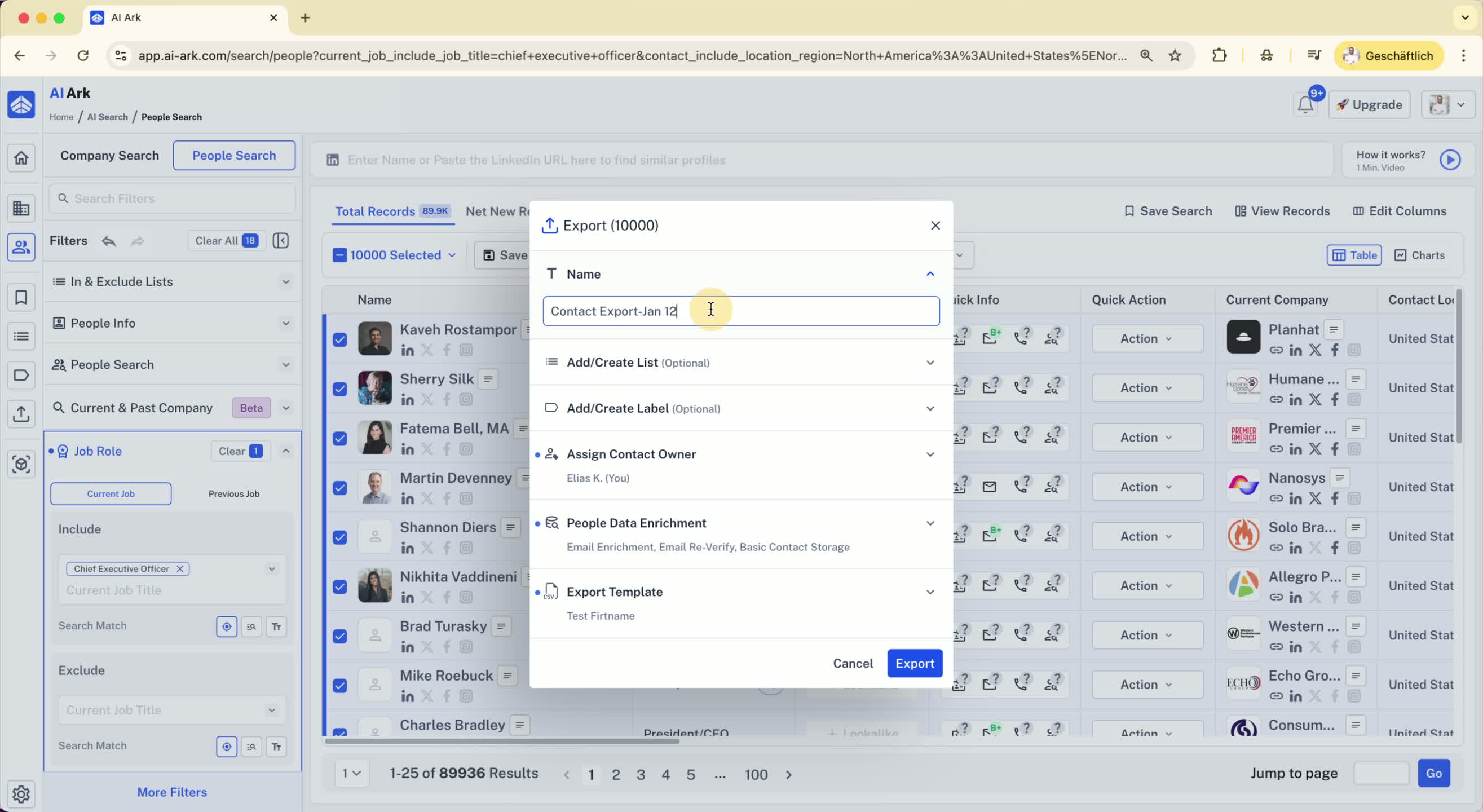
You can also export without adding records to a list:
Simply export 10,000 records and exclude the recent export from your total.
This method is faster but has limitations on excluding multiple exports.
Step 8: Future Updates 7:08
Note that there may be future updates allowing power users to export larger batches (up to 50,000).
Stay informed and reach out for assistance if needed.
