AI Ark helps you find the right people and companies faster—with smart, customizable filters that cut through the noise. One of the most powerful tools at your fingertips: the Funding filter. Whether you’re targeting newly funded startups or well-established companies with multiple funding rounds, this filter helps you prioritize better and faster.
Funding status is a strong indicator of a company’s growth potential and readiness to invest or expand.
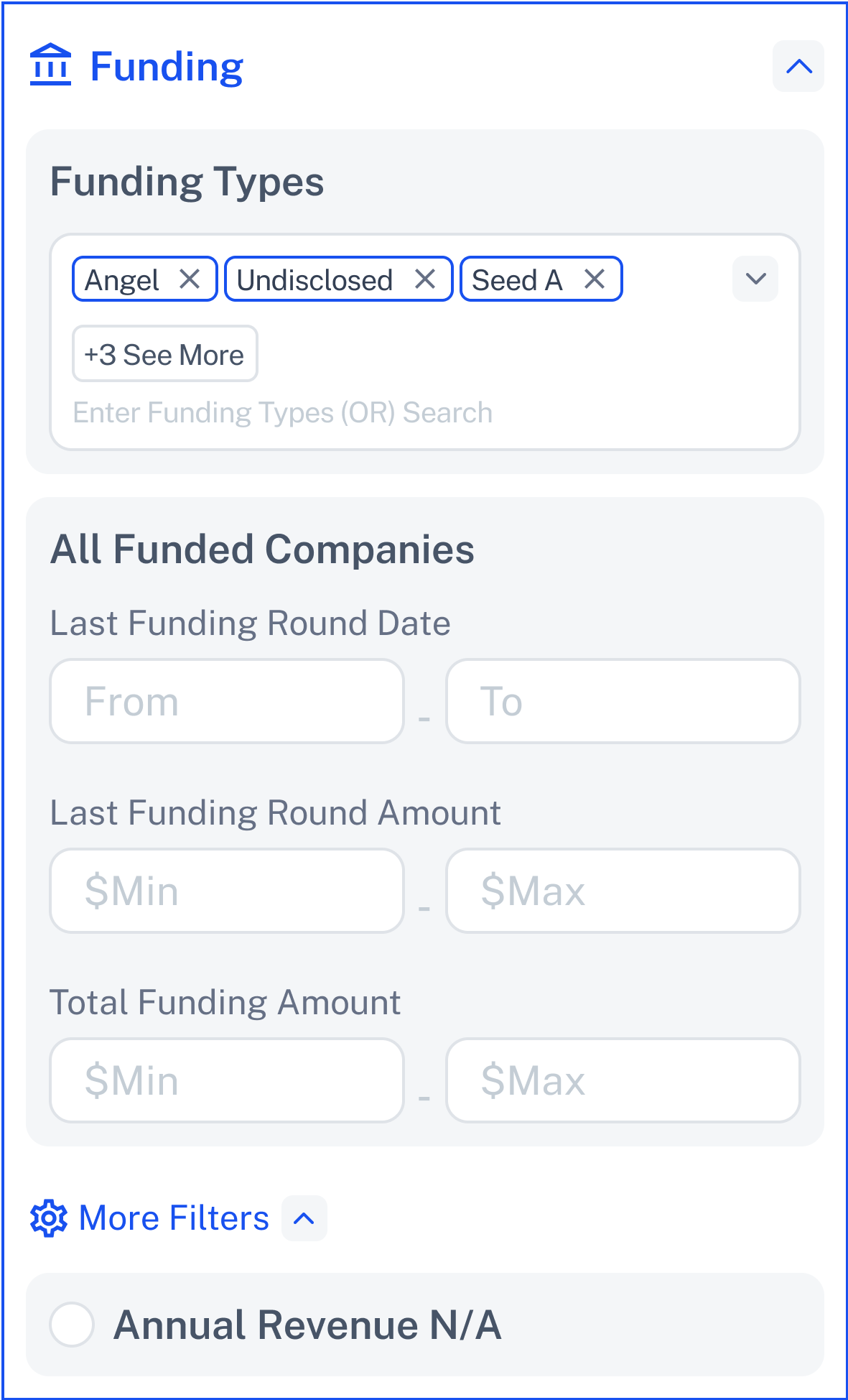
The Funding filter allows you to find companies based on:
Their funding type (e.g., Venture Capital, Angel, Debt Financing)
Amounts raised in their most recent round
Total funding received over time
Last funding dates
Perfect for targeting growth-stage companies or strategic partnerships.
Open AI Ark.
Select People or Company.
Click the Funding filter.
📍 (PLACEHOLDER for Screenshot)
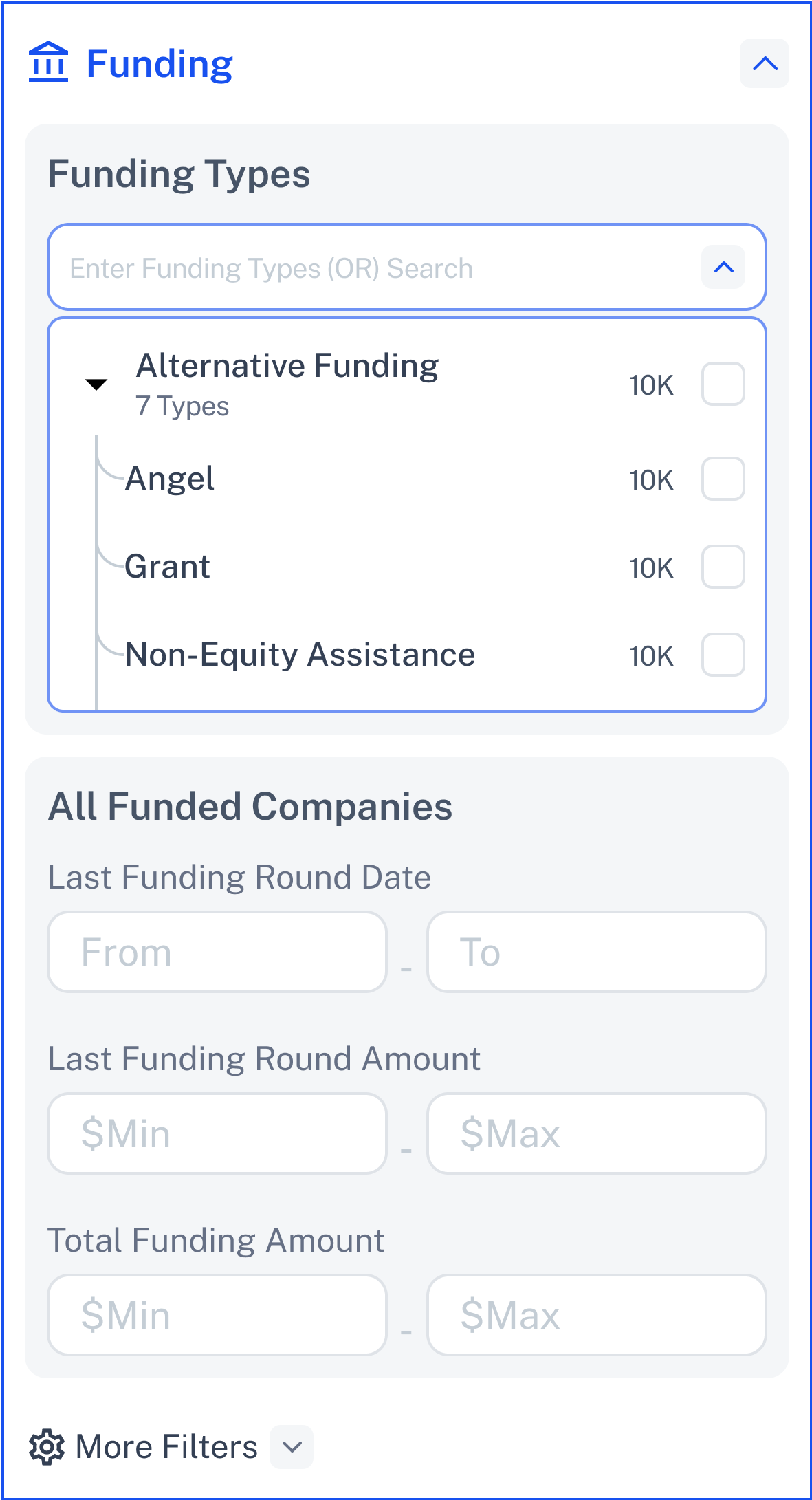
Select one or more funding types such as:
Angel
Venture Capital
Debt & Loan-Based Financing
Private Equity
Non-Equity Assistance
Undisclosed
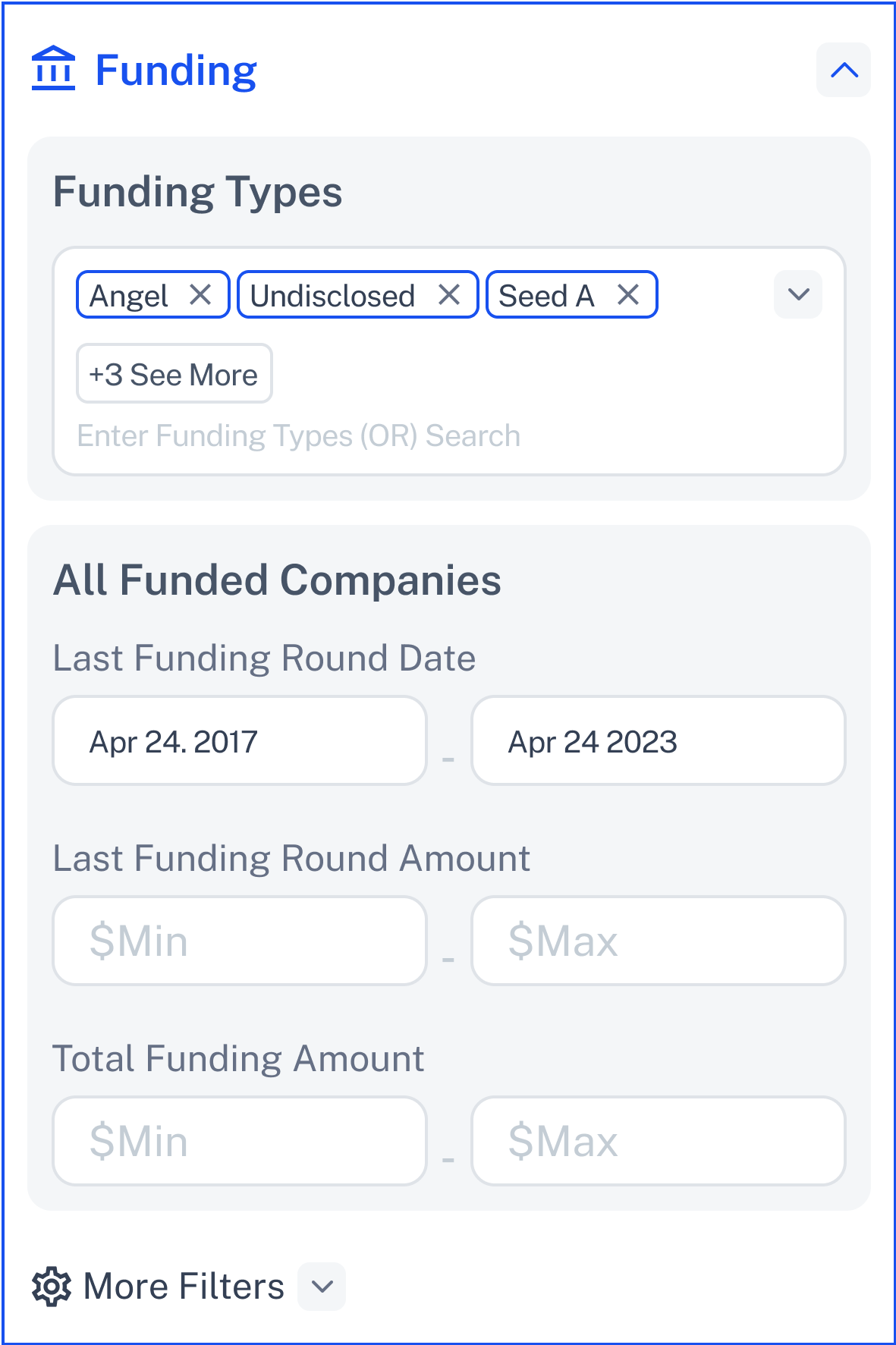
Filter companies by when they received their last funding.
Set a date range: From and To dates.
Helps target recently funded companies for fresh opportunities.
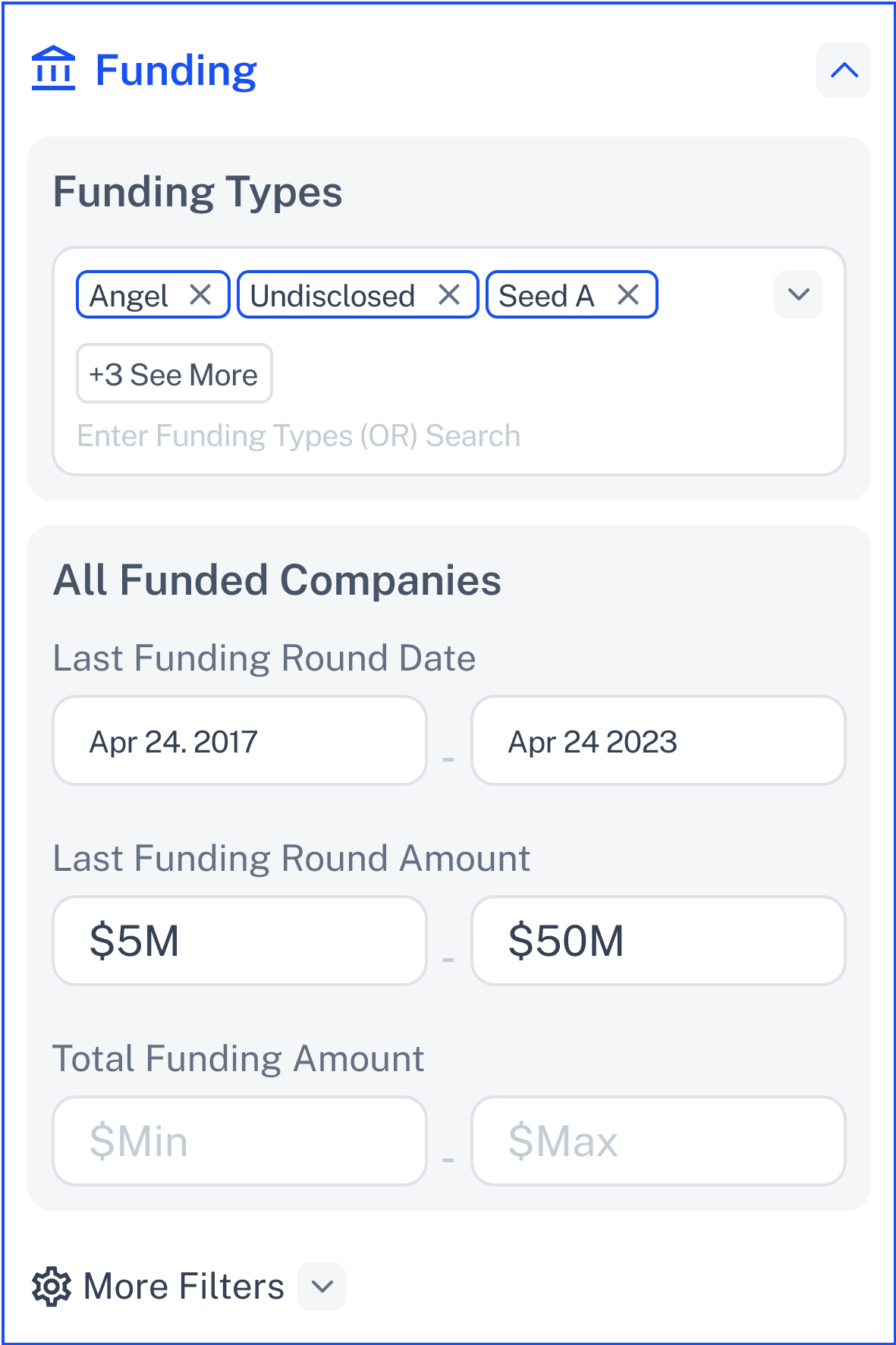
Set a minimum and maximum funding amount for the most recent round.
Example: Filter companies with $5M – $50M funding rounds.
Helps target companies based on their fundraising strength.
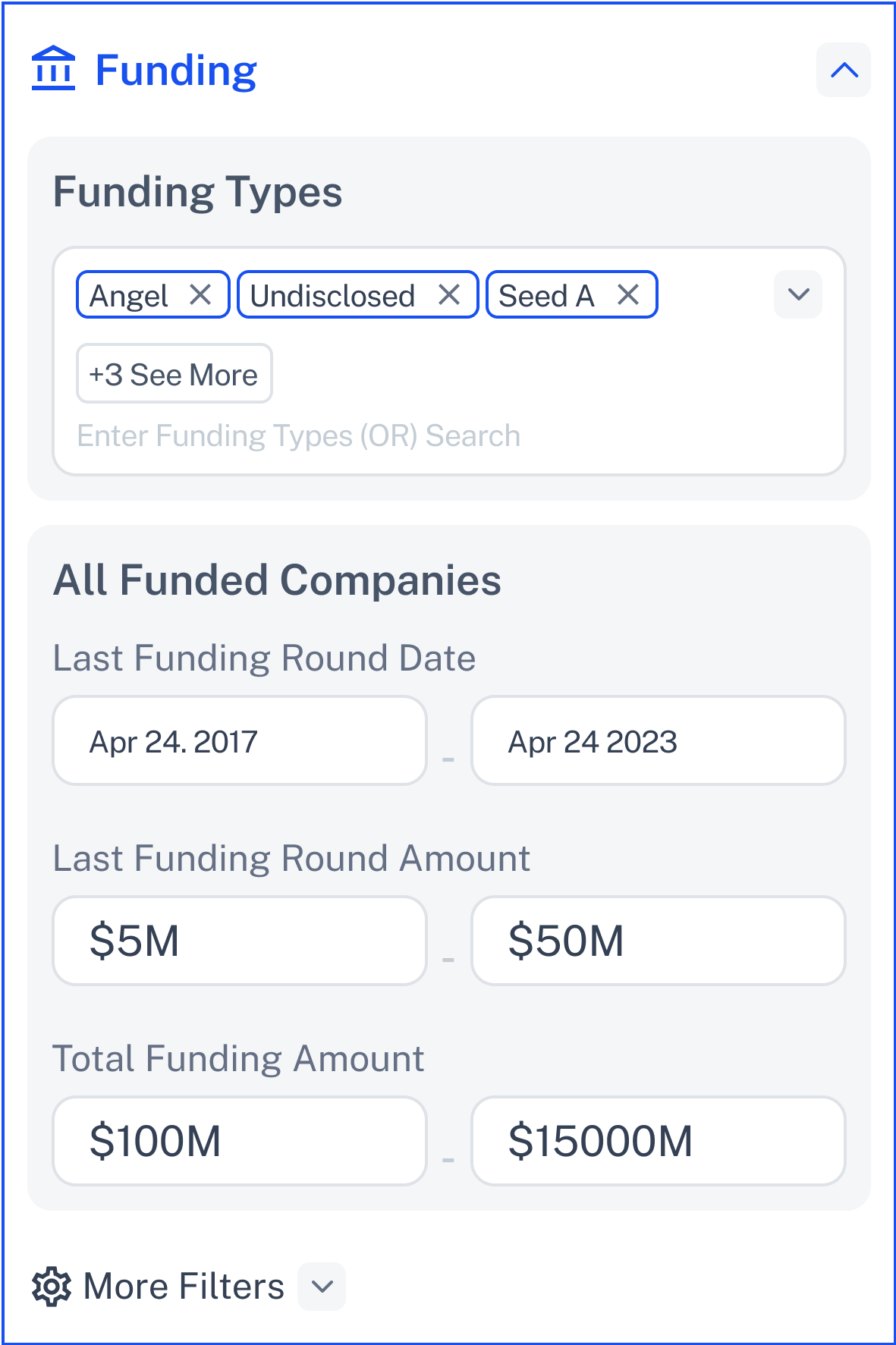
Filter based on total lifetime funding raised.
Example: Target companies with total funding over $100M.
Include companies where funding details are not disclosed.
Check “Funding Unknown” to include these companies in your search.
If you click Apply with no funding type or amount selected:

✅ Fix it: Select at least one funding type, or set a valid amount range.
Click Contact Support—we’re ready to help any time.
