1. Introduction to AI Ark 0:00
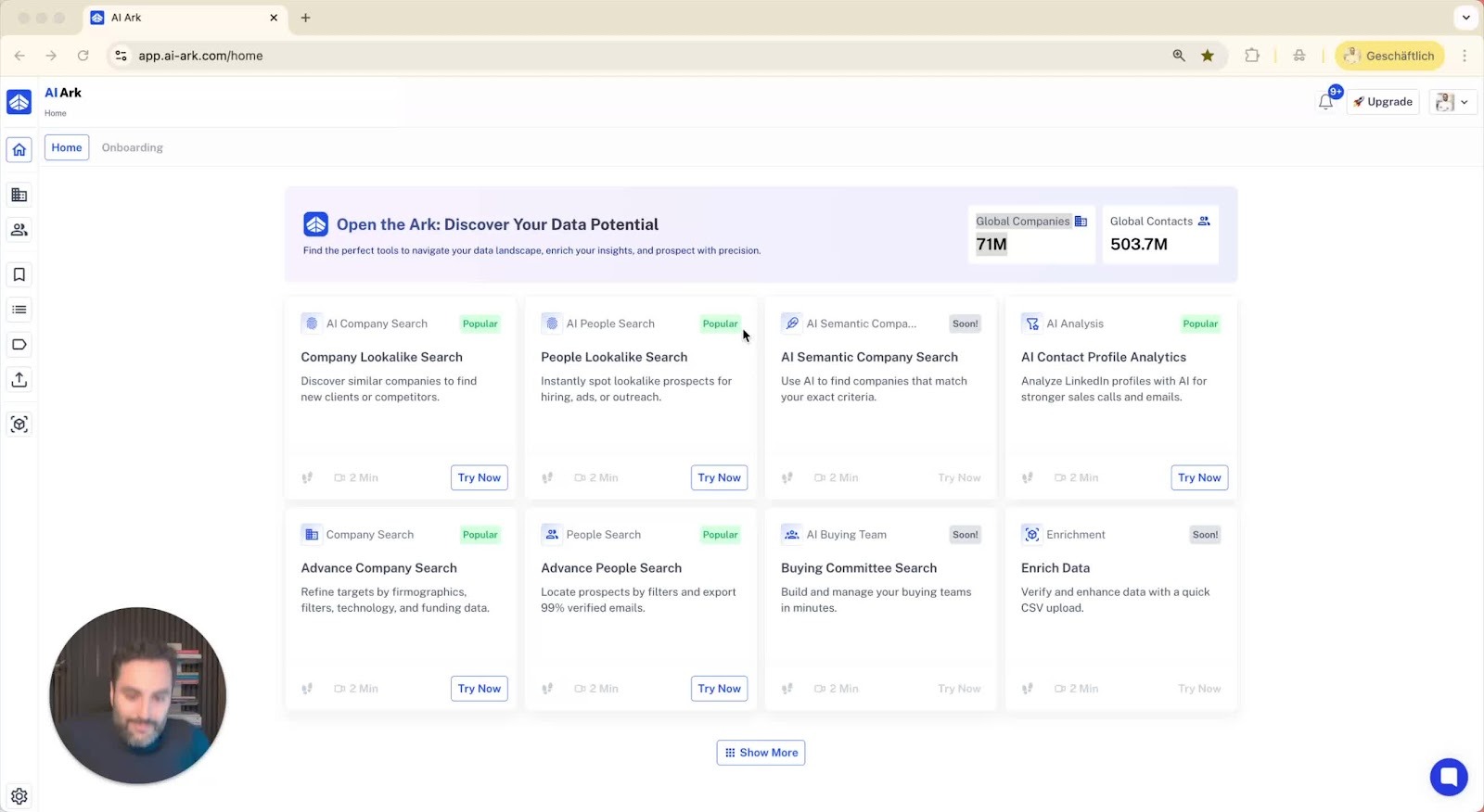
Purpose of the video: to provide a full guide on using AI Ark.
2. Overview of the Dataset 0:07
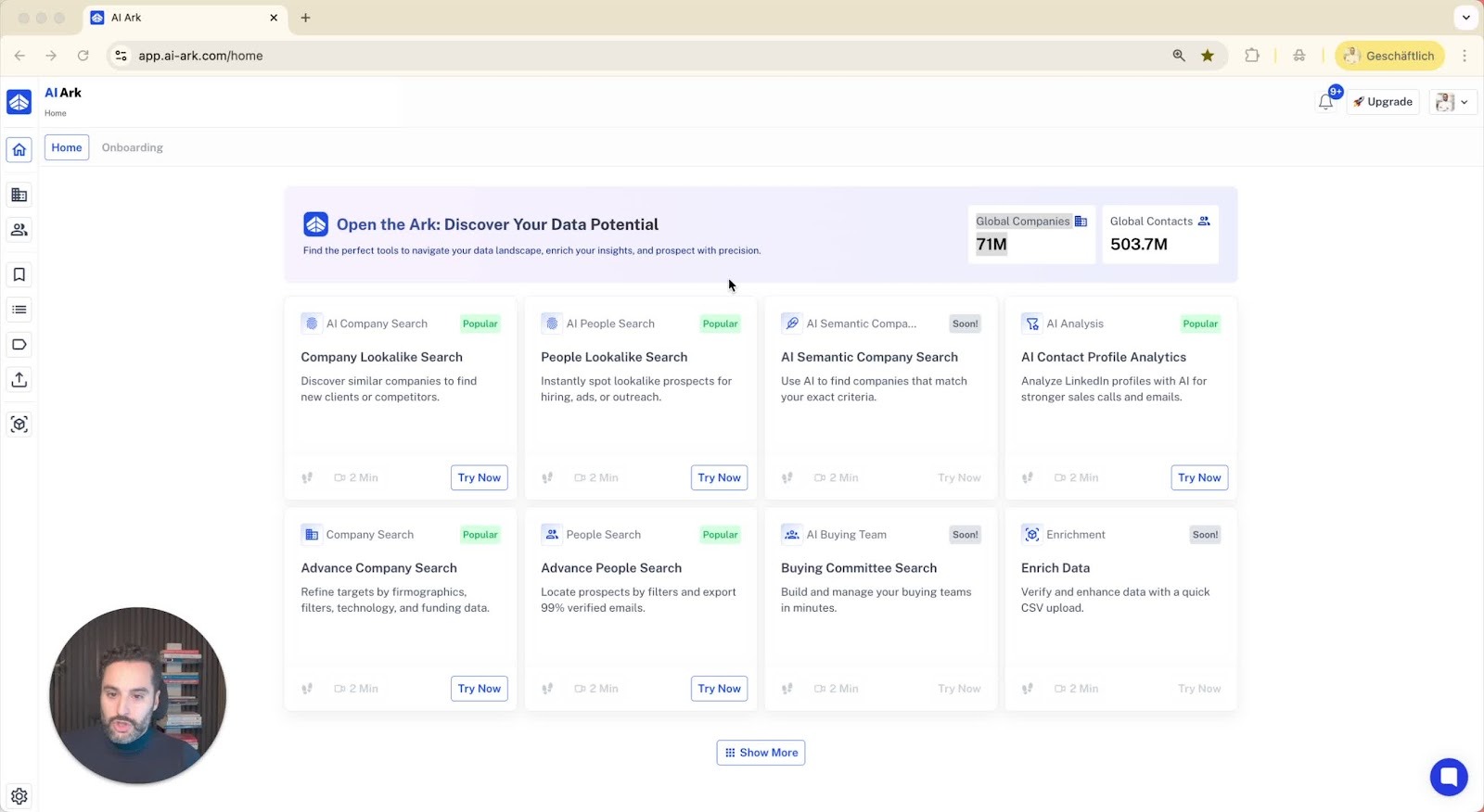
AI Ark has over 400 million global contacts and 70 million global companies.
Dataset is updated monthly:
Each contact is checked for employment status, language skills, and promotions.
Company data is updated for funding, employee count, and revenue.
3. Company Search Functionality 1:24
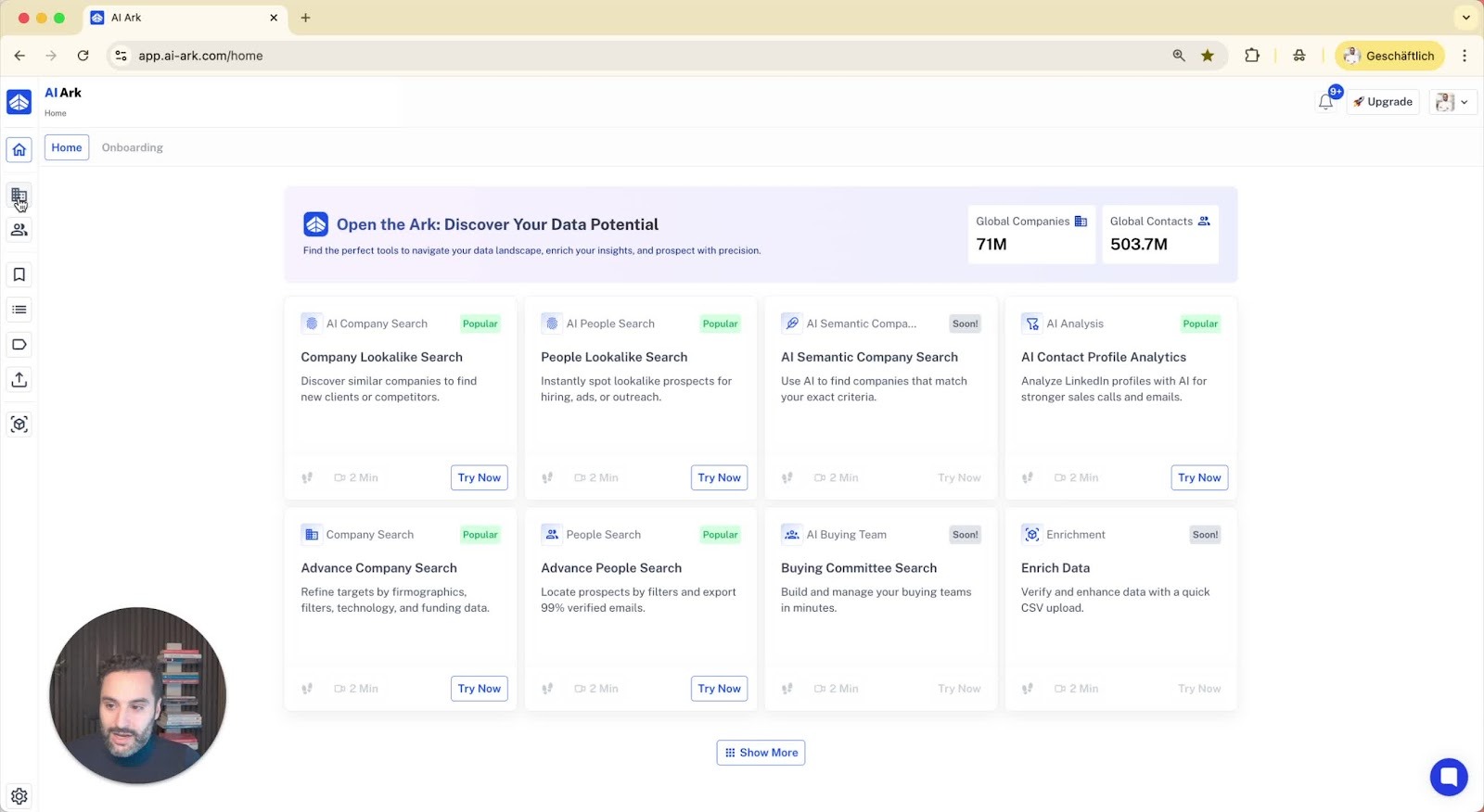
Access the company search option from the left side menu.
Use the AI look-alike search:
Input a domain or LinkedIn URL of a best client (e.g., Nike).
The system finds similar companies.
4. Adding Look-Alike Companies 2:07
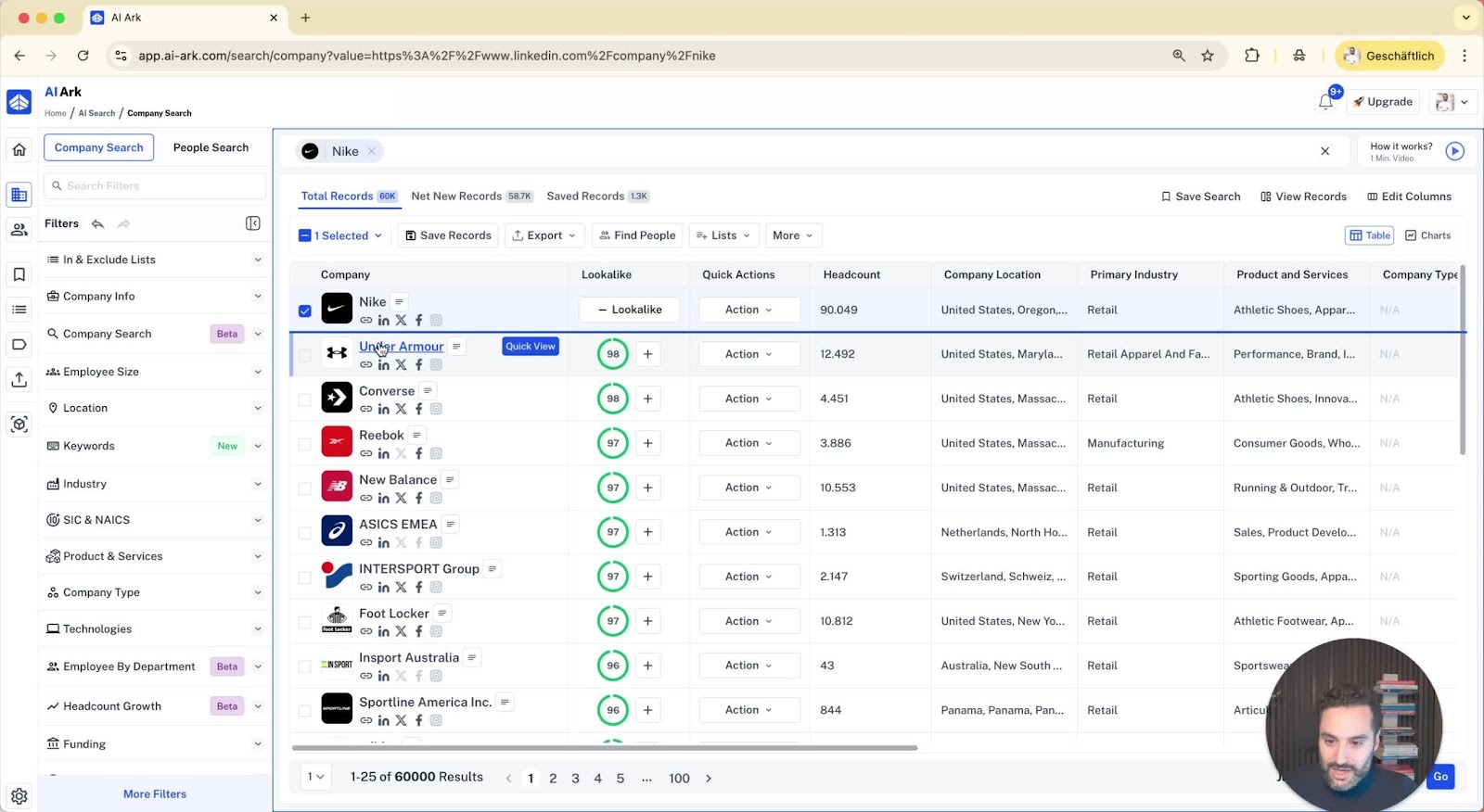
After finding similar companies, you can add them to your look-alike relevance list.
Up to five companies can be added to improve search results.
5. Viewing Company Details 2:33
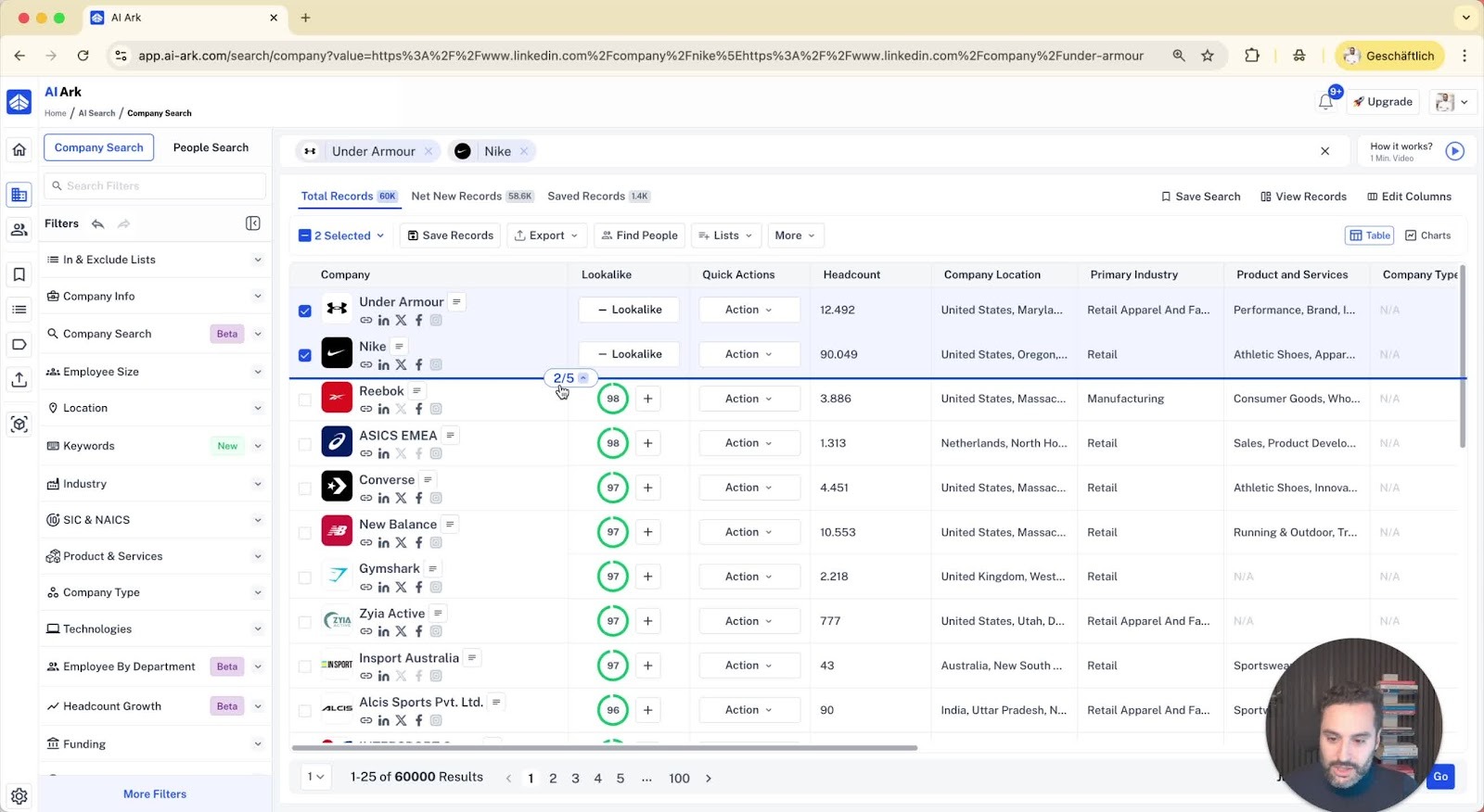
Click on 'Quick View' to see details of each company:
Overview, products/services, domain, funding year, industry tags, revenue, and technologies.
6. Filtering Results 3:27
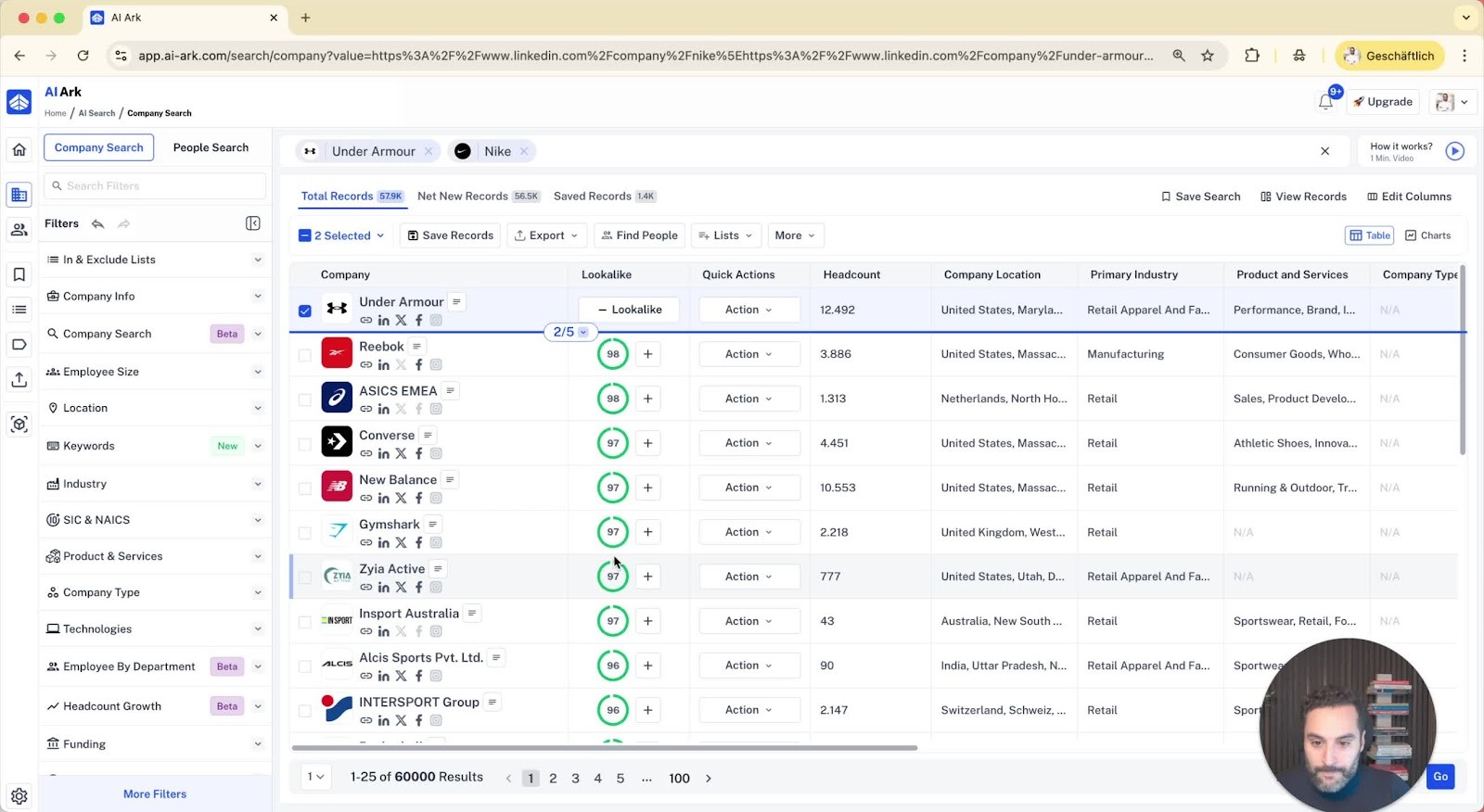
Filter results based on:
Relevancy percentage (e.g., above 90%).
Employee size (e.g., above 500).
Geographic location (e.g., North America, Western Europe).
7. Advanced Filtering Options 4:09
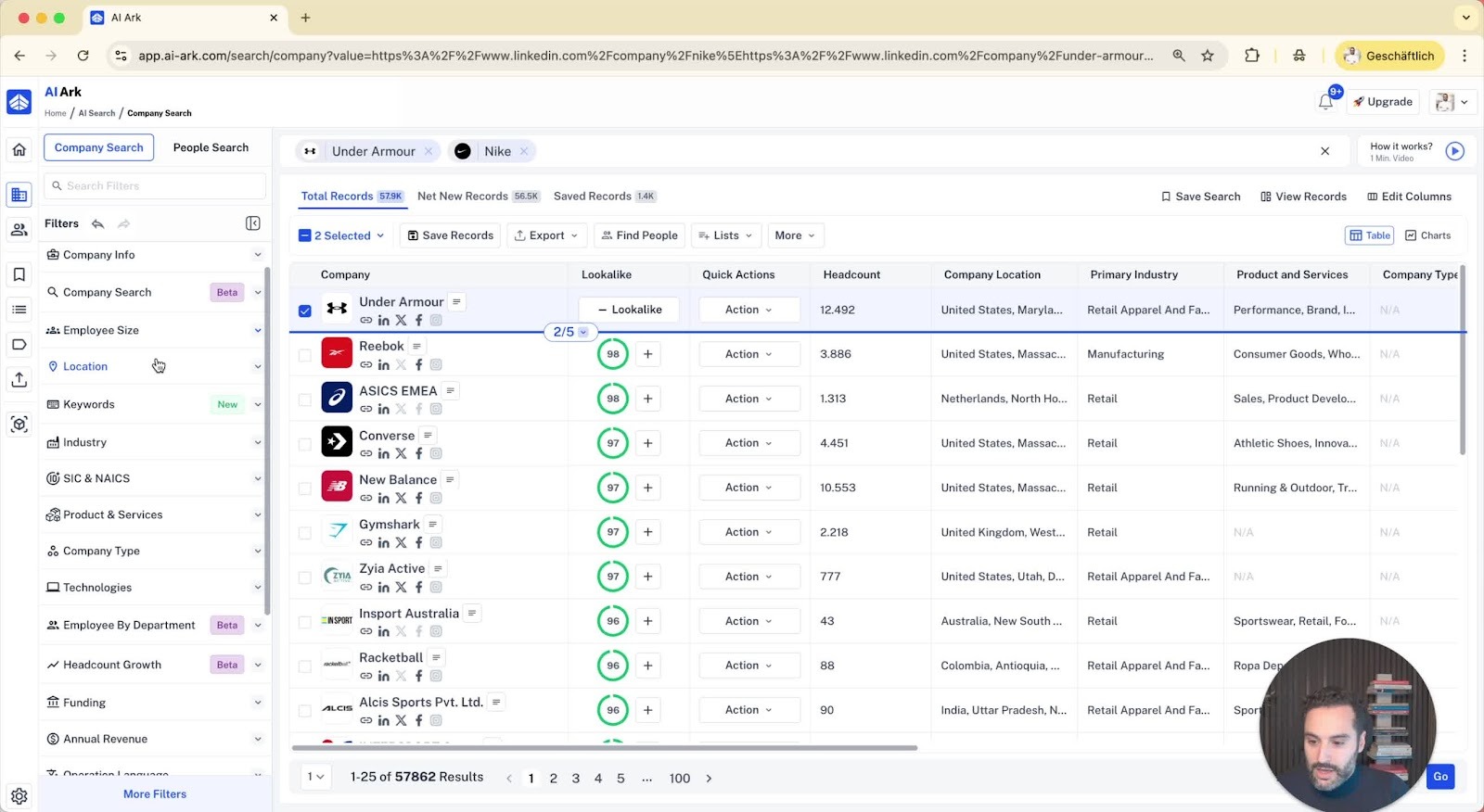
Filter by department size (e.g., business development team size).
Use keywords to ensure companies sell specific products (e.g., shoes).
8. Finding People in Companies 5:36
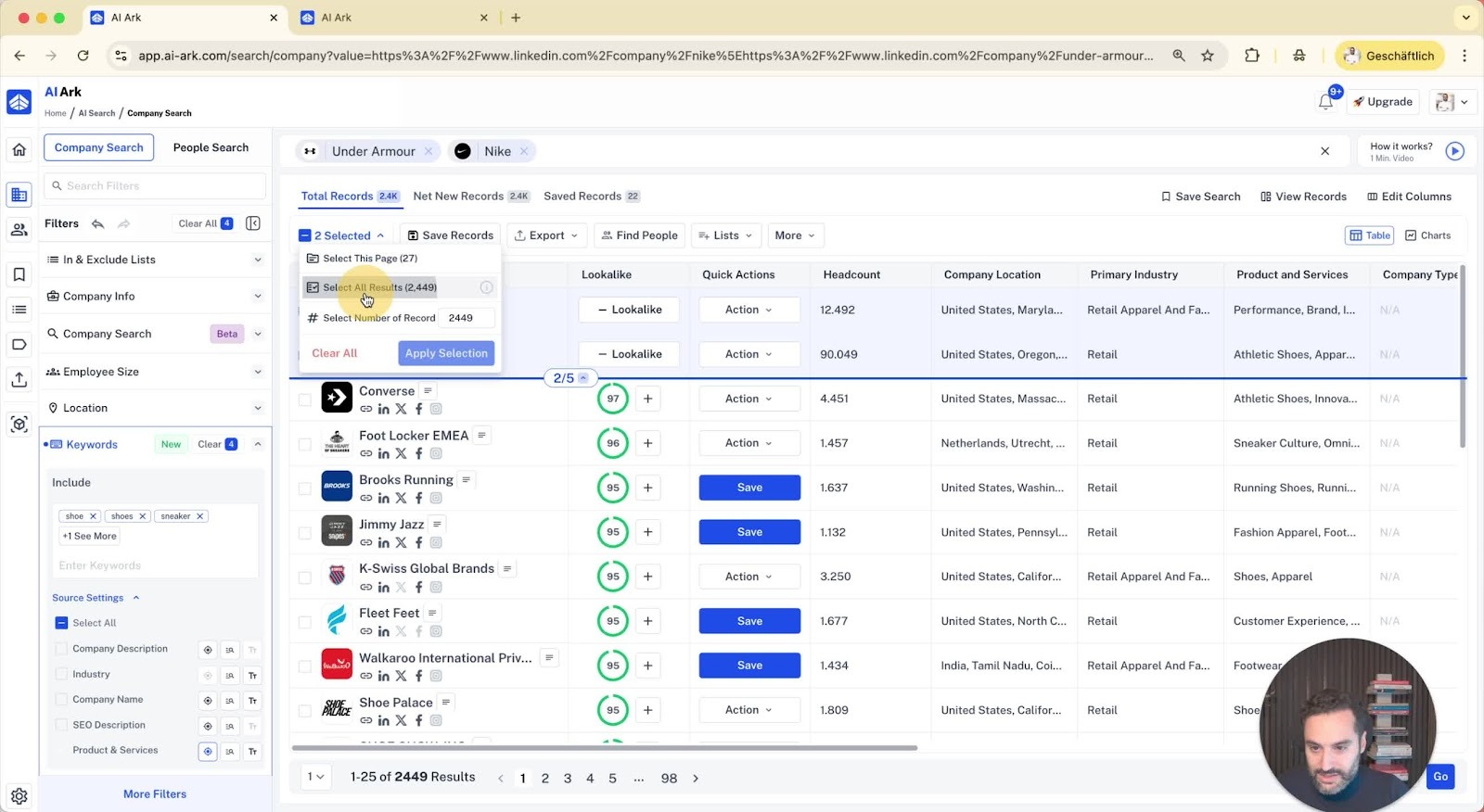
After selecting companies, click to find people working there.
Filter people based on job roles, locations, and specific mentions in LinkedIn profiles.
9. Detailed Profile Insights 6:07
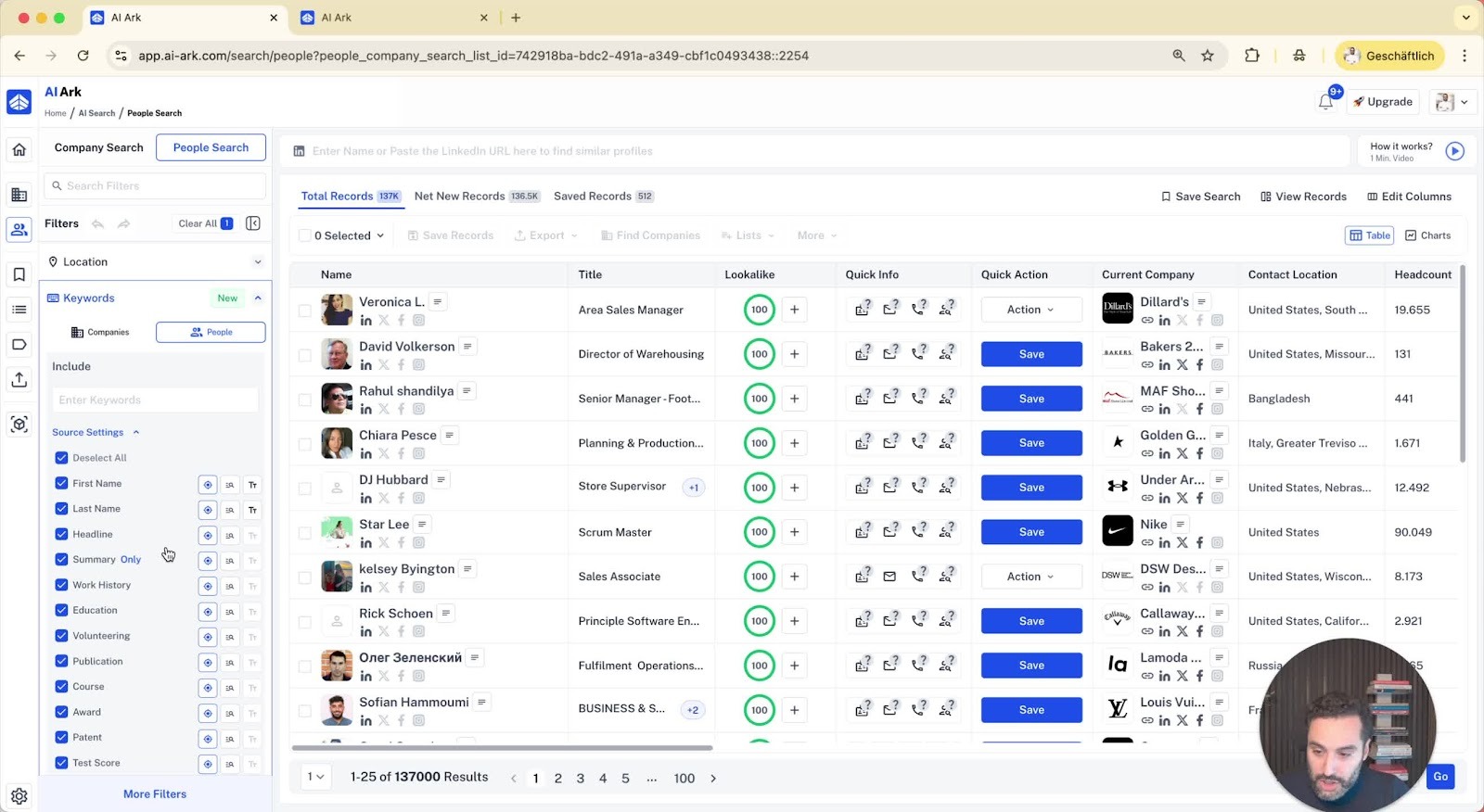
View detailed profiles of individuals:
Job title, seniority, languages spoken, education details.
Unlock valid email and mobile phone numbers.
10. Personality Insights 7:12
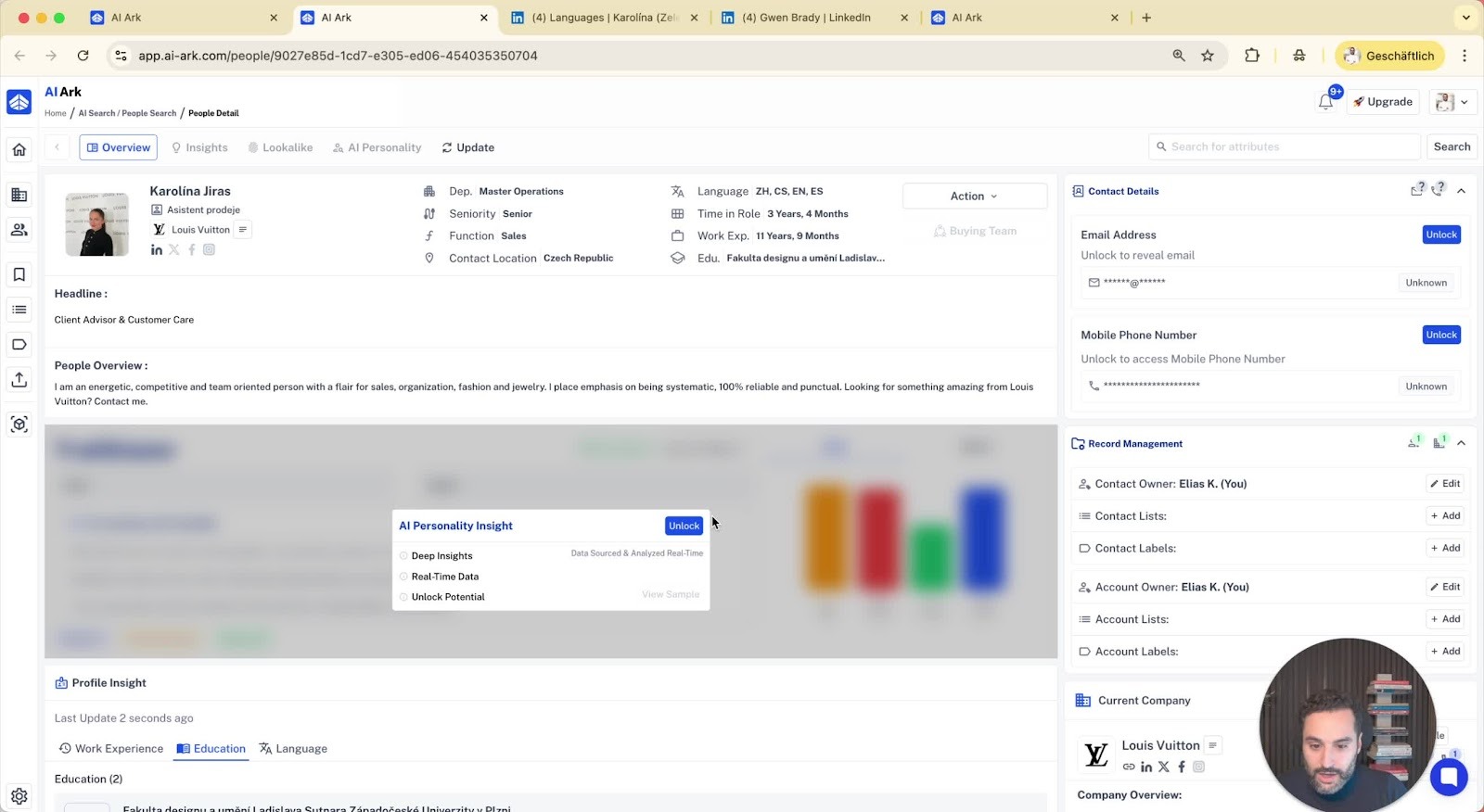
Access personality insights to tailor marketing or recruitment strategies.
Download profiles as PDFs for sharing.
11. Exporting Data 8:09
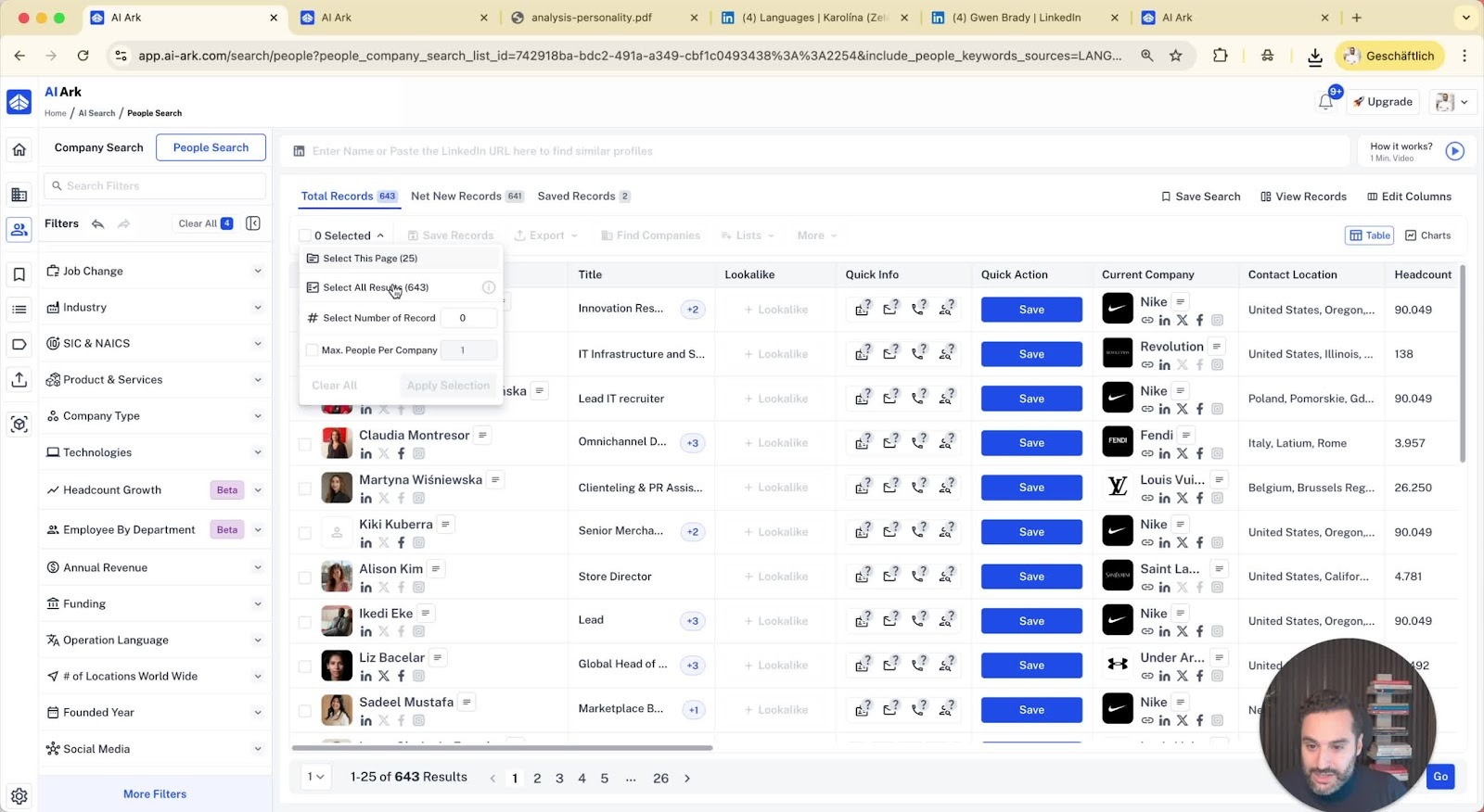
Select people to export and choose desired columns for the CSV file.
Options to include/exclude emails and mobile numbers.
12. Using the People Search 9:36
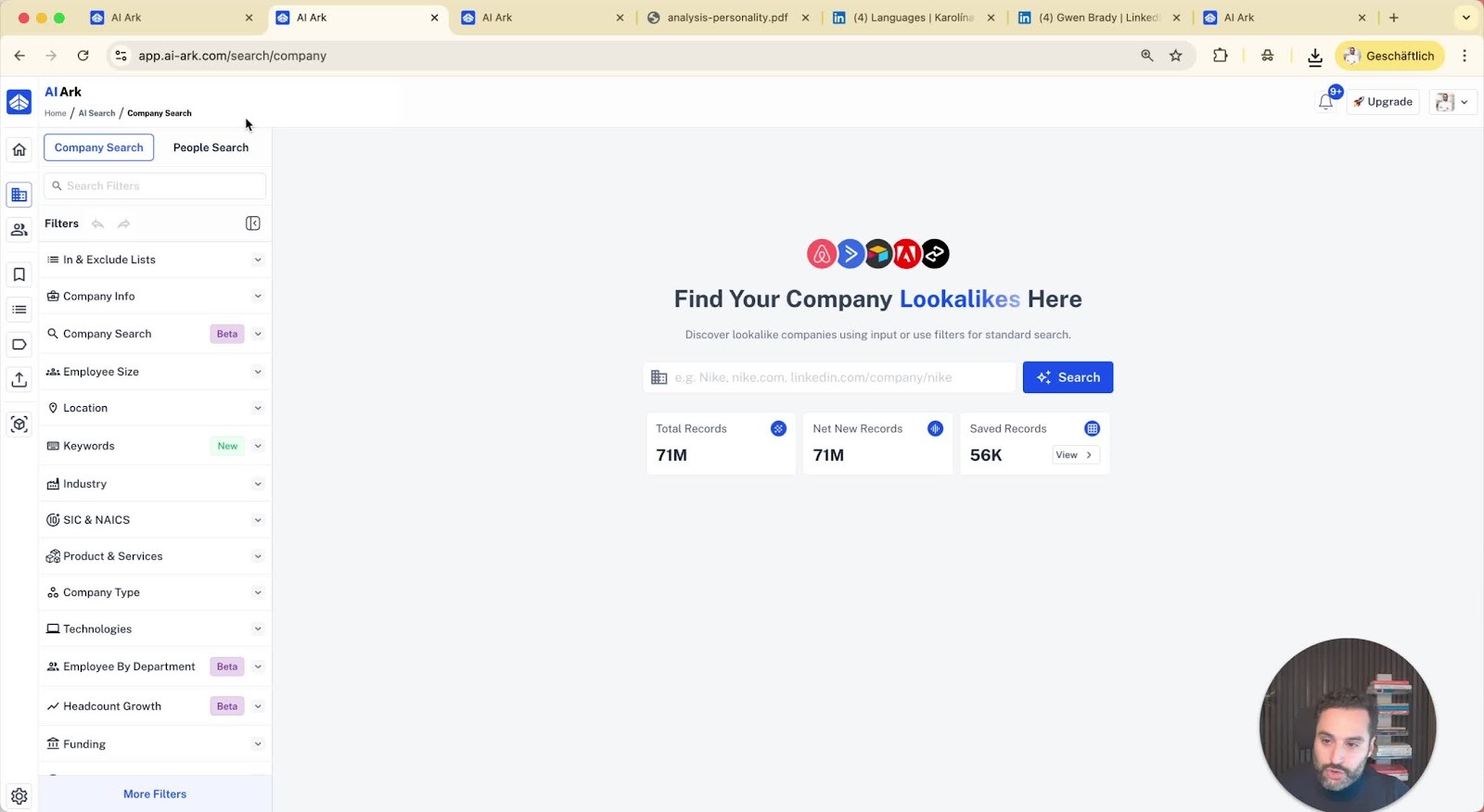
You can perform a people search directly without a company search.
Access saved searches and lists from the left side menu.
13. Enriching CSV Files 10:05
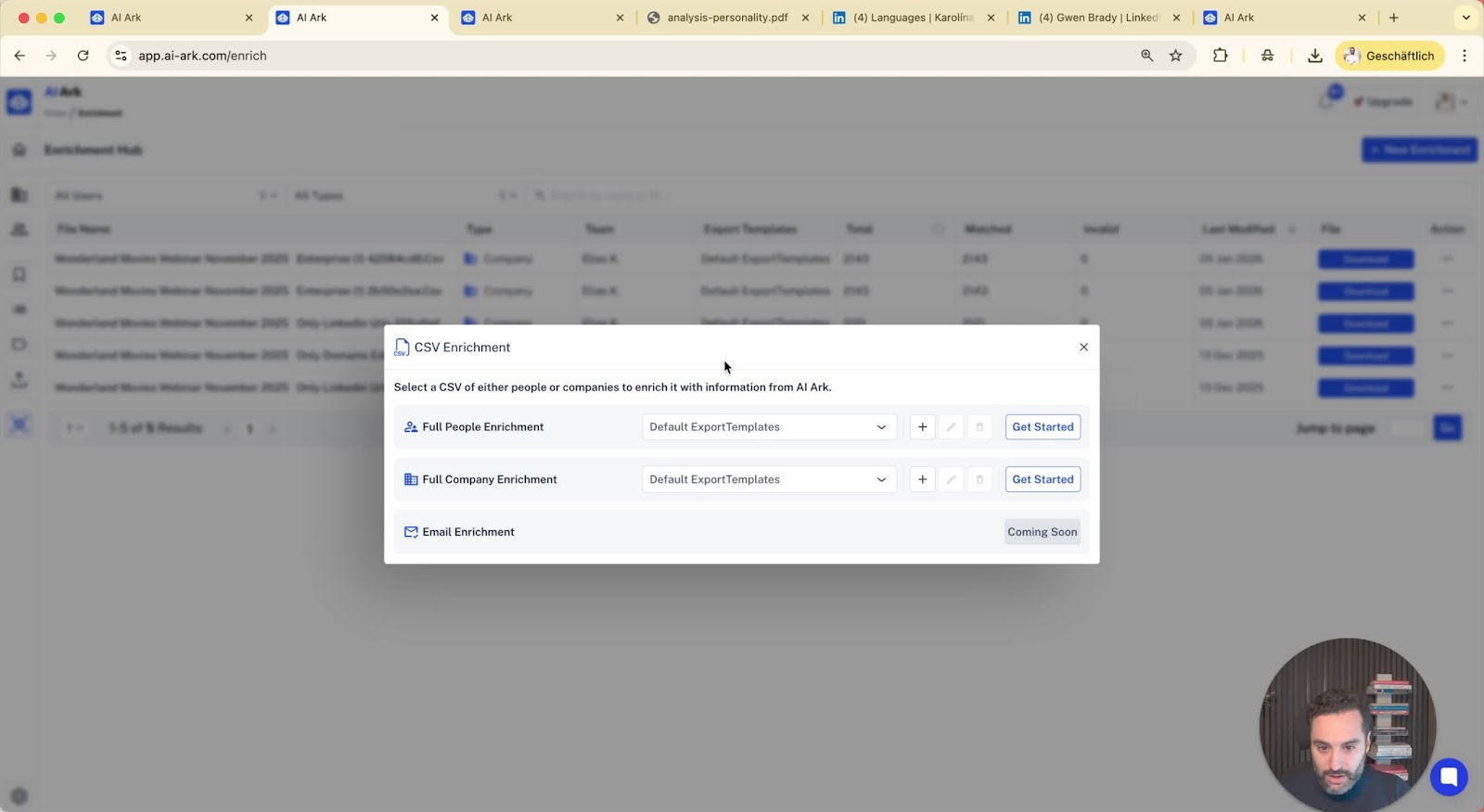
Use the enrichment hub to enhance existing CSV files.
Find people using bulk social media links or domains.
14. Support and Resources 10:42
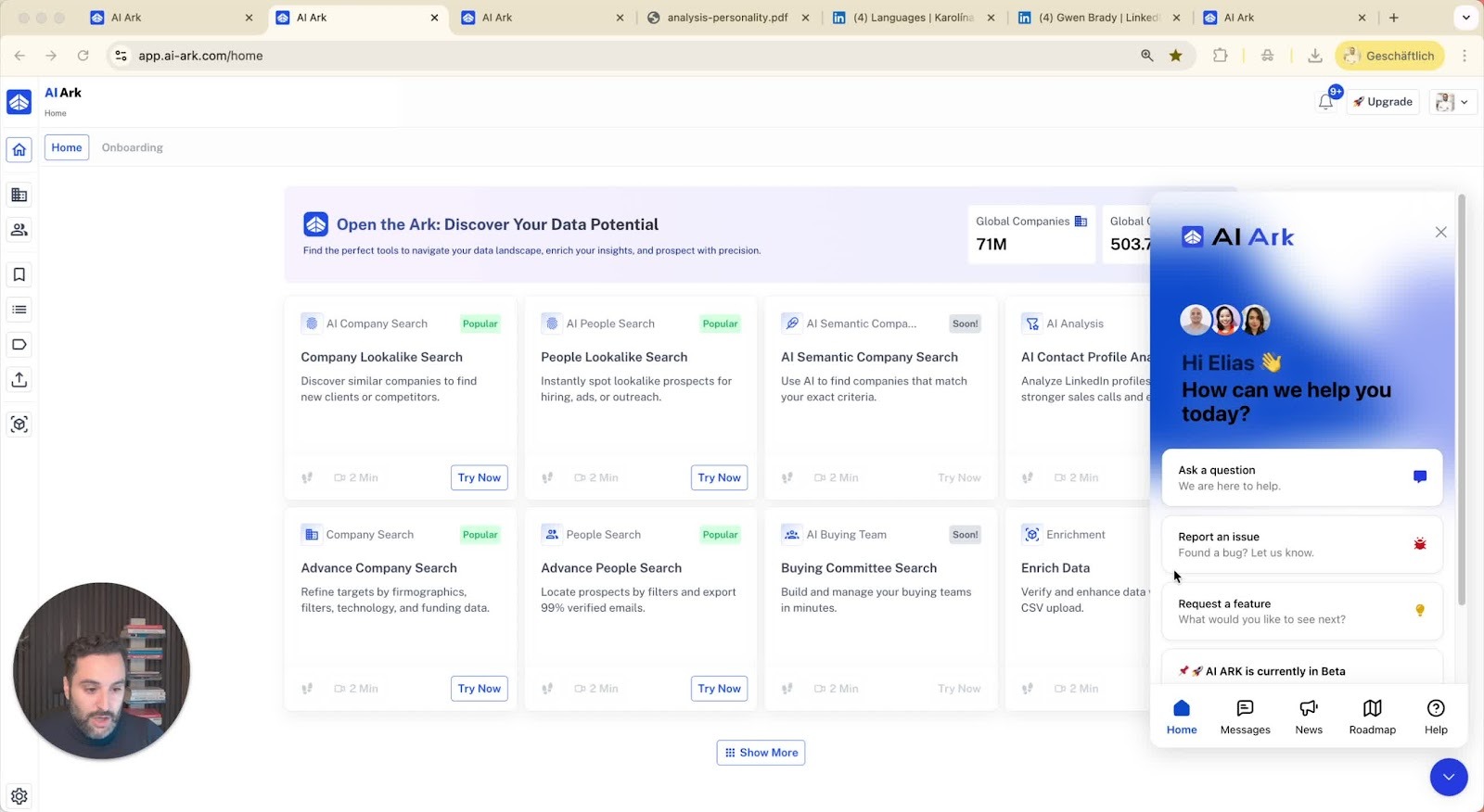
Access help center for detailed guides.
Contact support via private Slack channel for assistance.
https://loom.com/share/48f0bd88d72441c182fd485aab7b4e09
