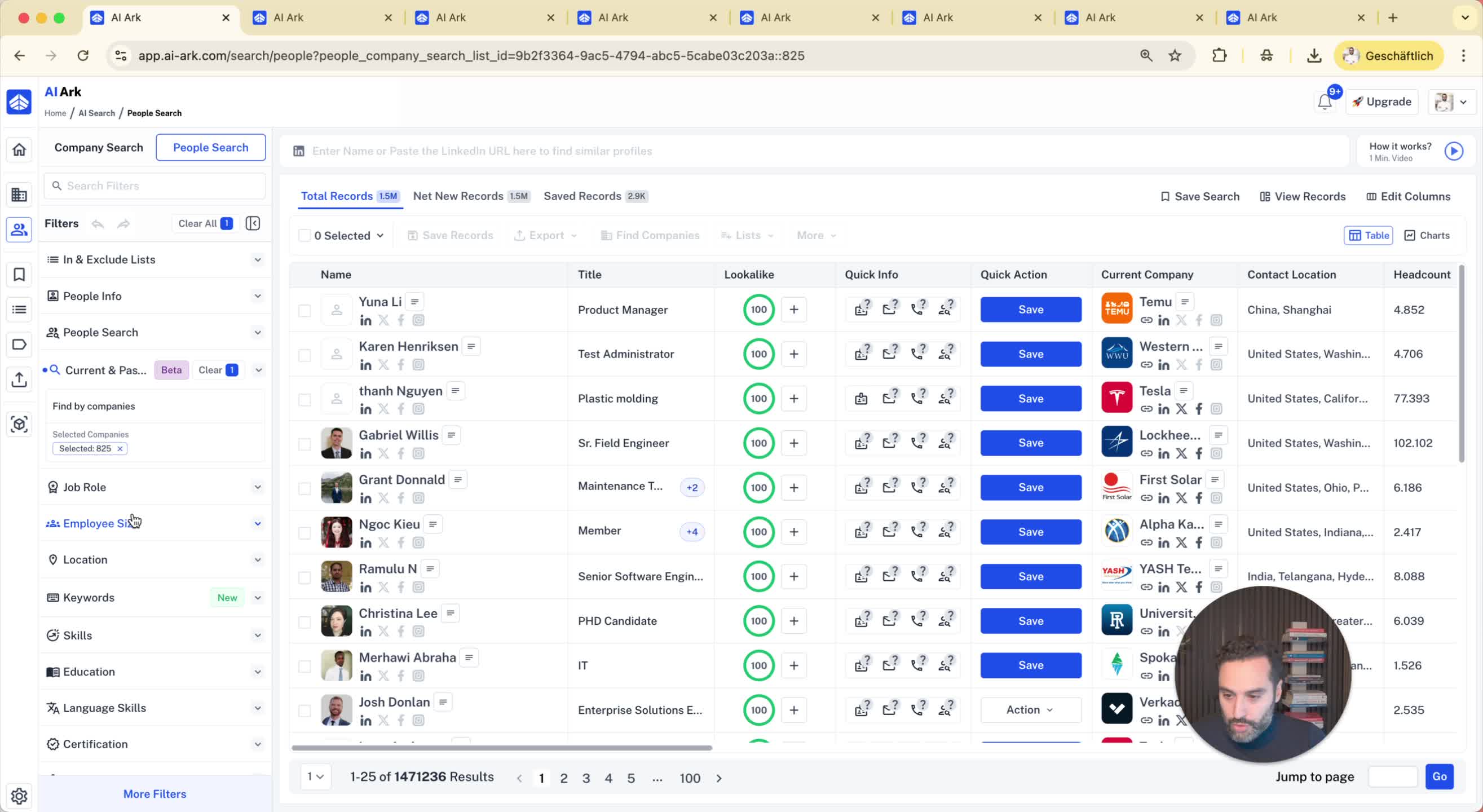
1. Introduction to Company Search 0:00
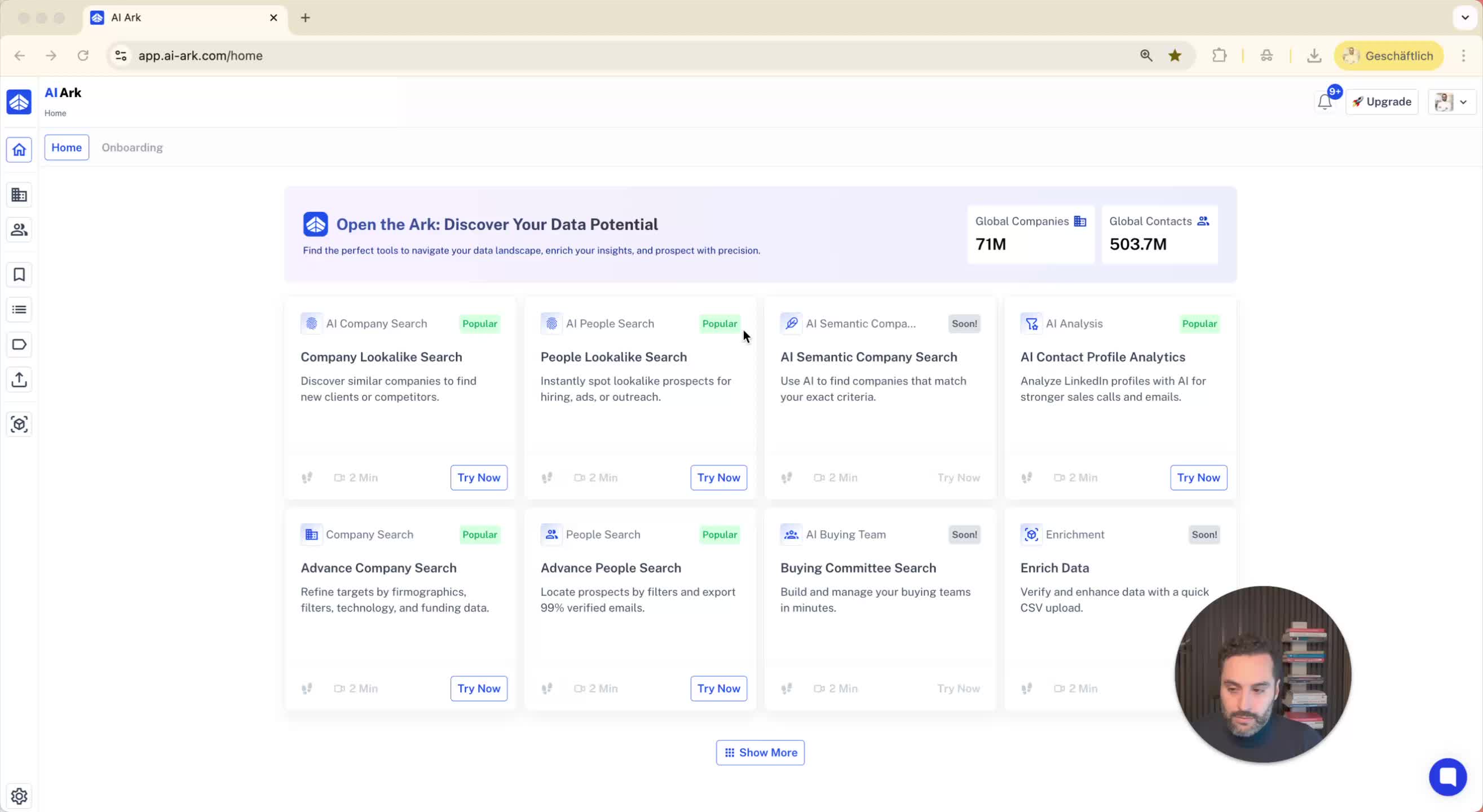
Overview of searching for companies based on department structure.
Filters available in both people search and company search.
2. Using Employee by Department Filter 0:10
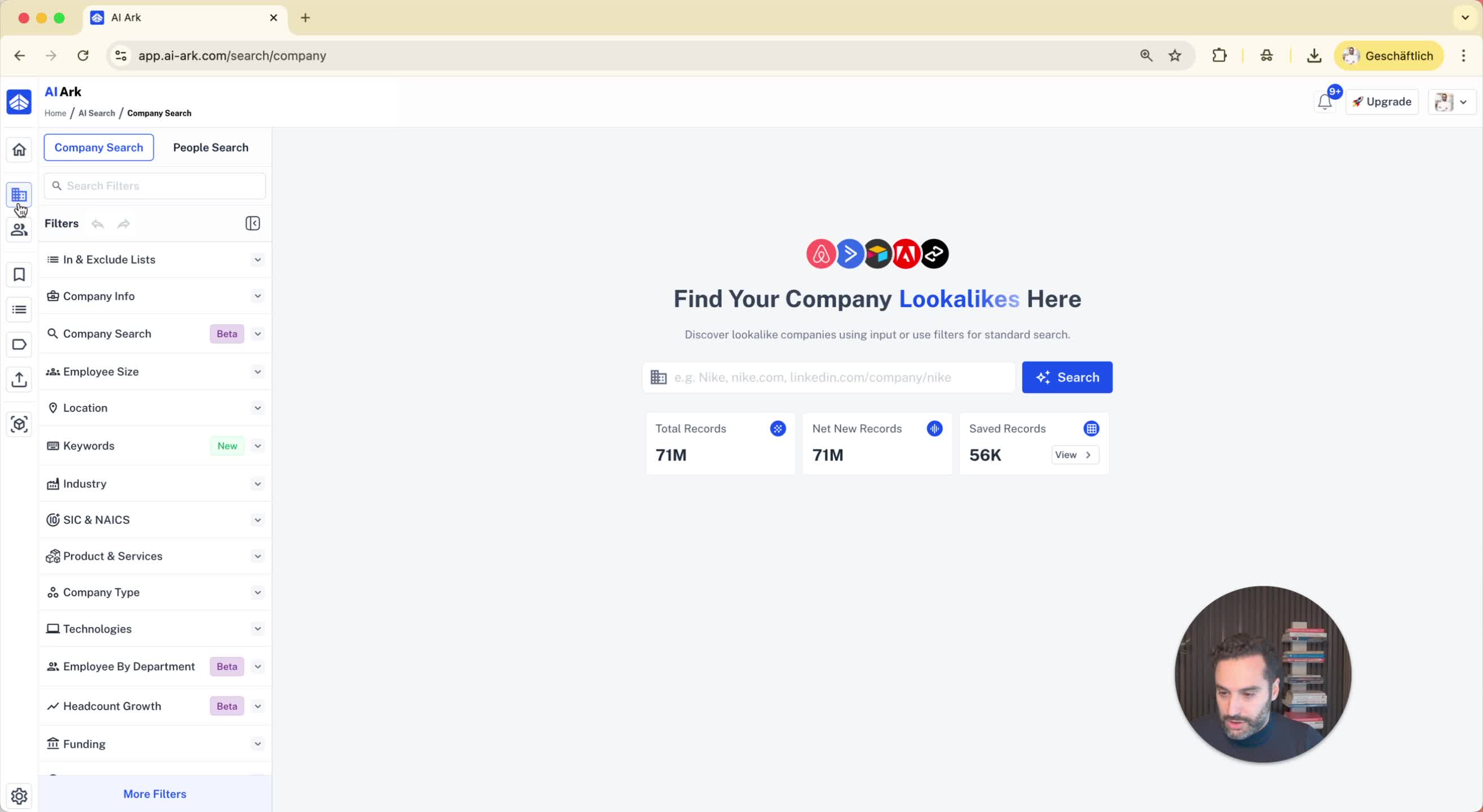
Explanation of the 'employee by department' filter.
Example: Searching for companies in North America with specific criteria.
3. Setting Search Criteria 0:24
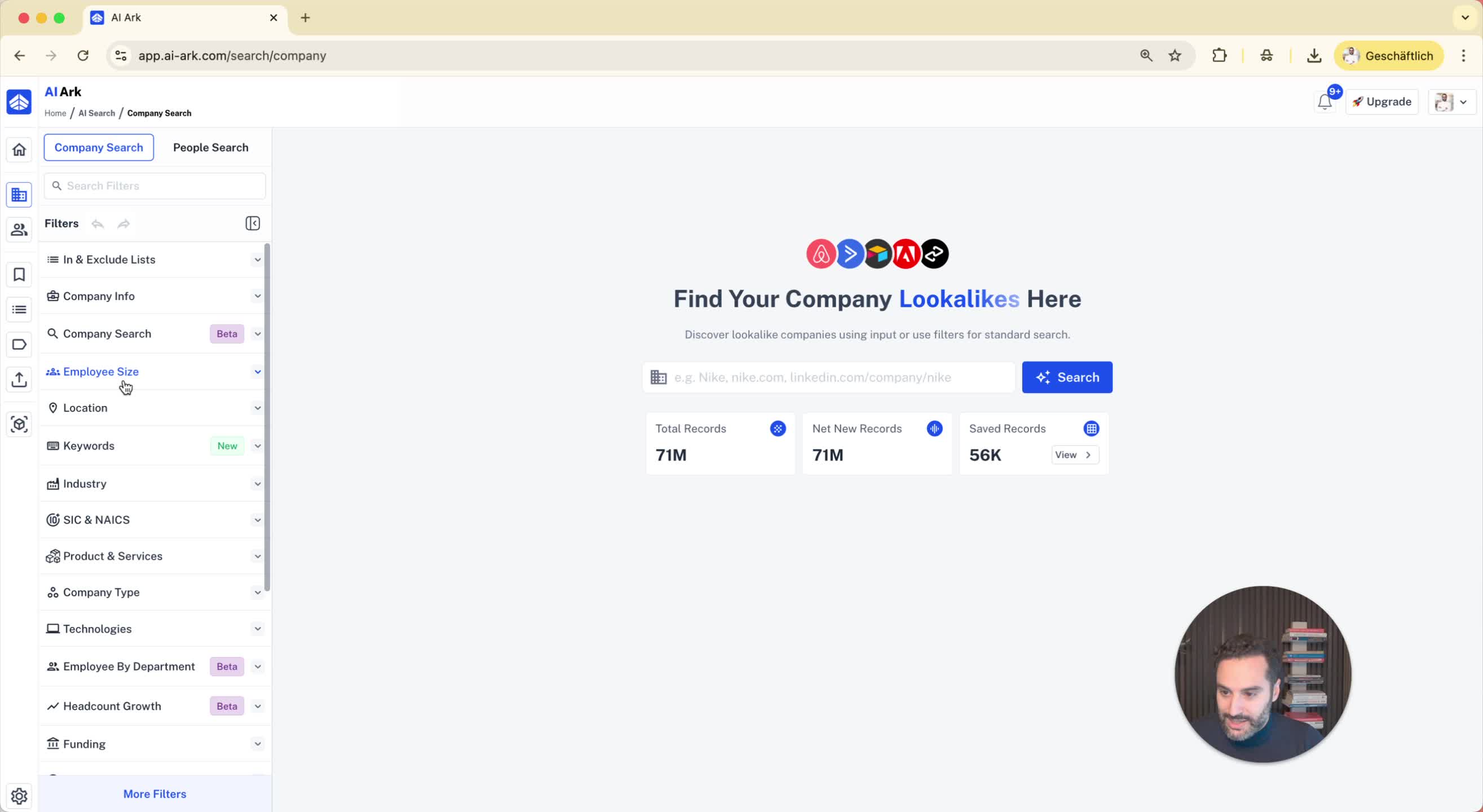
Define search parameters:
Location: North America
Employee size: 1,000 and above
Business development team size: 10 to 100 employees
Result: 9,200 companies fitting the criteria.
4. Analyzing Company Details 0:51
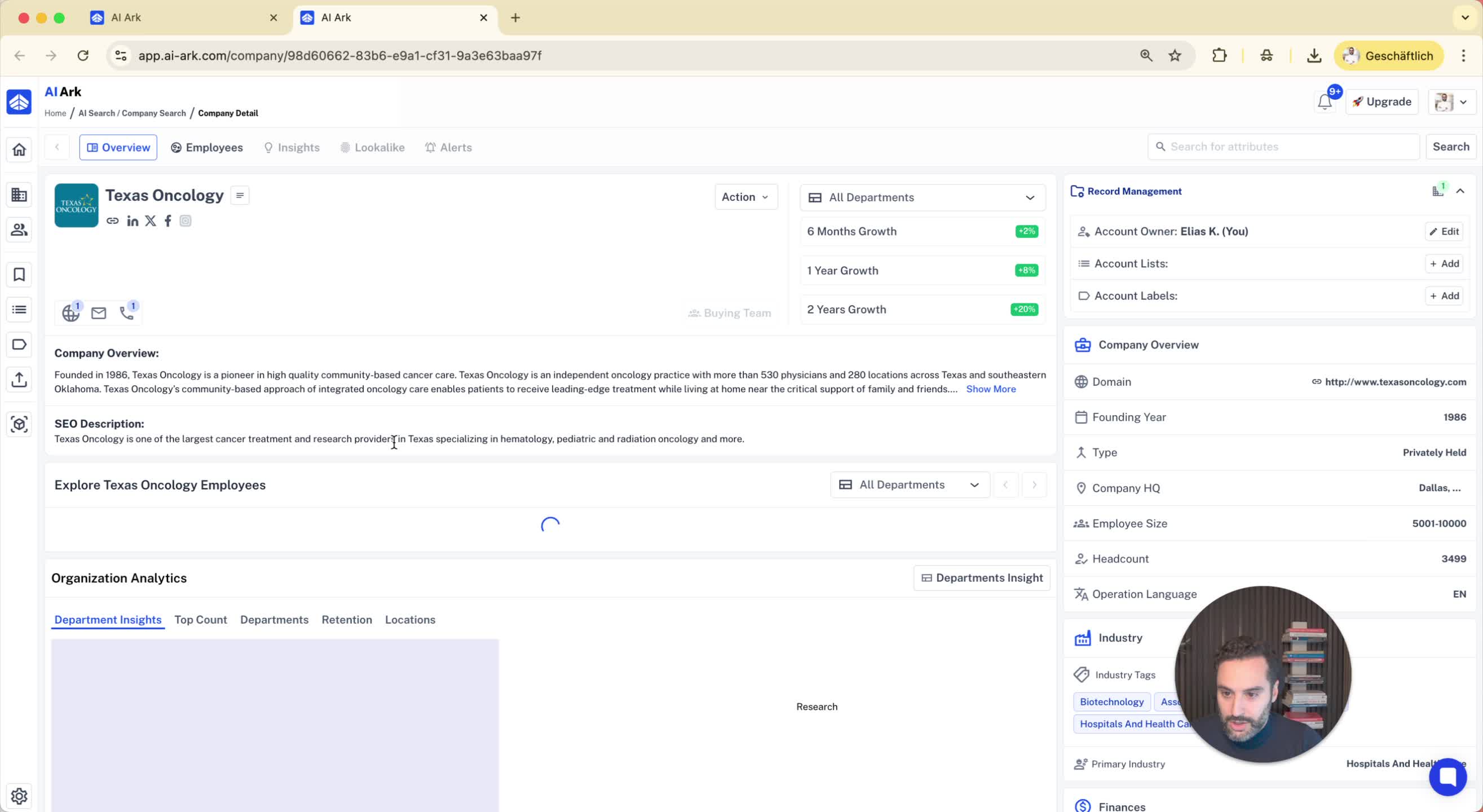
Example of selecting a company from the results.
Viewing department details:
Total employees in healthcare services.
Size of the business development team.
5. Adding Additional Filters 1:06
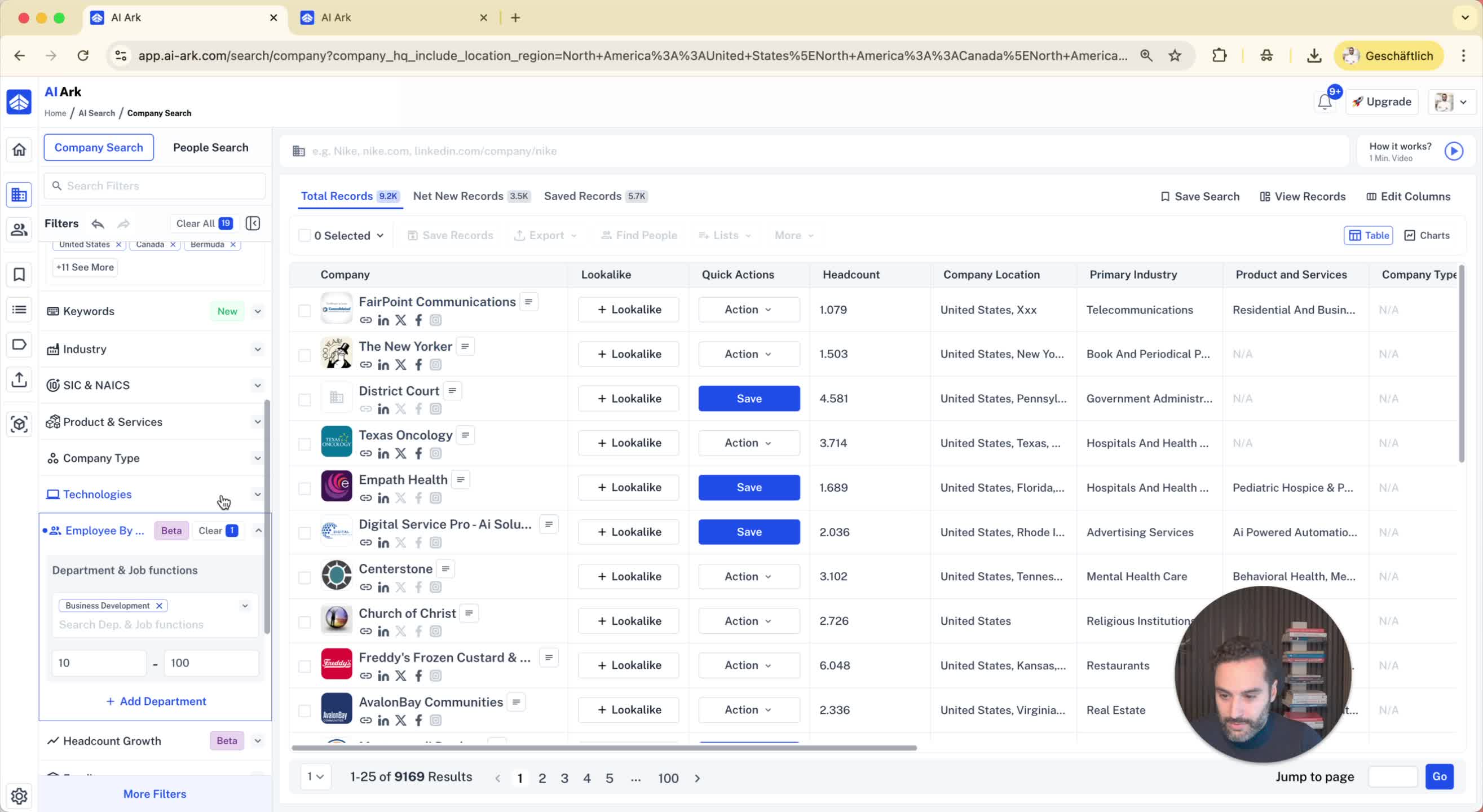
Adding another department filter:
IT team size: at least 100 employees.
Example of a company meeting both criteria.
6. Upcoming Location Filter 1:41
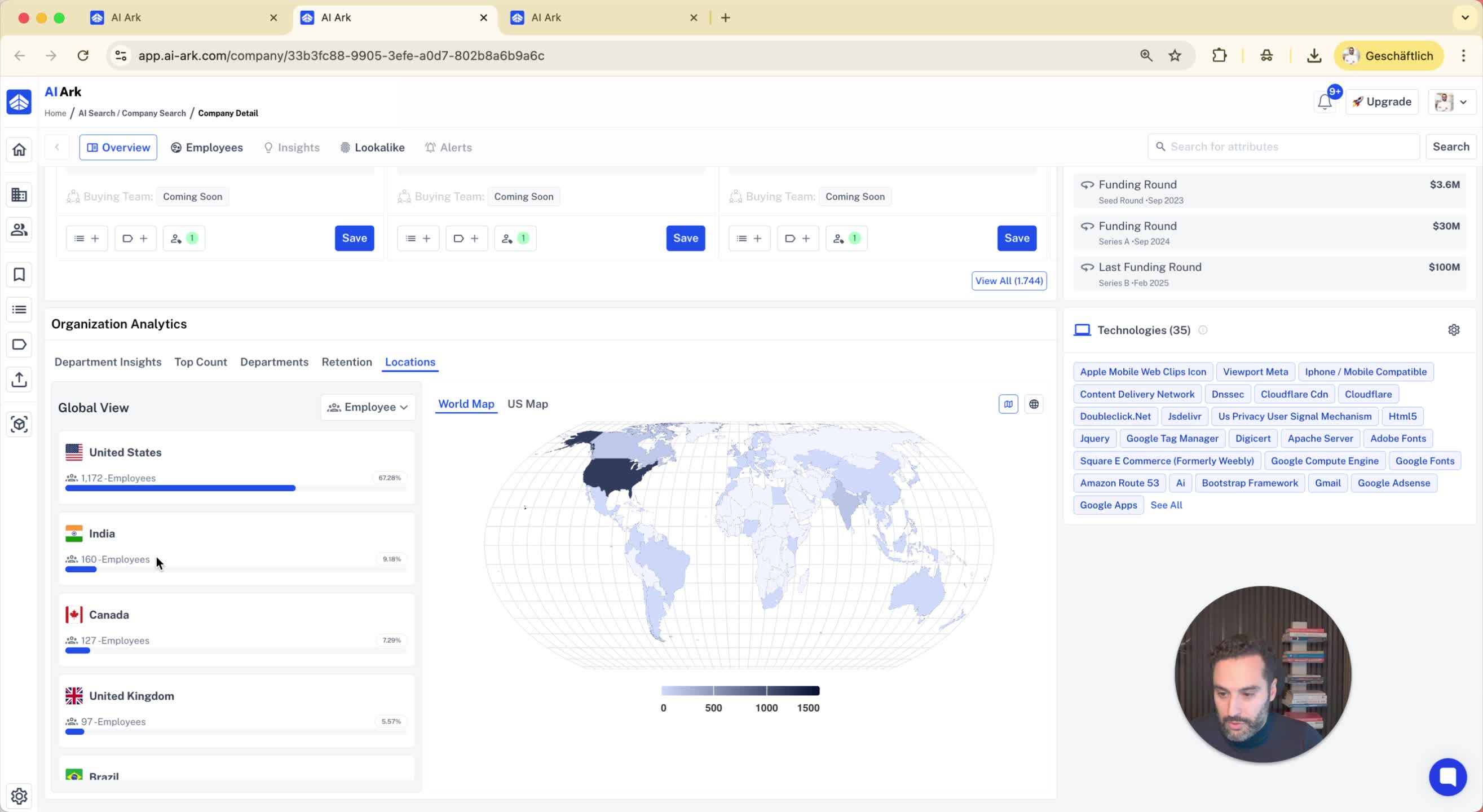
Announcement of a new filter for employee location.
Example: Companies based in the U.S. with employees in India.
7. Using Headcount Growth Filter 1:49
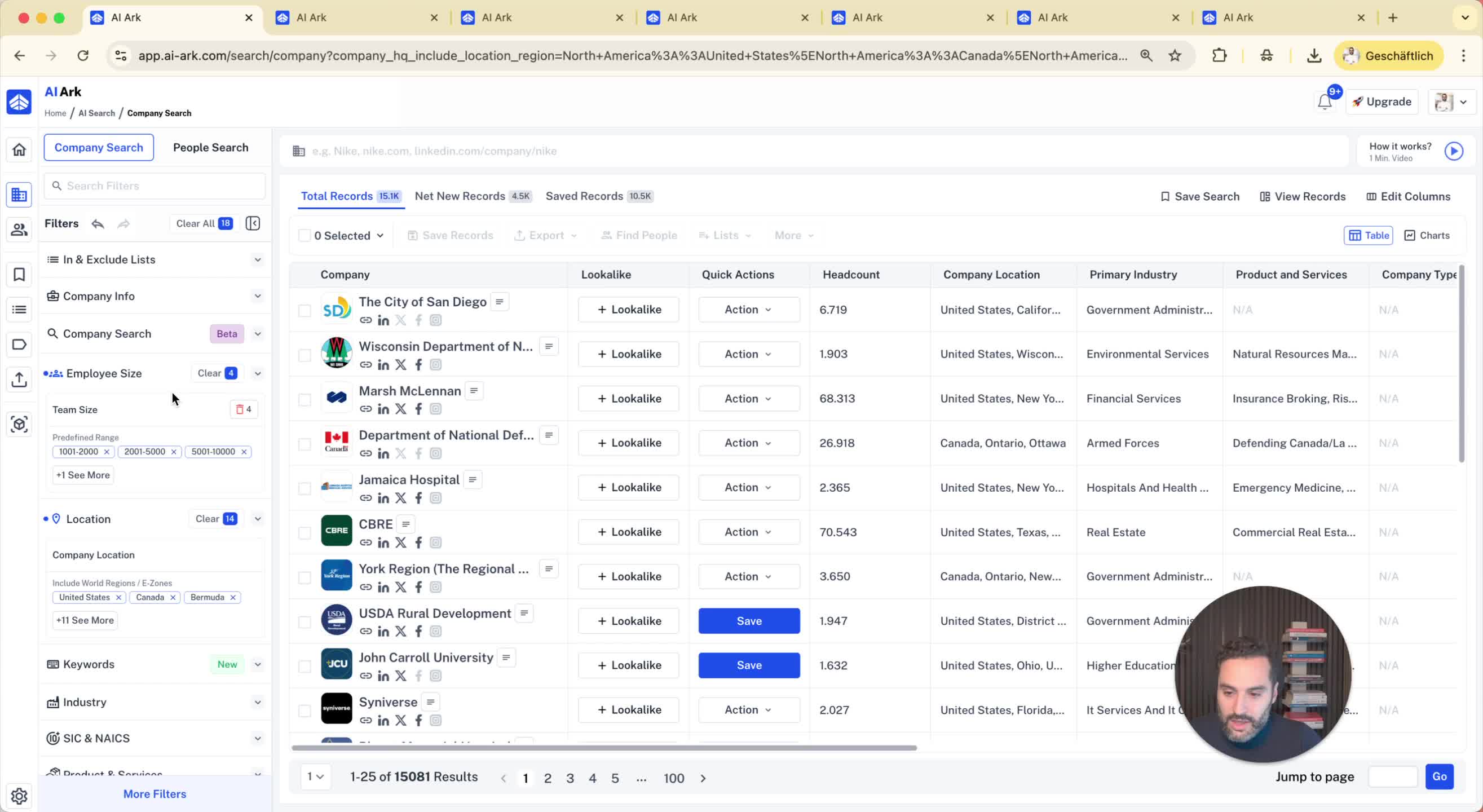
Explanation of the headcount growth filter.
Example: Searching for companies with a marketing team growth of 10% to 15% in the last six months.
8. Viewing Growth Details 2:13
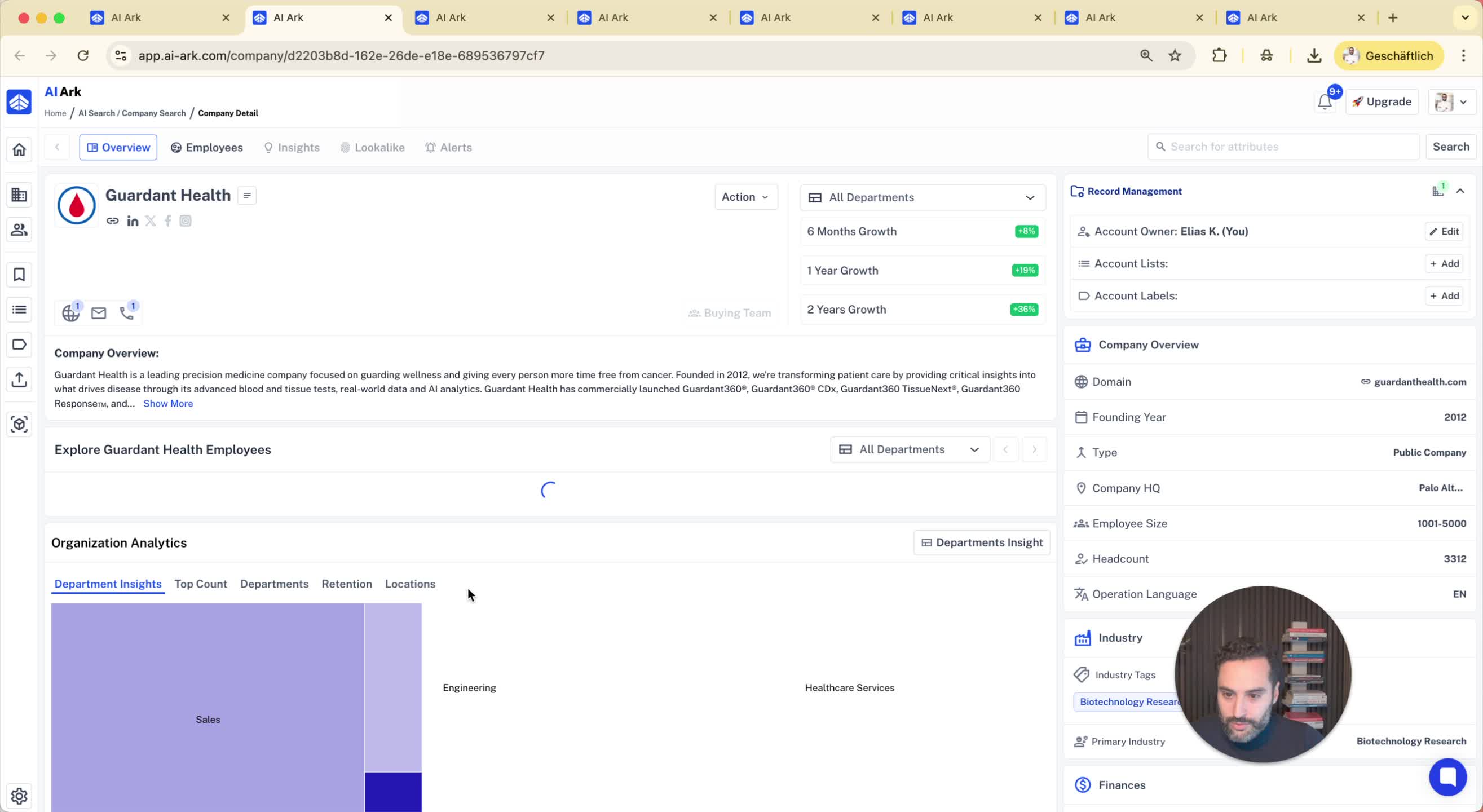
Selecting a company to view growth details.
Checking the percentage growth of the marketing team.
9. Targeting People in Companies 2:19
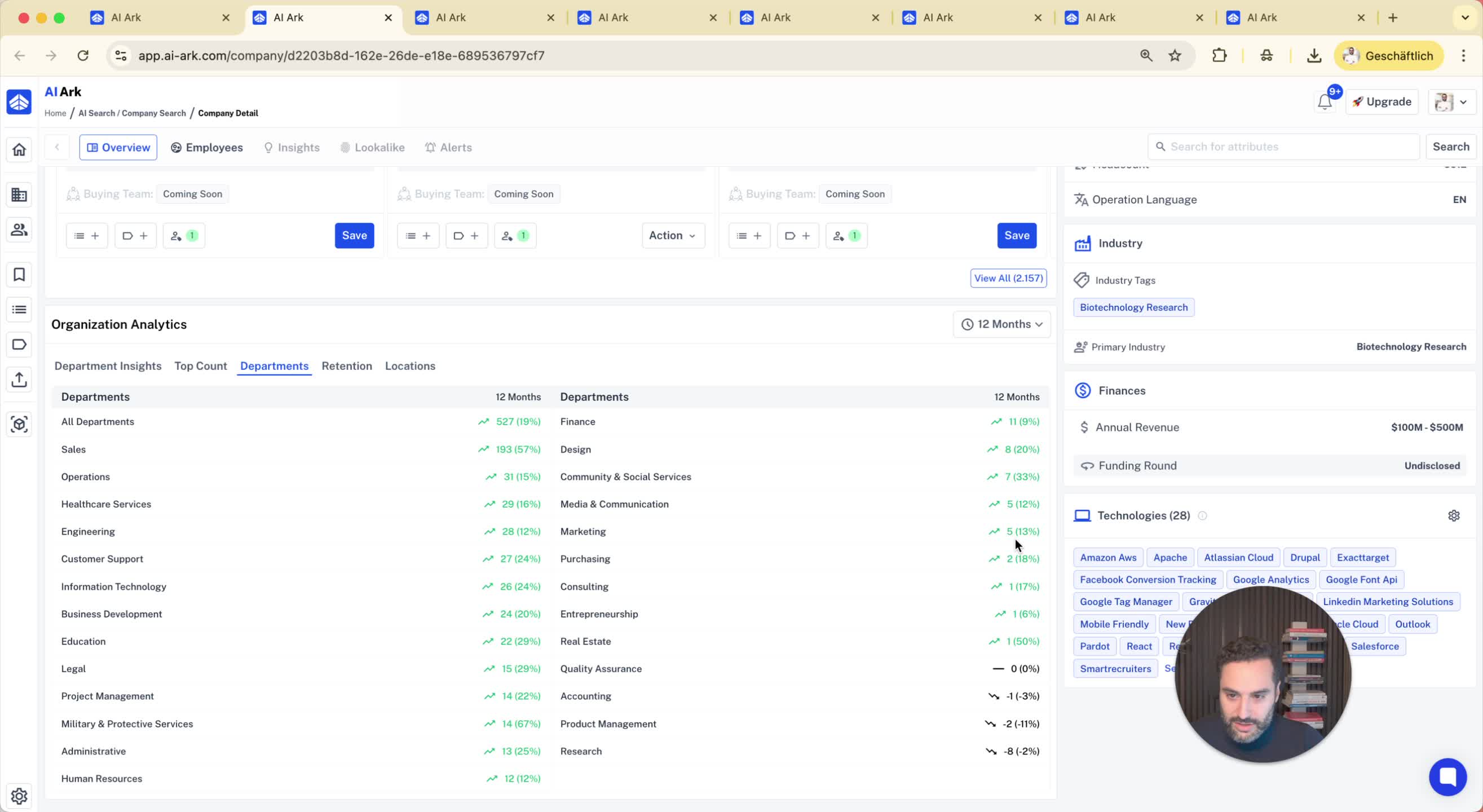
Selecting companies to target.
Using the 'find people' feature to filter based on job role, location, and keywords.
10. Conclusion 2:32