1. Introduction to Limiting Exports 0:00
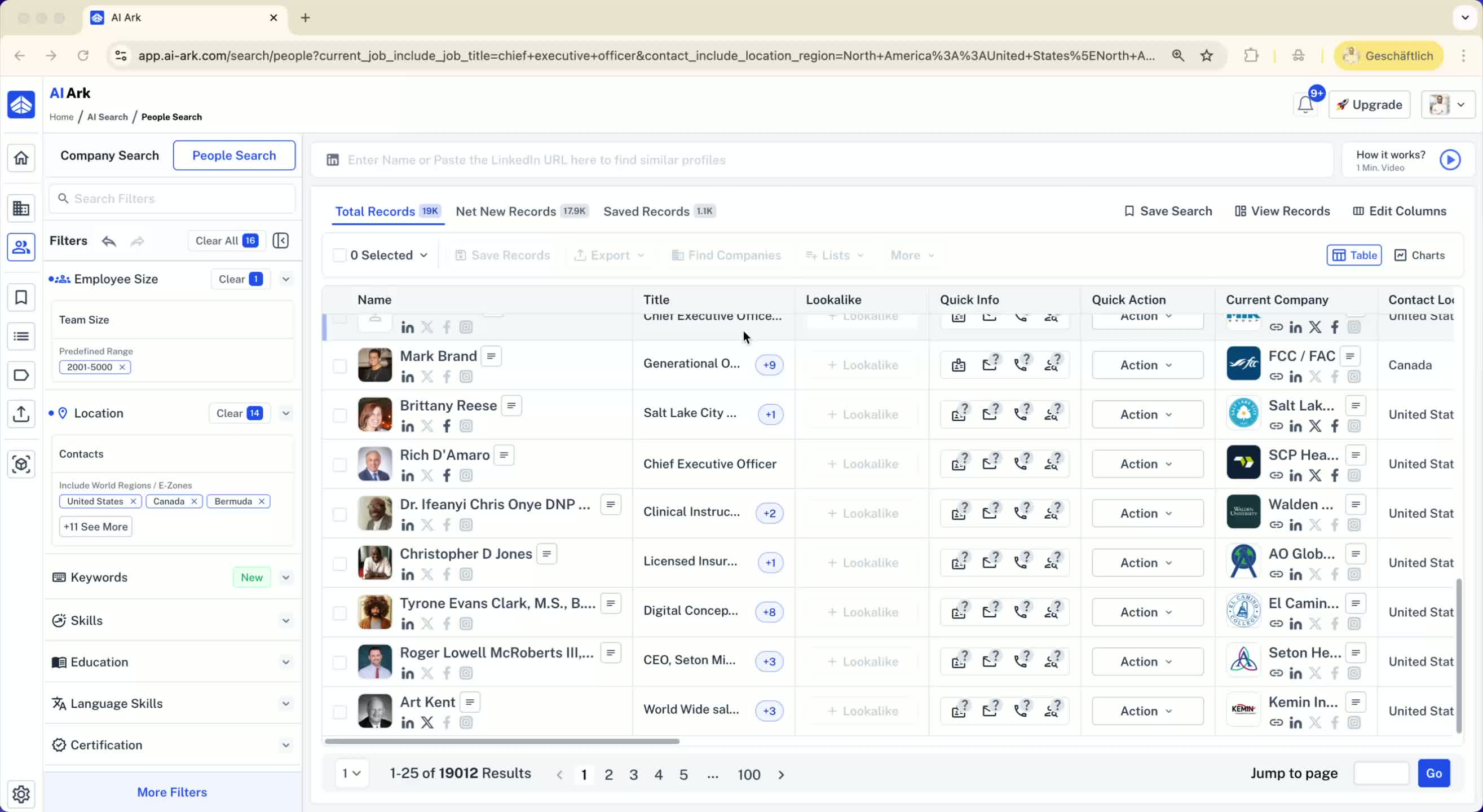
Purpose: To limit the number of individuals per company when saving or exporting a list.
Example: Starting with a search result of 19,000 individuals.
2. Understanding Company Representation 0:07
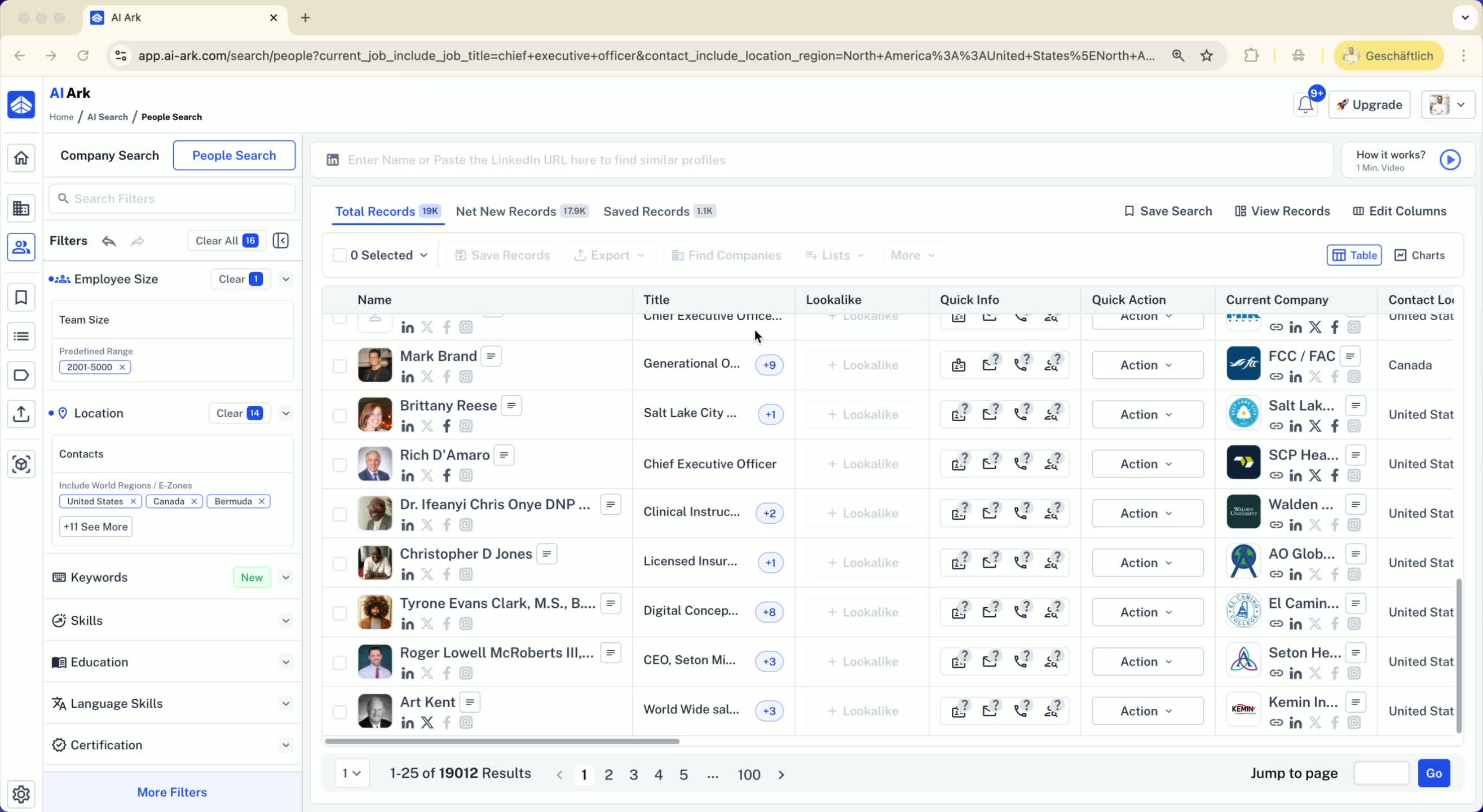
Acknowledge that many individuals may belong to the same company (e.g., 300 or 5000 individuals from one company).
Importance of limiting the number of individuals per company for effective outreach.
3. Accessing the Selection Bar 0:21
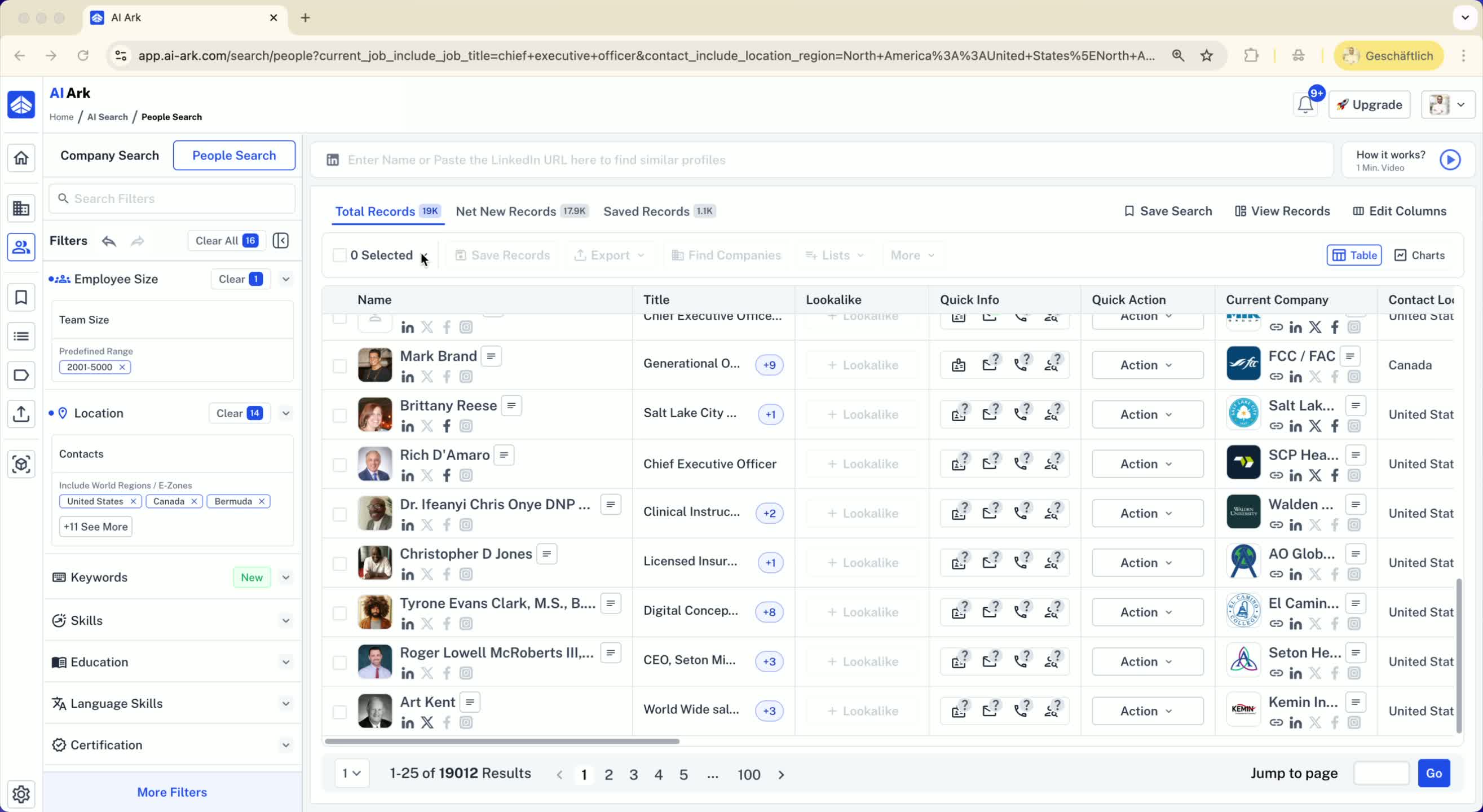
Navigate to the selection bar before selecting individuals.
Note: The option to limit selections is unchecked by default.
4. Setting the Limit for One Person per Company 0:29
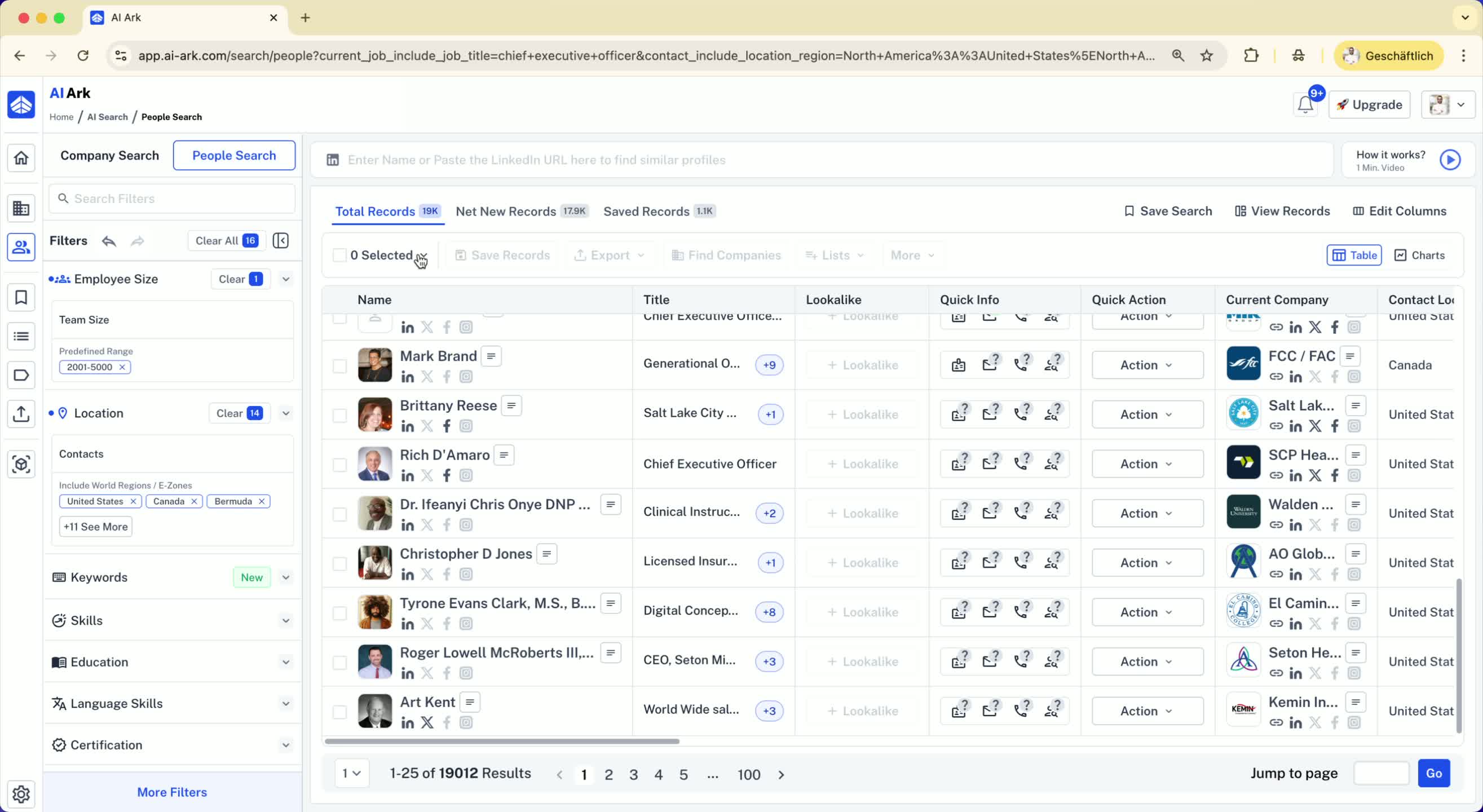
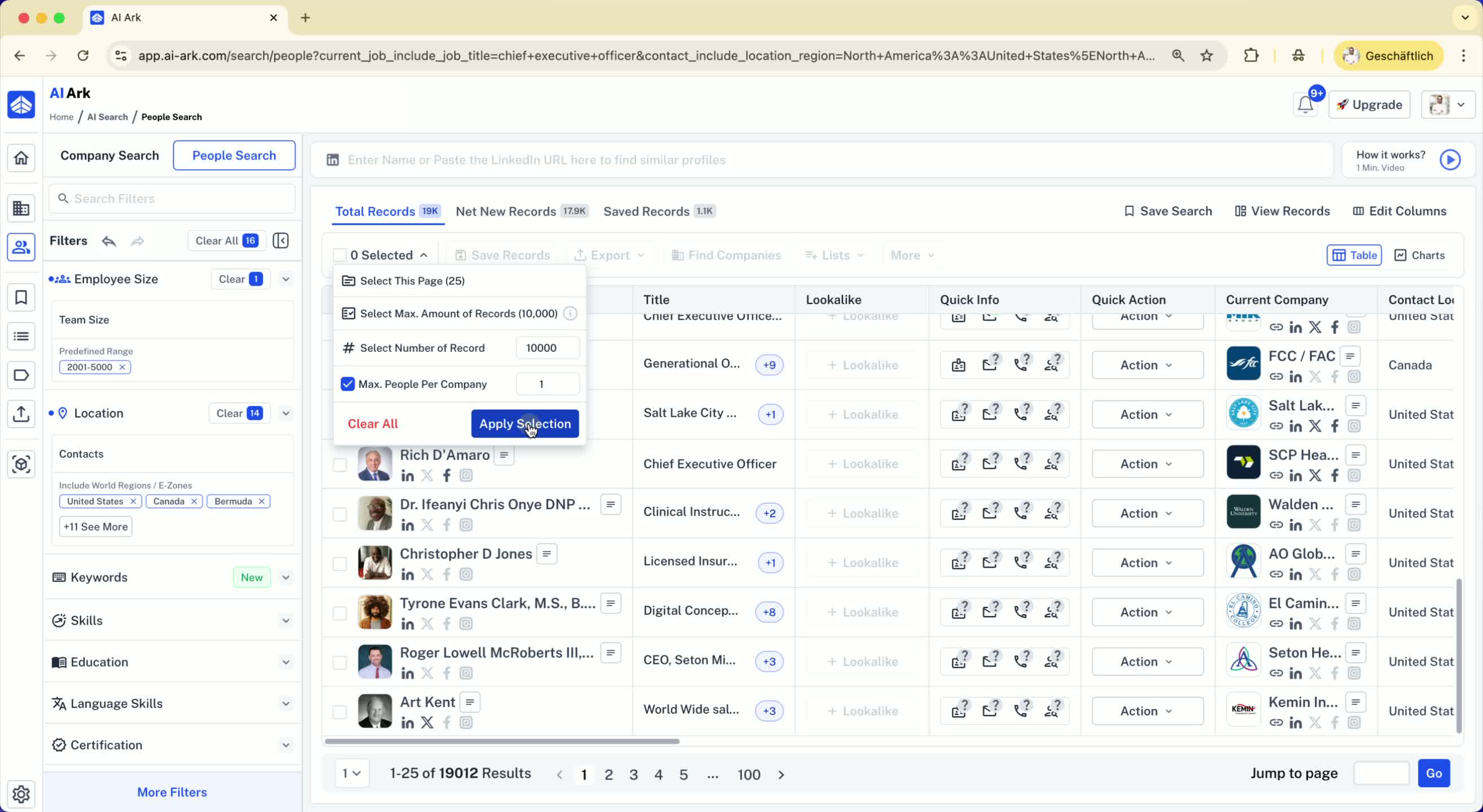
To select only one person per company:
Check the option for limiting selections.
Set the maximum number of individuals to select (e.g., 10,000).
Result: The system will select only one individual from each company.
5. Reviewing the Selected Individuals 0:55
After applying the selection, the total number of selected individuals may be lower than the maximum set (e.g., 3,794 individuals selected from 3,794 companies).
6. Adjusting the Limit to Two People per Company 1:10
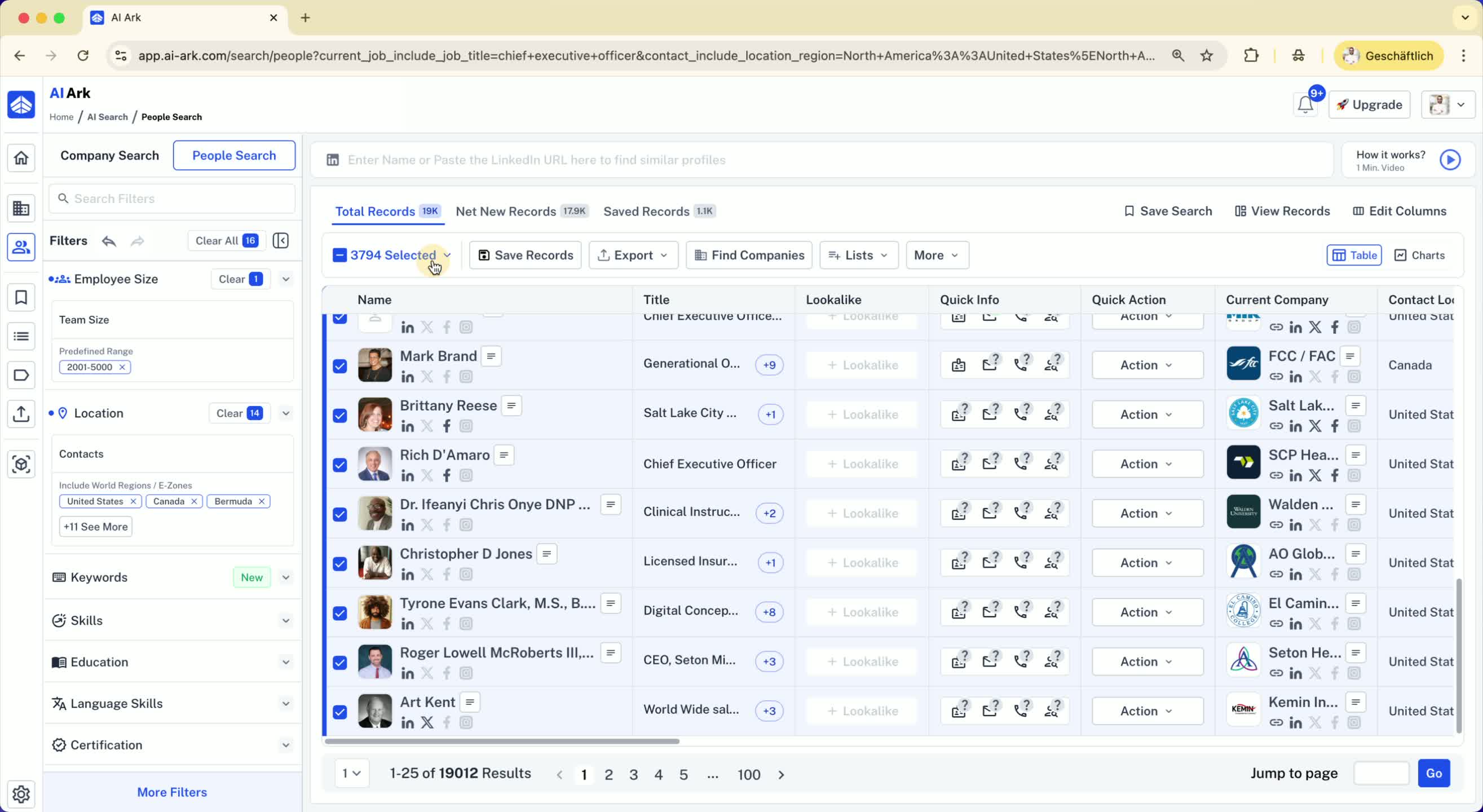
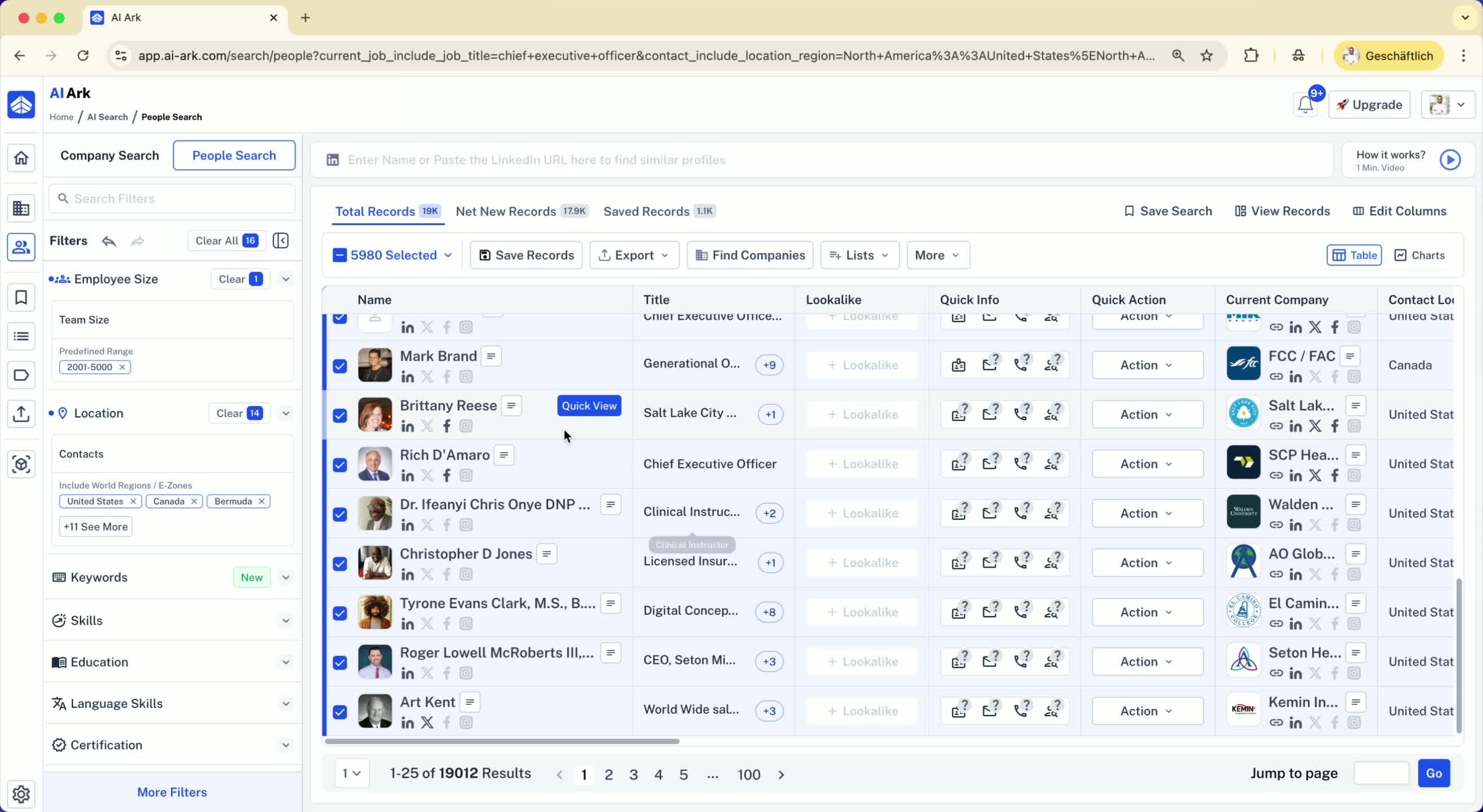
If you want to select two individuals per company:
Change the limit to two people.
Result: The total number of selected individuals will increase.
7. Importance of Limiting Selections 1:25
Ensures that your outreach is diverse and not concentrated on one company.
Prevents potential damage to your email reputation by avoiding excessive targeting of individuals from the same company.
