1. Create an API Key 0:00
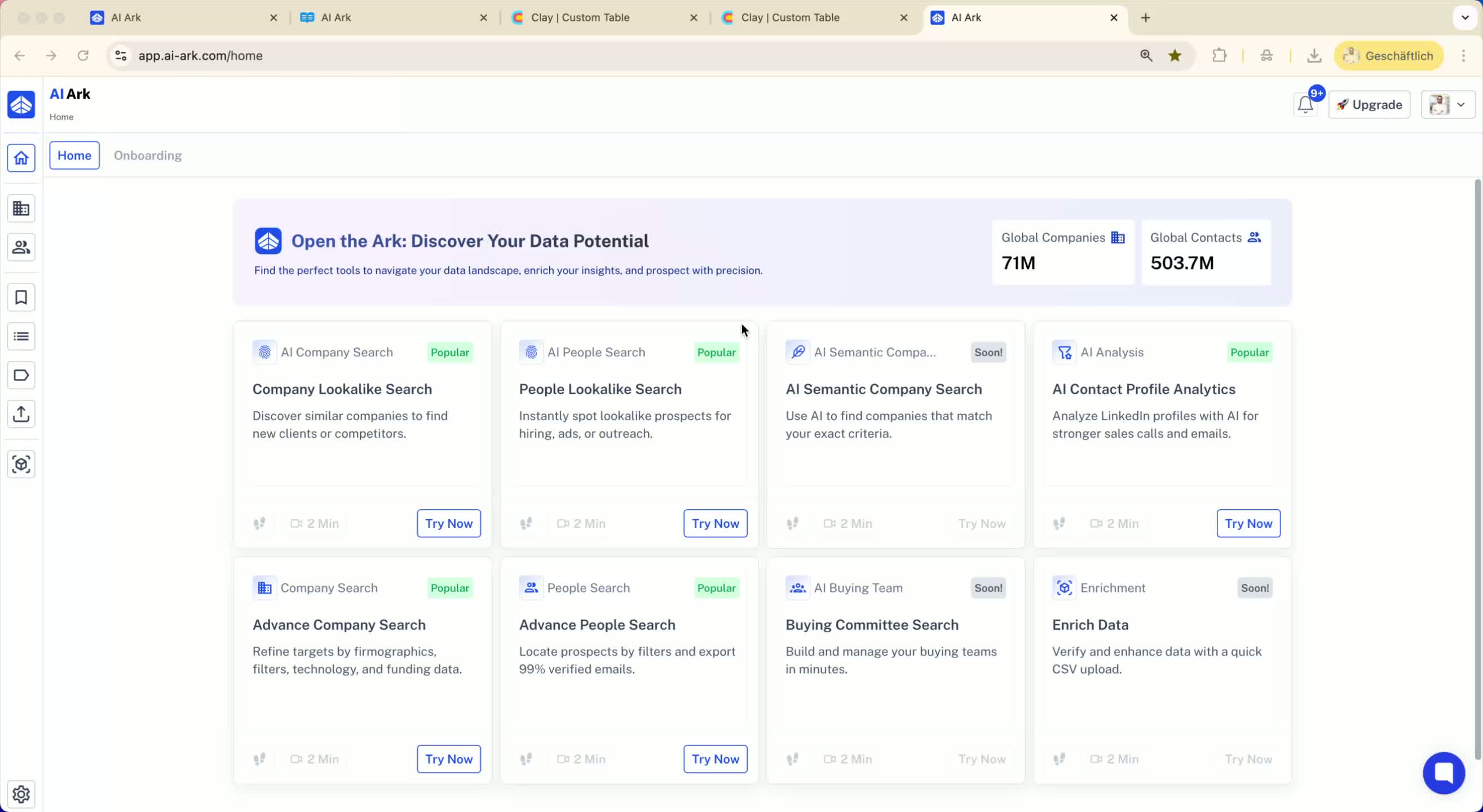
Go to your AI Ark dashboard.
Click on 'Settings'.
Choose and create an API key.
Copy the generated API key.
2. Access API Documentation 0:16
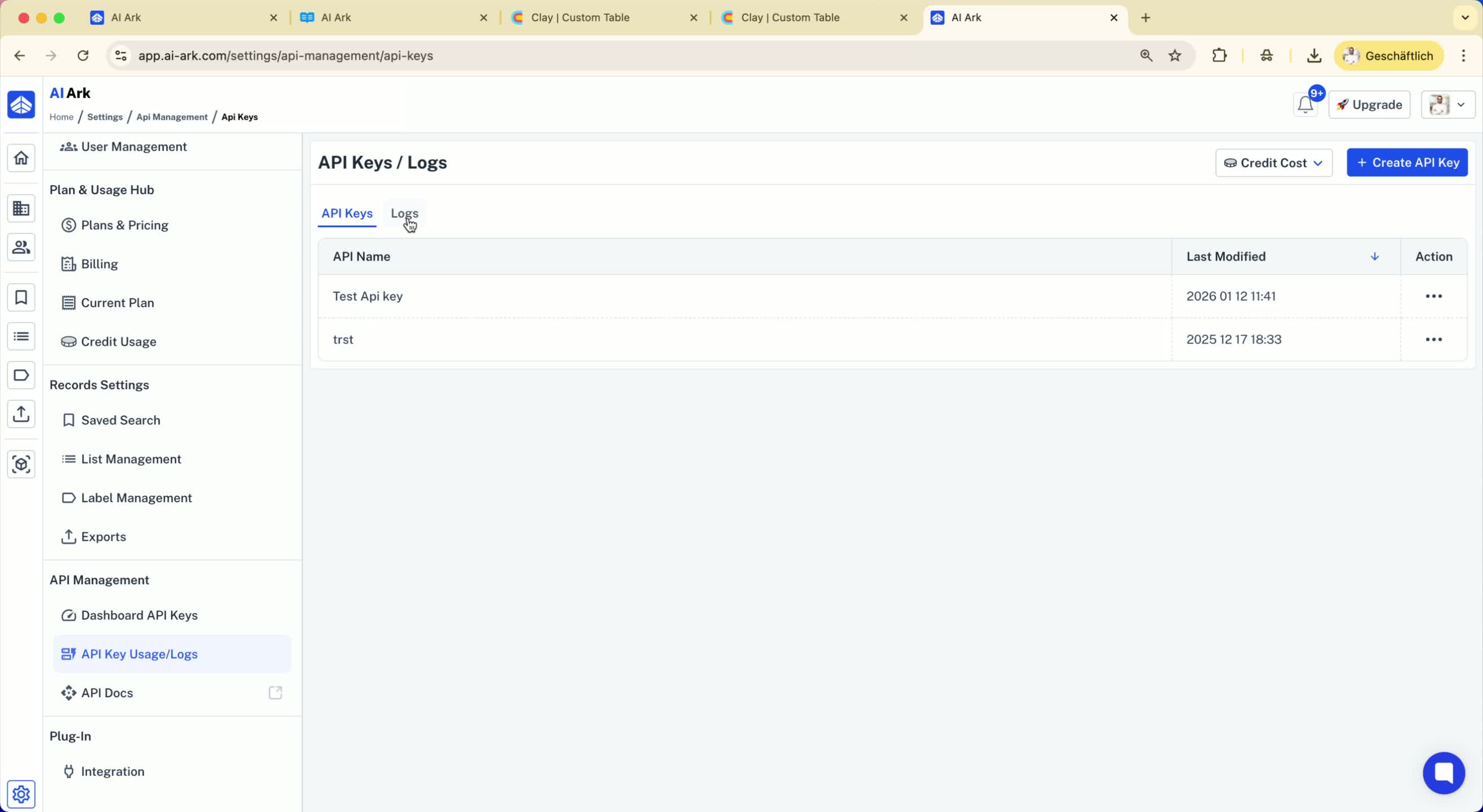
View your logs and access the API documentation.
Familiarize yourself with the available APIs:
Company Search API
People Search API
Reverse People Lookup API
Mobile Finder API
Email Finder API
3. Create a New Table in Clay 0:42
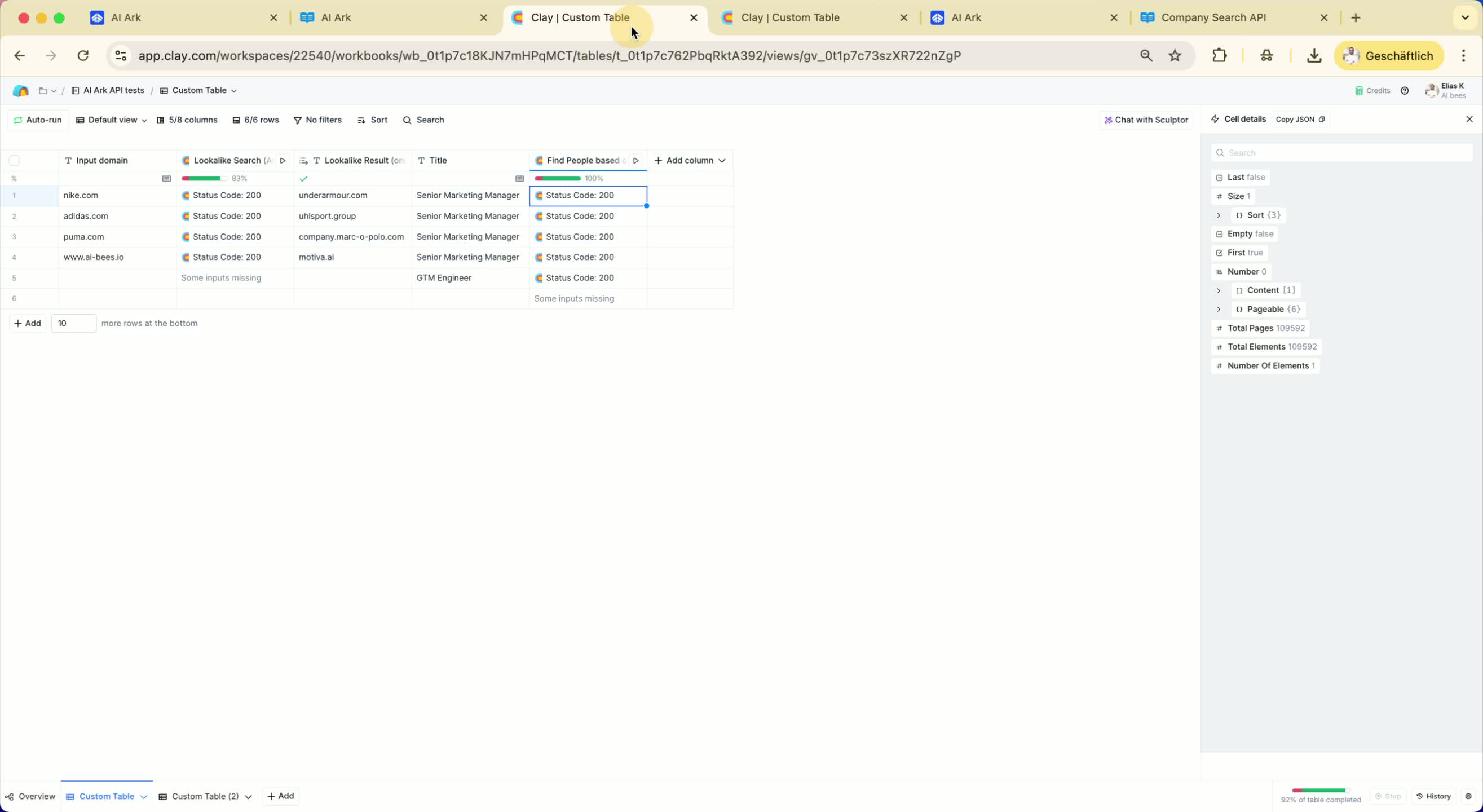
Create a new table in Clay.
Click on 'Enrichment' on the right side.
Select 'HTTP' to make an API request.
4. Configure the API Request 0:59
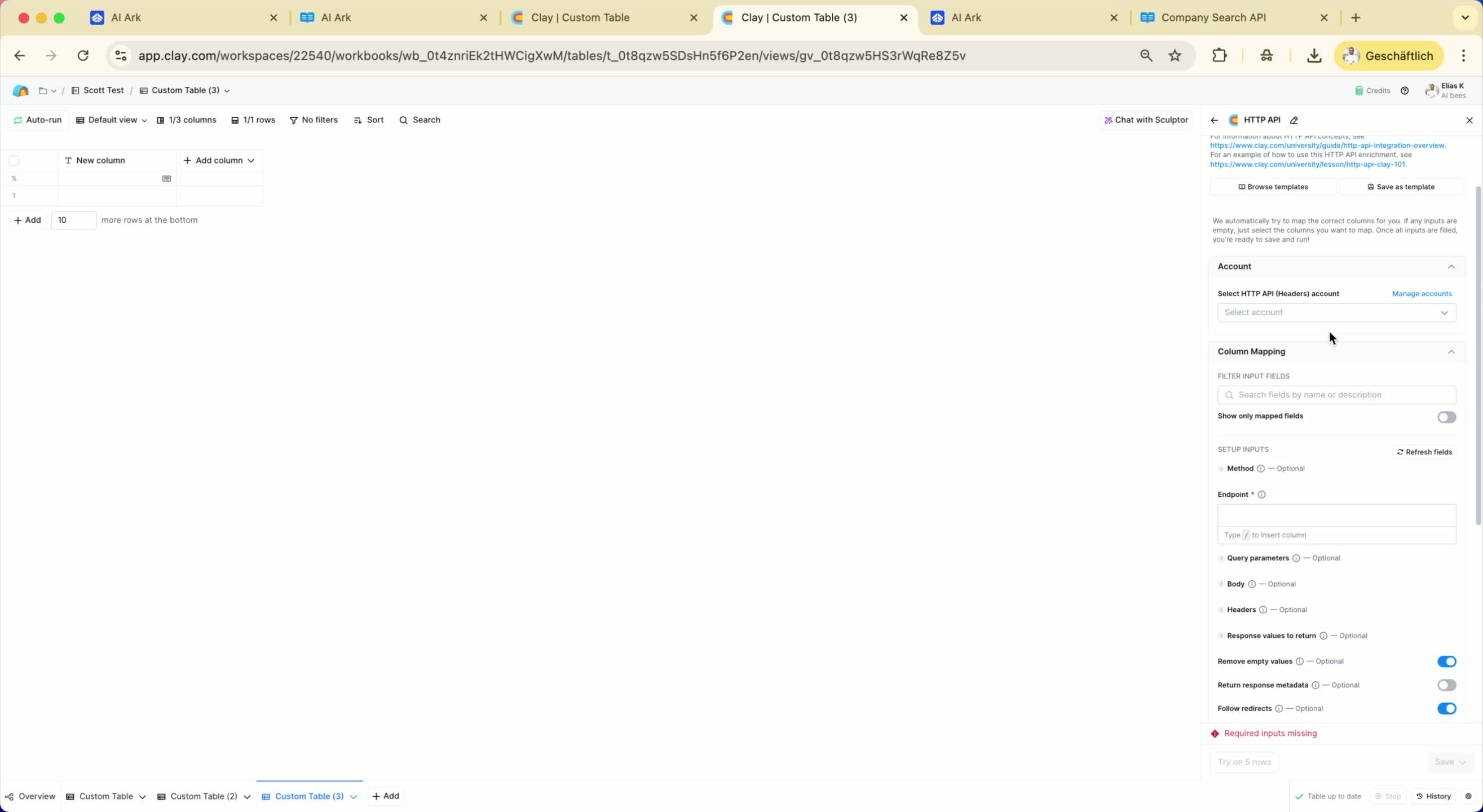
Decide what you want to do using the API documentation.
For a lookalike search, add relevant fields (e.g., domains, location).
Example: Add 'Nike.com' and set location to 'United States'.
5. Prepare the API Request Body 1:32
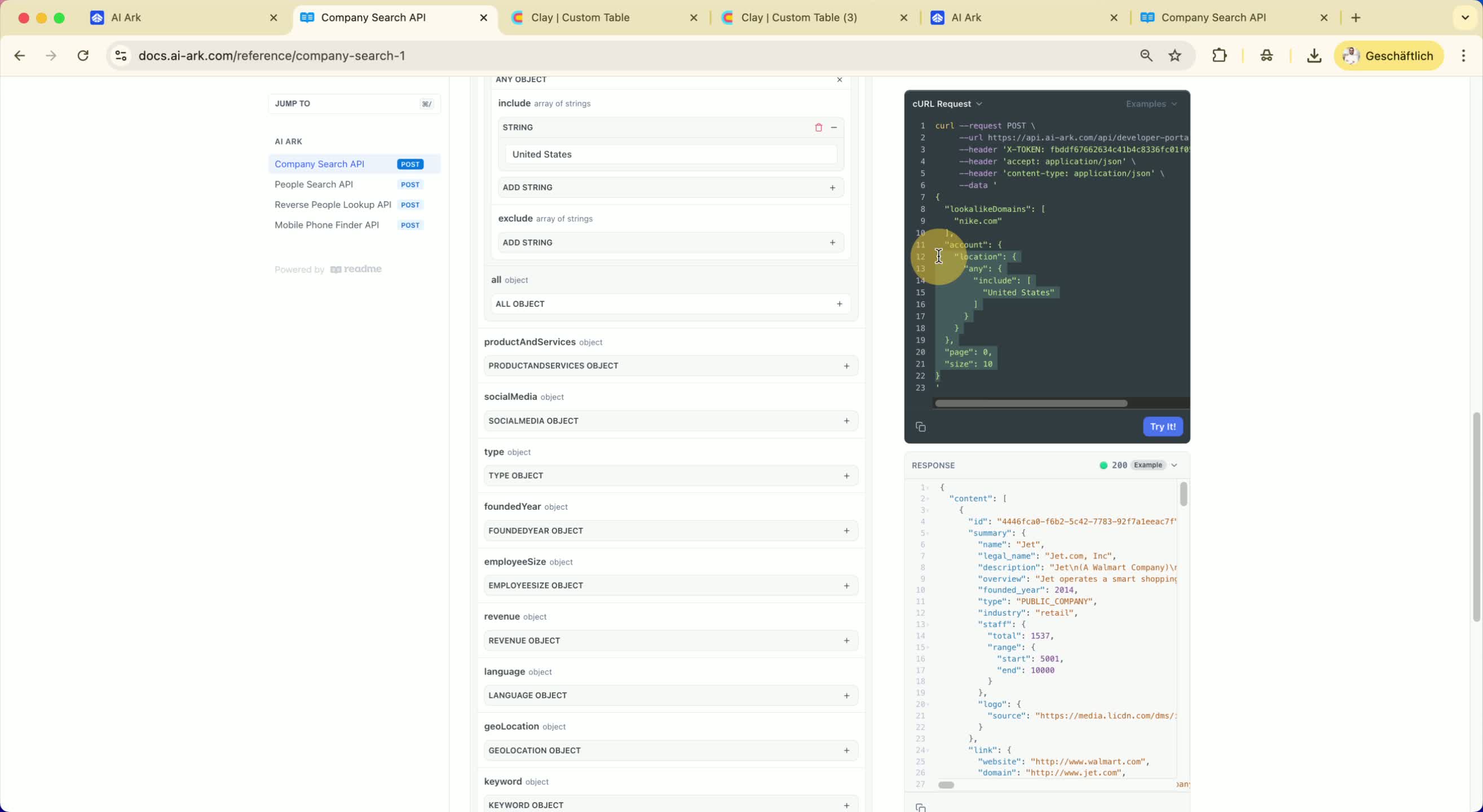
Copy the entire body from the documentation.
Paste it into the body section in Clay.
Remove unnecessary parts from the pasted JSON.
6. Set the Request Method and Endpoint 1:40
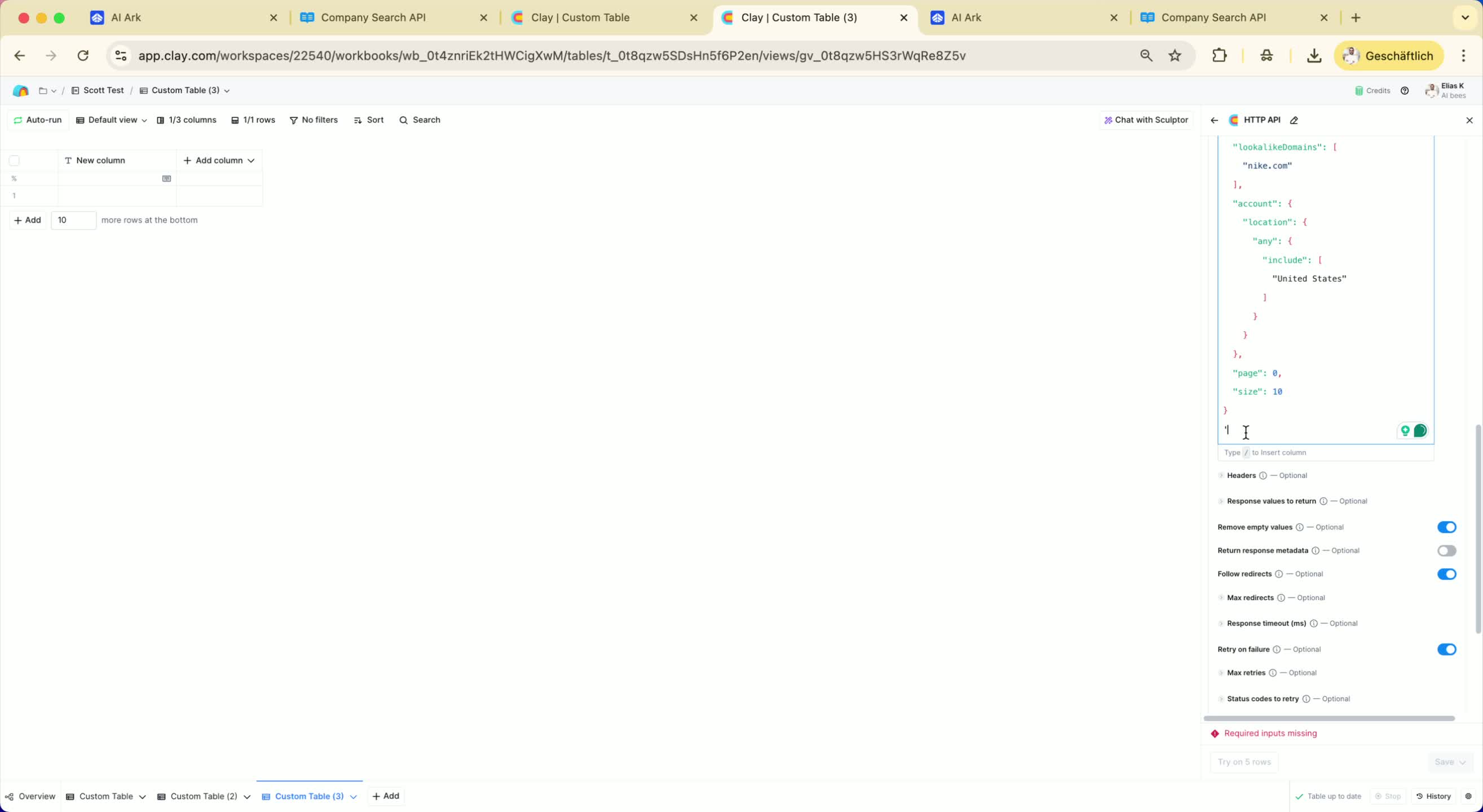
Choose 'POST' as the method.
Copy the endpoint from the documentation and add it to Clay.
7. Add Headers to the Request 2:10
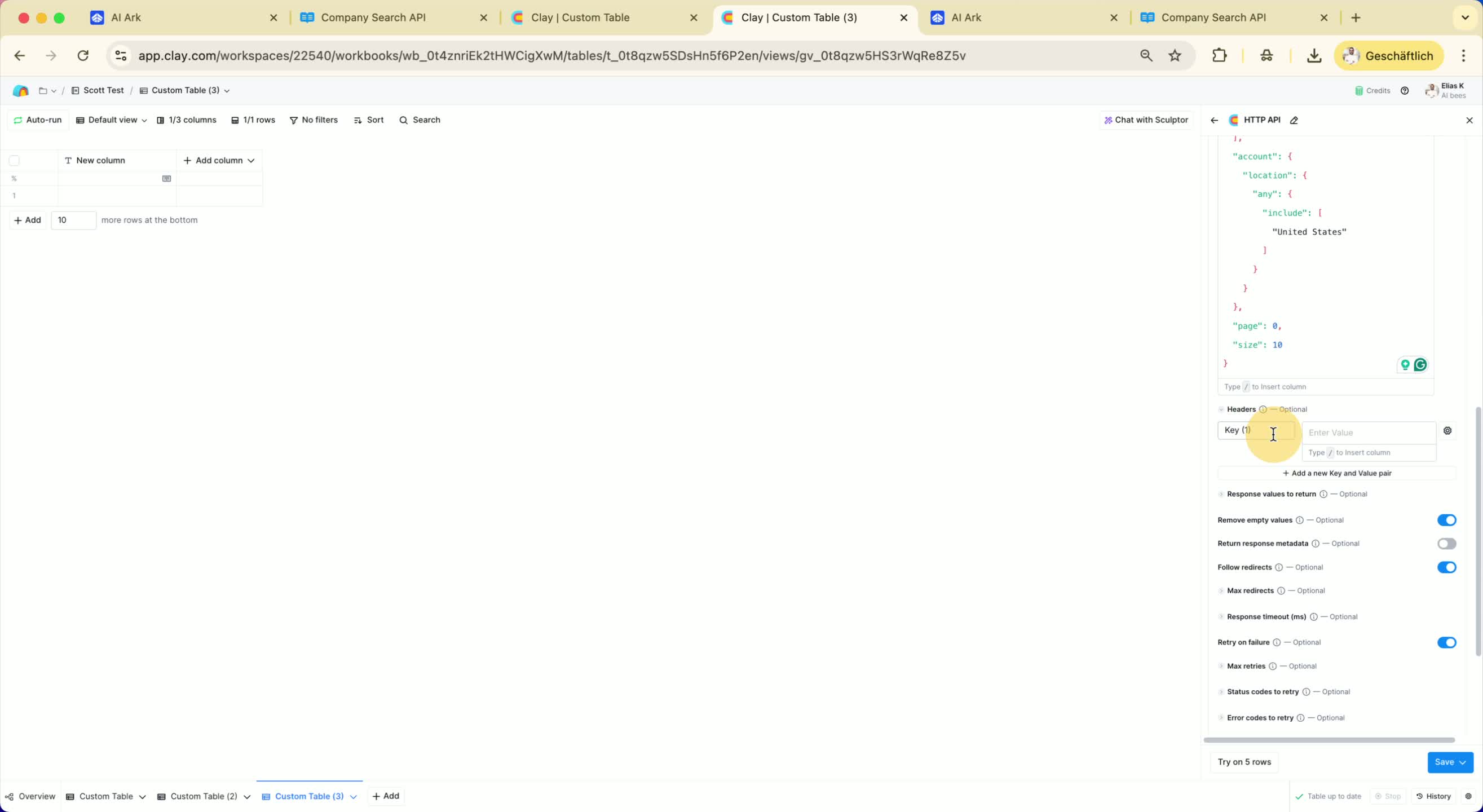
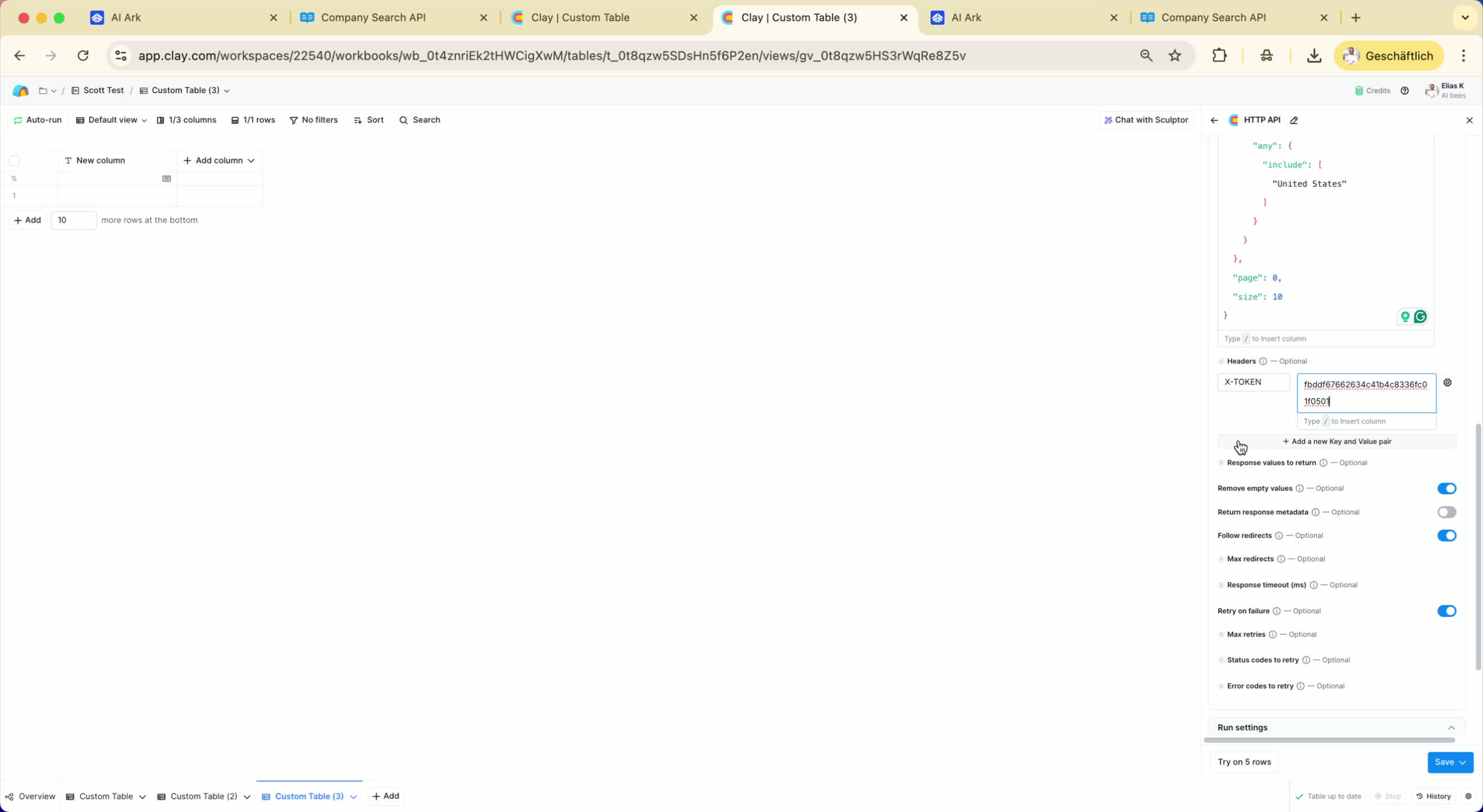
Add a new header for 'X-TOKEN'.
Paste your API key as the value for 'X-TOKEN'.
8. Set Rate Limit 2:29
Set a custom rate limit of 5 requests per second.
9. Run the API Request 2:37
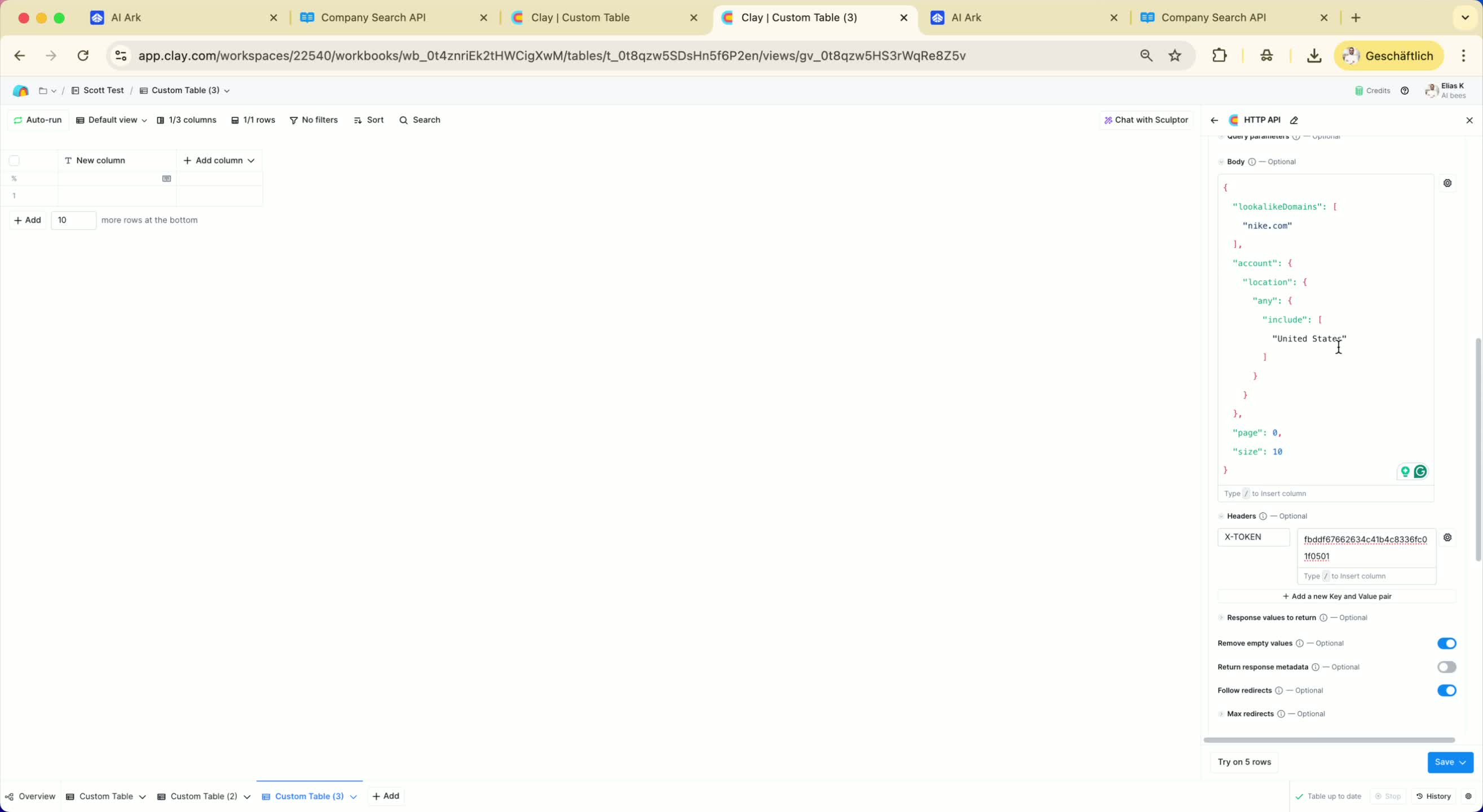
Execute the request to find companies similar to Nike in the United States.
10. Review Results 2:43
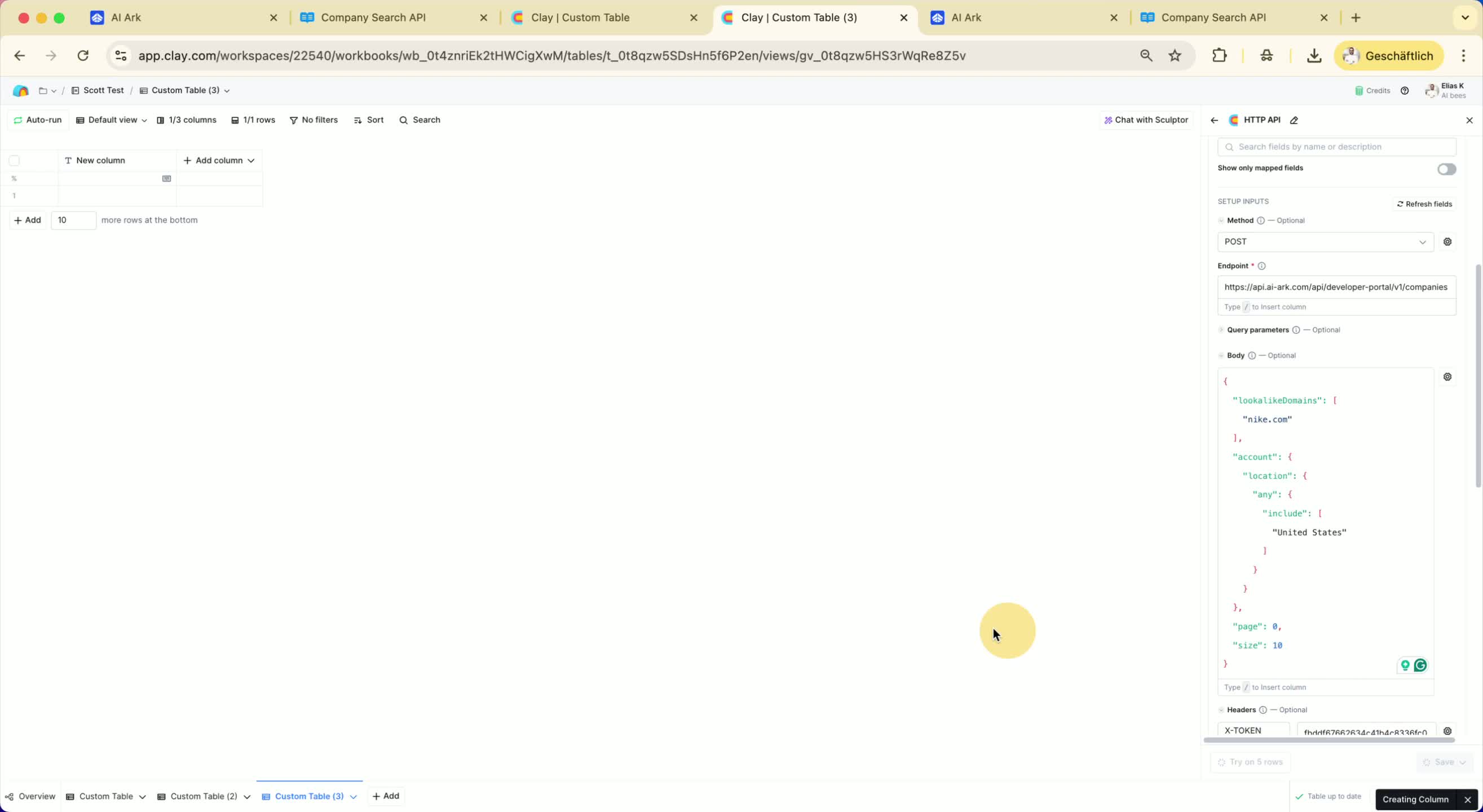
Check the results for similar companies.
Add relevant companies to a column to create your lookalike audience.
11. Use the People Search API 3:12
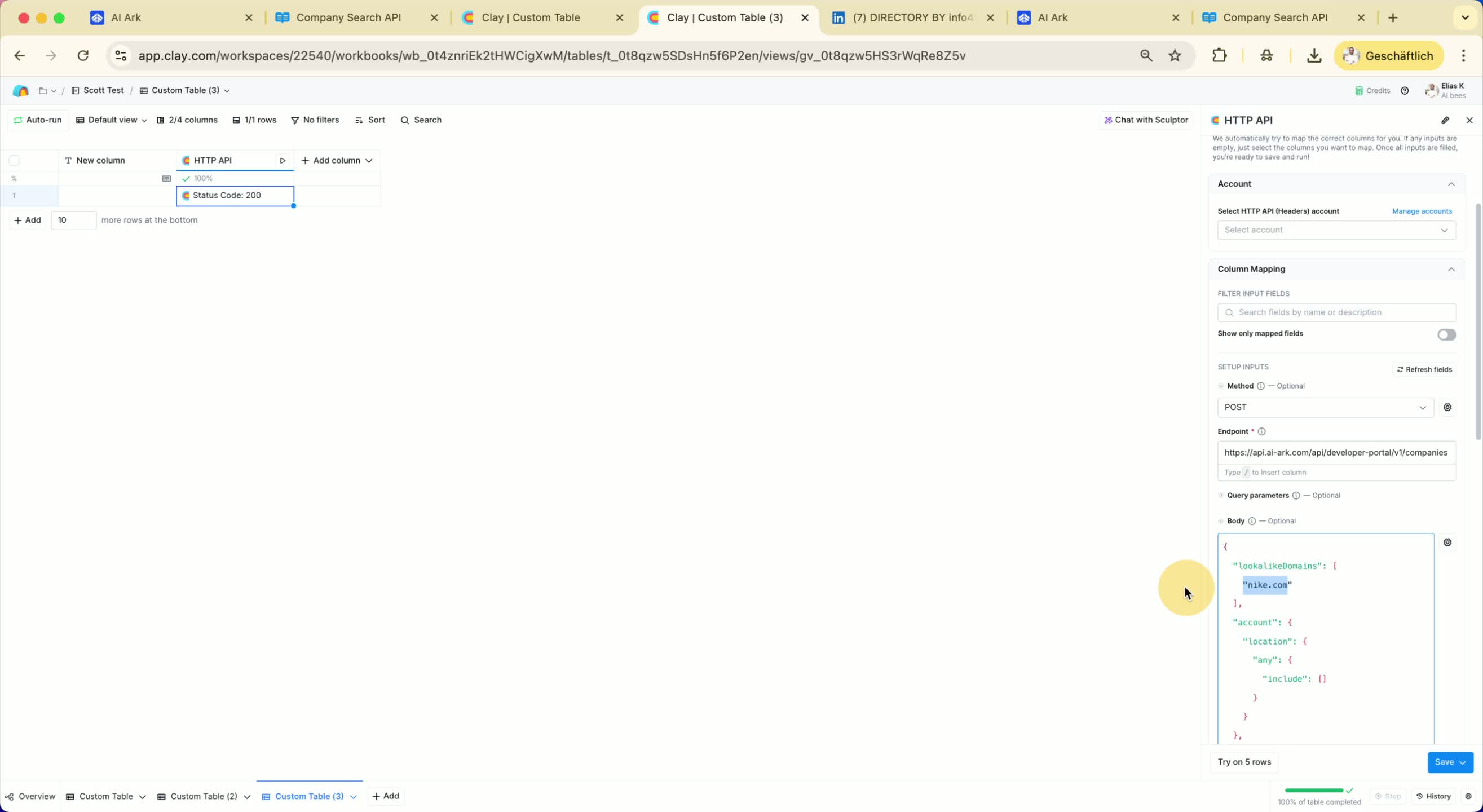
If you have a list of domains, use the People Search API to find key personnel (e.g., founders, sales managers).
Add relevant details and set the account object (preferably LinkedIn URL or domain).
12. Configure People Search Request 4:01
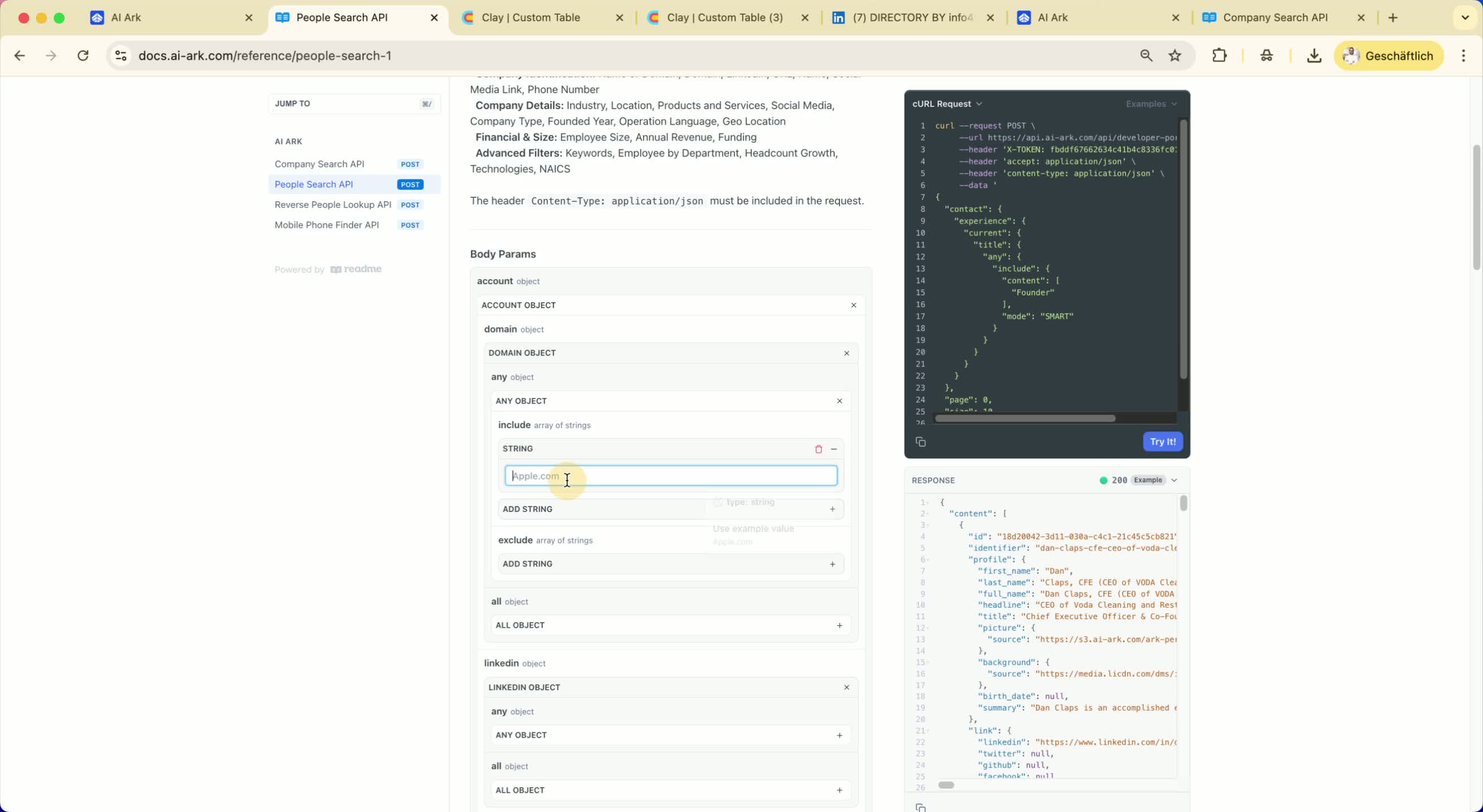
Create a new table for the domains you want to search.
Add domains (e.g., Nike.com, Adidas.com, Amazon.com) to the table.
13. Set Up the People Search API Request 4:40
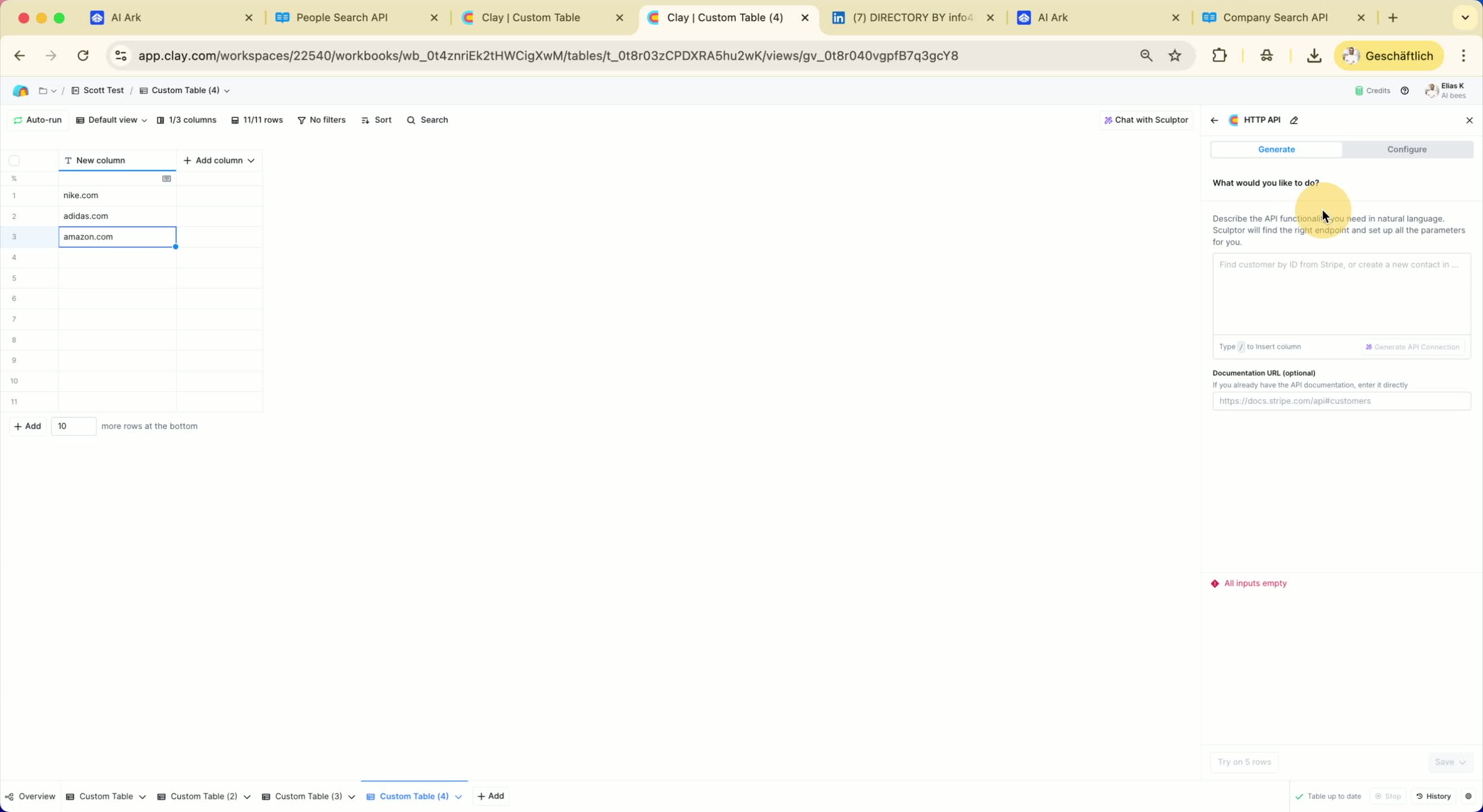
Click on 'Enrichment' and configure the request.
Add the body and set the variable for the domain.
14. Execute the People Search API Request 5:41
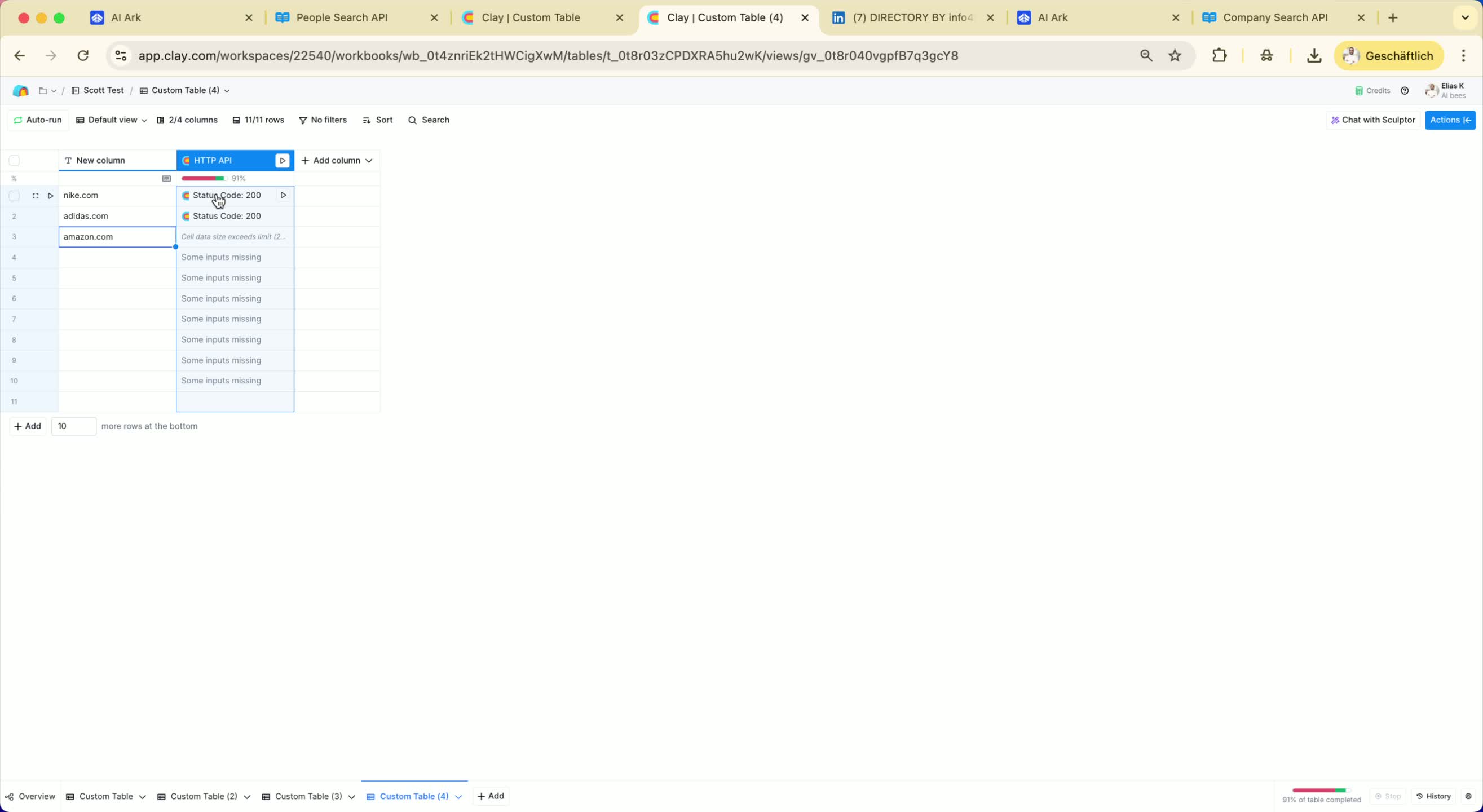
Run the request to find sales managers for the specified domains.
15. Review People Search Results 6:05
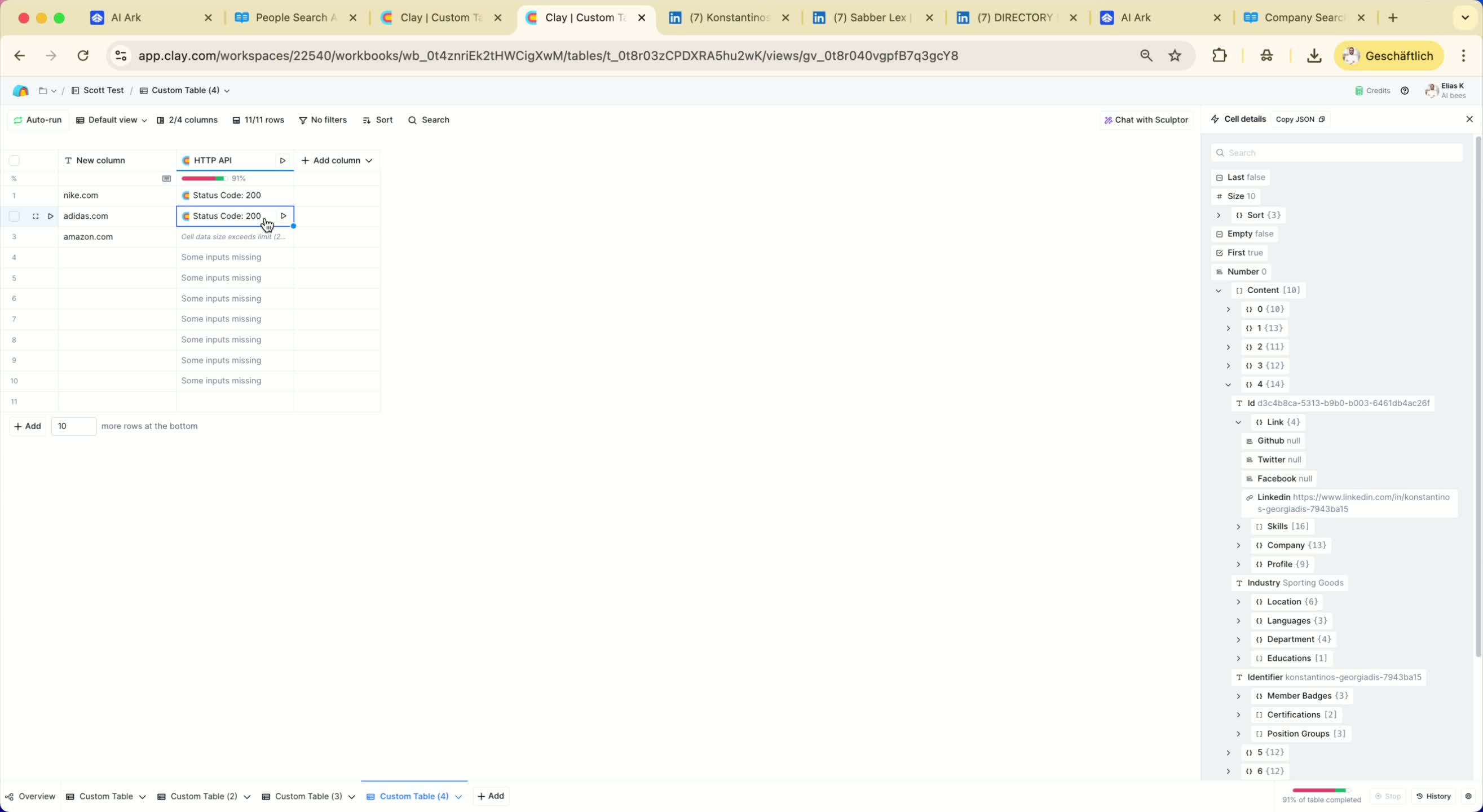
Check the results for sales managers at each company.
Move relevant profiles to another table or column.
Link to Loom
