1. Introduction to Multiple Roles 0:00
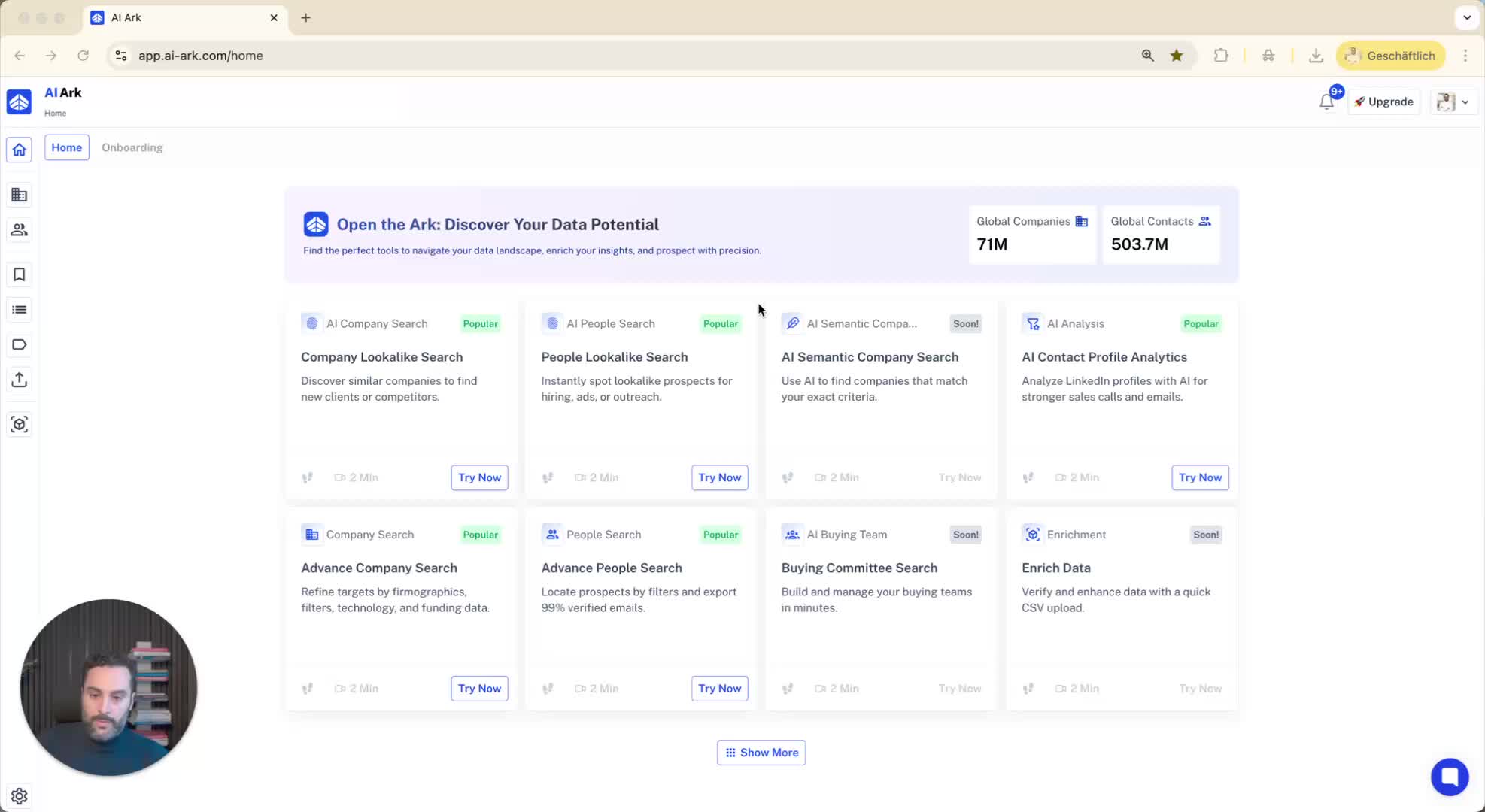
Explanation of the topic: Handling individuals with multiple current roles in the system.
Example will be provided using the speaker's own profile.
2. Searching for a Profile 0:12
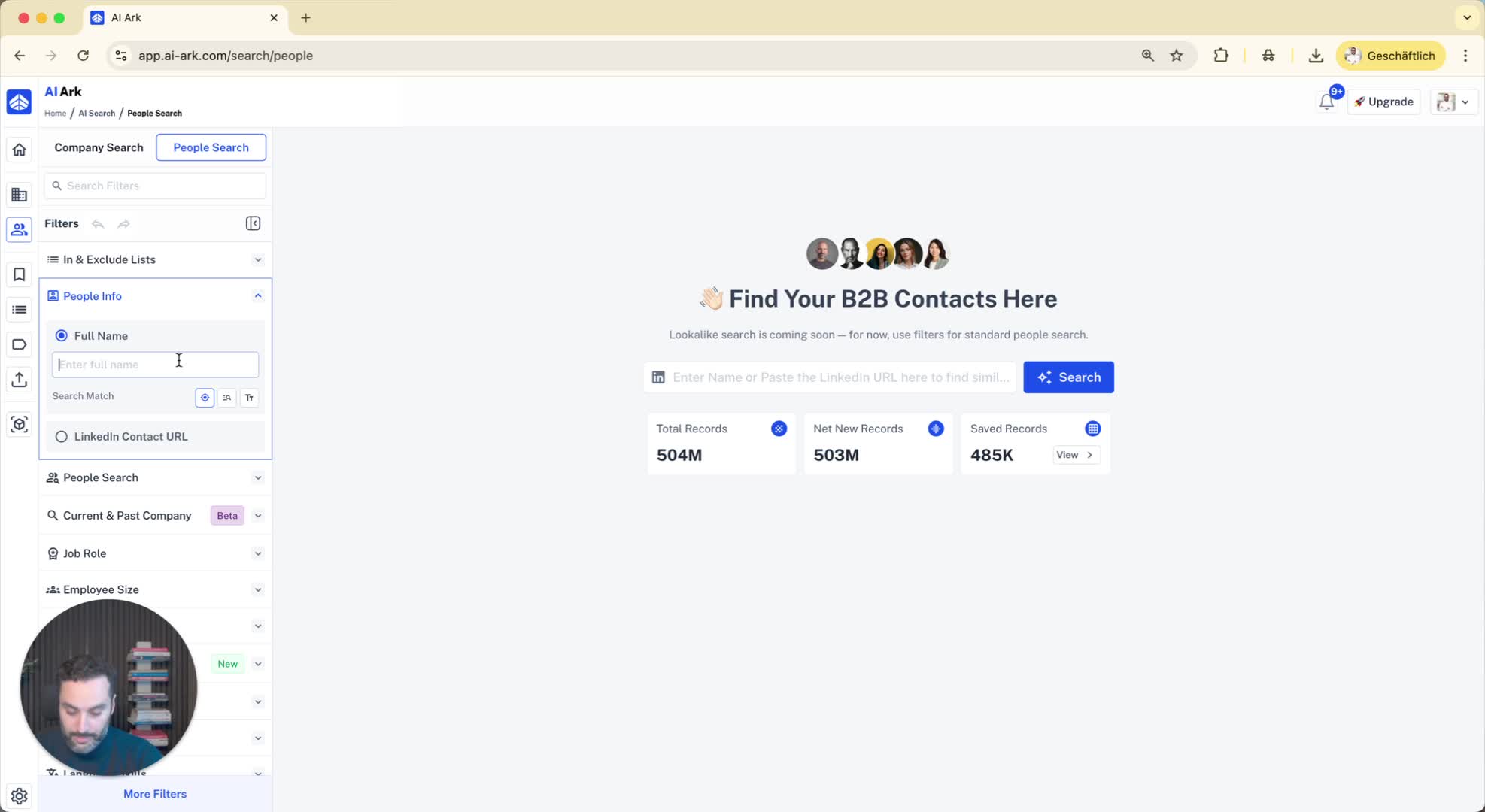
Navigate to the people's search feature in the system.
Enter the name of the individual (e.g., 'Elias').
3. Viewing Profile Details 0:26
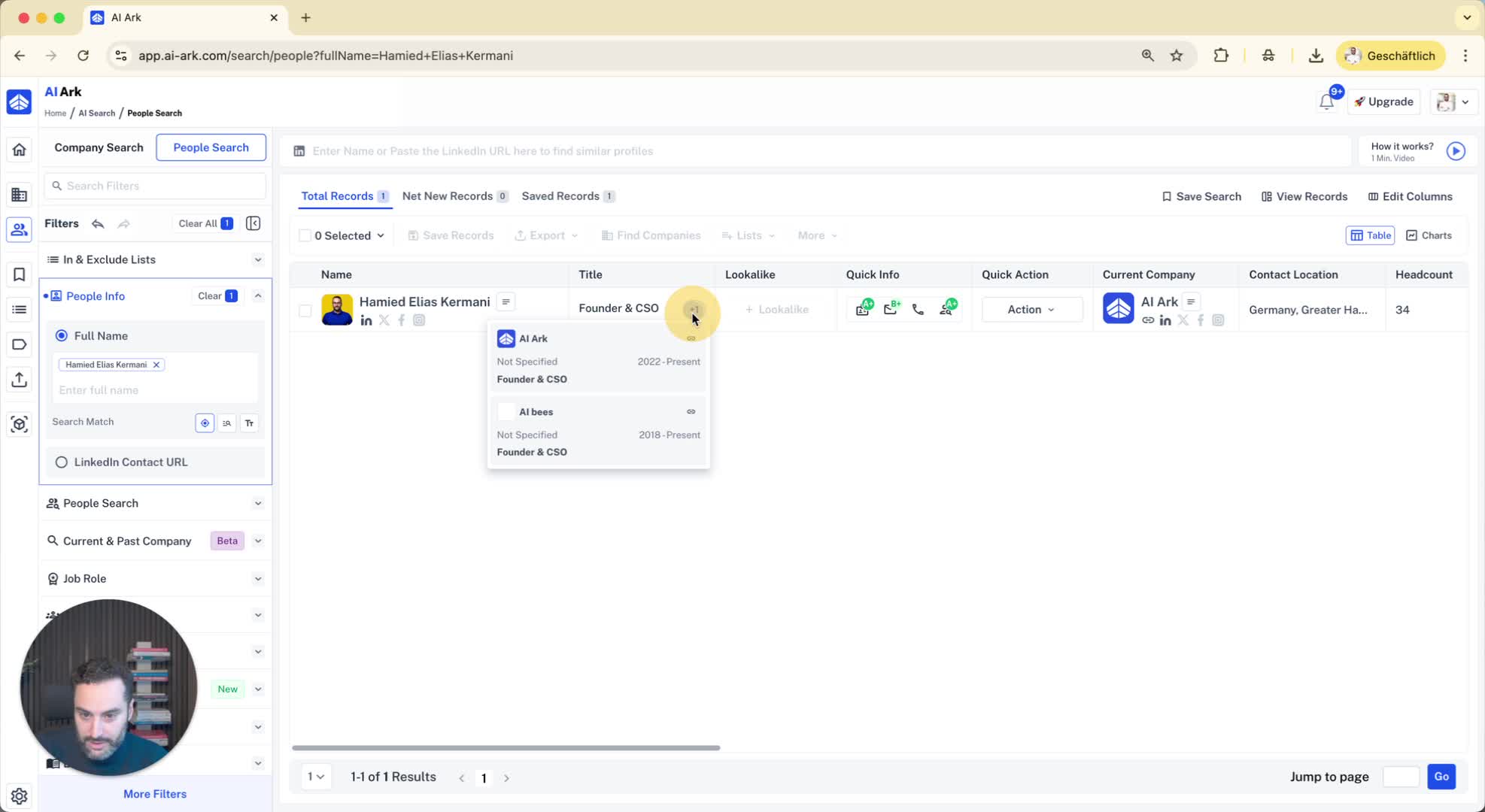
Observe the primary role listed (e.g., 'Founder and CSO of AI Ark').
Notice the presence of a plus one icon indicating additional active roles.
4. Exploring Additional Roles 0:41
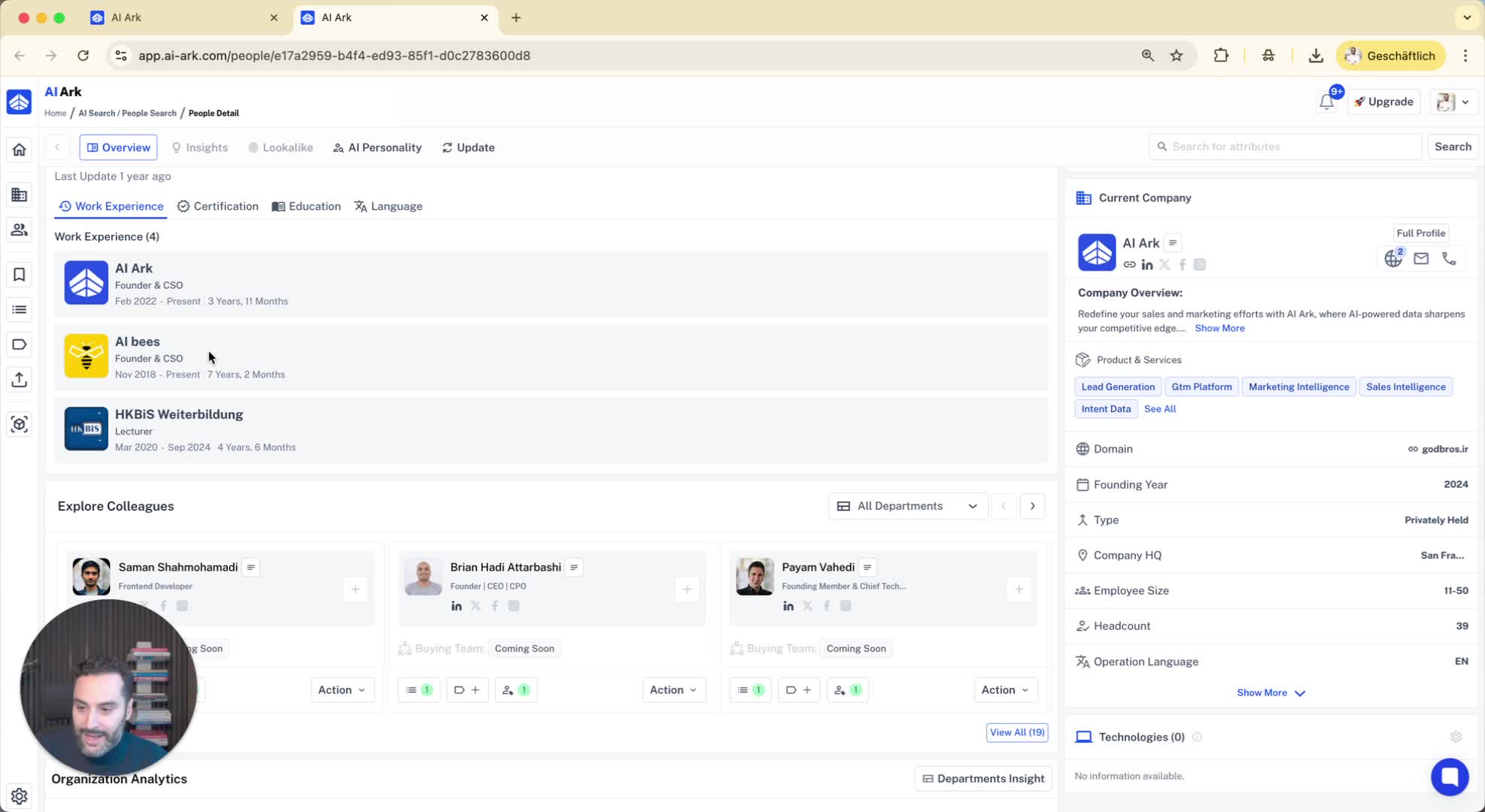
Click on the plus one icon to view all active roles.
Example: 'Founder and CSO of our Outbound Agency Ai bees is also displayed.
5. System Functionality for Role Searches 0:53
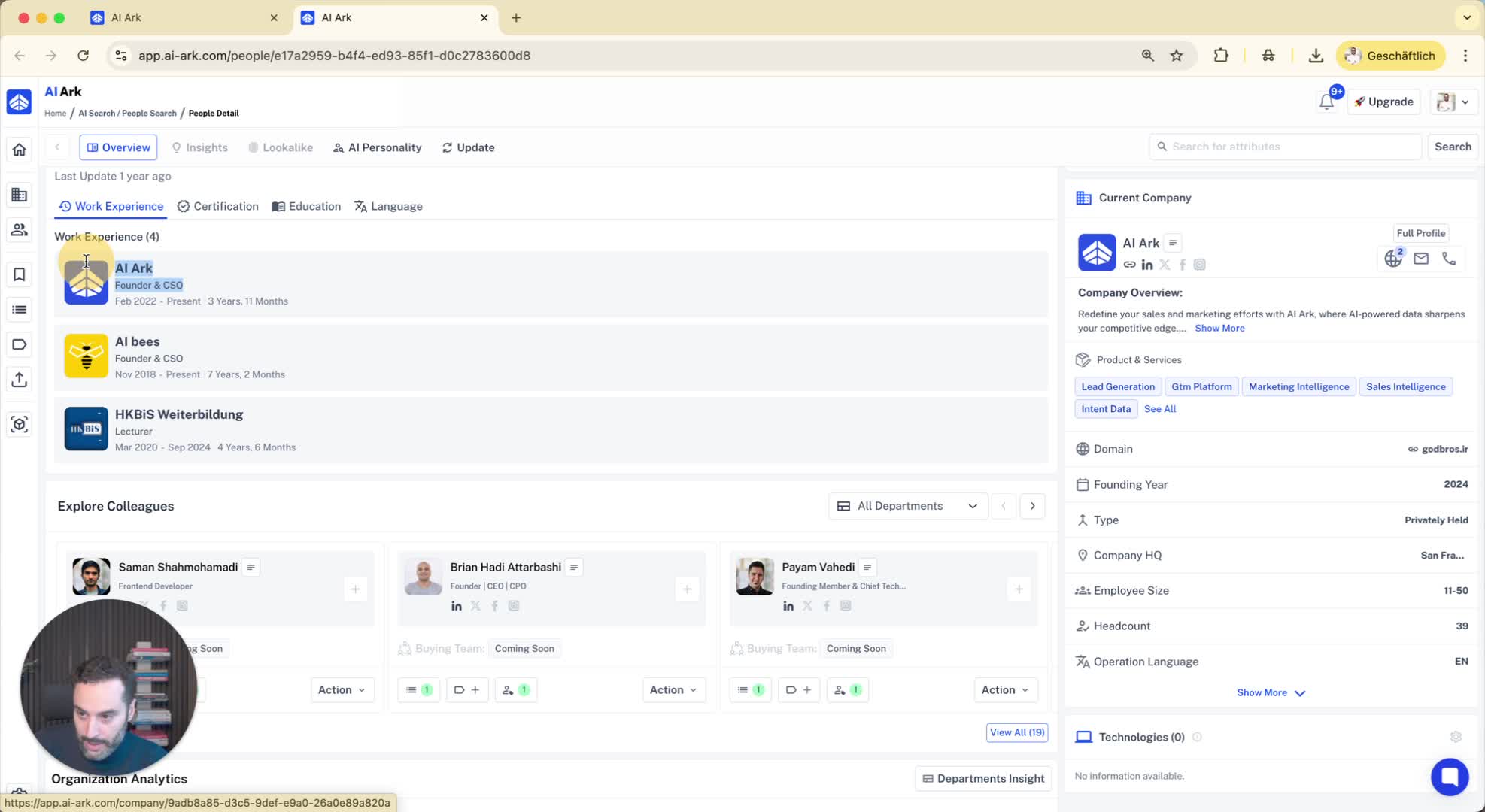
The system is designed to search across all current roles.
Example searches:
Searching for 'founders in a SaaS company' will include the individual.
Searching for 'founder in an Outbound Agency' will also yield the individual in results.
6. Conclusion 1:04
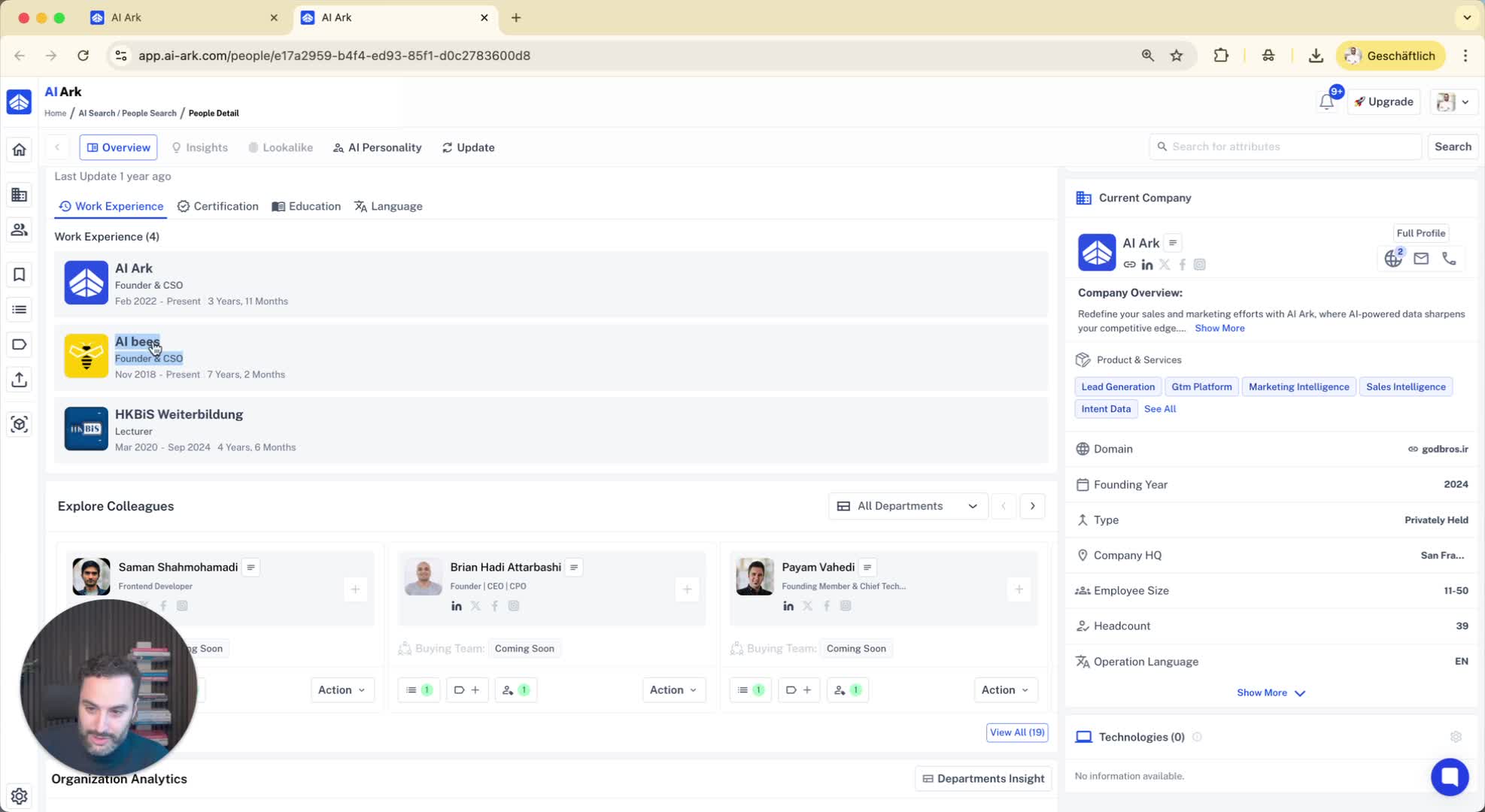
Recap of the system's capability to handle multiple roles.
