1. Access Lookalike Search 0:00
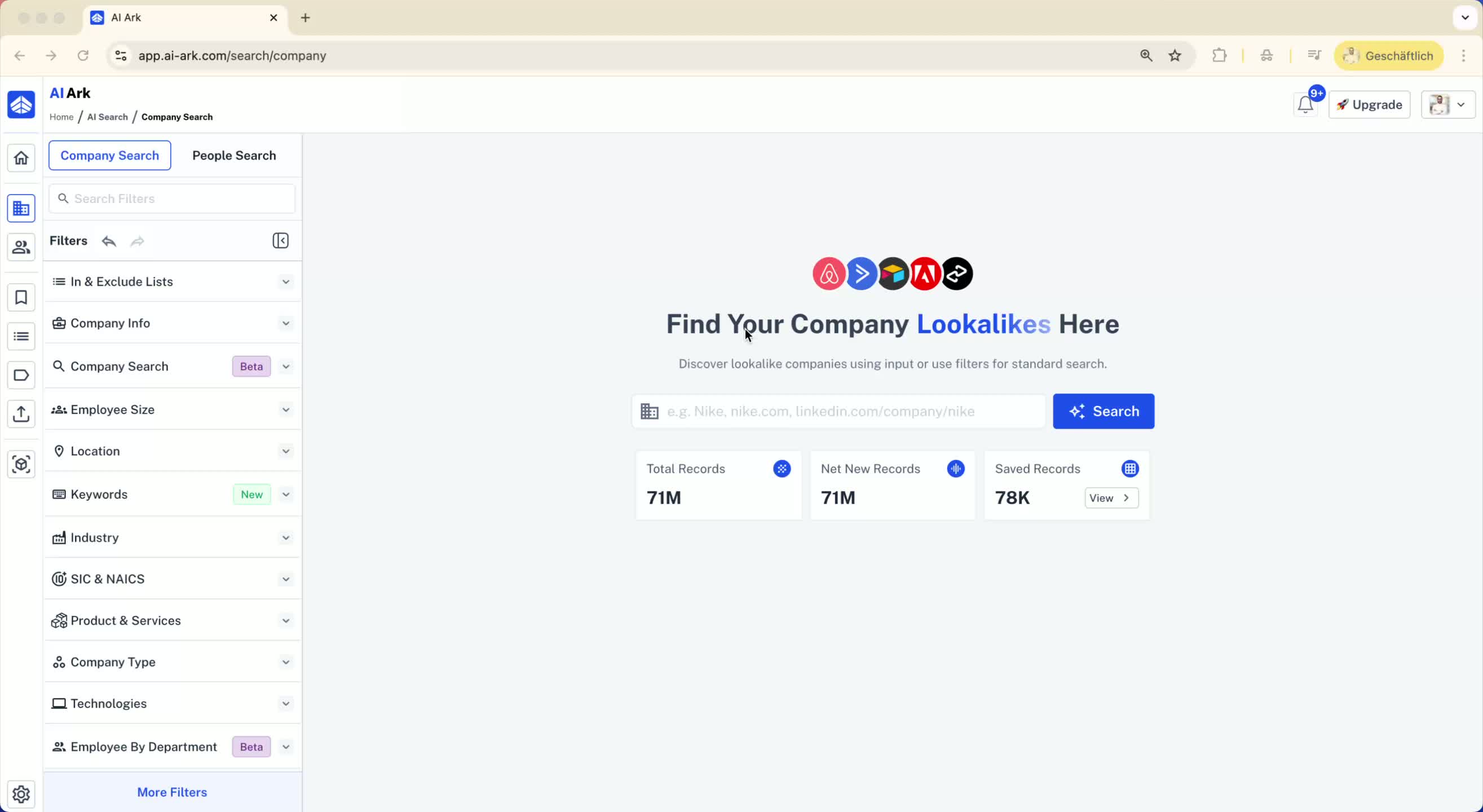
Click on Company Search.
Locate the search bar for lookalikes in the middle of the page.
2. Find Similar Companies 0:08
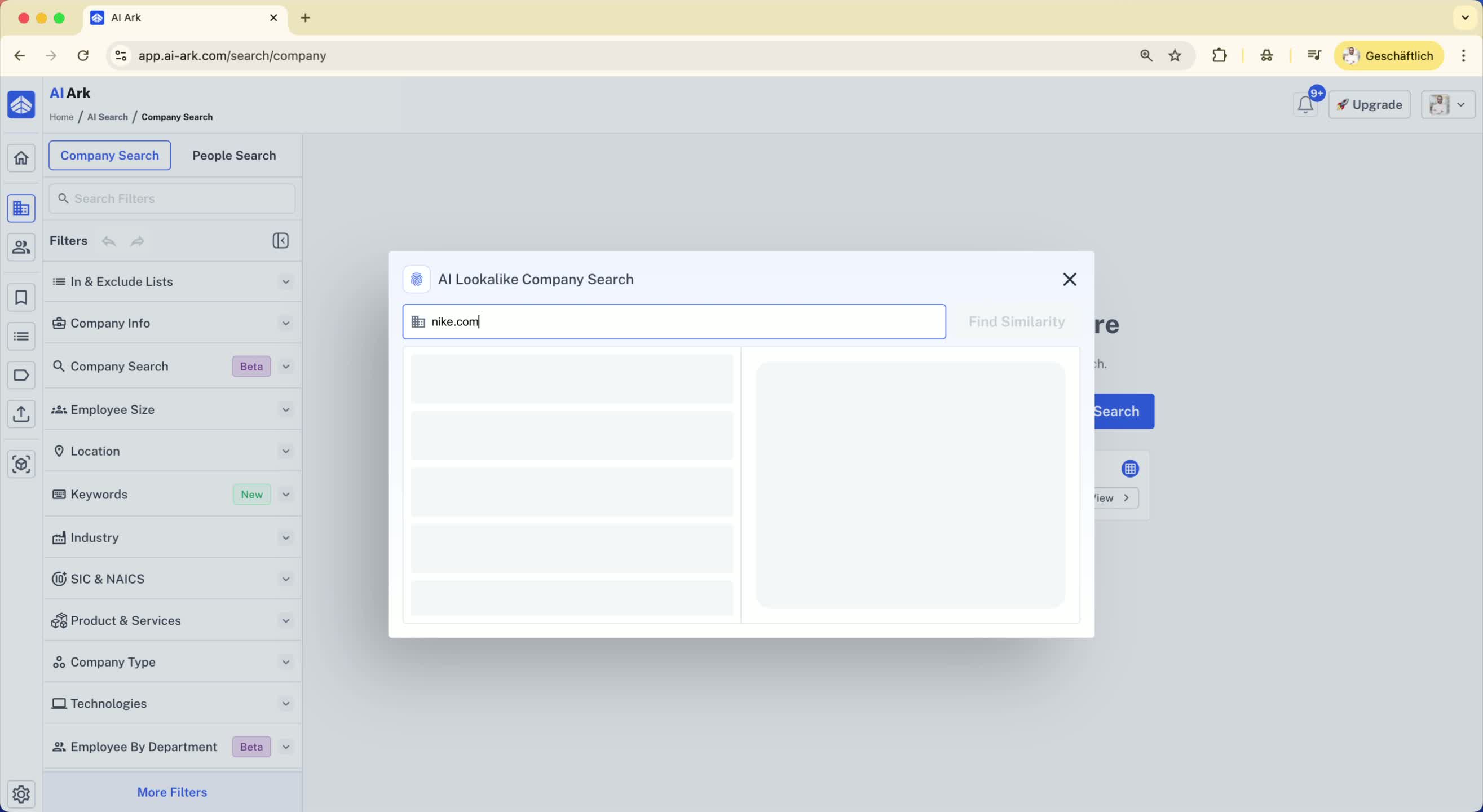
Enter a company name (e.g., Nike) in the search bar.
Click on Find Similar Companies.
You can add up to five companies for comparison.
3. Understand Lookalike Model 0:19
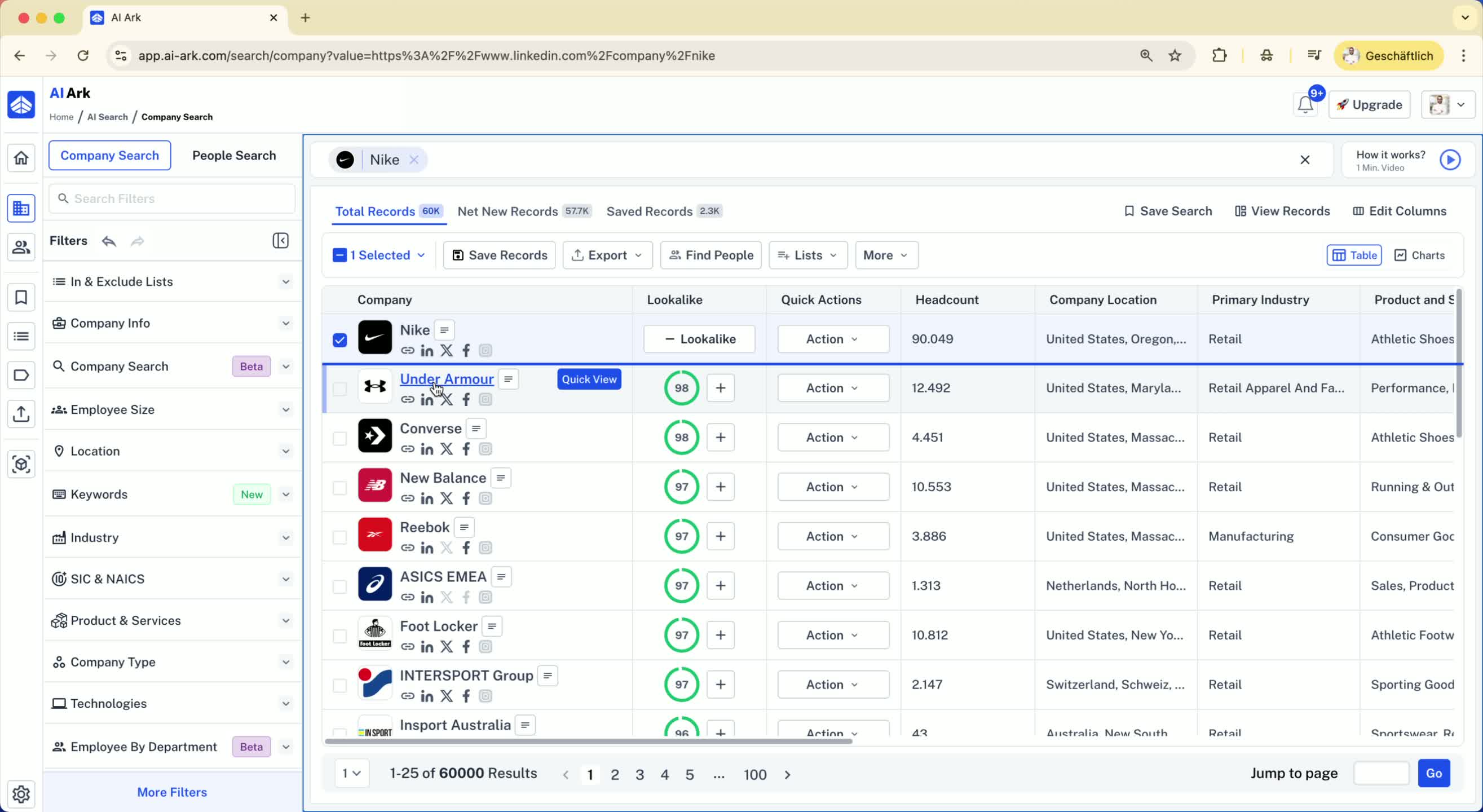
The current lookalike model is accurate for companies with more than 10 employees.
A new, more accurate model will be launched in January 2026.
4. Analyze Lookalike Results 0:36
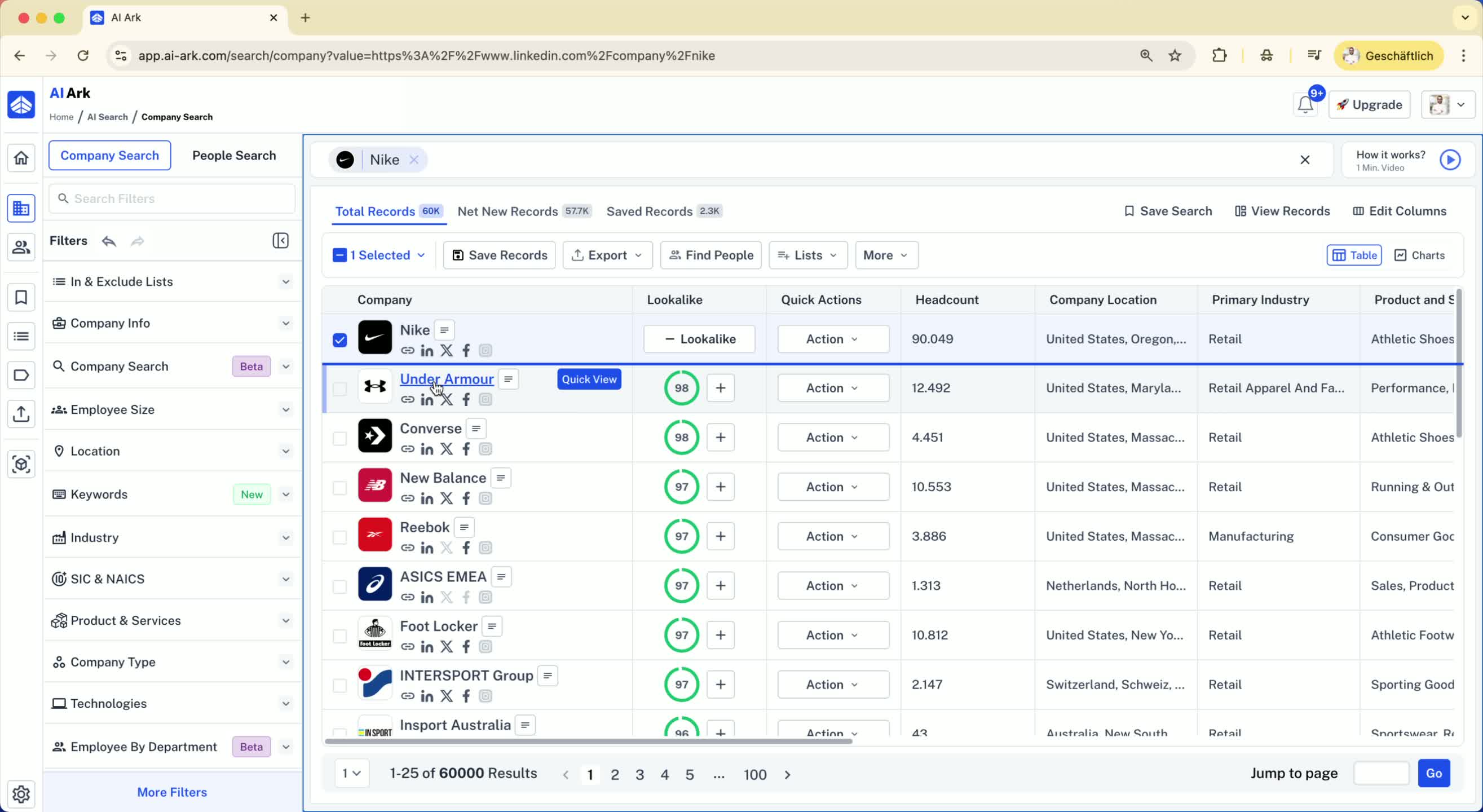
Review the company overview, products and services, and industry tags for the searched company (e.g., Nike).
The model identifies companies with similar characteristics.
5. Explore Additional Lookalikes 1:11
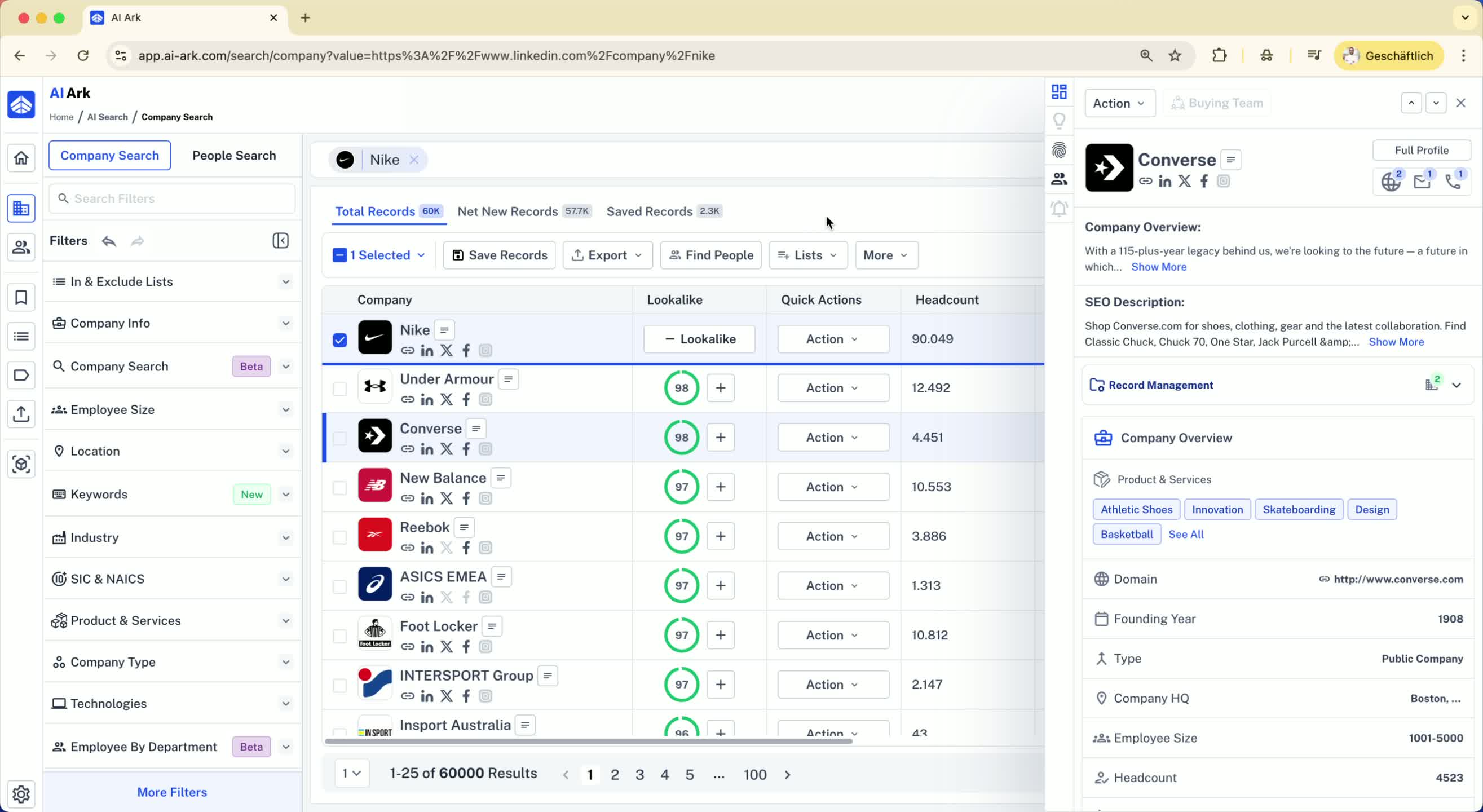
You can add identified lookalikes (e.g., Under Amore) to refine your search.
Click the plus icon to add them to the lookalike relevance.
6. Filter Lookalike Relevancy 1:32
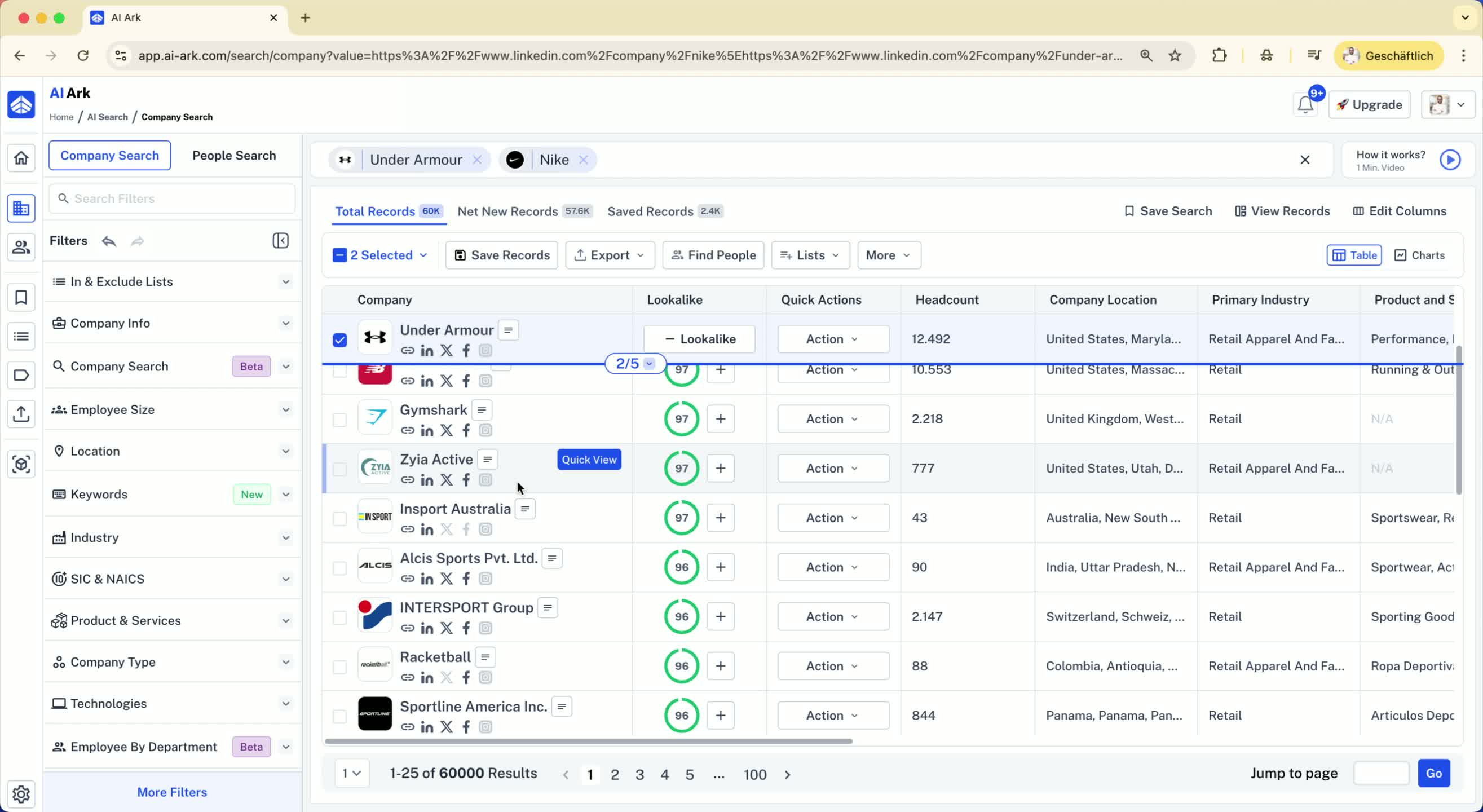
You can filter results based on lookalike relevancy (e.g., 90% or 80%).
Navigate through pages to see varying levels of relevancy.
7. Apply Additional Filters 1:45
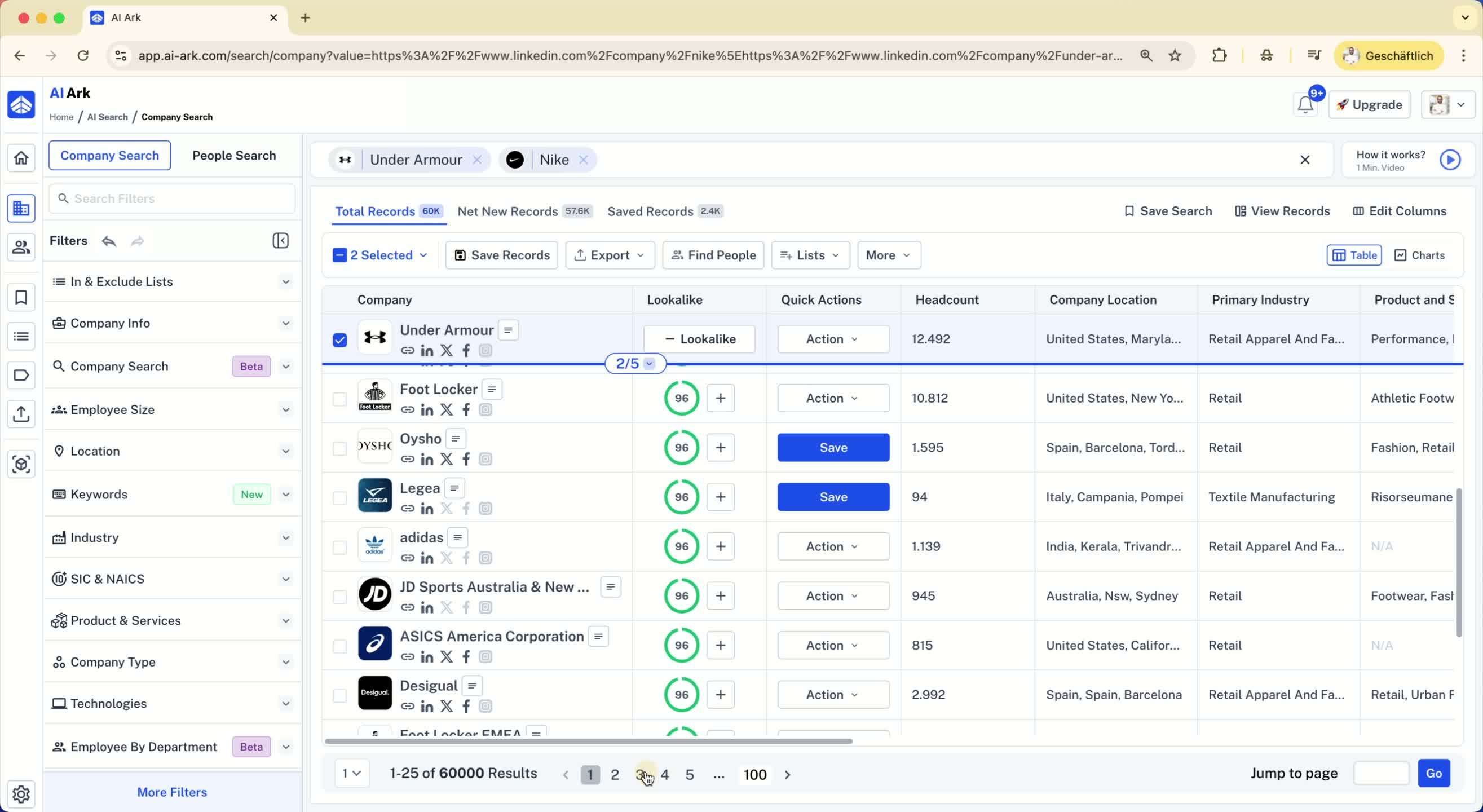
Use filters on the left side to narrow down your audience:
Location: Include specific regions (e.g., North America).
Employee Count: Set a minimum (e.g., companies with more than 1000 employees).
8. Use Keywords for Specific Searches 2:18
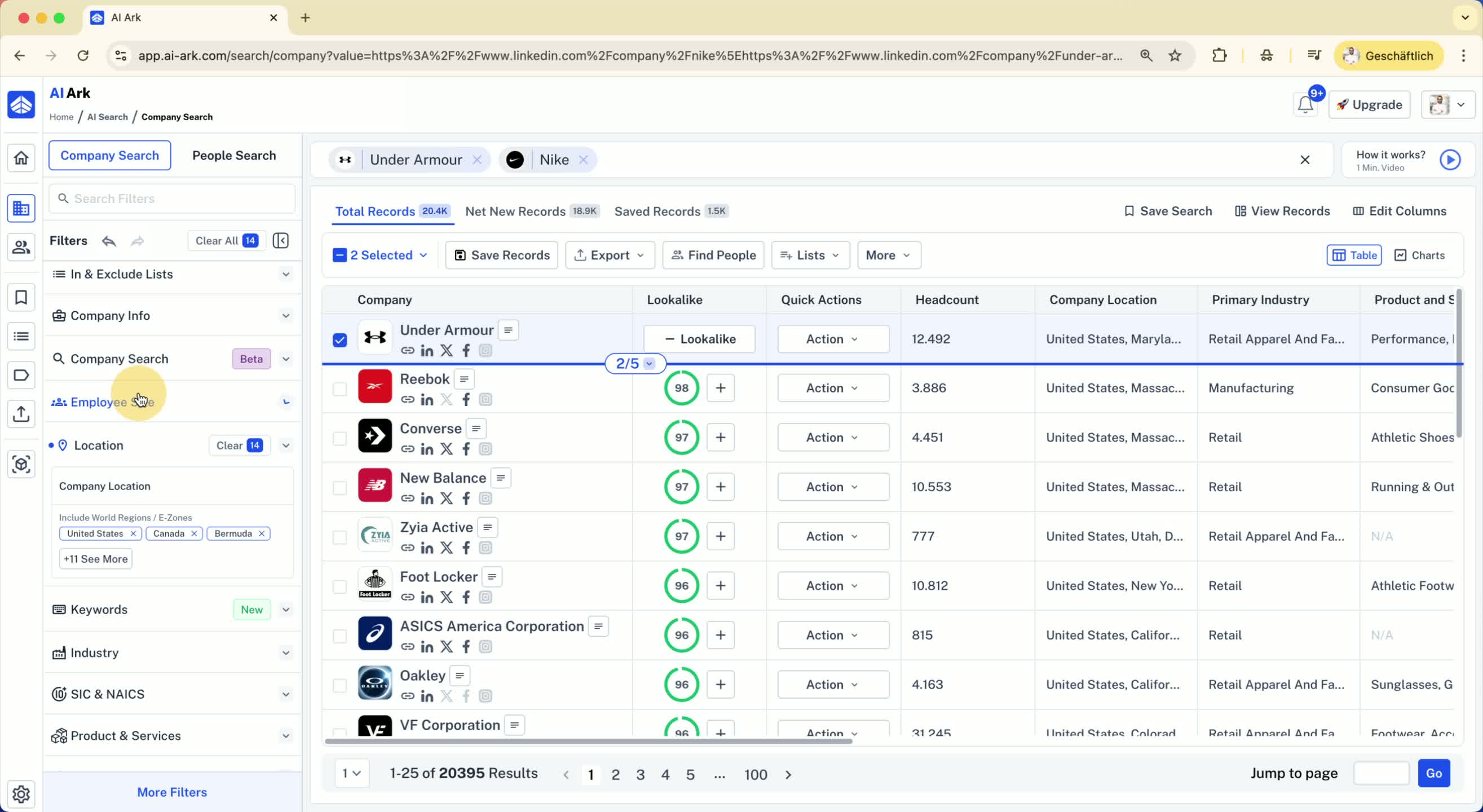
Add keywords relevant to your search (e.g., shoes, sneakers) to the product and services filter.
9. Review Filtered Companies 2:47
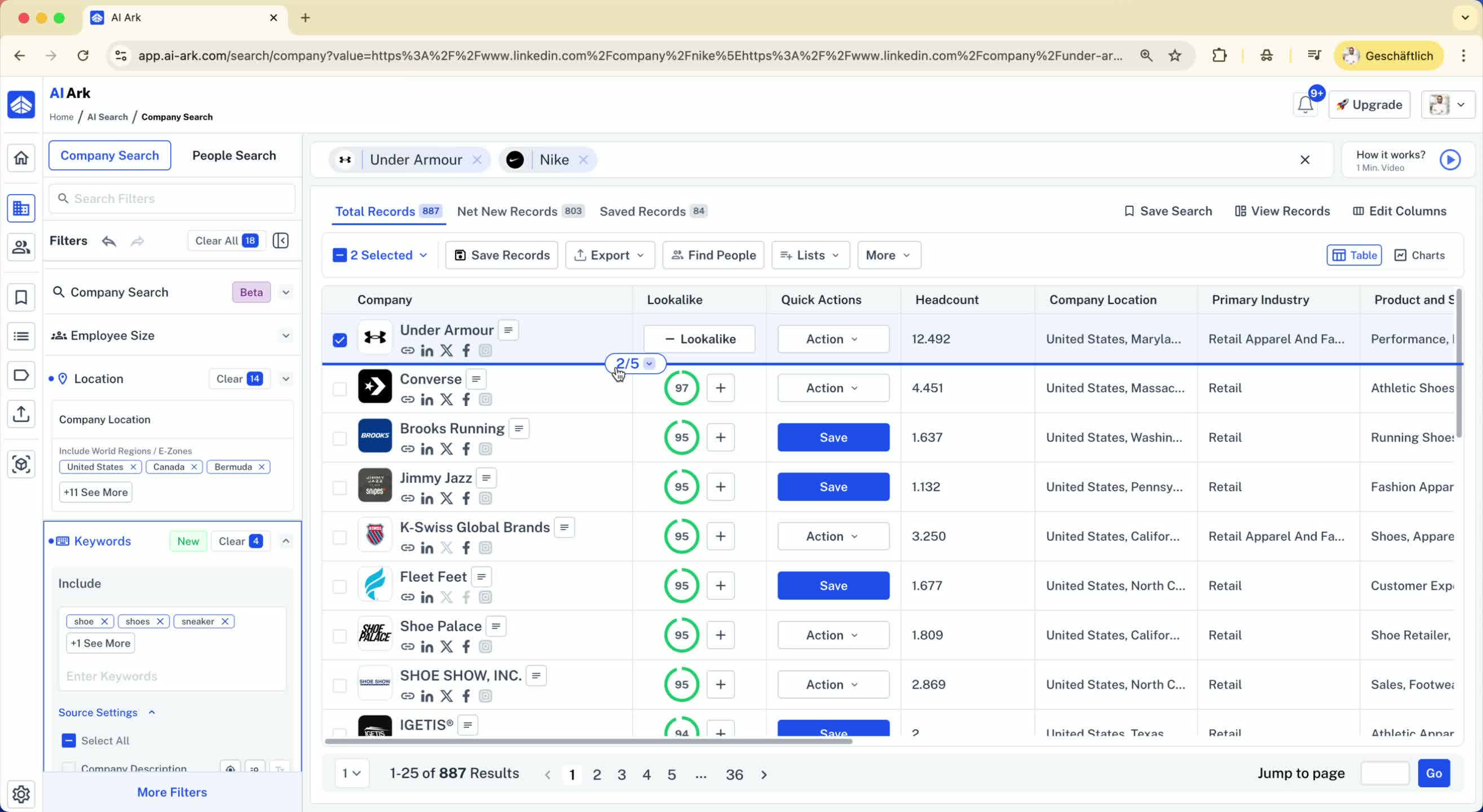
Check the filtered results for companies that meet your criteria (e.g., Atlantic Shoes, Brooks Running).
10. Find People in Selected Companies 3:02
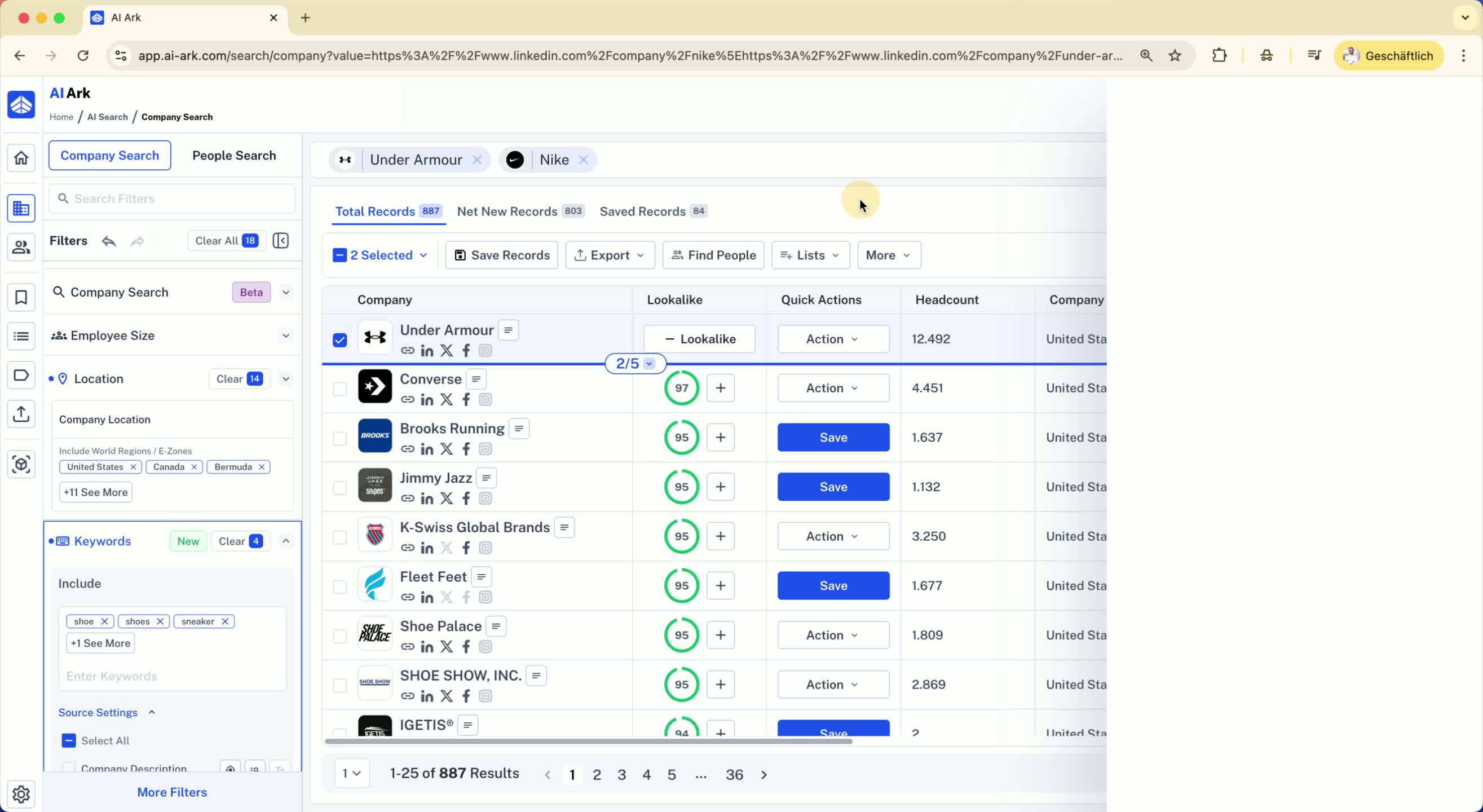
Select all filtered companies at once.
Click on Find People to locate individuals working in these companies.
Filter results based on job titles and roles.
11. Export Contact Information 3:19
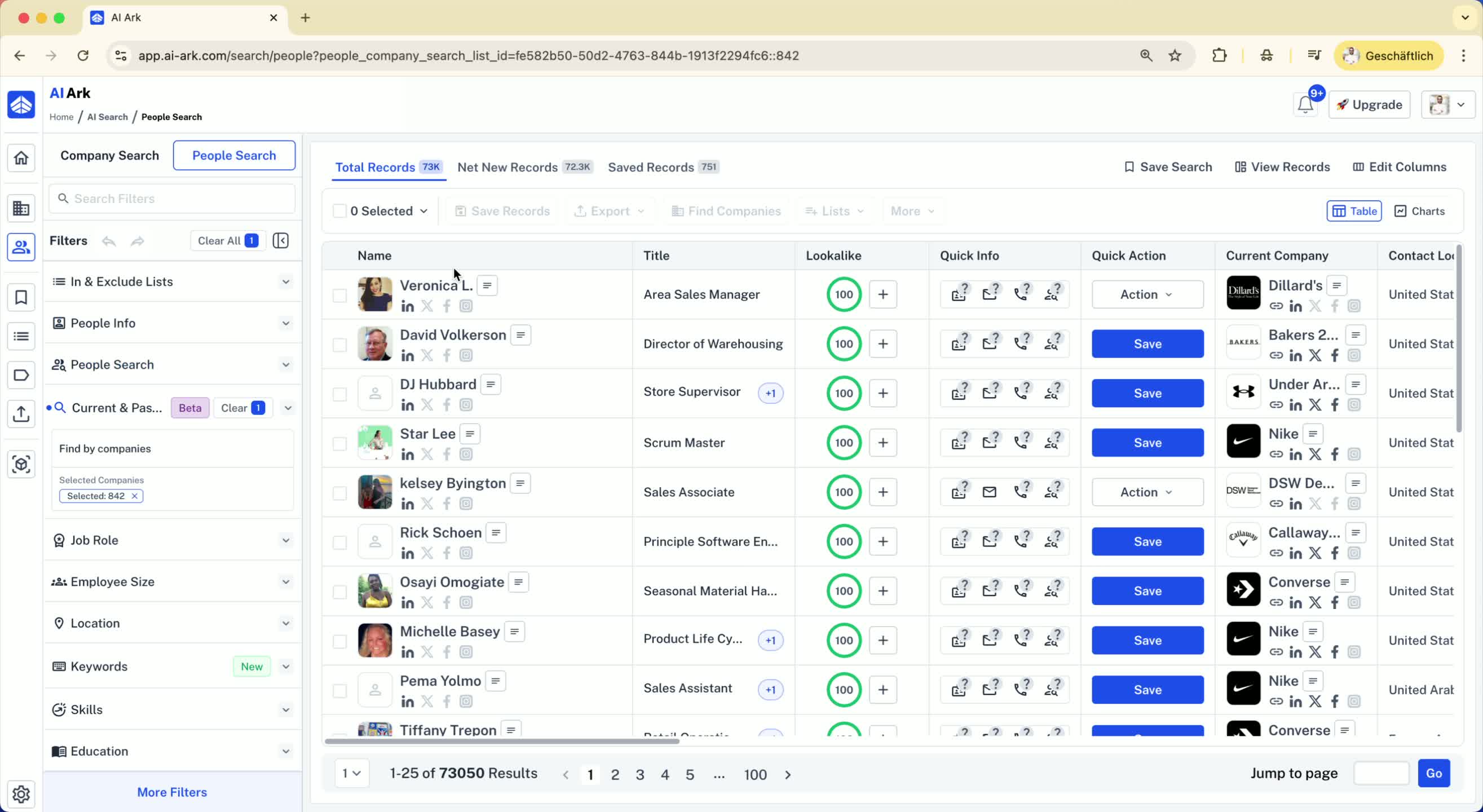
Export the filtered list of individuals, including emails and mobile phone numbers.
