1. Access the Company Search Option 0:00
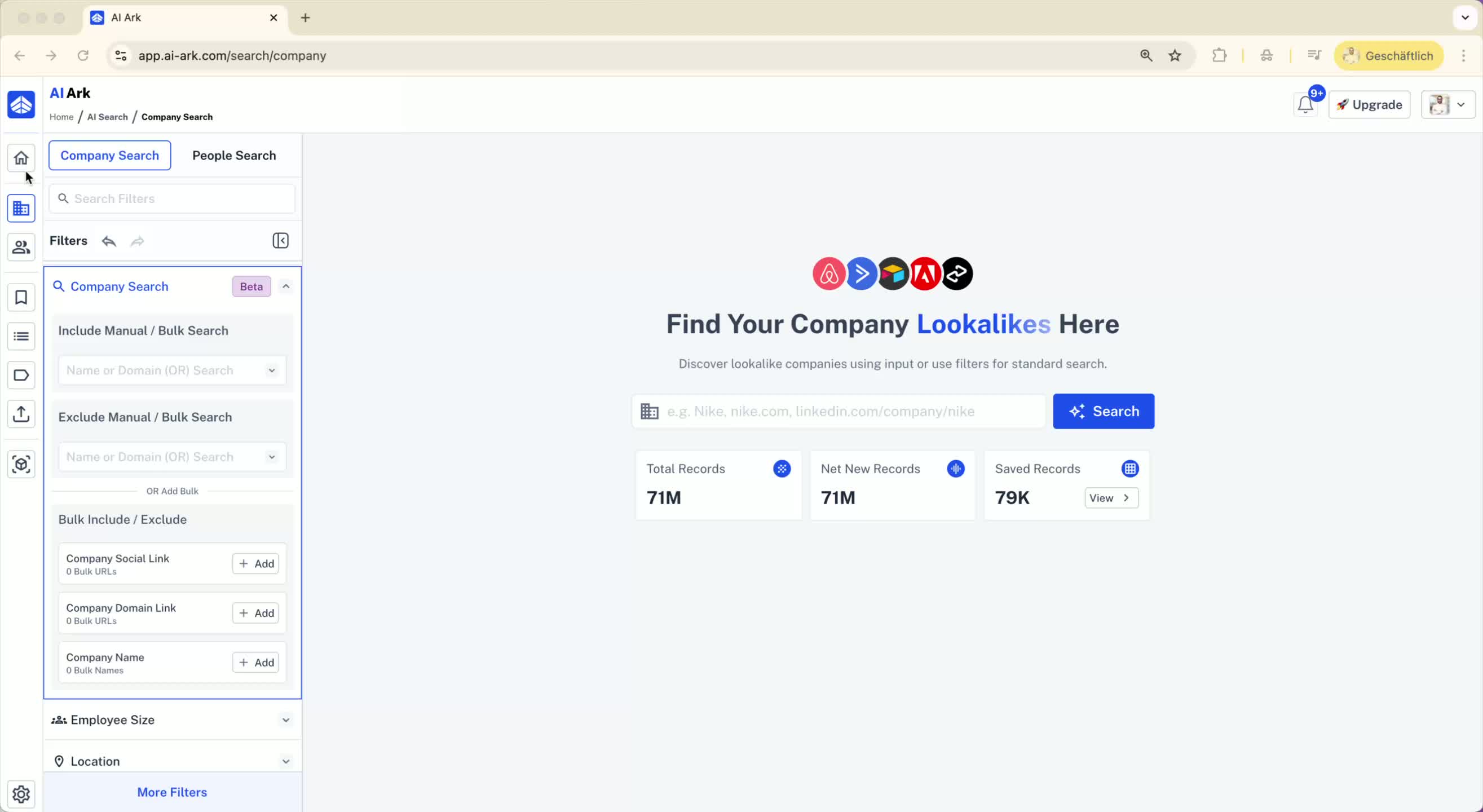
Navigate to the company search option in your tool.
Look for the bulk search option within the company search filter.
2. Use LinkedIn Company URL for Bulk Searches 0:09
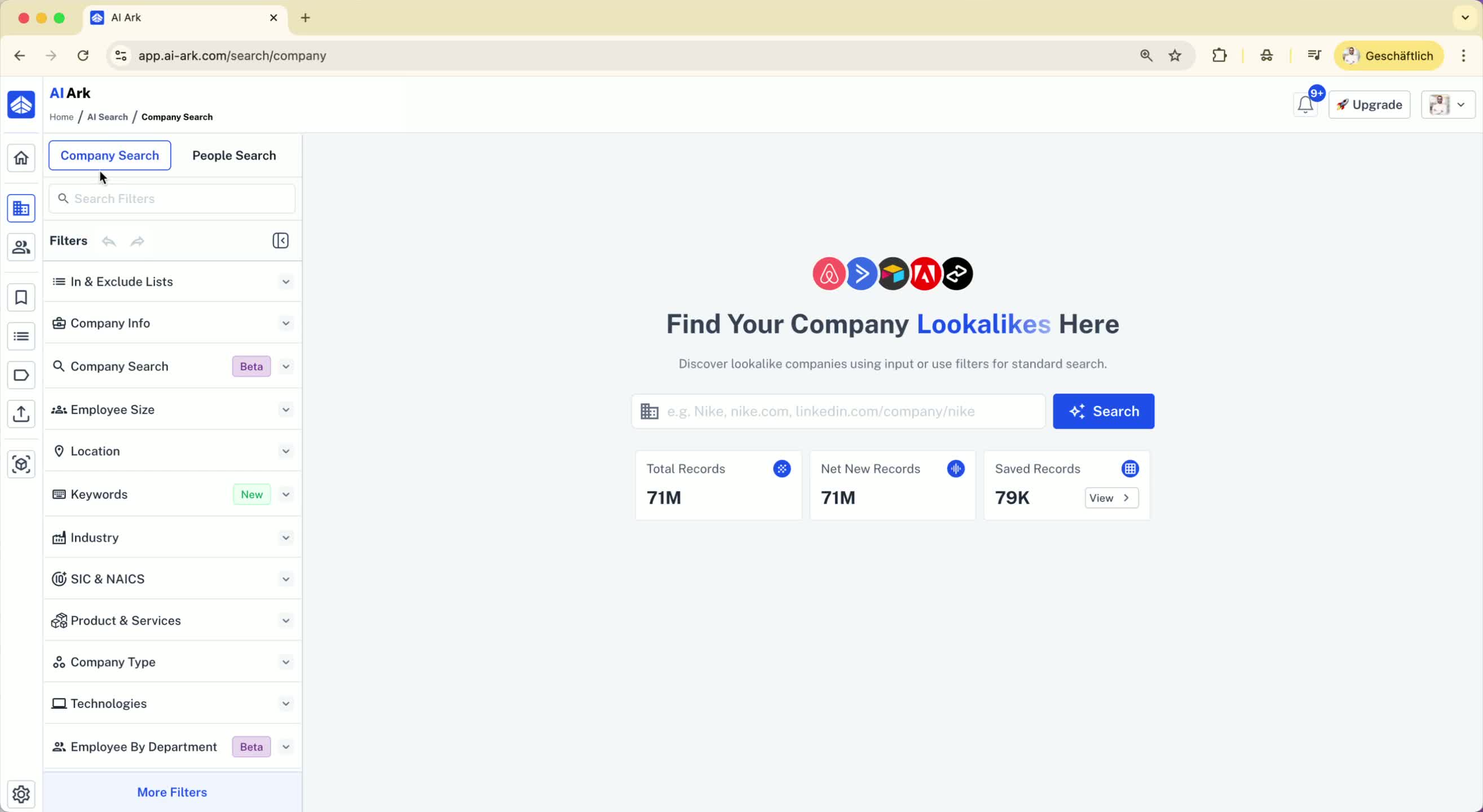
It is recommended to use the LinkedIn company URL for bulk searches.
The LinkedIn company URL is unique and provides better accuracy compared to domain names or company names.
3. Example of Using LinkedIn Company URL 0:30
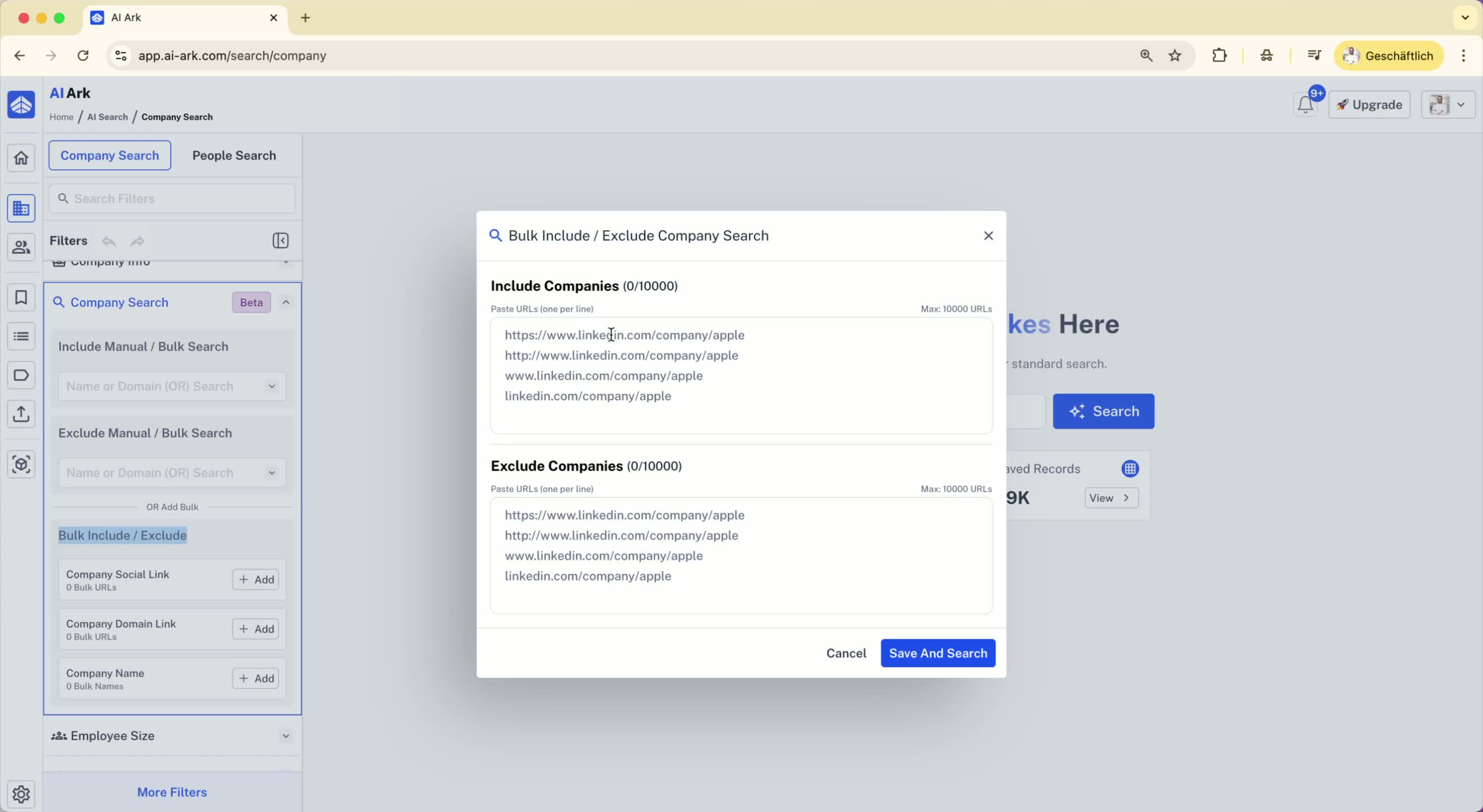
For example, use the LinkedIn URL for Allianz (a financial service company).
Input the LinkedIn company URL into the bulk company search to find the specific company.
4. Compare with Domain Search 1:18
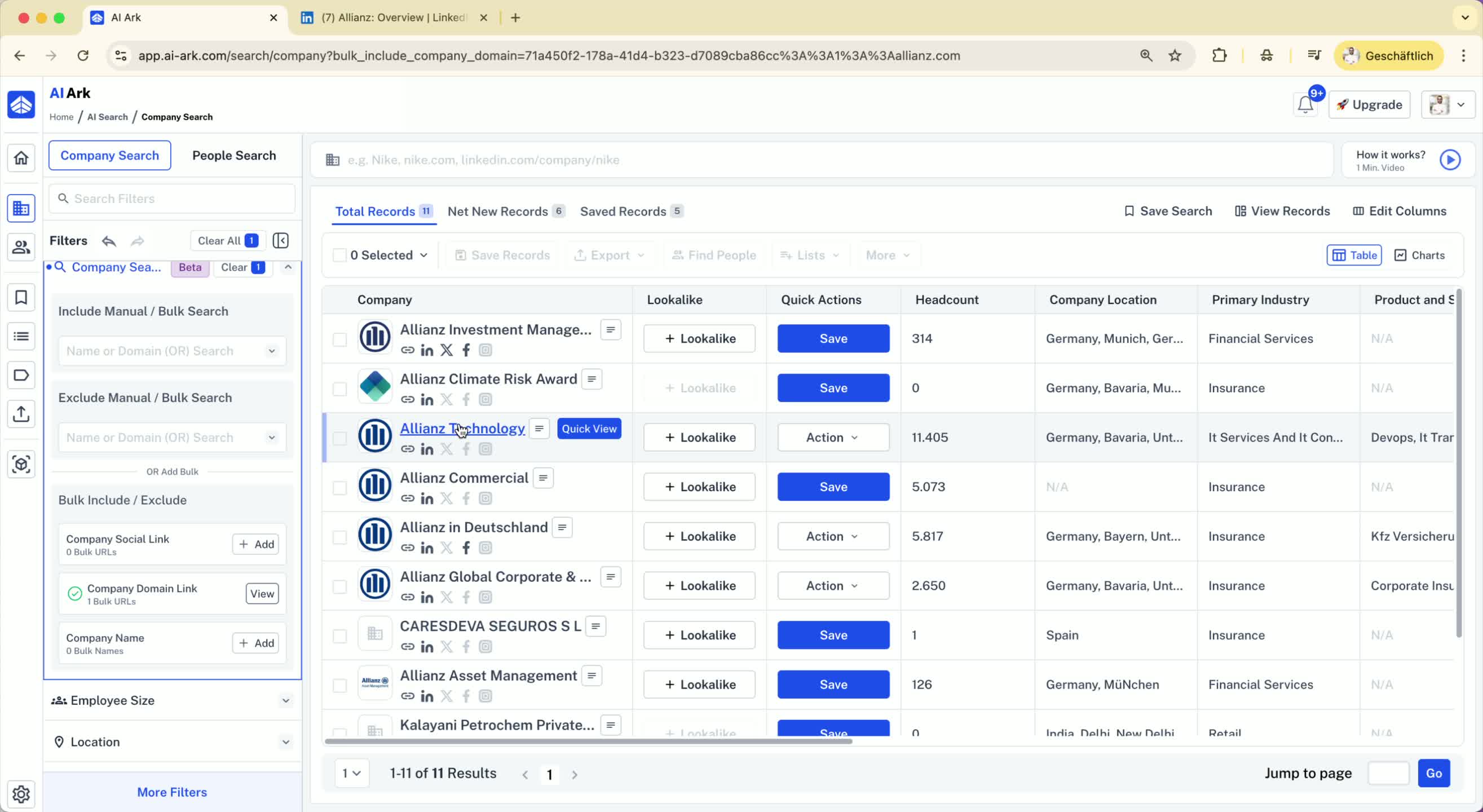
If you use the domain (e.g., Allianz.com), you may get multiple results (e.g., Allianz Commercial).
This can lead to confusion as you may not get the specific company you want.
5. Importance of Unique Results 1:28
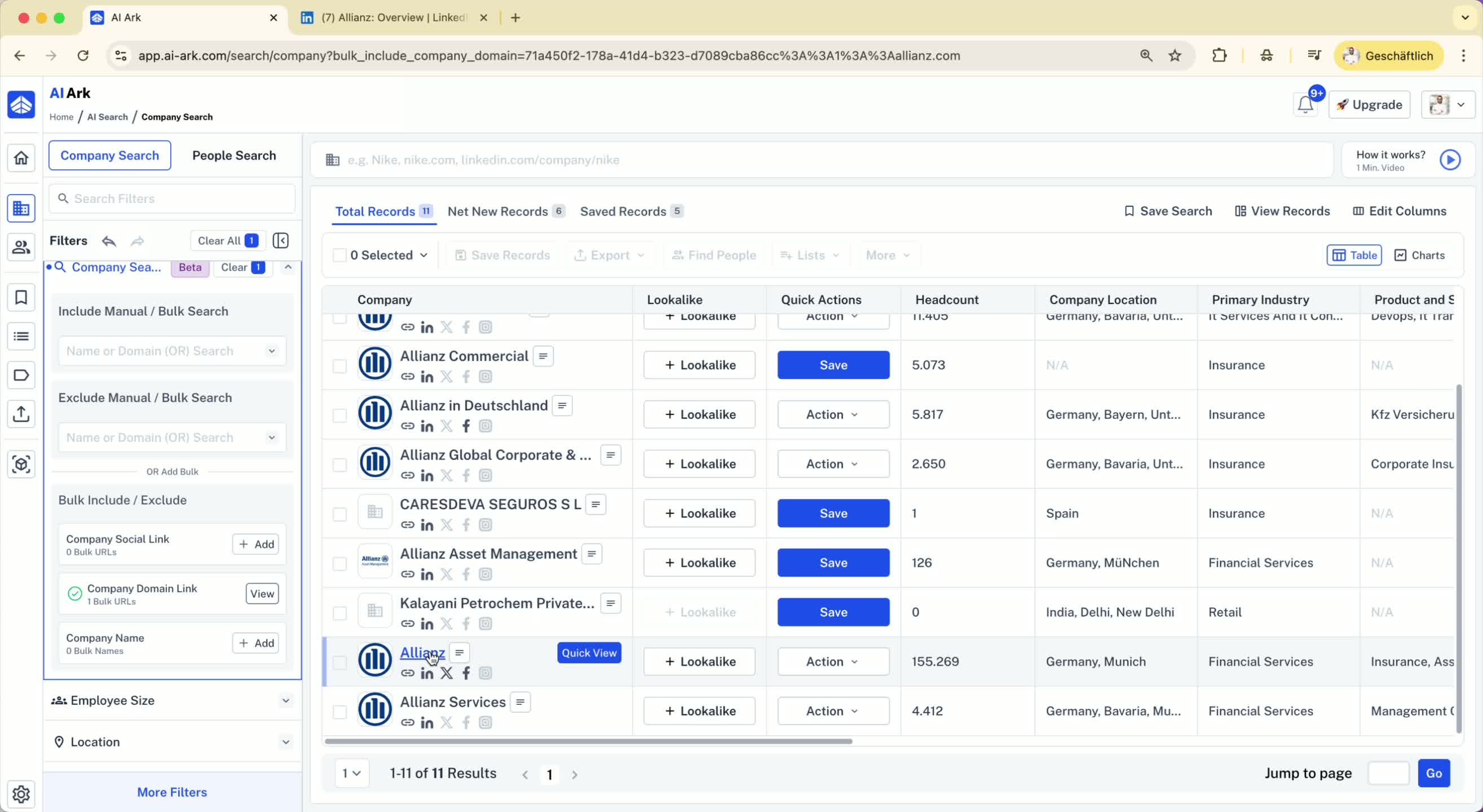
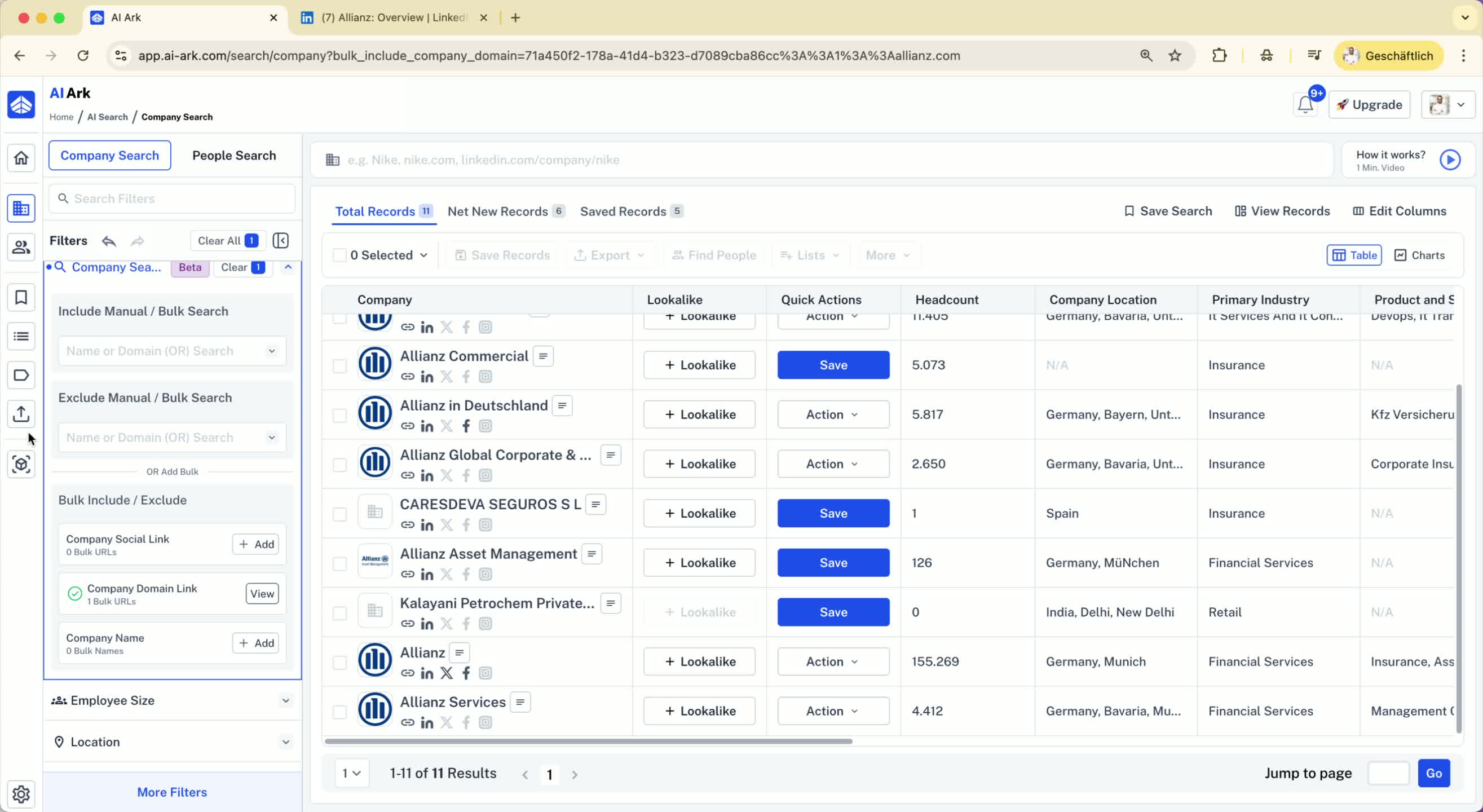
To ensure you get one result per input, always use the LinkedIn company URL.
6. Enriching Company Data 1:42
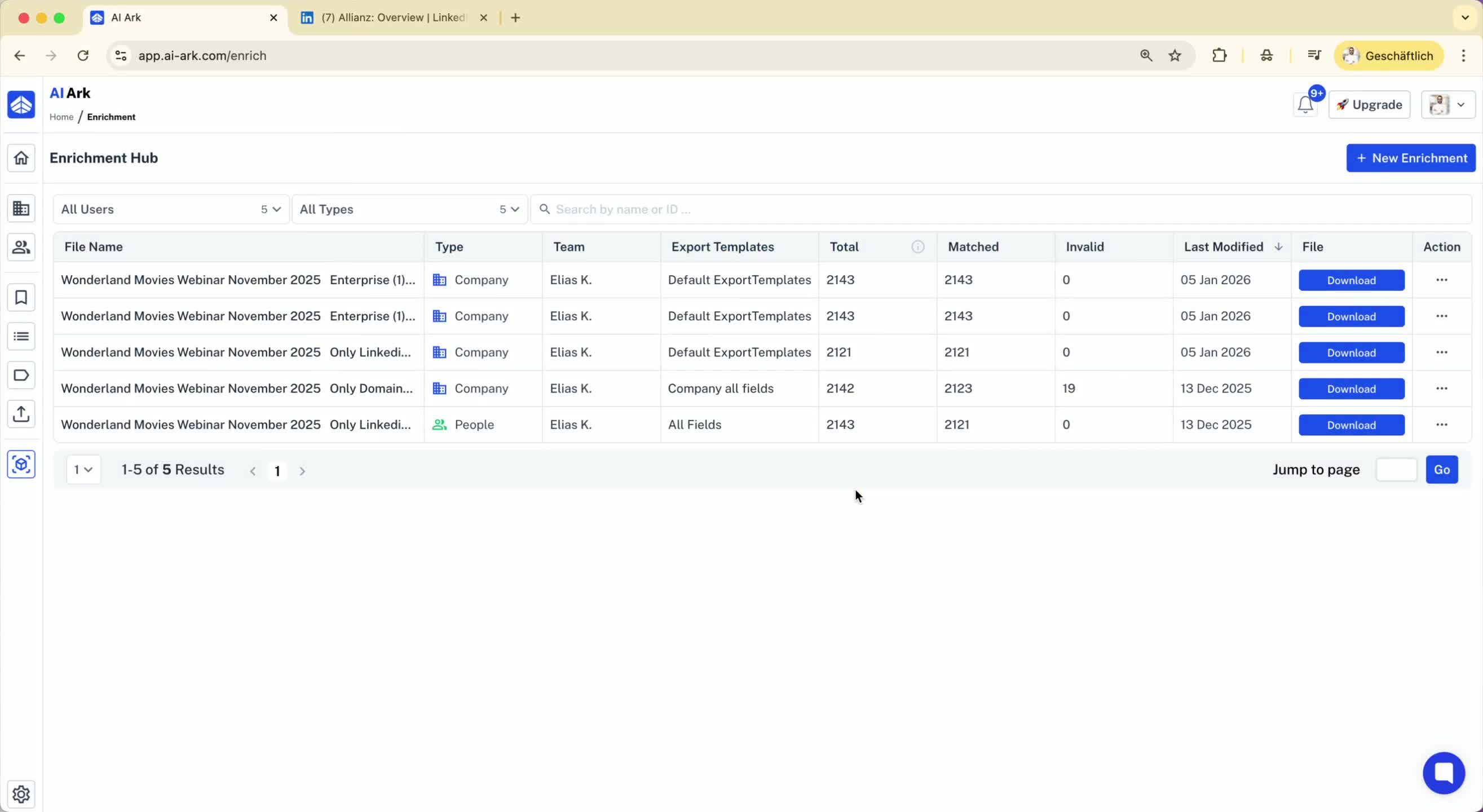
In the enrichment tab, you can upload a CSV for enrichment.
Always choose the company LinkedIn URL for high accuracy and a match rate of 100%.
7. Conducting People Searches 2:01
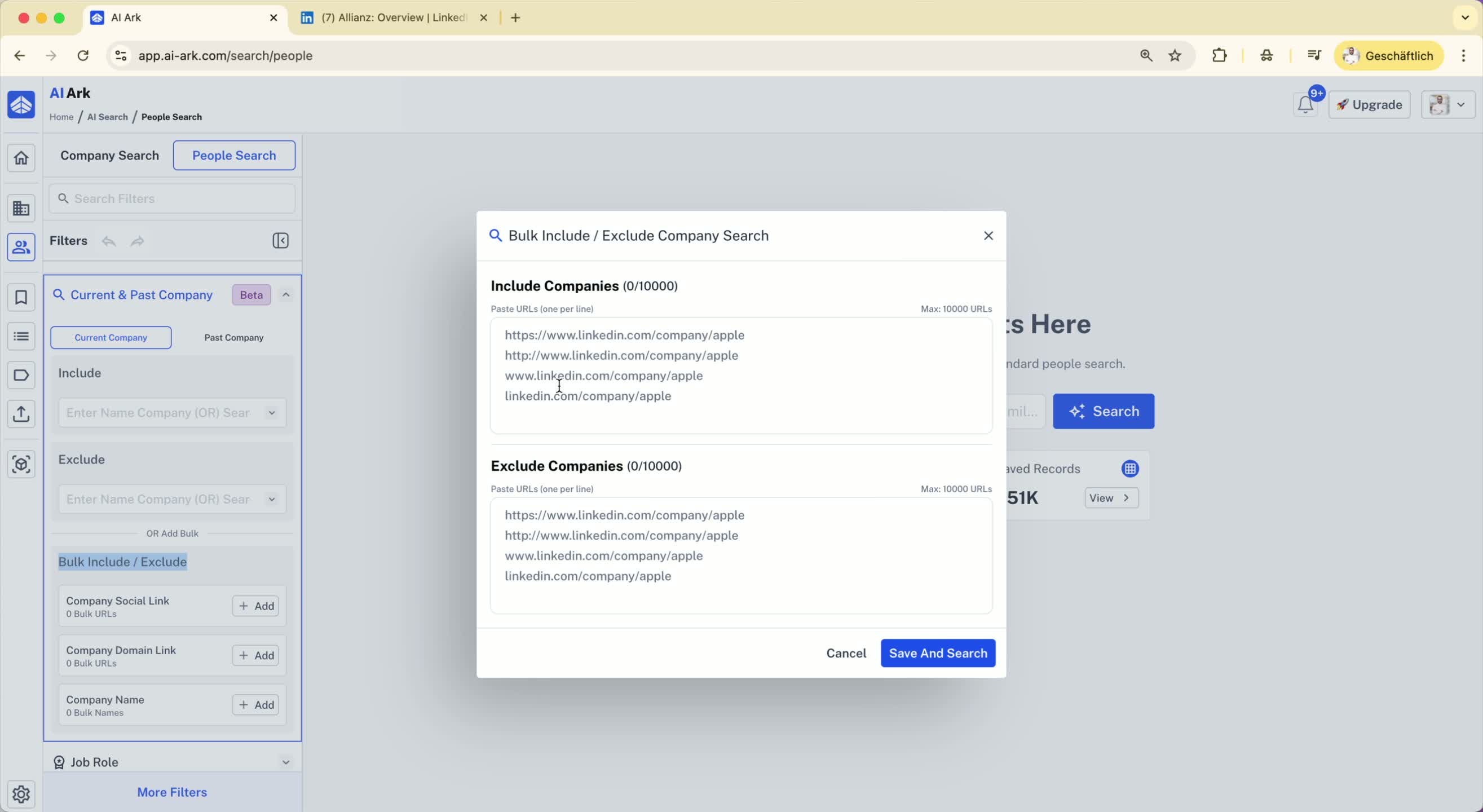
You can also perform a people search using bulk domains.
Go to the people search section and use the filter for current and past companies.
8. Final Recommendation 2:16
If you have LinkedIn company URLs, use them for better results.
If you don't have them, you can use the domain, but it's less preferable.
