Step 1: Prepare Job Titles 0:00
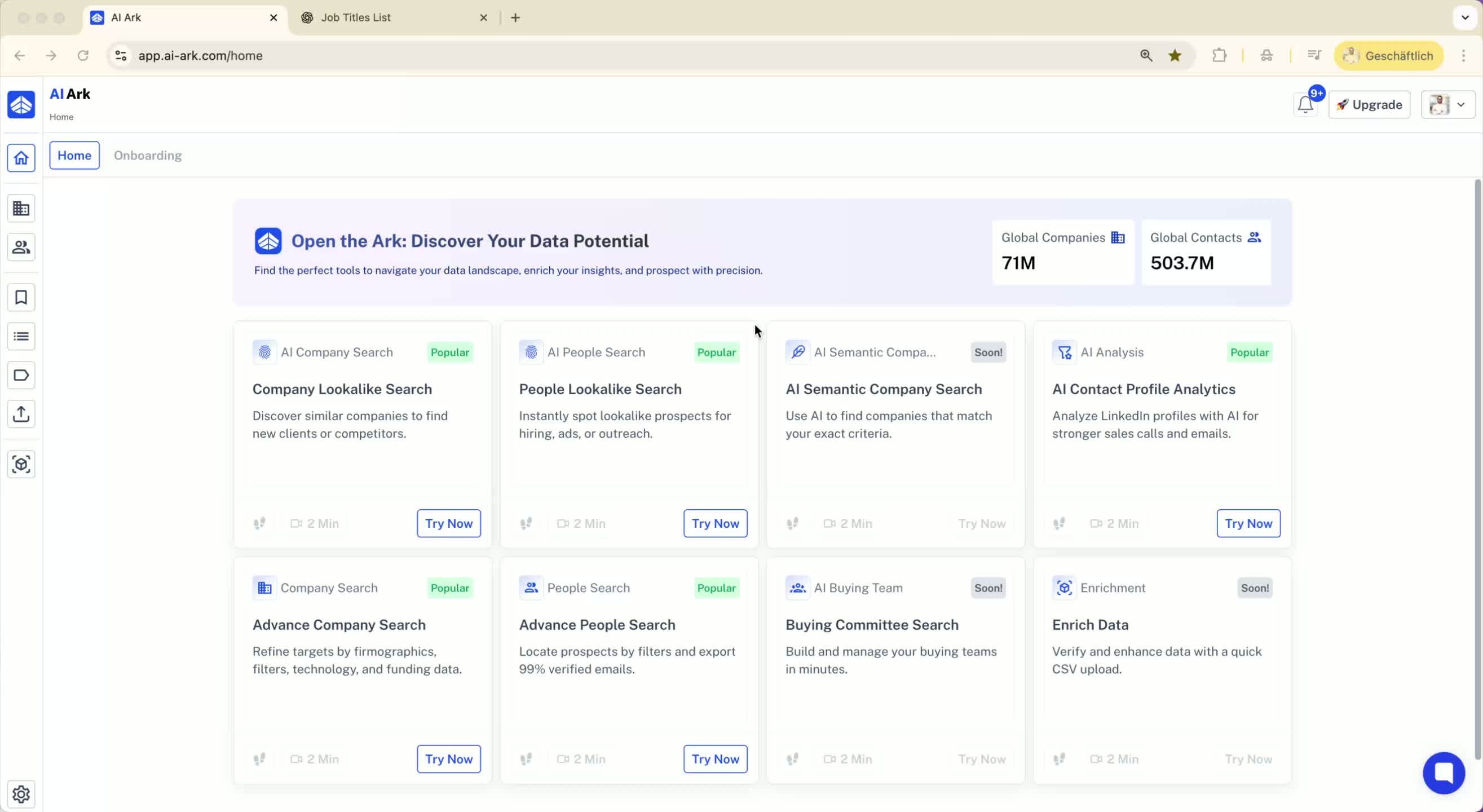
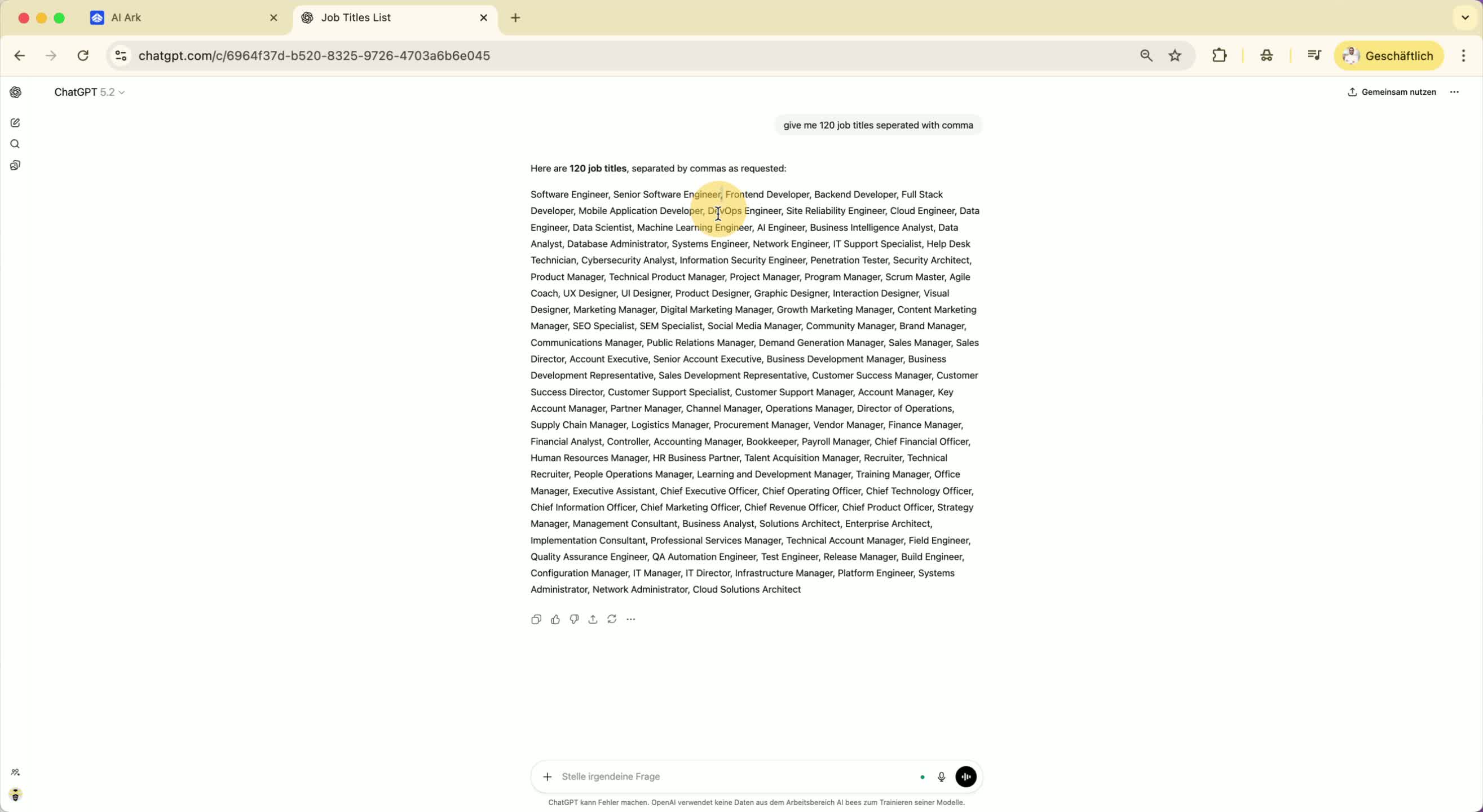
Start by gathering the job titles you want to use.
Ensure that each title is separated by a comma.
Example: Title1, Title2, Title3.
Step 2: Copy Job Titles 0:15
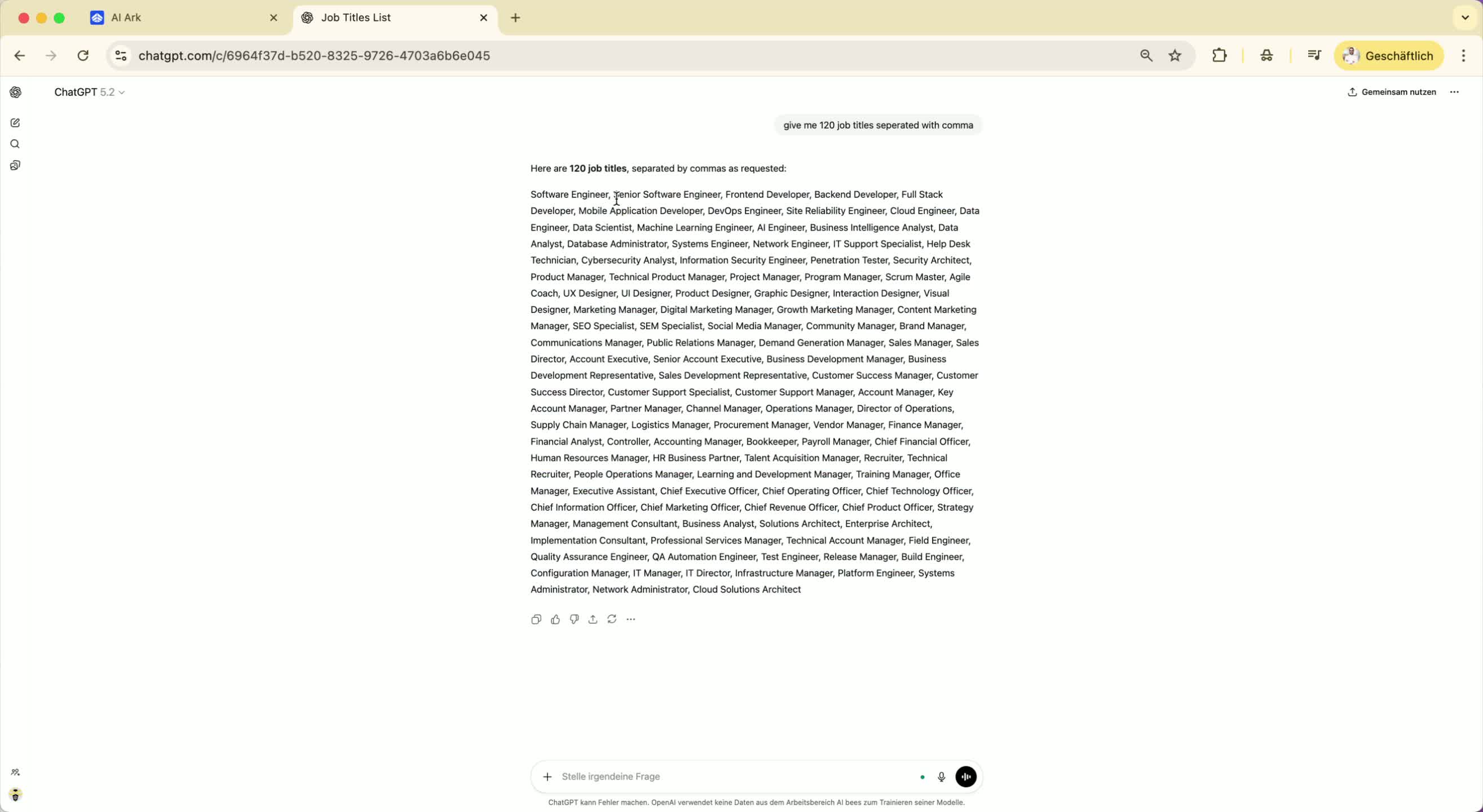
Once you have your list of job titles ready, copy them to your clipboard.
Step 3: Access the Platform 0:24
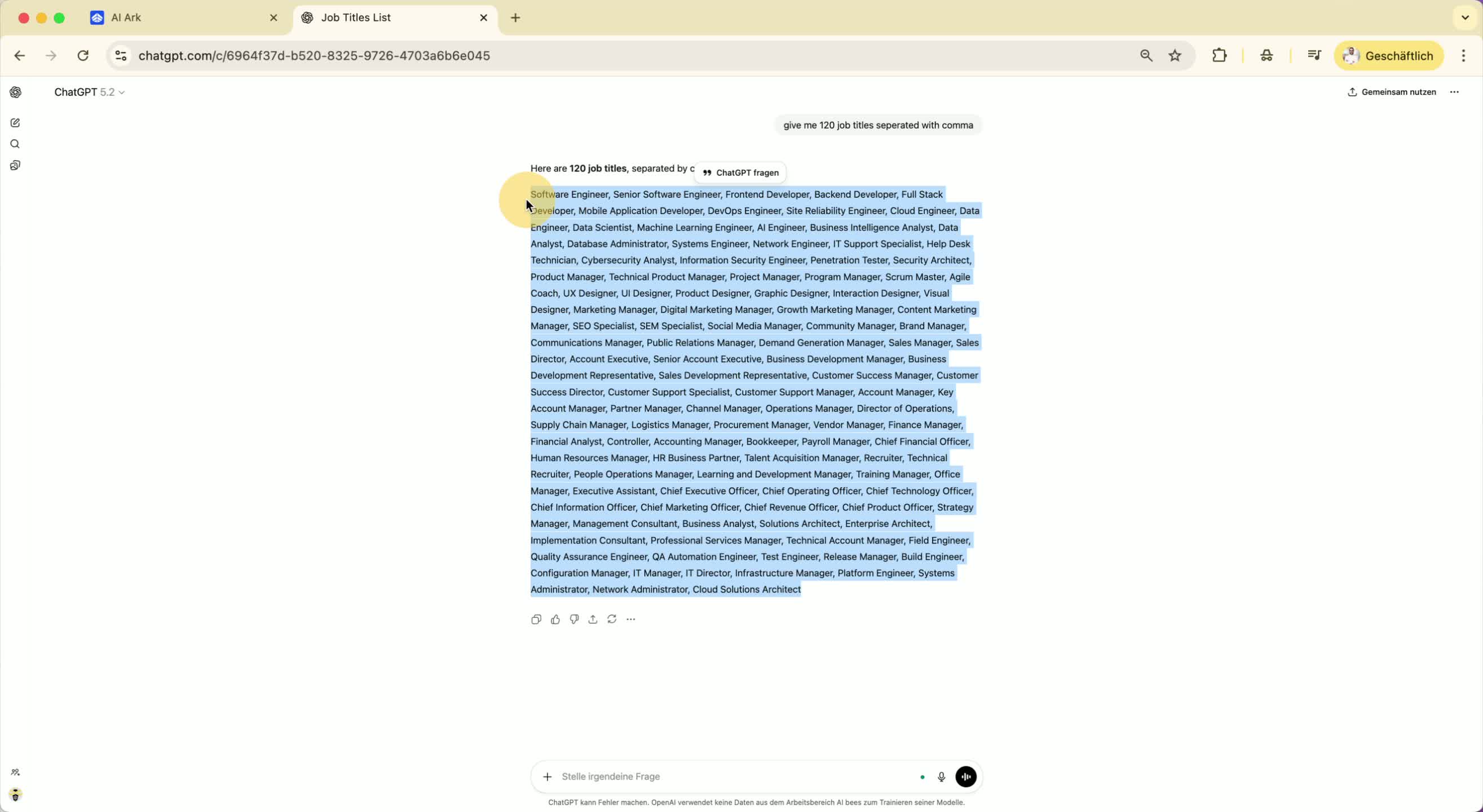
Navigate to the AI Ark platform.
Locate the job role field where you will paste the titles.
Step 4: Paste Job Titles 0:24
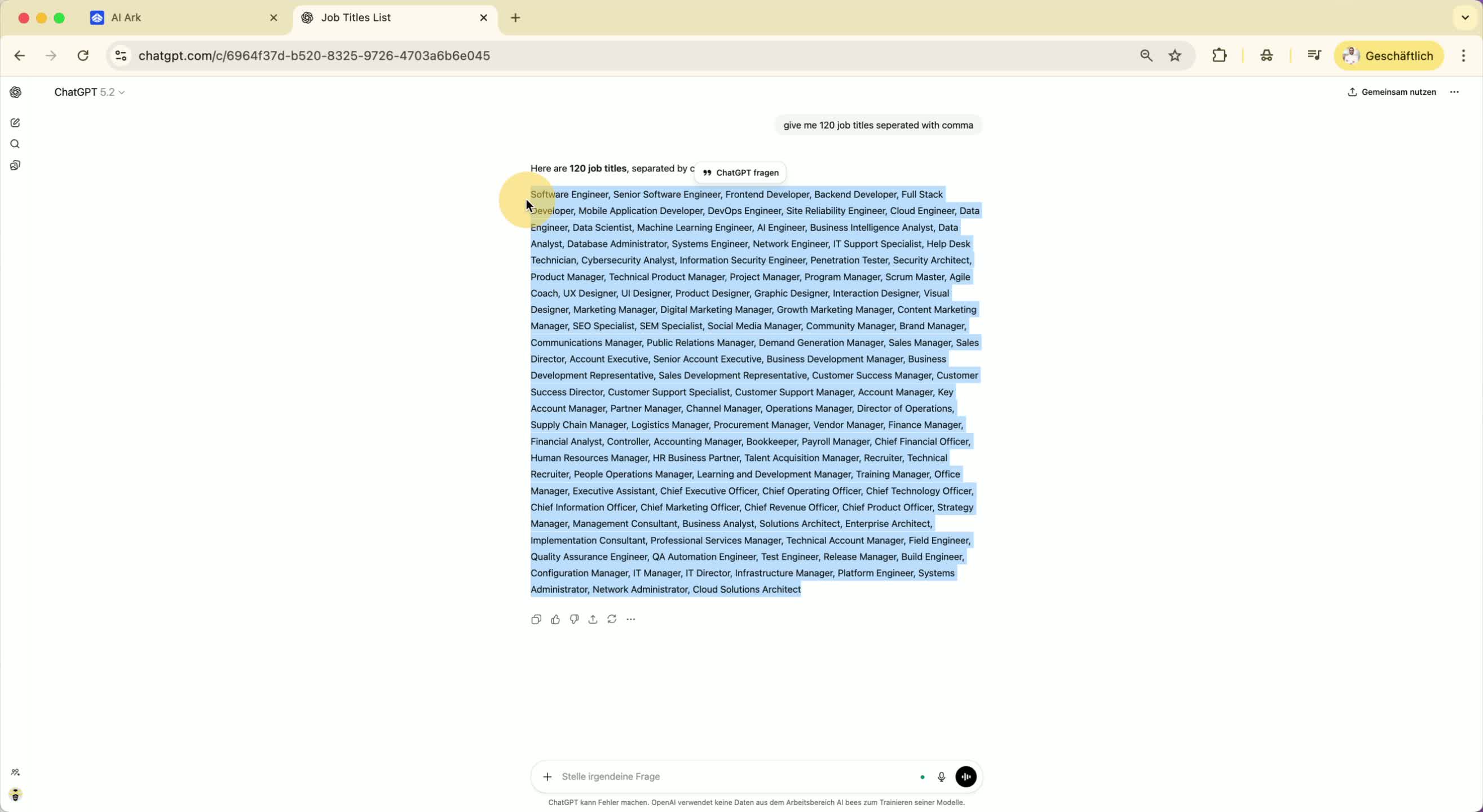
Instead of selecting job titles one by one, paste the copied titles into the job role field.
All job titles will be added in bulk.
Step 5: Exclude Job Titles (Optional) 0:37
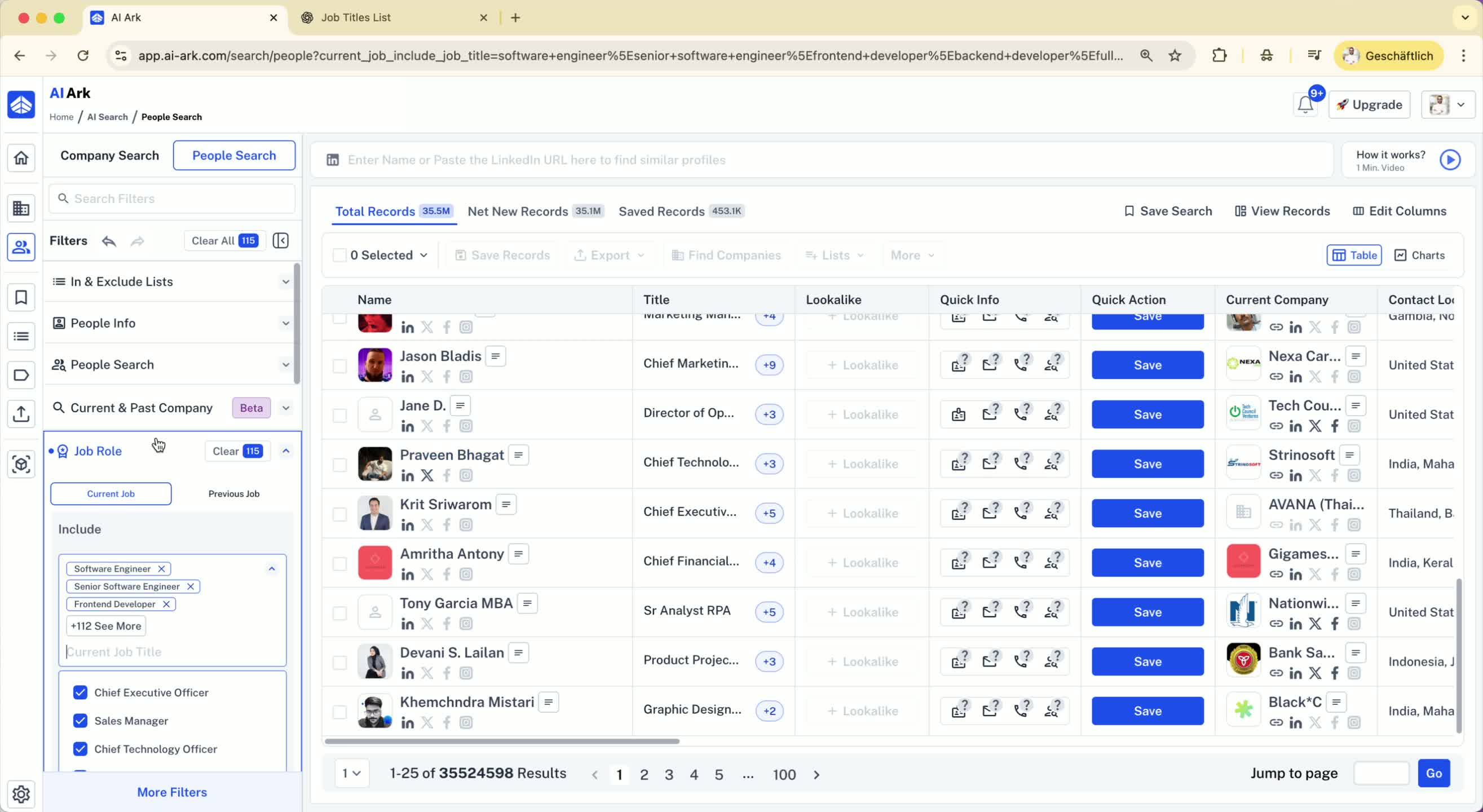
Use the same method to exclude job titles by pasting them in the exclusion field, separated by commas.
Step 6: Batch Paste Keywords (Upcoming Feature) 0:47
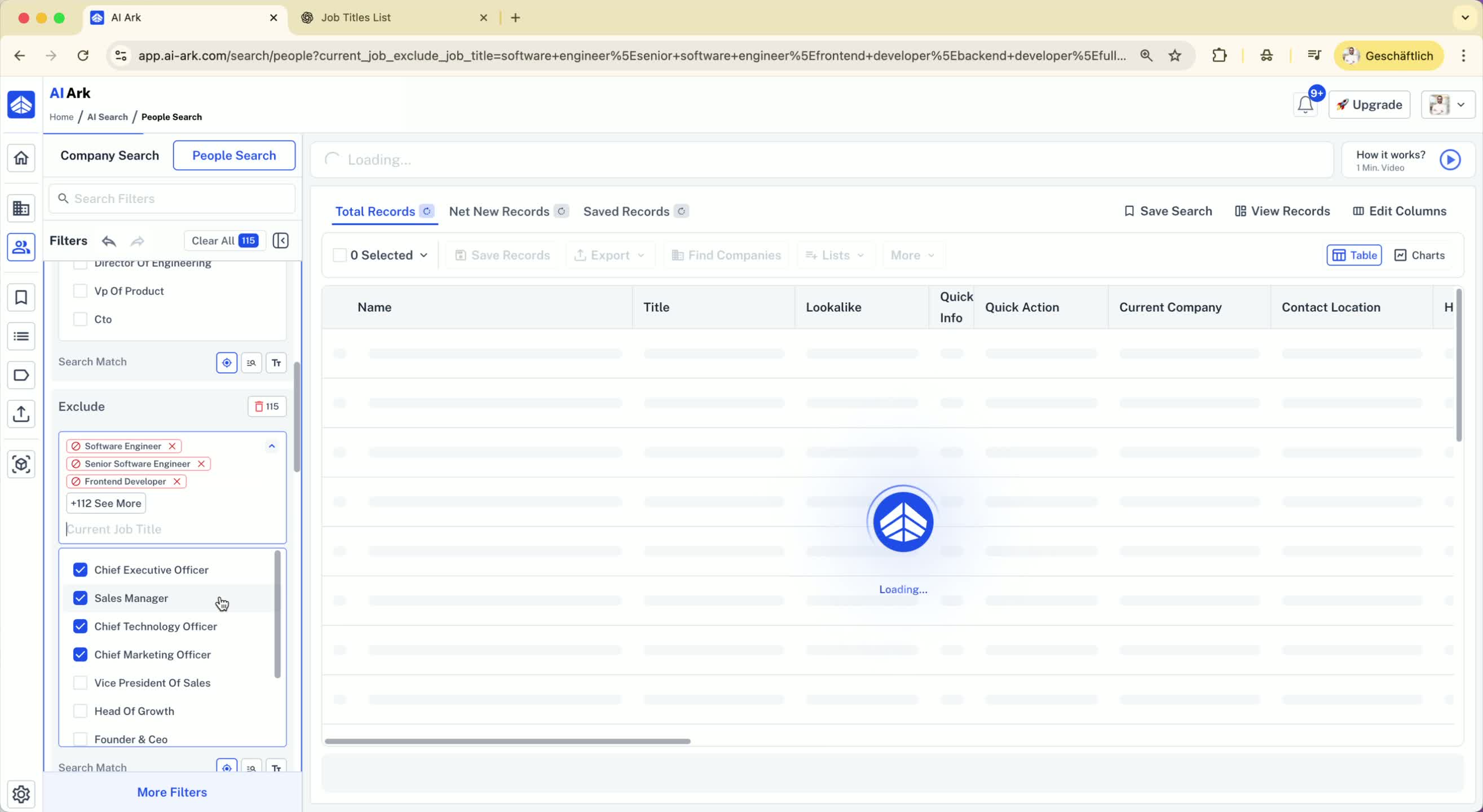
Note that this batch pasting method will also be available for keyword searches.
Keywords should also be separated by commas for inclusion or exclusion.
Step 7: Conclusion 0:56
This method simplifies the process of adding multiple job titles or keywords in AI Ark.
