1. Introduction to Job Role Filters 0:00
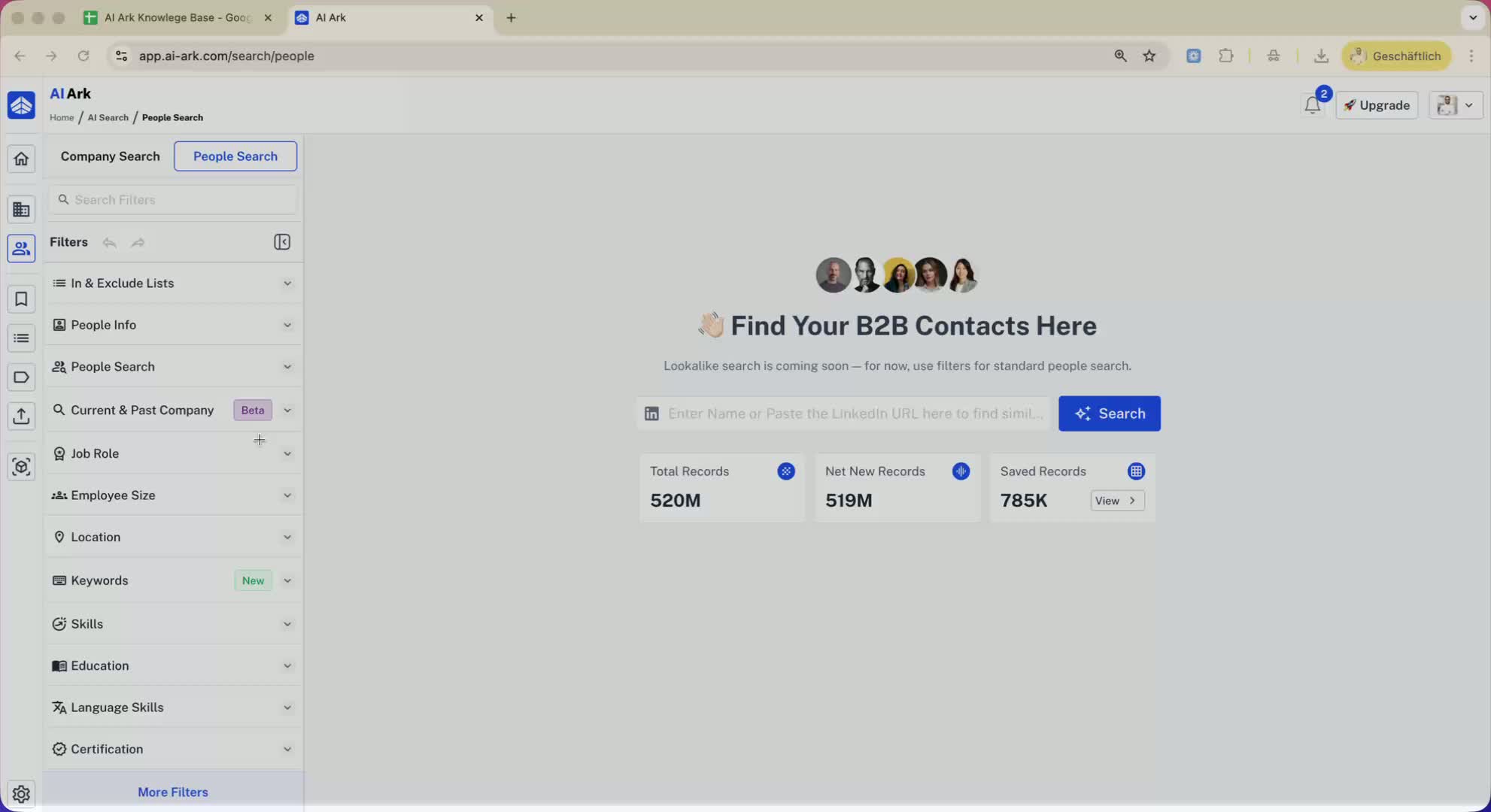
Overview of the purpose of the Loom video: to explain options for filtering job roles in a candidate search.
Importance of selecting the right filters to find suitable candidates.
2. Job Role Filter Options 0:00
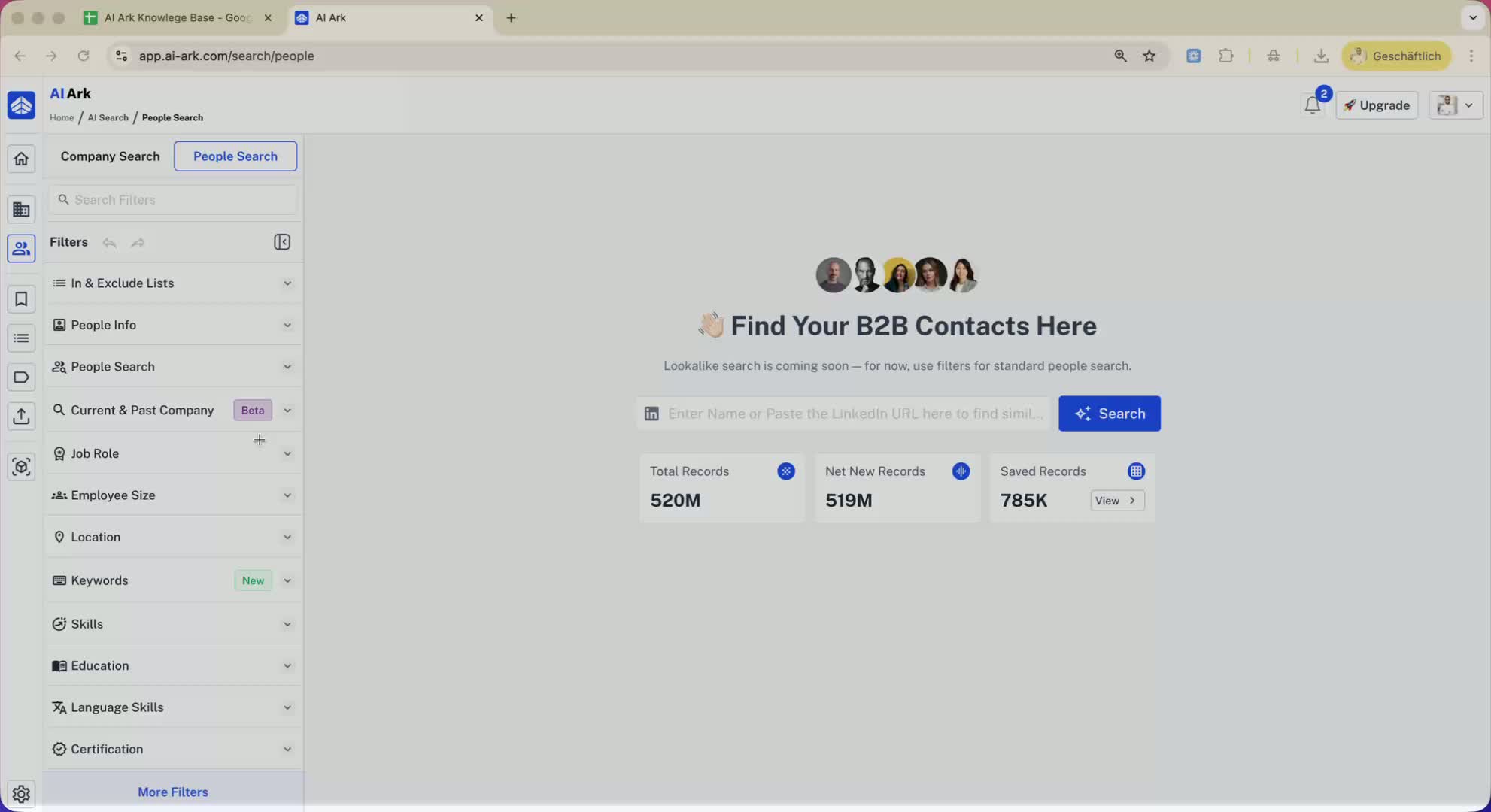
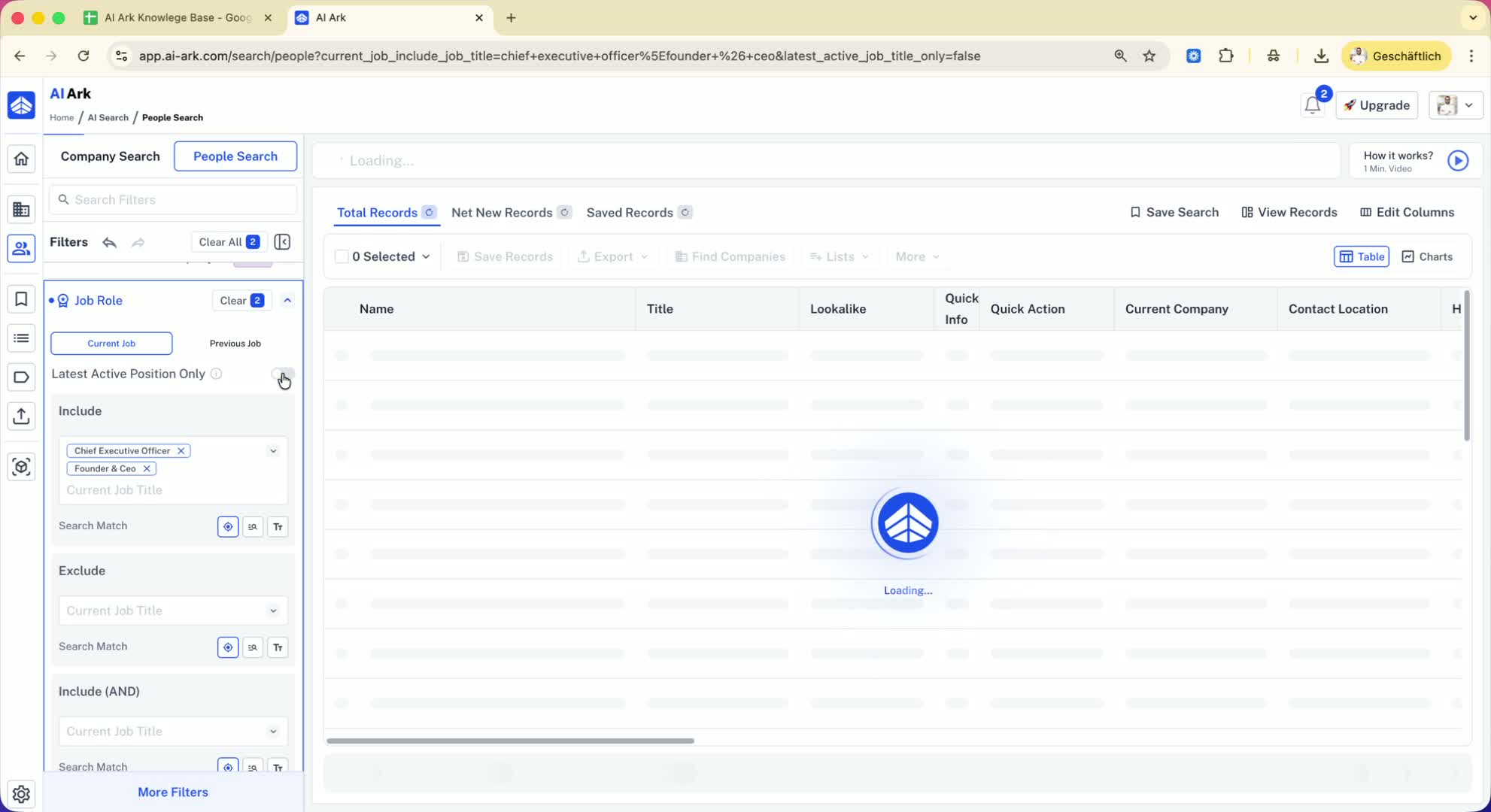
Explanation of the job role filter.
Example: Searching for CEOs and founder/CEOs.
3. Search Match Types 0:15
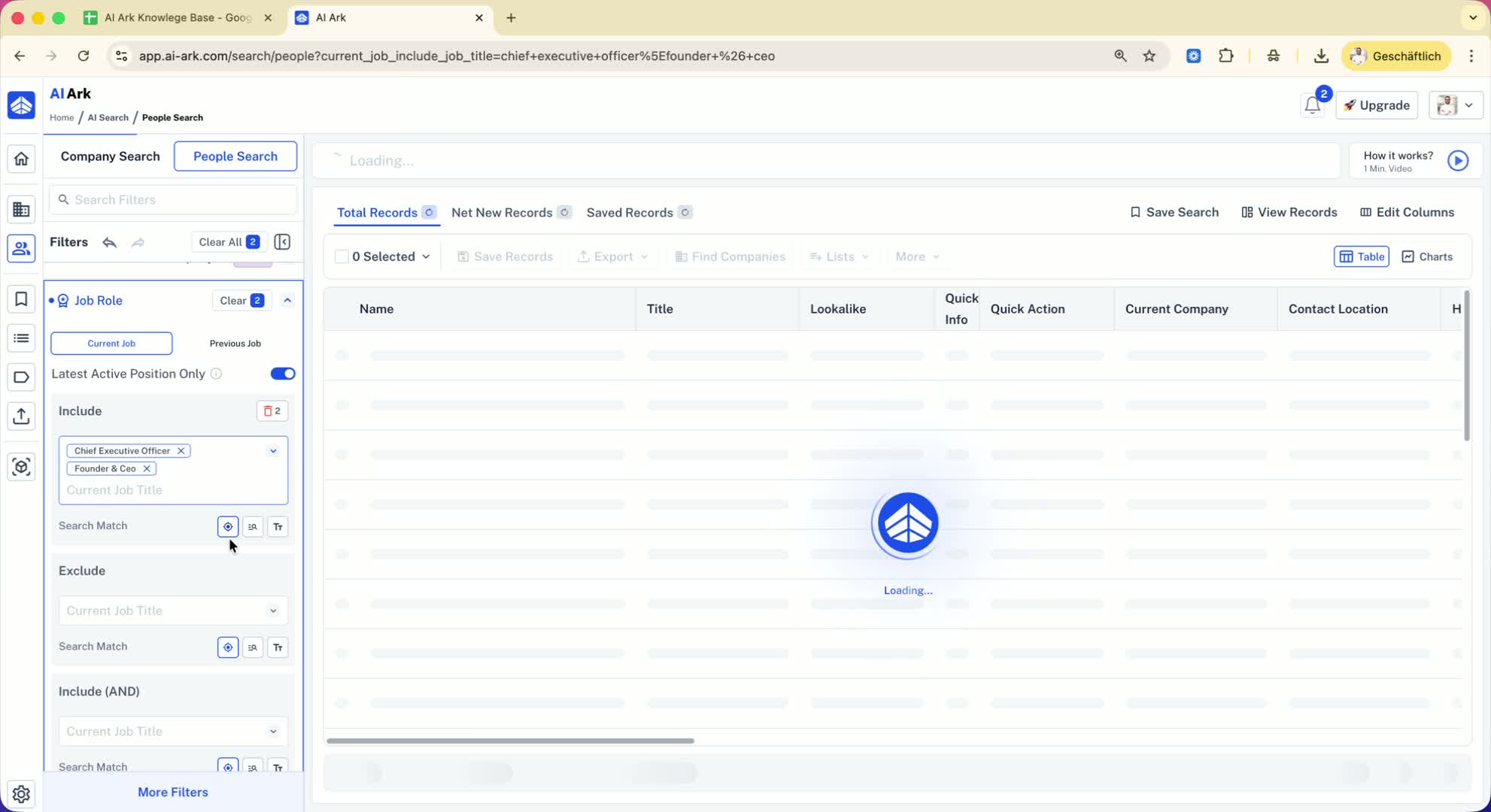
Three types of search matches:
Smart Search Match: Provides broader results.
Word Match: Matches based on specific words.
Strict Match: Only includes exact titles (e.g., 'chief executive officer' or 'CEO').
4. Latest Active Position Filter 0:31
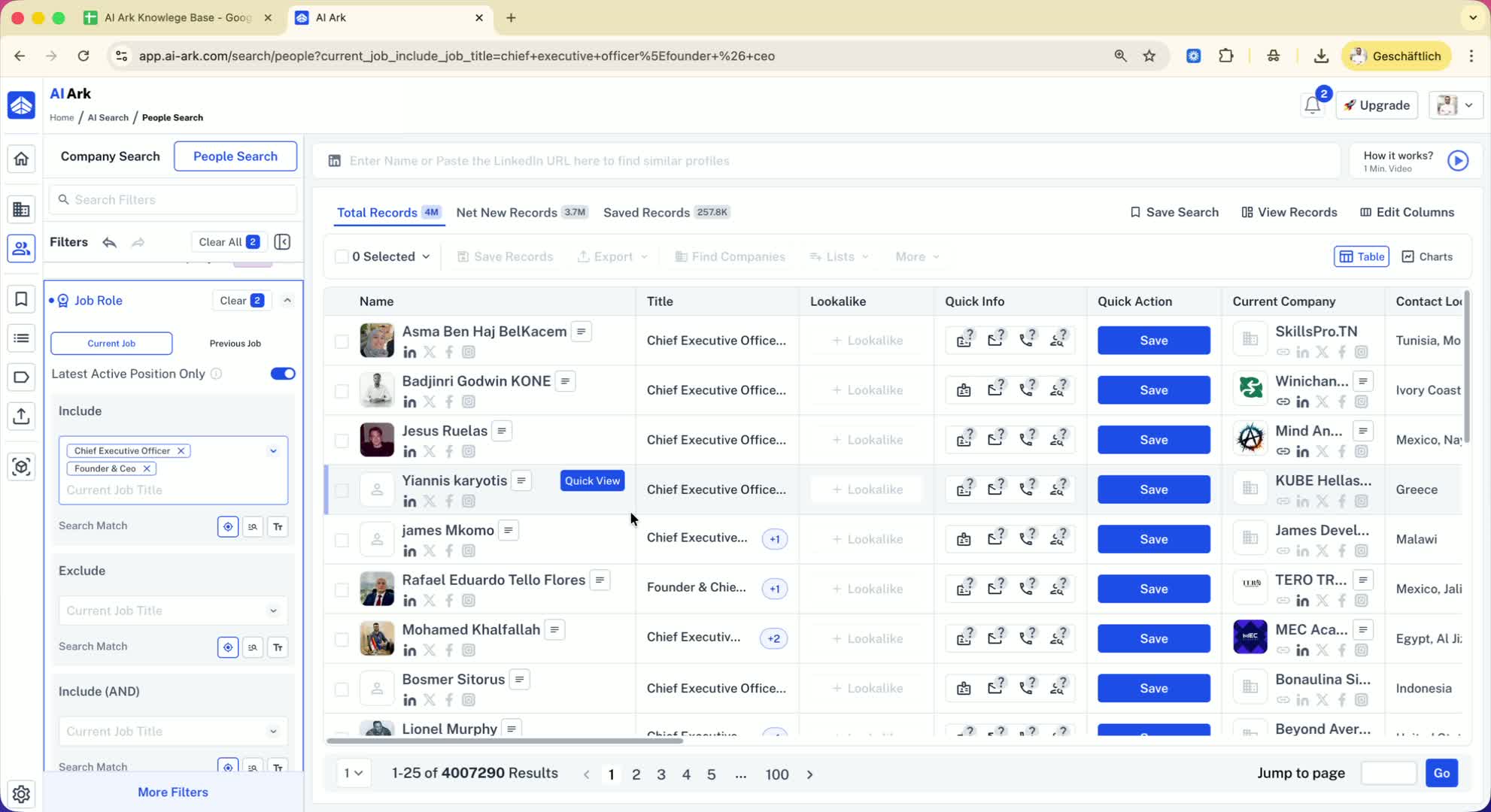
Explanation of the 'latest active position only' toggle.
Use case: Searching for individuals with multiple roles (e.g., founder and advisor).
Toggle on: Search only in the latest active position.
Toggle off: Search in all active roles.
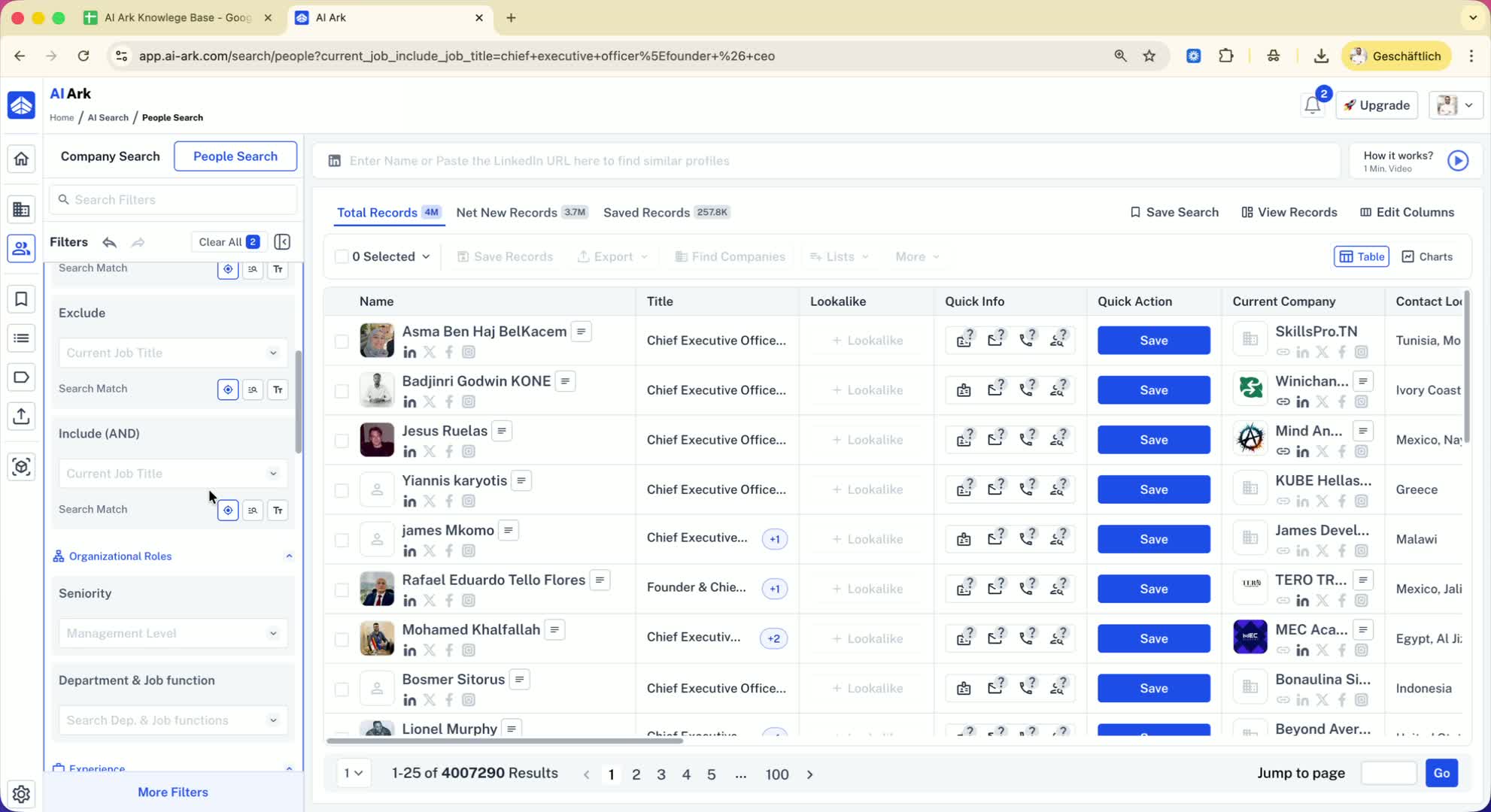
5. Organization Role and Experience Filters 1:01
Explanation of organization role filtering by seniority (e.g., C-suite, VP).
Ability to filter by department and function.
Option to filter by duration in current role or total experience.
6. Finding Promoted Candidates 1:29
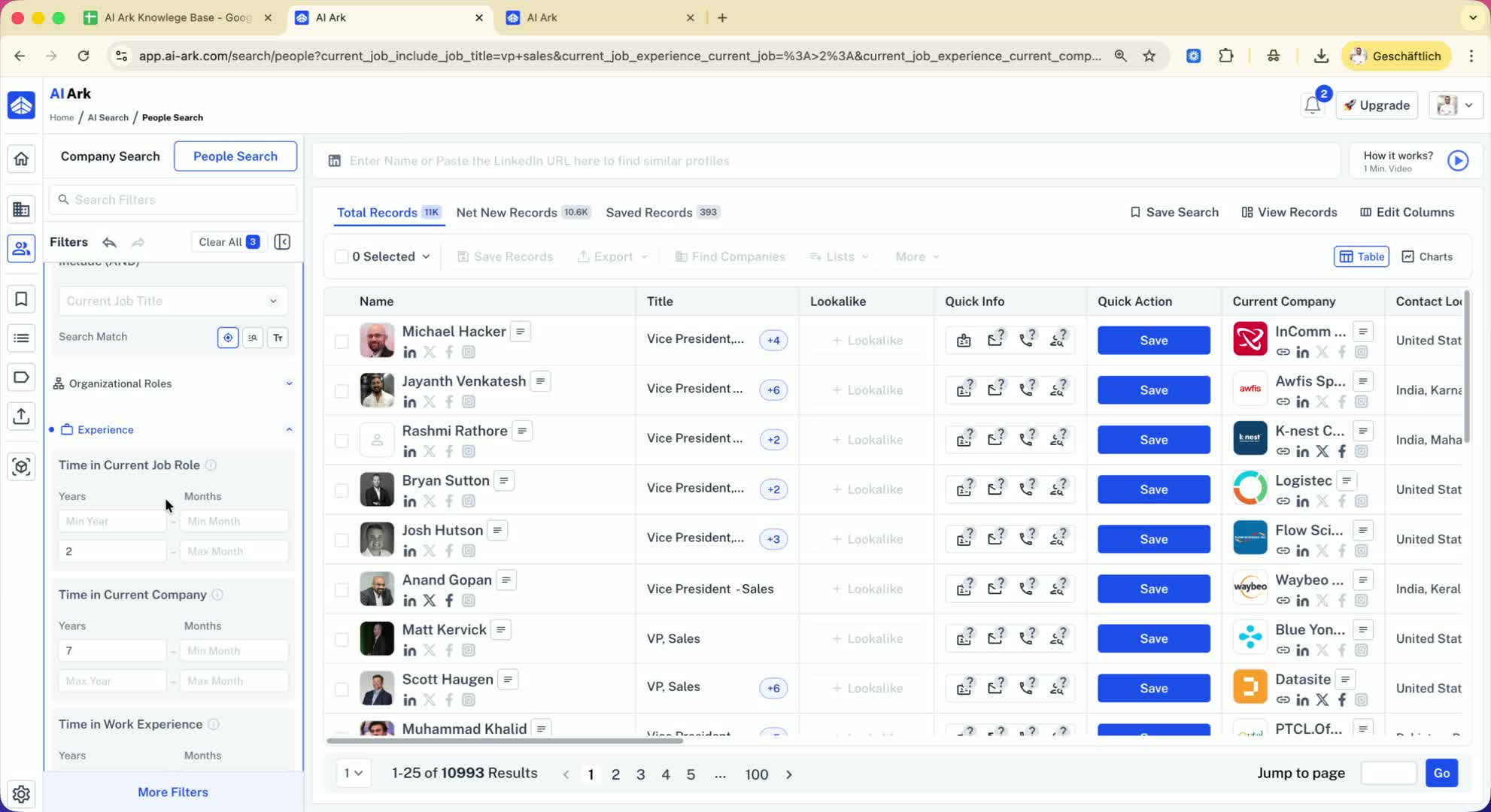
Example of searching for a VP of Sales with specific criteria:
Current role: max 2 years.
Company tenure: minimum 7 years.
Purpose: Identify candidates who have been promoted within their organizations.
7. Example Case Study 2:02

Case study of Michael Hecker:
Current role: Vice President of Sales.
History of multiple roles in the company.
Meets criteria of being in current role for max 2 years and with 7 years in the company.
8. Conclusion 2:26
Recap of the filtering options available.
Encouragement to utilize these filters to find suitable candidates.
