1. Introduction to Keyword People Search 0:00
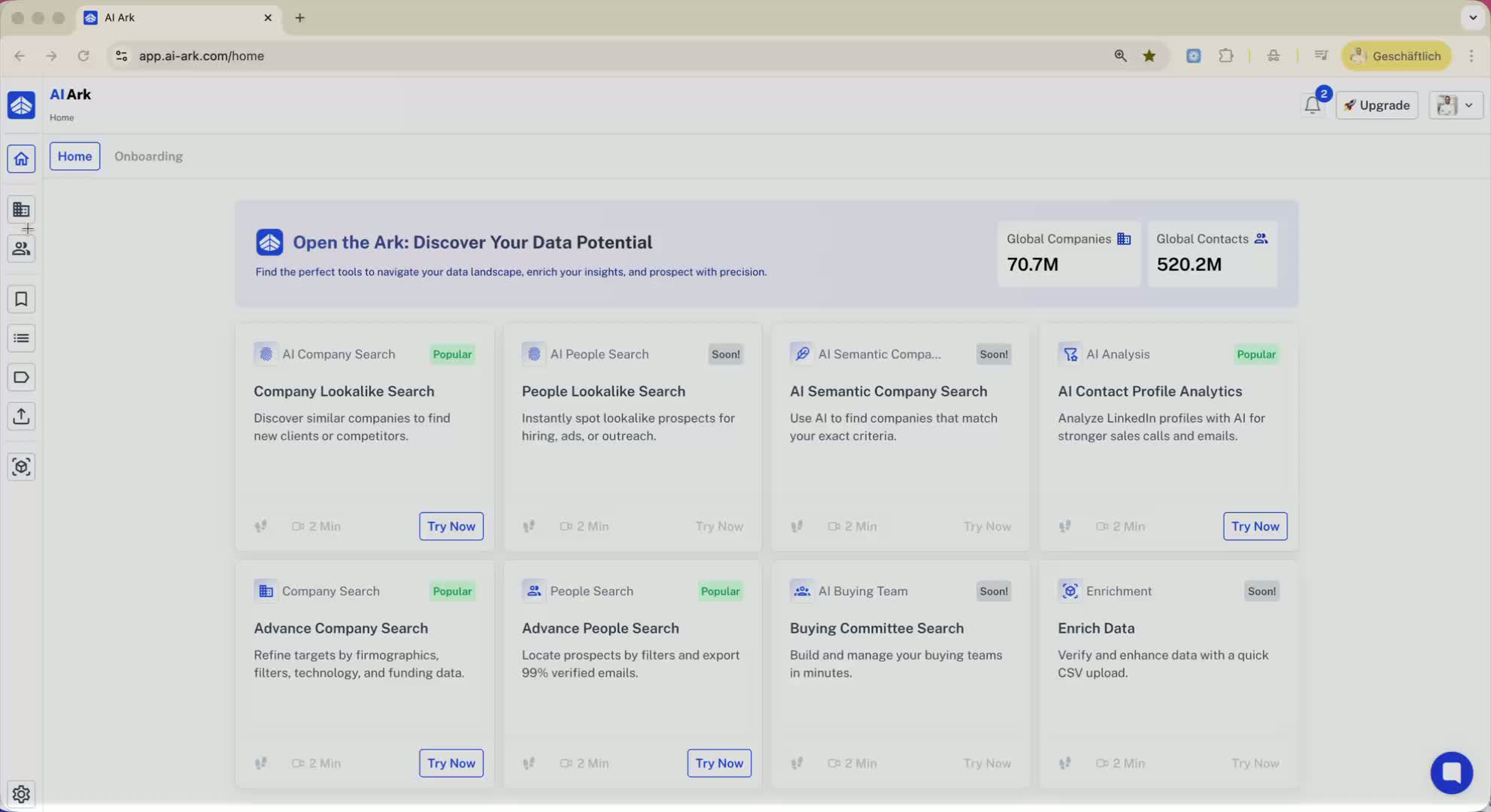
The People Filter site allows users to search for keywords in LinkedIn profiles.
Example: Searching for profiles that mention 'clay.com'.
2. Searching by Keyword in Specific Profile Sections 0:07
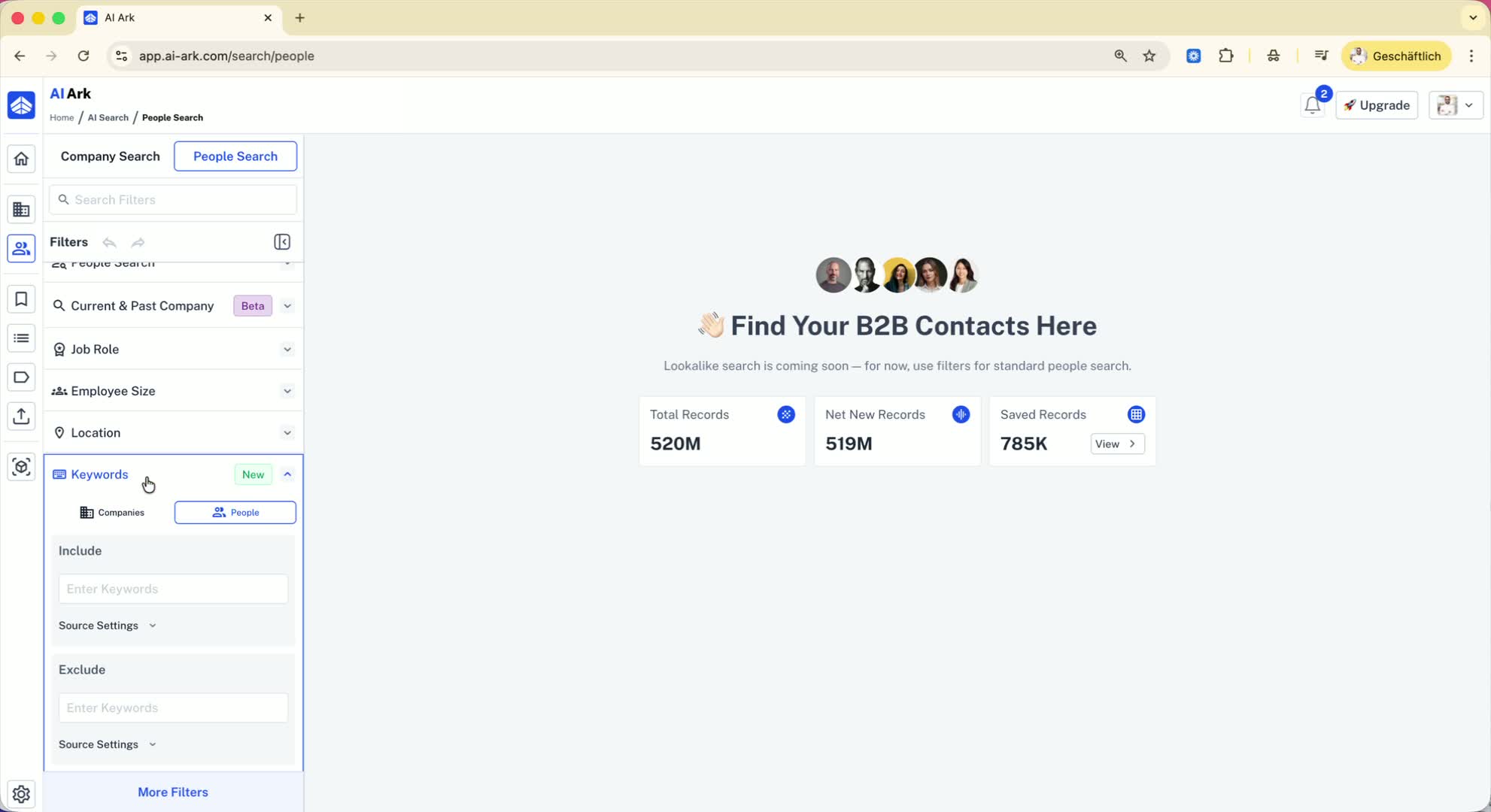
Users can specify where to search for the keyword in the LinkedIn profile:
Headline
Skills
Example: Searching for 'clay.com' in the headline only.
3. Viewing Search Results 0:24
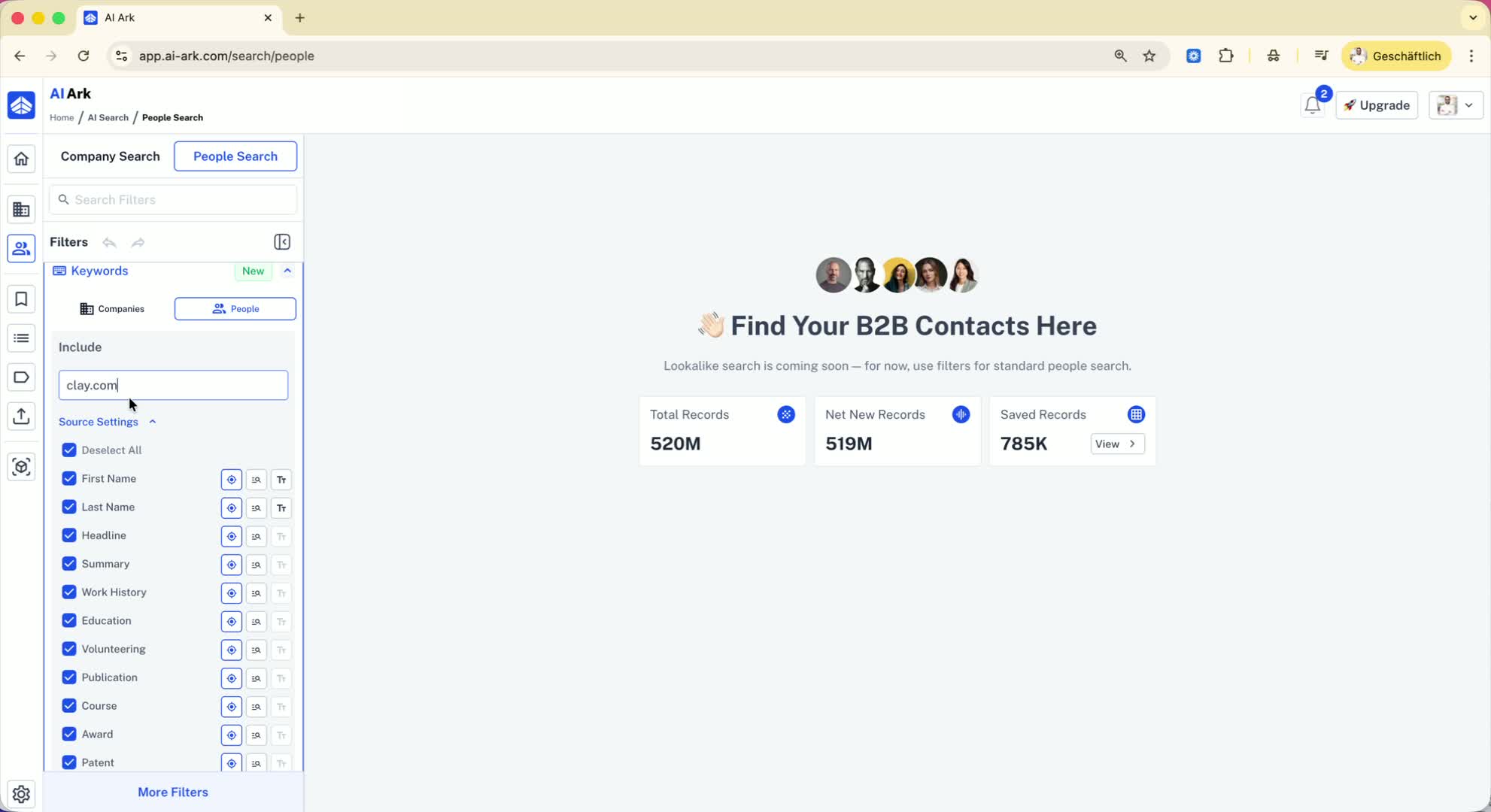
Clicking on a profile shows where the keyword is used:
If in the headline, it will be visible in the profile overview.
If in skills, it will be shown in the skills section.
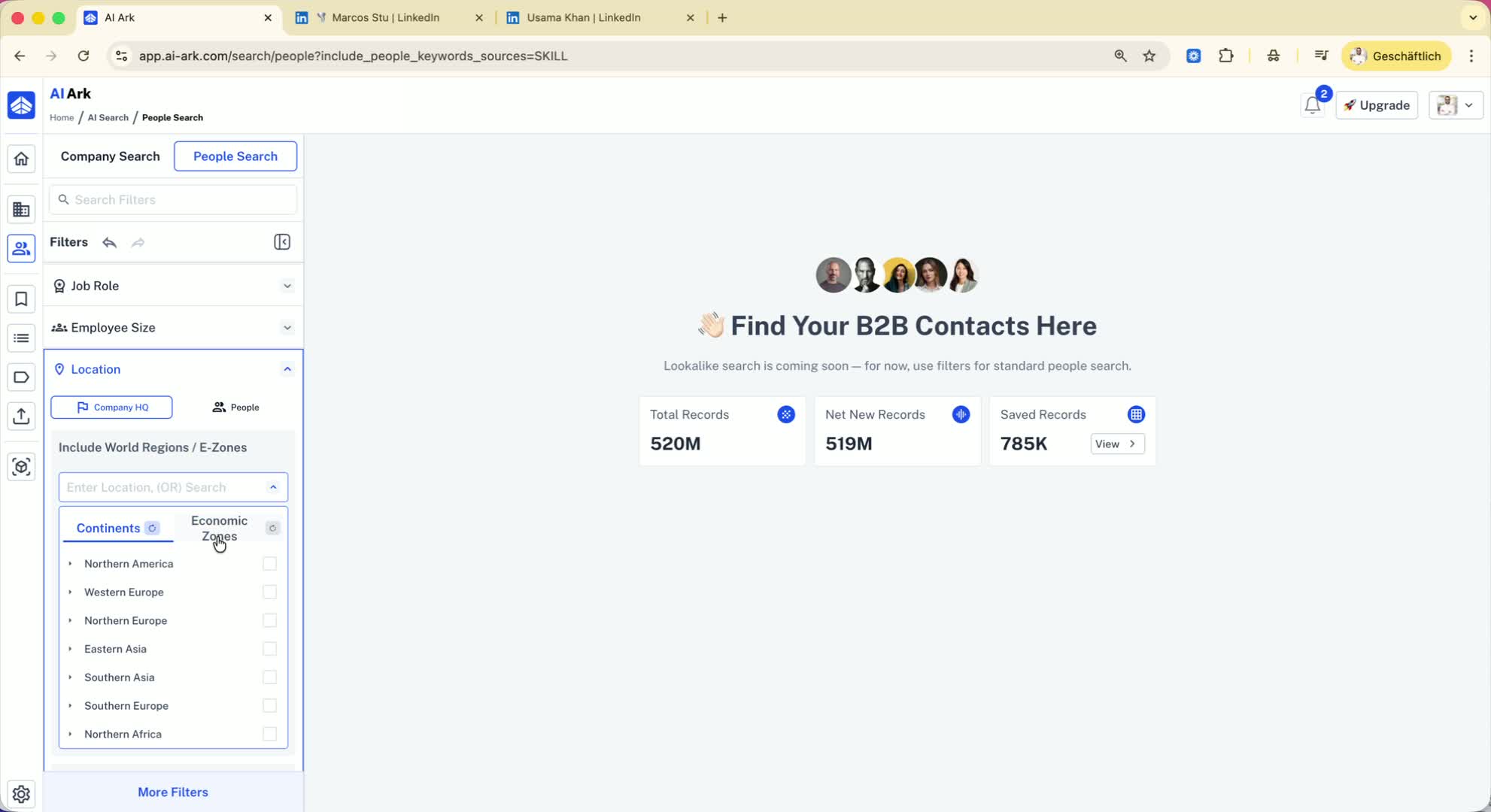
4. Location Search Options 0:48
Users can search based on company or individual location:
Company headquarters (e.g., North America, United States)
Individual location (e.g., London)
Options to filter by economic zones (e.g., G7, G20, European Union).
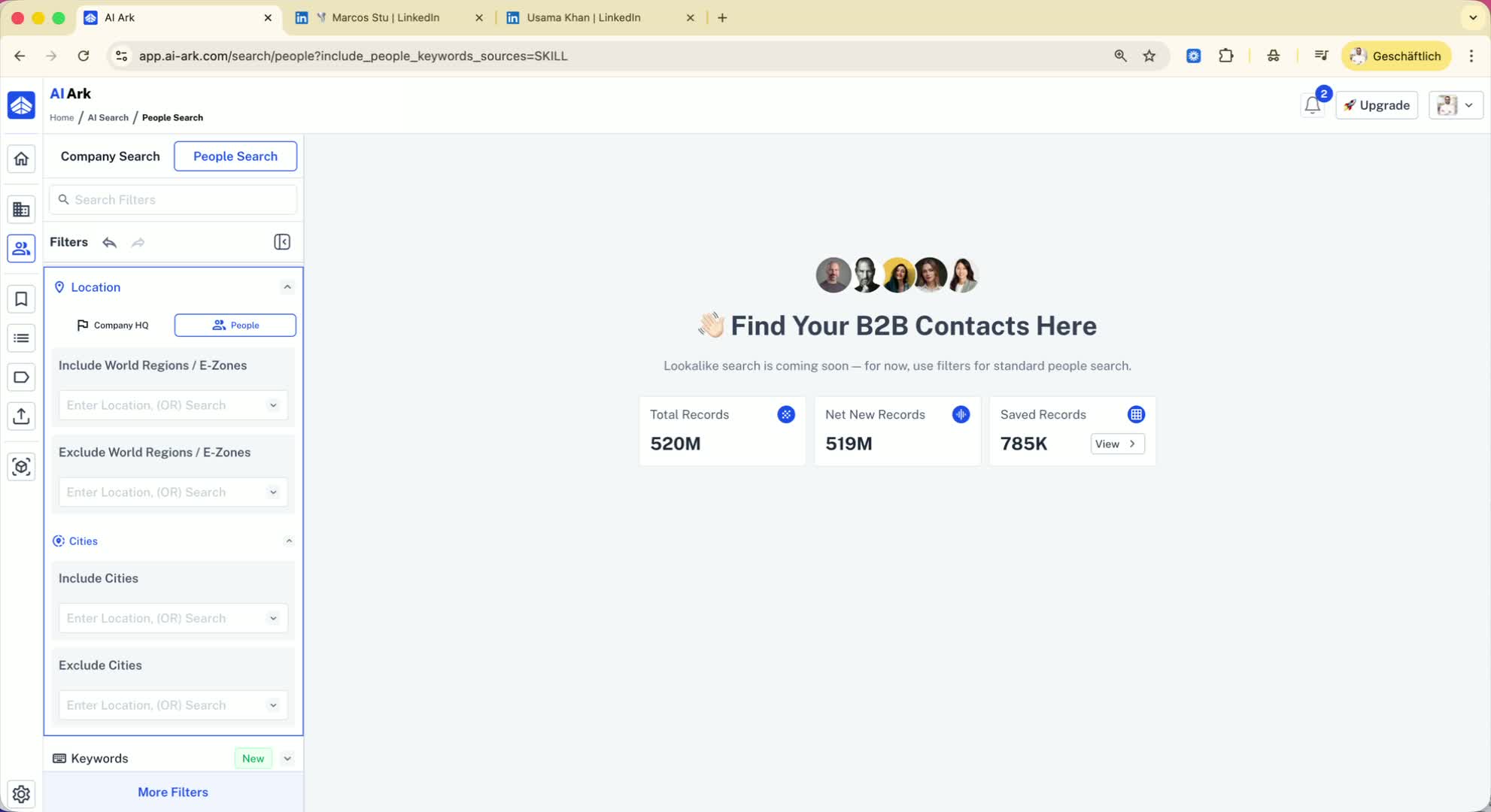
5. Specific City and Region Searches 1:11
Users can specify cities for both company headquarters and individual locations:
Example: Company in San Francisco, person in London.
6. Conclusion 1:40
The People Filter site provides various options to target the right profiles based on keywords and locations.
