Step 1: Access People Search 0:01
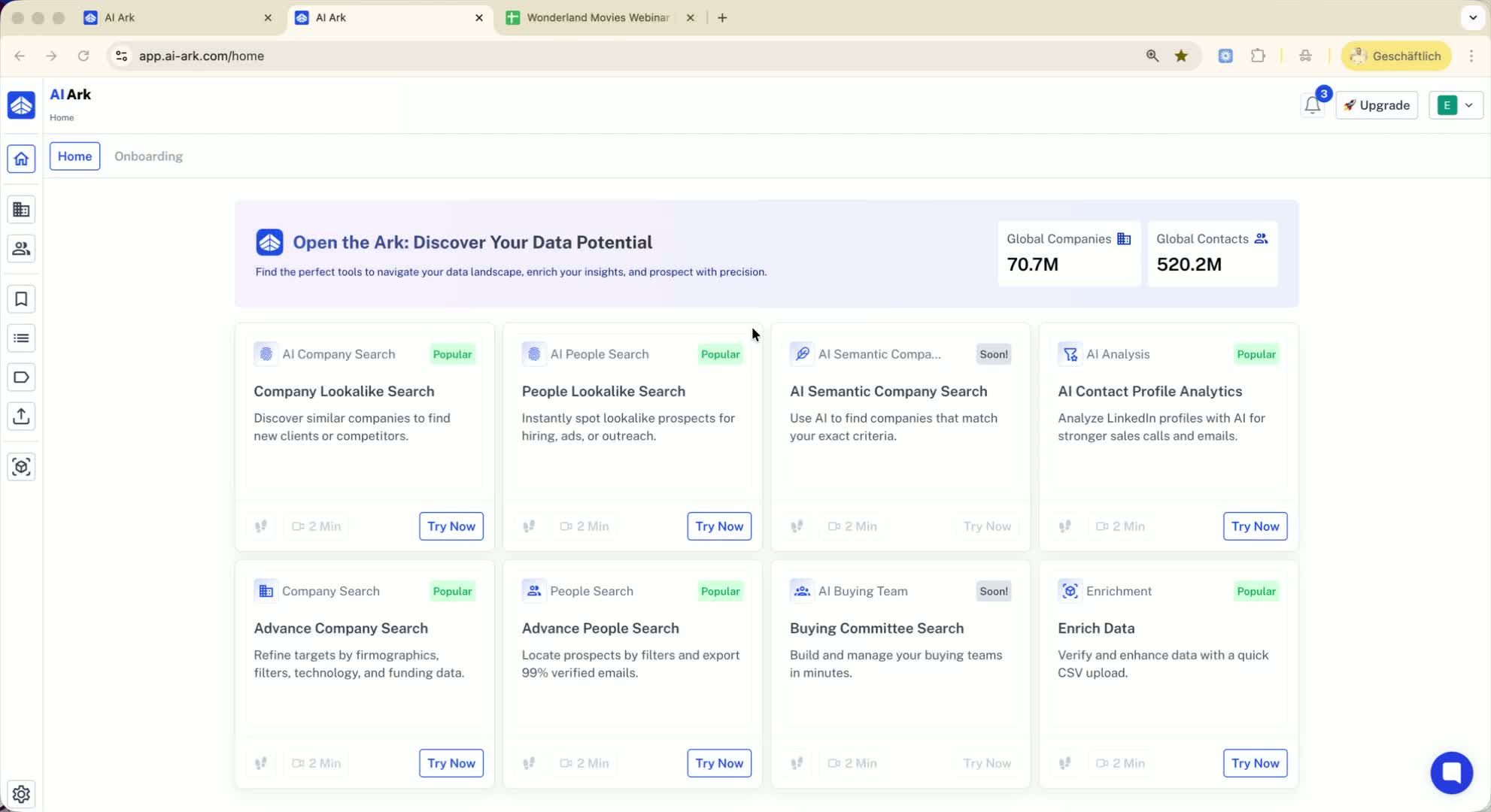
Open the platform.
Navigate to the People Search section.
Step 2: Use People Search Filter 0:25
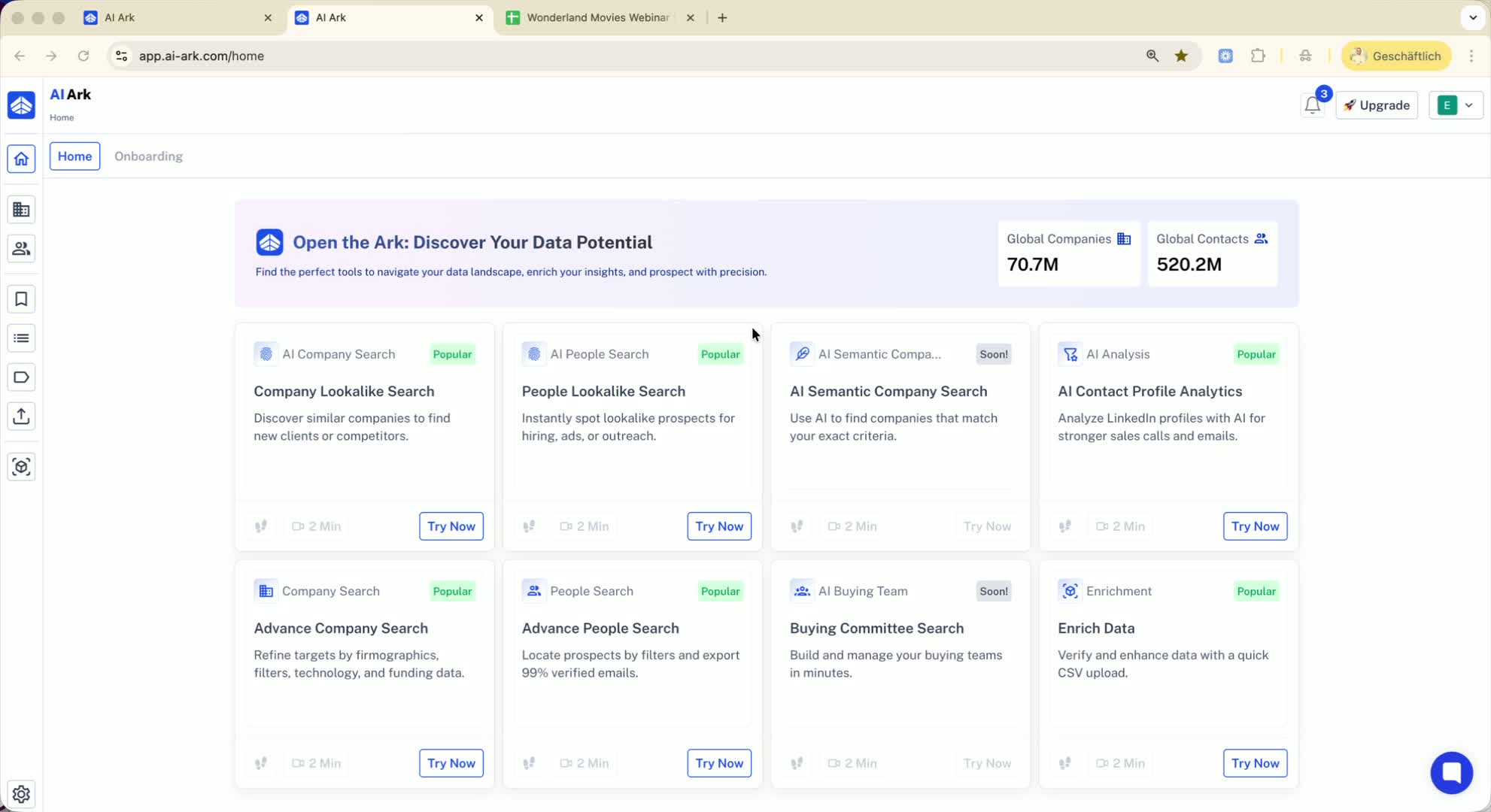
Locate the People Search Filter.
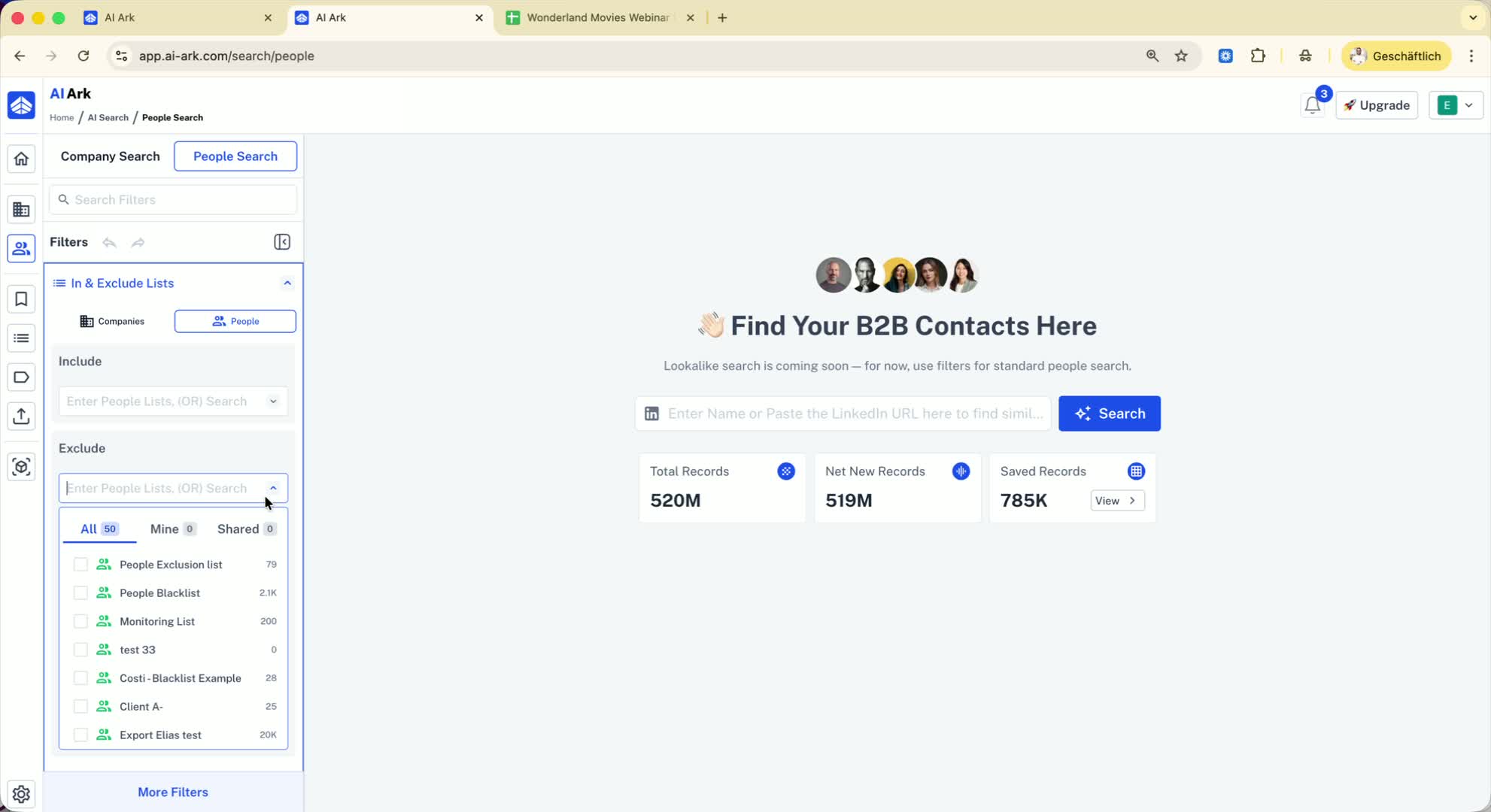
Find the bulk include and exclude options.
Step 3: Prepare Your Blacklist 0:40
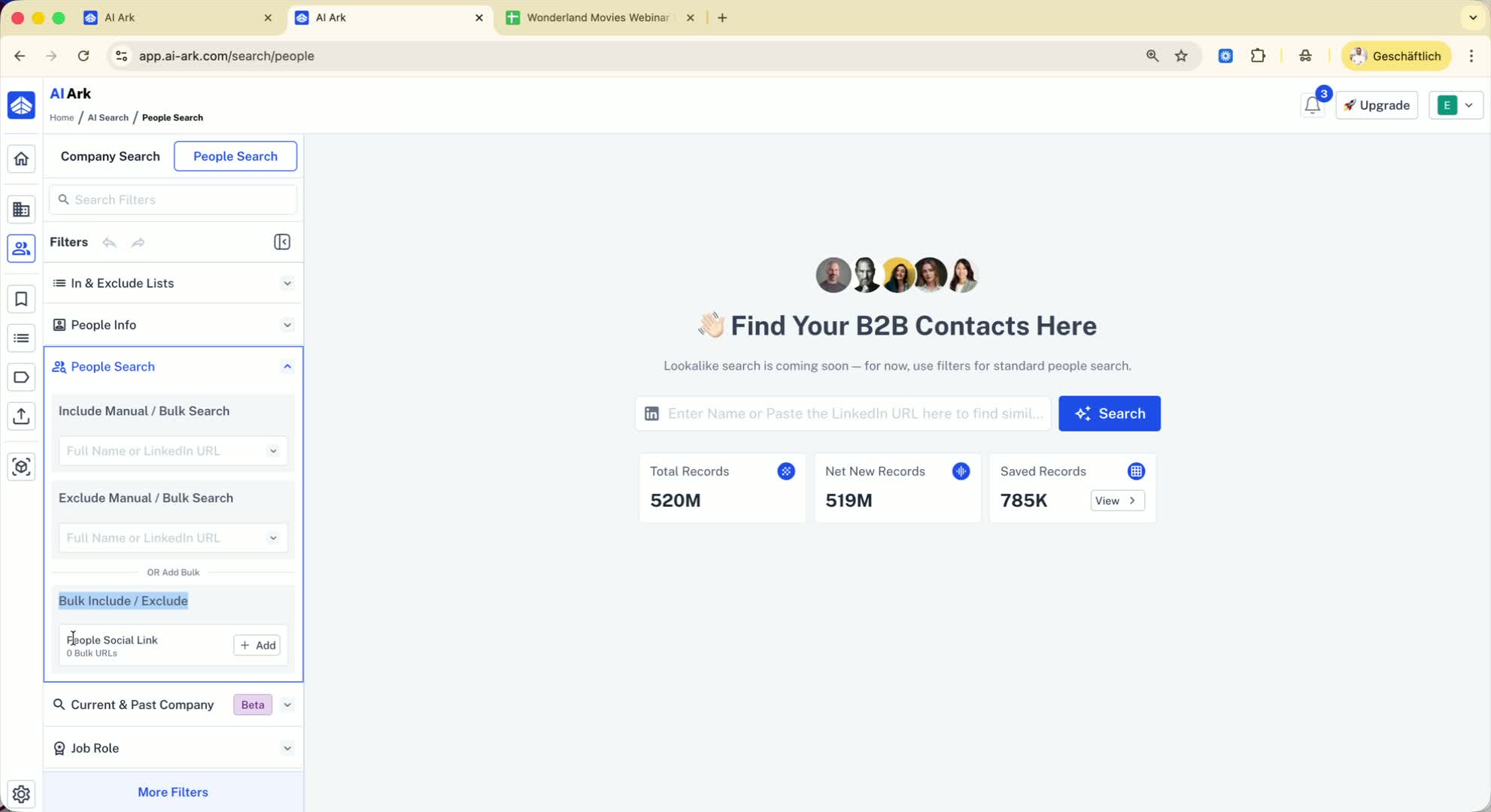
If you have a CSV file with LinkedIn URLs of targeted people, copy the URLs.
Paste the URLs into the exclude section of the People Search Filter.
Step 4: Create an Exclusion List 1:03
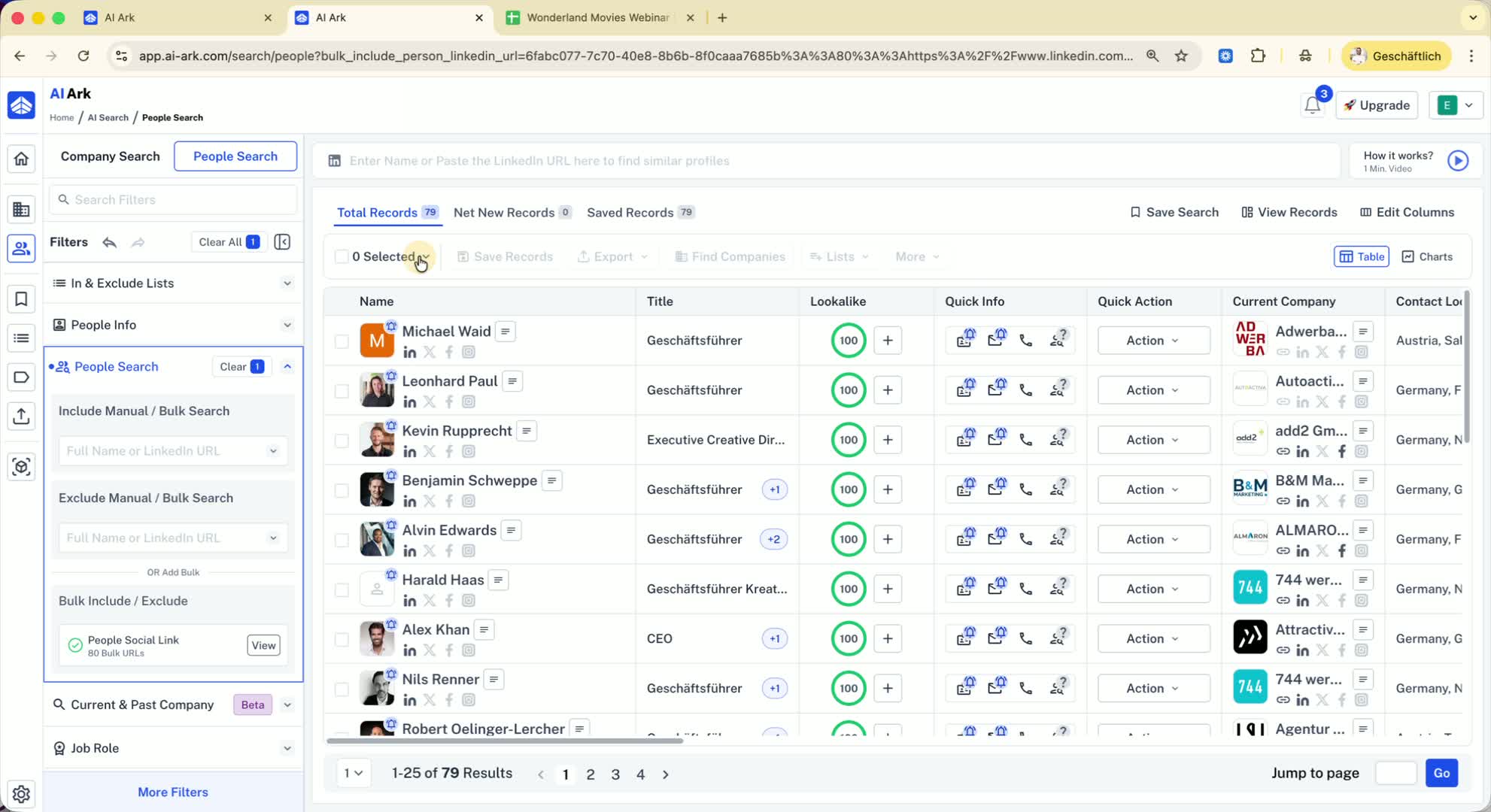
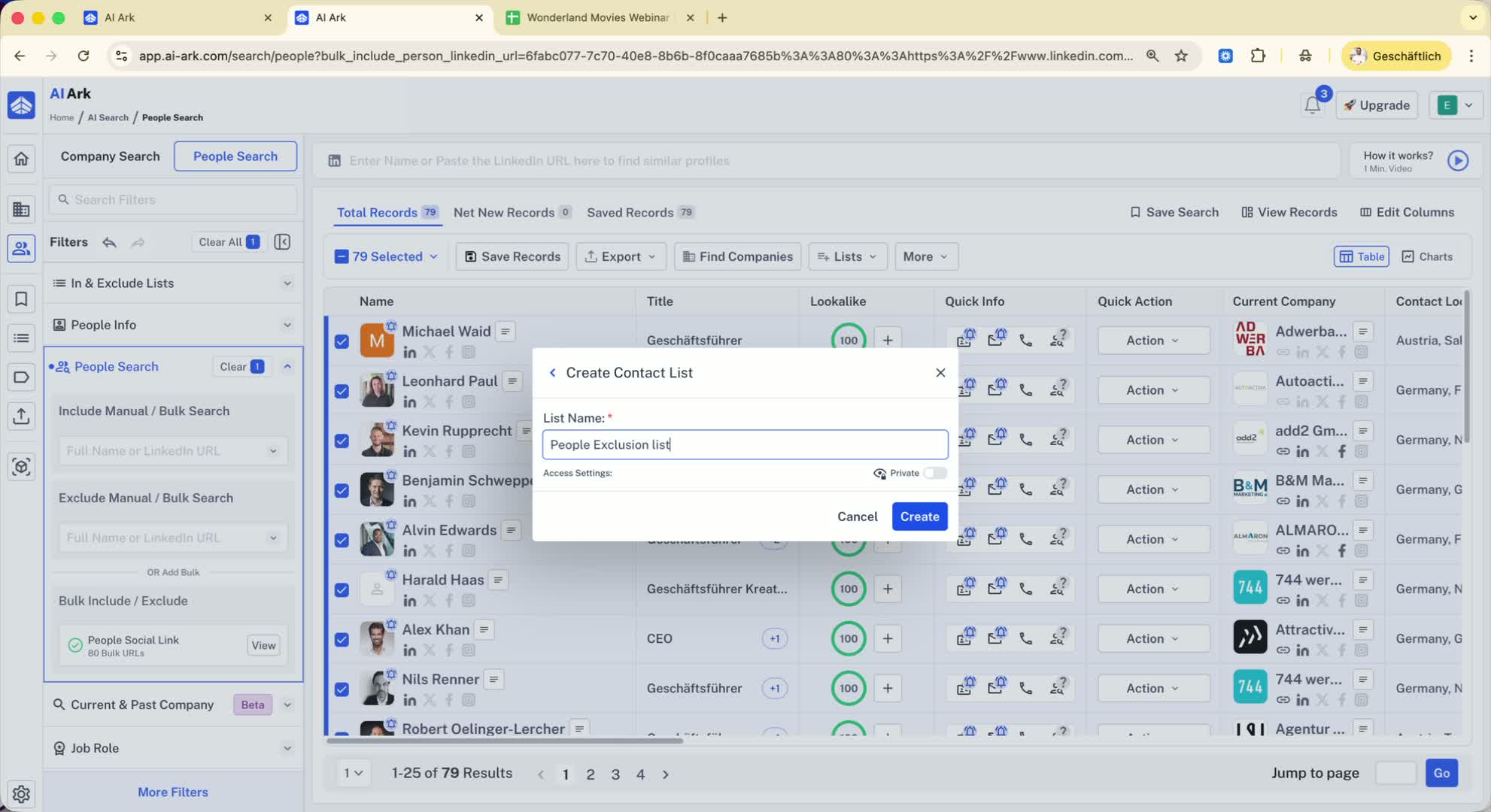
After pasting the URLs, click on 'Save and Search'.
Select all the people shown in the results.
Apply selection and create a new list named 'People Exclusion List'.
Step 5: Exclude the List in Future Searches 1:15
For future searches, go back to the People Search.
Use the option to include/exclude lists.
Select the 'People Exclusion List' to ensure these individuals are not included in your results.
Step 6: Use Enrichment Hub for Larger Lists 1:47
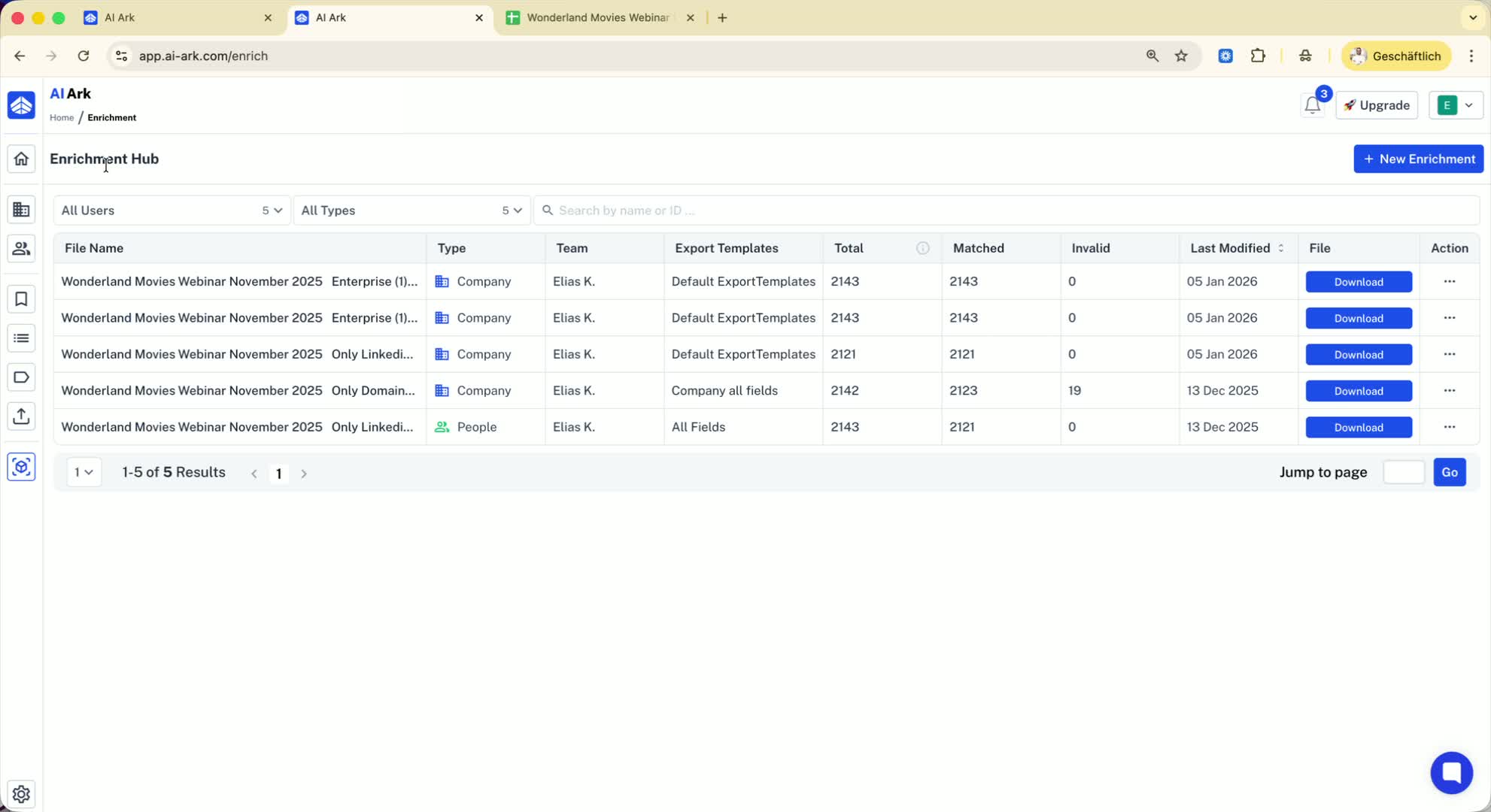
If you have more than 10,000 people, go to the Enrichment Hub.
Click on 'New Enrichment' and select 'Full People Enrichment'.
Upload your CSV file (note the current limit is 10,000 records).
Step 7: Future Email Enrichment Feature 2:03
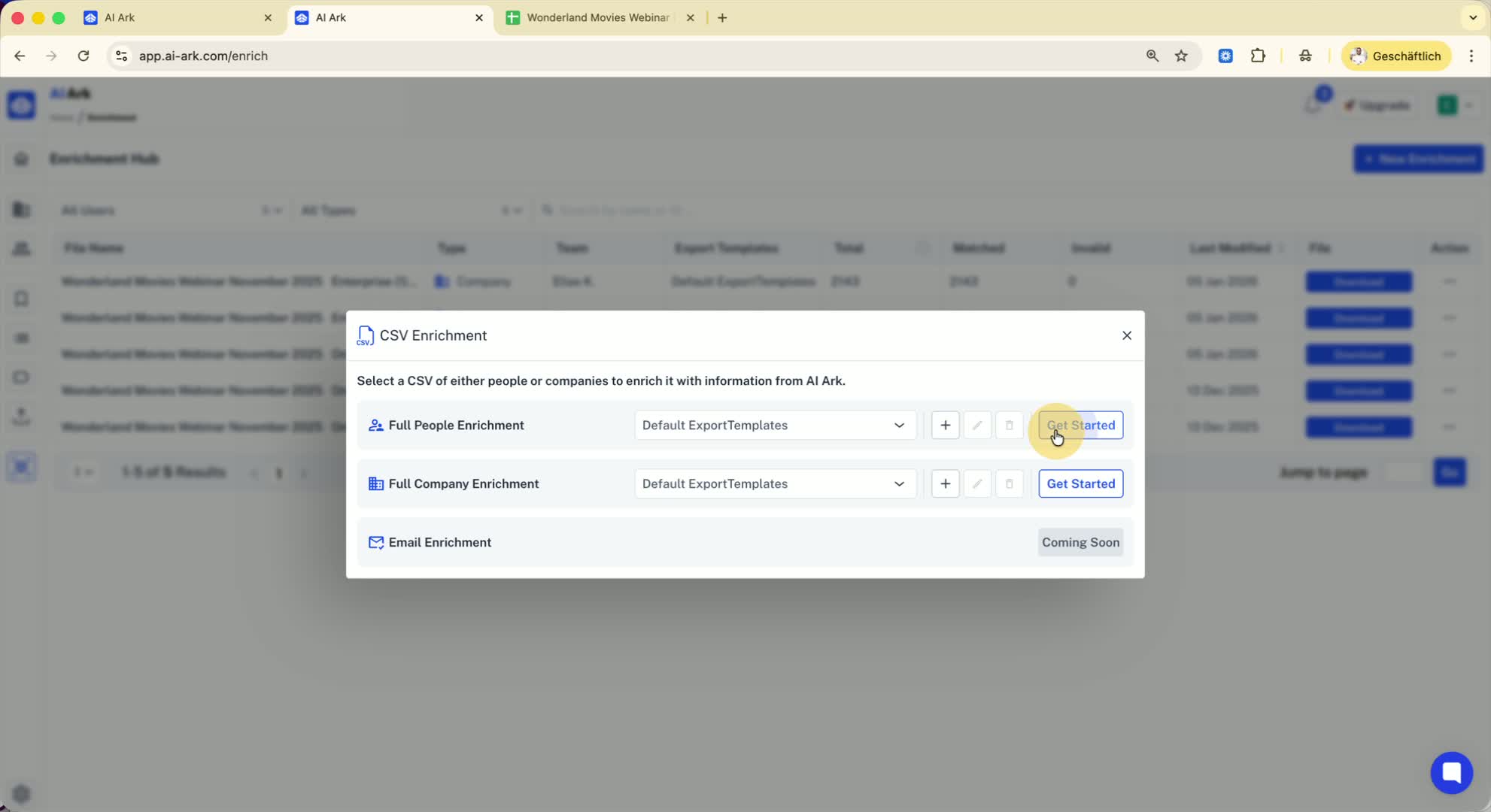
Be aware that an email enrichment feature will be available soon for identifying people using first name, last name, and domain.
Step 8: Manage Large Lists Efficiently 2:33
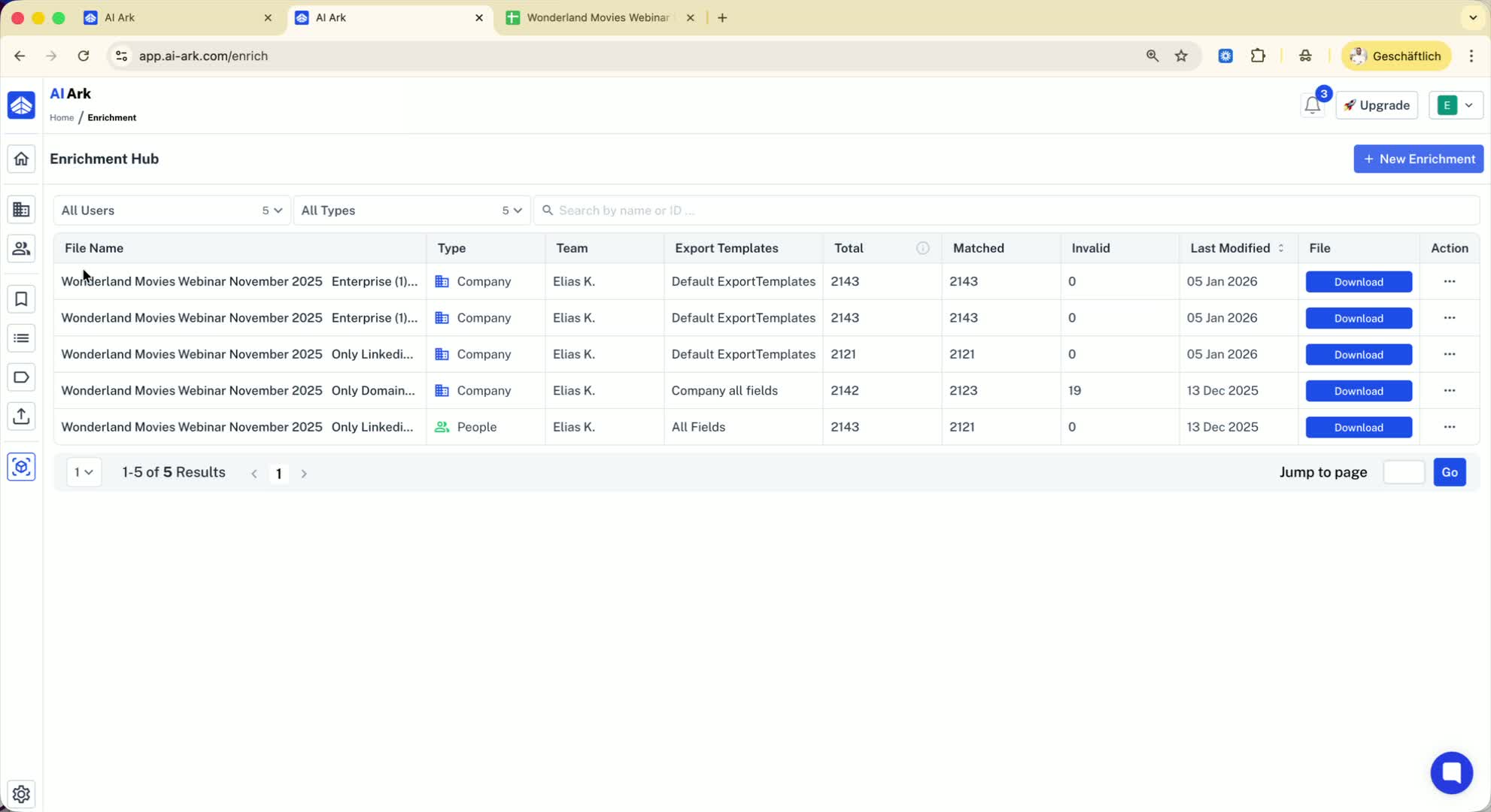
For very large lists (e.g., 100,000 people), repeat the process:
Add the first 10,000 to the exclusion list.
Continue adding the next batches of 10,000 until all are included.
Step 9: Finalize Your Exclusion List 3:02
After completing the process, you will have a comprehensive exclusion list.
This list can be used for future searches to streamline your results.
