Step 1: Prepare Your List 0:00
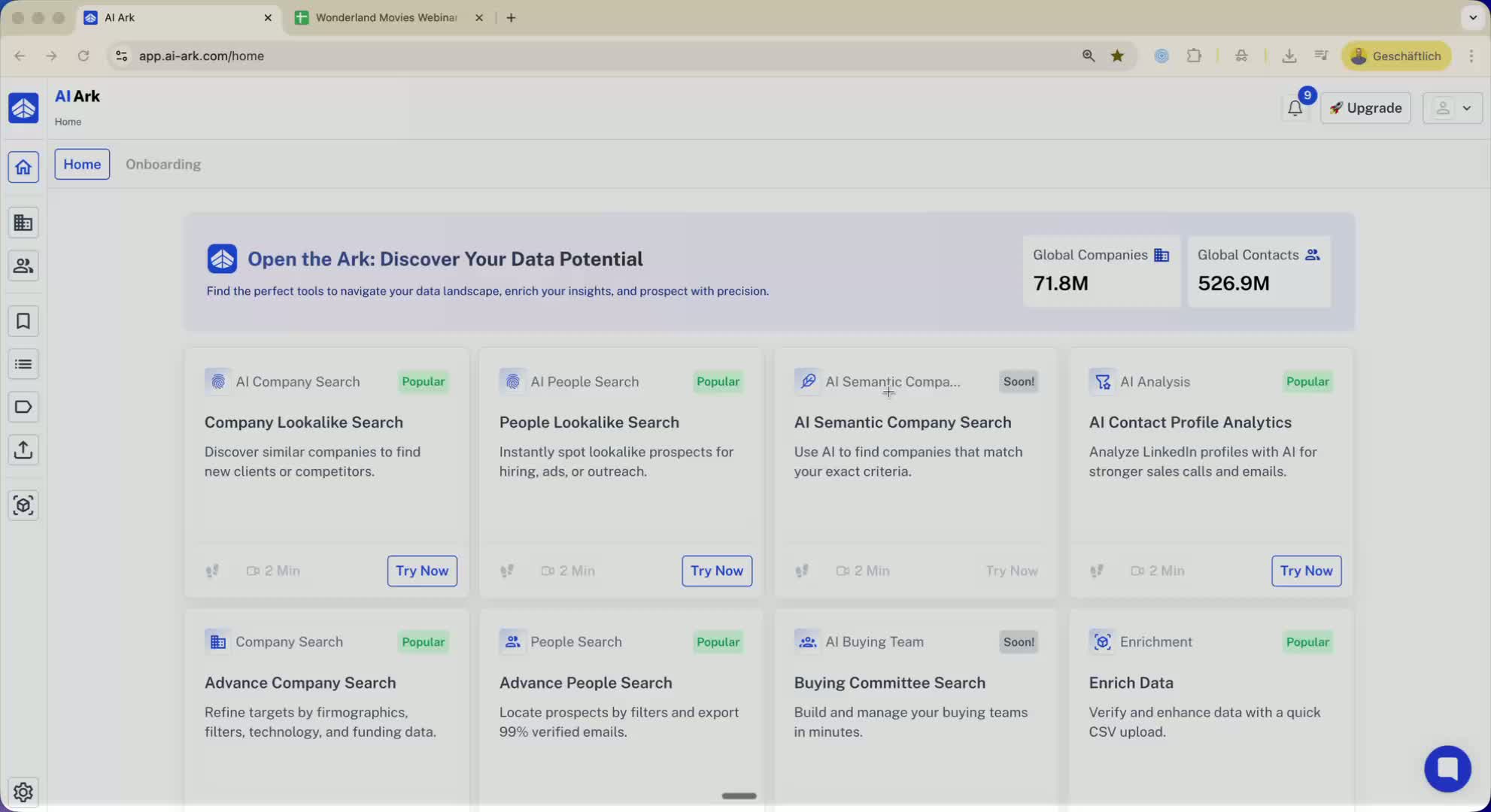
Have a list ready with more than 10,000 domains or LinkedIn company URLs.
This list can include:
Company URLs
LinkedIn company URLs
Domains
Company names
Personal LinkedIn profiles
Step 2: Split Your List 0:24
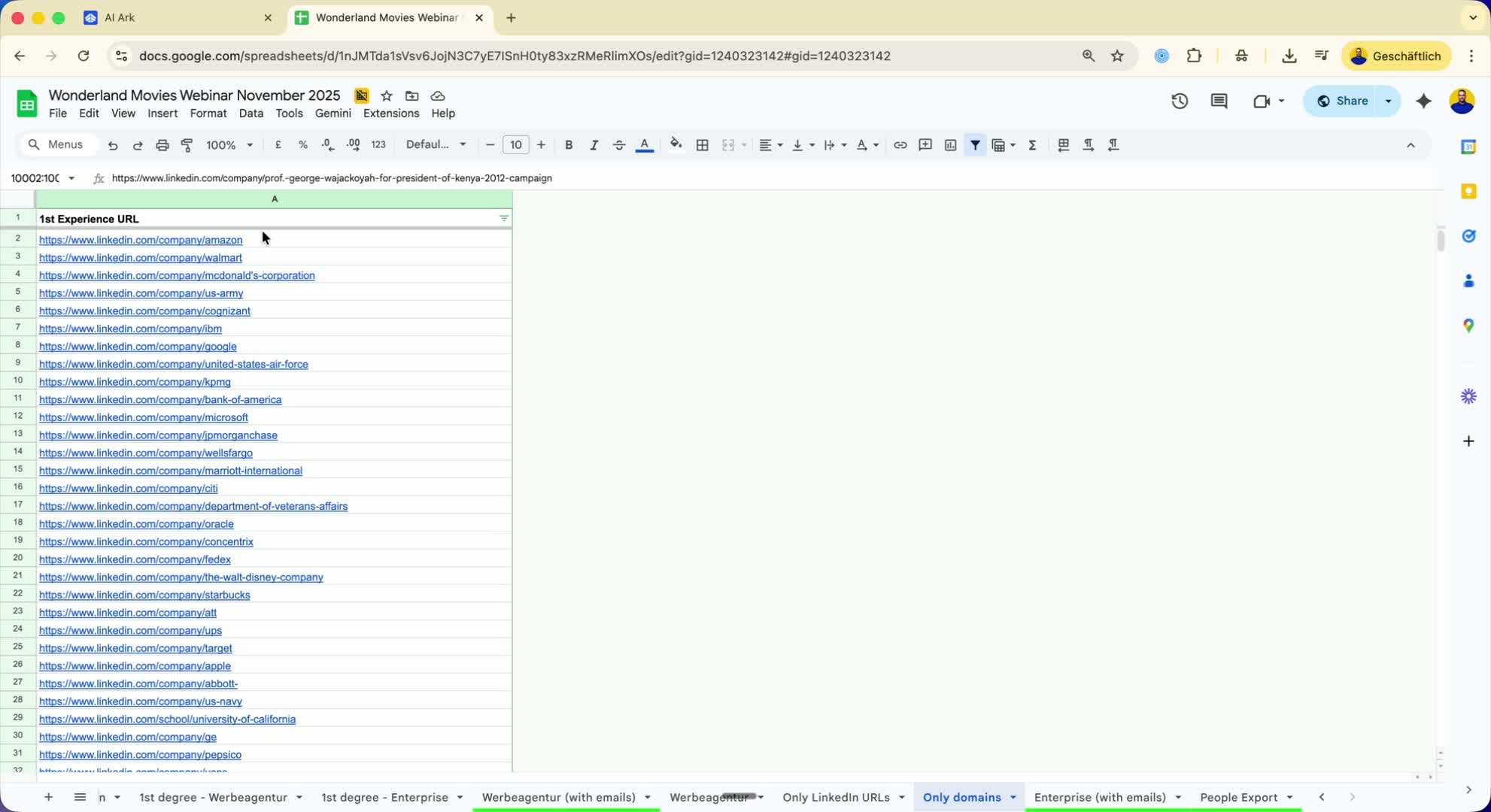
Since AI Ark has a limit of 10,000 entries, split your list into batches.
For example, if you have 20,000 entries, divide it into two batches of 10,000 each.
Step 3: Add the First Batch 0:37
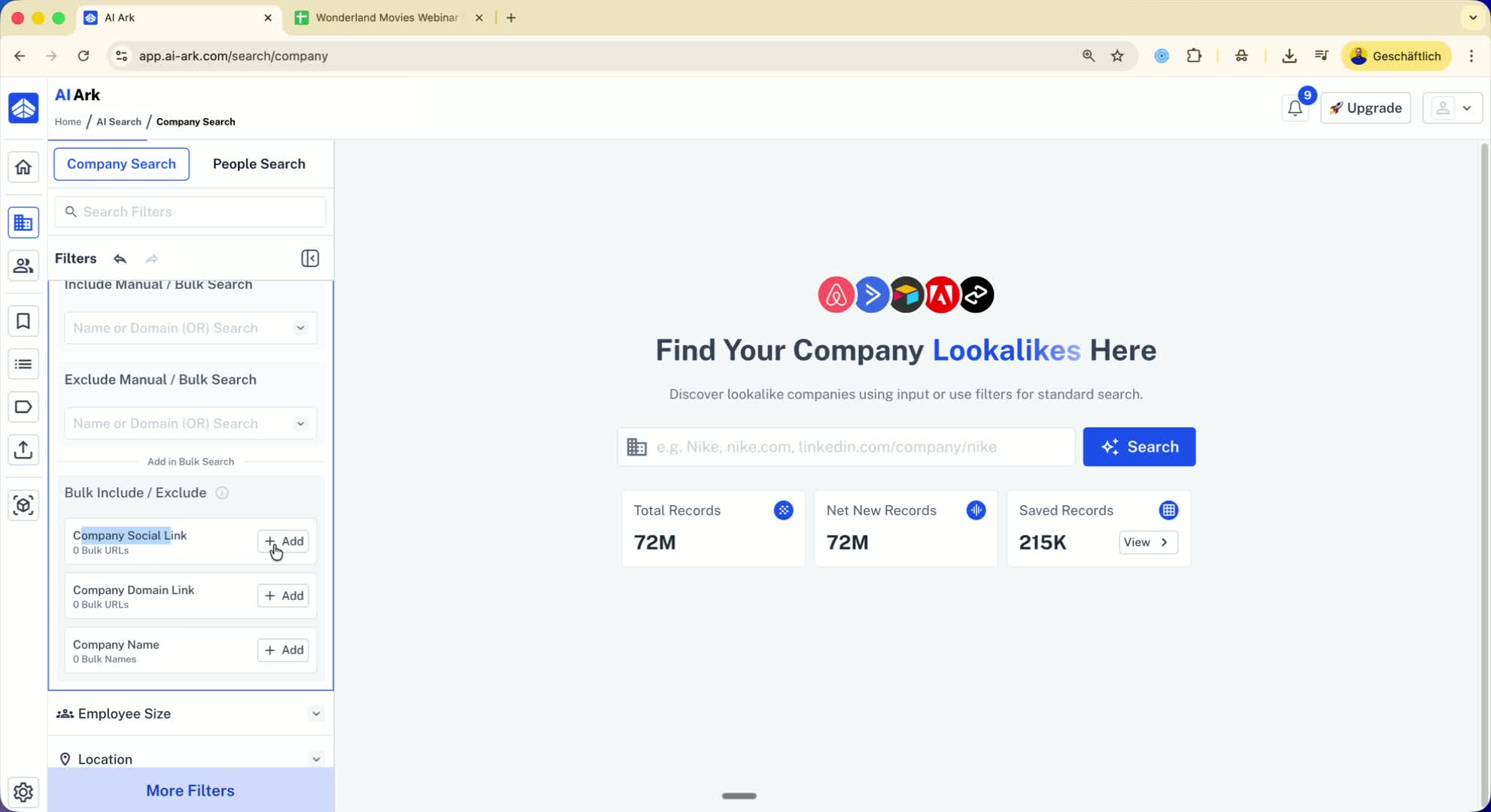
Select the first batch of 10,000 entries.
Go to the company search section in AARC.
Choose the appropriate option (LinkedIn profiles, domains, or company names).
Copy and add the first 10,000 entries.
Step 4: Save and Create a Blacklist 1:11
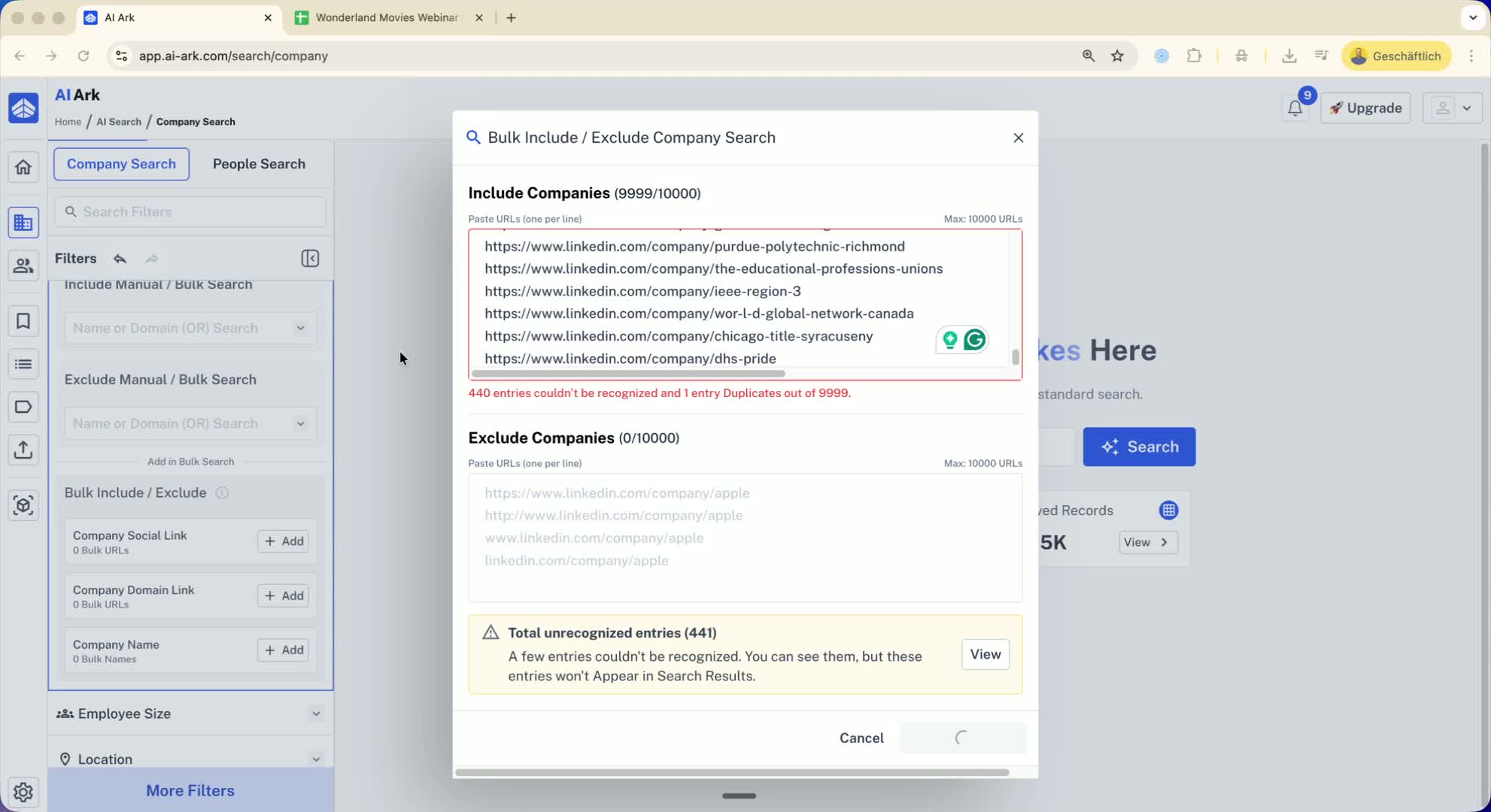
Click on 'Save and Search'.
Once results appear, select all results.
Click on 'List' and then 'Add to List'.
Create a new blacklist (e.g., 'example blacklist companies').
Save the list, noting that the number may be less than 10,000 due to inactive profiles.
Step 5: Add the Second Batch 1:50
Clear the filters in AI Ark.
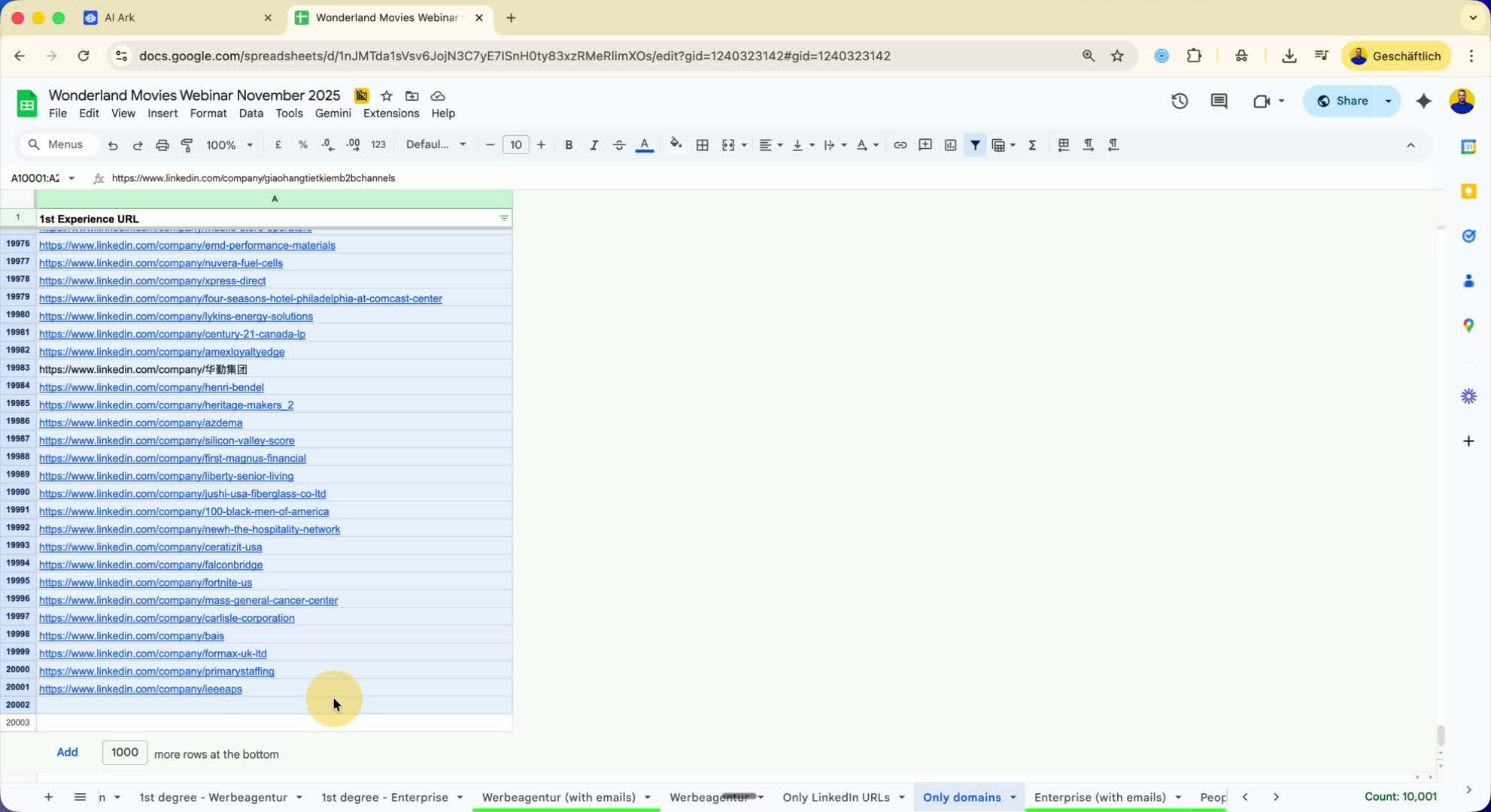
Copy the second batch of 10,000 entries.
Ensure the count is correct (remove any excess if necessary).
Click on 'Save and Search'.
Step 6: Finalize the Blacklist 2:14
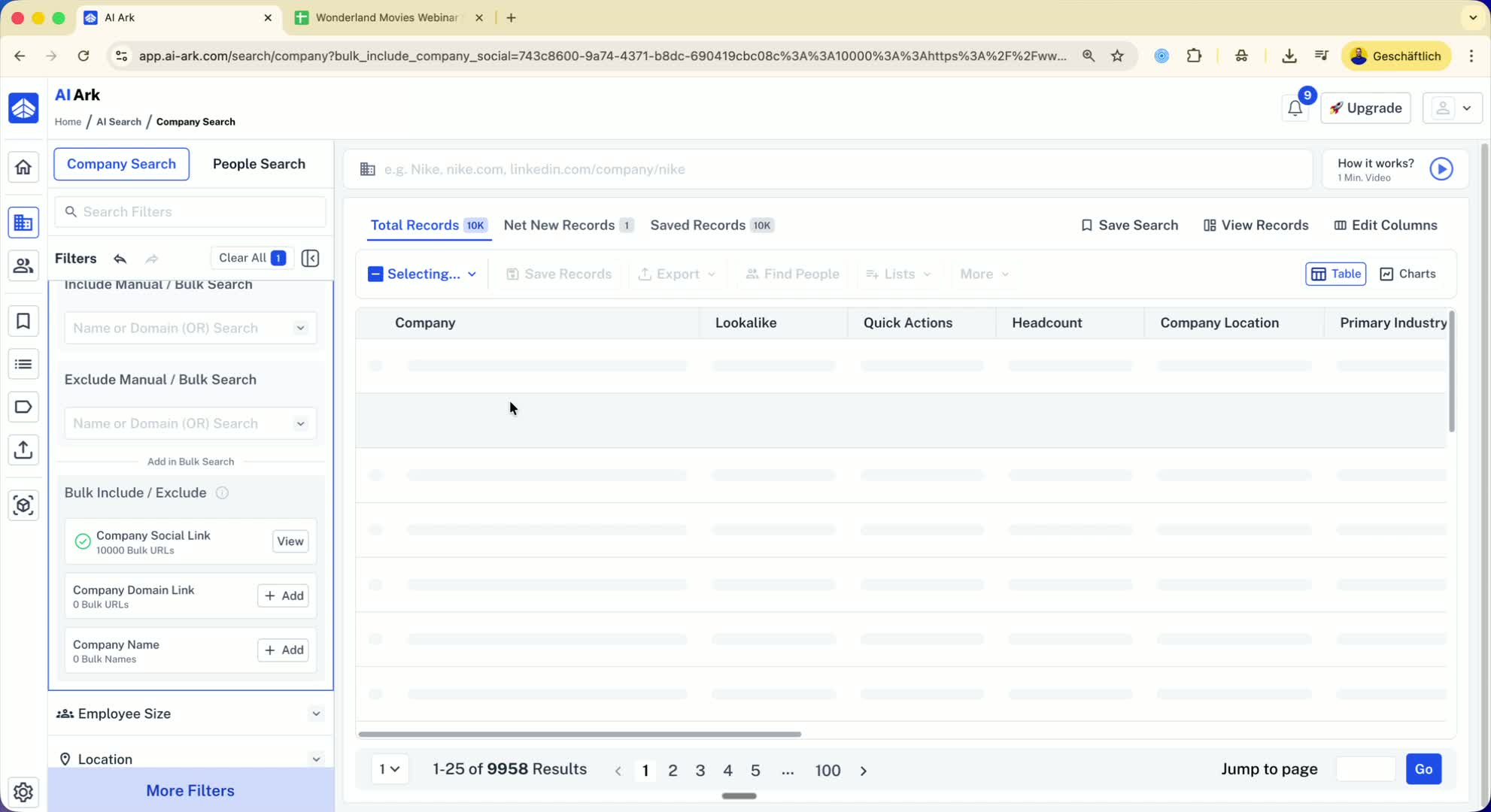
Select all results from the second batch.
Click on 'List' and add them to the same blacklist created earlier.
Now your blacklist should contain all 20,000 companies.
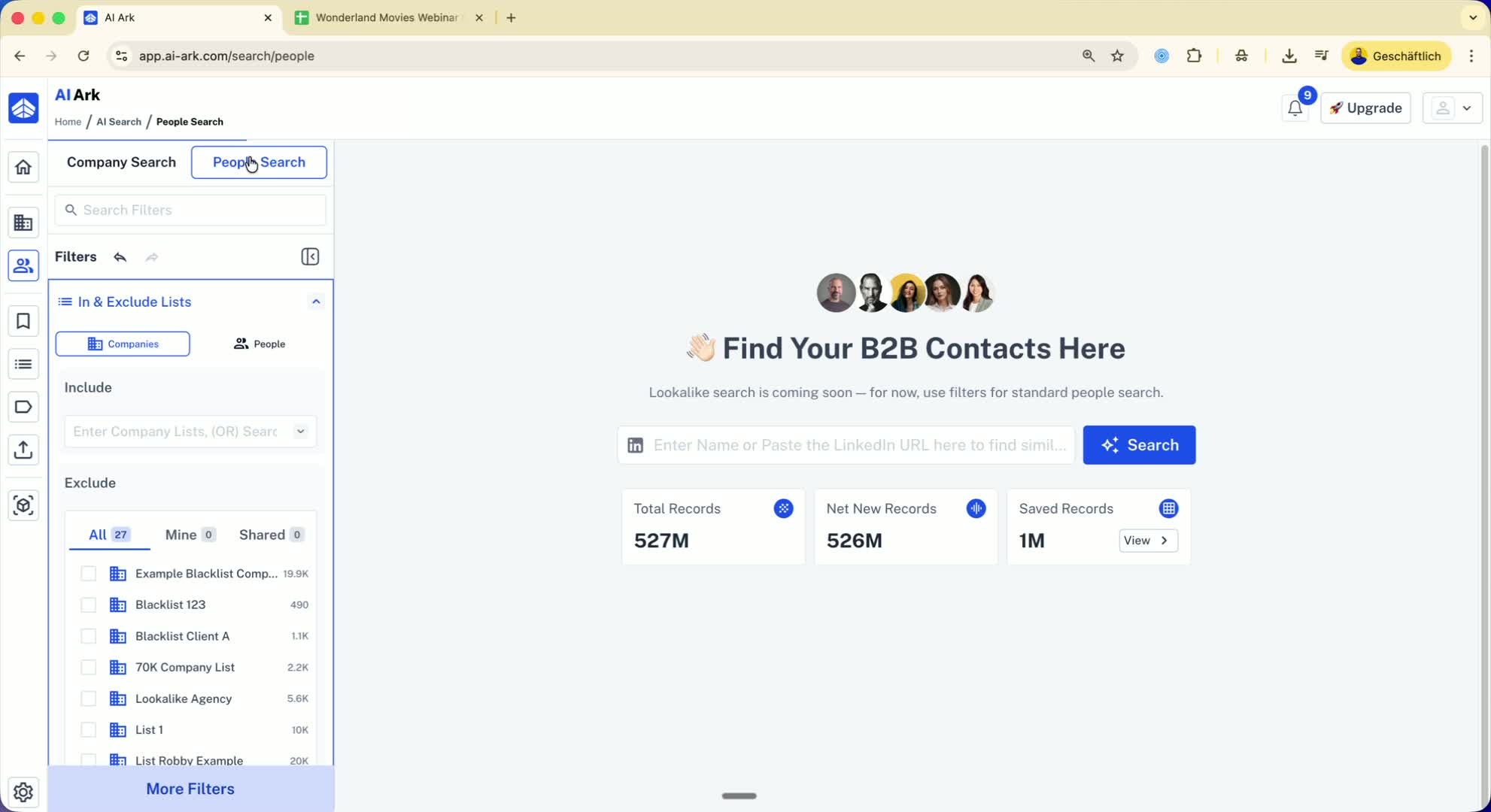
Step 7: Exclude from Searches 2:29
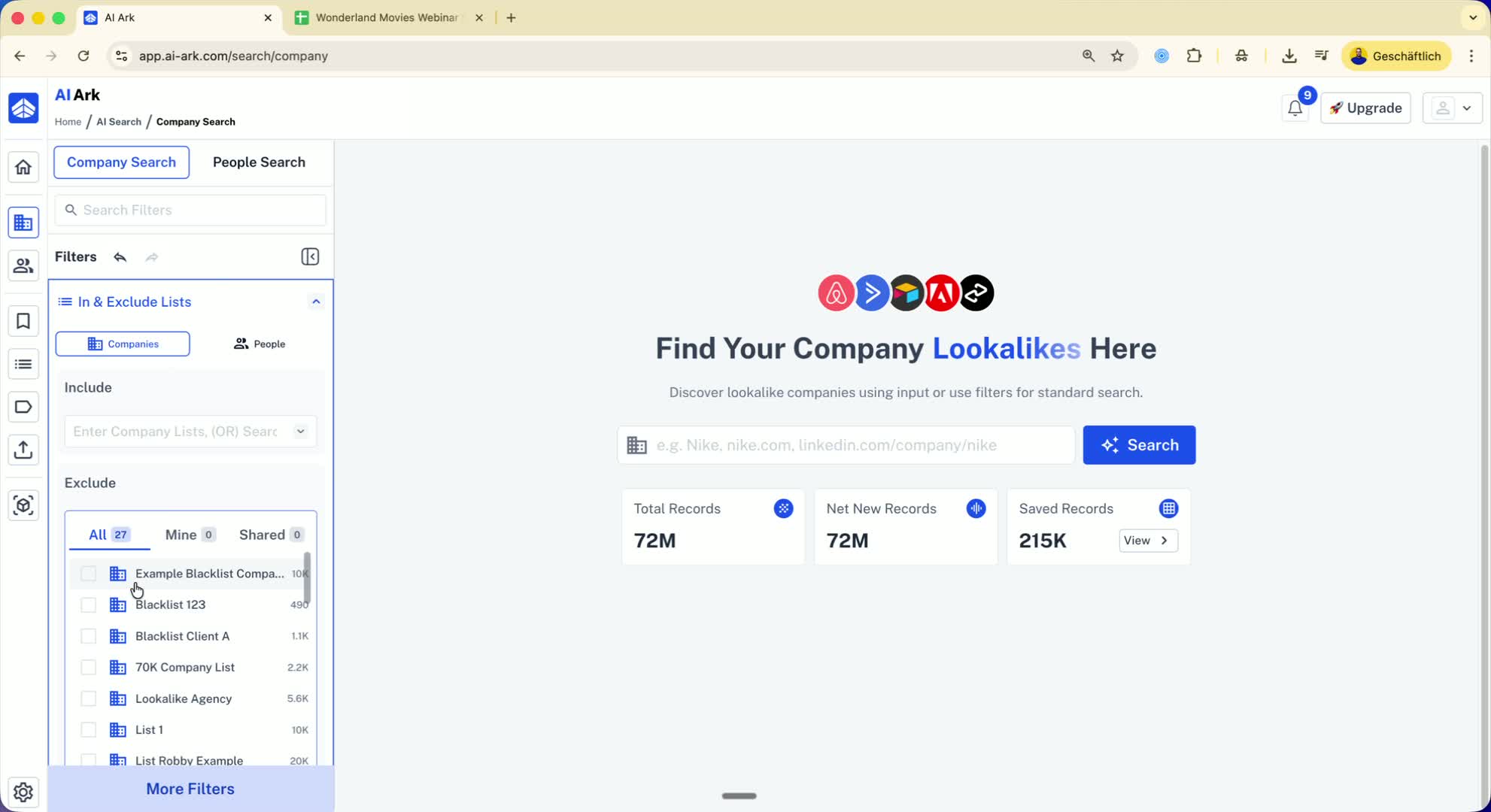
When performing a company or people search, you can now exclude the blacklist.
This allows you to filter out the 20,000 companies from your outreach.
Step 8: Using Personal LinkedIn Profiles 2:54
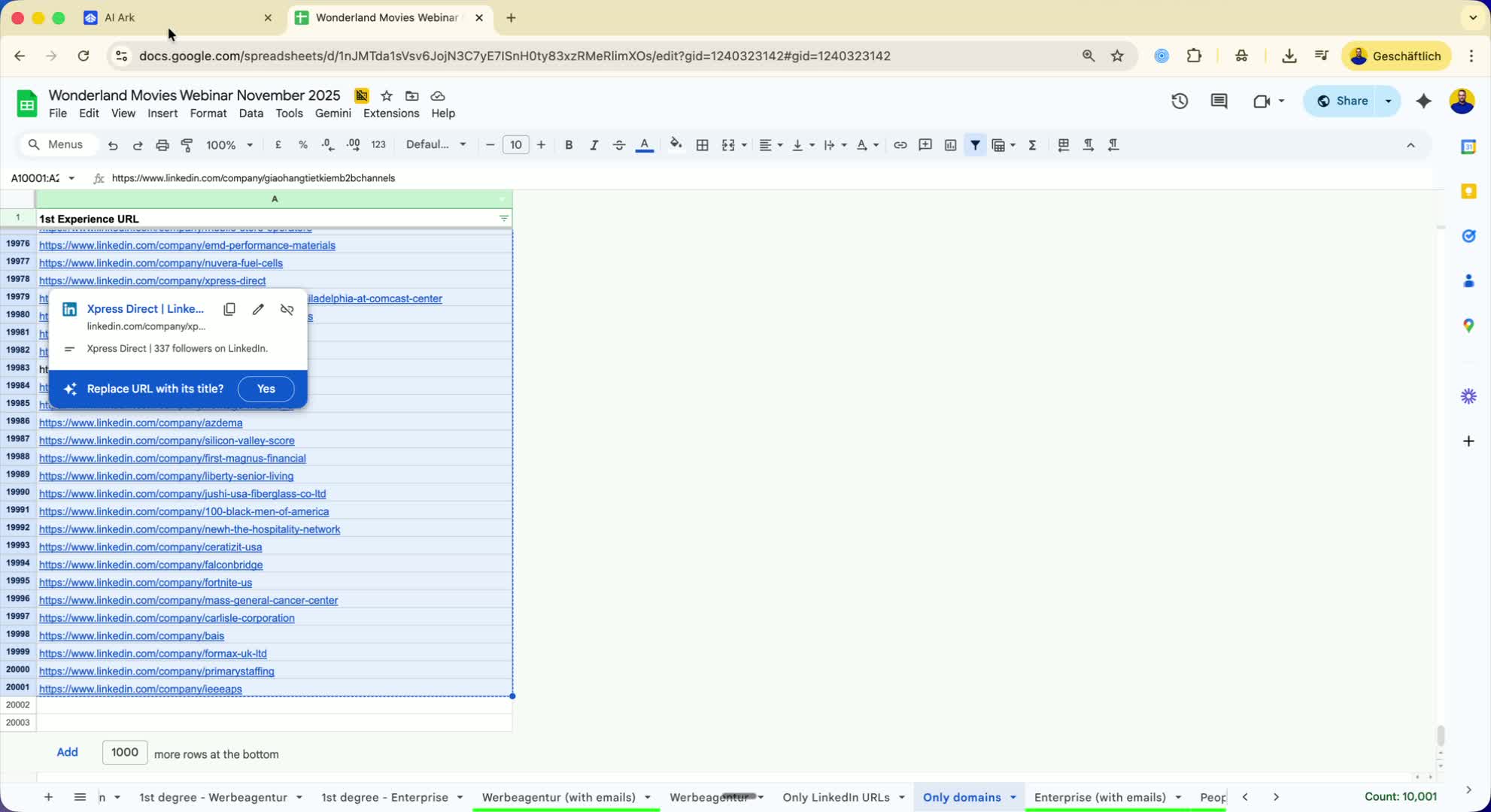
If you have personal LinkedIn profiles instead of company URLs, you can follow the same steps.
Use the people's LinkedIn URLs in the people search section to create an excluded list.
Step 9: Repeat for Larger Lists 3:03
If you have larger lists (e.g., 50,000 or 80,000), repeat the process in batches of 10,000 until all entries are excluded.
