1. Start with a lookalike company search 0:00
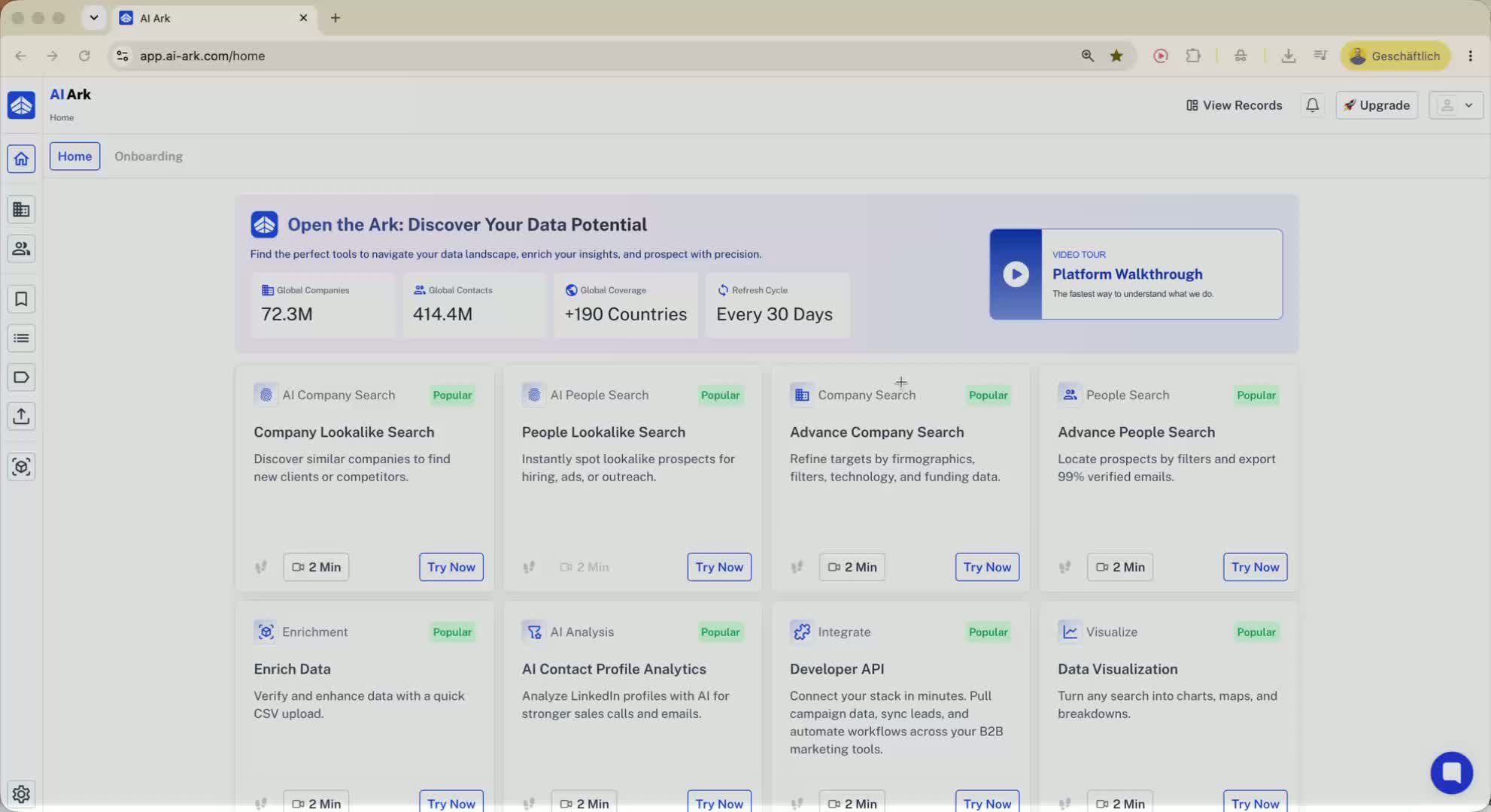
Go to Company Search.
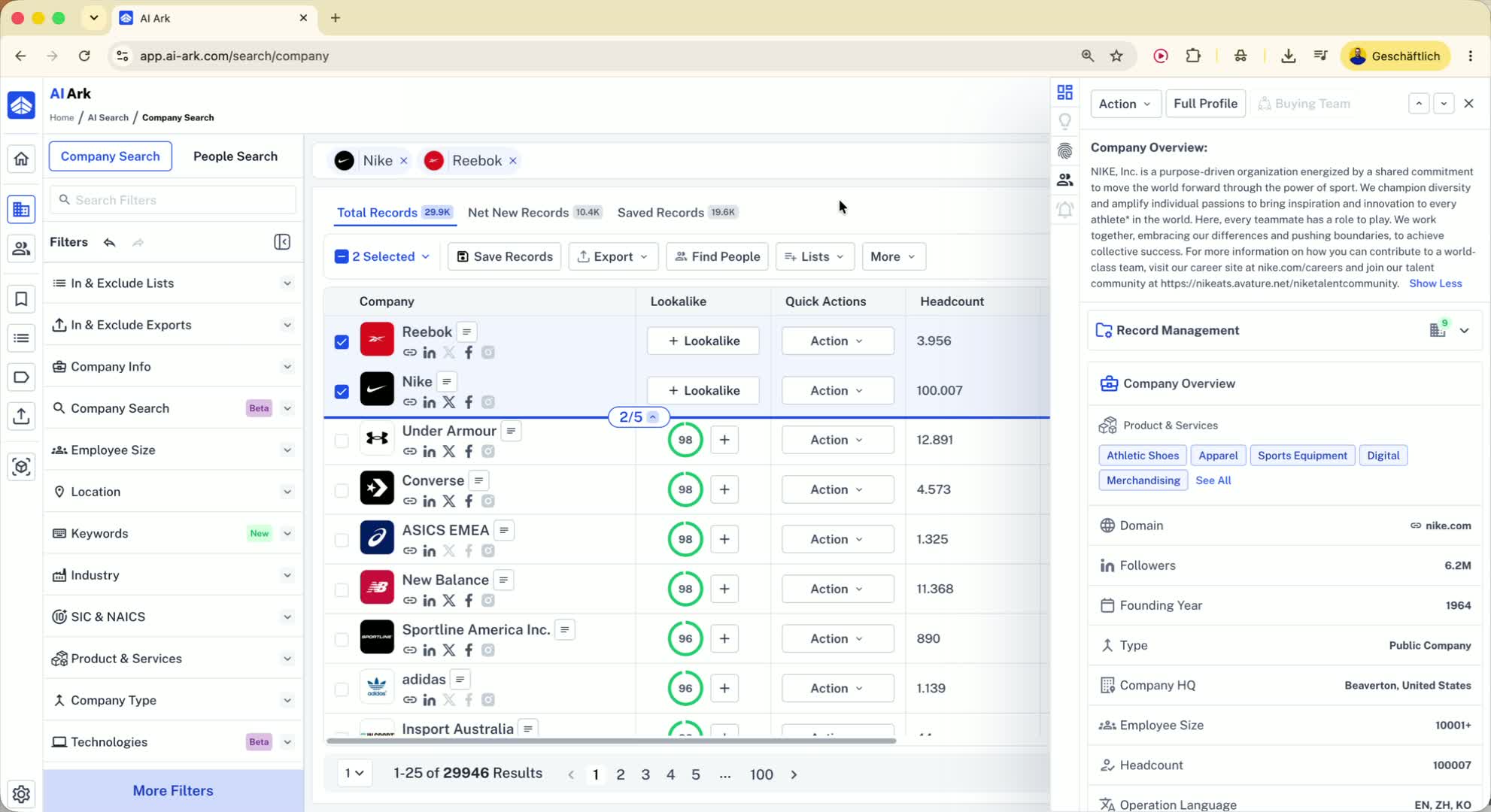
Add one or more lookalike companies (for example, Nike.com).
Run the search to find similar companies.
Note: results are ranked by score relevance.
2. Understand how relevance ranking works 0:18
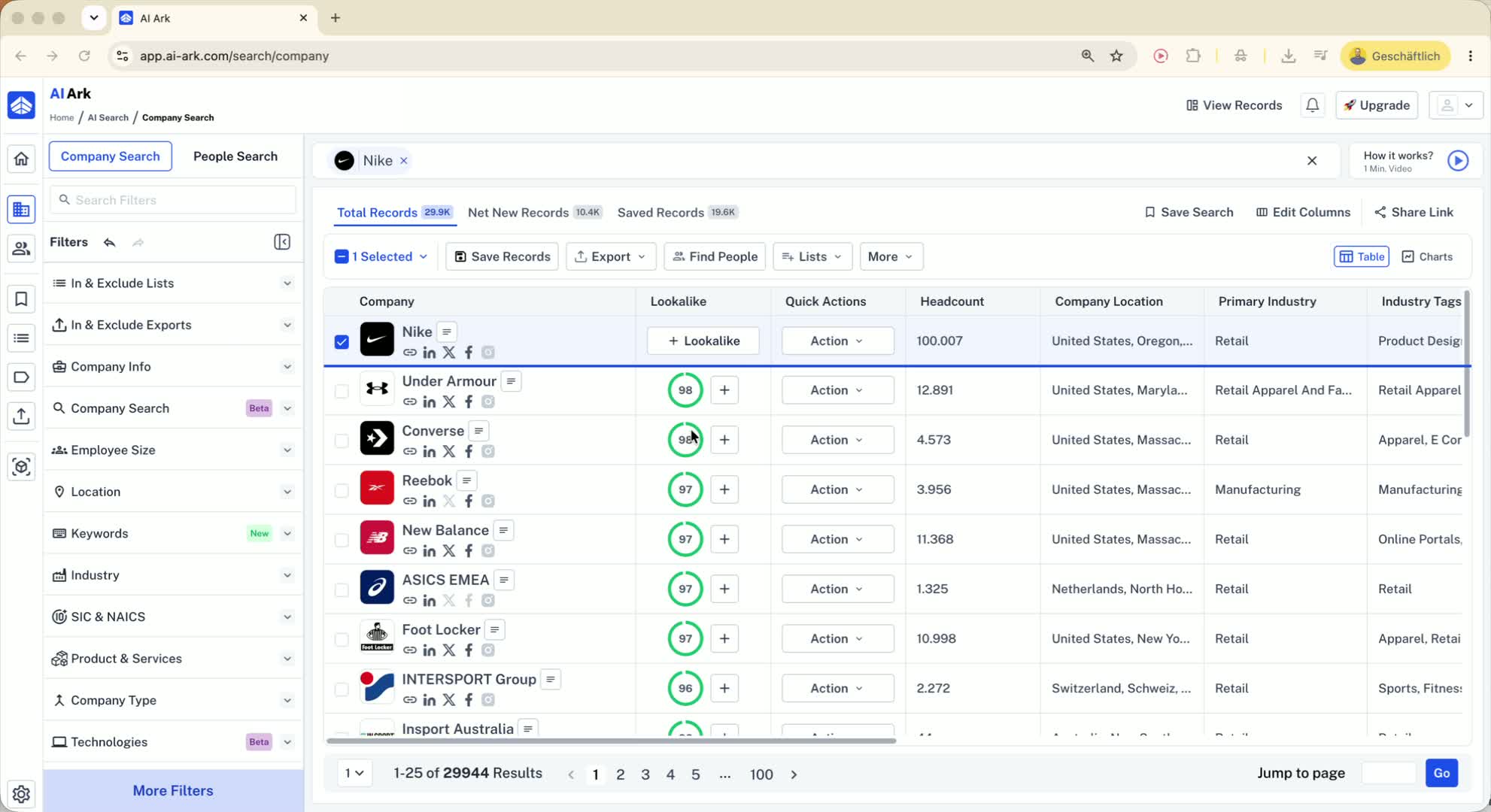
The search results are ordered by relevance score.
You currently cannot filter directly by score relevance.
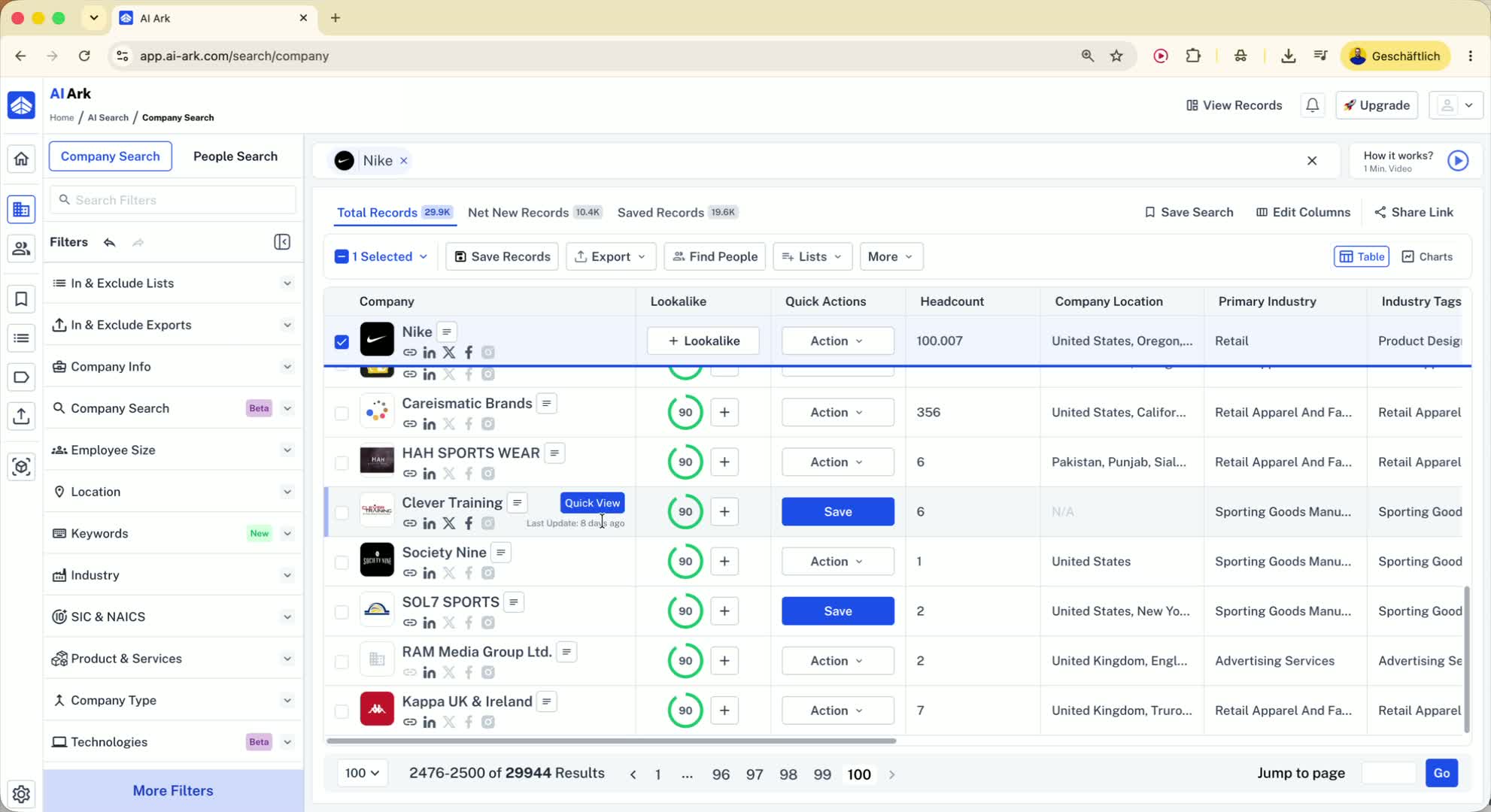
As you move deeper into results, relevance typically drops.
Only the first 2,500 results are shown, so later exported companies may have lower relevance scores.
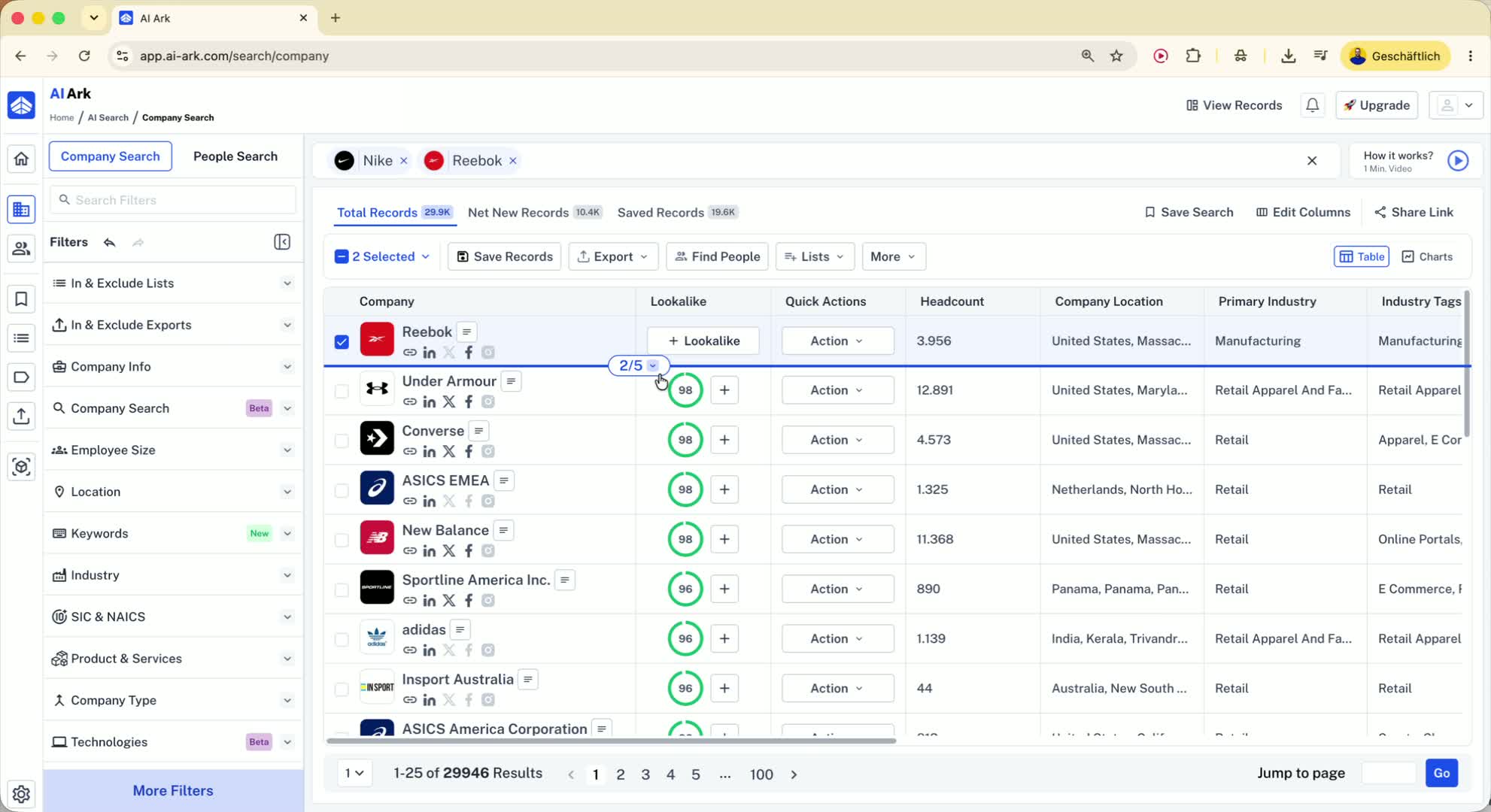
3. Improve lookalike results by adding more similar companies 0:49
Add additional lookalikes that are closely related to the first one.
Example: search for companies like Nike and Reebok together.
This helps the model produce more accurate and more relevant matches.
4. Know how the current lookalike model works 1:07
The current model uses:
Company overview
Product and services
Industry text
It compares those fields across the database of roughly 70 million companies.
This is the model available now (described as the second lookalike model).
5. Expect better lookalike results from the upcoming model 1:33
A newer lookalike model is planned for October 2026.
It will use more website-based information, such as:
Homepage
Solution pages
Product pages
This should produce much better matching results.
6. Fine-tune results from the company list 2:03
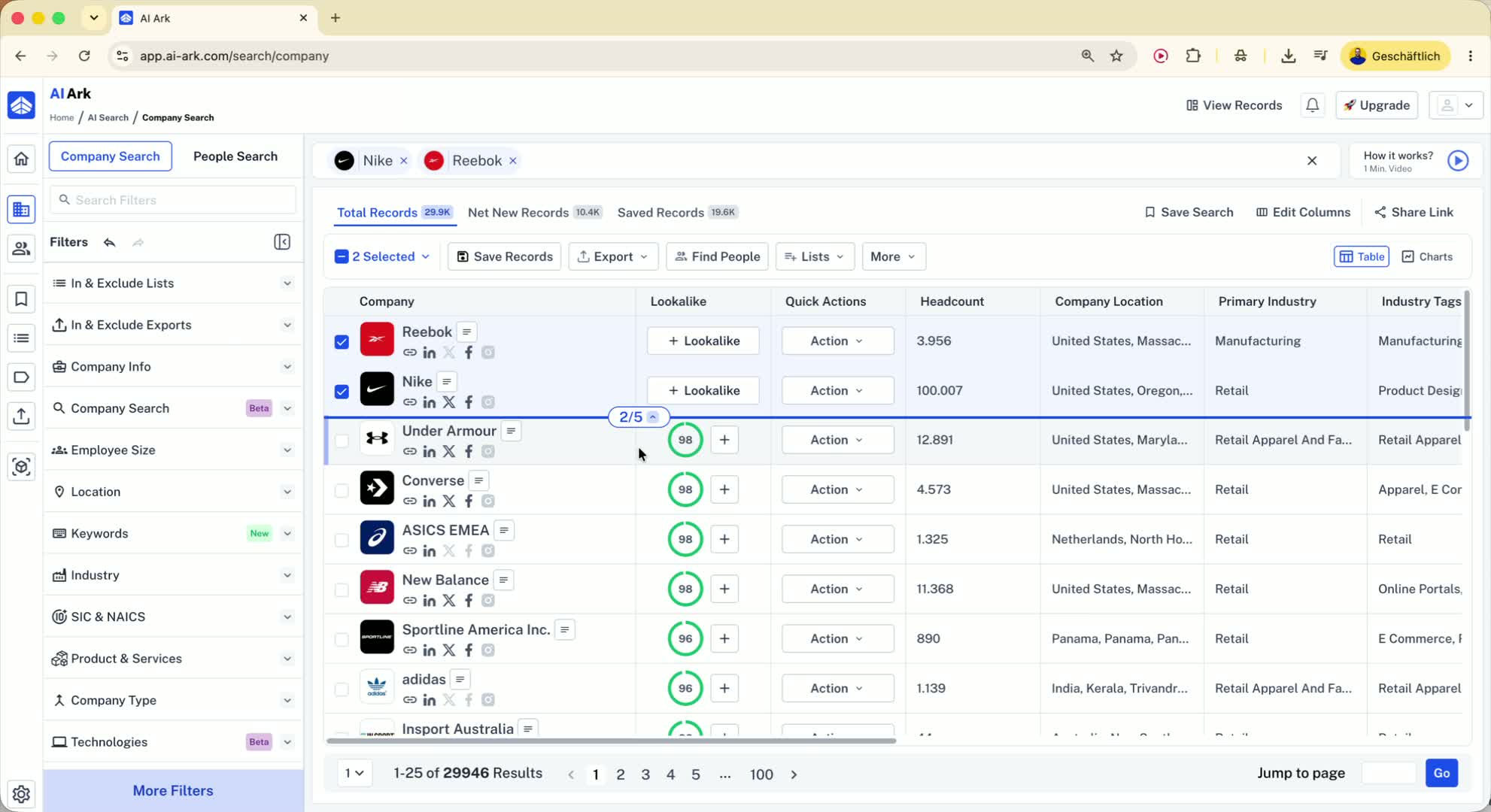
Open a company from the results using Quick View.
Review fields like product and services or industry tags.
Click a useful field and choose Include in existing search.
This adds that filter to the left-side search panel and narrows the results.
7. Use standard company filters to narrow the search 2:52
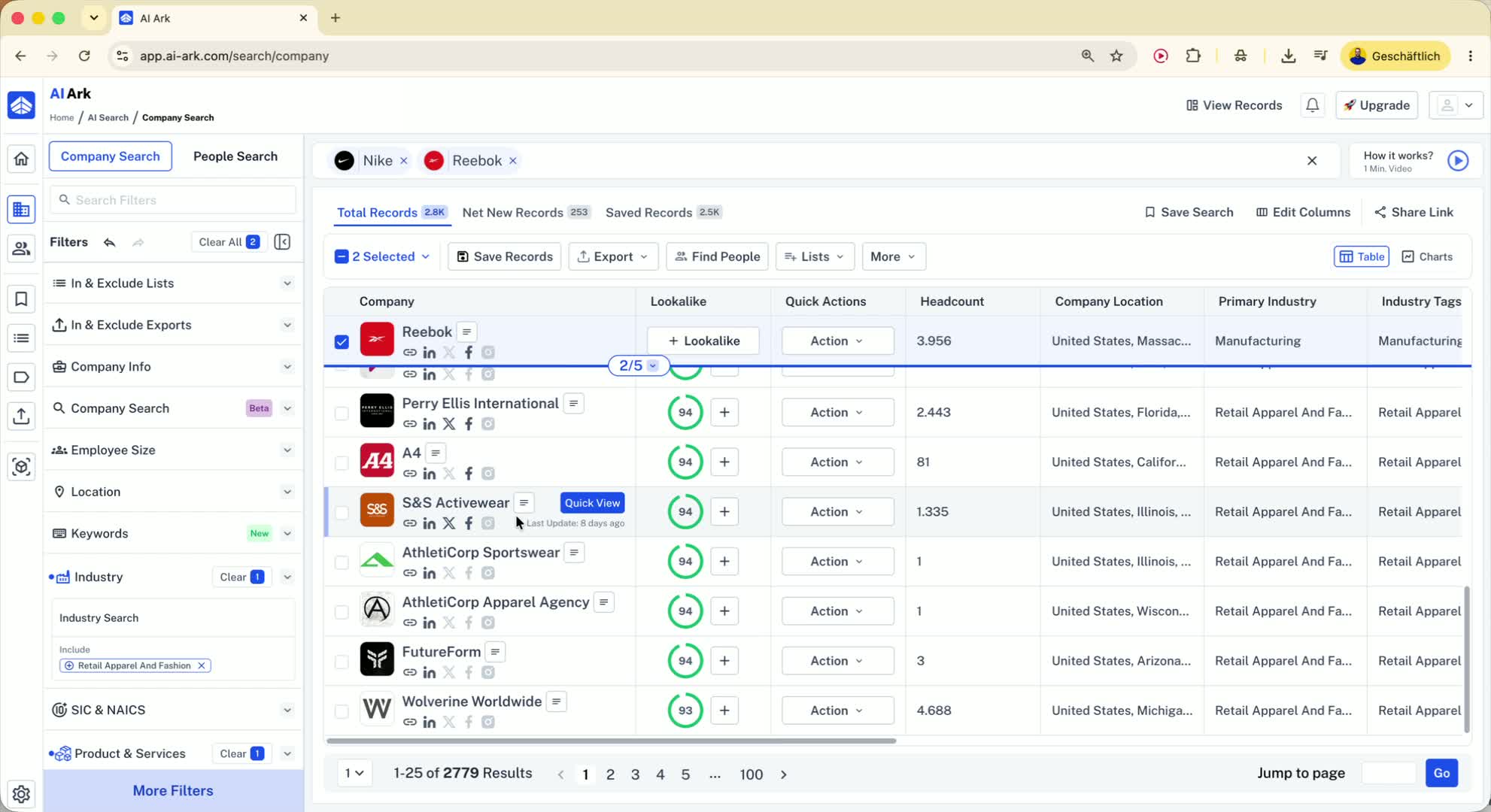
You can filter by:
Employee size
Location
Industry
Location can include:
Countries
States
Cities
You can also add multiple cities in one location filter.
8. Understand how industry filtering works 3:21
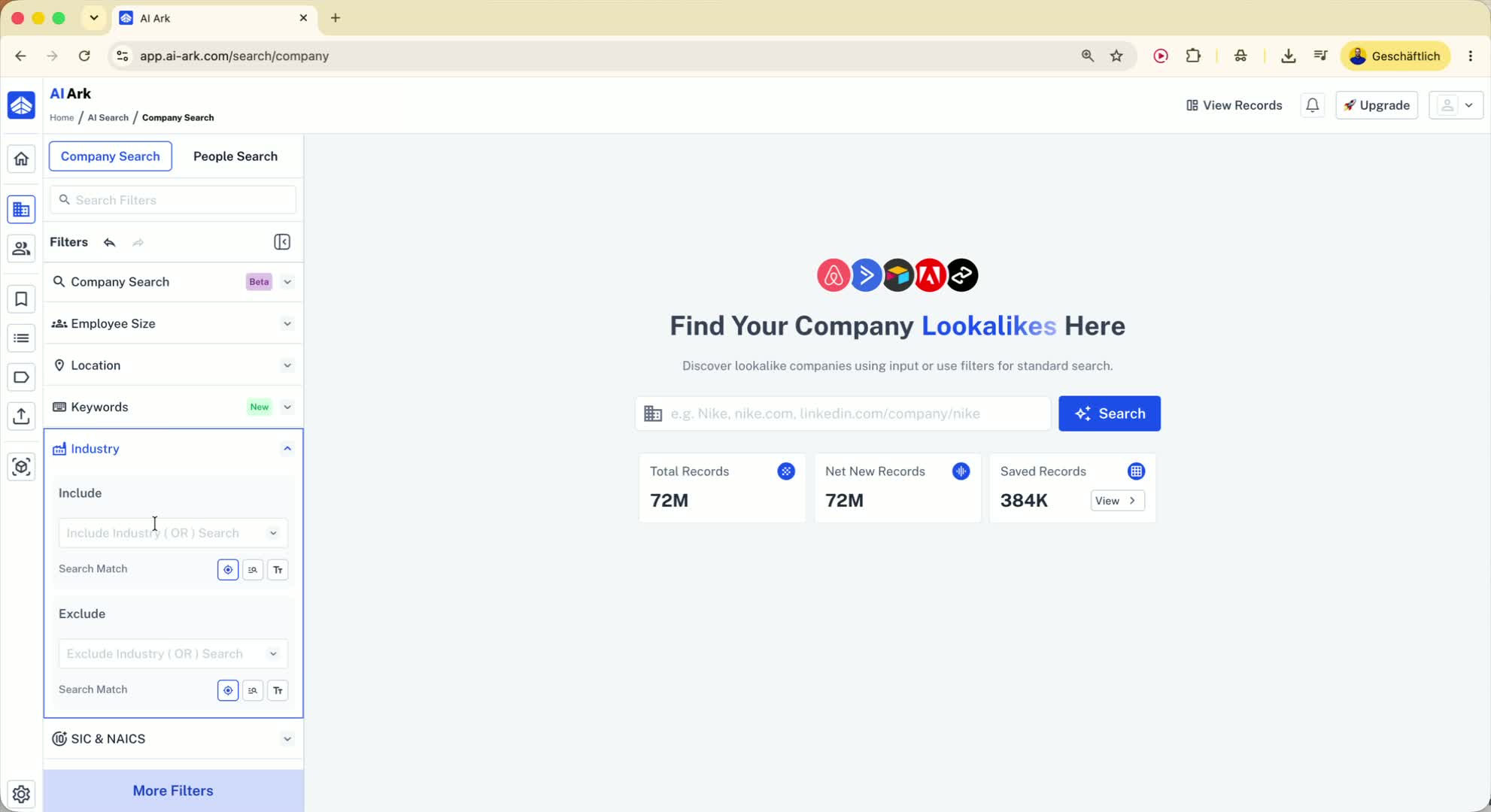
Industry filtering currently checks both:
The primary industry
The industry tags
This means a company may appear even if the primary industry is different, as long as one of its tags matches.
A future filter will let you search only the primary industry if needed.
9. Use company keywords when industry filters are too broad 4:00
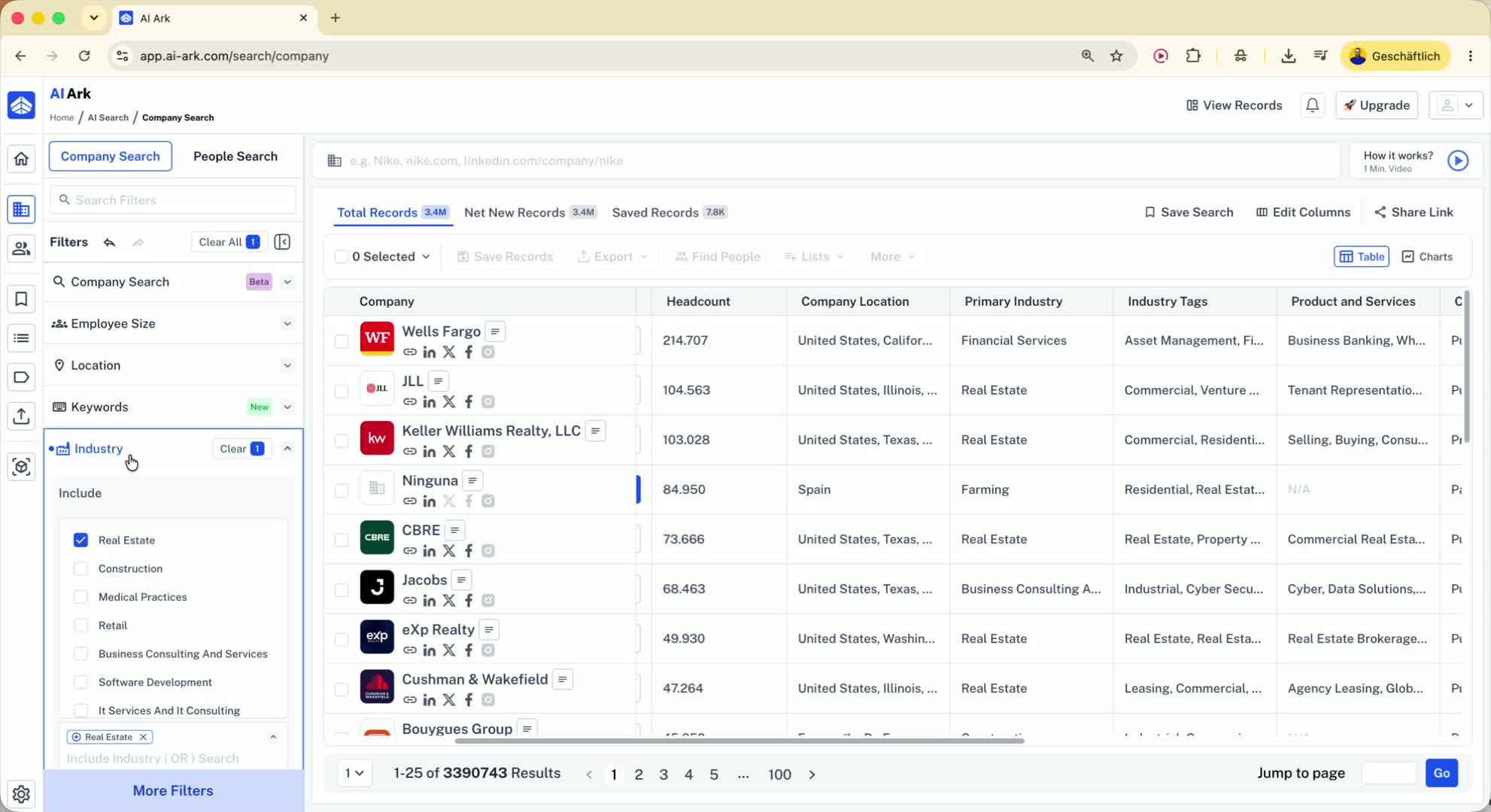
If industry filtering returns too many broad results, switch to company keywords.
Keyword search checks multiple fields, including:
Company overview
SEO description
Product and services
Industry tags
Primary industry
This gives you more control over the types of companies returned.
10. Generate better keywords with AI 4:49
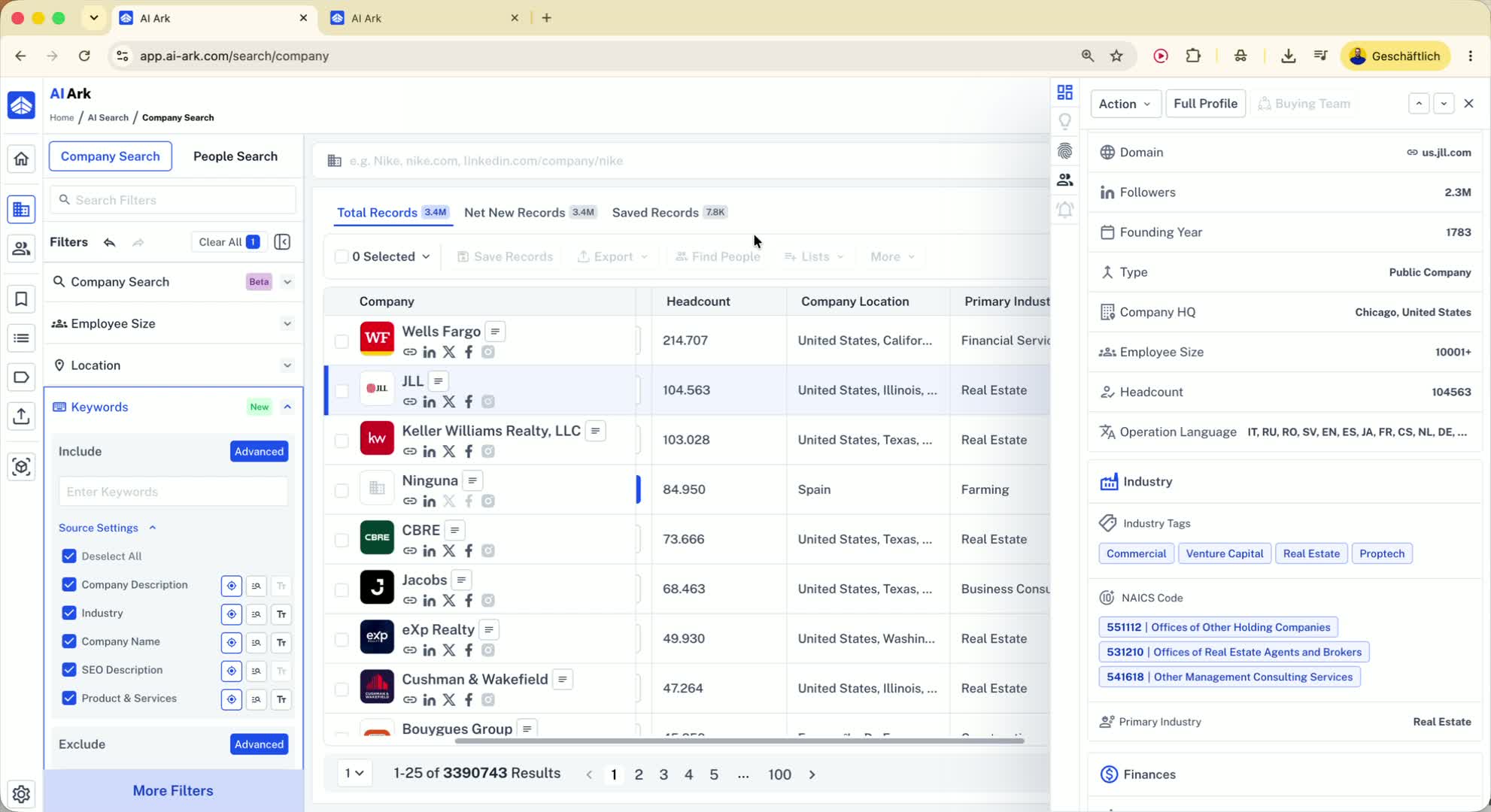
Use an AI tool like Claude or ChatGPT to generate search terms.
Ask for:
Keywords companies would mention in their description
Keywords to exclude to avoid bad matches
Example prompt: ask for keywords related to real estate developers.
Use a stronger model for better keyword quality.
11. Add keywords in AIARC and choose the right match type 5:59
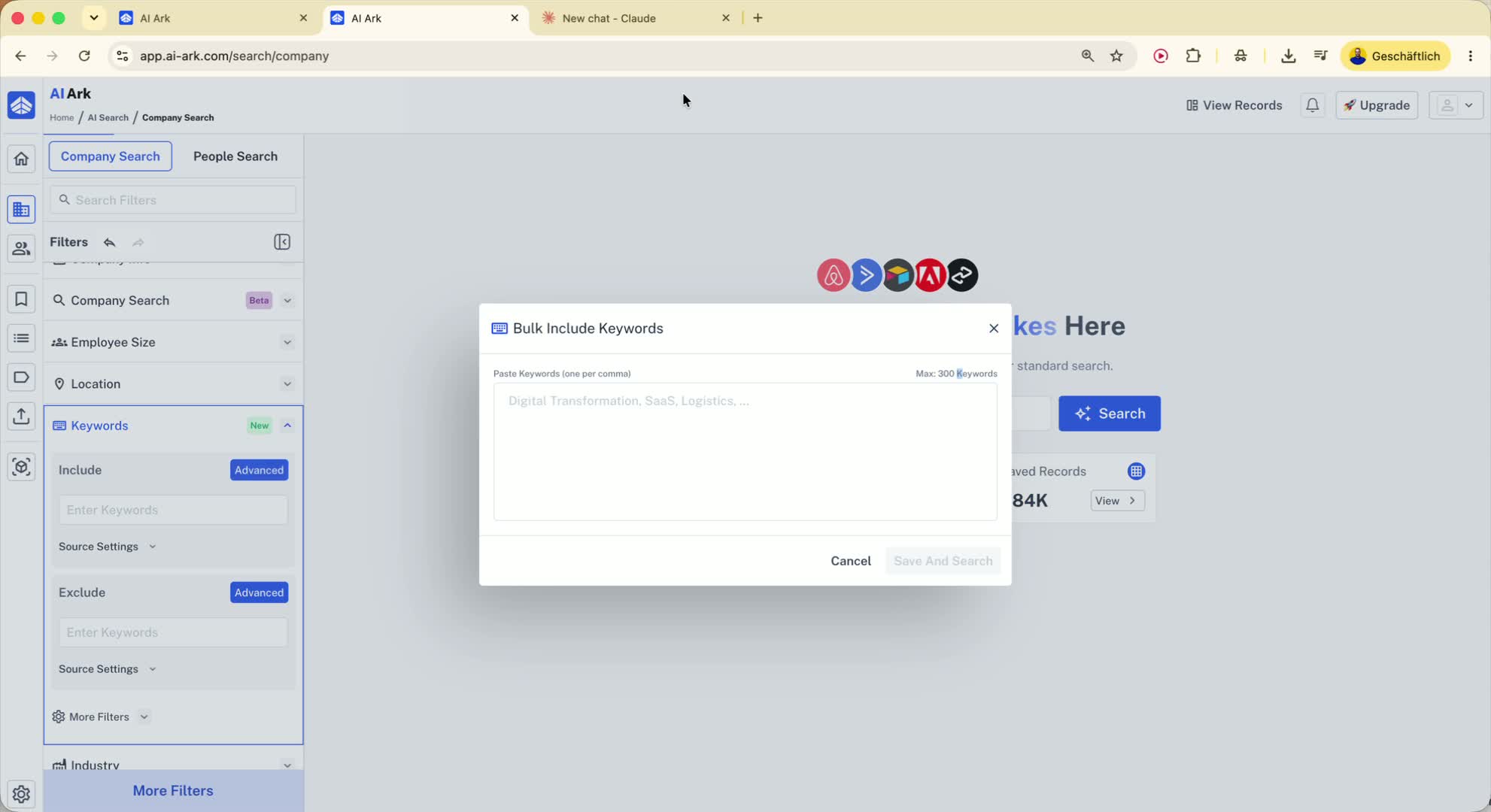
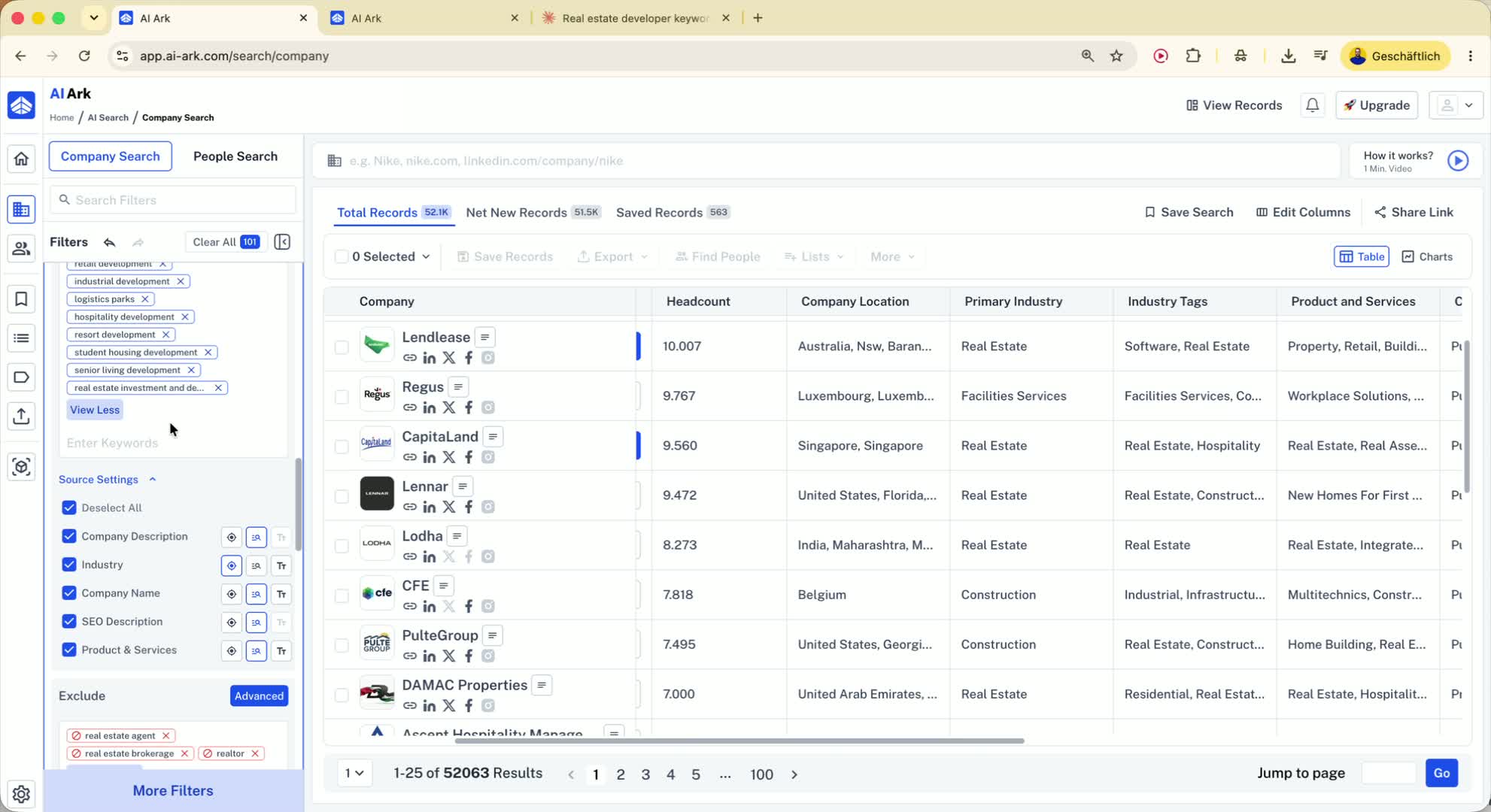
Paste the generated keywords into the Advanced keyword search.
AIARC allows up to 300 keywords.
Choose between:
Smart match: finds the words anywhere in the text
Word match: requires the exact phrase/order
Use word match when you need a precise phrase like real estate developer.
12. Exclude unwanted keywords to clean up results 7:07
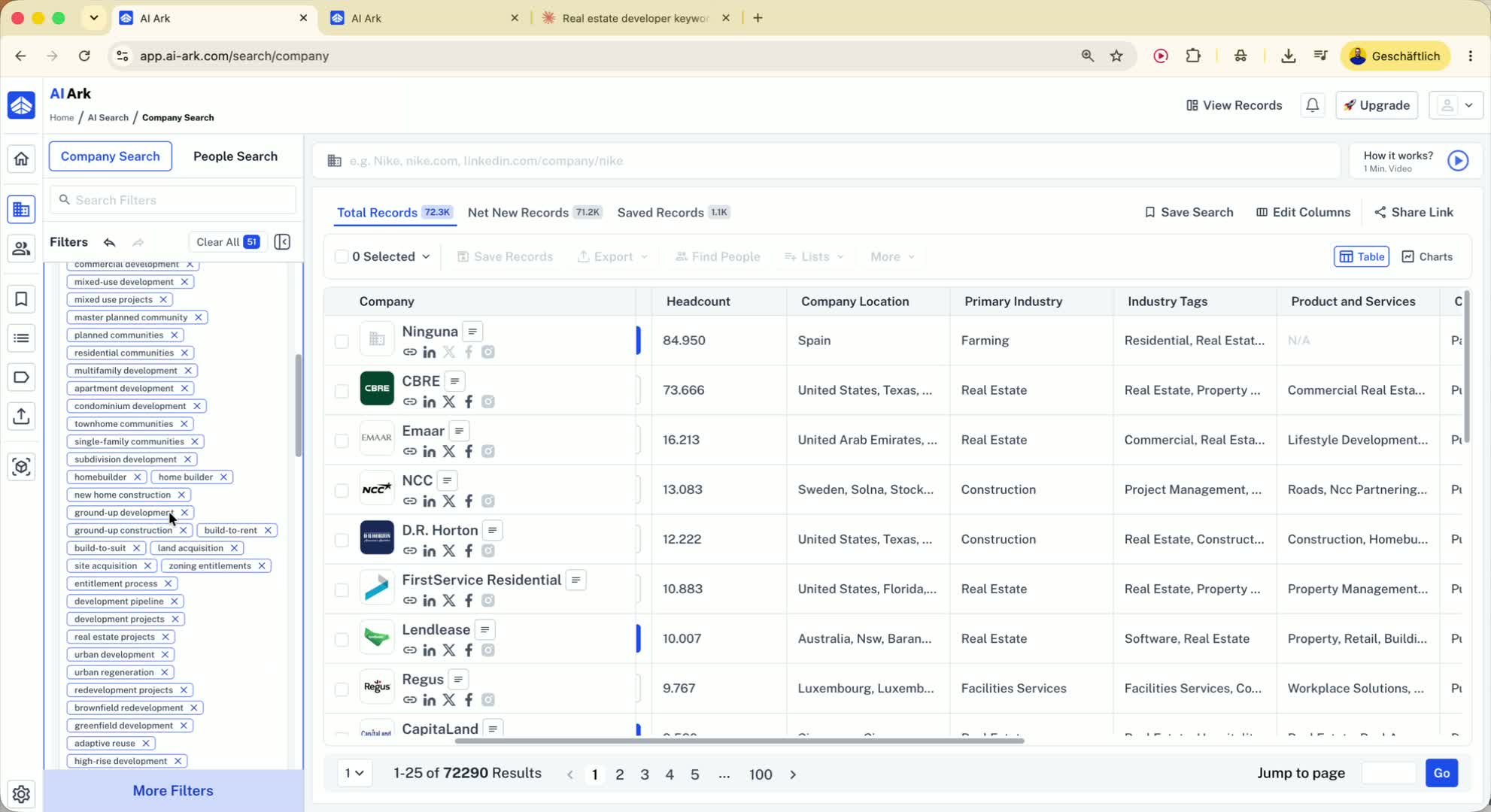
Add the negative keywords from AI.
Set them to word match as well if you want exact exclusion.
This helps remove companies that are not actually relevant to your target segment.
13. Combine keyword search with company size and department filters 7:33
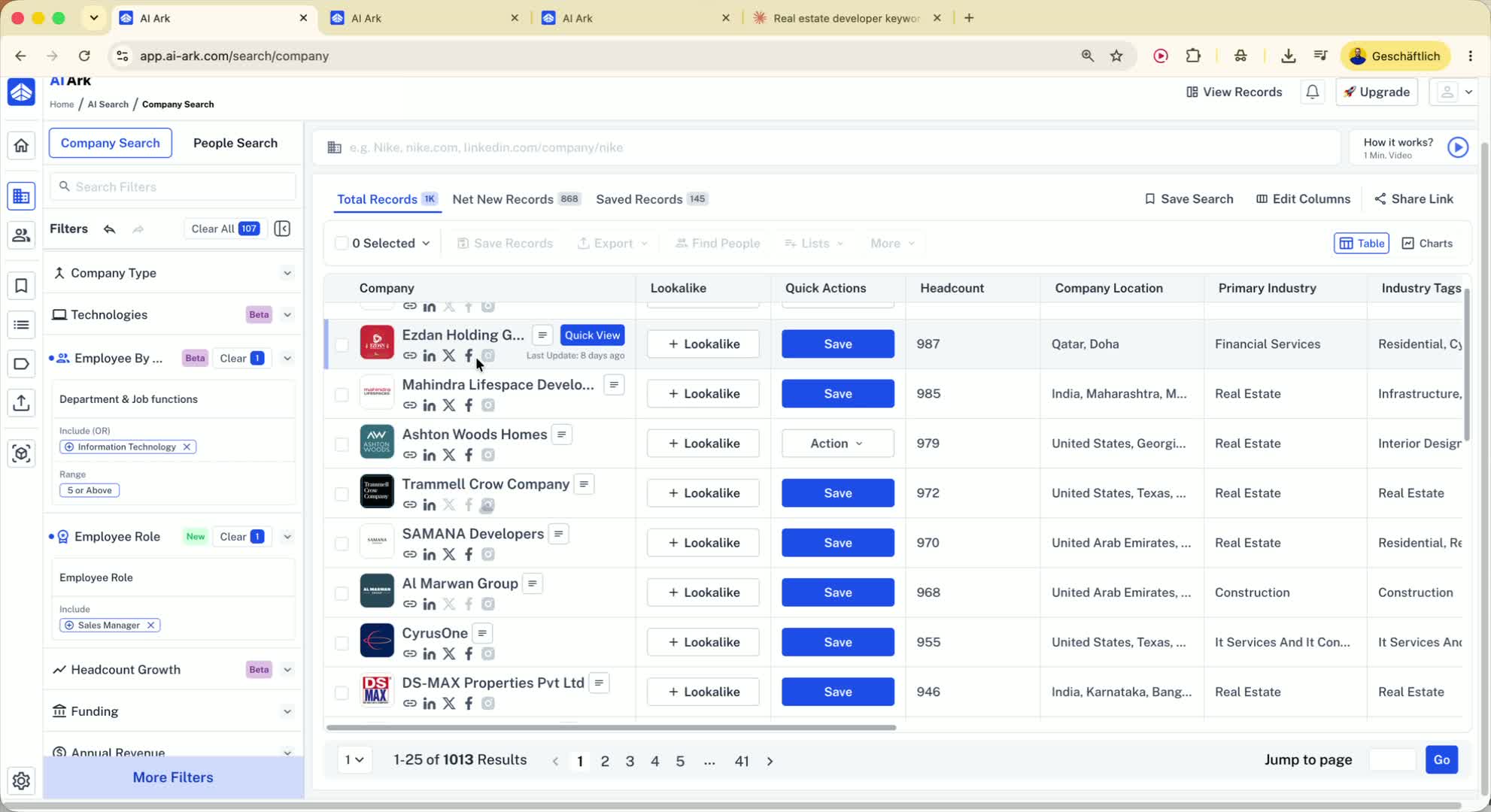
Add employee size limits, such as 20 to 1,000 employees.
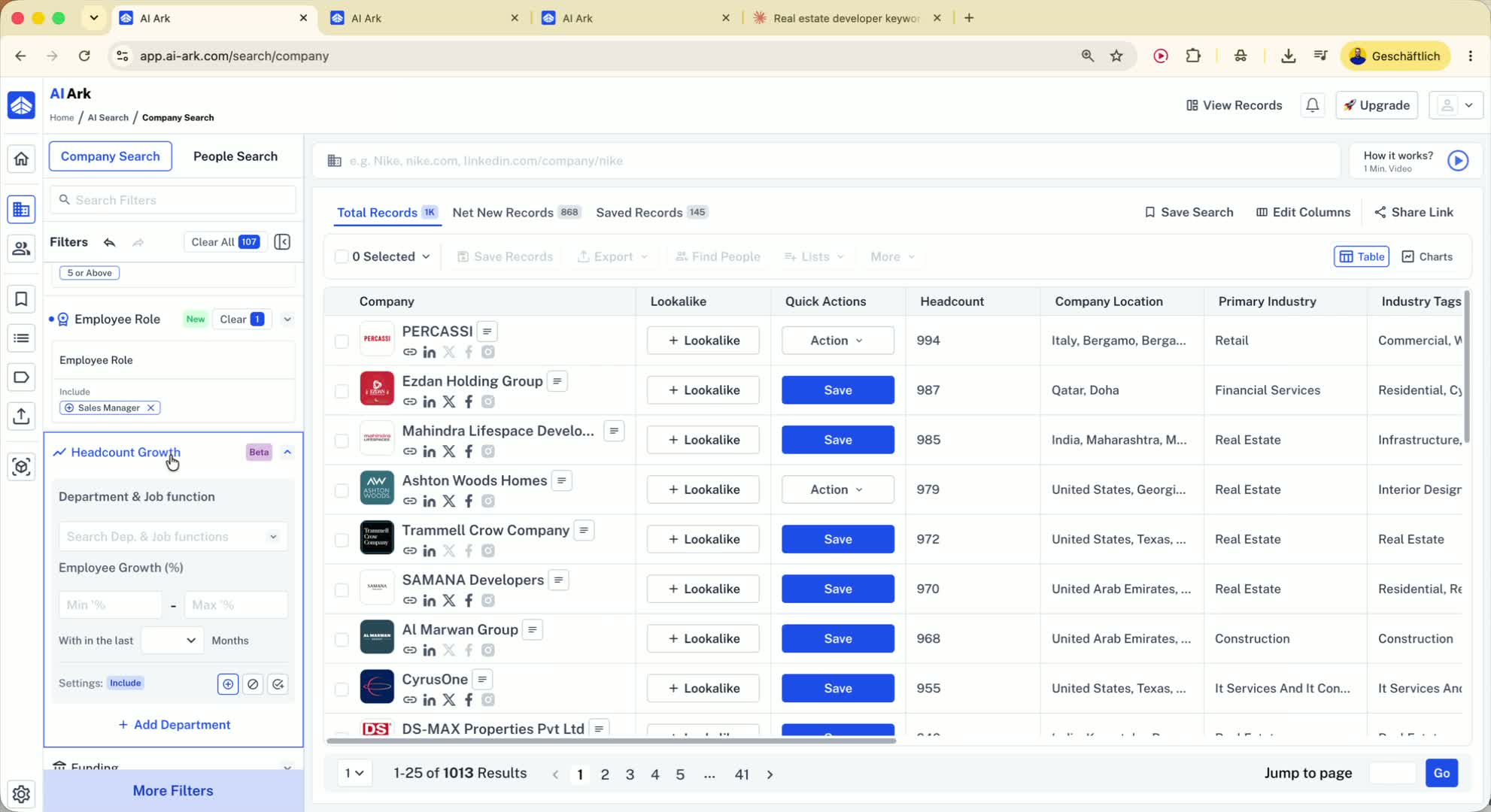
You can also filter by department headcount.
Example:
Require at least 5 IT employees
Require a sales manager on the team
This is useful if you sell software and need companies with internal teams that can implement it.
14. Use company filters to support people search 8:59
After filtering companies, click Find People.
This sends the selected companies into the people search.
Then search for a role like Sales Manager.
Because the company filter already required that role to exist, you’ll get more relevant people results.
15. Use people keyword search for LinkedIn profile content 9:35
In People Search, you can search keywords from personal LinkedIn profiles.
Search across fields like:
Headline
About section
Work experience
Skills
Example: search for people mentioning home buying process in their profile summary.
This helps find people based on what they actually talk about on LinkedIn.