
🚀 Smarter Targeting with AI Ark Filters
AI Ark helps you find the right people and companies faster, with smart, customizable filters that cut through the noise. One of the most powerful tools at your fingertips: the People Info filter. It helps you quickly identify the exact person you're looking for, saving time and boosting precision.
🎯 Why Use the People Info Filter?
When you're searching for a specific individual or just need to match a name in a large dataset, the People Info filter gets you there fast. Whether you're hiring, researching, or verifying identities, this filter makes it easy to find the right person in seconds.
🧭 How to Use It
Open AI Ark
Select People Search
Click on People Info
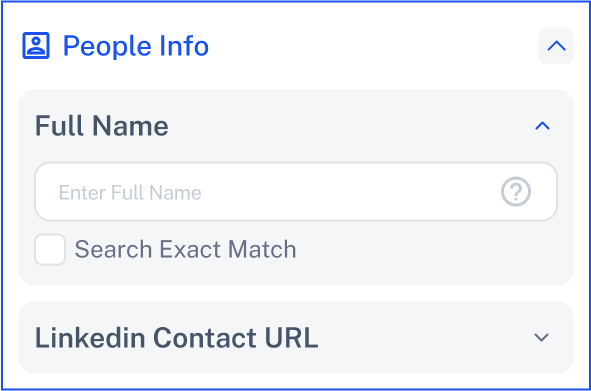
Choose How You Want to Use the Filter:
When you click on People Info, you’ll see two filtering options:
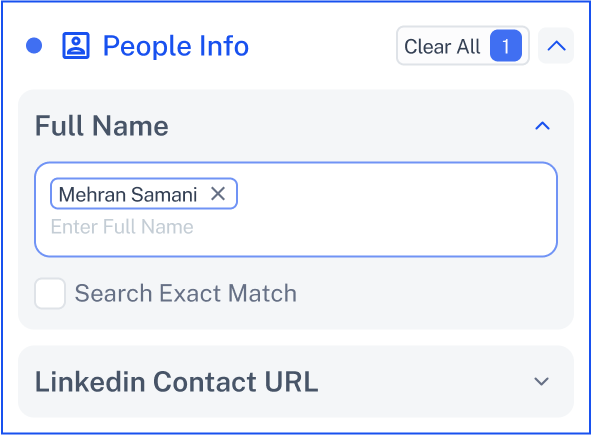
📝 Full Name
Just enter the full name of the person you're looking for.
Need more accuracy? Turn on the Search Exact Match option to narrow down results to exact matches only.
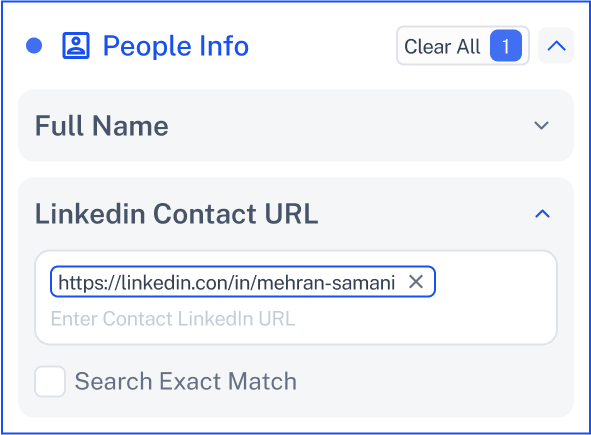
🔗 LinkedIn Contact URL
Paste the person’s LinkedIn profile URL directly to filter by that exact contact.
Want even more precision? Activate Search Exact Match for the most accurate results.
💡 Need Help?
Click Contact Support—we’re ready to help any time.