AI Ark helps you find the right people and companies faster—with smart, customizable filters that cut through the noise. The Social Media filter allows you to identify companies based on their presence on specific social media platforms. Whether you’re focusing on LinkedIn-first companies or want to avoid Facebook-only brands, this filter gives you full control.
Show opening the Social Media filter → selecting platforms → applying filter → viewing filtered companies.
The Social Media filter lets you:
Find companies active on specific platforms
Target companies that match your social selling or outreach strategy
Exclude companies from platforms you are not focusing on
Platforms include:
X (Twitter)
Perfect for sales teams, recruiters, or marketing teams focused on platform-specific campaigns.
Open AI Ark.
Select People or Company.
Click the Social Media filter.
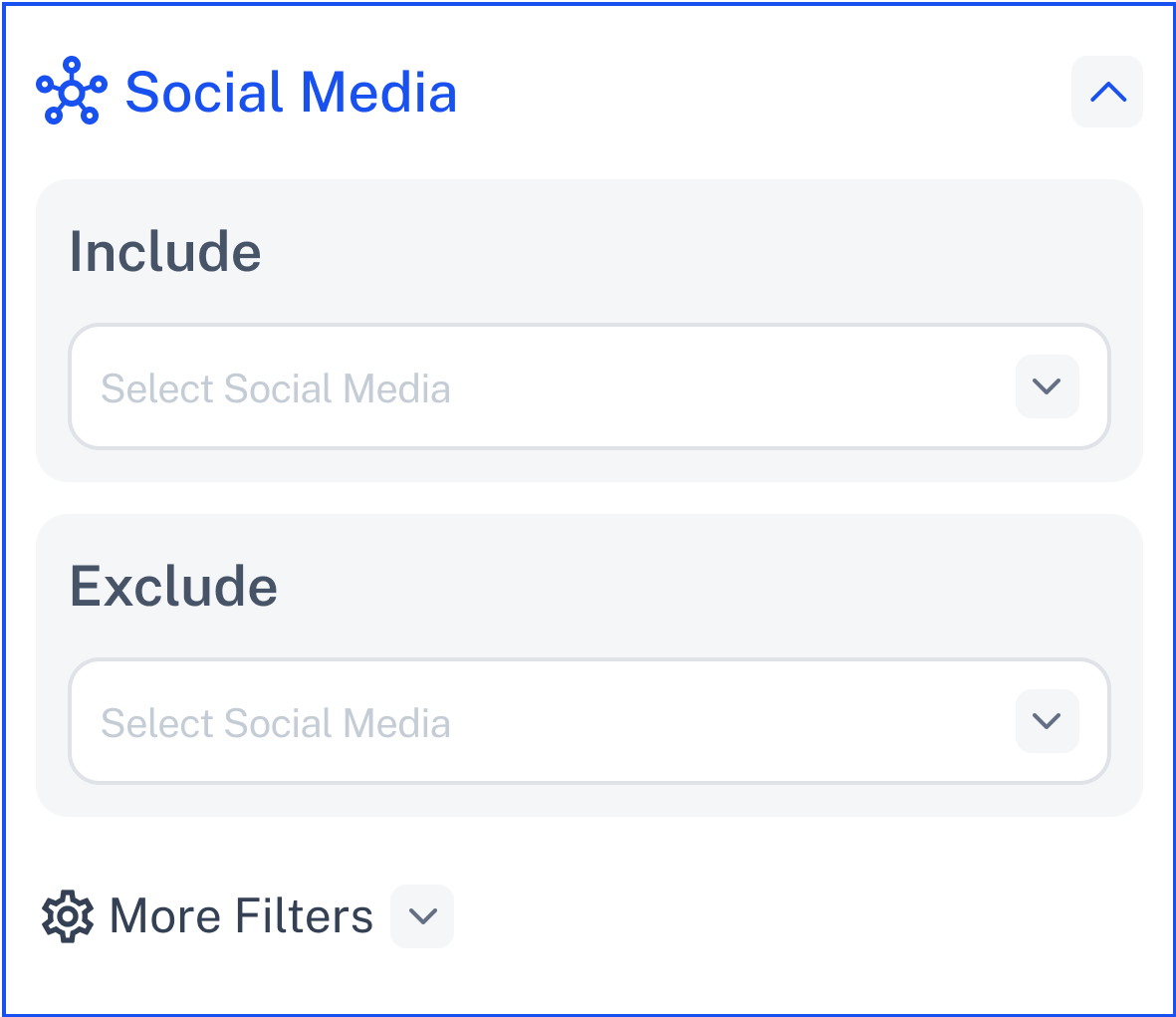
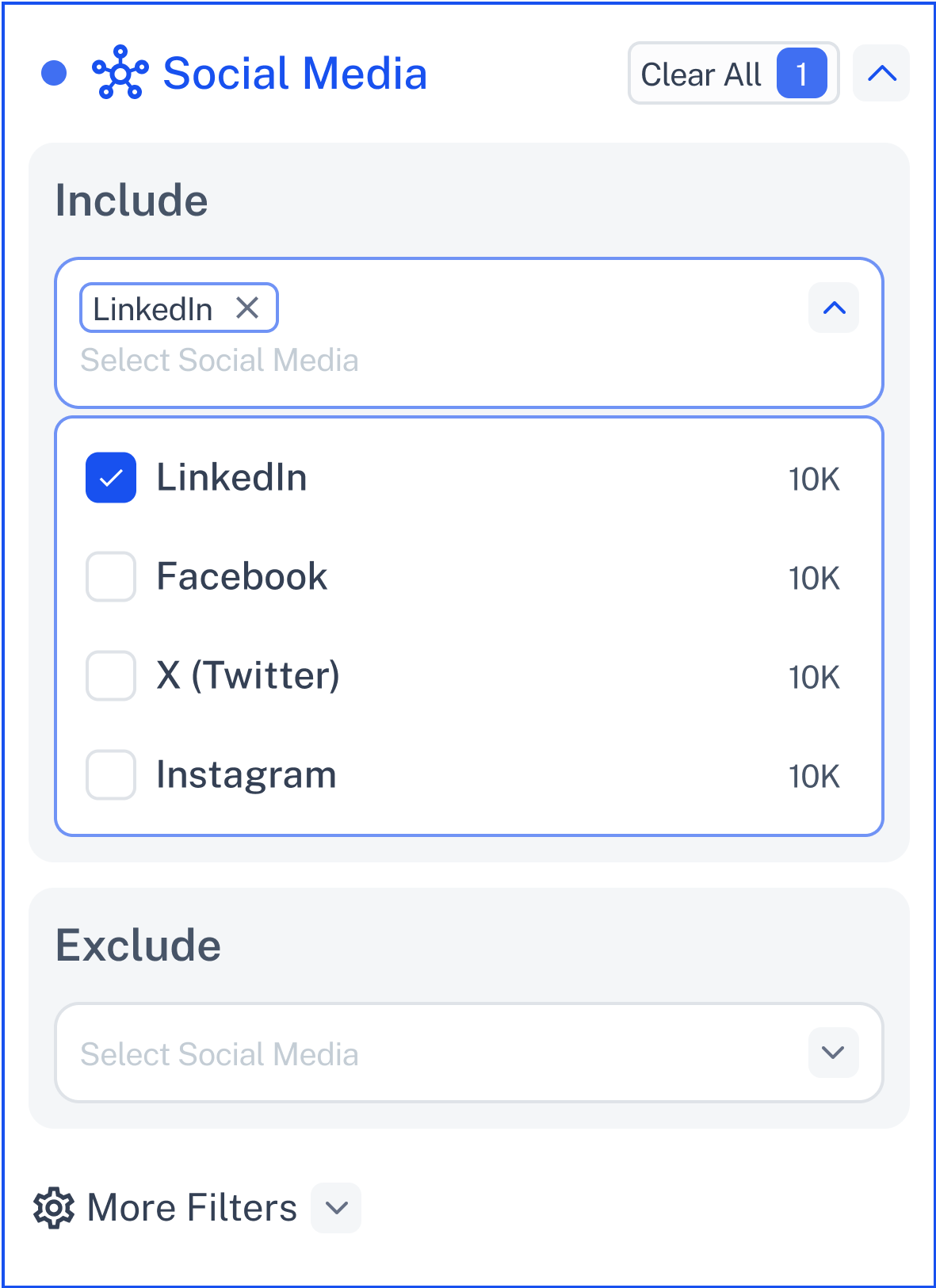
Select the platforms you want to include in your search results.
Example:
Only companies with LinkedIn and Instagram profiles.
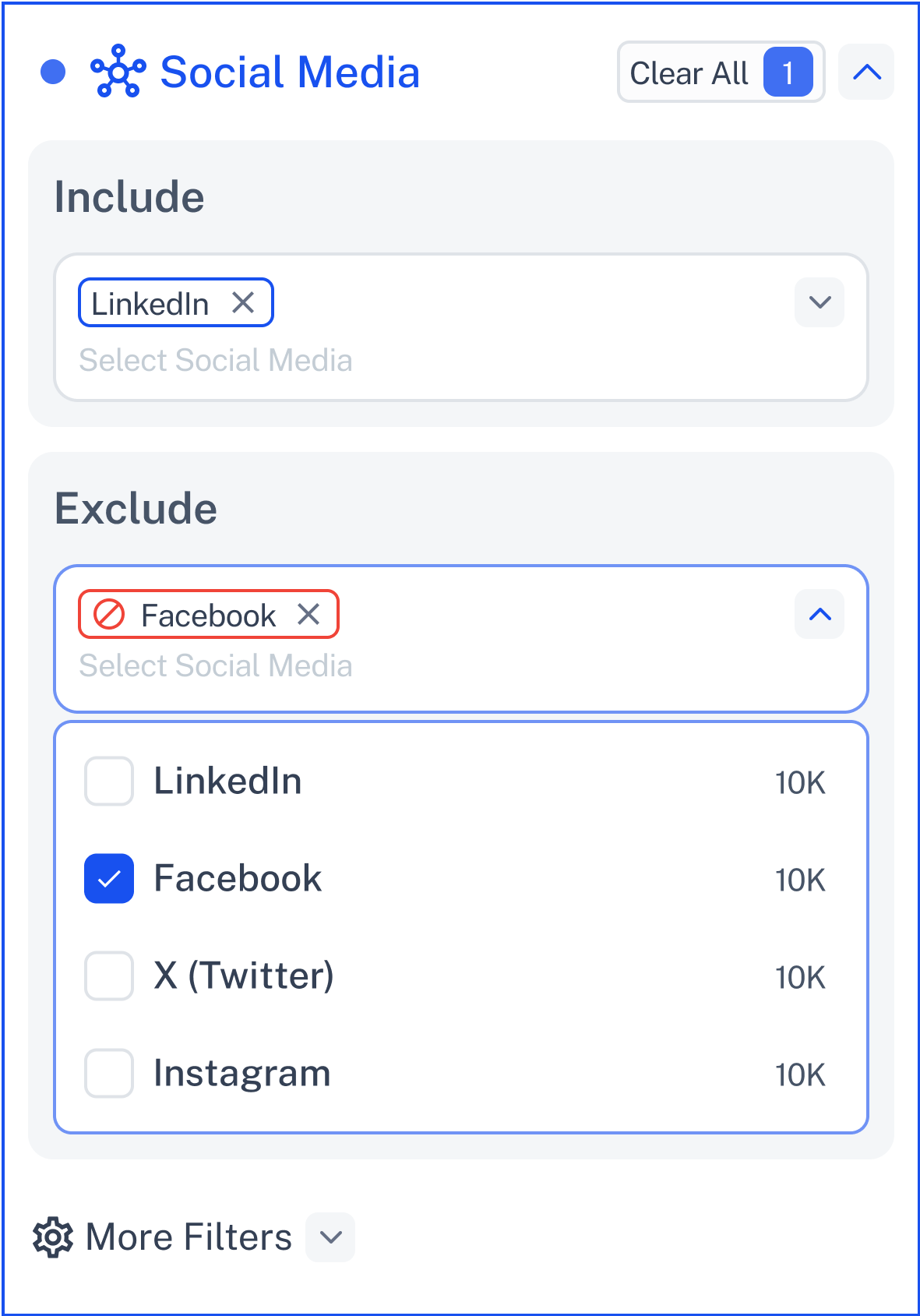
Select the platforms you want to exclude from your results.
Example:
Exclude companies that only have Facebook pages.
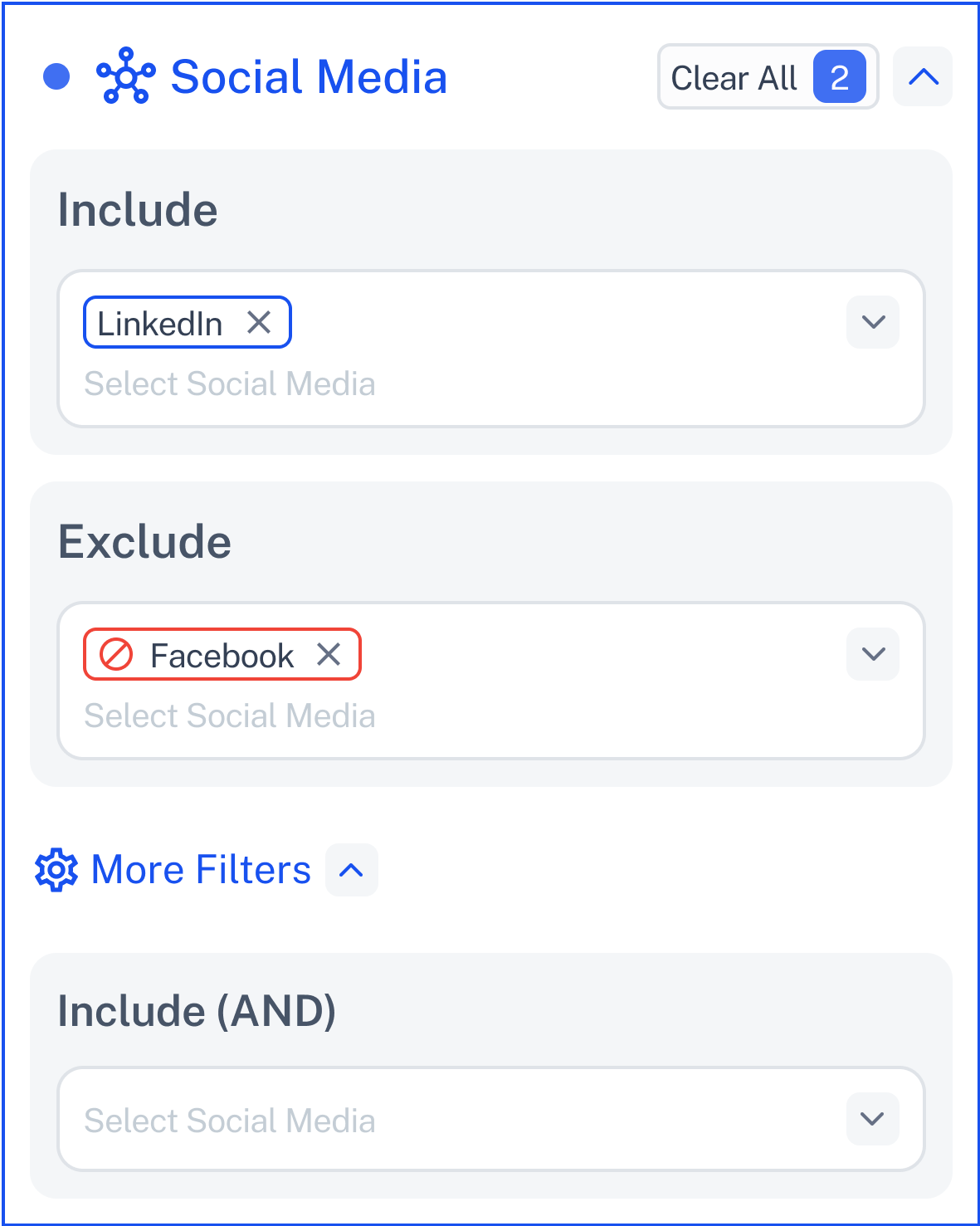
You can also set companies to match all selected platforms.
Example:
Must have both LinkedIn AND X (Twitter) presence.
Click Contact Support—we’re ready to help any time.
