Want to go straight to tech startups? Only care about healthcare or fintech? The Industry filter lets you zero in—or cut out—entire industries with precision. Whether you're building a lead list, sourcing candidates, or doing research, this tool makes sure you're focused on the sectors that matter to you.
Industry focus drives relevance. With this filter, you can build a clean, high-intent list based on what companies or people actually do. It helps avoid wasted effort and gets your outreach aligned with your goals—whether it’s selling to SaaS companies or recruiting in manufacturing.
Open AI Ark.
Select People or Company search.
Click the Industry filter.
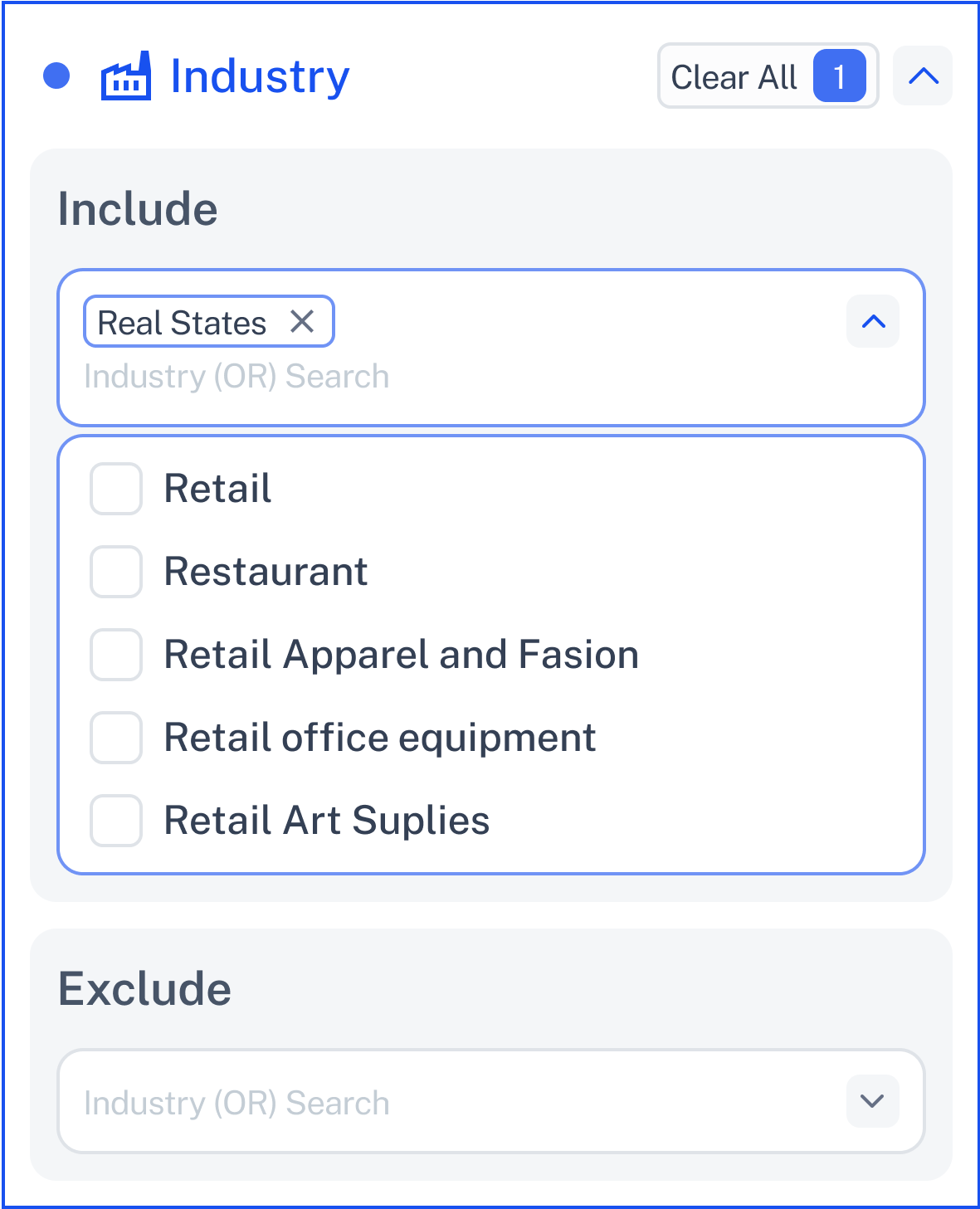
You’ll see two sections:
Choose the industries you want to target.
Click the dropdown to browse available industries.
You can check multiple boxes—no limits.
Can’t find what you’re looking for? Start typing—more industry options will appear as you type.
Examples:
Information Technology
Health & Wellness
Financial Services
E-commerce
This is perfect for building vertical-specific lists or focusing on niche markets.
Cut out industries you don’t want to see.
Works exactly like Include—just filters in reverse.
Helpful when you want to skip noisy or irrelevant sectors.
Great for refining broad searches or eliminating overlap.
You can also search here by typing, not just selecting.
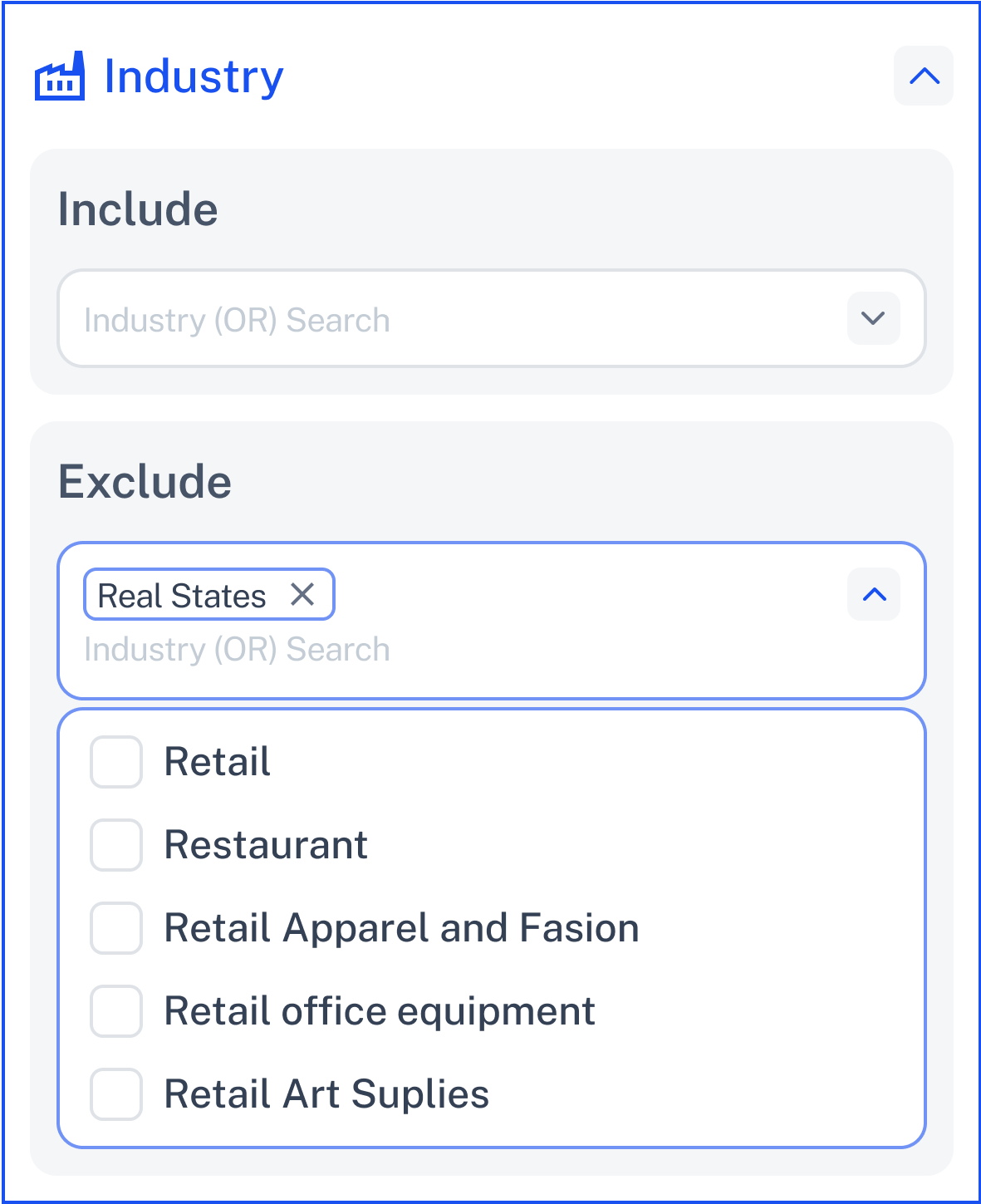
The dropdown supports dynamic search—so even if a category isn’t visible right away, you can:
Type to discover more options.
Add custom or long-tail industry labels.
Build a broad or tight scope in seconds.
Click Contact Support—we’re ready to help any time.
