Want to find companies that offer cloud security? Or exclude ones selling physical goods? The Products & Services filter lets you include, exclude, or layer offerings to build hyper-relevant lists. Whether you’re targeting niche vendors or avoiding direct competitors, this filter helps you cut straight to the signal.
Knowing what a company sells or delivers is one of the fastest ways to qualify a lead or rule one out. This filter lets you segment based on actual offerings—so your list matches your strategy, not just a guess.
Open AI Ark.
Select People or Company search.
Click the Products & Services filter.
You’ll see three sections:
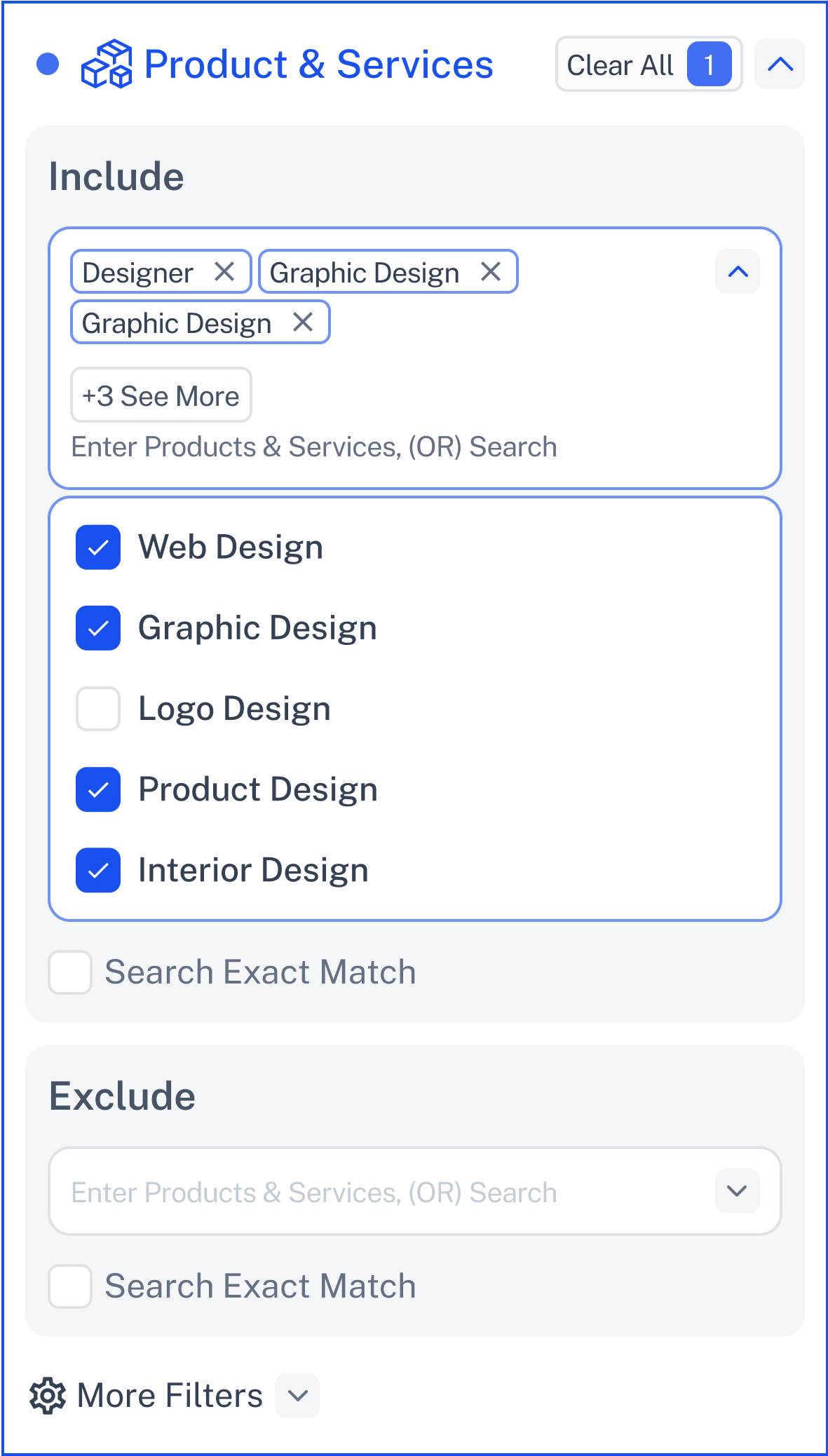
Choose the industries you want to target.
Click the dropdown to view a list of common offerings.
Select as many as you want with checkboxes.
Don’t see what you need? Start typing—additional options will appear dynamically.
Turn on Exact Match if you want only companies with that precise term.
Great for pinpointing your ideal customer profile by what they actually provide.
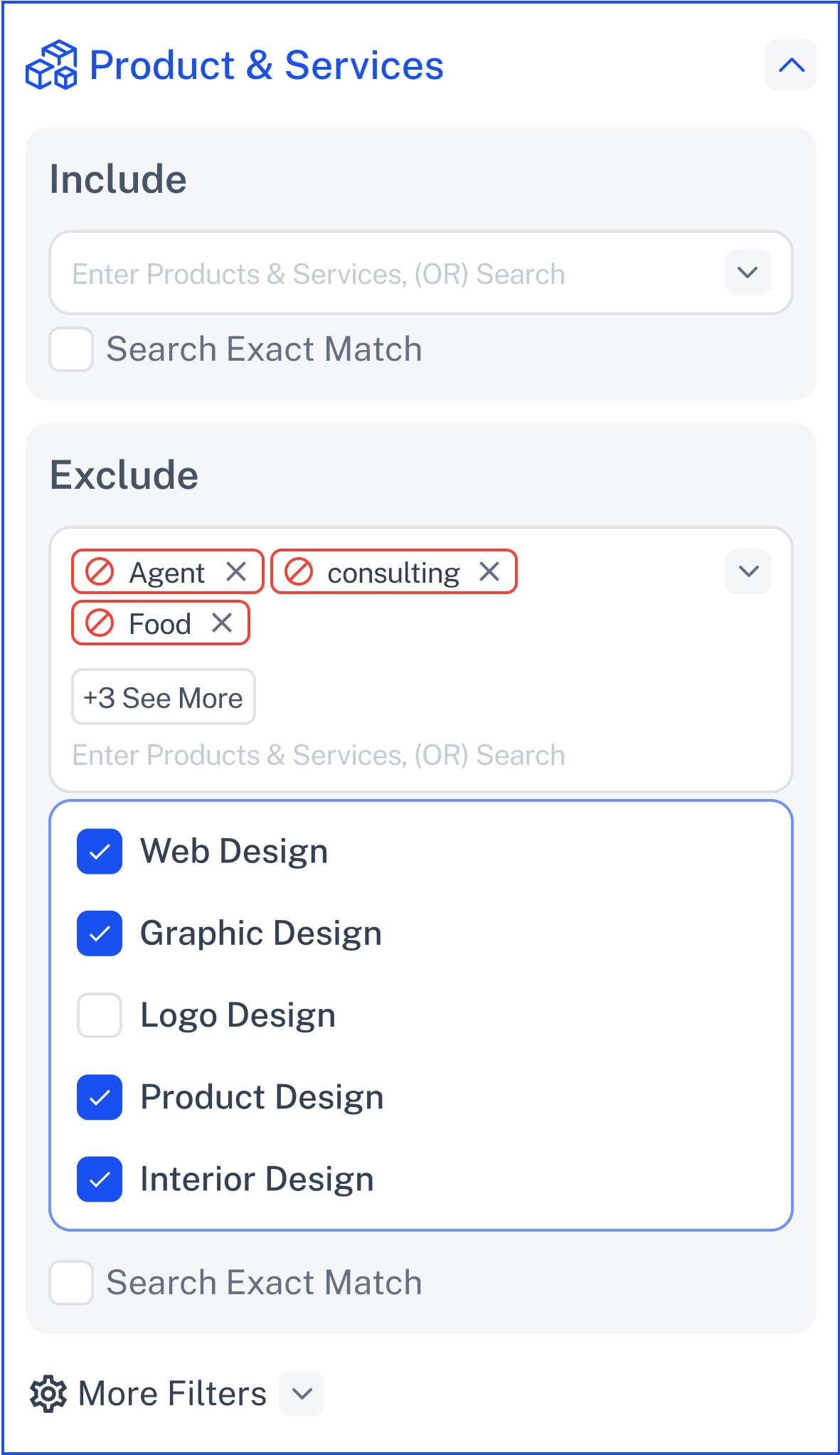
Filter out companies offering things you don’t want to target.
Same dropdown and dynamic typing.
Useful for cleaning your list—like removing competitors or unrelated sectors.
Combine with other filters for ultra-clean targeting.
Exact Match works here too—helpful for removing only specific variations.
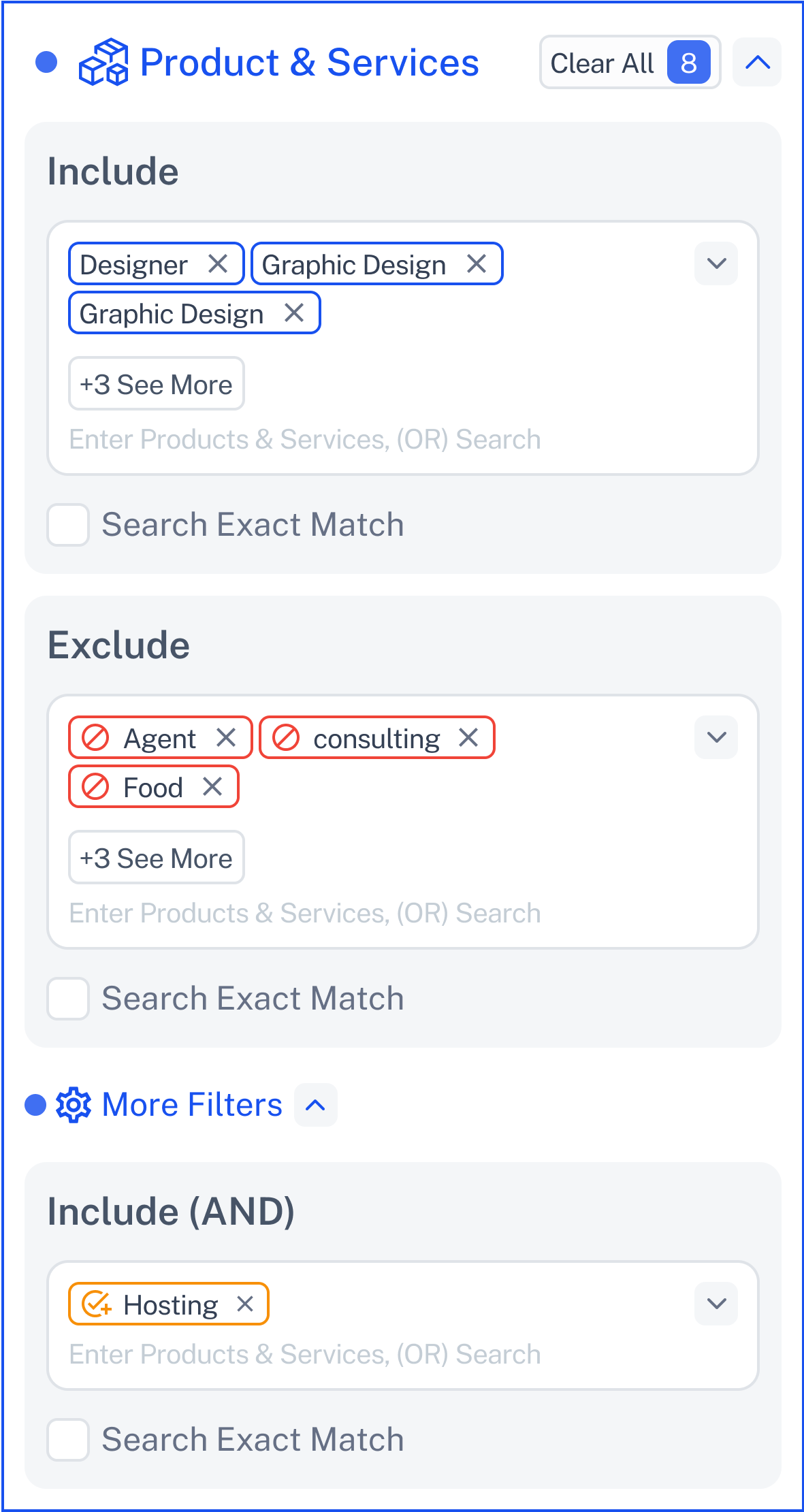
Use this to add additional required products or services.
Ideal for multi-solution providers.
Helps you build compound conditions (e.g., companies offering both CRM and Email Marketing tools).
You can mix and match checked options and typed entries.
Exact Match applies here too for tighter control.
Each section includes an Exact Match checkbox:
When checked, results will only include companies with that exact label.
Unchecked, the filter will include similar or related variations.
Examples:
✅ Exact Match ON: Sales Automation Software → Only shows companies listing that exact phrase.
❌ Exact Match OFF: May also return results like Sales & Marketing Automation or CRM Software.
Click Contact Support—we’re ready to help any time.