Want to find companies using AWS? Avoid those with legacy tech? The Technologies filter lets you drill deep—by platform, stack, tool, or provider. With Include, Exclude, and Include and… options, plus rich subcategories, you can build a list that’s as technical as your strategy demands.
Knowing what tech a company uses gives you a massive edge—whether you're selling integrations, hiring devs, or analyzing market adoption. This filter helps you surface companies based on their actual tech stack so you’re not guessing who’s using what.
Open AI Ark.
Select People or Company search.
Click the Technologies filter.
Choose how you want to filter:
Find companies that use specific technologies.
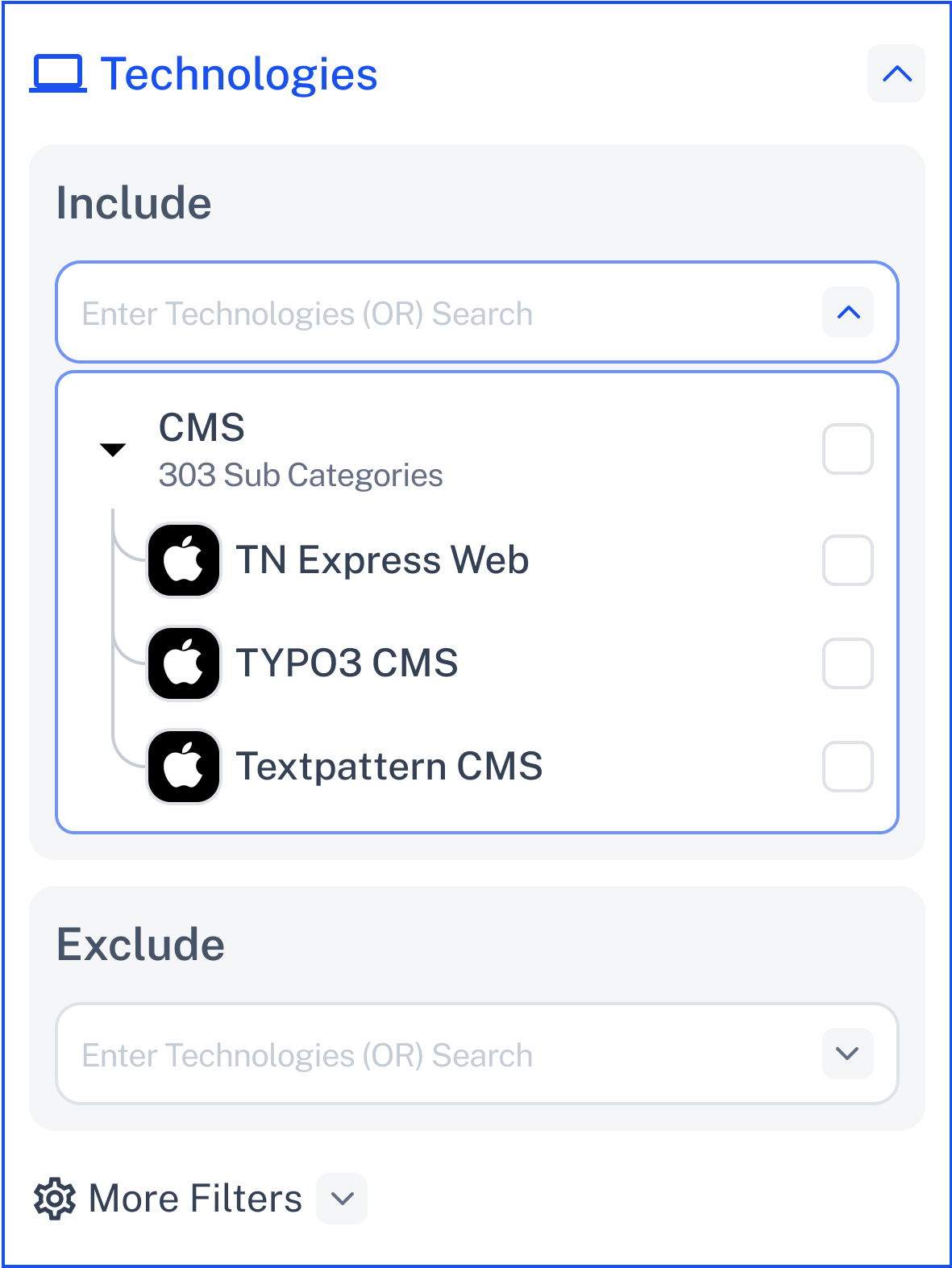
Click the dropdown to explore hundreds of tools, platforms, and systems.
Choose by category (e.g., CRM, Cloud, E-commerce) or by specific tech (e.g., Salesforce, AWS, Magento).
Use the search bar to type and discover more—typing auto-suggests both main tech and subcategories.
Select as many as you want.
Great for targeting based on compatibility, integration potential, or software ecosystem.
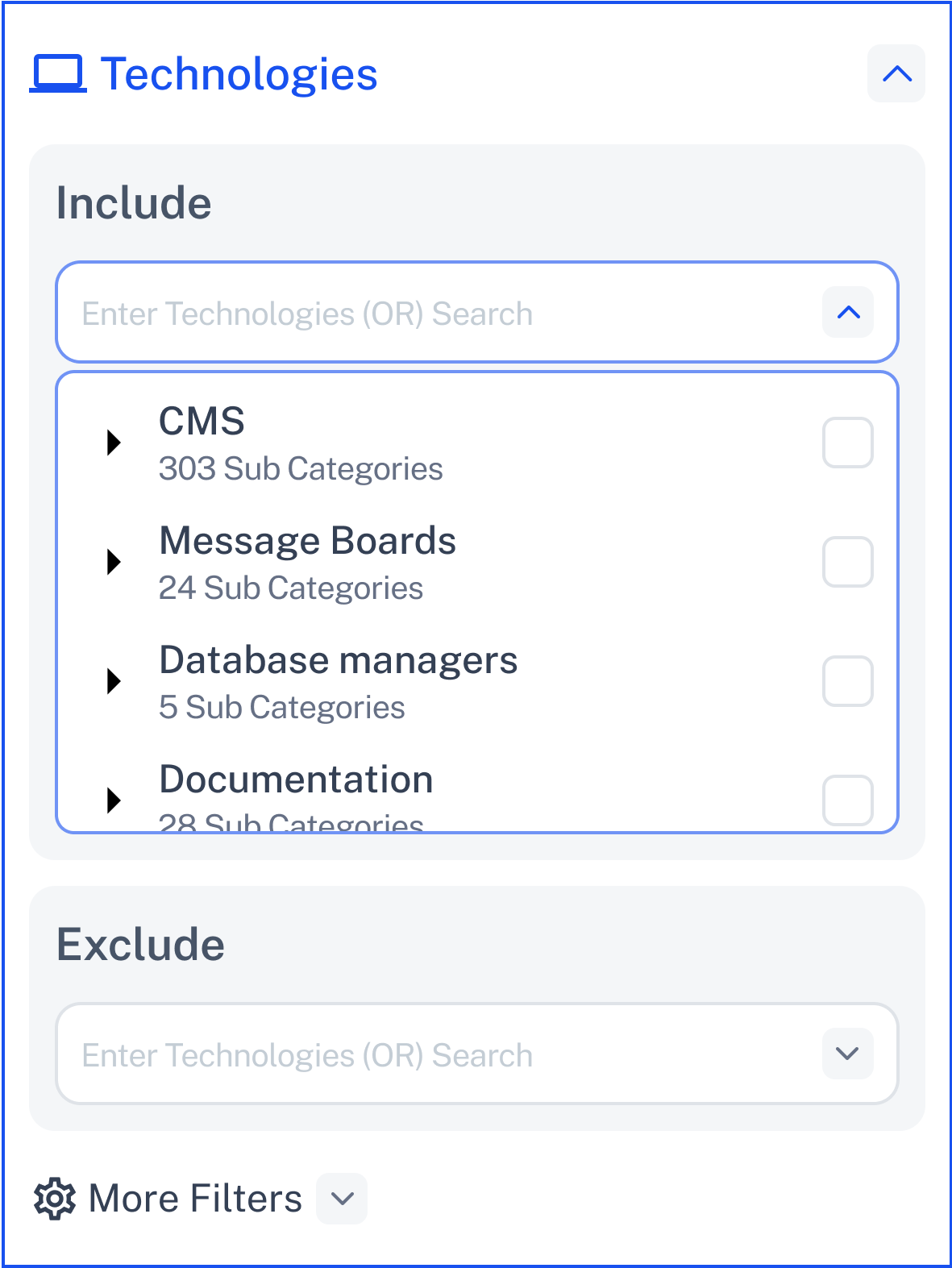
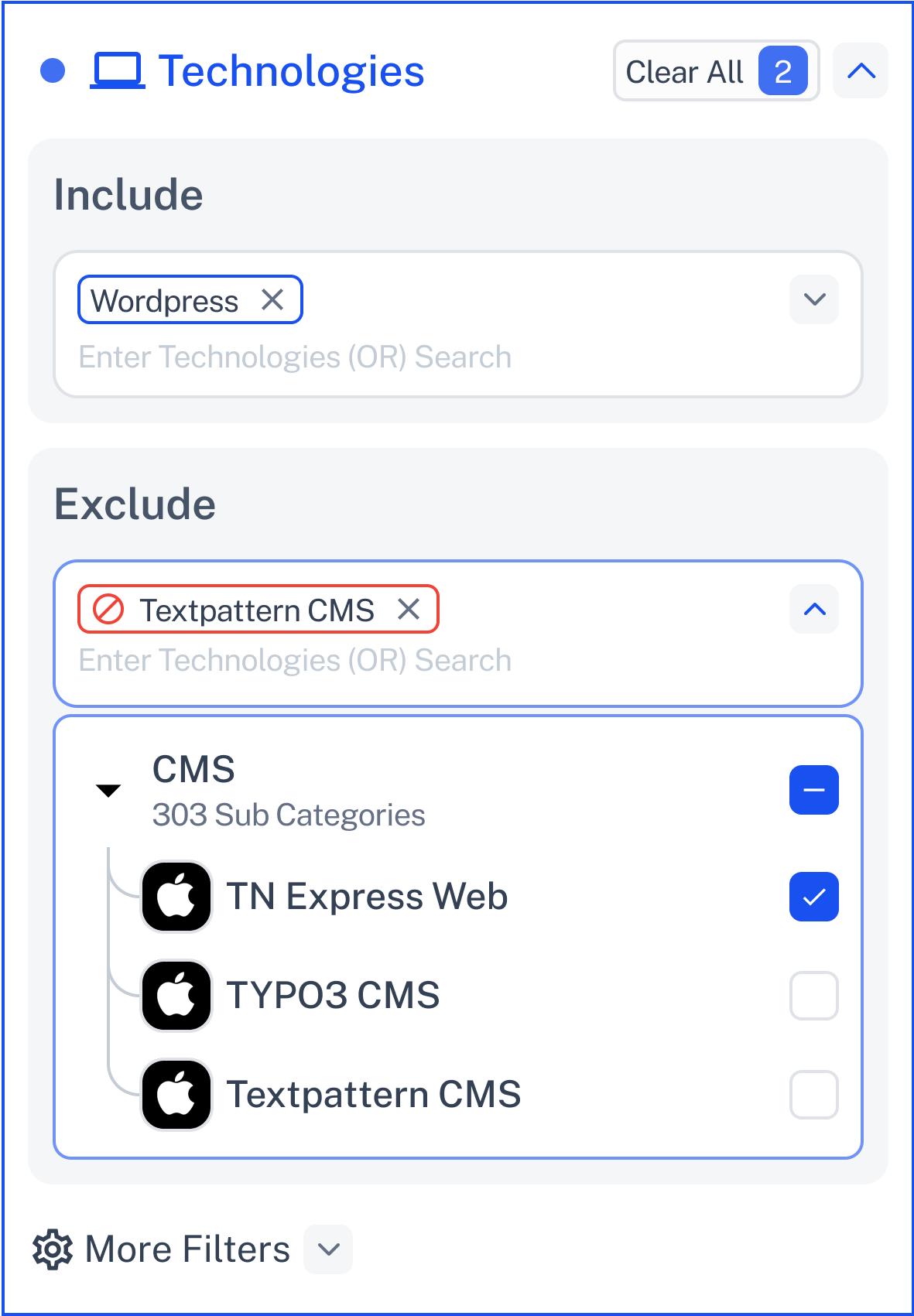
Filter out companies using technologies you don’t want to engage with.
Ideal for avoiding competitors, unsupported platforms, or outdated systems.
Works exactly like Include—just in reverse.
Type or check technologies and subcategories just like in Include.
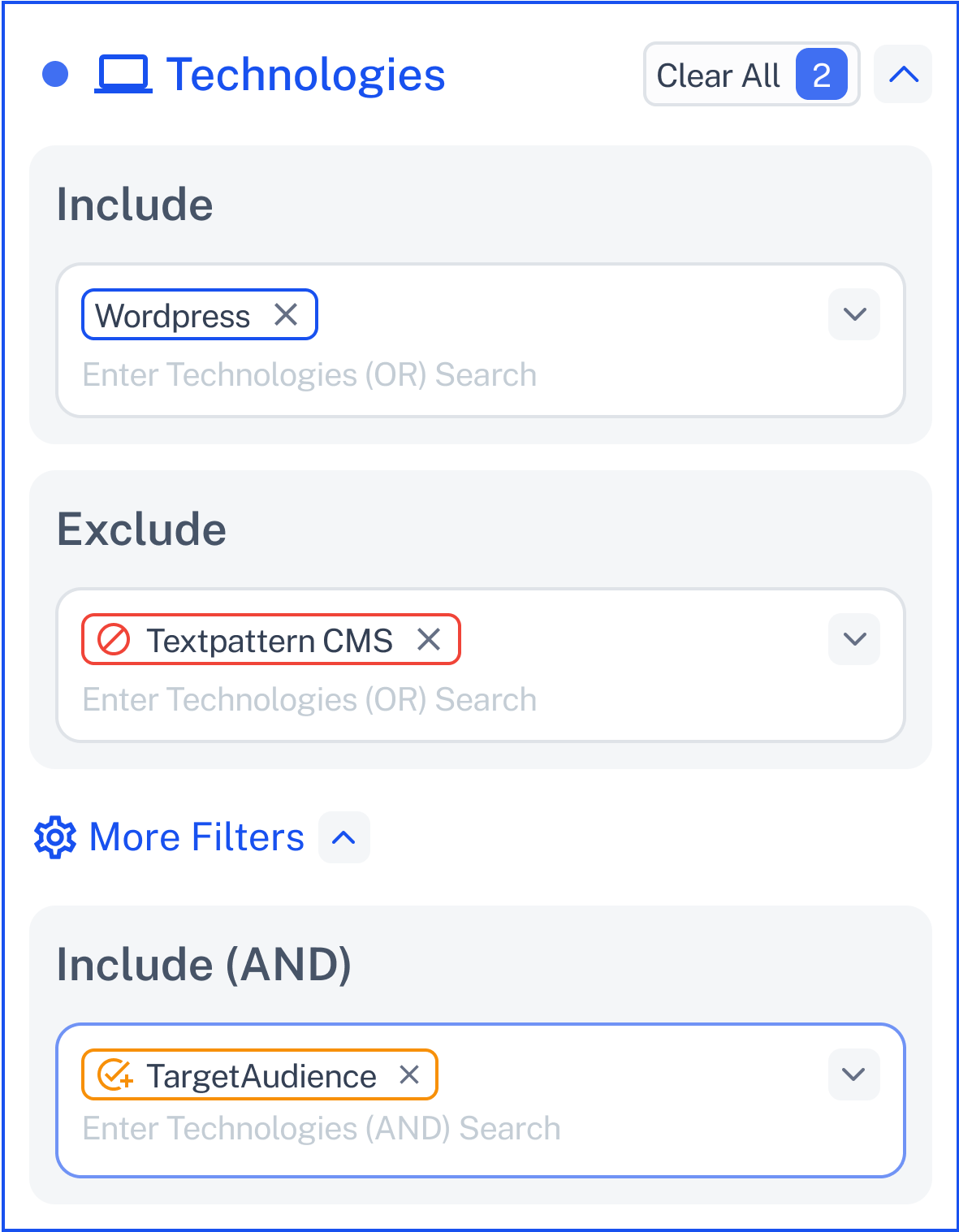
Use this when you need companies using multiple specific technologies.
Combine tools to create compound conditions (e.g., companies using both Stripe and Shopify).
Add multiple layers with full control over categories and subcategories.
Search works the same way—fast, dynamic, and complete.
The tech list is massive—so here’s how it works:
Technologies are grouped by category (e.g., Marketing Automation, DevOps, Infrastructure).
Each category contains sub-technologies (e.g., under Cloud → AWS, Azure, Google Cloud).
You can search across both levels—just start typing.
✔ Example:
Type "Email" → see SendGrid, Mailchimp, Postmark, etc.
Click Contact Support—we’re ready to help any time.
