AI Ark helps you find the right companies faster—with smart, customizable filters that cut through the noise. The Company Location filter allows you to target businesses based on geography, from continents and countries to cities and headquarters.
The Company Location filter lets you:
Find companies based on where they operate
Target specific continents, countries, or cities
Include or exclude certain geographies
Filter by headquarters location if needed
This is ideal for regional sales campaigns, territory planning, and market expansion analysis.
🧭 How to Use It
Open AI Ark.
Select People or Company.
Click the Location filter
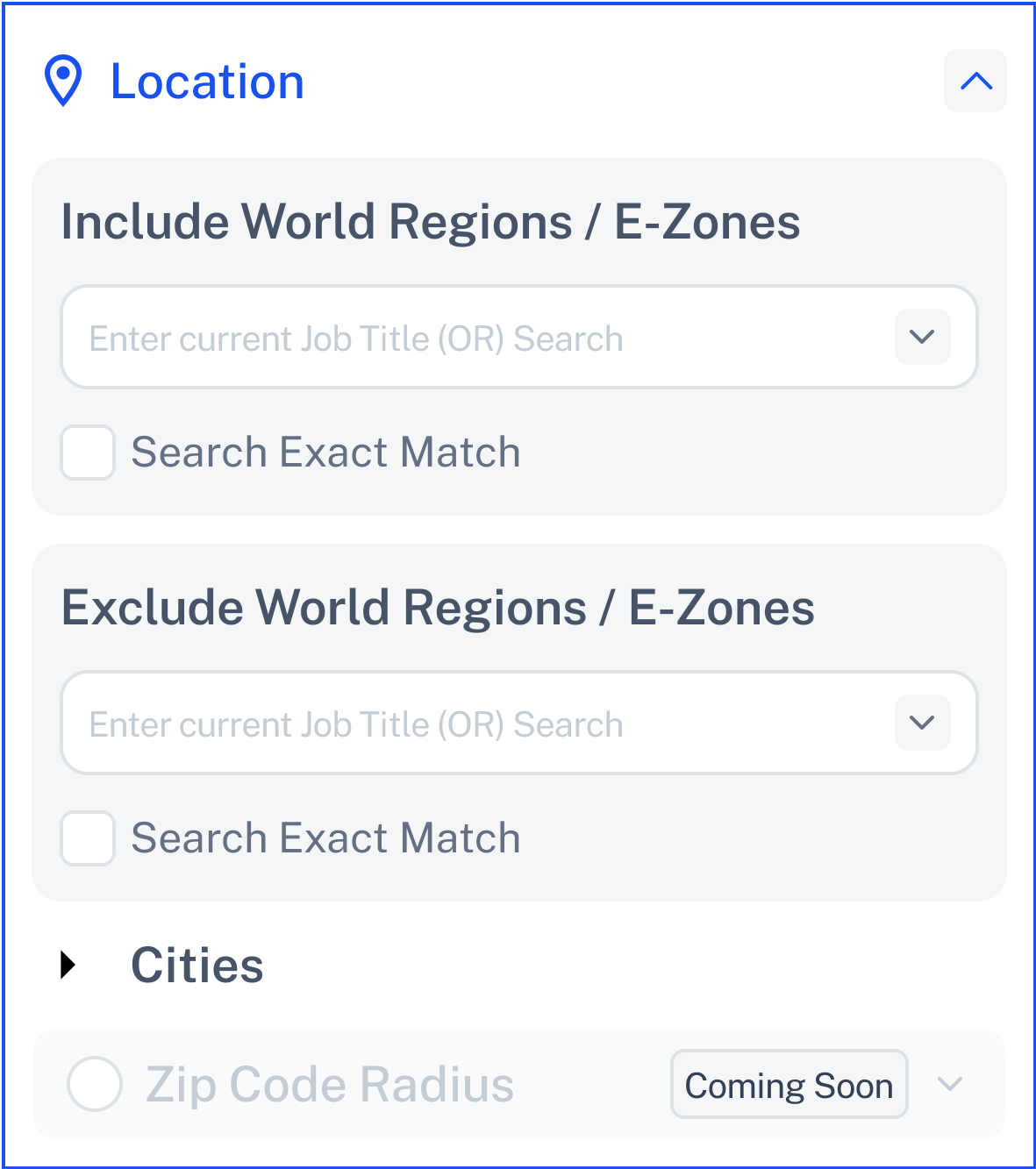
Choose one or more locations to include in your search:
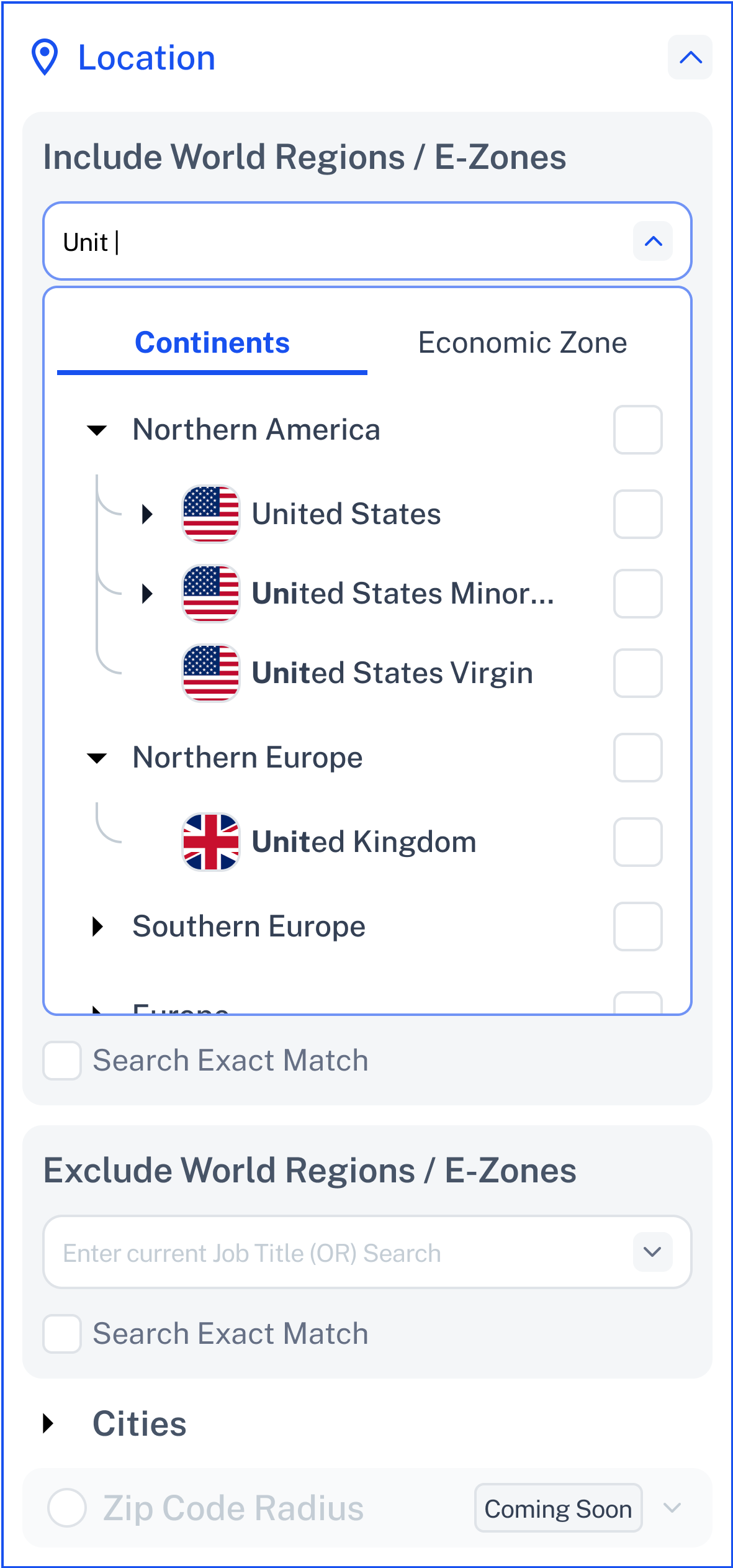
🚫 Exclude World Region / Zones
Choose specific locations to exclude from your search
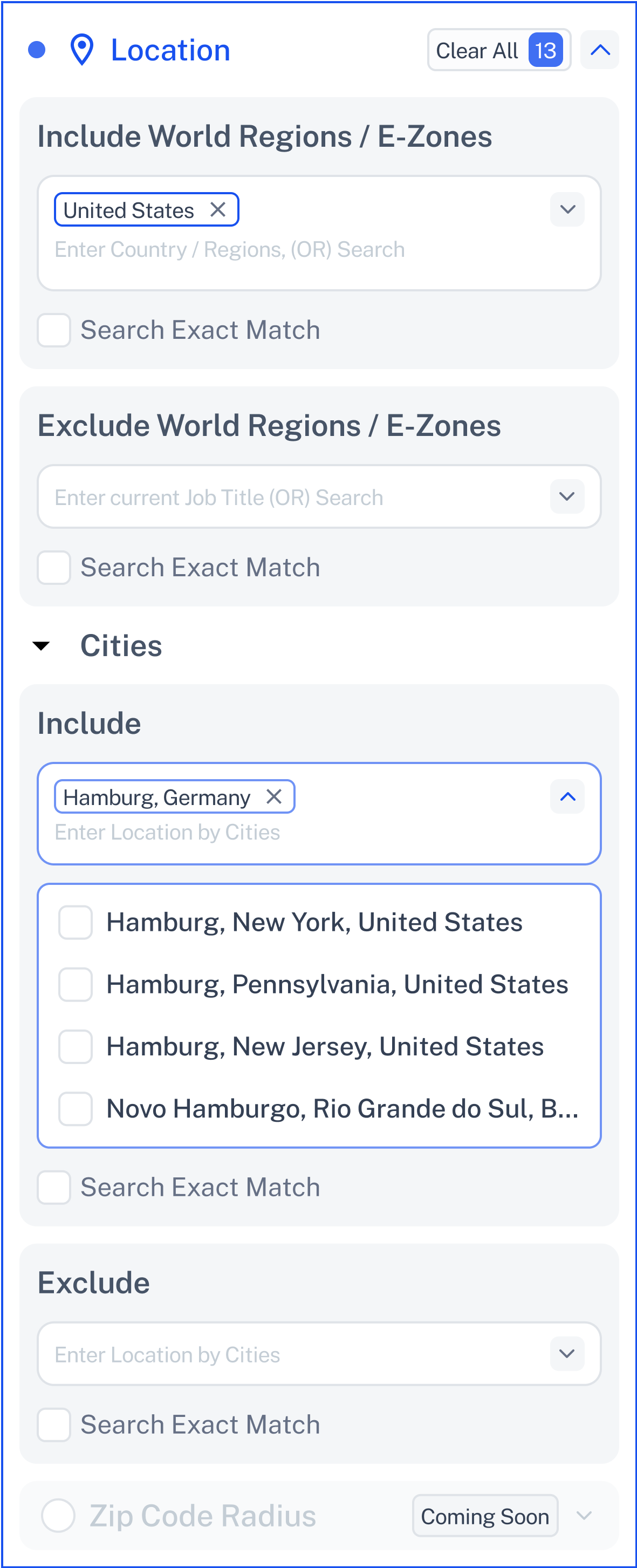
Manually include or exclude specific cities like:
Click Contact Support—we’re ready to help any time.