AI Ark helps you find the right people faster—with smart, customizable filters that cut through the noise. The Social Media filter in People Search allows you to target individuals based on their presence across major social platforms like LinkedIn, X (Twitter), Facebook, and Instagram.
Use this filter when you want to:
Find individuals who are active or discoverable on specific platforms
Target users with public LinkedIn or X (Twitter) profiles
Exclude people who only use personal platforms like Facebook or Instagram
Run channel-specific outreach (e.g., via LinkedIn DM campaigns)
Ideal for recruiters, B2B marketers, and growth teams who want to segment people by online visibility and engagement platforms.
Open AI Ark.
Select People or Company.
Click the Social Media filter.
📍 (PLACEHOLDER for Screenshot)
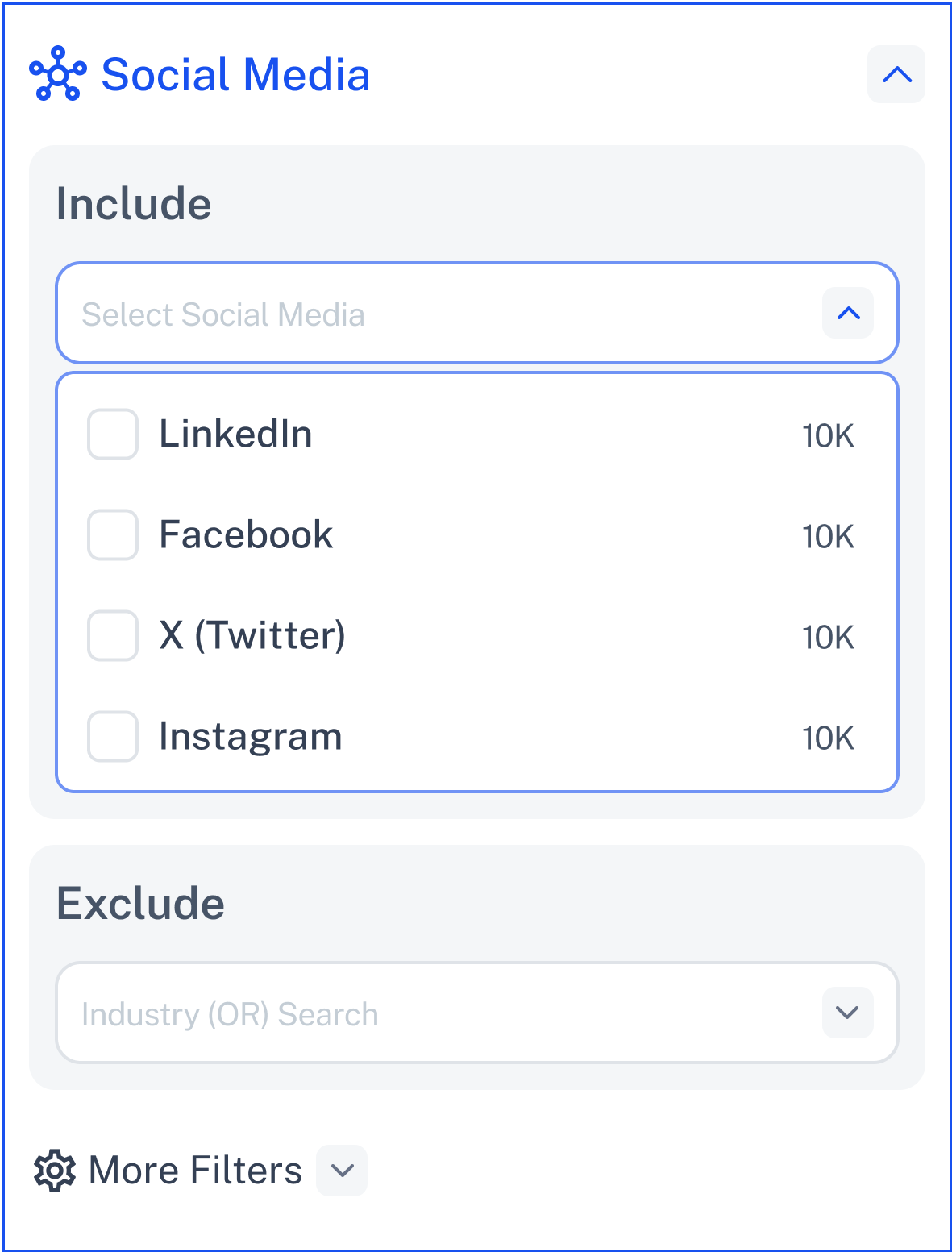
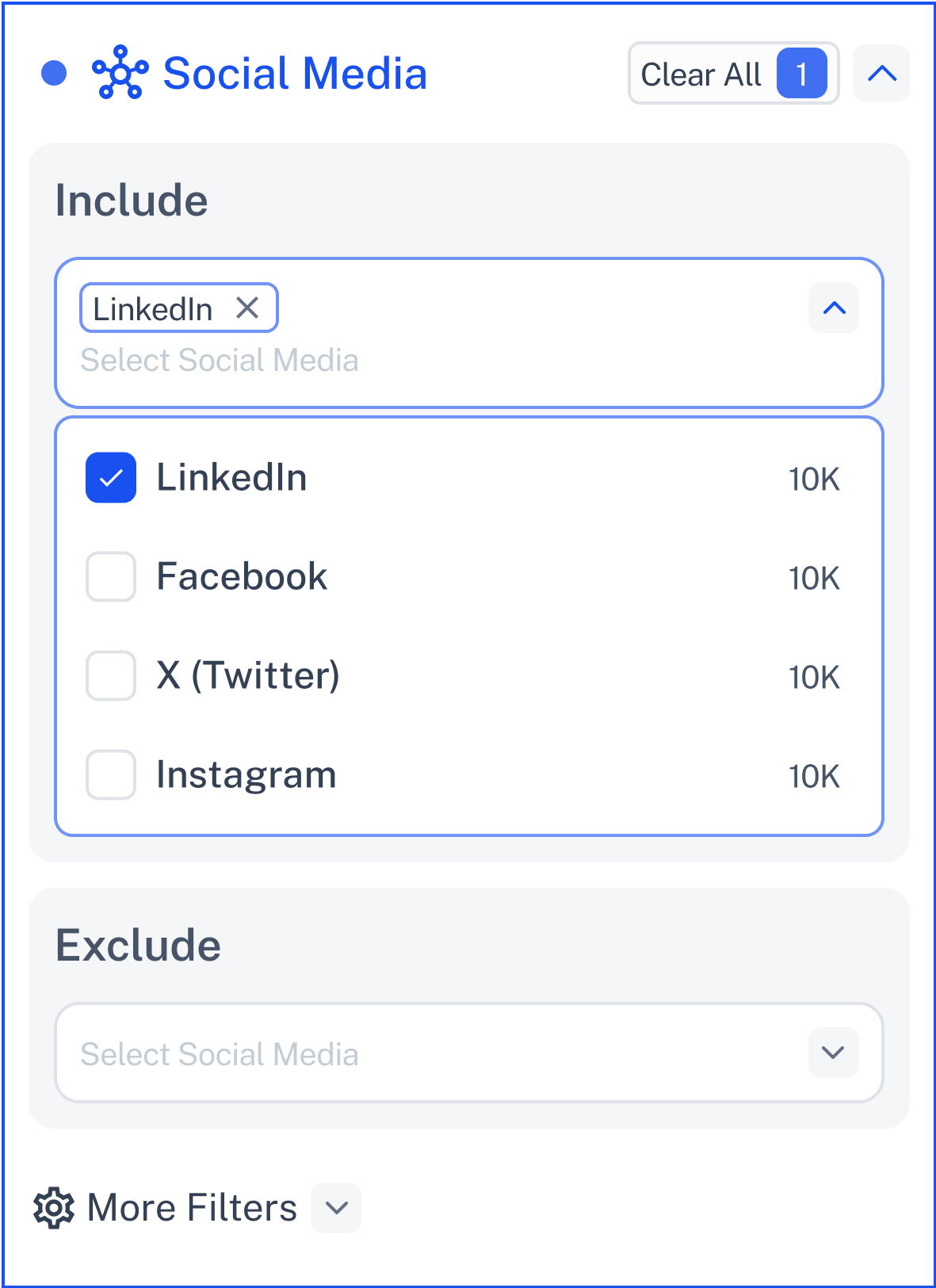
Choose platforms where the person must have a known presence, such as:
X (Twitter)
📍 (PLACEHOLDER for Screenshot)
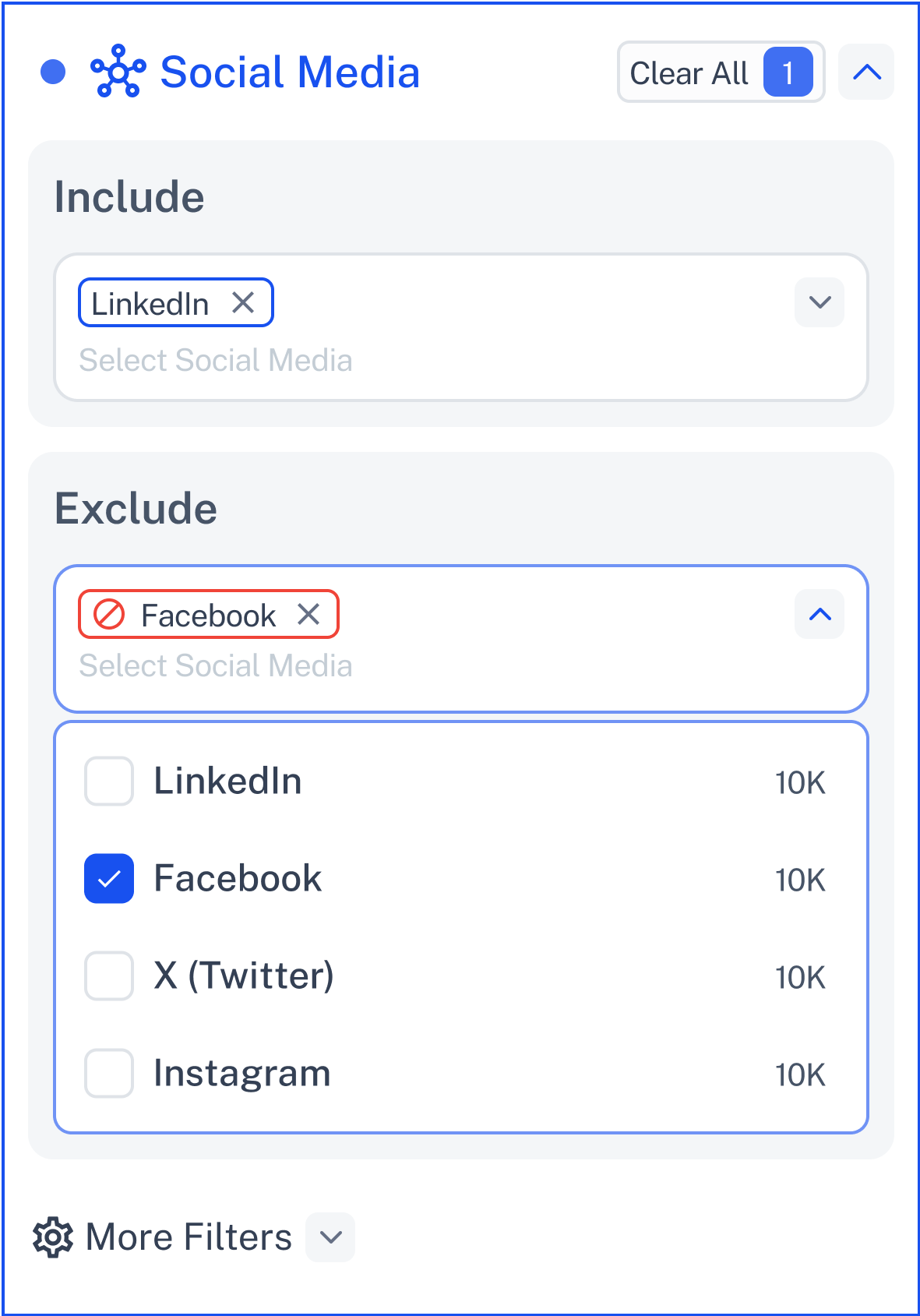
Filter out people who are on specific platforms you don’t want to target.
Example:
Exclude Facebook-only users if your strategy is professional B2B.
🔗 Include (AND)
Enable this to require the person be active on all selected platforms.
💡 Need Help?
Click Contact Support—we’re ready to help any time.