Need more credits this month? AI Ark makes it simple to increase your monthly credit limit without changing your plan. Whether you’re going from 5K → 15K or 10K → 30K, your new tier takes effect immediately.
🎥 Watch how it works
Upgrading lets you:
Access more export/enrichment volume
Avoid hitting limits during active campaigns
Benefit from rollover credits (up to 2×)
Ideal for:
Scaling outreach
Handling seasonal spikes
Adding more users to your team workflows
From your dashboard sidebar, go to Profile Settings
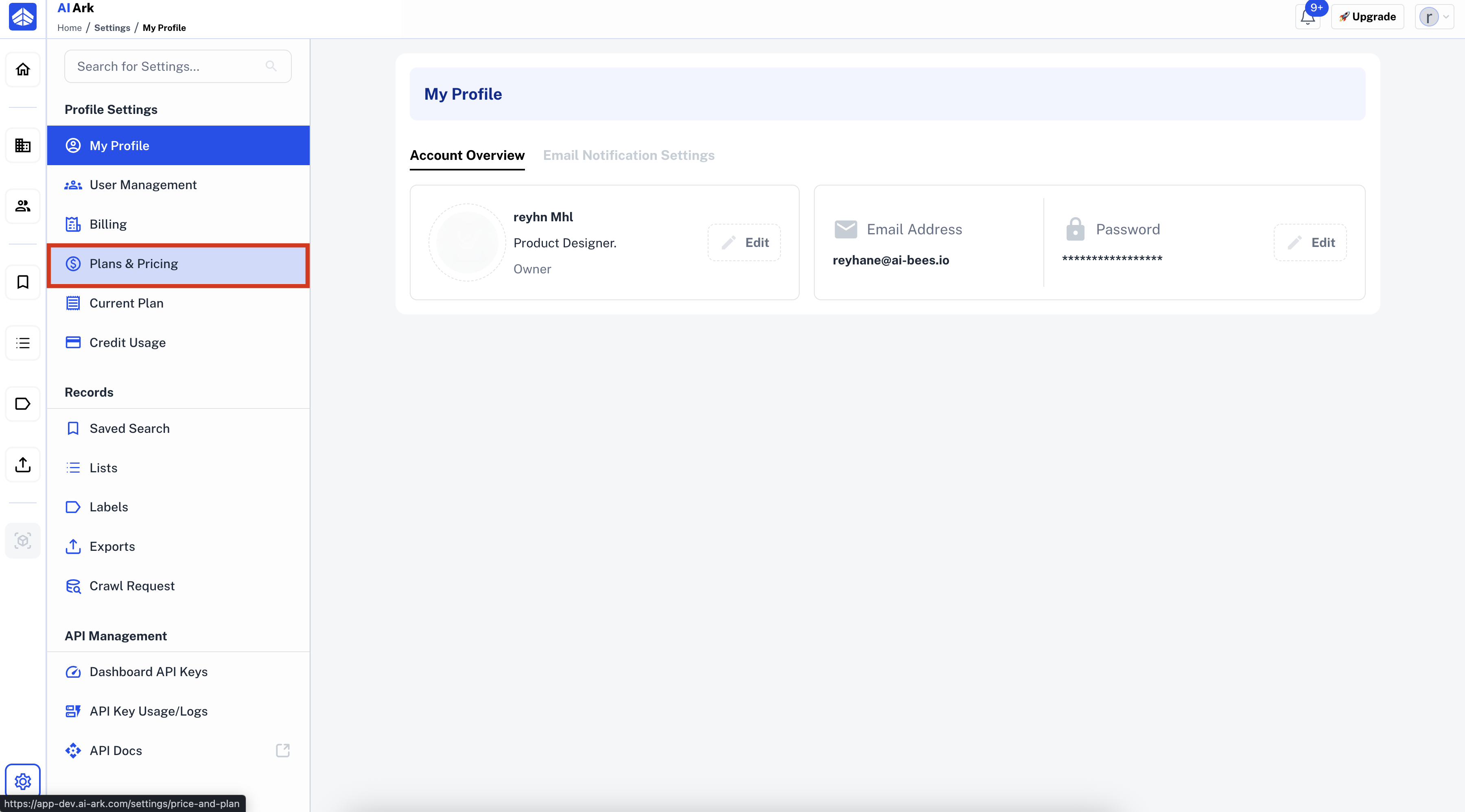
Click on Plan & Pricing or Change Plan
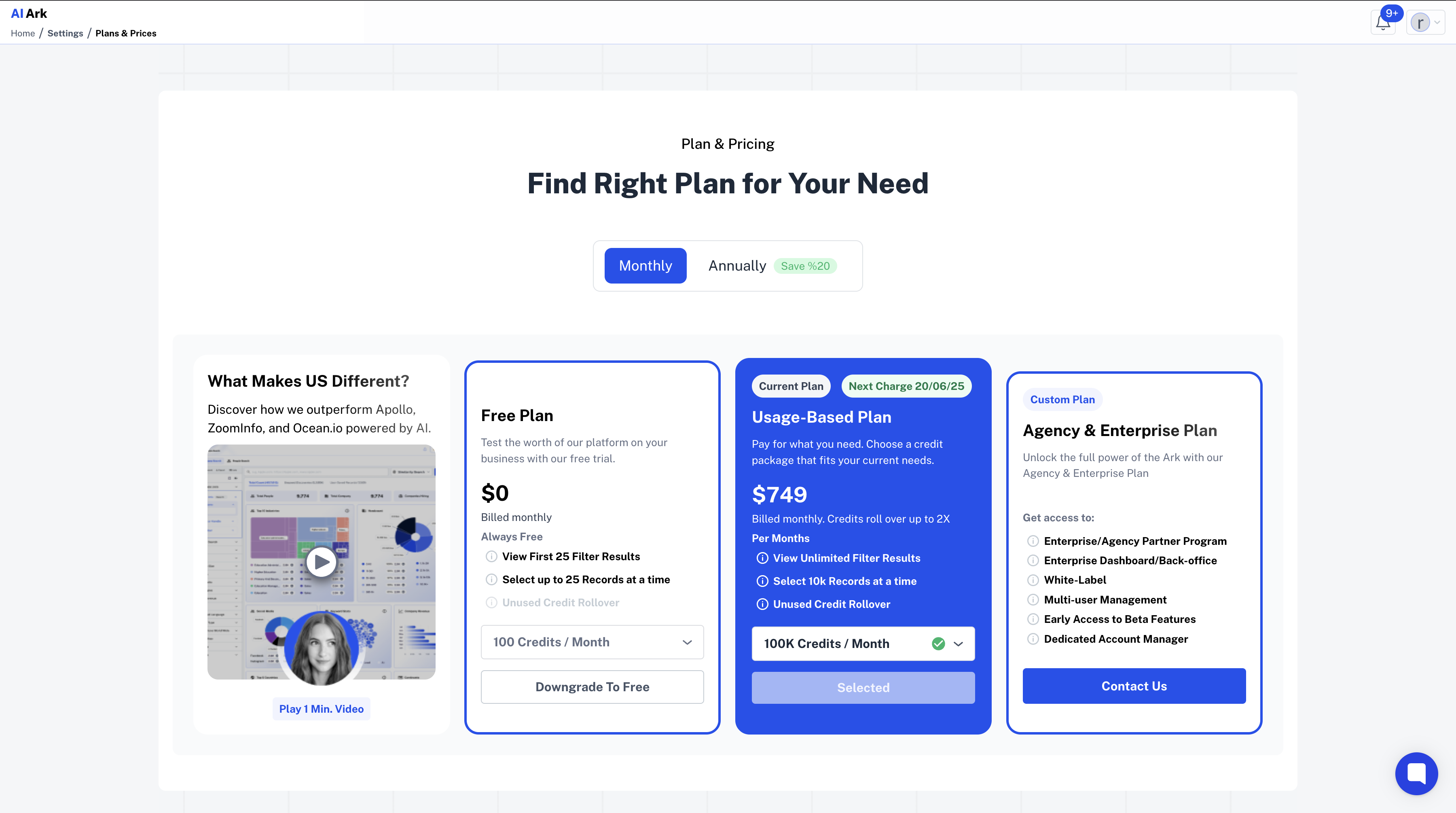
Click the dropdown under your current plan to view all available tiers
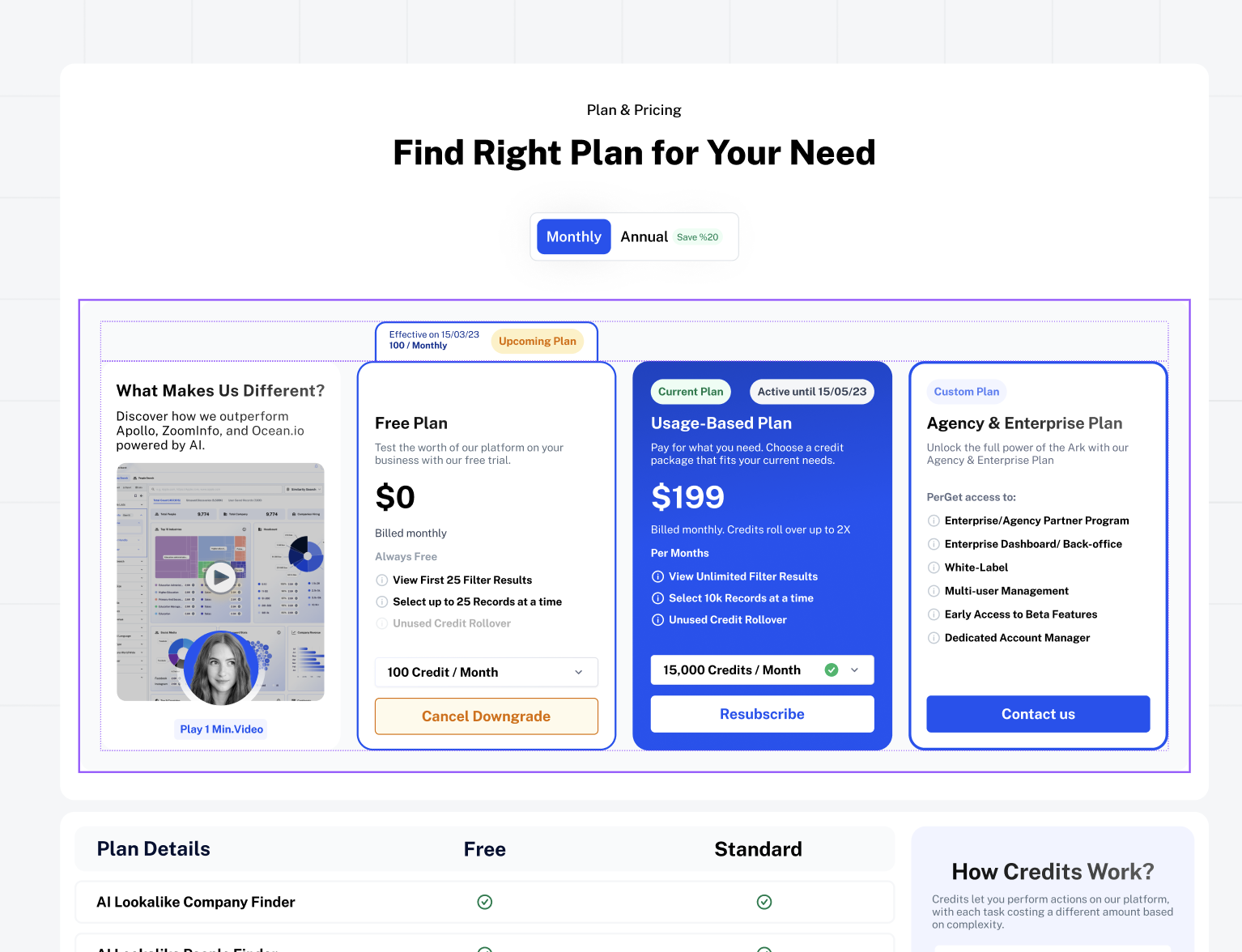
Choose a higher package (e.g. 10K → 15K or 15K → 30K)
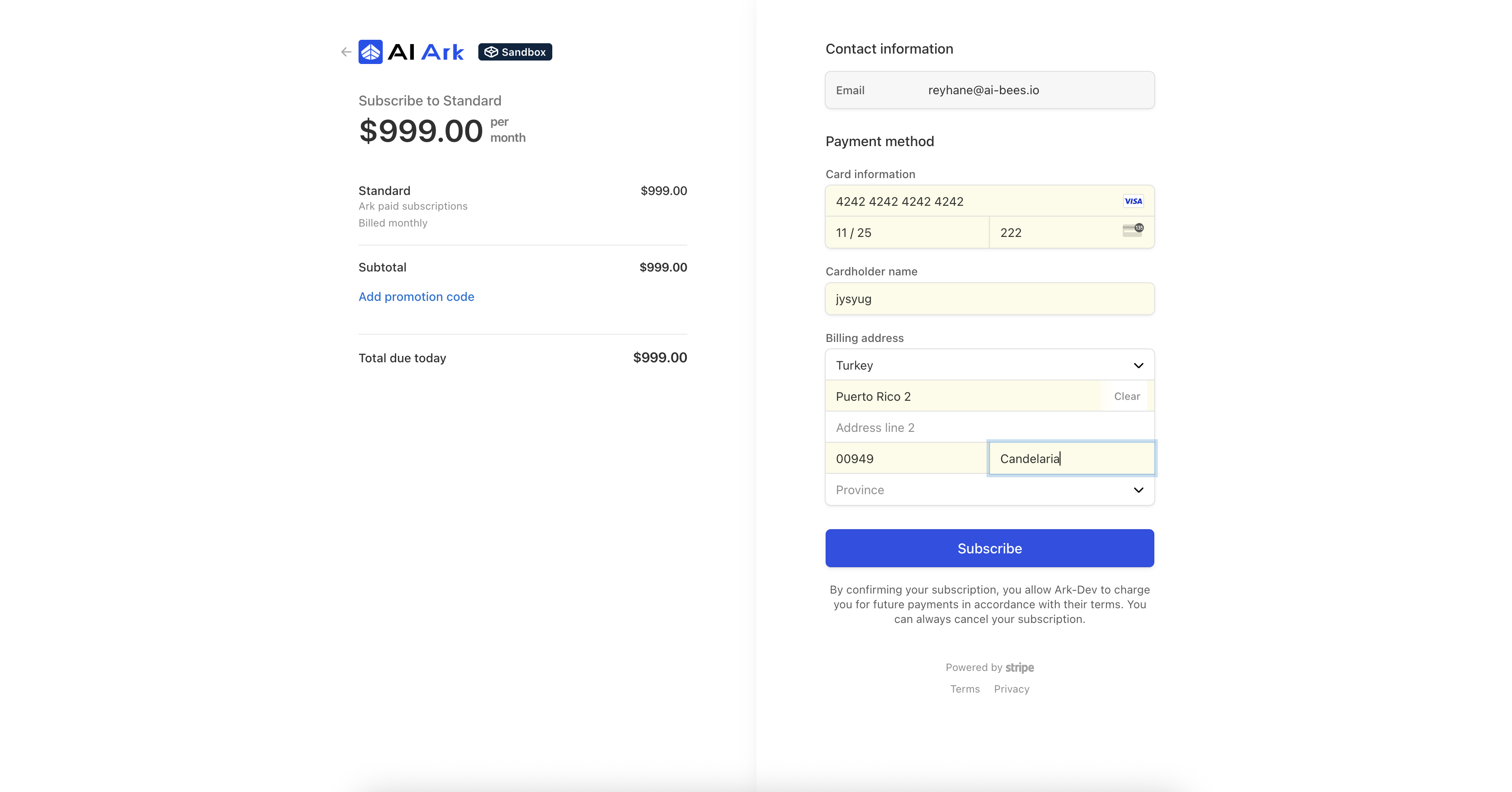
A Stripe checkout form will load to confirm payment
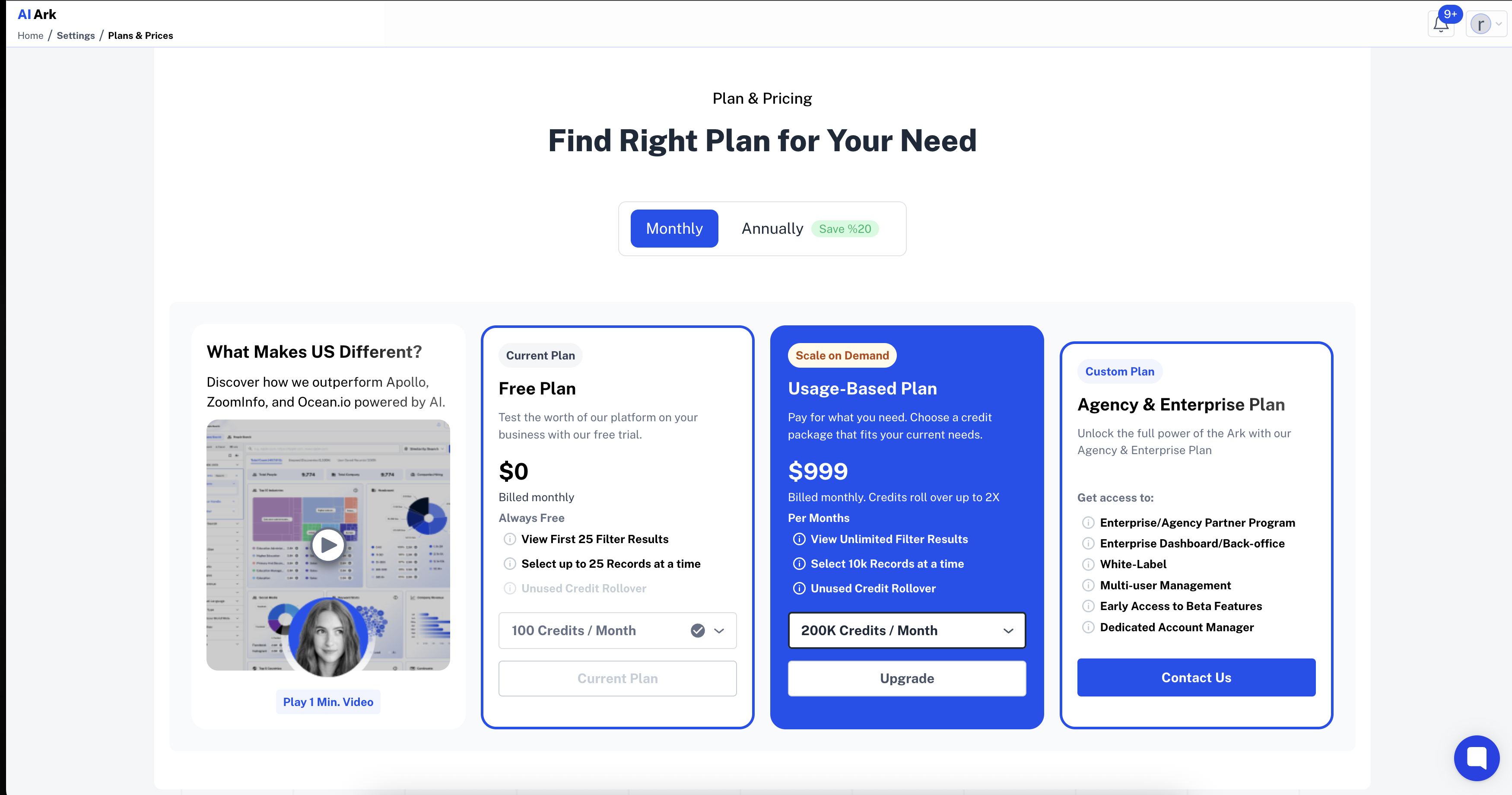
✅ Click “Subscribe ”
Once the payment goes through, a green Success notification will appear
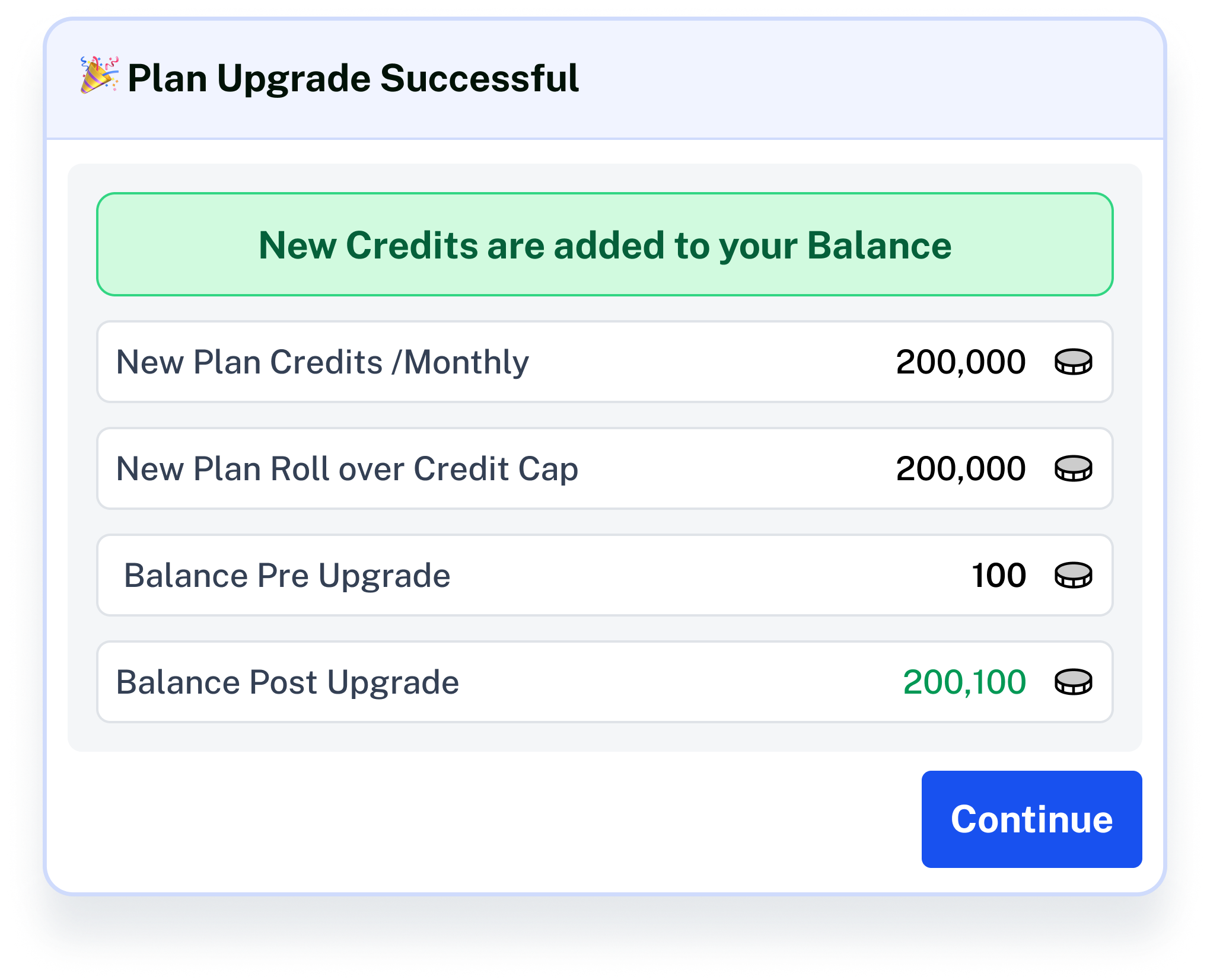
Your new credit limit is applied instantly.
Click Contact Support—we’re ready to help any time.
