
🚀 Resubscribing After Downgrade – Return from Free to a Paid Plan
Changed your mind?🤔
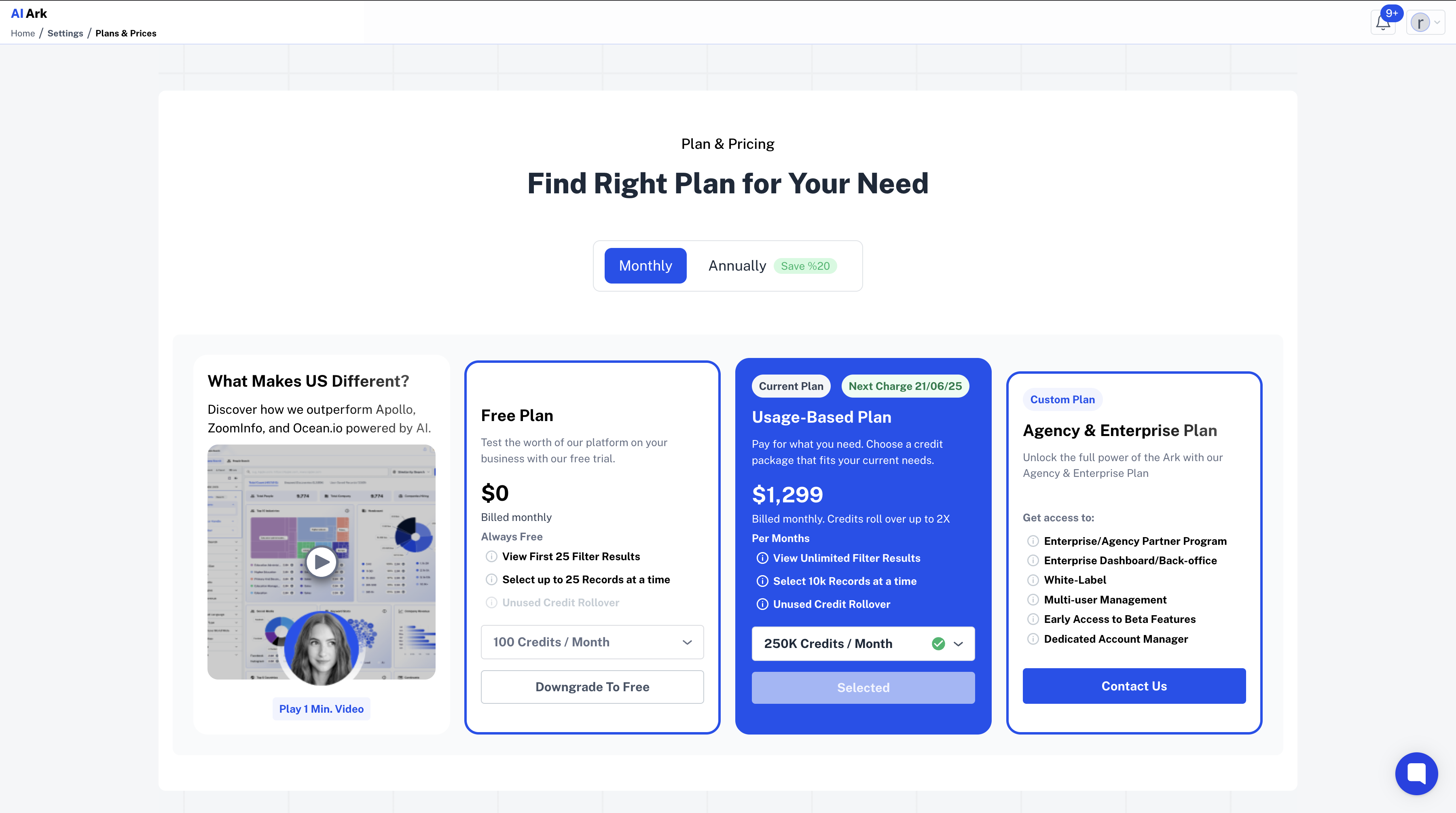
No worries. If you’ve started the downgrade process from a monthly plan to the Free Plan but want to keep your credits and features, you can easily cancel before confirming.
🎯 Why Resubscribe?
You might realize that:
You still need more credits this month
You didn’t use your remaining rollover
You clicked “Free Plan” by mistake
You want to avoid losing premium feature
Canceling the downgrade gives you the flexibility to stay on your current plan with no changes.
🧭 How to Resubscribe from Free
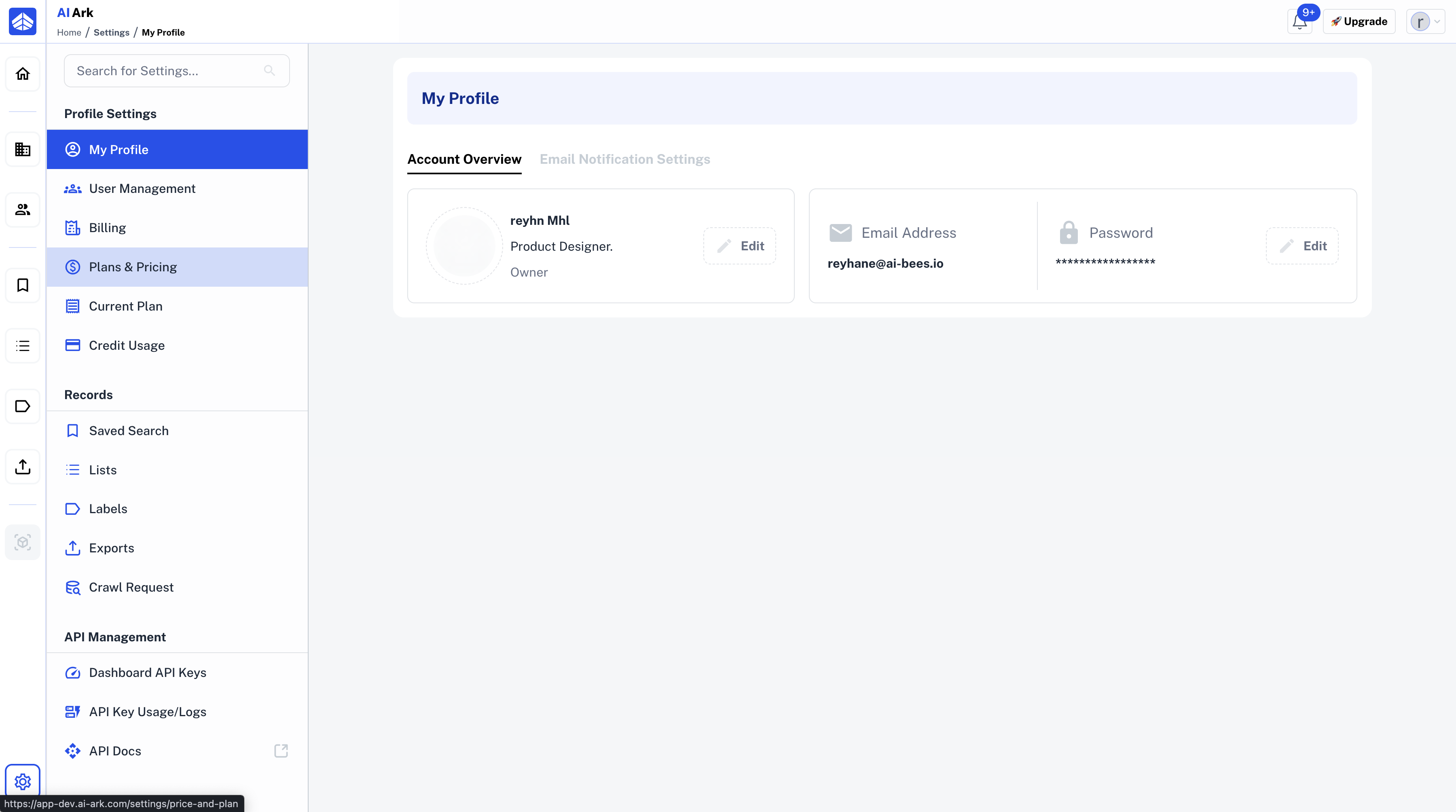
1⃣ Go to Plan & Pricing
From your dashboard sidebar, go to Plans & Price
2⃣ Downgrade Modal Appears
When you click to cancel downgrade, a confirmation modal will open
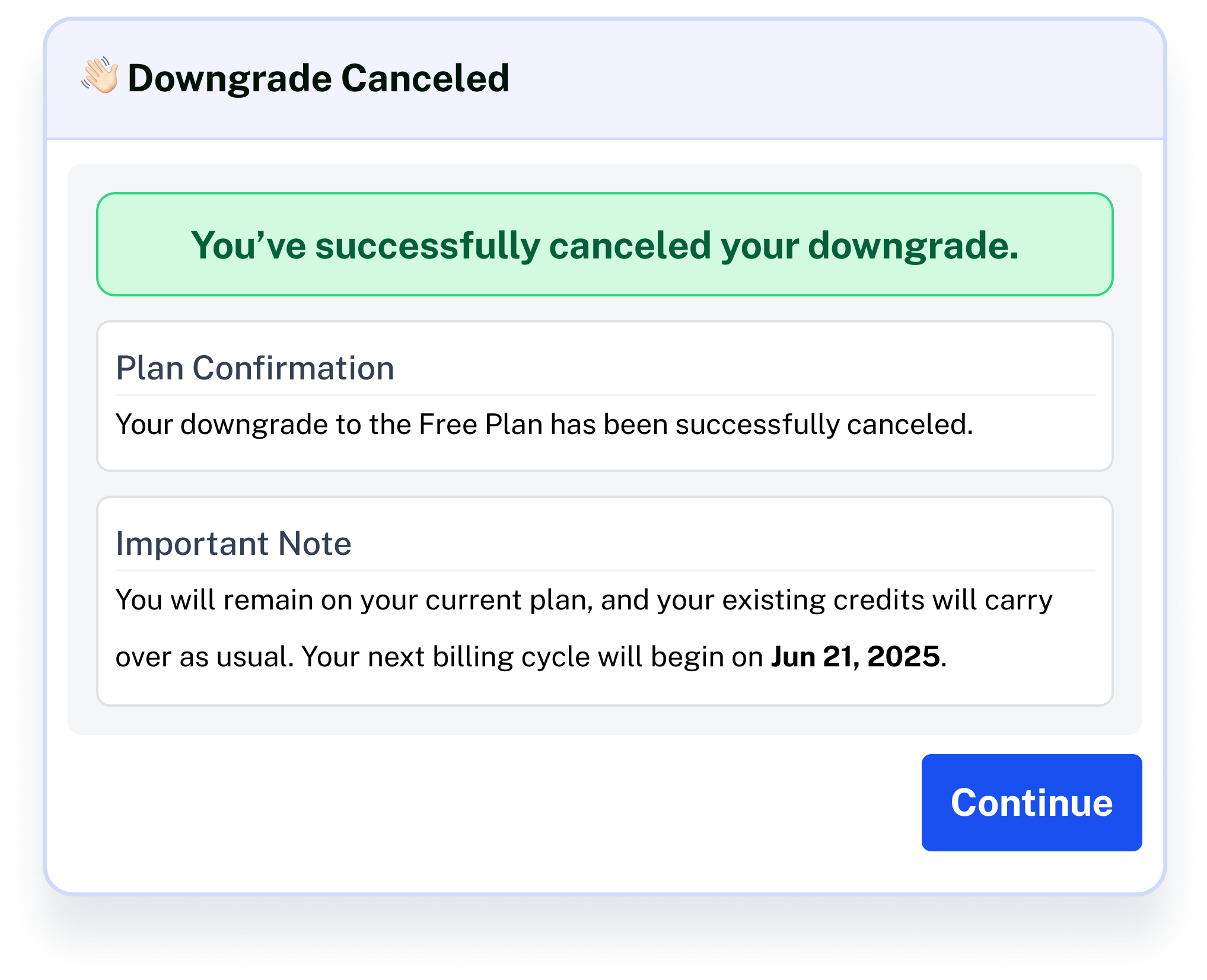
3⃣ Click “Continue”
Simply click the Continue button on the modal
💡 Need Help?
Click Contact Support—we’re ready to help any time.